Key highlights
- Discover how AI coding assistants differ in 2026, helping you choose tools that match your workflow and goals.
- Compare 12 leading AI coding tools by features, pricing, capabilities and ideal use cases before committing.
- Learn which AI assistants best support beginners, freelancers, enterprises and developers working across different stacks.
- Explore free and paid AI coding options to identify valuable features and avoid unnecessary subscription costs.
- Understand how developers combine agentic tools, inline assistants and multi-model AI subscriptions to boost productivity.
If you’ve searched “best AI coding assistant 2026,” you’ve noticed every list disagrees. One swears by Cursor. Another says GitHub Copilot is all you need. A third tells you to drop everything for Claude Code. None are wrong, they’re just answering a different question than the one you asked.
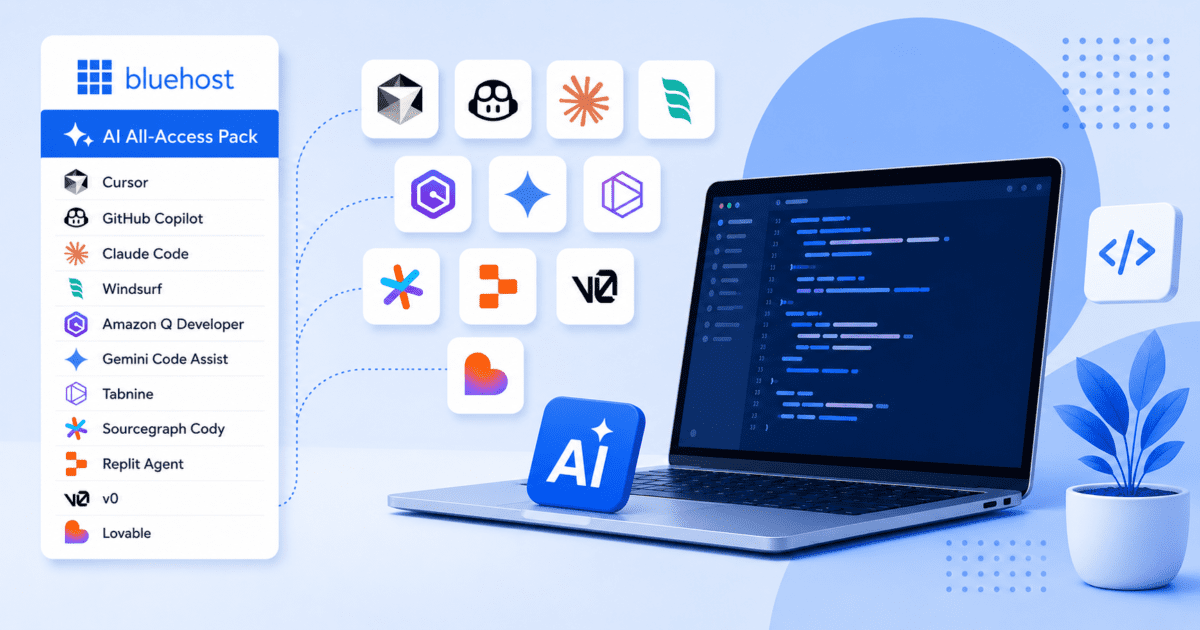
Here’s the honest answer: there’s no single “best” AI coding assistant in 2026, just the best one for your stack, budget and workflow. Agentic tools like Cursor and Claude’s AI coding assistant win when you need an AI to plan and execute multi-file changes. GitHub Copilot still leads on price and adoption. And if you just want flexible, chat-based help from multiple frontier models without four separate subscriptions, Bluehost’s AI All-Access Pack solves a real problem most lists ignore.
This guide covers 12 AI coding tools: what each is good at, what it costs and who should use it, so you can build a stack that fits how you work.
Quick picks:
- Best for multi-model chat access without four subscriptions: Bluehost AI All-Access Pack
- Best overall agentic IDE: Cursor
- Best value / most widely adopted: GitHub Copilot
- Best for terminal-first, multi-file work: Claude Code
- Best budget agentic IDE: Windsurf
What is an AI coding assistant?
An AI coding assistant is software that uses a large language model (LLM) to help you write, understand, debug or refactor code. That’s the simple definition. The complicated part is how much that definition has expanded over the last two years.
In 2023, “AI coding assistant” basically meant autocomplete: you’d type a comment and the tool would guess the next few lines. By 2026, the category has split into three distinct types and most developers now use more than one at the same time.
| Category | What it actually does | Examples |
|---|---|---|
| Inline / Autocomplete | Suggests code as you type, inside your existing editor | GitHub Copilot, Tabnine |
| Agentic / Repo-level | Plans and executes multi-file changes, runs tests, fixes its own mistakes | Cursor, Claude Code, Devin |
| Chat-Based / Multi-model | Conversational help for debugging, explaining and planning code, usually outside the IDE | ChatGPT, Claude, Gemini, Grok including bundled access via Bluehost’s AI All-Access Pack |
None of these categories has fully replaced the others. Plenty of developers run an inline assistant for day-to-day typing, an agentic tool for bigger refactors and a chat-based model for explaining a confusing error message or thinking through architecture before writing a line of code.
How we evaluated these tools?
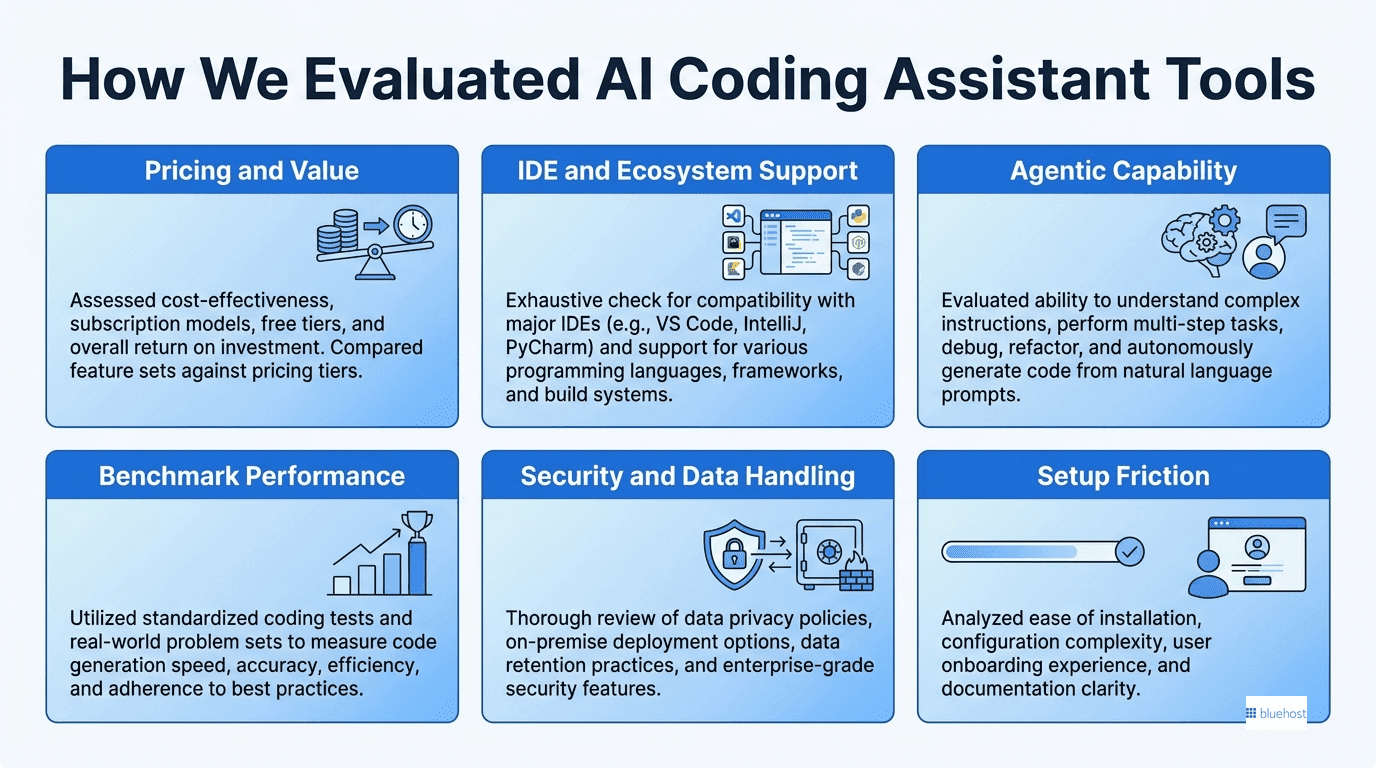
Rather than just listing every tool with an AI logo slapped on it, we scored each one against the criteria that actually affect daily use:
- Pricing and value: what you get for the monthly cost, including free-tier limits
- IDE and ecosystem support: does it work where you already code or does it require switching tools?
- Agentic capability: can it plan and execute changes across multiple files or is it limited to single-line suggestions?
- Context window: how much of your codebase it can “see” and reason about at once
- Benchmark performance: independent coding benchmarks like SWE-bench Verified, used as a directional signal rather than a precise ranking, since scores vary by test methodology and shift with every model update
- Security and data handling: whether your code is used for training and what compliance options exist for teams
- Setup friction: how long it takes to get from “install” to “useful”
We pulled this from public pricing pages, vendor documentation and aggregated reporting across the AI coding tool space as of mid-2026. Pricing for AI tools changes often, so treat the numbers below as a snapshot and double-check current pricing before you buy.
Quick comparison: 12 Best AI coding assistants in 2026
Short on time? Here’s the whole list at a glance.
| Tool | Best for | Starting price | Free tier | Agentic? |
|---|---|---|---|---|
| Bluehost AI All-Access | Multi-model AI subscription | $20/mo | No (paid only) | No (chat-based) |
| Cursor | Best overall AI-native IDE | ~$20/mo | Limited (200 completions) | Yes |
| GitHub Copilot | Best value, widest IDE support | $4/mo | Yes (2,000/mo) | Partial (Agent Mode) |
| Claude Code | Terminal-first, multi-file work | ~$20/mo | Minimal | Yes |
| Windsurf | Best budget agentic IDE | ~$20/mo | Yes | Yes |
| Amazon Q Developer | AWS-native teams | Free & $19/user/mo | Yes | Partial |
| Gemini Code Assist | Google Cloud, huge context window | Free & $4.99/user/mo | Yes | Partial |
| Tabnine | On-prem / regulated industries | $59/user/mo | No (enterprise-only) | Yes |
| Sourcegraph Cody | Huge / legacy codebases | $16k/mo | Yes (limited) | Partial |
| Replit Agent | Browser-based building, beginners | Free & ~$18/mo | Yes | Yes |
| v0 / Lovable | UI and frontend generation | Free& ~$25/mo | Yes | Yes |
| Devin | Autonomous end-to-end tasks | $20/mo | No | Yes |
12 best AI coding assistants in 2026
Let’s explore best AI coding assistant in 2026, their key features, pricing, pros & cons in detail.
1. Bluehost AI All-Access Pack: Best multi-model AI subscription for coding help

Bluehost AI All Access pack is a different kind of tool than everything else on this list and it’s worth being upfront about that. The Bluehost AI All-Access Pack isn’t a code editor or an autonomous agent, it’s a single $20/month subscription that gives you paid access to four frontier chat models at once: ChatGPT, Claude, Gemini and Grok. For developers who write code with AI chat rather than (or alongside) an IDE plugin, that matters more than it sounds.
Key features:
- One login, one bill, four paid AI models. No juggling separate ChatGPT, Claude, Gemini and Grok subscriptions
- Pre-built AI agents included
- Privacy Mode with a sanitization layer for sensitive prompts (available on the Privacy+ plan)
- End-to-end encrypted searches (Privacy+ plan)
- No Bluehost hosting plan required to use it
Pricing: $20/month for all four models. Privacy+ plan $25 per/month.
Pros: Genuinely the cheapest way to get paid-tier access to all four major frontier models for debugging, explaining code, comparing answers across models or planning architecture before you write a line; useful for teams and agencies that want flexibility without four separate invoices.
Cons: AI All-Access Pack focuses on delivering multi-model AI access for coding assistance, planning and problem-solving. Developers who prefer AI features embedded directly within their code editor may choose to use it alongside IDE-native assistants for a more integrated development workflow.
Best for: Developers, freelancers and agencies who want the flexibility of multiple frontier models for coding help and don’t want to pay for or manage, four separate AI subscriptions.
Looking for a simpler way to access and compare leading AI models while coding? Here’s how Bluehost AI All-Access Pack helps streamline your workflow.
2. Cursor: Best overall AI-native IDE
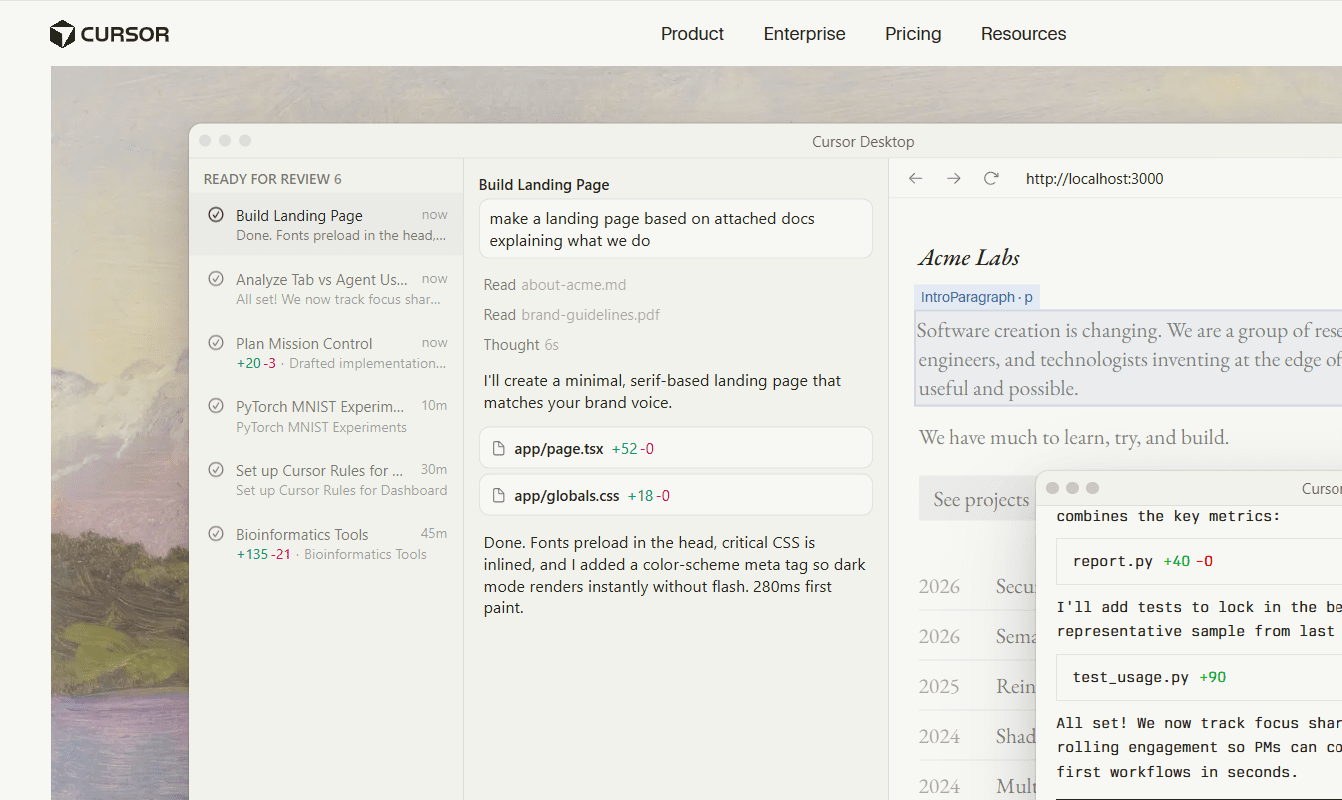
What it is: Cursor is a full code editor (forked from VS Code) rebuilt around AI, rather than AI bolted on top of an existing editor.
Key features:
- Full-codebase context awareness across files
- Background agents that run independently on isolated environments
- Visual diffs for reviewing AI-suggested changes before accepting them
- Tab-style predictive autocomplete plus a chat panel
Pricing: Free tier with Hobby plan; Individual runs roughly $20/month; teams around $40/month for heavier usage.
Pros: Deepest AI integration available in an editor; strong multi-file accuracy; fast iteration loop.
Cons: Requires switching your primary editor; usage-based limits can get expensive on large projects.
Best for: Developers willing to adopt a new IDE in exchange for the most complete agentic coding experience.
3. GitHub copilot: Best value, most widely adopted
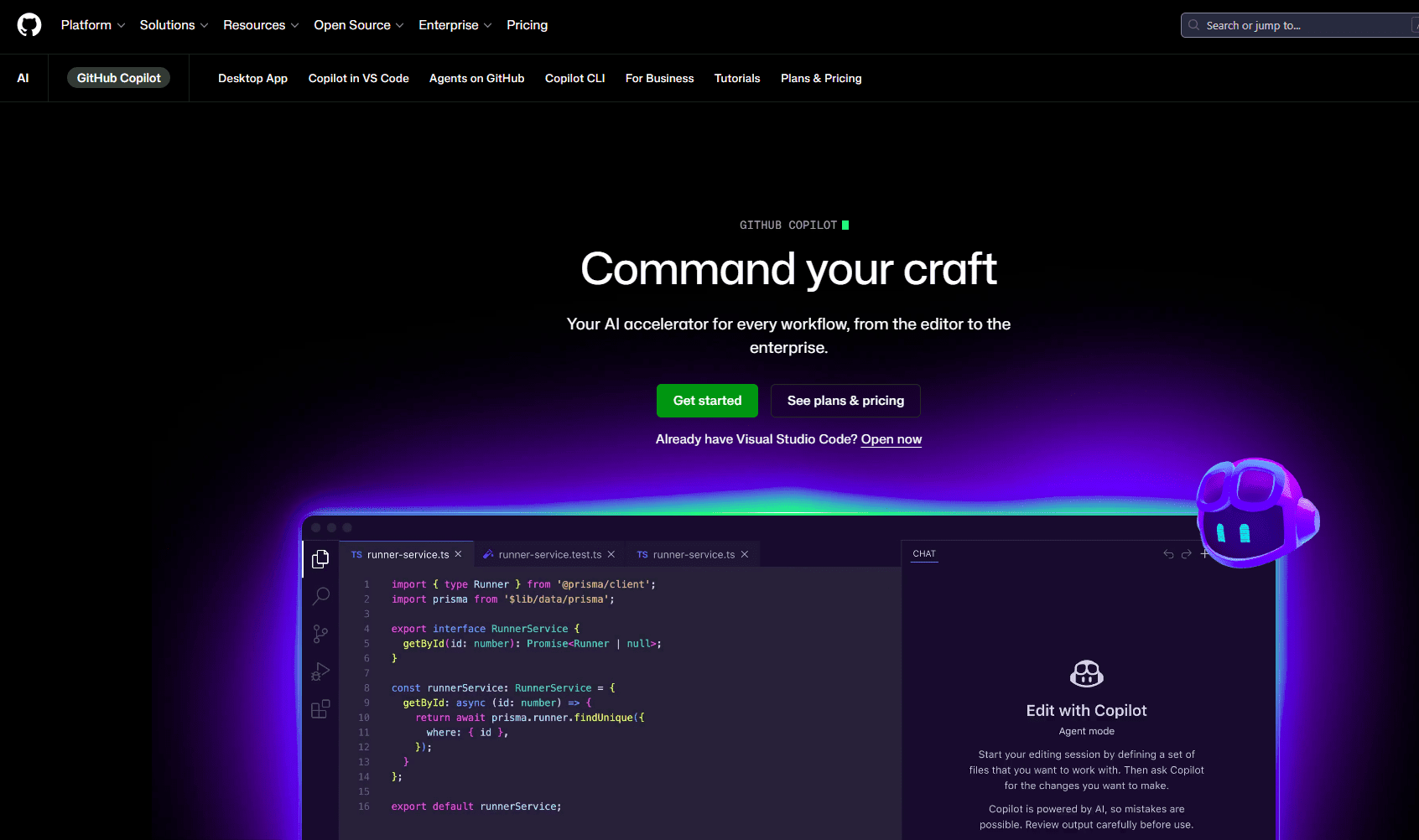
What it is: The original mainstream AI coding assistant, a lightweight extension that drops into VS Code, JetBrains, Visual Studio, Neovim and even Xcode.
Key features:
- Inline completions as you type
- Chat panel plus an Agent Mode for autonomous multi-file edits and draft PRs
- Built into the GitHub ecosystem (issues, PRs, commits)
- Backed by multiple underlying models, not just one
Pricing: Free tier; team around $4/month; enterprise around $21/user/month.
Pros: Lowest barrier to entry; works almost everywhere you already code; no need to change your workflow.
Cons: Agent Mode is less powerful than dedicated agentic tools; “jack of all trades” rather than best-in-class at any one thing.
Best for: Developers who want a smart assistant in the background without rethinking their entire setup.
4. Claude Code: Best for terminal-first, multi-file work
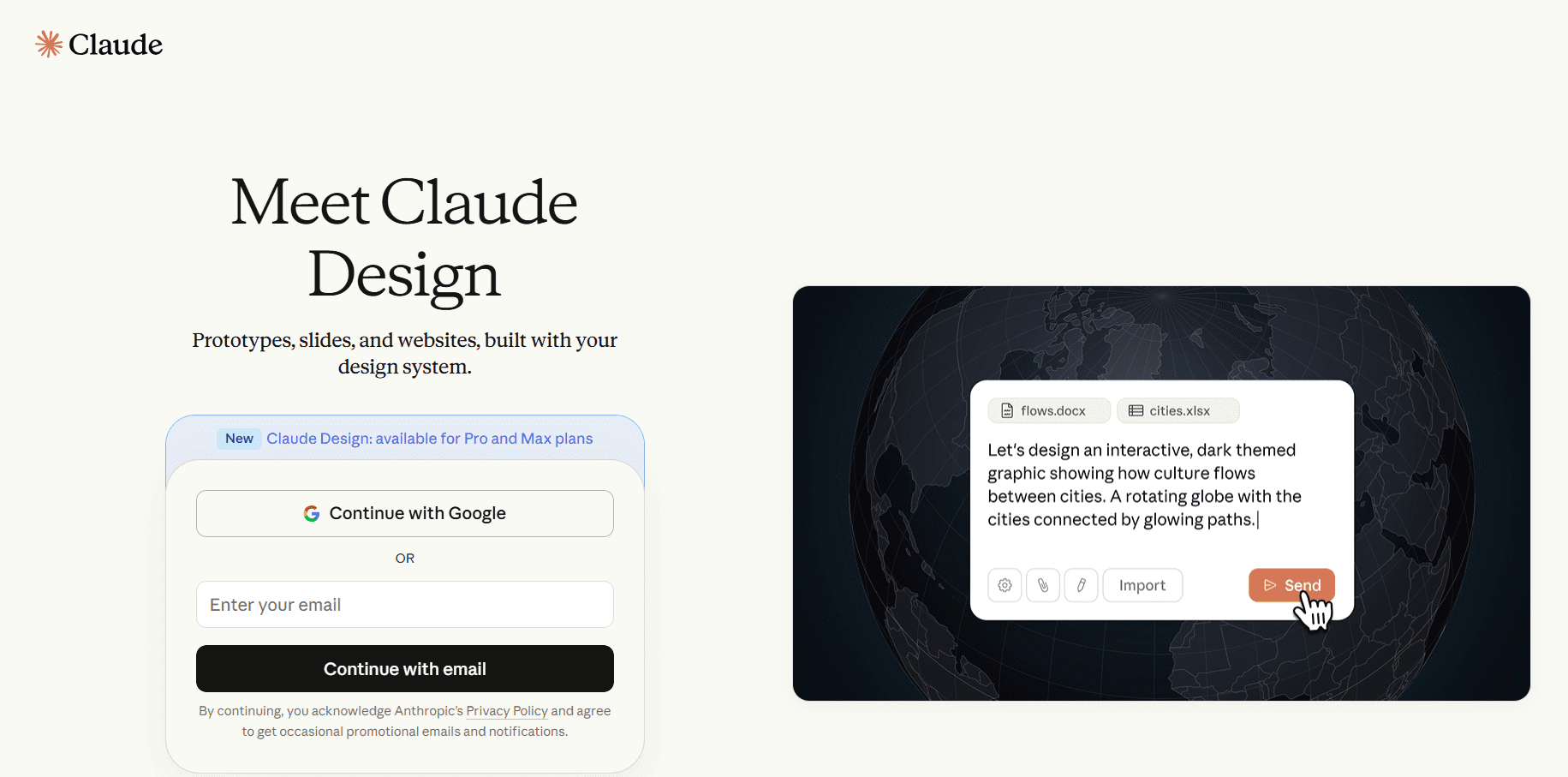
What it is: A CLI-first coding agent from Anthropic, built for developers who live in the terminal rather than a GUI.
Key features:
- Reads full project context, including respecting .gitignore and existing project structure
- Can run tests and verify its own changes
- Strong at tracing logic across services and large, unfamiliar codebases
- Connects to MCP-based tools for extended workflows
Pricing: Minimal free access; Claude Pro runs roughly $20/month depending on billing cycle, with usage counted against rolling time-window limits; Max tiers available for heavier use.
Pros: Excellent for understanding and safely refactoring large or legacy codebases; strong first-pass accuracy reduces back-and-forth correction.
Cons: No GUI, strictly a command-line tool, which won’t suit everyone; usage limits require monitoring on busy days.
Best for: Backend-heavy teams, senior engineers mapping unfamiliar codebases and anyone who prefers the terminal to a chat window.
5. Windsurf: Best budget agentic IDE
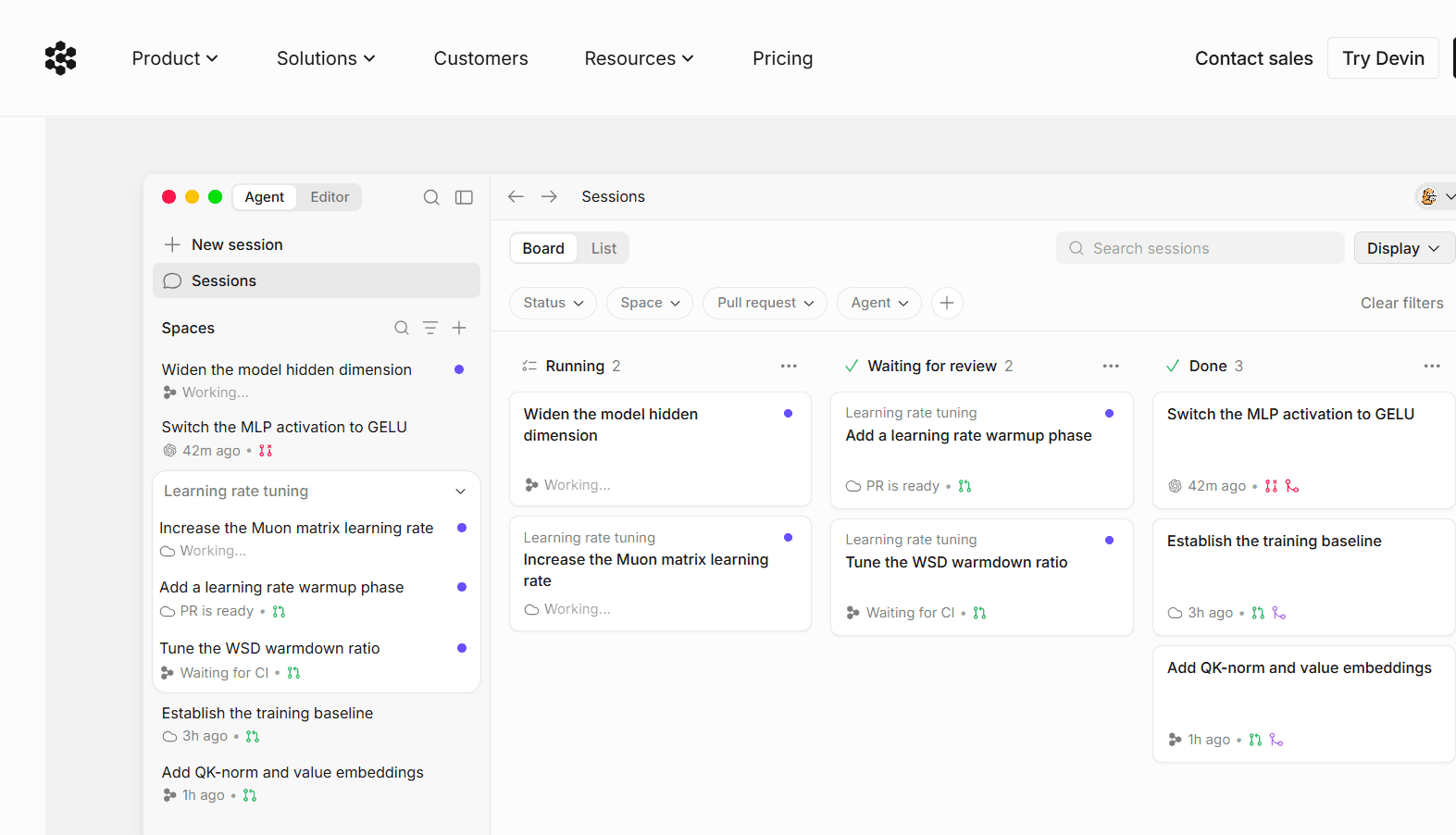
What it is: Formerly Codeium, Windsurf is an AI-native editor that aims to deliver Cursor-level agentic features at a lower price.
Key features:
- Unlimited autocomplete on its free individual plan
- Multi-file agentic editing
- Context-aware chat built into the editor
Pricing: Free tier with unlimited autocompletion; Pro around $20/month and Max around $200/month.
Pros: Most accessible agentic option for students, freelancers and independent developers; generous free tier.
Cons: Less polished than Cursor; smaller plugin ecosystem and community.
Best for: Developers who want agentic features without an agentic-tier price tag.
6. Amazon Q Developer: Best for AWS-native teams
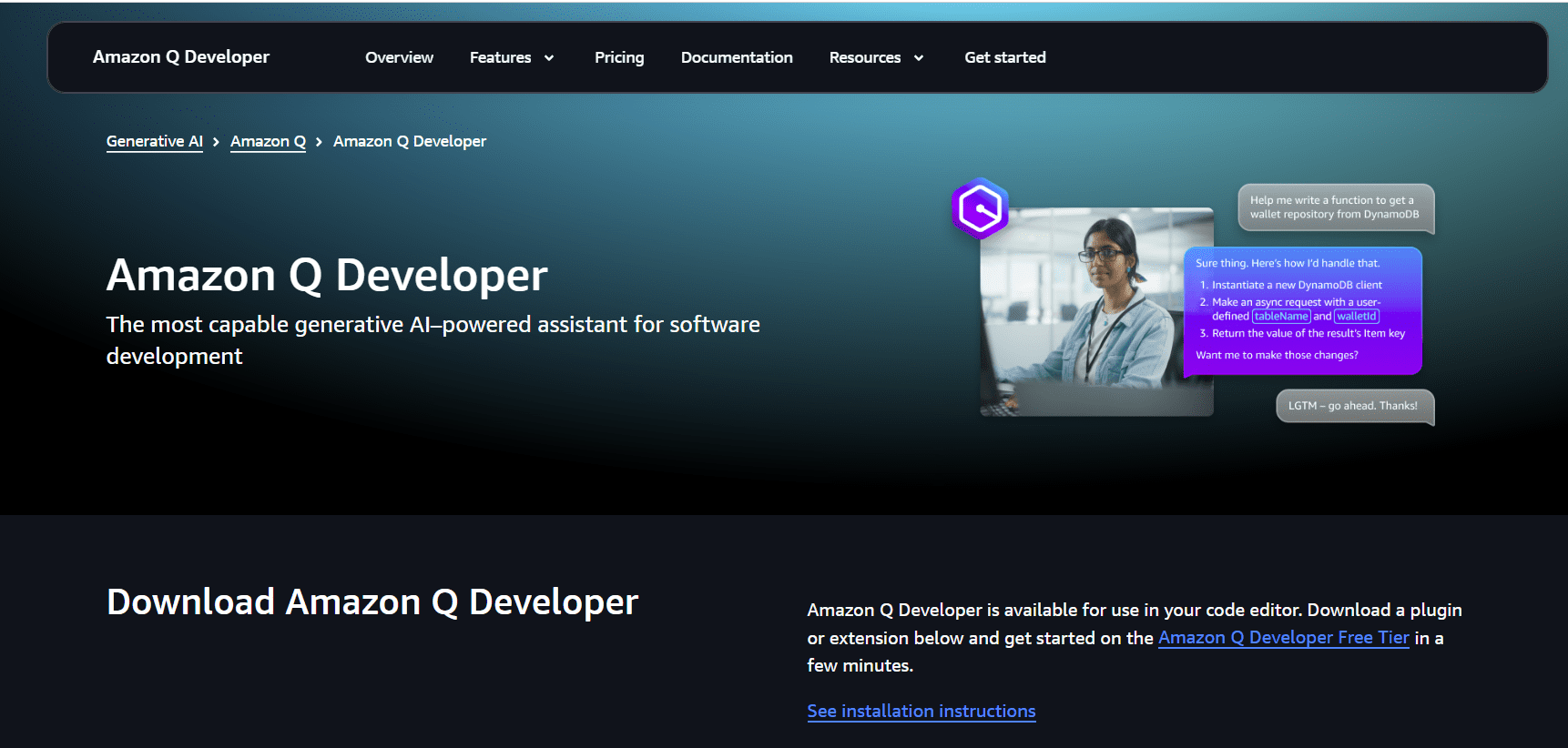
What it is: Amazon’s AI coding assistant, built with deep awareness of AWS services.
Key features:
- Code suggestions and security scanning
- Native understanding of AWS SDKs, Lambda and cloud architecture patterns
- Free tier for individual use
Pricing: Free for individuals; Pro around $19/user/month.
Pros: Best-in-class for serverless and cloud-native AWS projects; strong free tier.
Cons: Less useful outside the AWS ecosystem.
Best for: Teams building primarily on AWS.
7. Gemini code assist: Best for Google cloud, largest context window
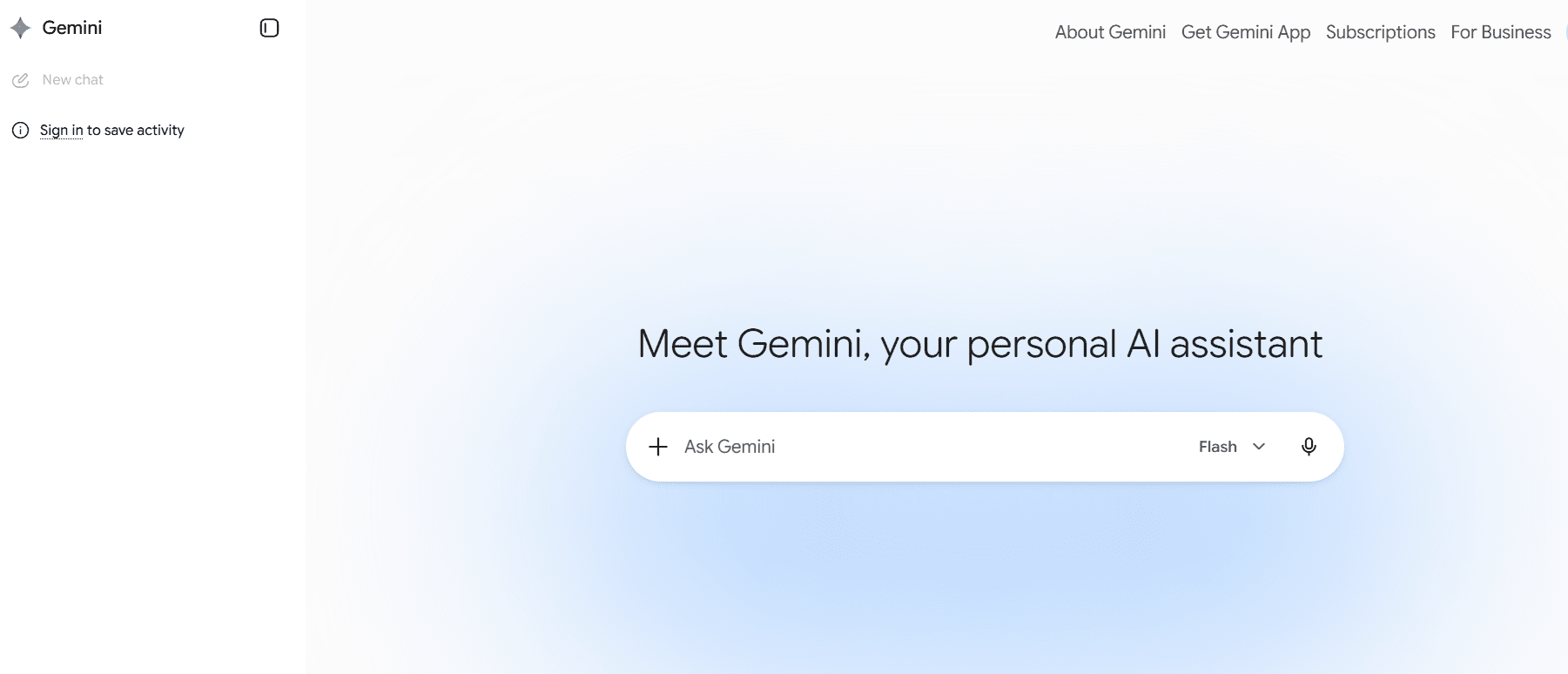
What it is: Google’s coding assistant, integrated with VS Code and the Google Cloud console.
Key features:
- Reportedly the largest context window among major assistants (around 1 million tokens), useful for reasoning across very large files or codebases
- Native integration with Firebase, Cloud Run, BigQuery and Cloud Workstations
- Free tier for individuals
Pricing: Free, Google AI Plus ($4.99/month), Google AI Pro ($19.99/month) and Google AI Ultra ($99.99/month).
Pros: Huge context window; strong fit for GCP-based stacks; generous free option.
Cons: Less essential if you’re not in the Google Cloud ecosystem.
Best for: Developers and teams already standardized on Google Cloud.
8. Tabnine: Best for on-prem and regulated industries
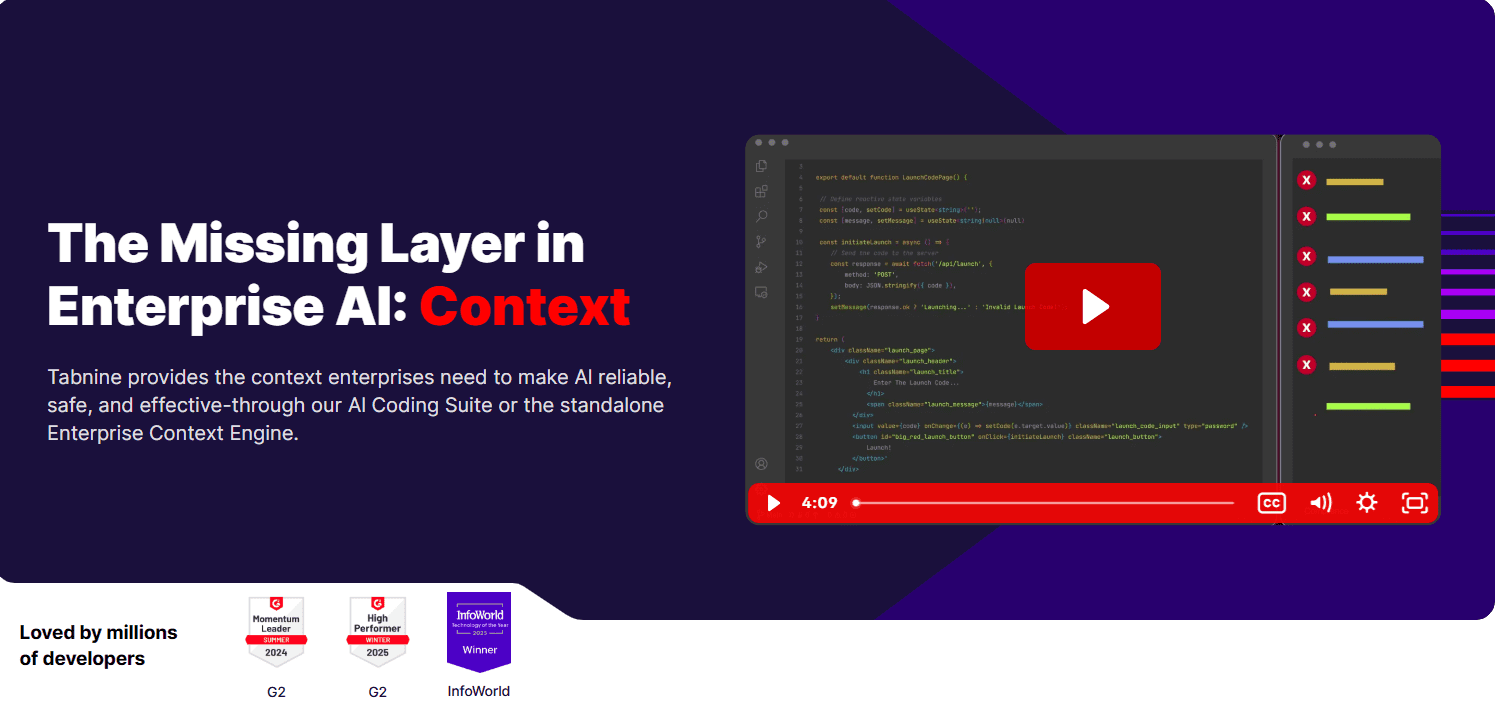
What it is: An AI coding assistant built around private, often self-hosted deployment for security-sensitive organizations.
Key features:
- Air-gapped and on-premise deployment options
- Enterprise Context Engine and an agentic tier with CLI and MCP support
- Designed for industries with strict data-residency or compliance requirements
Pricing: Now positioned as an enterprise-only product; Agentic tier reported around $59/user/month.
Pros: Strongest privacy and compliance story on this list; viable in regulated or air-gapped environments where cloud-based tools simply aren’t allowed.
Cons: No more free or low-cost individual tier; pricing reflects its enterprise focus.
Best for: Regulated industries (finance, healthcare, government) and companies with strict data-residency rules.
9. Sourcegraph cody: Best for huge or legacy codebases
What it is: Built by the team behind Sourcegraph’s code search engine, Cody is optimized for understanding how a sprawling codebase connects, not just generating new code.
Key features:
- Code graph technology that maps relationships across an entire repository
- Strong at answering structural questions across very large monorepos
- Free tier plus a low-cost Pro plan
Pricing: Enterprise around $16K.
Pros: Genuinely useful for million-line-plus codebases where most assistants lose context; affordable Pro tier.
Cons: Free tier is limited; serious use on large projects requires the paid plan.
Best for: Teams maintaining large, complex or legacy codebases who need an assistant that understands structure, not just syntax.
10. Replit Agent: Best for browser-based building and beginners
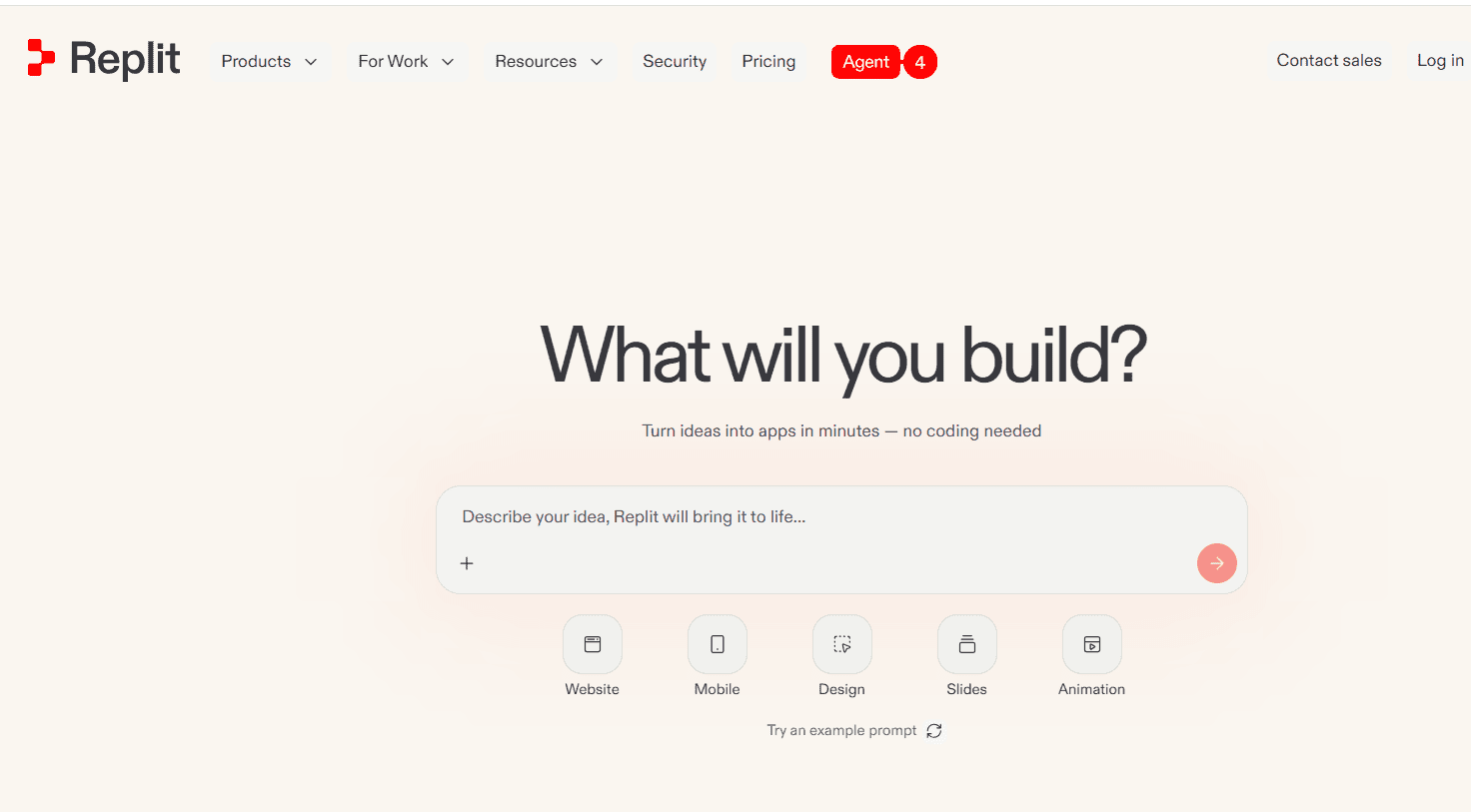
What it is: A cloud-based, browser-first IDE with an AI agent built in, no local installs, no terminal setup, no environment configuration.
Key features:
- Build, run and deploy applications directly from the browser
- Agent can scaffold an entire working application from a prompt
- Extended autonomous runtime for longer, more complex builds
Pricing: Free tier available; replit core around $18/month, replit pro around $90/month (if billed anually).
Pros: Lowest setup friction of any tool on this list; genuinely useful for fast prototyping and learning; great for non-developers testing an idea.
Cons: Generated code often needs cleanup before it’s production-ready; less suited to large, established codebases.
Best for: Beginners, rapid prototyping and proof-of-concept projects.
11. v0 and Lovable: Best for UI and frontend generation
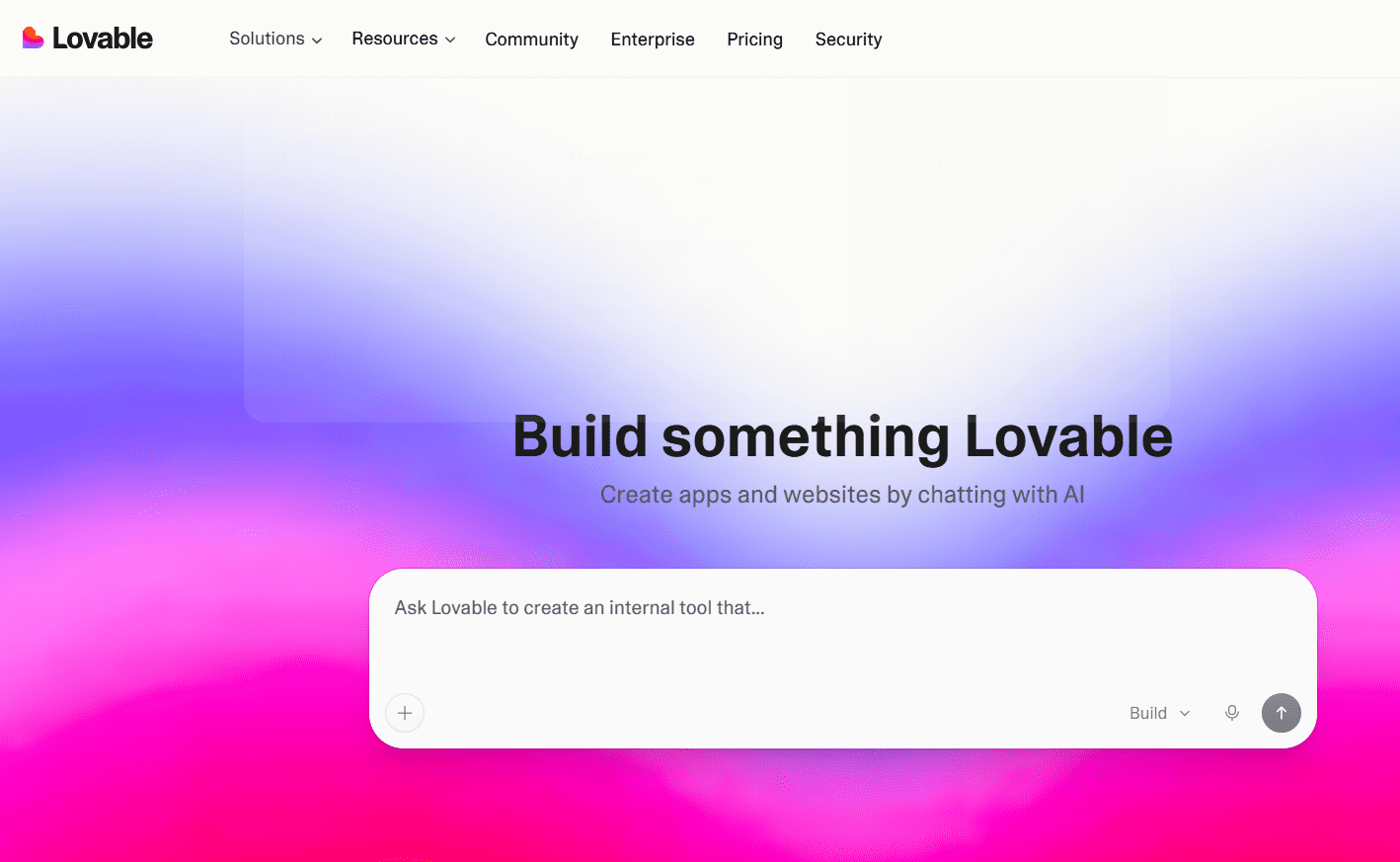
What they are: Prompt-to-UI tools. Describe a component, page or app and they generate working frontend code (React, Tailwind and similar stacks) you can drop straight into a project.
Key features:
- Generates production-leaning UI components from natural-language prompts
- Fast iteration on layout and styling without hand-writing CSS
- Useful as a starting point even inside larger, traditionally built applications
Pricing: Free tiers available; pro plans roughly $25/month, business plan around $50/month.
Pros: Dramatically faster than hand-building UI from scratch; lowers the barrier for non-designers to ship decent-looking interfaces.
Cons: Best treated as a first draft, expect to refine generated components rather than ship them untouched.
Best for: Frontend-heavy projects, landing pages and rapid UI prototyping.
12. Devin: Best for fully autonomous, end-to-end tasks
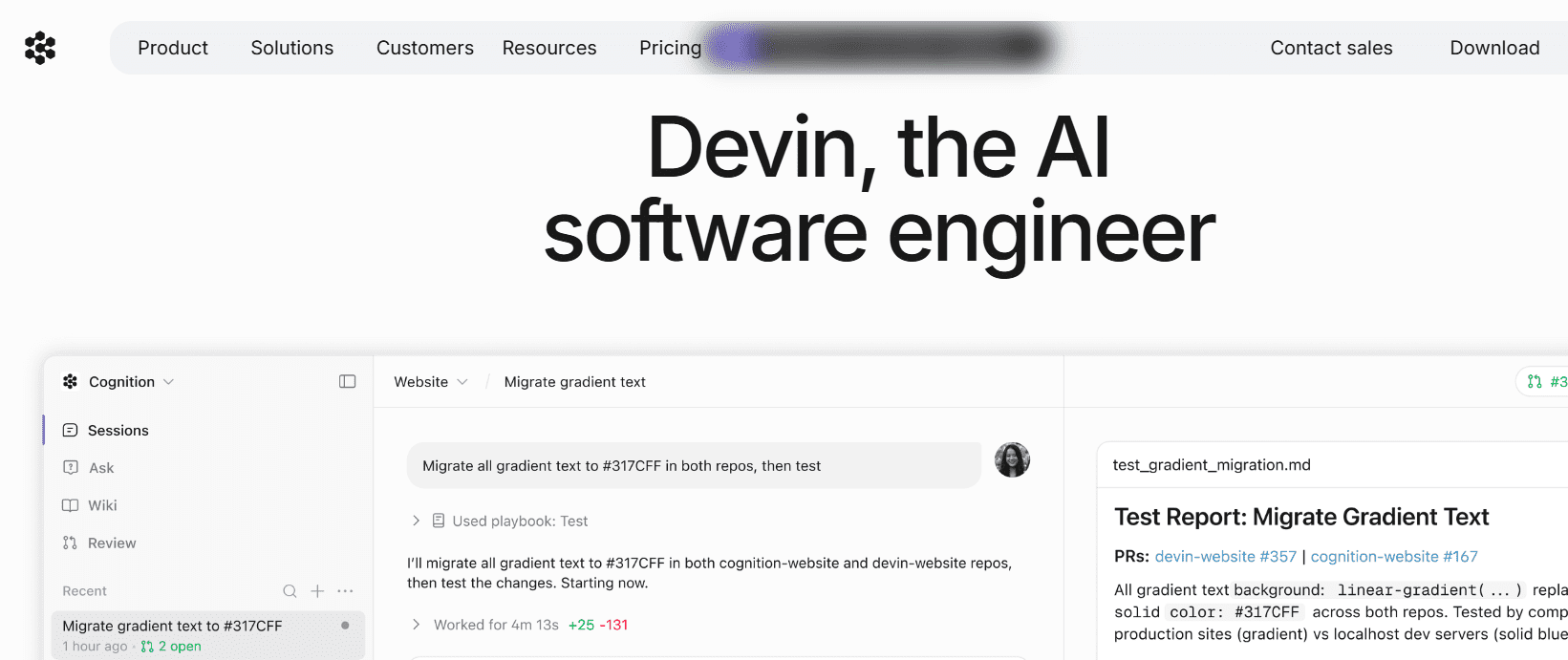
What it is: Marketed as an autonomous AI software engineer rather than an assistant designed to take a task description and handle planning, coding, and iteration with minimal supervision.
Key features:
- Can independently plan and execute multi-step engineering tasks
- Iterates on its own output, including running and reacting to test results
- Aimed at end-to-end feature work, not just suggestions
Pricing: Free plan, pro plan around $20/month, Max plan around $200/month.
Pros: The closest thing on this list to “assign a ticket and walk away”; useful as a genuine accelerator for well-scoped tasks.
Cons: Still maturing, not yet reliable enough for production-critical work without close review; relatively expensive.
Best for: Teams experimenting with autonomous engineering on well-defined, lower-risk tasks, with a human still reviewing the output.
Best free AI coding assistants
Not every developer needs (or wants to pay for) an agentic powerhouse. If you’re learning, working on a side project or just want to try the category before committing, several tools offer genuinely useful free tiers not just a watered-down trial.
| Tool | Free tier limit | Good for |
|---|---|---|
| GitHub Copilot | ~2,000 completions/month; free for verified students | Casual use, students, light daily coding |
| Gemini Code Assist | Free for individual use | Google Cloud projects, generous everyday use |
| Windsurf | Unlimited autocompletion on the individual plan | Agentic features at zero cost |
| Amazon Q Developer | Free for individuals, includes security scanning | AWS-focused side projects |
| Sourcegraph Cody | Free, limited usage | Occasional codebase Q&A on smaller projects |
| ChatGPT (free tier) | Free, rate-limited | Learning to code, explaining concepts step-by-step |
The catch: free tiers are great for learning and light use, but they typically aren’t built for production-scale agentic work. Rate limits, usage caps and reduced model access kick in fast once you’re running real workloads. Treat the free tier as a test drive, not a long-term plan, if you’re coding professionally.
Which AI Coding assistant is best for you?
If you’ve made it this far, you already know the honest answer: “best” depends entirely on what you’re trying to do. Here’s a quick way to match a tool to your actual situation rather than chasing whatever topped this week’s ranking.
| If you need… | Use this |
|---|---|
| A new AI-native editor with the deepest agentic features | Cursor |
| To keep your current editor and add AI cheaply | GitHub Copilot |
| Terminal-first work on large or unfamiliar codebases | Claude Code |
| Agentic features on a tighter budget | Windsurf |
| Access to ChatGPT, Claude, Gemini and Grok without 4 bills | Bluehost AI All-Access Pack |
| Deep AWS integration | Amazon Q Developer |
| Deep Google Cloud integration and a huge context window | Gemini Code Assist |
| On-premise deployment for compliance reasons | Tabnine |
| To understand a massive, legacy codebase | Sourcegraph Cody |
| Zero-setup, browser-based building | Replit Agent |
| Fast frontend / UI generation | v0 or Lovable |
| Fully autonomous handling of a well-scoped task | Devin |
One pattern worth noting: most experienced developers don’t pick just one. A common 2026 stack looks like an agentic tool (Cursor or Claude Code) for the heavy lifting, an inline assistant (Copilot) for fast day-to-day typing and a multi-model chat subscription, like Bluehost’s AI All-Access Pack, on the side for comparing answers across models, debugging tricky edge cases or planning before writing a single line of code.
AI Coding assistant pricing in 2026: What you’ll actually pay
Pricing across this category ranges from completely free to several hundred dollars a month for enterprise or usage-based agentic tools. Here’s the rough breakdown:
| Budget | What you get |
|---|---|
| $0/month | Free tiers from Copilot, Gemini Code Assist, Windsurf and Amazon Q, fine for learning and light projects |
| ~$10–$20/month | Individual plans for Copilot, Cursor, Claude Code and Windsurf, the sweet spot for most working developers |
| $20/month (bundled) | Bluehost AI All-Access Pack, paid-tier access to four frontier chat models instead of one |
| $25–$60/month | Heavier usage tiers (Cursor Pro+, Replit Core, Tabnine Agentic) for power users and small teams |
| Custom / enterprise | Devin, Tabnine Enterprise and most “Enterprise” tiers priced around compliance, seat count and usage volume |
A useful way to think about cost: if you’re already considering ChatGPT Plus, Claude Pro, Gemini Advanced and a Grok subscription separately, you’re looking at something like $80/month or more before you’ve even added an IDE-based tool. A bundle that covers all four for $20/month is a meaningfully different value proposition, even though it’s solving the “which model do I want to ask” problem rather than the “autocomplete my code” problem.
Industry-wide, AI coding tool adoption has climbed sharply since 2024, most current surveys put the share of professional developers using some form of AI coding assistant at well over 80% and analyst projections suggest that figure keeps climbing toward near-universal enterprise adoption by the end of the decade. Translation: this isn’t a “should I bother” category anymore. It’s a “which combination fits my workflow and budget” category.
Final thoughts
There’s no single best AI coding assistant in 2026 there’s a best stack for how you work. If you want one tool to anchor your entire workflow, Cursor and Claude Code currently lead the agentic pack, with GitHub Copilot as the safest, cheapest entry point if you’d rather not switch editors at all.
But the real shift in 2026 isn’t which single tool wins it’s that most developers are now combining tools: an agentic assistant for heavy lifting, an inline assistant for fast typing and a flexible, multi-model chat subscription for everything in between. That last piece is exactly where the Bluehost AI All-Access Pack fits: one $20/month subscription for paid access to ChatGPT, Claude, Gemini and Grok, so you can pick whichever model handles your specific problem best, without paying for four logins to find out.
FAQs
An AI coding assistant is a tool powered by a large language model that helps you write, explain, debug or refactor code. Modern versions range from inline autocomplete (Copilot) to fully agentic tools that plan and execute multi-file changes (Cursor, Claude Code) to chat-based models you consult conversationally (ChatGPT, Claude, Gemini, Grok).
Replit Agent and GitHub Copilot are the easiest starting points. Replit removes setup entirely since everything runs in the browser, while Copilot’s free tier lets you try AI-assisted coding inside a familiar editor without committing to a new workflow.
Yes. GitHub Copilot, Gemini Code Assist, Windsurf and Amazon Q Developer all offer usable free tiers as of 2026, not just trials. They’re genuinely good enough for learning, side projects and light daily use just expect limits once you’re coding professionally at volume.
Yes. This is exactly what bundled subscriptions like Bluehost’s AI All-Access Pack are built for. Instead of paying separately for ChatGPT, Claude, Gemini and Grok, often $80 or more per month combined, you get paid-tier access to all four for $20/month, which is useful if you like comparing how different models approach the same coding problem.
It depends on the tool and plan. Most cloud-based assistants send code to external servers for processing, and some use code to improve their models unless you opt out, so check each vendor’s data policy directly. If your company has strict compliance requirements, on-premise options like Tabnine are built specifically for that constraint.
No, but it has changed what developers spend their time on. AI handles boilerplate, repetitive patterns and a growing share of multi-file changes, but human review, architectural judgment and understanding why code works, not just generating code that happens to run, remain firmly the developer’s job.

Write A Comment