 ChatGPT,
 Claude,
 Gemini,
 Grok — all four for

Key highlights
- Understand what to look for in an AI receptionist before comparing solutions.
- Learn what features should an AI receptionist have for reliable customer interactions.
- Explore the best AI receptionist features to look for, including scheduling, integrations and security.
- Discover how to choose an AI receptionist and what to consider before buying one.
- Review key features of an AI receptionist using a practical evaluation checklist.
- Explore Bluehost AI Receptionist for customer questions, lead capture and appointment booking.
Choosing an AI receptionist requires more than comparing feature lists. The right solution should understand customers and fit naturally into your workflows.
It should also handle routine tasks without making conversations feel robotic or difficult. That means evaluating conversation quality, integrations, security and human handoff.
You should also look beyond the initial setup. Training, usage limits, support and ongoing management can affect long-term value.
This guide explains what to look for in an AI receptionist and how to evaluate the right option for your business.
What is an AI receptionist?
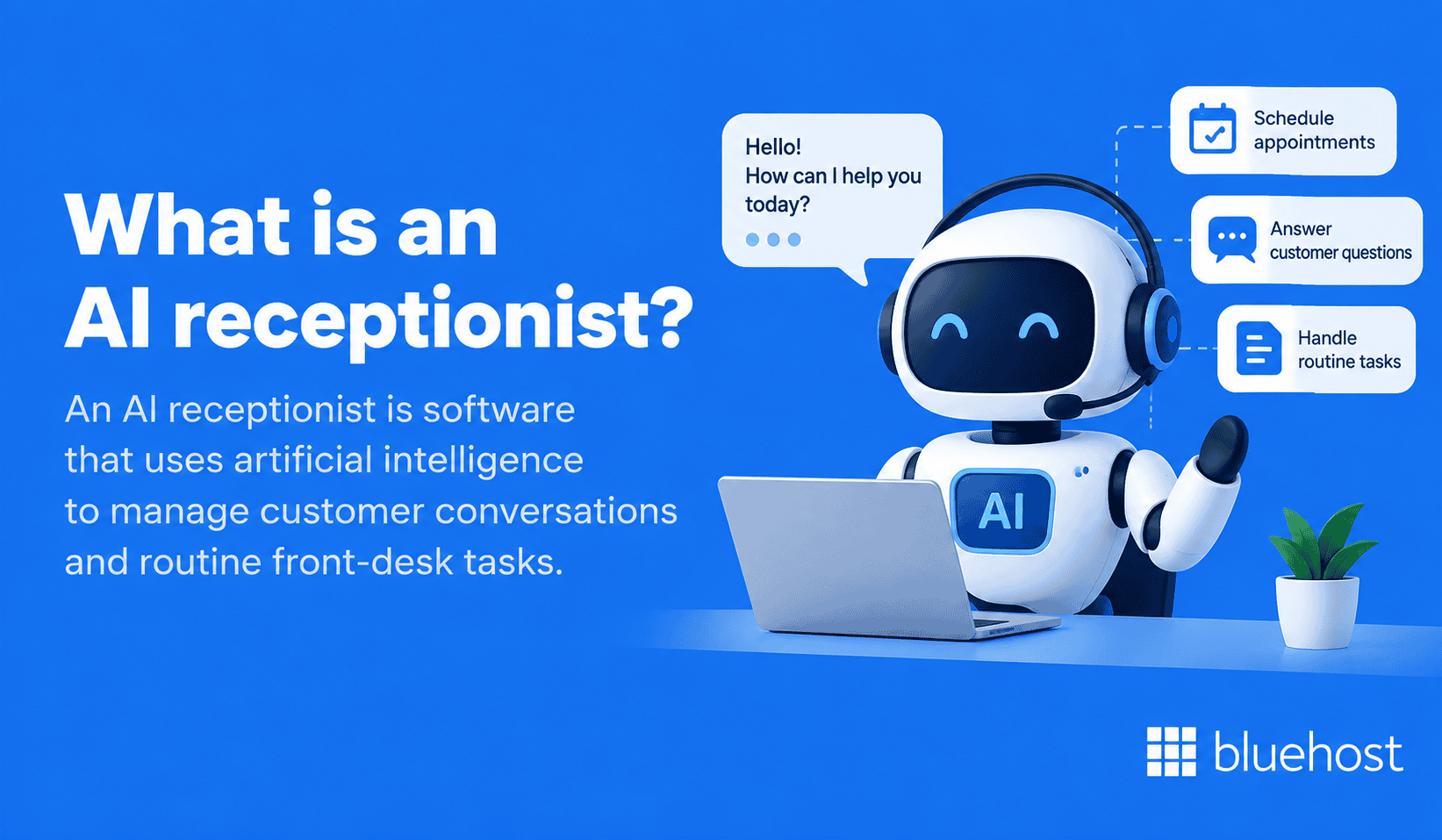
An AI receptionist is software that uses artificial intelligence to manage customer conversations and routine front-desk tasks. It can understand conversational language and respond based on customer requests.
Depending on the solution, an AI receptionist may:
- Answer common customer questions
- Handle conversations outside business hours
- Capture customer and lead information
- Route customers to the right person
- Schedule or manage appointments
- Connect with existing business systems
- Escalate conversations requiring human assistance
Capabilities vary between providers. Businesses should evaluate how each solution performs instead of simply counting features.
Key features of an AI receptionist: Evaluation checklist
The key features of an AI receptionist should support both customer conversations and everyday business workflows. Use this checklist as a quick comparison tool.
| Feature | What to check | Why it matters |
|---|---|---|
| Natural conversations | Understands everyday language and varied phrasing | Helps create smoother customer interactions |
| Business knowledge | Uses accurate and current business information | Helps customers receive relevant answers |
| 24/7 availability | Handles inquiries when employees are unavailable | Helps reduce missed opportunities |
| Appointment scheduling | Supports booking and calendar workflows | Reduces repetitive scheduling work |
| Call routing and handoff | Transfers or escalates conversations appropriately | Helps customers reach human assistance |
| Business integrations | Connects with tools your workflows depend on | Keeps customer interactions connected |
| Customization | Adapts knowledge and workflows to your business | Creates a more relevant experience |
| Security and privacy | Protects customer and business information | Helps reduce unnecessary data risks |
| Analytics and reporting | Provides useful interaction data | Helps businesses monitor performance |
These features provide a useful baseline. The next step is evaluating how well each capability works in practice.
What features should an AI receptionist have?
Understanding what features an AI receptionist should have starts with your customers and workflows. The strongest option is not always the one with the longest feature list.
Focus on capabilities that solve real business needs and improve customer interactions.
1. Natural conversations
Customers should not need to memorize commands or use exact phrases. A good AI receptionist should understand conversational language and varied wording.
Look for whether it can:
- Recognize different ways of asking questions
- Respond clearly without sounding overly scripted
- Handle pauses and conversational changes
- Ask clarifying questions when needed
- Maintain context during exchanges
Test real conversations whenever possible. A polished demonstration may not reflect everyday customer interactions.
2. Business knowledge
An AI receptionist needs accurate information before it can represent your business effectively. That information should also remain easy to update.
Check whether you can provide details about:
- Products and services
- Business hours
- Policies
- Frequently asked questions
- Locations
- Appointment requirements
- Other business-specific information
Outdated knowledge can quickly lead to inaccurate responses. Easy updating should therefore be part of your evaluation.
3. 24/7 availability
AI receptionists can provide coverage beyond traditional staffed hours. That can help businesses respond when employees are unavailable.
However, availability only matters when the system can still handle requests usefully. Check whether it can:
- Answer after-hours questions
- Capture leads
- Support scheduling
- Provide useful business information
- Escalate appropriate requests
Your required coverage should reflect when customers actually contact your business.
4. Appointment scheduling
Appointment scheduling can reduce repetitive administrative work for service-based businesses. It is especially valuable when booking is a frequent customer request.
Look for capabilities that match your workflow, including:
- Checking available times
- Booking appointments
- Rescheduling appointments
- Cancelling appointments
- Capturing required customer details
Always verify which calendar or scheduling platforms the solution supports.
5. Call routing and handoff
An AI receptionist will not resolve every request. It should know when another person needs to become involved.
Evaluate whether it can:
- Identify requests requiring human help
- Route conversations using defined rules
- Transfer customers appropriately
- Collect useful information before escalation
- Avoid repetitive conversation loops
Human handoff should feel like part of the customer journey. It should not feel like a fallback after failure.
6. Business integrations
An AI receptionist becomes more useful when it works with your existing business tools. Relevant integrations depend on your current workflows.
Common examples include:
- Calendars
- CRM platforms
- Business phone systems
- Customer databases
- Scheduling tools
Start with the systems your team already uses. Then confirm whether the AI receptionist supports those connections directly.
7. Customization
Every business has different customers, processes and communication preferences. Customization determines how closely the AI receptionist can match those requirements.
Check whether you can adjust:
- Business information
- Conversation instructions
- Frequently asked questions
- Routing rules
- Scheduling workflows
- Response behavior
Also consider who can make those changes. Routine updates should not require complicated technical work.
8. Security and privacy
Customer conversations may contain personal or business-sensitive information. Security should therefore be part of the buying decision.
Ask providers how they handle:
- Data collection
- Data storage
- Access controls
- Encryption
- Retention policies
- Third-party data sharing
- Relevant compliance requirements
Your exact requirements will depend on your industry and the information collected during conversations.
9. Analytics and reporting
Businesses need visibility into what happens during customer interactions. Useful reporting can help you monitor performance and identify recurring issues.
Look for access to:
- Conversation volume
- Common customer questions
- Appointment activity
- Lead information
- Escalation patterns
- Conversation outcomes
These insights can reveal where the receptionist performs well. They can also show where configuration needs improvement.
What are the best AI receptionist features to look for in real conversations?
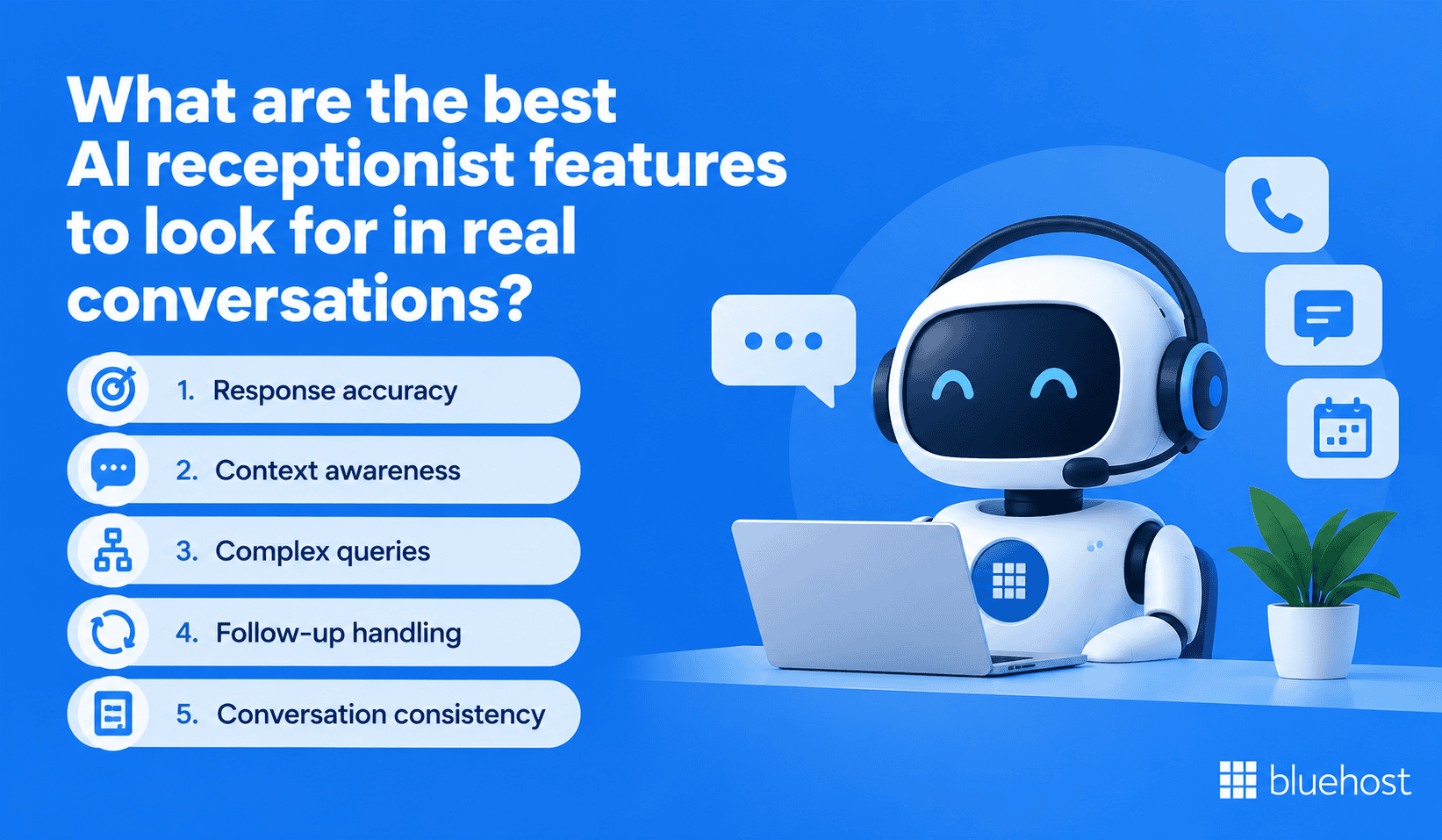
The best AI receptionist features to look for become clearer during realistic conversations. Specifications show what a product offers, but testing shows how well it performs.
These five areas are especially useful when evaluating real interactions.
1. Response accuracy
Accurate answers should be a basic requirement. Ask questions with answers you already know and compare the responses.
Watch for:
- Incorrect information
- Unsupported claims
- Missing details
- Confident responses when information is unavailable
A strong AI receptionist should recognize when it lacks enough information. It should avoid inventing an answer.
2. Context awareness
Real conversations often include follow-up questions. The AI should understand previous exchanges without forcing customers to repeat information.
For example, ask about appointment availability. Then ask whether another day is available.
The system should understand that both questions relate to the same request.
3. Complex queries
Customers rarely follow perfect scripts. Test requests containing multiple details, unusual phrasing or questions beyond standard FAQs.
Observe whether the AI:
- Identifies the main request
- Asks for clarification when needed
- Provides relevant information
- Escalates requests it cannot resolve
This gives you a stronger evaluation than testing only predictable questions.
4. Follow-up handling
Customers may change direction during conversations. They may also correct details or introduce new information.
Test whether the receptionist can handle:
- Additional questions
- Corrections
- Changed preferences
- New information
- Requests for human assistance
The conversation should continue naturally without unnecessary restarts.
5. Conversation consistency
Customers should receive consistent information regardless of how they phrase questions. Ask similar questions using different wording.
Then compare the responses for accuracy and consistency. Significant differences may reveal weaknesses in knowledge or configuration.
How to choose an AI receptionist for your business?
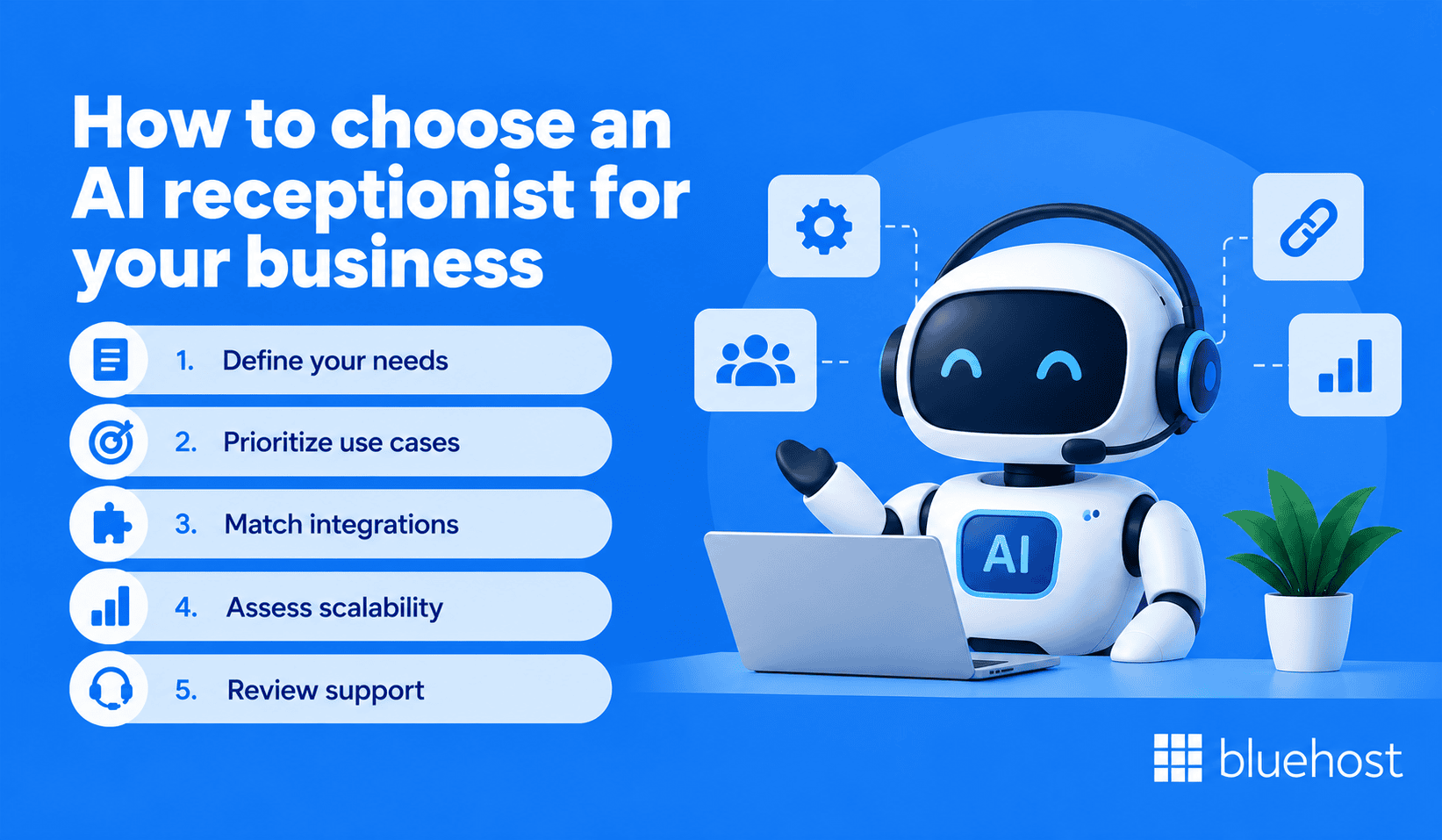
Knowing how to choose an AI receptionist starts with understanding your business requirements. Do not begin by comparing dozens of features.
Start with the customer interactions you want to improve. Then evaluate whether each solution supports those needs.
1. Define your needs
Identify the problems you want the AI receptionist to solve. Clear goals make product comparisons easier.
Common examples include:
- Missed customer inquiries
- Repetitive questions
- Limited after-hours coverage
- Appointment scheduling workload
- Slow lead capture
- High conversation volumes
Choose problems that affect your business today. That will help you avoid paying for unnecessary capabilities.
2. Prioritize use cases
Separate essential capabilities from optional features. A service business may prioritize scheduling, while another may focus on lead capture.
Group your requirements into:
- Must have
- Useful to have
- Not currently required
This keeps impressive but unnecessary features from influencing your decision.
3. Match integrations
List the tools involved in your current customer workflow. Then confirm whether each solution supports those systems.
Pay particular attention to:
- Calendars
- Customer information systems
- Scheduling platforms
- Phone workflows
- Lead management tools
Integration quality matters more than the total number of integrations advertised.
4. Assess scalability
Your requirements may change as customer demand grows. A solution should be able to support those changes without creating major limitations.
Ask how the system handles:
- Higher conversation volumes
- Additional locations
- More employees
- Expanded business information
- New workflows
Understanding these limits early can help prevent future operational problems.
5. Review support
Even straightforward AI tools may require occasional assistance. Support quality can affect setup, troubleshooting and ongoing management.
Check what support is available for:
- Initial setup
- Configuration
- Troubleshooting
- Integration issues
- Ongoing optimization
Also determine which channels are available. Check whether additional support costs extra.
What to consider before buying an AI receptionist?
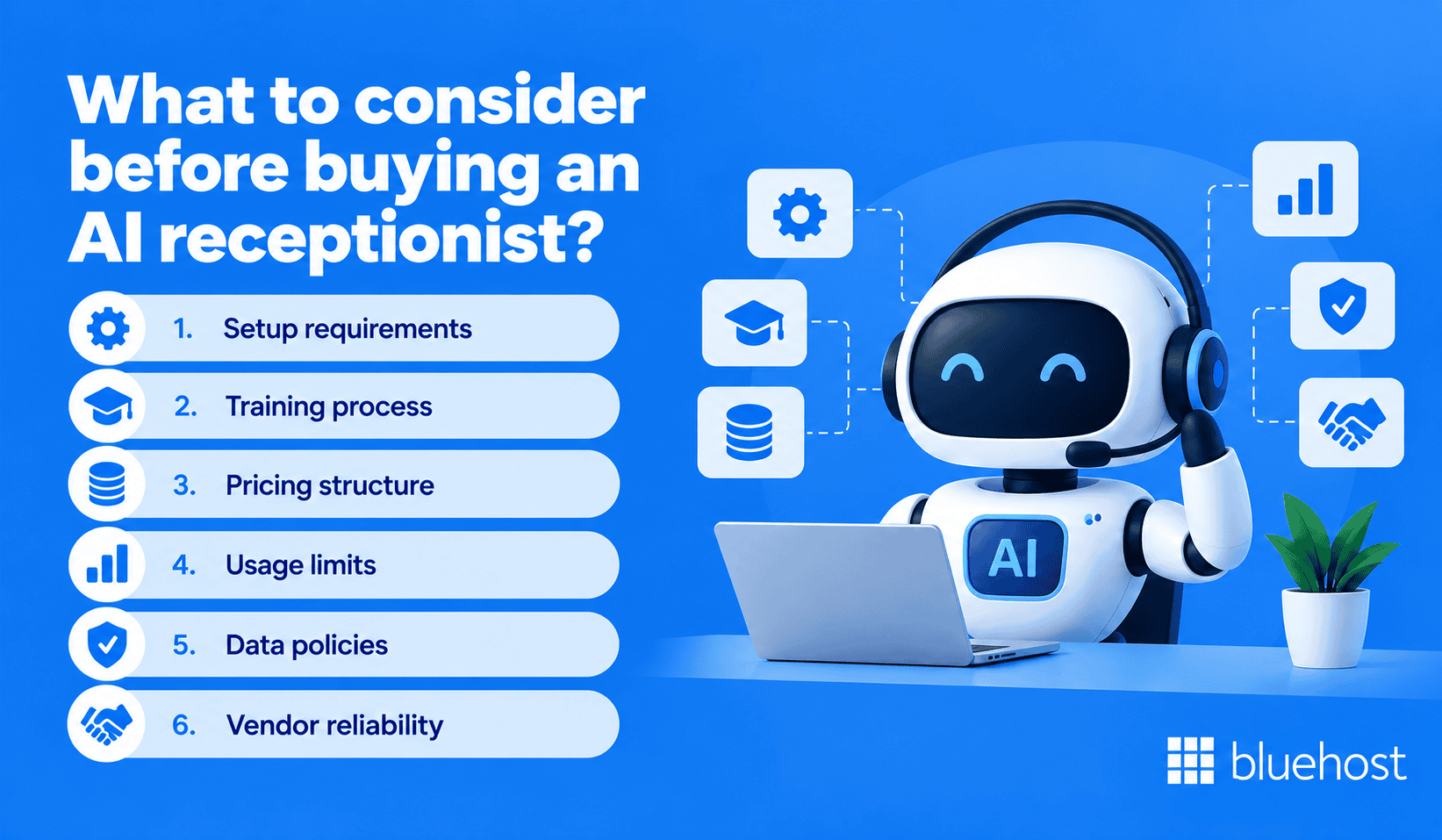
Understanding what to consider before buying an AI receptionist can help prevent unexpected limitations. Look beyond product demonstrations and evaluate everyday operation.
Pay attention to setup, training, pricing, usage limits, data handling and vendor reliability.
1. Setup requirements
Ask exactly what your business needs to provide before launch. Setup may involve business information, calendar connections and workflow configuration.
Determine:
- Who completes the setup
- What information is required
- Whether technical expertise is necessary
- What testing happens before launch
A clear setup process makes implementation easier to plan.
2. Training process
An AI receptionist needs reliable information about your business. Ask how the system learns and updates that information.
Possible information sources may include:
- Website content
- FAQs
- Business documents
- Knowledge bases
- Manually entered information
Also determine how easily outdated information can be replaced. Business information changes over time.
3. Pricing structure
Compare how providers calculate charges instead of focusing only on starting prices. Pricing structures can vary significantly.
Costs may depend on:
- Subscription level
- Usage
- Included features
- Integrations
- Additional users
- Support
Estimate costs using your expected requirements. Do not rely only on the lowest advertised price.
4. Usage limits
Some plans may restrict certain capabilities or usage levels. Those restrictions can affect day-to-day operation.
Check for limits affecting:
- Conversations
- Minutes
- Appointments
- Integrations
- Locations
- Users
Also determine what happens after you exceed those limits.
5. Data policies
Understand what happens to customer information before connecting an AI receptionist. This should be part of your provider evaluation.
Ask:
- What information is collected?
- Where is it stored?
- Who can access it?
- How long is it retained?
- Can your business delete or export it?
Review current provider documentation before making a decision.
6. Vendor reliability
Your AI receptionist may become an important customer contact point. That means the provider matters as much as the technology.
Consider:
- Service reliability
- Product documentation
- Customer support
- Update processes
- Security practices
- Contract terms
Reliable technology still requires dependable operational support.
How can you test an AI receptionist before choosing one?
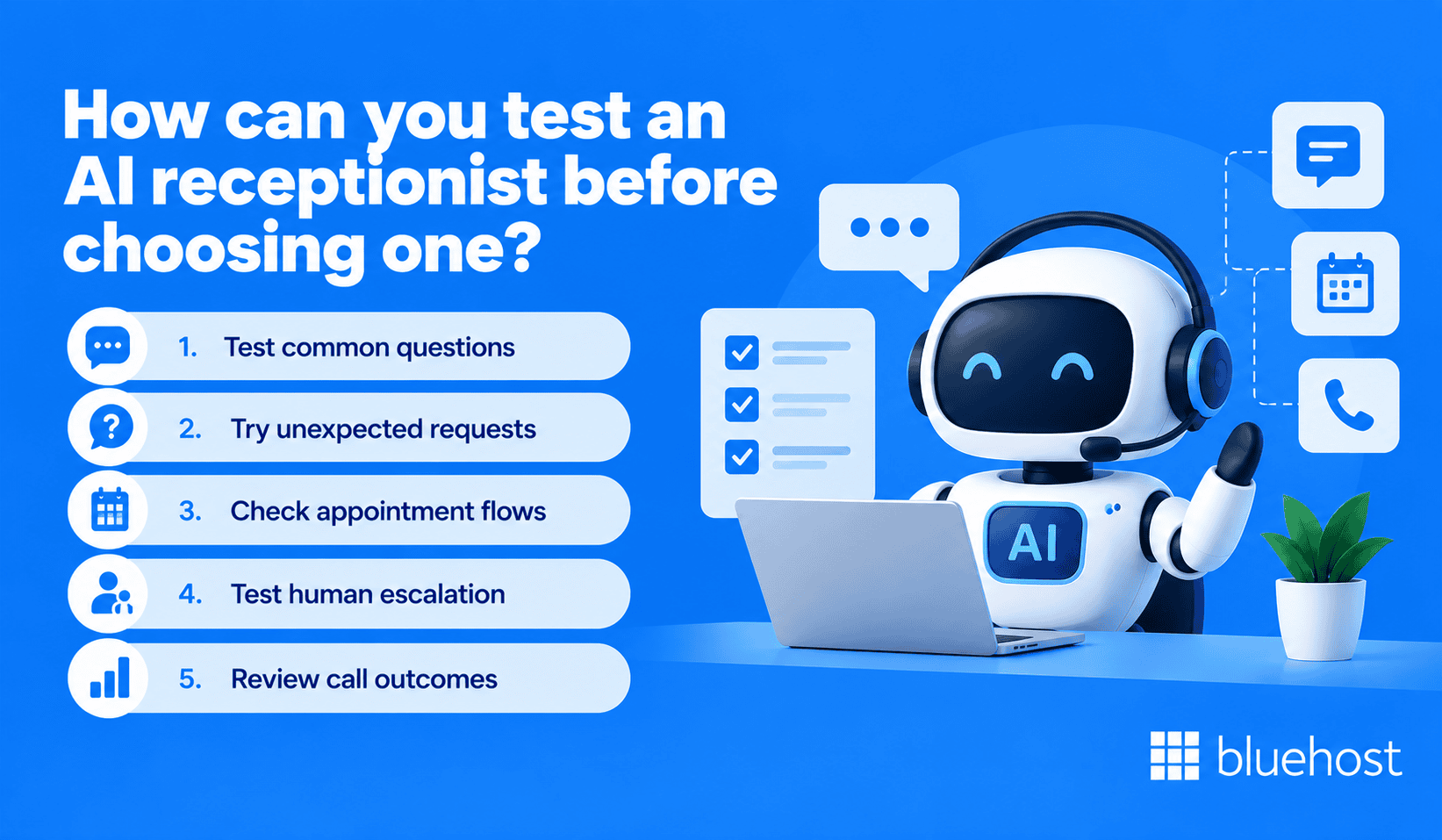
Feature lists show what a system claims to offer. Testing reveals what your customers may actually experience.
Use realistic scenarios rather than relying entirely on prepared demonstrations.
1. Test common questions
Begin with questions customers regularly ask. Use your approved business information as the reference.
Test topics such as:
- Business hours
- Services
- Availability
- Policies
- Appointment requirements
Compare every response with the correct information.
2. Try unexpected requests
Move beyond predictable questions. Use unusual wording, incomplete requests and multiple questions within one conversation.
Watch how the receptionist responds when the answer is not obvious. Strong systems should clarify rather than guess.
3. Check appointment flows
If scheduling matters, test the complete customer journey. Do not stop after checking whether booking exists.
Try:
- Booking an appointment
- Changing an appointment
- Cancelling an appointment
- Requesting an unavailable time
- Providing incomplete information
Confirm that changes appear correctly within your connected scheduling system.
4. Test human escalation
Create scenarios that should require human involvement. Observe whether the AI recognizes its limitation and follows the correct process.
Test both regular and after-hours situations when relevant. The escalation experience should remain clear for the customer.
5. Review call outcomes
Do not evaluate interactions only from the customer’s perspective. Check what information your business receives afterward.
Look for accurate:
- Contact details
- Appointment information
- Lead information
- Conversation records
- Escalation details
The AI should support your workflow after the conversation ends.
What questions should you ask an AI receptionist provider?
Provider discussions can reveal limitations that marketing pages may not explain. Ask consistent questions when comparing solutions.
Focus on how the system learns, updates, integrates and handles customer data.
1. How is it trained?
Ask which information sources can teach the AI about your business. Also determine how outdated or conflicting information is handled.
2. How are responses updated?
Business information changes regularly. Find out whether your team can make updates and how quickly they become active.
3. What systems does it connect with?
Ask specifically about the tools your business already uses. Do not assume general integration claims include your platforms.
4. How is customer data handled?
Ask what information the provider collects, stores and shares. Review available documentation covering security, privacy and retention practices.
5. What happens when it cannot help?
Every AI system has limitations. Ask how unresolved conversations are identified, escalated and recorded.
A clear fallback process helps maintain a better customer experience.
How does Bluehost AI Receptionist help businesses manage customer conversations?
Bluehost AI Receptionist provides businesses with an always-on sales and booking assistant. It can answer customer questions and capture leads without continuous human monitoring.
Businesses can train it using their website, business documents and knowledge base. This helps the receptionist respond using relevant business information.
Bluehost AI Receptionist includes:
- Customer questions: Respond to inquiries using information provided about your business.
- Lead capture: Collect information from prospective customers during conversations.
- Appointment booking: Help customers schedule appointments based on available calendar times.
- Appointment management: Support booking, rescheduling and cancellation through Google Calendar integration.
- Business knowledge: Learn from your website, documents and knowledge base.
- Real-time availability: Use Google Calendar availability when supporting appointment requests.
- Always-on assistance: Support customer conversations beyond normal staffed hours.
These capabilities address several important evaluation criteria. Businesses should still compare their own requirements against available product capabilities.
Final thoughts
Knowing what to look for in an AI receptionist begins with understanding your customers and workflows. A longer feature list does not automatically make one solution better.
Prioritize conversation quality, business knowledge, scheduling, integrations, security and reliable human handoff. Then test those capabilities using realistic customer scenarios.
Also review setup, pricing, support and data policies before choosing. The right AI receptionist should make customer interactions easier to manage.
Ready to explore an AI-powered option? Discover how Bluehost AI Receptionist supports customer questions, lead capture and appointment booking.
FAQs
A good AI receptionist understands natural language and provides accurate information. It should also handle common customer requests reliably. It should recognize when human assistance is required. A clear escalation process is equally important.
Customization varies between providers. Some solutions let businesses configure knowledge, responses, workflows, routing and integrations. Check exactly what your team can modify. Also, confirm how easily those updates can be made.
Security depends on the provider, configuration and information being processed. Review the provider’s current security practices before choosing. Check encryption, access controls, retention, storage and privacy policies. Your requirements may also depend on your industry.
Some AI receptionist platforms can manage concurrent customer conversations. Capacity and usage limits vary between providers. Confirm the capabilities of your selected solution and plan before relying on this feature.
An AI receptionist can help businesses manage repetitive inquiries and missed customer contacts. It can also extend coverage beyond staffed hours. It may also support lead capture and appointment workflows when those capabilities are available.

Write A Comment