• Domain Name Management FAQ

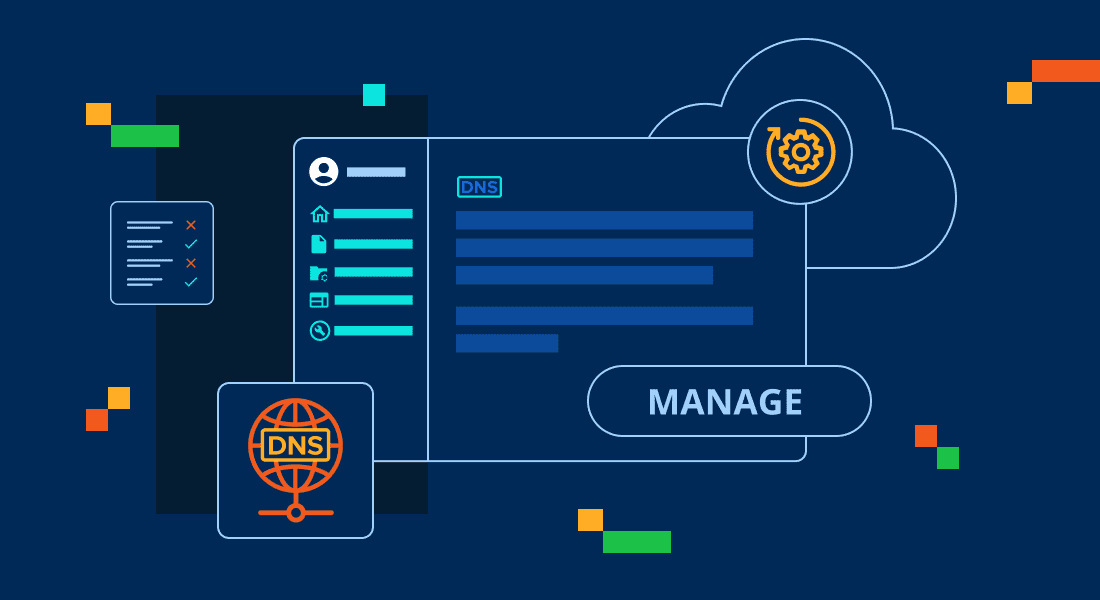
    Domain Name Management FAQ

    Here are the most frequently asked questions about managing your domains.

    read more

  • Adding a Page in WordPress

    Adding a Page in WordPress

    As you build a website, adding pages in WordPress provides insight to your visitors about your website. This article will show you how to create and add a new page to your WordPress site. Do you have a specific page you designed you want to copy or duplicate? It can be a great way to save

    read more

  • How to Create, Edit and Remove WordPress Posts 

    How to Create, Edit and Remove WordPress Posts 

    Managing posts in WordPress involves three main tasks: creating new posts, editing existing ones and removing posts that are no longer needed. The steps below outline how to perform each action from the WordPress dashboard, including options available in the Default WordPress Editor and the WonderBlocks Editor.  How to create a post in WordPress  You

    read more

  • How to Change Your Primary Domain Name: A Step-by-Step Guide

    How to Change Your Primary Domain Name: A Step-by-Step Guide

    To change your primary domain, you will need to update the domain associated with the root directory of your hosting account. If you have a Shared hosting plan with cPanel, VPS hosting, or Dedicated hosting account, Bluehost is available to assist you in changing your account’s primary domain name. This article will provide you with important

    read more

  • How to Send WordPress Emails Using WP Mail SMTP Plugin

    How to Send WordPress Emails Using WP Mail SMTP Plugin

    Configuring WordPress to send emails via SMTP using the WP Mail SMTP by WPForms plugin is a reliable way to improve email deliverability. Instead of relying on the default PHP mail function—which often lacks proper authentication—SMTP uses verified email credentials and secure protocols. This setup ensures your emails are authenticated, reducing the chances of them

    read more

  • Email Blacklist: How to Check for Blacklisting and Get Yourself Removed

    Email Blacklist: How to Check for Blacklisting and Get Yourself Removed

    If your emails are being marked as spam, you might be on an email blacklist. This means your email address or server is flagged for sending spam. This can harm your communication or business by stopping emails from getting to people. What Happens When I’m On An Email Blacklist There are some negative effects that

    read more

  • Website Security Checklist: Secure Your Site in 12 Steps

    Website Security Checklist: Secure Your Site in 12 Steps

    A practical website security checklist to protect your site, prevent attacks and ensure safe online operations.

    read more

  • How to Install Premium WordPress Themes

    How to Install Premium WordPress Themes

    Proper theme selection is key to a successful site, whether for an e-commerce site, blog, or personal portfolio. Free themes are a good start in building your dream site. However, Premium WordPress themes go beyond the basics and often stand out for their advanced features, deep customization, and dedicated support. This article will help you install a premium WordPress theme to

    read more

  • How to Fix Error Code 500 on VPS and Dedicated Servers

    How to Fix Error Code 500 on VPS and Dedicated Servers

    The 500 Internal Server Error (often called Error Code 500) is a common issue website owners face, especially on VPS and Dedicated. This error usually occurs when the server cannot complete a request due to configuration issues or mismanagement. If you’re facing this error, don’t worry. This guide will effectively walk you through how to troubleshoot and fix

    read more

  • Optimizing MySQL Queries with Indexes for Calculations

    Optimizing MySQL Queries with Indexes for Calculations

    Part 1: Optimize MySQL Queries and Indexes Indexes are vital in databases to quickly find the data needed. Without proper indexing, retrieving data can take a long time, especially as the amount of data grows. You would need to go through each page, which can lead to higher costs and the use of more resources.

    read more