 ChatGPT,
 Claude,
 Gemini,
 Grok — all four for
-
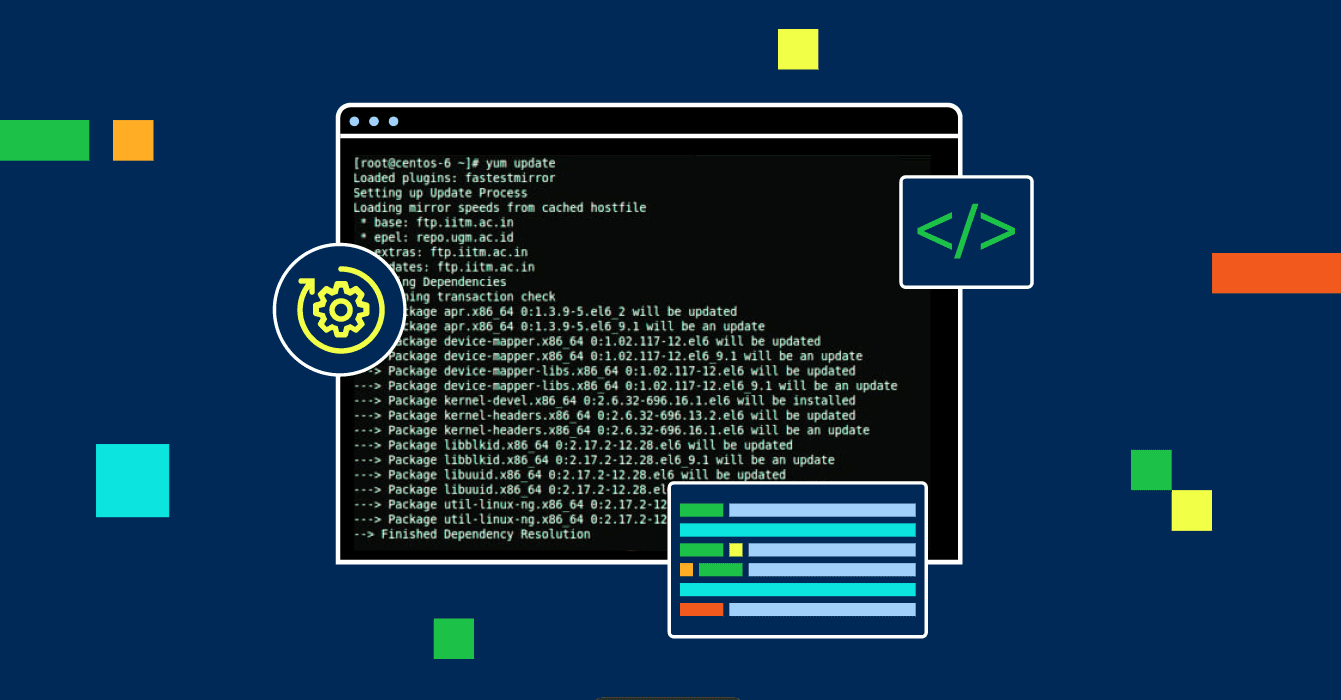
VPS & Dedicated Hosting: How to Manage Yum
You can let software administrate your VPS or Dedicated Server by using the Yellowdog Updater, Modified, otherwise known as YUM for short. The following instructions detail how to manage YUM which includes getting the software packages installed, updated, or uninstalled from the CentOS box from this guide. These can control server package software installations in order that one is…
-

How to Generate an SSH Public or Private Key
Learn how to generate SSH public & private keys step-by-step for secure access & authentication.
-

How to Install and Configure W3 Total Cache
W3 Total Cache (W3TC) is a powerful WordPress plugin that enhances website performance by reducing load times and optimizing caching. Properly configuring W3 Total Cache can improve SEO (Search Engine Optimization), user experience, and server efficiency. Before You Start Important: Usually, one caching app is sufficient. Avoid enabling multiple caching plugins simultaneously, negatively impacting your website’s performance.…
-

How to Find Your Public IP Address
A public IP address is a unique identifier assigned by your Internet Service Provider (ISP) that allows your device to communicate with the wider internet. It can be static, meaning it rarely changes or dynamic, meaning it changes frequently. What is a Public IP Address Used For When several computers share the same internet connection,…
-
VPS & Dedicated Hosting: Installing Minecraft
Want to host your own Minecraft server? Installing Minecraft on a VPS or dedicated server is a great way to have more control and flexibility. This guide will walk you through how to install Minecraft on VPS or Dedicated Server so you can get your server up and running in no time. Important note: You will need to make…
-
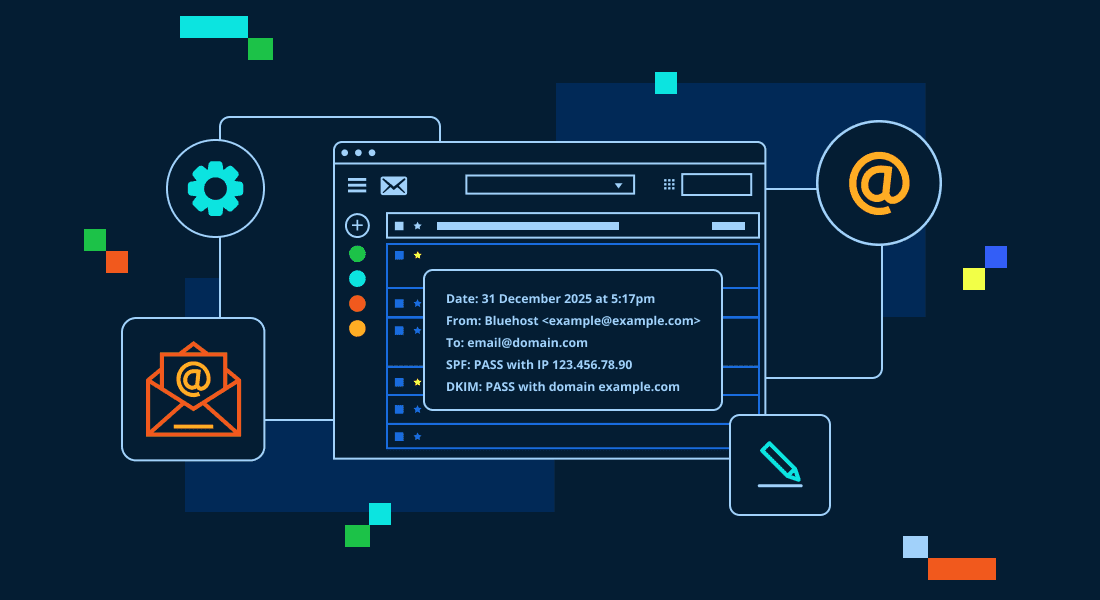
How to Get Email Headers: A Step-by-Step Guide
Email communication has become an important part of our daily lives, both personally and professionally. One often overlooked aspect is how to get email headers effectively. Email headers contain detailed information about the sender, the path the email took before reaching the recipient, and various technical details like timestamps and unique identifiers. They play a…
-

Right-click Image Protection: Protect Images from Theft
Right-click image protection prevents site visitors from copying, saving, or downloading images on your website by disabling the right-click function. This can safeguard your images and prevent unauthorized use or distribution. How to Disable the Right-Click Menu You can stop right-clicking with a script (copy and paste it from this page if you want to) in the…
-
Website Account Suspended? Reasons and How to Reactivate It
Website account suspended? Understand why it happens and what to do to get your site back online.
-
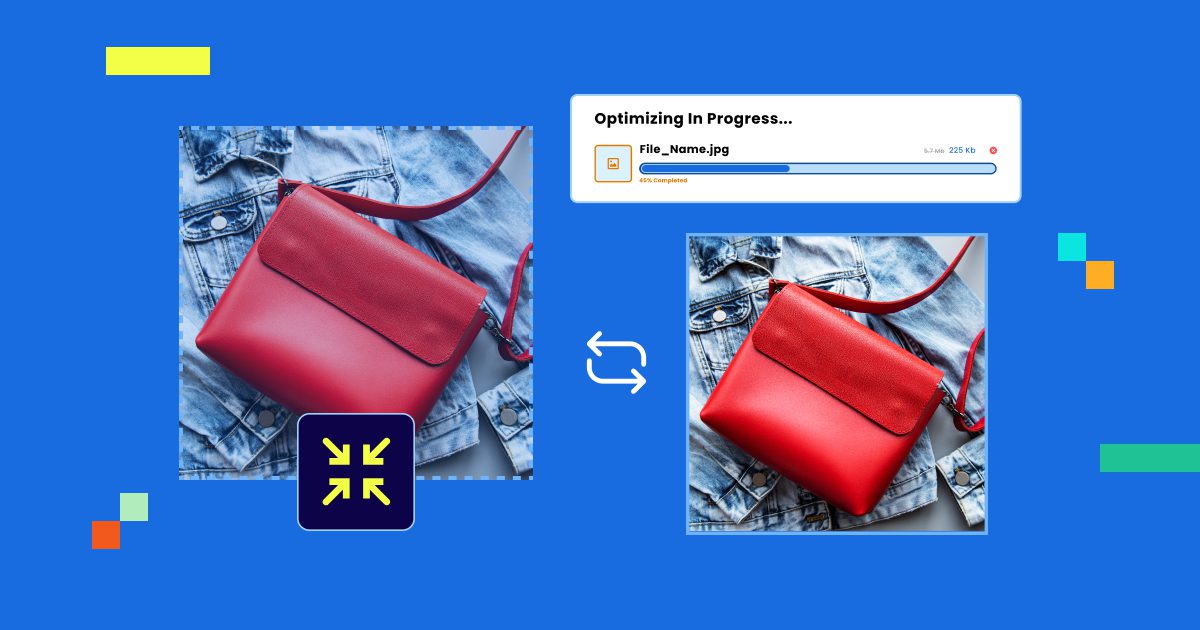
How to Optimize Images: Bitmapped Graphics and Resizing
Tired of slow loading times because of large images? Optimize images is your solution. This guide covers how to modify and resize graphics and rasterized images while maintaining image quality and file size. The reasons for using the original image when resizing, the selection of appropriate color mode, and problems in resizing within a browser will be…
-

How to Create a Sitemap for a Website: A Beginner’s Guide
Unlock the secret to better SEO! Learn how to create a sitemap and get your site noticed by search engines.
GET IN TOUCH
We’re here to help
RESOURCES