 ChatGPT,
 Claude,
 Gemini,
 Grok — all four for
-

VPS for Crypto Trading Bots: Premium Hosting Guide
Optimize your crypto trading with reliable VPS hosting. Learn how to select and configure the perfect environment for your trading bots.
-
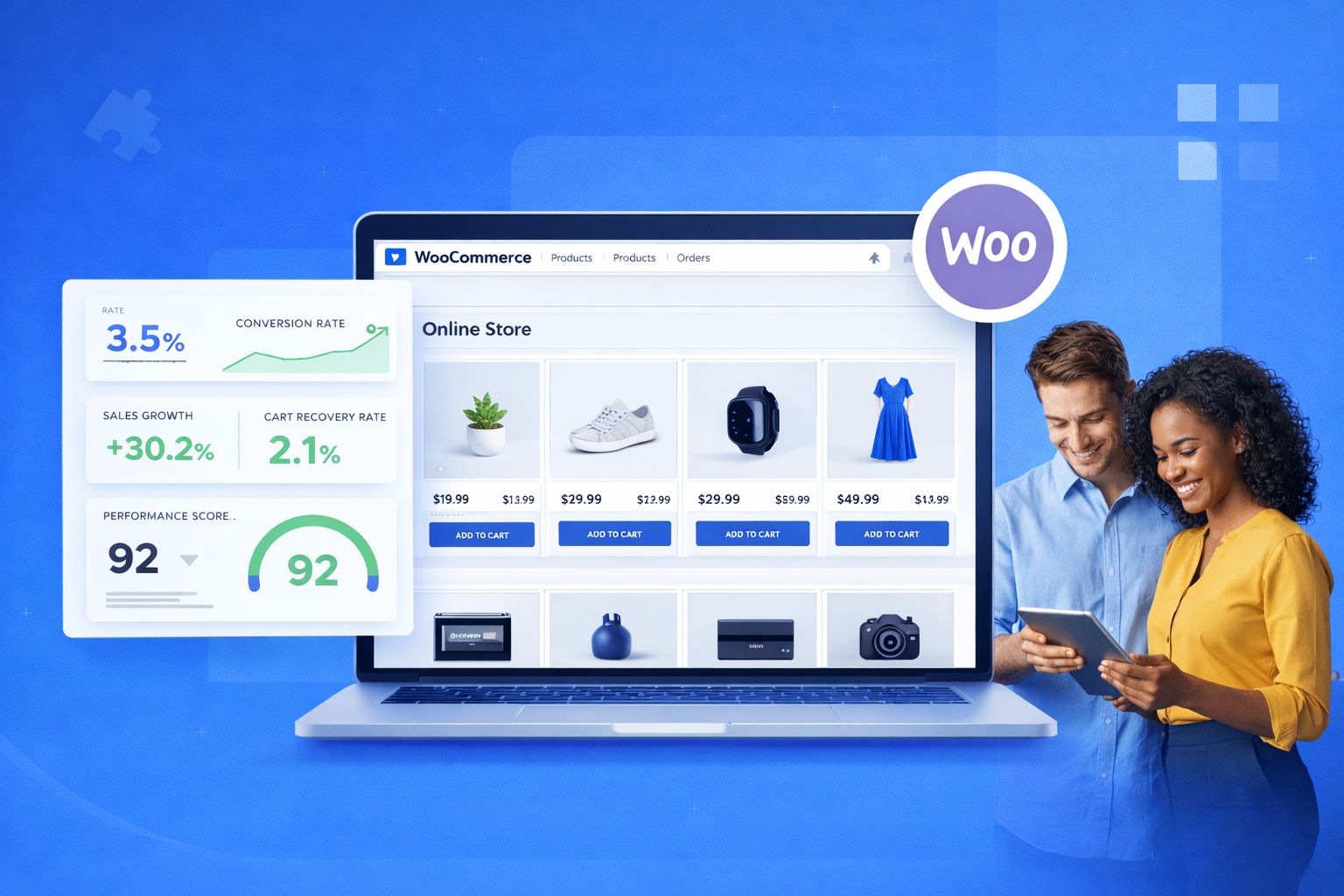
WooCommerce Multi Currency Store Setup for Global Sales
Set up WooCommerce multi-currency to boost global sales, improve trust and reduce cart abandonment in 2026.
-
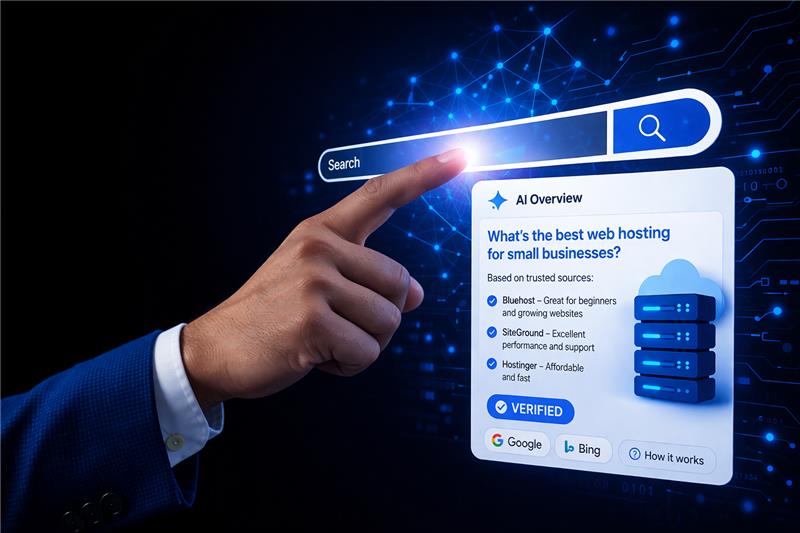
The Fastest Way to Show Up in AI Answers Isn’t SEO, It’s Verifiability
Most companies trying to “rank in ChatGPT” are solving the wrong problem. They assume visibility in AI answers works like traditional search, so they invest in SEO: more content, tighter keyword targeting, stronger backlinks. But generative AI systems don’t rank pages the way Google does. They synthesize answers. And when a system is generating a response instead…
-

Top SEO-friendly Web Hosting for Better Site Speed, Reliability and Security
Discover SEO-friendly web hosting picks and setup tips to boost speed, uptime, security, and Google ranking.
-
Google Workspace vs Zoho Workplace: Which One Is Right for Your Business?
Key highlights Choosing the right business productivity suite is one of the most consequential decisions a growing company can make. Your team’s daily communication, document collaboration, video meetings and file management all depend on it. Both Google Workspace and Zoho Workplace promise custom domain email, cloud storage and collaboration tools and at first glance, their…
-
Google Exclude Website: Disable WordPress Search Engine Indexing
Learn how to prevent Google from indexing WooCommerce ‘Add to Cart’ pages to improve your site’s SEO.
-

How to Hire SEO Agency in 2026 & Maximize ROI
Learn why and when to hire SEO agency for sustainable online growth, increased traffic and higher rankings.
-

Malware vs Hacking: What’s the Real Difference?
Malware vs hacking explained: Understand what each threat means, how they differ and which website security steps protect you.
-
17 Best SEO Tools & Software: Top Picks for 2026
Discover 17 best SEO software tools in 2026. Get higher rankings, more traffic and better results with our expert picks.
-
Domain vs URL: What’s the Difference?
Learn the difference between a domain name and a URL, how they work together and why both matter for your website.
GET IN TOUCH
We’re here to help
RESOURCES