 ChatGPT,
 Claude,
 Gemini,
 Grok — all four for
-

Yoast SEO Checker: Features That Boost Your Rankings
Get found online easily! Yoast SEO helps you rank higher, write better and attract more visitors—without the hassle.
-

What is llms.txt? How the New AI Standard Works (2026 Guide)
llms.txt tells AI exactly what to read- so your best content shows up in answers, not hidden behind clutter.
-

How to Allow User Registration on Your WordPress Site: A Step-by-Step Guide
Want to allow user registration on your WordPress site? Follow this simple guide to set it up quickly and securely.
-

SSL vs Firewall: What Protects Your Website?
SSL vs firewall: Understand exactly how each shields your website, what threats they block and which protection your site truly needs to stay secure.
-

IMAP vs POP3: Understanding Email Protocol Differences
Key highlights Ever wondered why your emails suddenly disappear from one device after checking them on another? Or why your inbox looks completely different across your laptop and phone? The answer lies in your email protocol configuration, specifically, whether you’re using POP3 or IMAP. Knowing the difference between POP3 and IMAP goes beyond technical jargon…
-
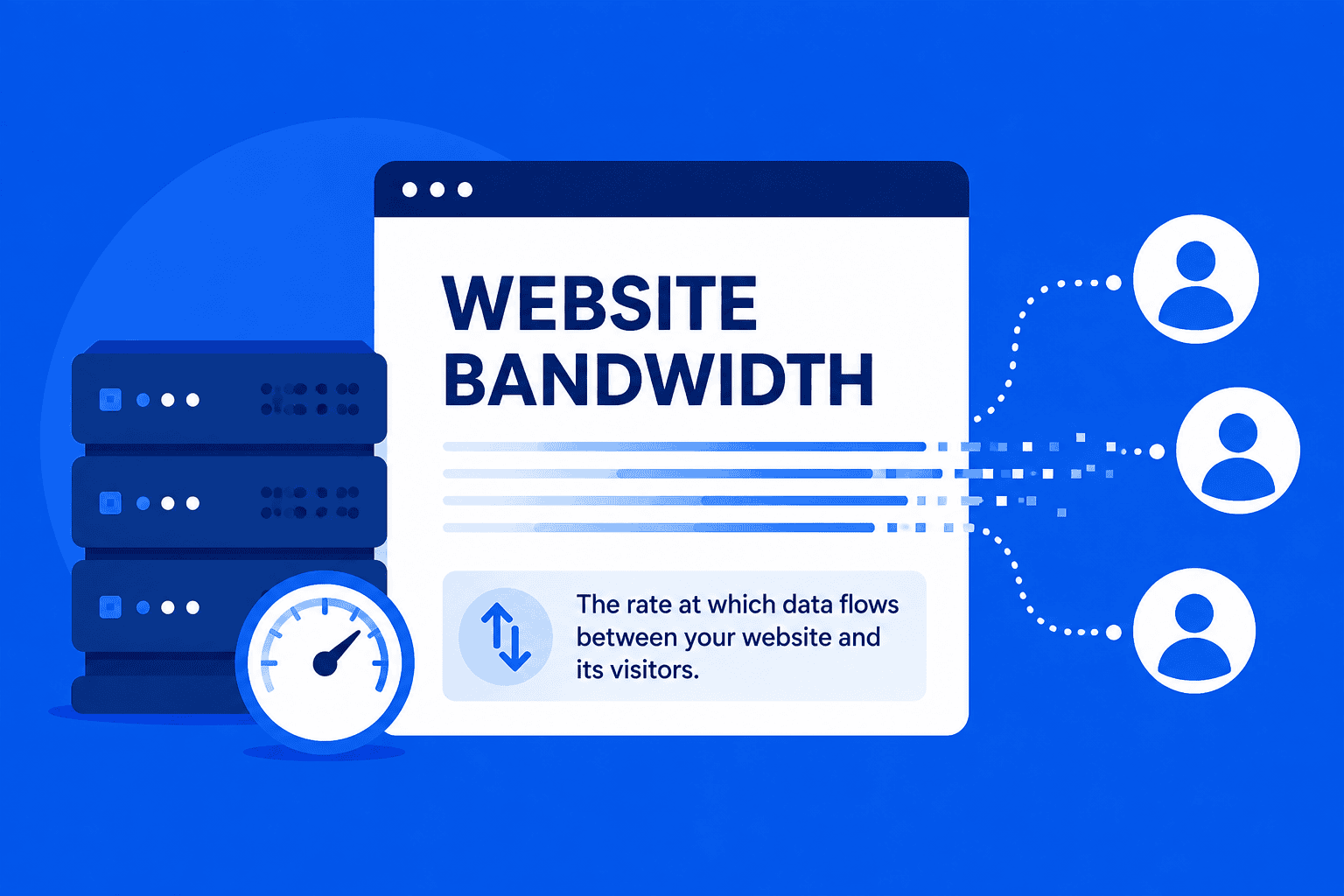
What Exactly is Bandwidth in Web Hosting?
Understand web hosting bandwidth, its types, importance and how to choose the right plan for your website.
-
Subdomain vs Subdirectory Explained & Which Wins for SEO
Subdomain vs subdirectory explained: SEO impact, link equity flow, crawl budget and when to use each structure wisely.
-
Google Workspace vs Gmail: What is the Difference?
Key highlights If you have searched for a professional email solution for your business, you have likely encountered both Gmail and Google Workspace. On the surface, they appear nearly identical as both offer email, Google Drive and access to Google’s productivity ecosystem. But the difference between Google Workspace and Gmail goes far deeper than most…
-

How to Improve WordPress SEO and Rank Higher Fast in 2026
Unlock top WordPress SEO tips to boost site traffic, speed, and rankings. Get practical strategies that work today
-

How to Choose Between Yoast Premium vs Free for SEO
Compare Yoast SEO free vs Premium to see which features matter most and learn how each version impacts your site’s search performance.
GET IN TOUCH
We’re here to help
RESOURCES