 ChatGPT,
 Claude,
 Gemini,
 Grok — all four for
-

6 Best DigitalOcean Alternatives in 2026: Compare Hosting Solutions
Explore 6 top DigitalOcean alternatives in 2026, find the perfect hosting solution for performance, scale and budget.
-

What Is a Domain Name? Everything About Domains Explained
Learn what a domain name is, how it works and why it’s essential for building your online presence.
-

WordPress Hosting vs Dedicated Hosting: Which One Should You Choose?
WordPress hosting vs dedicated: which suits your site? Expert comparison of pricing, performance, and features.
-
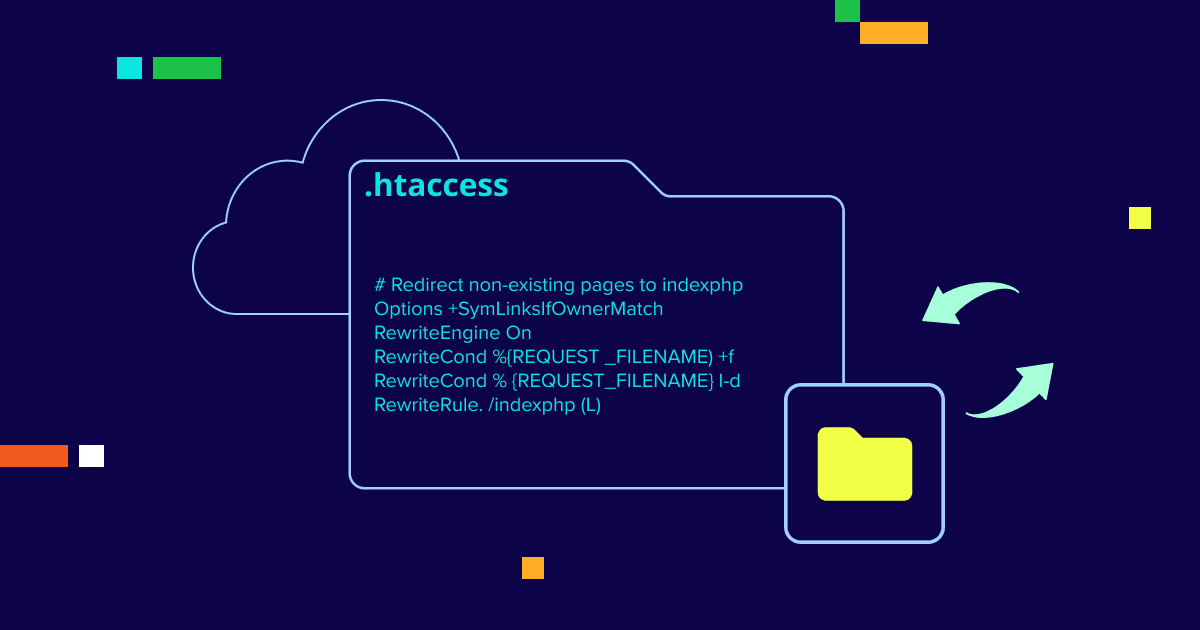
htaccess Rewrite & Redirect: Essential File Configuration
Learn how to redirect URLs using htaccess for Apache servers. Preserve SEO value and avoid critical redirect mistakes.
-

8 Best Cloud Server Hosting Providers for Your Business Needs
This guide will walk you through the best cloud server hosting providers for 2026.
-

How to Choose a Domain Name for Business Success
Discover expert tips on choosing a domain name that enhances your brand, improves SEO and makes your website easy to find.
-

WooCommerce Hosting vs Dedicated Hosting: Best Option for Your Online Store
WooCommerce vs dedicated hosting explained. Learn which hosting fits your store’s traffic, security needs and growth stage.
-

Buy Expired Domains for Agencies: Boost Client SEO Fast
Learn how to find and buy expired domains to boost your SEO, traffic and brand recognition with this comprehensive guide.
-

Best WooCommerce Plugins 2026: Top Extensions for Success
Discover the best WooCommerce plugins 2026 and learn how Bluehost hosting helps you run, test and manage them reliably.
-

New Domain Extensions 2026: Unique Domain Options for Your Site
Explore new domain extensions that will boost branding and give you more naming options for your website.
GET IN TOUCH
We’re here to help
RESOURCES