 ChatGPT,
 Claude,
 Gemini,
 Grok — all four for
-
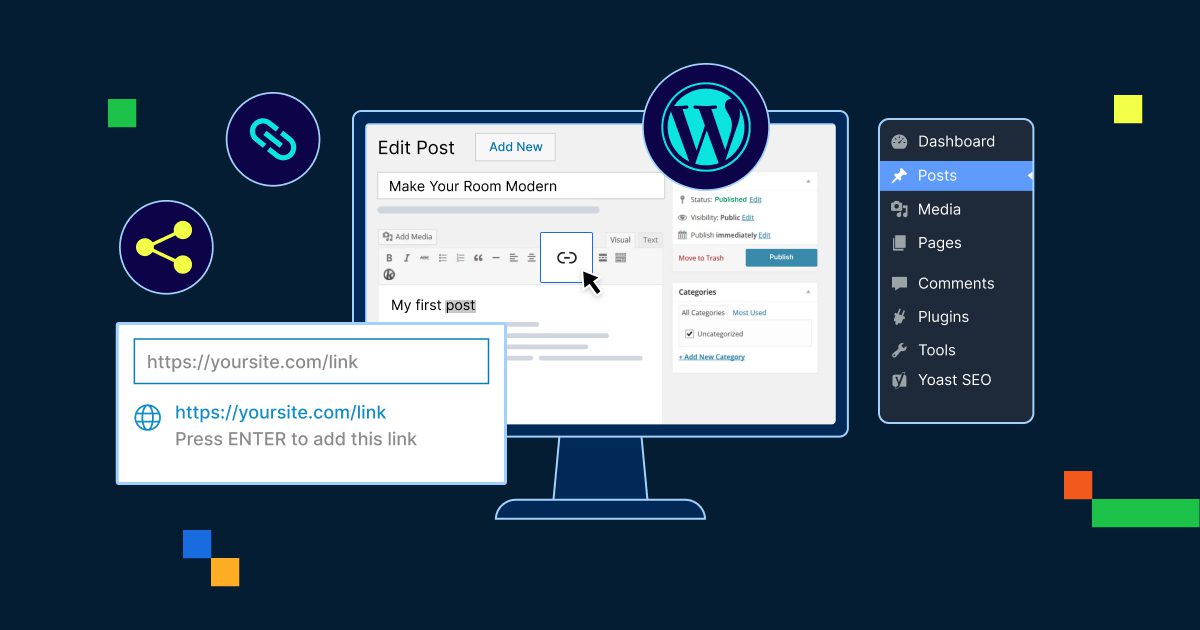
How to Add Internal Link in WordPress and Boost Navigation
Learn how to add internal links in WordPress (block/classic/menus) to boost SEO, navigation and engagement.
-

How to Monetize a WordPress Website?
Learn how to monetize WordPress using proven strategies, tools and an integrated eCommerce setup.
-
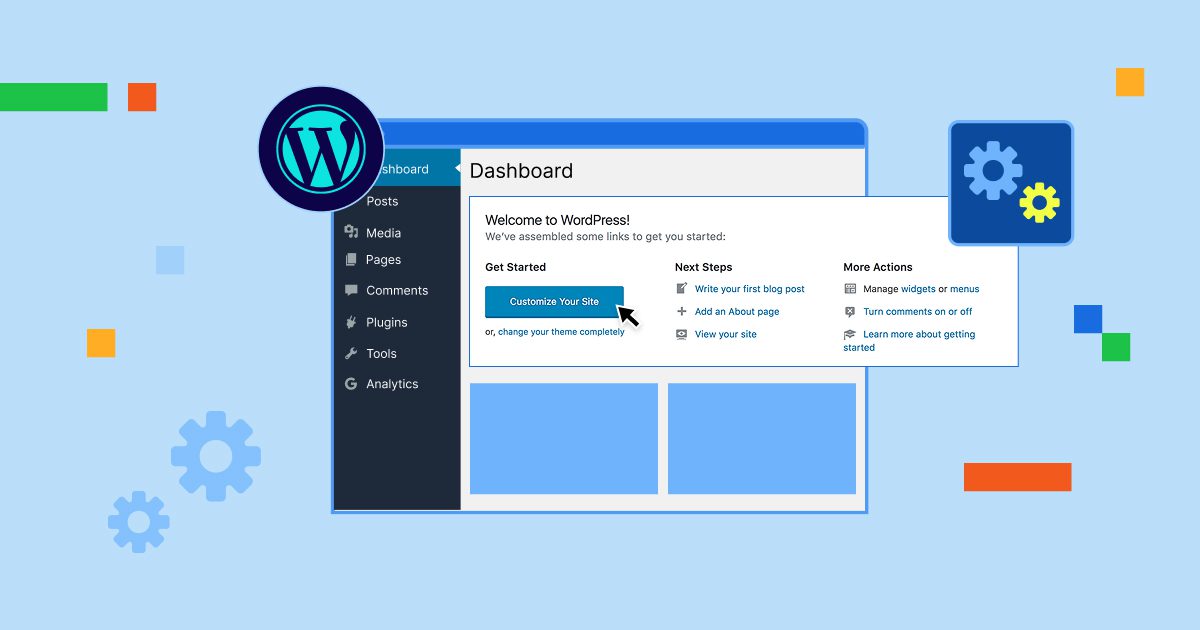
Getting Started with WordPress: Dashboard & Hosting Setup
Key highlight WordPress is the world’s most popular content management system (CMS), powering over 810 million websites globally. This powerful platform allows you to create and manage websites without needing extensive coding knowledge, making it the perfect choice for beginners and professionals alike. Whether you’re looking to start a blog, build a business website or…
-
Backup Dedicated Server & VPS: Proven Recovery Steps
Backup dedicated server explained with restore steps, risks, best practices and recovery guidance.
-
Add Theme to WordPress: Complete Installation Guide
Add theme to WordPress with our step-by-step guide. Learn how to install new theme in WordPress from your admin dashboard and transform your site.
-

What is Crowdfunding? Types, Benefits & How to Launch (2026 Guide)
Learn what crowdfunding is, how it works, types of models and tips to launch a successful campaign with real examples.
-
Hotlink Protection: What It Is and How to Prevent It?
Secure images, save bandwidth and prevent misuse with smart hotlink protection for WordPress websites.
-
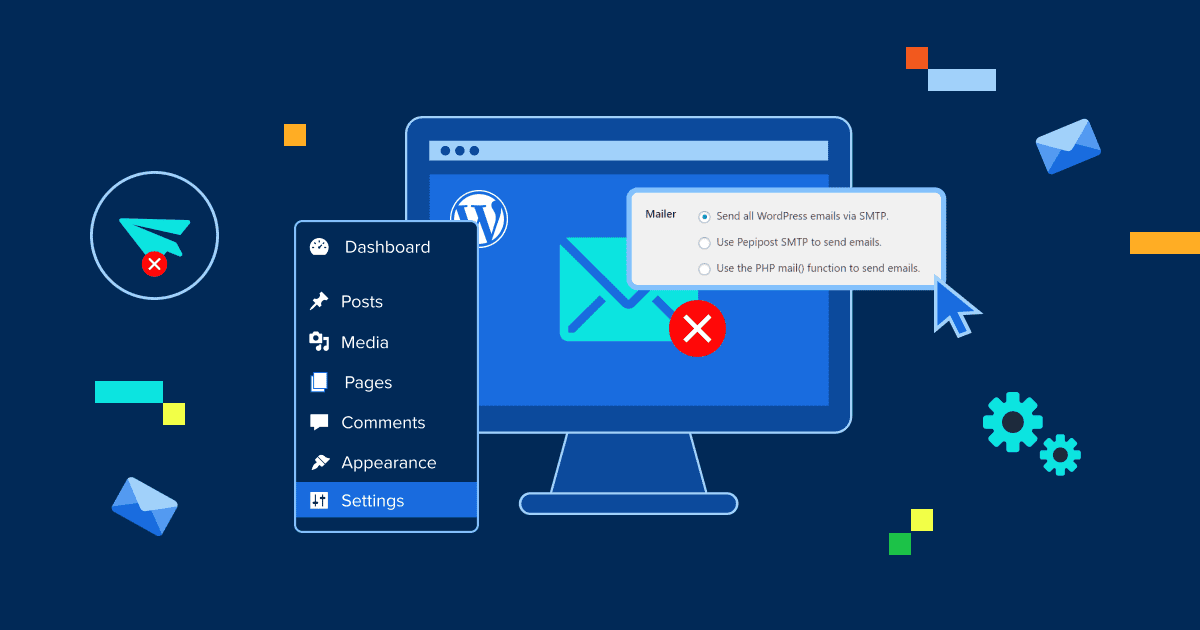
How to Fix WordPress Not Sending Email Issue?
How to fix WordPress not sending email issue using SMTP and steps to stop spam issues & restore reliable email delivery.
-
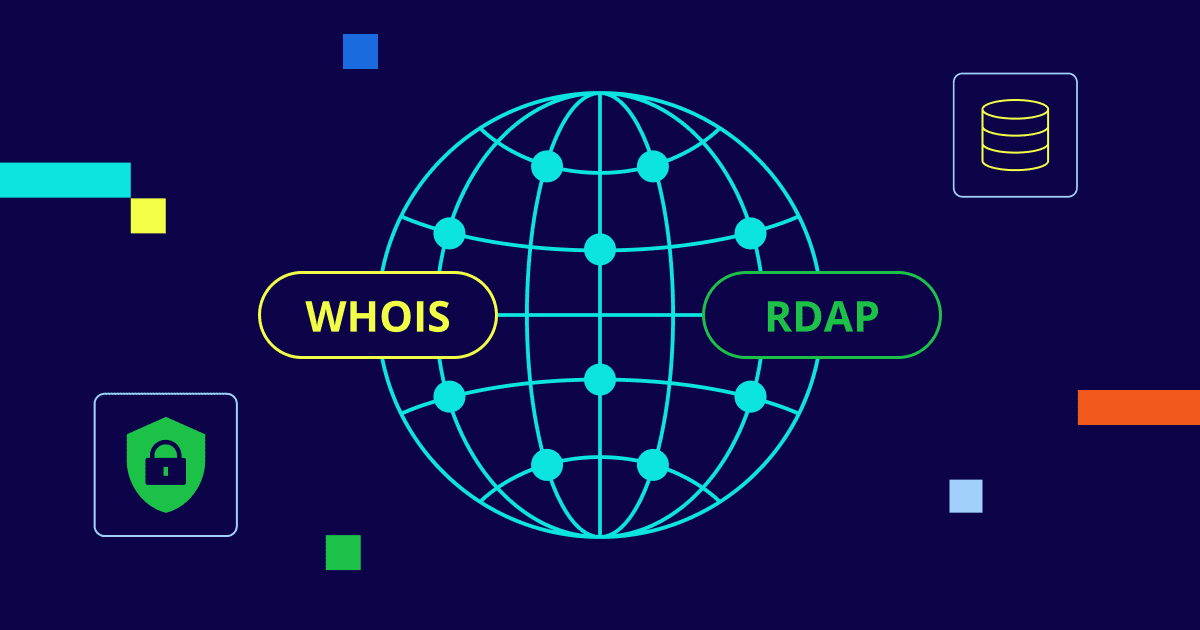
What is Registration Data Access Protocol (RDAP)?
Learn what RDAP is and how it’s transforming domain registration transparency and data access.
-

8 Best Free eCommerce Platforms for 2026
Key highlights As online shopping continues to evolve rapidly, choosing the right free eCommerce platform is crucial for businesses aiming to thrive in today’s competitive digital landscape. Whether you’re a budding entrepreneur eager to start selling online or an established retailer looking to expand your sales channels, this guide highlights the top free eCommerce platforms…
GET IN TOUCH
We’re here to help
RESOURCES