



Key highlights
- A strong internal linking structure helps search engines crawl and rank your site higher.
- Internal links make navigation easy and keep visitors engaged.
- Bluehost WordPress hosting ensures your site runs smoothly for optimal SEO performance.
- Regular internal link audits help fix broken links and maintain SEO health.
- Bluehost offers easy integration with Yoast SEO, streamlining your internal linking and SEO efforts.
If you’re looking to improve your SEO, internal links are one of the most overlooked yet powerful tools. In this guide, you’ll learn what internal links are, how they work and how to use them to boost your WordPress site’s visibility.
They guide visitors through your content; help search engines understand your site and quietly boost your rankings. Yet most website owners either forget them or use them the wrong way.
We’ll also break down how internal links connect pages, how they impact search engine rankings and what a solid internal linking strategy really looks like without any jargon. Let’s get started.
Quick internal link checklist
- Link from high-traffic to high-priority pages
- Use descriptive anchor text
- Avoid overstuffing or broken links
- Use Yoast SEO to streamline internal linking
- Regularly audit and update internal links
- Hosting speed and crawlability matter
Understanding Internal Links and Their Role in SEO
Internal links are hyperlinks that connect one page on a website to another page on the same domain. They help users navigate your site and allow search engine crawlers to discover, index and understand your content.
Internal links help search engines and users find your most valuable content.
Internal links also pass link equity, highlight important pages and strengthen your overall site structure. Unlike external links, which point to other websites, internal links keep traffic flowing through your own pages, improving engagement and SEO.
Also read: How to Add Internal Link in WordPress: Step-by-Step
Internal links vs external links
The main difference between internal and external links is where they point. Internal links connect pages within the same website, while external links point to other websites.
Internal links help guide users and search engines through your site, improve your internal linking structure and pass value to important pages. In contrast, external links direct visitors away from your site and often serve to reference or cite sources from trusted domains.
Both types are important, internal and external links work together to improve SEO, boost authority and enhance the user experience.
What are the types of internal links?
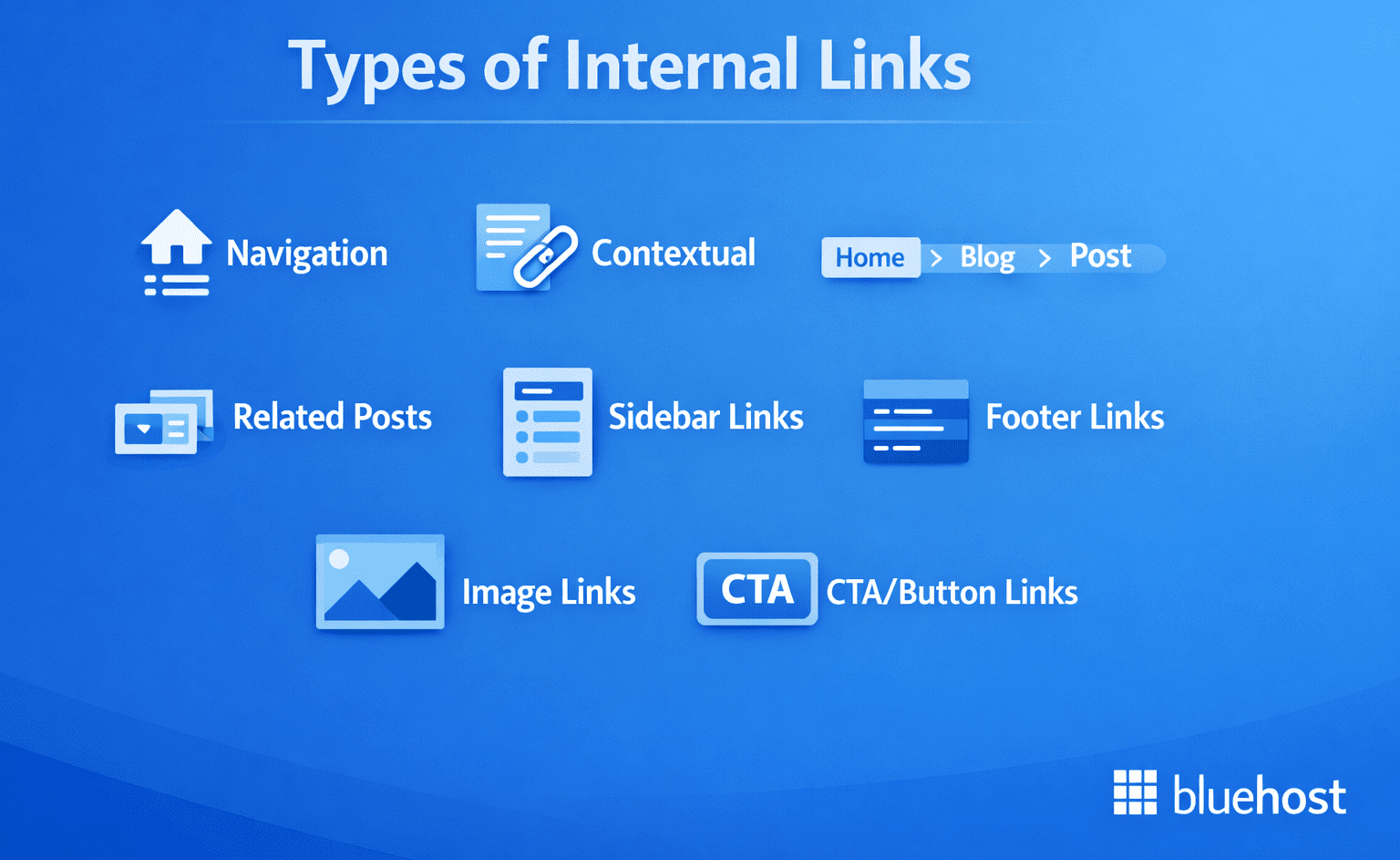
Not all internal links are created equal. On a typical website, internal links appear in different places and serve different purposes. From guiding navigation to boosting SEO, each type plays a unique role in your internal linking strategy.
Here’s a quick breakdown:
- Navigation
- Contextual
- Breadcrumbs
- Related posts
- Sidebar links
- Footer links
- Image links
- CTA/button links
1. Navigation
Navigation links are the ones in your header menu, main navigation and sometimes a secondary menu. They’re there to help people get to the big sections of your site fast and they also help search engines understand what your site is “about” at a high level.
From an SEO point of view, navigation links matter most for coverage and clarity, not precision. Because they repeat across the site, they’re not always the best place to push specific pages, but they do help key pages stay easy to find.
Also read: How to Add Navigation Menu in WordPress & Customize It
2. Contextual
Contextual links sit inside your content, usually inside a paragraph where the surrounding text explains why the link is there. This is the kind of internal link that tends to do the most work because the context around it helps search engines connect topics and helps readers decide if they want the next page.
These links are also where you can be the most intentional. If a post mentions a concept that you cover in depth elsewhere, a contextual link turns that mention into a path, instead of making the reader hunt around.
3. Breadcrumbs
Breadcrumbs are the “trail” links you’ll see near the top of a page like Home > Blog > Category > Post. They show where the current page sits in the site structure, which makes navigation simpler when someone lands deep in your site from search.
For SEO, breadcrumbs are basically structured internal links that reinforce hierarchy. Search Engine Land calls out that each breadcrumb is a contextual internal link connecting a page to different levels of the site architecture, which is exactly why they can help with site understanding.
Also read: Best SEO Plugin for WordPress: 20 Top Picks 2026
4. Related posts
Related post modules are blocks like “Related articles,” “You might also like,” or “More on this topic.” They’re often placed at the end of a post, sometimes mid-article, sometimes in a sidebar widget. They help readers keep going when they’re done with the main page.
The main thing with related modules is relevance. When they actually match what someone just read, they’re great for discovery and depth. When they’re random or purely automated with no guardrails, they can turn into noise. Yoast even has a “related links” block built around internal linking suggestions, which shows how common this pattern is on WordPress sites.
5. Sidebar links
Sidebar links usually show up next to your main content and can include category lists, popular posts, recent posts or resource lists. They’re useful for surfacing evergreen pages that you want readers to notice without forcing them into the main navigation.
But sidebar links can get messy fast. If you cram too much in there, it becomes a dumping ground and people ignore it. Keep sidebar links tight and purposeful and rotate or prune them when they stop matching what the page is about.
6. Footer links
Footer links sit at the bottom of every page and usually point to utility pages like about, contact, privacy policy and sometimes key hub pages. They’re helpful for making sure important pages are always reachable, especially ones that don’t naturally fit into your top menu.
The risk is when the footer becomes a catch-all list of everything. Semrush lists footer links as a common internal link type, but the real value comes from keeping it clean: a handful of essentials and maybe one or two important hubs, that’s it.
Also read: Best Ways to Customize WordPress Header for a Unique Look
7. Image links
Image links are internal links where the clickable element is an image, like category tiles on a blog, a feature grid on a homepage or a product image that leads to a product page. Semrush includes image links as a standard internal link type because they’re common and they still count as internal pathways.
These work best when the image clearly matches the destination. If an image looks decorative but is secretly a link, it can confuse users. Also, the page around the image should still explain what the link is for since the image alone doesn’t carry the same meaning as a text anchor.
Also read: How to Upload and Add Images to WordPress Posts and Pages?
8. CTA/button links
CTA links are internal links designed to drive an action often styled as a button like “View plans,” “Start here,” or “See the checklist.” Semrush calls out in-content CTA links as a specific type because they’re common in guides and landing pages and they can shape the user path through a site.
They’re not just for sales pages either. A CTA inside a blog post can point to a related tutorial, a hub page or a downloadable checklist. The key is that the button should match what the reader likely wants next, not what you want to push at all costs.
Also read: What is a CTA and How Can it Help Grow Your Business? | Bluehost
Why internal links matter for SEO in 2026?
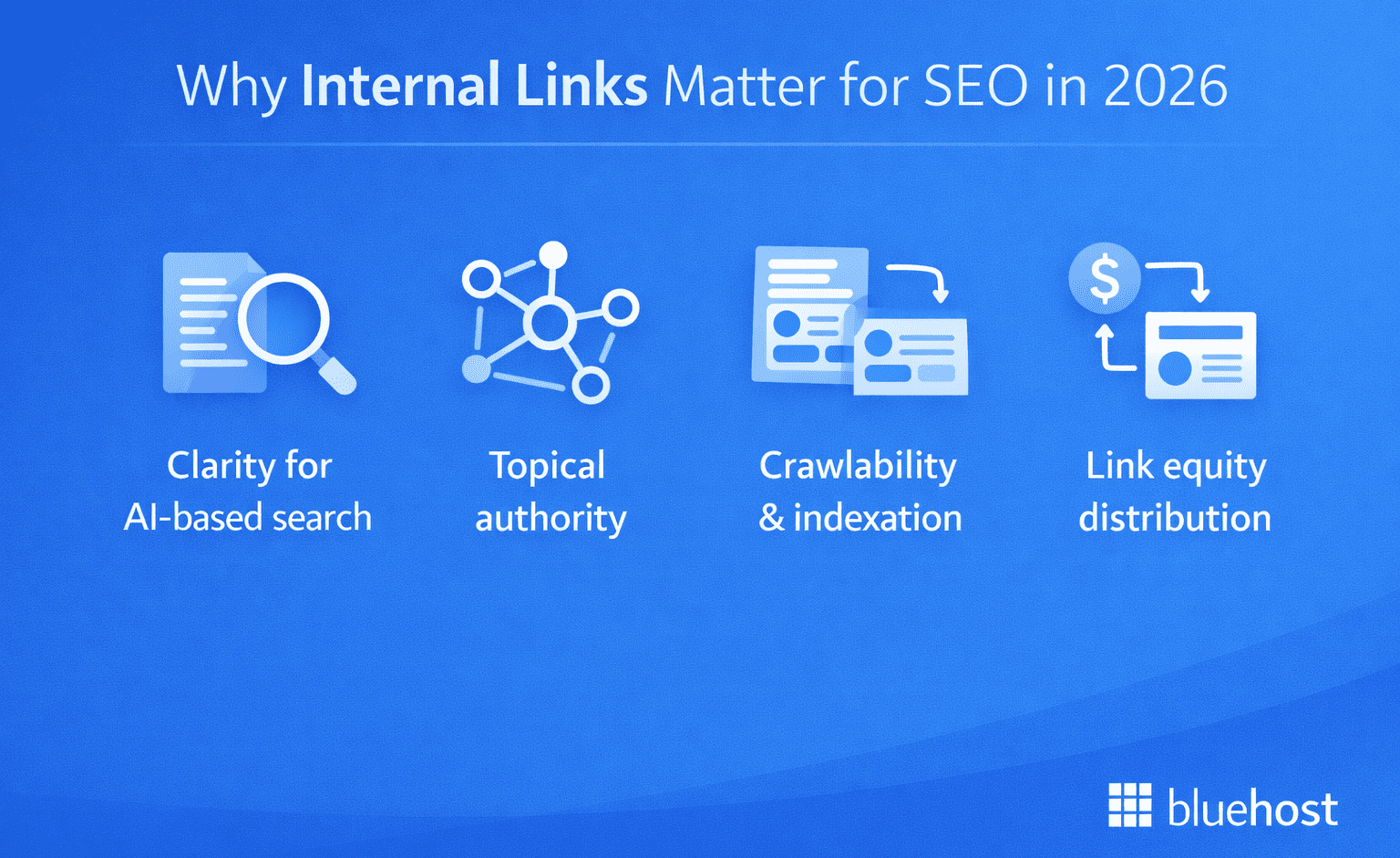
Internal links still move the needle in 2026 because they shape how search engines discover your pages and how readers move through your site. When your content is connected in a logical way, you make it easier to crawl, easier to understand and easier to rank.
1. Clarity for AI-based search
Search results are getting more “answer-first” and pages are often understood as part of a bigger topic, not as isolated posts. Internal links help you spell out those relationships. When your beginner guide links to a deeper tutorial and that tutorial links back to the guide, you’re showing how the content fits together. That makes it easier for systems that summarize or compare sources to pick up the right context.
This is also where consistent hubs help. If you have one main page for a topic and all the supporting pages point to it, you’re basically making it obvious what your “main” resource is. Both Search Engine Land and Semrush frame internal linking as a way to create meaningful paths between related content, not just navigation.
2. Crawlability and indexation
Google and other search engines discover pages by following links. If a page has no internal links pointing to it, it can get missed, take longer to show up or not get indexed at all. Semrush calls out orphan pages for exactly this reason and recommends linking them from pages already in the site structure.
Good internal linking also reduces “how far” important pages are from the homepage. Semrush flags crawl depth beyond three clicks as a common issue because deeper pages can look less important and can be harder for crawlers to reach efficiently. You don’t need a perfect pyramid, but you do want your key pages to be easy to reach.
Also read: How to Get Google to Index Your Website in 2026 (Step-by-Step Guide)
3. Link equity distribution
Some pages naturally earn more authority because they attract links and traffic. Internal links are how you share that value with other pages that matter, like a money page, a new guide or a supporting article that deserves to rank. Semrush describes internal links as a way to distribute link equity and boost visibility for less prominent pages.
The practical side is simple: don’t let all your strongest pages sit in a silo. Add a few relevant, in-content links from those strong pages to the pages you want to build up. Search Engine Land also points out that internal linking shapes how authority is distributed across the site.
4. Topical authority and entity relationships
Internal links help you connect related topics in a way that reads naturally. When you link between closely connected pages, you’re showing search engines that you’ve covered the topic in depth and that these pages support each other. Semrush explicitly ties internal linking to showing how pages relate and which pages are most important.
Yoast leans heavily on the cornerstone idea: you pick a main page for a topic, then you make sure related posts link to it and it links back out to those supporting pieces. That structure is basically a map of the topic and it tends to work better than random “read more” linking.
5. Crawl budget and efficiency
On bigger sites, you can waste crawl resources in dumb ways, like linking to old URLs that redirect or making important pages require too many clicks to reach. Semrush calls out internal redirects as a problem because they add extra steps for crawlers and can reduce crawl budget efficiency.
This is why maintenance matters, not just adding links. When you update URLs, you also want to update internal links to point directly to the final page. It’s less work for crawlers and it’s also less friction for users. Semrush even includes redirect chains and loops as internal linking issues to fix in audits.
6. User journey and engagement
Internal links give readers a next step. If someone lands on a guide and you link to a related tutorial, checklist or comparison that actually helps them, they stay longer and view more pages. Semrush connects internal linking with navigation between relevant pages and longer time on site, which can support overall performance.
It’s not just “keep them on the site” for the sake of it. A good internal link is like saying, here’s the next thing you probably need. Search Engine Land also frames internal links as something that guides users through content and helps them discover what matters most.
Also read: Best SEO Plugin for WordPress: 20 Top Picks 2026
Internal linking blueprint for higher rankings in 2026
Internal linking in 2026 is less about adding random links and more about building a system that supports how people browse and how search engines map topics. This blueprint helps you connect pillars, clusters and high-performing pages so important content gets found and ranked.
1. Build your structure
Start with a structure that matches how people actually browse and search. When content is grouped into clear hubs, internal links feel natural and it’s easier for search engines to understand what each section of the site is about.
- Create category or hub pages for each main theme (not just an archive page)
- Link out from each hub to the most important supporting pages
- Keep naming consistent so hubs do not overlap or compete with each other
2. Keep pages easy to reach
Important pages should not be buried. The more clicks it takes to reach a page, the less likely it is to be discovered quickly and treated like a priority page. Search Engine Land talks about flattening structure and keeping key content accessible and Semrush ties internal links directly to crawl paths and discoverability.
- Aim to keep priority pages within roughly three clicks from a hub or navigation path
- Use hubs, related modules and contextual links to reduce click depth without stuffing your main menu
3. Pick your main page
Choose one “main” page per topic you want to rank for. Yoast’s cornerstone approach is basically this: decide which page is most important for a topic, then support it with internal links from related posts.
- Pick a pillar that is broad, evergreen and truly the best starting point
- Make it obvious it’s the hub by linking to it from supporting content
4. Build clusters
Clusters are what make internal linking feel like a system instead of random linking. Supporting posts should connect up to the pillar and the pillar should link back down in the right sections so the whole topic stays connected. Yoast is very explicit about linking to cornerstone content from related posts and linking back from the cornerstone to those posts.
- Every supporting post links up to the pillar using a descriptive anchor
- The pillar links back down to supporting posts inside relevant sections (not as a big messy list)
- Add new supporting posts into the pillar as you publish them so the hub stays current
5. Use strong pages to help weak pages
Some pages already have traffic, links or visibility. Semrush recommends using these kinds of pages to pass internal value to pages that need to rank better and Search Engine Land frames internal linking as a way to distribute authority and guide discovery.
- Identify pages that already perform well
- Add a few contextual links from those pages to priority pages (new guides, conversion pages, high value comparisons)
- Update older high-traffic posts to include links to newer relevant content
6. Set anchor rules
Anchor text matters because it explains what the linked page is about. Yoast emphasizes using meaningful anchor text instead of generic phrases and Search Engine Land discusses issues like overdoing repetitive link text during audits.
- Use descriptive anchors that match the intent of the destination page
- Avoid repeating the same exact match anchor sitewide, especially in templates
- Vary anchors naturally based on the sentence (partial matches, longer descriptive phrases, occasional branded references)
Also read: How To Create Anchor Links in WordPress (Jump Links)
What are the best practices for internal linking?
To get the most out of your internal linking strategy, follow these key best practices. They will help improve both user experience and SEO, ensuring that your site is easy to navigate and search engines can crawl it effectively.
- Link to relevant pages: Direct users and search engines to related content on your site.
- Use clear anchor text: Make sure the text you link is descriptive and explains what the linked page is about.
- Don’t overload with links: Keep the number of links reasonable and focus on linking to important pages.
- Ensure links are crawlable: Avoid no follow tags and broken links to make sure your pages are indexed correctly.
- Regularly audit your links: Check for broken links and fix them to maintain a smooth linking structure.
- Keep site navigation simple: Organize your content logically so both users and search engines can easily find related pages.
Also read: How To Create Anchor Links in WordPress (5 Ways)
How to find internal linking opportunities?
Finding the right internal linking opportunities is essential to creating a strong SEO strategy. By identifying relevant pages that can be linked to one another, you can improve site navigation, boost page authority and enhance user experience.
- Analyze existing content: Review your current content for gaps where internal links could provide value. Look for articles or pages that mention topics covered on other pages and link them.
- Use a site audit tool: Tools like Google Search Console, Screaming Frog or Ahrefs can help you find pages with few or no internal links. These “orphan” pages are great candidates for internal linking.
- Link to high-authority pages: Identify your highest-ranking pages and ensure they link to important, related content on your site. This passes link equity to those pages.
- Review top-performing content: Find your most popular content based on traffic or conversions. Look for opportunities to link from these pages to less popular but relevant content.
- Use keyword research: Conduct keyword research to identify pages targeting similar or complementary keywords. These can serve as great internal linking opportunities.
What tools and plugins can you use to manage internal links?
Effectively managing internal links is crucial for enhancing SEO and user experience on your WordPress site. Several tools and plugins can assist in this process, streamlining the management of internal links.
| Tool/Plugin | Purpose | Key features |
| Yoast SEO | SEO optimization + internal linking suggestions | Internal linking suggestions, readability analysis, content insights |
| Link Whisper | Smart internal linking suggestions | AI-powered link suggestions, detailed internal link reports orphaned content detection |
| Broken Link Checker | Detects and fixes broken internal and external links | Automatic scans, alerts for broken links, easy editing from dashboard |
| Internal Link Juicer | Automates contextual linking using keyword-based rules | Auto-links based on keywords, avoids over-optimization, customizable settings |
| SEMrush | Full SEO suite with internal linking insights | Internal link analysis, audit tools, link tracking, site structure evaluation |
1. Yoast SEO

Yoast SEO is a comprehensive WordPress plugin designed to optimize your site for search engines. It offers features like keyword optimization, readability checks and technical SEO improvements. The plugin seamlessly integrates with Bluehost, allowing you to purchase and activate Yoast SEO products directly from our marketplace. This integration simplifies the process of enhancing your site’s SEO capabilities.
Read more: Yoast SEO Plugin | How to use the Yoast WordPress SEO Plugin
2. Link Whisper
Link Whisper is an intuitive plugin that suggests internal linking opportunities as you write content. It helps you quickly create a network of links across your pages, improving your site’s crawlability and SEO performance. Link Whisper also provides detailed reports on the number of internal links per page, helping you keep track of your strategy.
3. Broken Link Checker
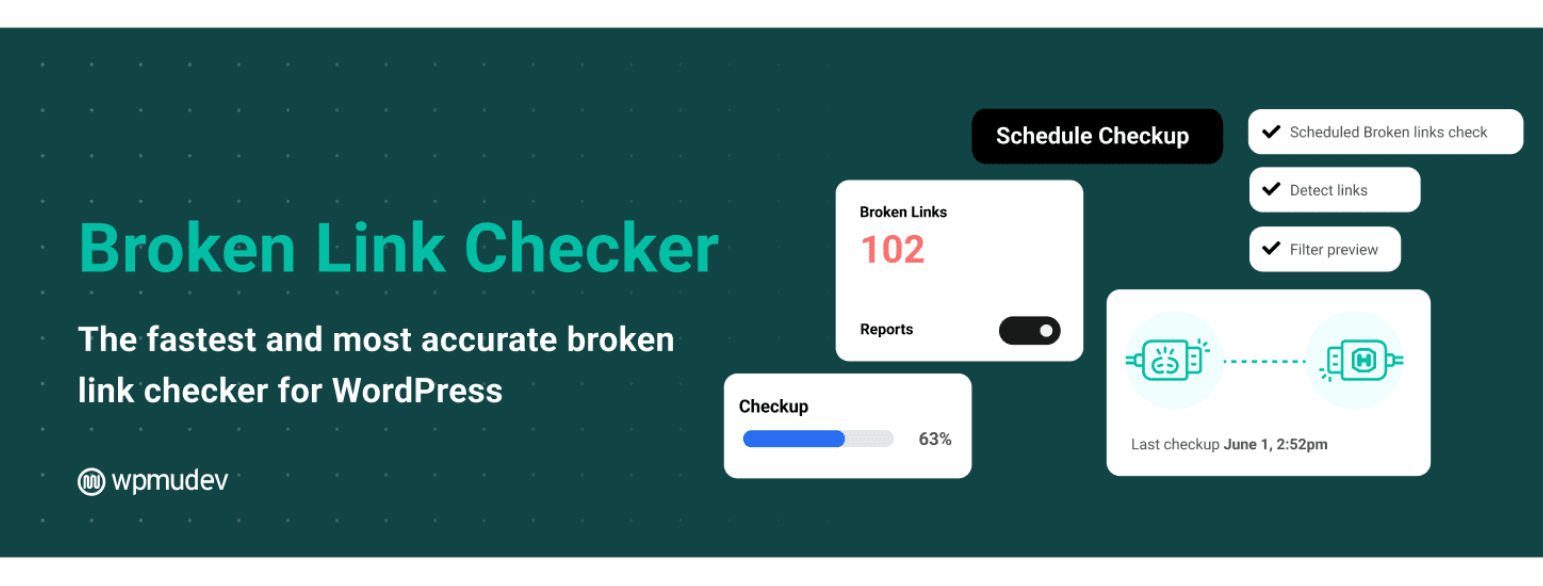
This plugin automatically scans your site for broken internal links, helping you quickly fix any issues that might hurt your SEO. Broken Link Checker saves time by notifying you whenever a link is broken, so you can correct it before it affects your rankings or user experience.
4. Internal Link Juicer
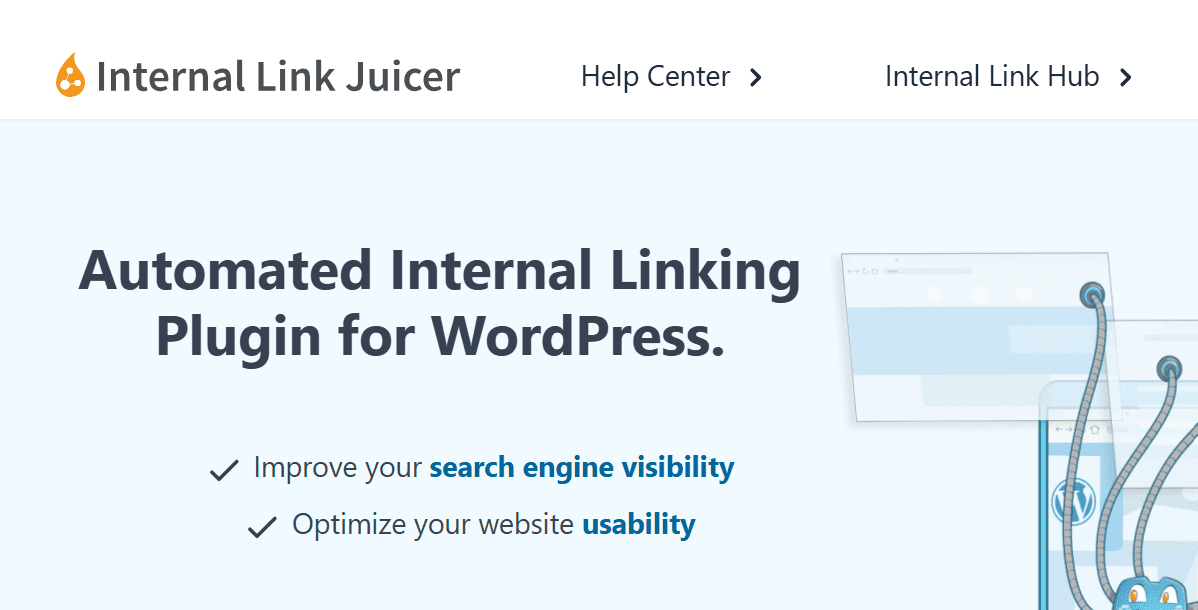
Internal Link Juicer automatically handles the process of linking related content. The plugin allows you to define keyword-based rules for internal linking, saving you time while improving your site’s SEO. Internal Link Juicer is especially helpful for larger sites with lots of content.
5. SEMrush

SEMrush is a comprehensive SEO tool that also assists with internal linking. It helps you identify pages with a few internal links, detect orphaned content and analyze your website’s overall link structure. SEMrush includes reports which are essential for refining your internal linking strategy and boosting site authority.
Also read: Best SEO Software: 17 Top Tools to Boost Rankings 2026
How can Bluehost boost your internal linking strategy?
When it comes to managing internal links effectively, your hosting provider plays a bigger role than you might think. Bluehost hosting is built to support SEO basics that make internal linking work better, like fast load times, stable uptime and a setup that keeps your site easy to crawl. With our popular Yoast SEO plugin integrated, you can handle on-page improvements and internal linking tasks right inside WordPress without extra tools.
Yoast SEO Free
Yoast SEO Free gives you practical SEO and readability checks while you write, so you can fix common issues before a post goes live. It’s a solid starting point if you want a simple workflow and you’re optimizing content one page at a time.
Key features:
- Basic SEO analysis with clear recommendations
- Focus keyword targeting for one keyword per page
- Readability checks to improve clarity
- Search result preview to see how your snippet could appear
- Social media preview to control how your page looks when shared
- Content age monitoring prompts so older posts do not get stale
- Covers technical SEO basics (the setup level things many people forget)
If you’re just getting your site organized, Yoast SEO free helps you publish cleaner pages with fewer mistakes. It’s a good fit for beginners and for smaller sites that want to build steady rankings without adding too many moving parts.
Yoast SEO Premium
Yoast SEO Premium is designed for sites that publish regularly and want stronger optimization with more automation. It adds internal linking help, better keyword coverage and tools that reduce the usual maintenance pain, especially around redirects and content updates.
Key features
- Optimize for up to 5 keywords per page, plus related phrases and synonyms
- Internal linking suggestions while you write to improve site structure
- Redirect manager to handle URL changes and reduce 404 errors
- AI-powered help for titles, meta descriptions and optimization suggestions
- 24/7 support for faster troubleshooting
- Google Docs add-on for writing workflows
- AI bot block option
- Includes Local SEO, Video SEO and News SEO plugins
If your main goal is growth and you don’t want SEO tasks to stay manual forever, Premium is the upgrade that saves time and prevents common issues. It’s especially useful once your content library grows and internal linking becomes harder to manage by memory.
What are some common internal linking mistakes to avoid?
Internal linking is a powerful SEO tool, but it’s easy to make mistakes that can hinder your site’s performance. Here are some common errors to avoid when building your internal linking strategy.
- Overlinking or excessive links on a page: Too many internal links on a single page can overwhelm both users and search engines. This can dilute the link equity and reduce the overall effectiveness of your links. Keep it balanced and relevant.
- Using generic anchor text: Using vague anchor text like “click here” or “read more” doesn’t give search engines or users any indication of the linked page’s content. Always use descriptive, keyword-rich anchor text.
- Ignoring broken links: Broken internal links can negatively impact both user experience and SEO. Regularly audit your site to ensure all links are functioning correctly.
- Not linking to important pages: Failing to link to your high-value pages can make it harder for search engines and users to find them. Make sure you are linking to your most important content, such as high-converting pages or cornerstone content.
- Overusing exact match anchor text: While using keyword-rich anchor text is important, overusing exact match keywords can appear unnatural to search engines. Aim for variety to avoid penalties.
- Not having a clear site structure: A disorganized internal linking structure can confuse users and search engines alike. Ensure your content is grouped logically, with a clear hierarchy that allows for easy navigation and efficient crawling.
- Forgetting to update links: As your site grows, old content may become outdated and new content may require internal links. Always keep your internal linking strategy updated to ensure new pages are properly linked and older pages remain relevant.
Internal linking issues are usually invisible until they start dragging down rankings or frustrating visitors. If you want a quick way to spot problems like broken internal links, orphan pages, pages with too many links or important pages that are not getting enough internal support, run a scan with the Bluehost Website SEO Check. It helps you move from guessing to a clear punch list so you can fix the highest-impact issues first.
Bluehost Website SEO Check gives a fast snapshot of your site’s link health and on-page signals, then tackle the biggest fixes like broken links, weak anchors and missing links to your key pages. Run the check now, clean up the top recommendations and make it easier for search engines and customers to find what matters.
Final thoughts
Internal linking is one of those things that quietly improves everything. It helps people find the next useful page, it keeps your site easy to navigate and it gives search engines a clear picture of what matters most on your website.
Once you have the basics in place, the biggest challenge is keeping your linking consistent as you publish more content. Bluehost hosting keeps your site fast and reliable and it works smoothly with Yoast SEO, so you can stay on top of on-page improvements without making it complicated. If you want even more help staying consistent, Yoast SEO Premium adds smart guidance and time-savers that make it easier to connect related pages, keep older posts updated and avoid the small mistakes that slowly chip away at rankings.
Get Bluehost hosting and power it up with Yoast SEO Premium today.
FAQs
Internal links point to other pages within your website, guiding both users and search engines to related content. They help establish a clear website’s internal linking structure and improve overall site navigation.
To add internal links, simply link relevant keywords or phrases within your content to other pages on your site. This creates a connected structure that improves SEO and user experience.
An internal link audit involves reviewing your site’s internal links to ensure they are functioning properly, relevant and linking to the right pages. Use tools like Google Search Console or plugins like Yoast SEO to identify any issues and improve your linking strategy.
A strong internal linking structure helps search engines understand your site’s hierarchy and content relationships. It also allows search engines to crawl and index your pages more efficiently, ultimately boosting your site’s SEO.

Write A Comment