 ChatGPT,
 Claude,
 Gemini,
 Grok — all four for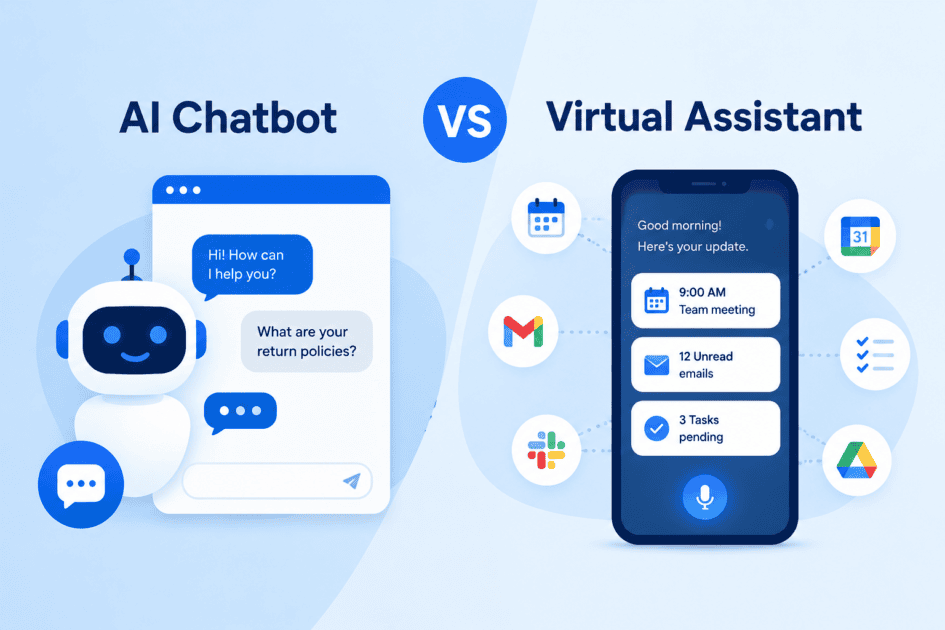
Key highlights
- Understand the core functional differences between AI chatbots and virtual assistants to select the right tool for your operational goals.
- Explore how conversational chatbots handle automated customer interactions while virtual assistants manage complex administrative tasks.
- Uncover technical distinctions in data processing, personalization and integration capabilities across both solution types.
- Learn practical evaluation criteria to match your business needs with the appropriate level of automation.
- Evaluate overall operational costs and scalability to maximize efficiency across your digital workflows.
A customer types a question into a website chat box and gets an instant reply. Somewhere else, a business owner asks a voice-activated speaker to check the weather, add an appointment and read back an email. Both interactions feel similar on the surface, but they come from two different categories of technology. Comparing an AI chatbot vs virtual assistant is one of the most common points of confusion for business owners trying to add automation to their operations. The terms get used interchangeably in marketing materials, product pages and casual conversation, yet the tools behind them are built for different jobs.
This article breaks down what each technology actually does, where their capabilities overlap and how to decide which one fits your business needs. You’ll also find a side-by-side comparison and answers to common follow-up questions business owners ask when evaluating automation tools.
What is an AI chatbot?
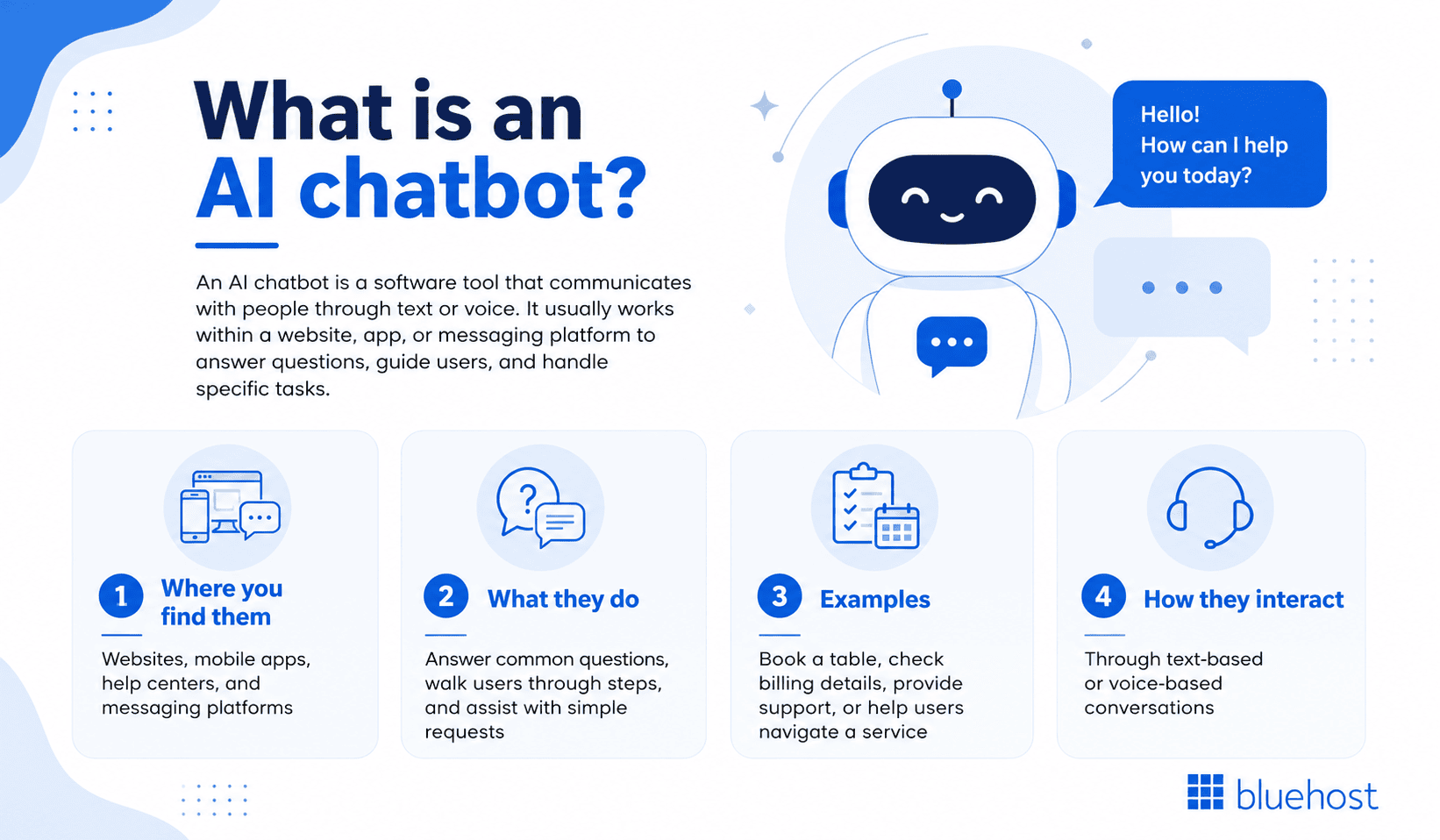
An AI chatbot is a software program designed to hold text-based or voice-based conversations with users, usually within a specific context such as a website, app or messaging platform. Chatbots respond to questions, guide users through processes and complete narrow tasks like booking a table or answering a billing question.
Early chatbots relied on scripted decision trees. If a customer typed a specific phrase, the bot matched it to a pre-written response. Today’s AI chatbots use natural language processing (NLP), a branch of artificial intelligence that helps software interpret human language and generate relevant replies, rather than requiring exact keyword matches.
1. Rule-based chatbots
Rule-based chatbots follow a fixed set of conversation paths. They work well for simple, repetitive queries like store hours or shipping policies, but they struggle with anything outside their programmed scripts.
2. AI-driven chatbots
AI-driven chatbots, including tools like ChatGPT-based assistants and customer service bots such as Intercom’s Fin, use machine learning to understand intent, context and even tone. They can handle open-ended questions and improve their responses over time as they process more conversations.
Most business chatbots today live inside a single channel. A retail brand might deploy a chatbot on its website to answer product questions, while a separate bot handles inquiries on Facebook Messenger. Bluehost’s AI Website Builder includes a live conversational agent that lets users modify their site in real time simply by typing what they want changed, a practical example of a chatbot built for a narrow, task-specific purpose rather than broad personal assistance.
What is a virtual assistant?
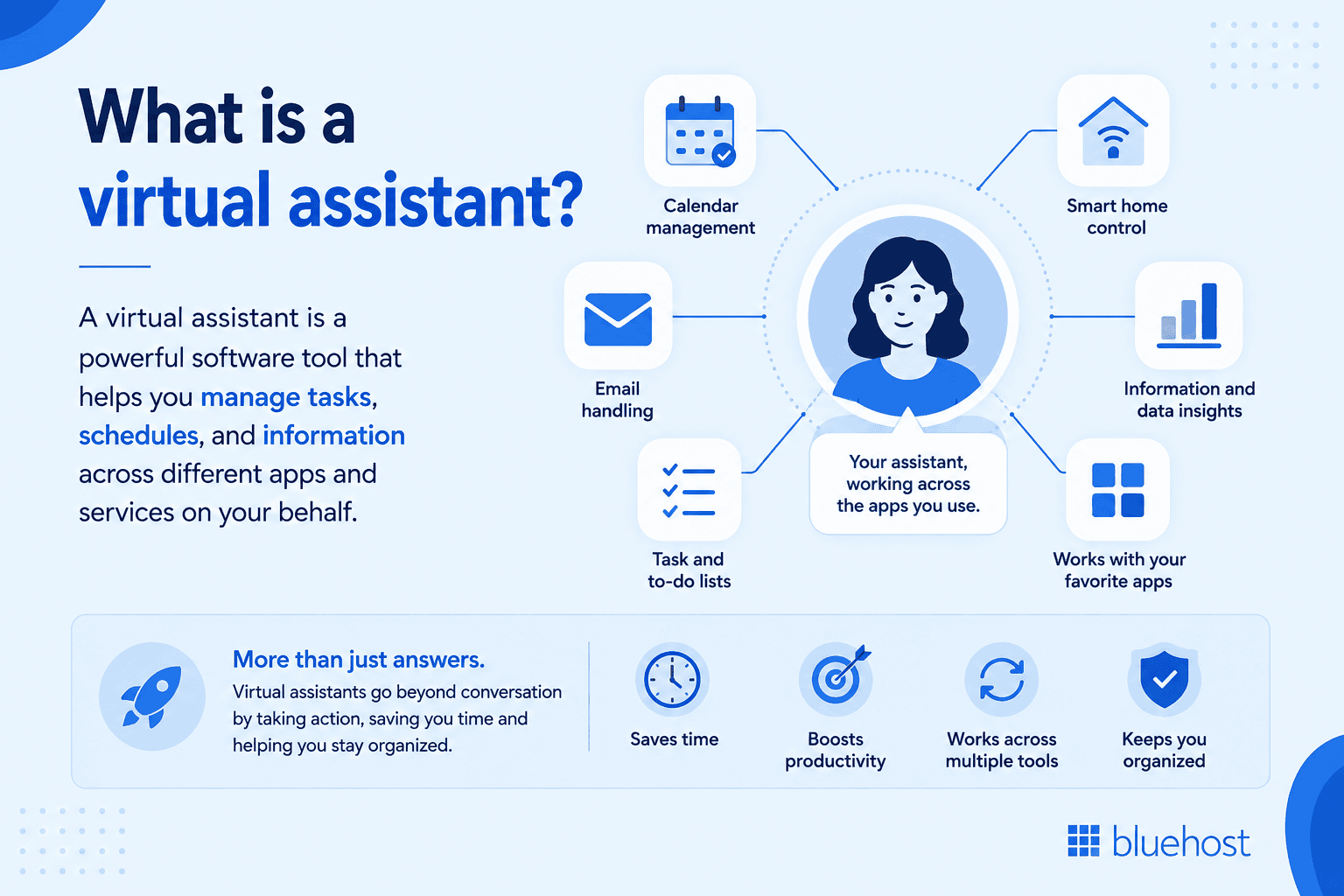
A virtual assistant is a broader software tool designed to manage tasks, schedules and information across multiple applications on behalf of a user. Rather than sticking to one conversation window, virtual assistants often integrate with calendars, email, smart home devices and productivity software to carry out actions, not just answer questions.
Amazon’s Alexa, Apple’s Siri and Google Assistant are the most recognizable consumer examples. They respond to voice commands, control connected devices, set reminders and pull information from multiple sources to complete a request. In business settings, virtual assistants increasingly show up inside productivity suites. Google Workspace, for instance, integrates Gemini AI directly into Gmail, Docs and Sheets, allowing users to draft emails, summarize documents and organize spreadsheet data without leaving the application they’re already working in.
The distinction matters because virtual assistants are generally built to act across a user’s digital environment, while a chatbot typically stays confined to the interface where it was deployed. A virtual assistant might read your calendar, check traffic and reschedule a meeting automatically. A chatbot on a support page won’t do any of that; its job is to answer the question in front of it.
What makes a virtual assistant an AI assistant?
An AI assistant is software that uses artificial intelligence to understand requests, keep relevant context and perform approved tasks through connected tools. It accepts text or voice input, then turns a user’s intent into a response or action, such as drafting an email or updating a calendar.
Natural language processing (NLP) helps the assistant interpret meaning beyond exact commands, including follow-up questions and conversational wording. Context allows it to connect a request like “move my afternoon meeting” with the right event, while integrations let it act in email, calendar or productivity apps.
A human virtual assistant is a person who performs work remotely. A rules-based digital assistant follows prewritten commands and fixed decision paths. An AI-powered assistant can reason from language and available information, but it can only access data or complete actions that its permissions and integrations allow.
Core features of AI virtual assistants
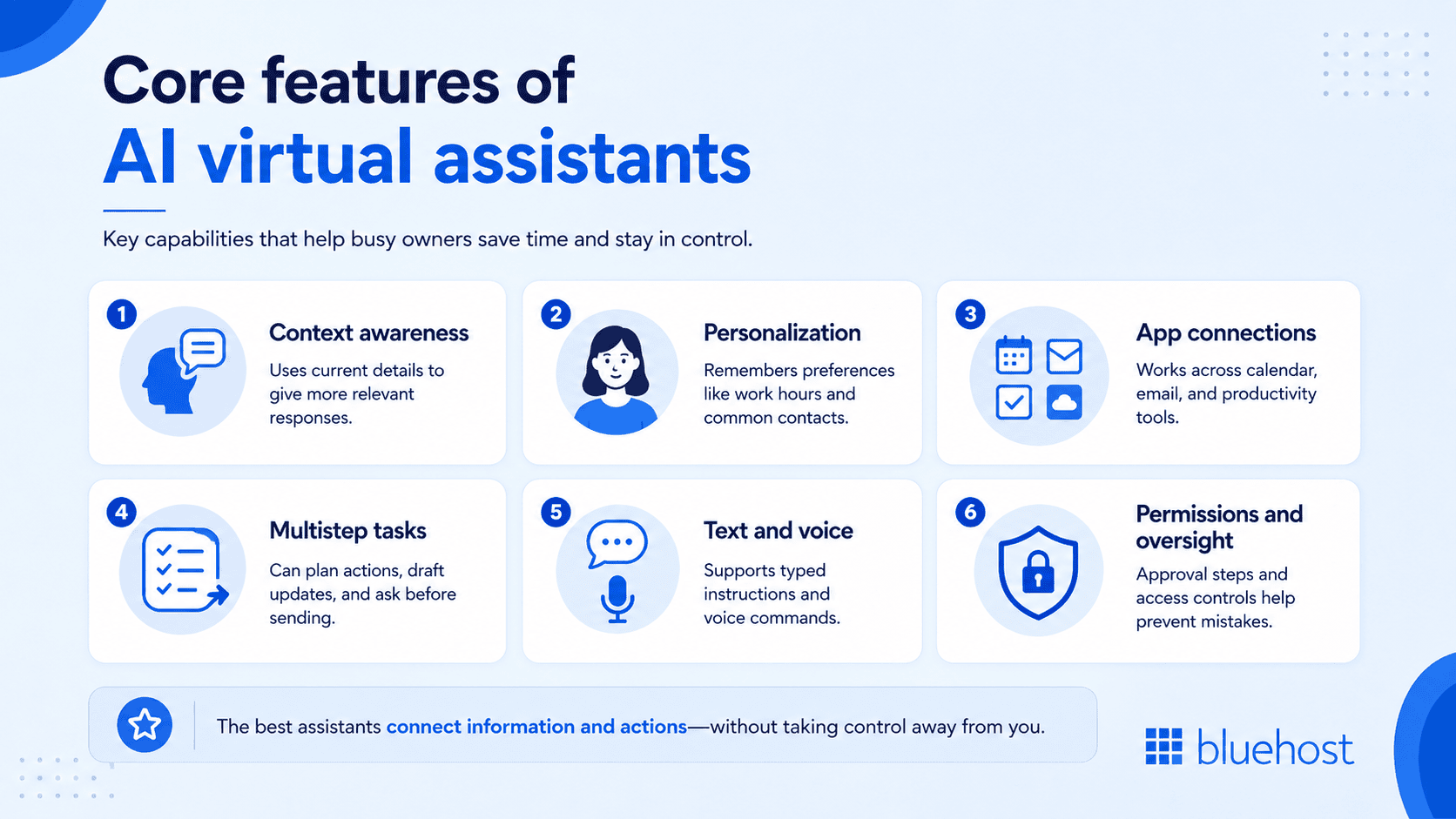
AI virtual assistants earn their value by connecting information and actions across your workday. For a busy owner, the most useful capabilities reduce app switching while keeping you in control.
- Context awareness: The assistant can use details from the current request, such as a meeting date or email thread, to give a relevant response without repeated explanations.
- Personalization and memory: Saved preferences, such as working hours or common contacts, make recurring reminders and drafts faster. Memory settings vary by tool.
- Cross-application connections: Calendar, email and productivity integrations let an assistant check availability, create an event and prepare a follow-up in connected apps.
- Multistep task execution: An assistant can break a request into ordered actions, such as finding an open time, drafting an invitation and asking for approval before sending it.
- Text and voice input: Typing helps with detailed instructions, while voice commands help when you are away from your desk.
- Permissions and human oversight: Access controls limit what the assistant can read or change and approval steps help you catch errors before actions affect customers or staff.
Features and access levels depend on the product, connected accounts and configuration.
Key differences between chatbots and virtual assistants
Once you understand what each tool does individually, the practical differences become easier to spot. The table below outlines how they compare across the factors business owners care about most.
| Factor | AI chatbot | Virtual assistant |
|---|---|---|
| Primary function | Answers questions and completes narrow tasks within one interface | Manages tasks and information across multiple apps and devices |
| Input method | Mostly text, some voice | Primarily voice with text and app-based options |
| Scope of action | Limited to the platform where it is deployed | Operates across calendars, email, smart devices and more |
| Learning behavior | Improves within its trained domain | Learns user habits and preferences over time |
| Common use case | Customer support, lead capture and FAQ handling | Scheduling, reminders, home automation and personal productivity |
Overall, the difference between an AI chatbot and a virtual assistant comes down to reach. A chatbot acts as a specialist that handles one specific task. A virtual assistant functions as a generalist that coordinates several tasks across your digital workspace.
Once you have a virtual website presence set up, adding a chatbot to handle customer questions is a natural next step. Sign up for Bluehost hosting to build the foundation your site needs before layering on automation tools like live chat or AI-powered support widgets.
How AI chatbots and AI virtual assistants differ in data, personalization and integrations
How are chatbots different from virtual assistants? They vary in the data they can use, the duration of their context and the systems they can access. A website or WordPress chatbot generally works within one channel, while an email-and-calendar assistant can work across approved applications.
| Comparison factor | AI chatbot | AI virtual assistant | Business impact |
|---|---|---|---|
| Conversation context | Usually follows the current website chat session. | Can reference connected email threads or calendar events when configured. | Assistants reduce repeated switching between work tools. |
| Memory | May retain session details or saved preferences, depending on the product. | May save user preferences or task history when settings permit. | Memory can make repeat requests faster without requiring continuous learning. |
| Personalization | Often adapts replies using site content, customer inputs or account data. | Can tailor drafts and reminders using approved contacts, schedules and preferences. | Relevant responses improve service while keeping scope defined. |
| Data sources | Typically draws from FAQs, knowledge bases or website content. | Can draw from several authorized productivity applications. | Broader data access supports more complex internal tasks. |
| Application integrations | Usually connects to its chat channel and selected support tools. | Often connects email, calendars and other work apps. | Integrations determine whether software can answer or take action. |
| Permissions and privacy controls | Needs access only to the data required for its support role. | Needs carefully scoped permissions for each connected account. | Least-privilege access limits unnecessary exposure of business data. |
Is a virtual agent the same as a chatbot?
A virtual agent and a chatbot can overlap, but they are not always the same. A virtual agent usually takes actions through connected systems or manages escalation, while a chatbot may only hold a conversation and provide information.
Product vendors apply both labels differently. For example, a support bot that answers return-policy questions may be called a virtual agent, even without access to order systems. Another tool earns the label by checking account details, creating a ticket or passing a case and its conversation history to a human representative.
Evaluate the tool rather than its name. Ask what actions it can perform, which systems it connects to, what permissions it receives and how it hands off complex requests. Those answers reveal more than the label when comparing an AI chatbot vs. virtual assistant.
How are chatbots different from virtual assistants in daily use?
Theory only goes so far. Looking at how each tool shows up in everyday scenarios makes the distinction concrete.
- A retail website uses a chatbot to answer sizing questions and process returns, staying within the store’s own chat window.
- A small business owner asks Siri to send a text while driving, an action that pulls from the phone’s contacts and messaging app rather than any single website.
- A support team relies on a chatbot to triage incoming tickets and route complex issues to a human agent.
- An office manager uses Google Assistant paired with Google Workspace to schedule a meeting, check attendee availability and draft a follow-up email in one voice command.
- A SaaS company embeds a chatbot on its pricing page to answer plan comparison questions before a visitor talks to sales.
Notice the pattern: chatbots stay put and specialize, while virtual assistants move across tools and take on more autonomous action. That doesn’t mean one is better than the other. It means they solve different problems and many businesses end up using both at once.
Choosing the right tool for your business
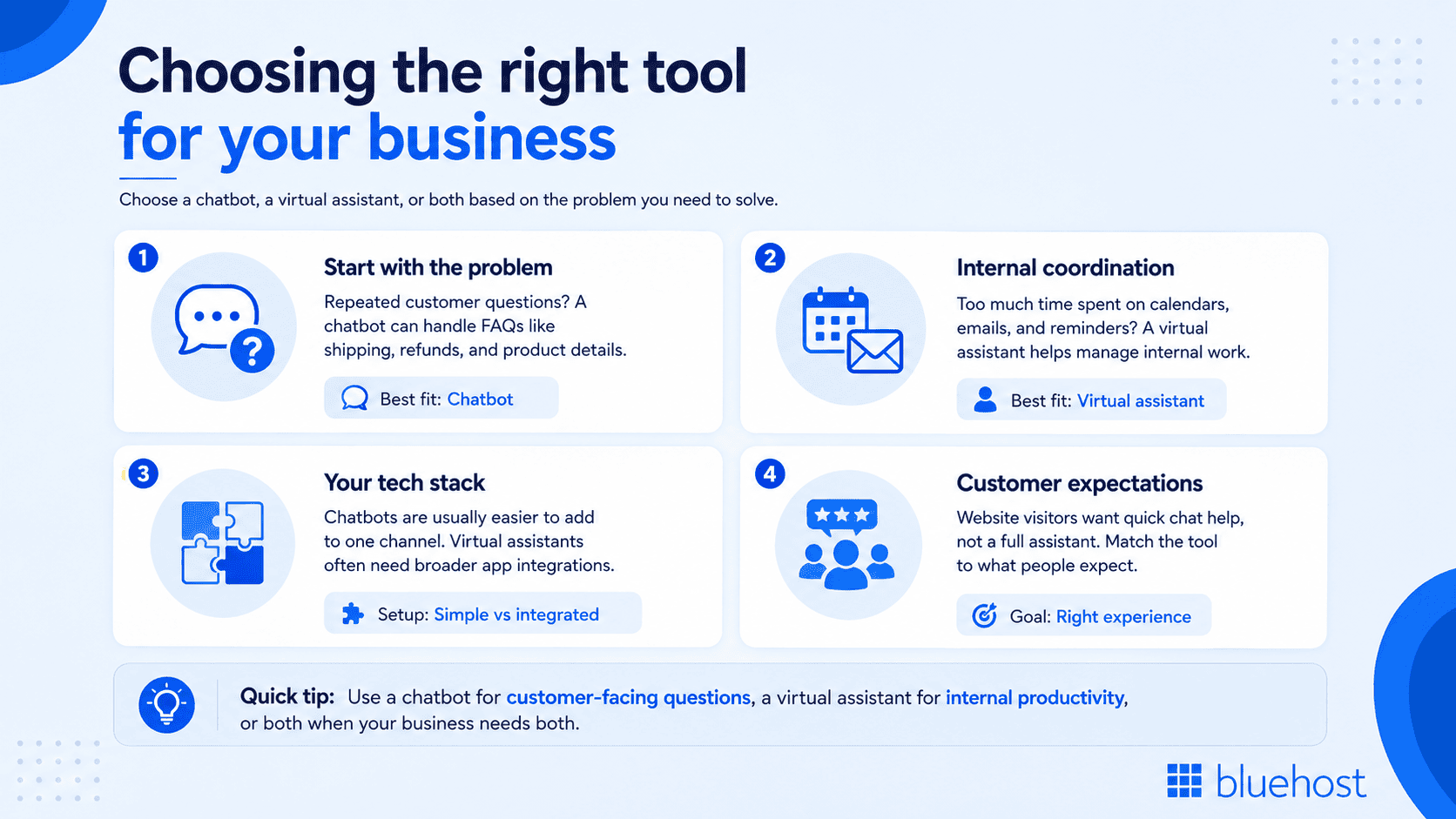
Deciding between a chatbot, a virtual assistant or both depends on what your business actually needs to solve. A business struggling with repetitive customer questions has a different problem than one struggling with internal scheduling chaos.
1. Start with the problem you’re solving
If customers keep asking the same questions about shipping, refunds or product details, a chatbot on your website or in your messaging app will likely resolve the bottleneck faster than any broader assistant tool.
2. Consider how much internal coordination you need
If your team spends hours each week juggling calendars, emails and reminders, a virtual assistant integrated into your existing productivity suite addresses that friction more directly than a standalone chatbot ever could.
3. Evaluate your existing technology stack
Chatbots typically require less setup because they attach to a single platform, such as a website builder’s chat widget. Virtual assistants often need broader integration across email, calendar and device ecosystems, which can involve more configuration time upfront.
4. Factor in your customer’s expectations
Website visitors expect quick answers in a chat window. They don’t expect a full personal assistant experience from a support widget. Matching the tool to the expectation avoids over-engineering a solution nobody asked for.
Many growing businesses eventually adopt both. A chatbot handles the front-facing customer conversation, while a virtual assistant manages the back-office scheduling and communication load. The two tools complement rather than compete with each other.
Final thoughts
Overall, the line between chatbots and virtual assistants continues to blur as artificial intelligence manages complex multi-step tasks across platforms. For now, the core distinction holds: chatbots focus on conversation within a single interface, while virtual assistants execute actions across your broader digital setup. Choosing between an AI chatbot and a virtual assistant comes down to matching the tool to your primary operational friction point, whether that means managing customer support volume or internal scheduling.
Ready to automate your customer communication and improve your overall support operations? Get started with the Bluehost AI Assistant for Business to manage daily tasks or deploy the Bluehost AI Receptionist to deliver smart, automated responses tailored to your needs.
FAQs
Some advanced chatbots now integrate with calendars or third-party apps, blurring the line, but most remain scoped to a single platform by design rather than acting as full task managers.
Yes. Virtual assistants often use conversational AI and natural language processing under the hood, the same technology that powers standalone chatbots, but they apply it across a wider range of connected services.
Chatbots are generally the better fit for customer service because they’re built to live inside a support channel and handle repeated questions at scale without requiring device-level access.
No. Siri and Alexa are classified as virtual assistants because they act across multiple apps and devices rather than staying confined to one conversation window like a typical chatbot.
It depends on the business’s biggest bottleneck. A business with high support ticket volume should prioritize a chatbot first, while one struggling with internal scheduling should look at a virtual assistant before adding both.

Write A Comment