 ChatGPT,
 Claude,
 Gemini,
 Grok — all four for
Key highlights
- Automate routine customer questions, ticket routing and follow-ups with customer service automation tools.
- Compare the 10 best customer service automation tools in 2026 based on features, pricing and best-fit use cases.
- Use Bluehost AI Receptionist to handle 24/7 customer engagement, lead capture and appointment scheduling.
- Reduce manual support workload by automating repetitive tasks such as FAQs, booking requests and basic customer updates.
- Improve response times, support consistency and agent productivity with AI-powered workflows.
- Choose a tool that matches your support volume, customer channels, integrations and long-term automation goals.
In the modern marketplace, speed defines the boundary between a frustrated shopper and a loyal advocate.
When questions arise, buyers expect answers in the blink of an eye, creating a relentless demand that human support teams cannot satisfy alone around the clock. Customer service automation tools step into this gap, quietly managing routine inquiries, directing complex tickets to the right experts and resolving common issues without requiring you to expand your team. Deploying these systems enhances the overall customer journey while keeping your daily operations manageable.
The following sections explore how these intelligent platforms operate, the essential features to evaluate during your search and the leading software solutions shaping the industry.
What is customer service automation?
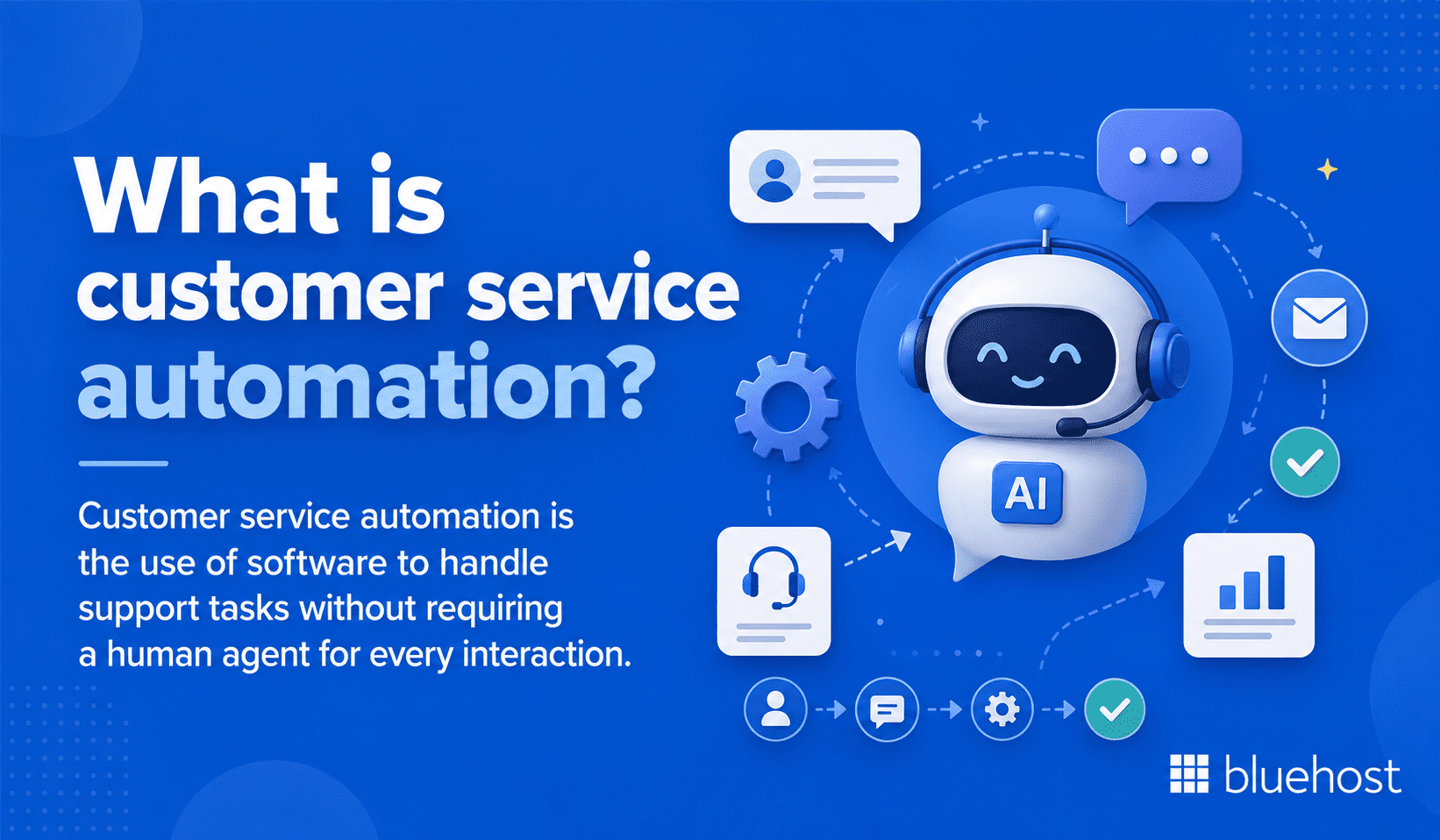
Customer service automation is the use of software to handle support tasks without requiring a human agent for every interaction. The goal is faster resolutions, consistent responses and better use of your team’s time. Automation does not replace agents; it handles the repetitive work so agents focus on complex issues that genuinely need human judgment.
Where automation fits in the customer support journey?
Automation can enter the support journey at multiple points, not just the initial contact. Understanding where it adds value helps you configure it more precisely.
- At first contact through chatbots and self-service knowledge bases
- During ticket creation via auto-classification and priority tagging
- After resolution through automated feedback surveys and follow-up messages
Mapping these touchpoints before choosing a platform prevents you from automating the wrong steps and creating friction instead of removing it.
How customer service automation improves support workflows?
When a customer submits a ticket, an automated system can classify it, assign it to the right team and send an acknowledgment email immediately. No agent needs to touch it until the actual resolution. That removes delays caused by manual triaging and reduces the chance a ticket gets missed during a busy shift.
Also read: AI Tools for Small Business: Best Picks for Productivity and Growth in 2026
What are customer service automation tools?
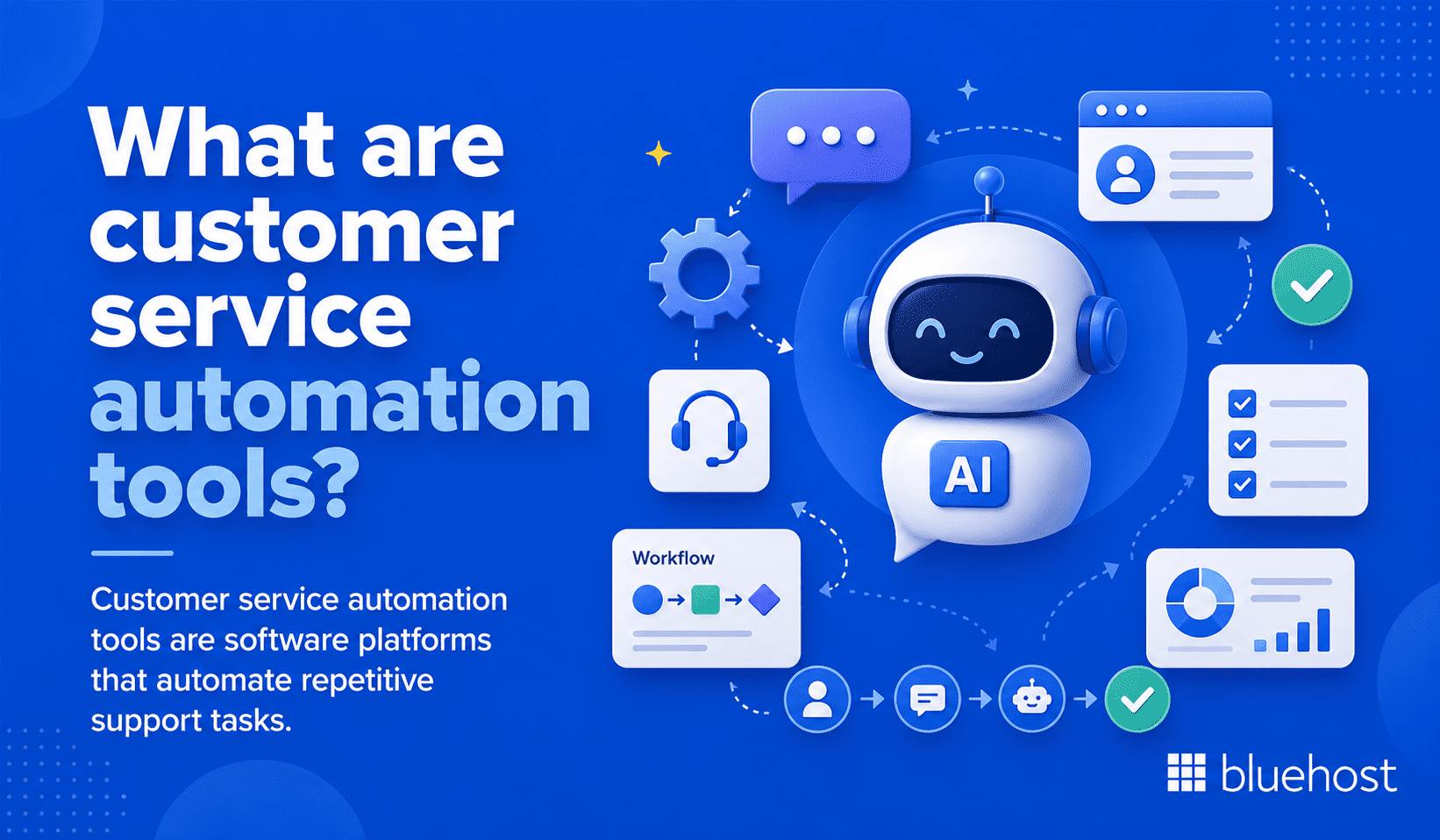
Customer service automation tools are software platforms that automate repetitive support tasks. They range from simple chatbots to full omnichannel platforms with AI-powered routing, agent assist features and real-time analytics.
How customer service automation tools help businesses?
The business case for these platforms comes down to three direct outcomes:
- Reduced average handle time on high-volume, low-complexity requests
- Agents freed up for interactions that require context and empathy
- Customers getting accurate answers at any hour without wait times
When deployed correctly, automation improves both sides of the support experience simultaneously.
What are the main types of customer service automation tools?
Different tools serve different functions within a support operation. The main categories are:
- AI chatbots and virtual agents that handle FAQs and simple transactions
- Helpdesk ticketing systems that organize, route and track requests
- Self-service portals that let customers find answers independently
- Agent assist tools that surface relevant knowledge during live interactions
- Workflow automation platforms that trigger actions based on ticket status or customer behavior
Most modern customer service automation tools combine these categories in one interface.
When your business needs customer service automation software?
Automation becomes a priority when your team receives more tickets than it can handle within SLA (Service Level Agreement) targets, when the same questions appear daily or when response quality varies across shifts. If any of those conditions apply, the cost of not automating is already higher than the cost of a platform.
Also read: 12 Best AI Coding Assistant 2026: Ranked for Speed and Accuracy
How we chose the best customer service automation tools?
Selecting the right platform requires looking beyond a marketing feature list. Three areas guided this comparison.
1. Automation depth and AI capabilities
We assessed whether each tool goes beyond basic rule-based triggers. Platforms with natural language processing (NLP), intent detection and machine learning models ranked higher than those relying solely on keyword matching.
2. Ease of use, integrations and scalability
A platform that takes months to configure delivers limited value. We prioritized tools with clear setup processes, pre-built integrations with common CRM (Customer Relationship Management) and eCommerce systems and the ability to scale as support volume grows.
3. Pricing, security and support quality
We compared per-agent pricing, free tier availability and total cost of ownership. Data encryption standards, access controls and vendor support quality were also reviewed to reflect real deployment conditions.
Also read: 15 Best AI Tools For Lawyers To Improve Legal Workflows In 2026
The 10 best customer service automation tools in 2026
Short on time? Here is a quick comparison of the best customer service automation tools in 2026, including their core features, pricing and best-fit use cases.
| Tool | Best for | Key automation features | Starting price |
|---|---|---|---|
| Bluehost AI Receptionist | Small businesses and appointment-based service providers | 24/7 customer conversations, lead capture, Google Calendar booking, rescheduling, cancellations, knowledge base training and custom voice and tone | Starts at $25/mo |
| Freshdesk | Growing support teams | Ticketing, SLA tracking, automation rules, Freddy AI Copilot, auto-triage, sentiment analysis and reporting | Starts at $15/agent/mo, billed annually |
| Zendesk | Mid-market and enterprise support teams | AI agents, omnichannel routing, triggers, automations, help center, messaging, live chat and voice support | Support Team starts at $19/agent/mo |
| Intercom | SaaS and digital-first businesses | Fin AI Agent, Messenger, shared inbox, ticketing, help center, workflow automation and multilingual support options | Starts at $29/seat/mo, billed annually |
| HubSpot Service Hub | Teams already using HubSpot CRM | Help desk, shared inbox, ticket pipelines, knowledge base, live chat, bots and CRM-connected workflows | Free tools available |
| Zoho Desk | Small and mid-sized teams using Zoho | Multichannel ticketing, AI agents, workflow automation, direct ticket assignment, escalations and ticket history | Free plan available |
| Tidio | eCommerce stores and small businesses | Live chat, Lyro AI Agent, chatbot flows, visitor engagement, analytics and human handoff | Free plan available |
| Gorgias | Shopify and eCommerce brands | eCommerce helpdesk, AI Agent, order management, intent detection, sentiment detection, macros and automation rules | Starts at $10/mo |
| Help Scout | Small and mid-sized support teams | Shared inboxes, workflows, knowledge base, live chat, AI Inbox assistant and AI Answers | Starts at $25/user/mo |
| NICE CXone | Large contact centers and enterprise CX teams | Omnichannel routing, virtual agents, workforce management, quality management, agent assist and analytics | Custom pricing |
1. Bluehost AI Receptionist
Bluehost AI Receptionist is built for small businesses that need reliable customer engagement and appointment scheduling without adding a full-time front-desk or sales support team. It helps businesses answer routine questions, capture leads and manage bookings around the clock, so potential customers do not have to wait for office hours to get a response.
It is especially useful for service-based businesses where missed calls, delayed replies and manual scheduling can turn into lost revenue. Instead of asking customers to wait for a callback or email confirmation, Bluehost AI Receptionist helps them get answers and book time instantly through Google Calendar integration.
Because the agent can be trained on your business documents and resources, it gives company-specific responses instead of generic chatbot answers. Custom voice and tone settings also help keep conversations aligned with your brand, making the AI feel like a natural extension of your team rather than a separate support tool.
Features:
- 24/7 context-aware customer conversations
- Automated lead capture and front-desk support
- Appointment booking, rescheduling and cancellations
- Google Calendar integration
- 30-minute slot bookings
- Knowledge base training based on business documents and resources
- Custom voice and tone settings for brand consistency
- Admin dashboard for chat history, bookings and topic trends
- Expert implementation support from Bluehost Pro Services
Price: Starts at $25/mo.
Best for: Small businesses, service providers and appointment-based teams that want to automate customer questions, lead capture and scheduling without managing a complex DIY setup.
Please note: Prices are subjected to change, please visit our website for latest pricing.
2. Freshdesk
Freshdesk by Freshworks is a helpdesk platform that combines ticketing, workflow automation and AI assistance. It works well for teams transitioning from manual email support to structured customer service operations.
Features:
- Email ticketing and team inboxes
- Knowledge base and self-service support
- SLA tracking
- Automation rules
- Freddy AI Copilot for agent assistance
- Auto-triage for ticket fields such as priority, group and type
- Sentiment analysis and contextual suggestions
- Reports and dashboards
Price: Free program available for 2 users. Paid plans start at $15 per agent per month, billed annually.
Best for: Growing teams that need affordable helpdesk automation, ticket routing and AI-assisted support without enterprise complexity.
3. Zendesk
Zendesk is a widely used customer service platform built for omnichannel support, AI agents and advanced ticket routing. It is one of the strongest options for teams that need a scalable support system with a large integration marketplace.
Features:
- Email ticketing and customer context
- Automations and triggers
- AI agents for automated resolutions
- Knowledge base and help center
- Messaging, live chat and voice support
- Omnichannel routing
- Reporting and analytics dashboards
Price: Support Team starts at $19 per agent per month. Suite Team starts at $55 per agent per month, billed annually.
Best for: Mid-market and enterprise support teams that need omnichannel automation, AI routing and scalable customer service operations.
4. Intercom
Intercom is an AI-first customer service platform known for conversational support and its Fin AI Agent. It suits SaaS and digital businesses that want fast, context-aware support across chat, email and in-app experiences.
Features:
- Fin AI Agent for customer service automation
- Messenger, shared inbox and ticketing
- Public help center
- Workflow automation builder
- Round-robin assignment
- Multilingual help center options on higher plans
- Customizable AI tone and answer length
Price: Plans start at $29 per seat per month, billed annually. Fin AI Agent starts at $0.99 per outcome.
Best for: SaaS companies and digital-first teams that want conversational AI, live chat automation and customer messaging in one platform.
5. HubSpot Service Hub
HubSpot Service Hub connects customer support workflows with HubSpot CRM data. It is a strong choice for businesses already using HubSpot for marketing, sales or customer management.
Features:
- Help desk and shared inbox tools
- Ticket pipelines
- Knowledge base
- Live chat and conversational bots
- Customer portal
- Reporting dashboards
- CRM-connected automation and customer context
Price: Free tools available. Paid Service Hub plans start with the Starter tier.
Best for: Businesses already using HubSpot CRM that want service automation, customer data and support workflows in one connected platform.
6. Zoho Desk
Zoho Desk is a cost-effective helpdesk platform with ticketing, automation and AI features. It is especially useful for teams already working within the Zoho ecosystem.
Features:
- Email support across multiple channels
- Social media support for Instagram, Facebook and X
- Web forms for ticket submission
- AI agents for support automation
- Direct ticket assignment
- Workflow automation
- Multi-level escalations
- Ticket timeline and history
Price: Free plan available. Paid plans vary by region, plan and billing term.
Best for: Small and mid-sized teams that want affordable customer service automation with strong Zoho ecosystem integration.
7. Tidio
Tidio combines live chat, helpdesk tools and Lyro AI Agent for automated customer conversations. It is a practical fit for online stores and small businesses that want quick website support automation.
Features:
- Live chat and ticketing
- Lyro AI Agent
- Chatbot flows
- Live visitors list
- Operating hours
- Basic and advanced analytics, depending on plan
- Automatic chat assignment on higher plans
- Human handoff when AI cannot answer
Price: Free plan available. Starter starts at $24.17/mo when billed annually.
Best for: eCommerce stores and small businesses that want live chat, AI answers and website visitor engagement in one tool.
8. Gorgias
Gorgias is built specifically for eCommerce customer service teams. It connects support conversations with store data, making it useful for automating order, shipping, return and refund-related requests.
Features:
- eCommerce-focused helpdesk
- Shopify-focused support workflows
- AI Agent for support automation
- Order management
- Customer intent and sentiment detection
- Rule templates and flows
- Help center and FAQ support
- Support performance statistics
Price: Starts at $10/mo for 50 tickets. Pricing scales by monthly ticket volume.
Best for: Shopify and eCommerce brands that need customer service automation tied directly to order data, returns and customer purchase history.
9. Help Scout
Help Scout is a simple customer support platform built around shared inboxes, workflows and self-service. It is useful for teams that want automation without the complexity of a large enterprise helpdesk.
Features:
- Shared inboxes
- Live chat
- Instagram, Messenger and WhatsApp messaging
- Multiple knowledge bases
- SLA policies
- Basic and advanced workflows, depending on plan
- Unlimited tags and saved replies
- AI Inbox assistant
- AI Answers for self-service support
Price: Standard starts at $25 per user per month.
Best for: Small and mid-sized teams that want clean shared inbox automation, simple workflows and AI-powered self-service.
10. NICE CXone
NICE CXone is an enterprise customer experience platform built for large contact centers. It combines AI, workforce management, omnichannel routing and analytics for complex support operations.
Features:
- Omnichannel contact center tools
- AI-powered routing
- Virtual agents
- Workforce management
- Quality management
- Real-time agent guidance
- Agent assist applications
- Analytics and reporting
Price: Custom quote-based pricing.
Best for: Large contact centers and enterprise customer experience teams that need advanced automation, workforce management and AI-driven service at scale.
What are the benefits of customer service automation?
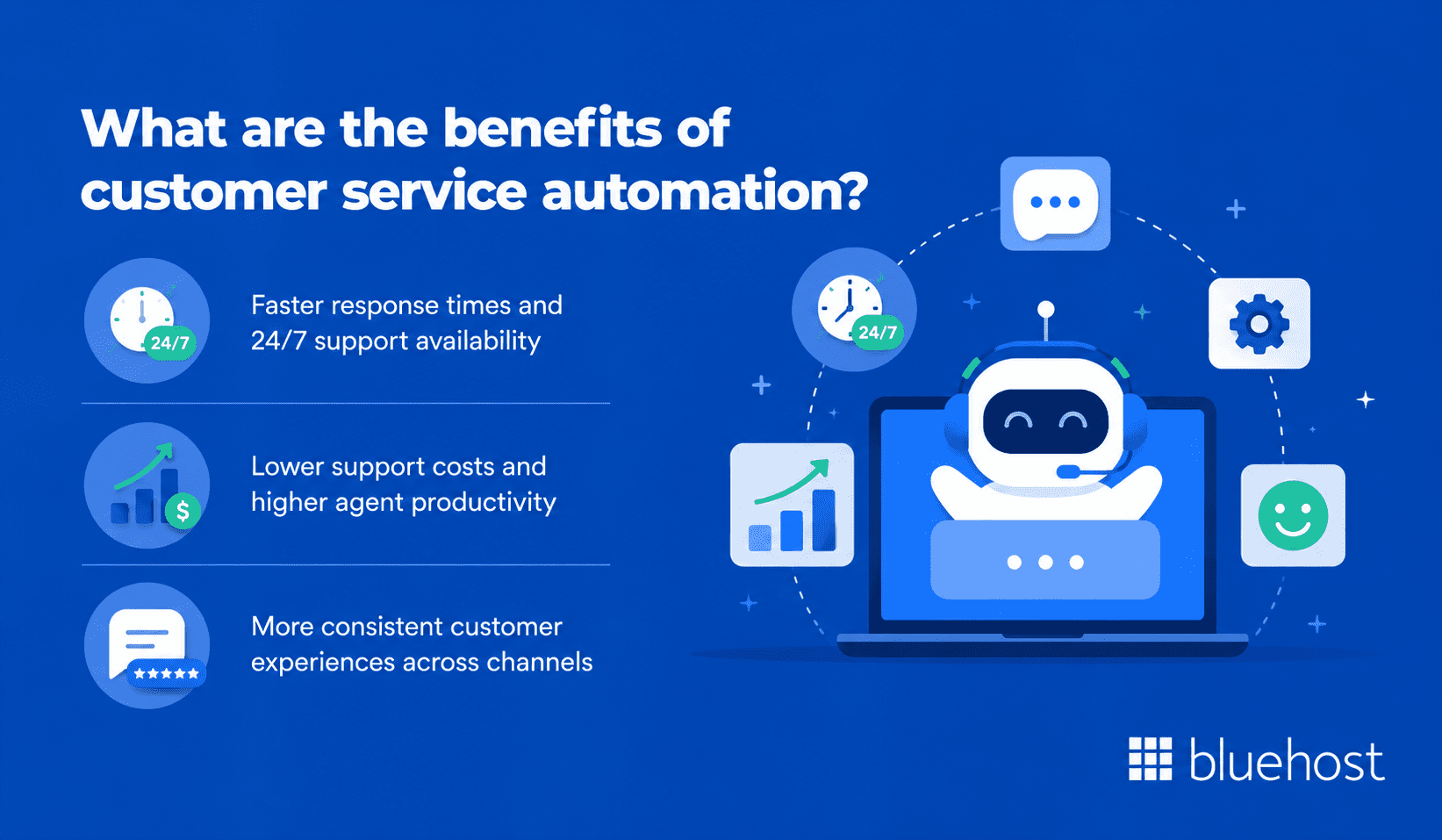
Automating support reduces operational costs, improves agent satisfaction and ensures overall consistency across all customer interactions.
1. Faster response times and 24/7 support availability
Automated tools provide instant answers at any hour, resolving basic inquiries without live agents. Immediate support lowers abandonment rates and prevents negative reviews caused by wait times.
2. Lower support costs and higher agent productivity
Handling repetitive queries automatically frees agents to focus on complex cases requiring empathy. Ticket deflection can lower customer service costs by up to 30%.
3. More consistent customer experiences across channels
AI agents and rule-based systems deliver the same logic across chat, email and portals. Consistent answers build customer trust at scale.
Also read: 16 Best AI Tools for Content Creation in 2026
What are the key features to look for in customer service automation tools?
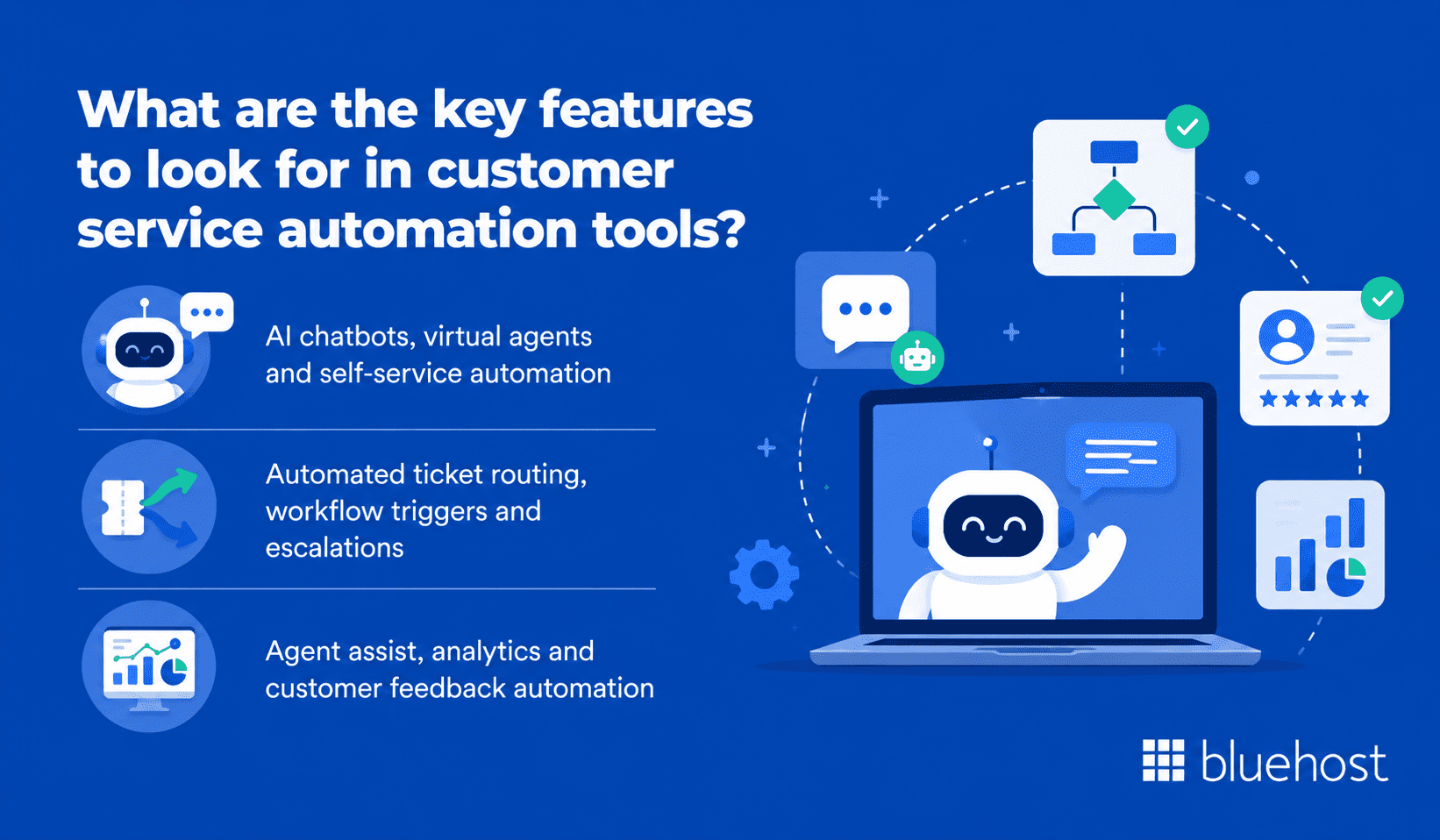
The right platform features depend on your current team structure and your primary customer contact channels.
1. AI chatbots, virtual agents and self-service automation
Prioritize chatbots that understand natural language instead of simple keywords. Self-service portals should recommend relevant articles based on user search queries.
Pro tip: Test any chatbot with your top 10 recurring questions before purchasing. Real-world performance often differs from marketing demos.
2. Automated ticket routing, workflow triggers and escalations
Platforms should automatically classify and route tickets based on intent. Set escalation rules for approaching deadlines, negative sentiment or human agent requests.
3. Agent assist, analytics and customer feedback automation
Real-time response suggestions help agents answer live conversations faster. Consolidated dashboards should track deflection rates, resolution times and satisfaction scores to guide improvements.
Also read: AI Tools for Business That Drive Real Growth in 2026
How does customer service automation work?
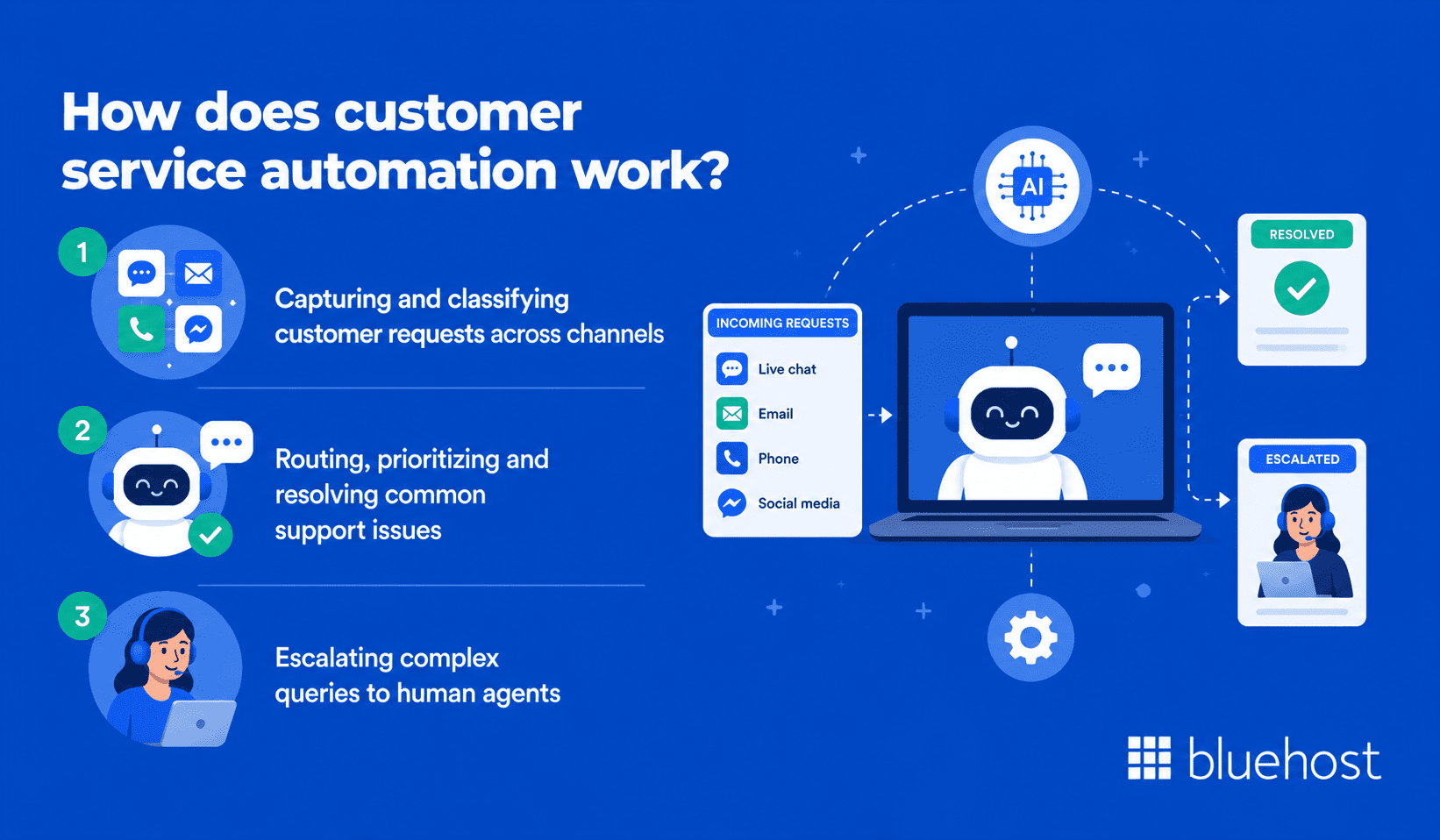
Automation functions by capturing, classifying, routing and resolving requests. Understanding the workflow helps you set up the system and define what it can handle independently.
1. Capturing and classifying customer requests across channels
When a customer reaches out, the system captures the message and applies natural language processing (NLP) to determine urgency and intent. The software then applies tags automatically based on your rules.
2. Routing, prioritizing and resolving common support issues
Automated rules route tagged tickets to the correct queue or trigger instant answers. Chatbots resolve simple queries like password resets and order tracking without agent intervention.
3. Escalating complex queries to human agents
If a query is too complex or the customer requests a person, the system transfers the conversation. Agents receive the full chat history so customers never have to repeat themselves.
Also read: 25 Best AI Productivity Tools to Boost Work Efficiency in 2026
How to choose the best customer service automation tools?
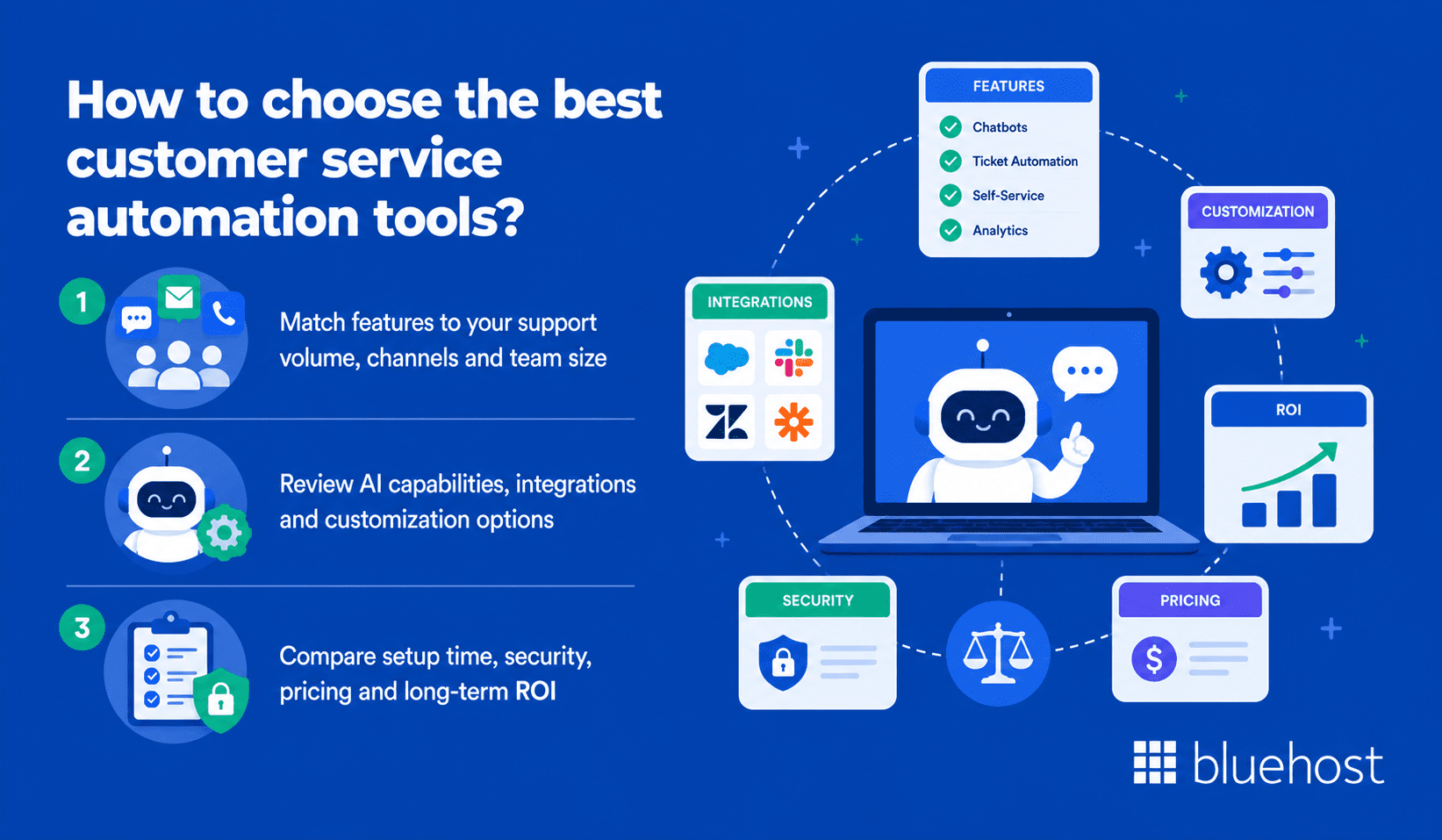
Selecting a platform requires evaluating your current message volume, team size and preferred customer channels.
1. Match features to your support volume, channels and team size
A team managing 50 daily tickets needs different tools than a center handling 5,000. Align your automation depth with your actual volume to avoid overpaying for unnecessary enterprise features.
2. Review AI capabilities, integrations and customization options
Ensure the platform connects to your CRM, eCommerce store and communication systems. Customization options for flows and escalations become vital as your support operations grow.
3. Compare setup time, security, pricing and long-term ROI
Consider several factors before signing a contract:
- Average implementation timeline for customer service automation tools, based on vendor case studies
- Security compliance certificates like SOC 2 Type II and GDPR
- Cost per ticket as your message volume scales
- Contract flexibility as customer service automation needs change
Running a brief trial on your most common ticket type is the best way to prove return on investment before purchasing.
Also read: 30 Best AI Marketing Tools to Grow Your Business in 2026
What is the role of AI in customer service automation?
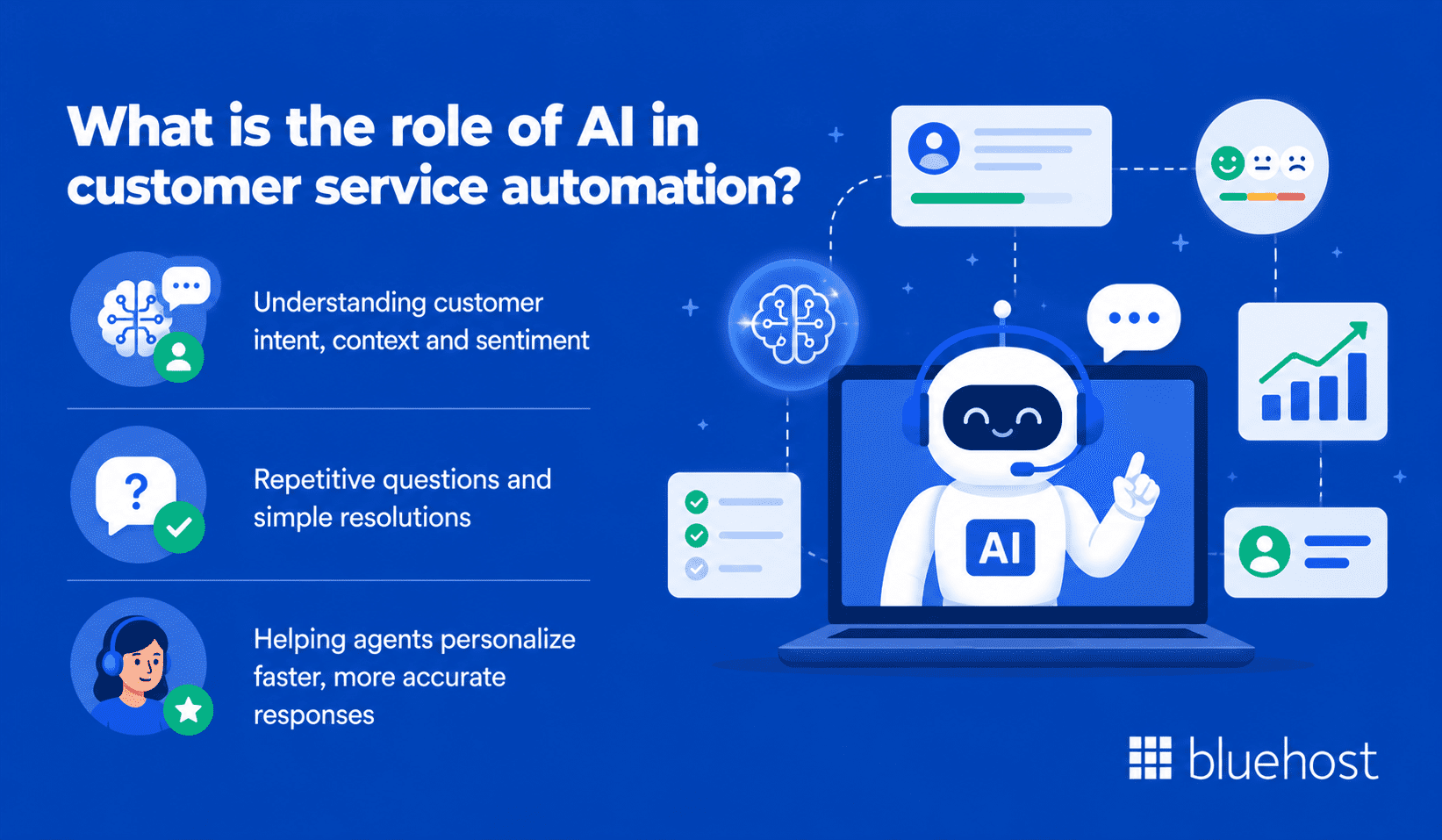
Artificial intelligence has evolved from simple keyword matching to adaptive, context-aware support. Modern models analyze intent, tone and interaction history to make complex decisions.
1. Understanding customer intent, context and sentiment
AI analyzes messages and previous history to determine customer needs. Sentiment detection identifies frustrated customers automatically, escalating them to senior agents for rapid assistance.
2. Repetitive questions and simple resolutions
Trained on your knowledge base, AI tools answer FAQs, handle returns and confirm appointments automatically. System accuracy can improve over time when teams review AI outputs, update knowledge base content and refine workflows using real interaction data.
3. Helping agents personalize faster, more accurate responses
Agent assist tools suggest replies, locate articles and summarize long conversations. Support teams can resolve more tickets quickly while maintaining high quality and critical context.
Also read: What Is an AI Receptionist? How It Works and the Best Tools to Use in 2026
What are some customer service automation use cases?
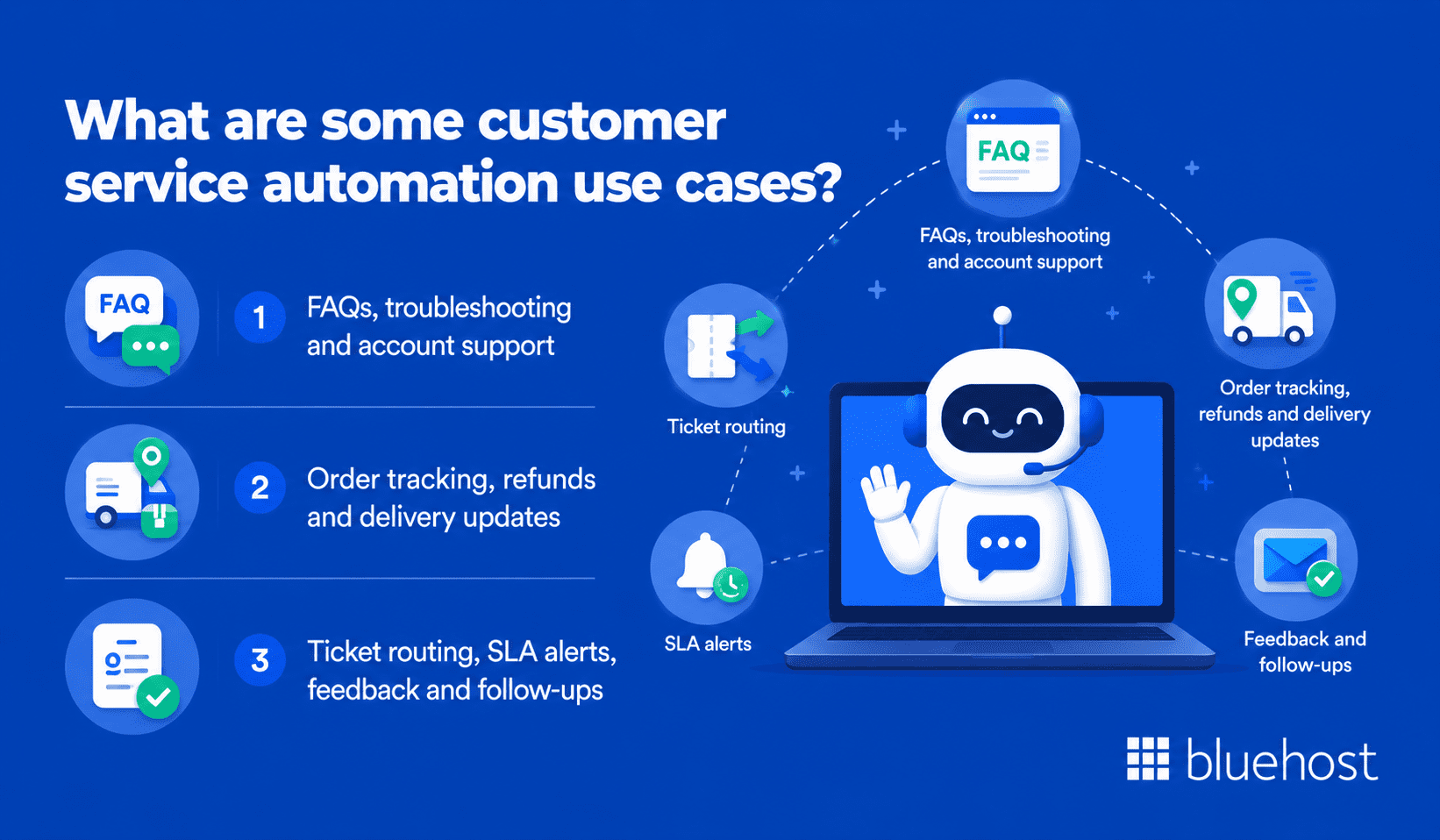
Automated support helps teams across various industries. High-impact areas often deliver measurable results within the first three months.
1. FAQs, troubleshooting and account support
Chatbots handle FAQs, troubleshooting and account changes without human help. Automated workflows often resolve 40% to 60% of total message volume.
2. Order tracking, refunds and delivery updates
Integration with your eCommerce store allows tools to answer shipping queries using live data. Predefined rules can also handle refund eligibility checks and status updates automatically.
3. Ticket routing, SLA alerts, feedback and follow-ups
Automated workflows send satisfaction surveys, trigger service level agreement (SLA) alerts and reopen tickets if customers follow up. Automated processes save hours of administrative tasks for team leaders.
How to implement customer service automation?
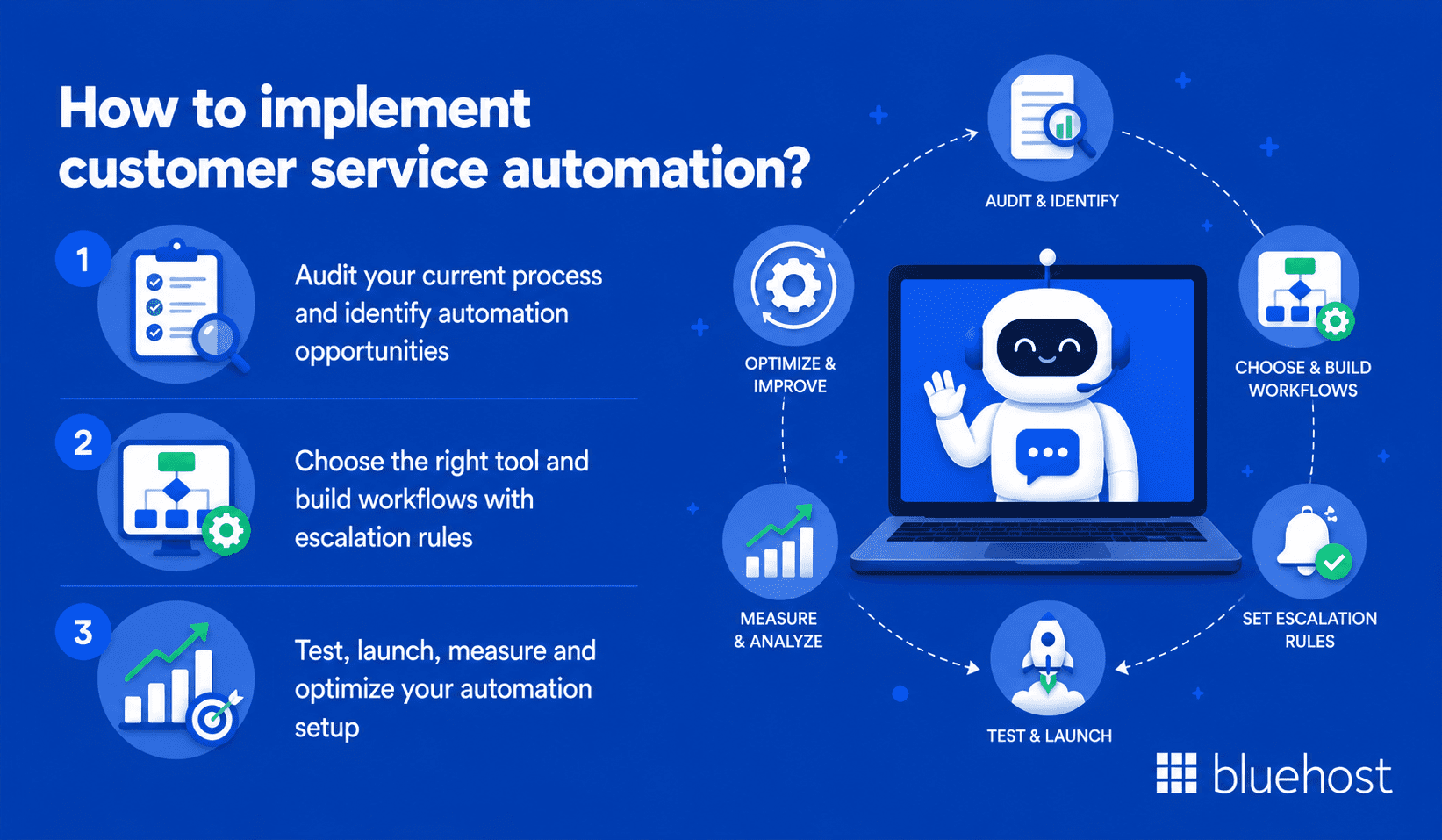
Deploying automation works best in phases. Rushing the setup leads to errors that frustrate customers and reduce trust in the system.
1. Audit your current process and identify automation opportunities
Analyze ticket data from the past 90 days to identify the top 10 recurring issues. These simple, high-volume requests are ideal starting points for quick returns with minimal risk.
2. Choose the right tool and build workflows with escalation rules
Select software that integrates with your existing tools and create workflows for your most common requests. Establish clear escalation paths so customers are never trapped in infinite chatbot loops.
3. Test, launch, measure and optimize your automation setup
Test every automated flow using real ticket examples before launching. Monitor deflection rates and satisfaction scores weekly, rewriting bot responses that cause frequent human escalations.
What are some customer service automation best practices?
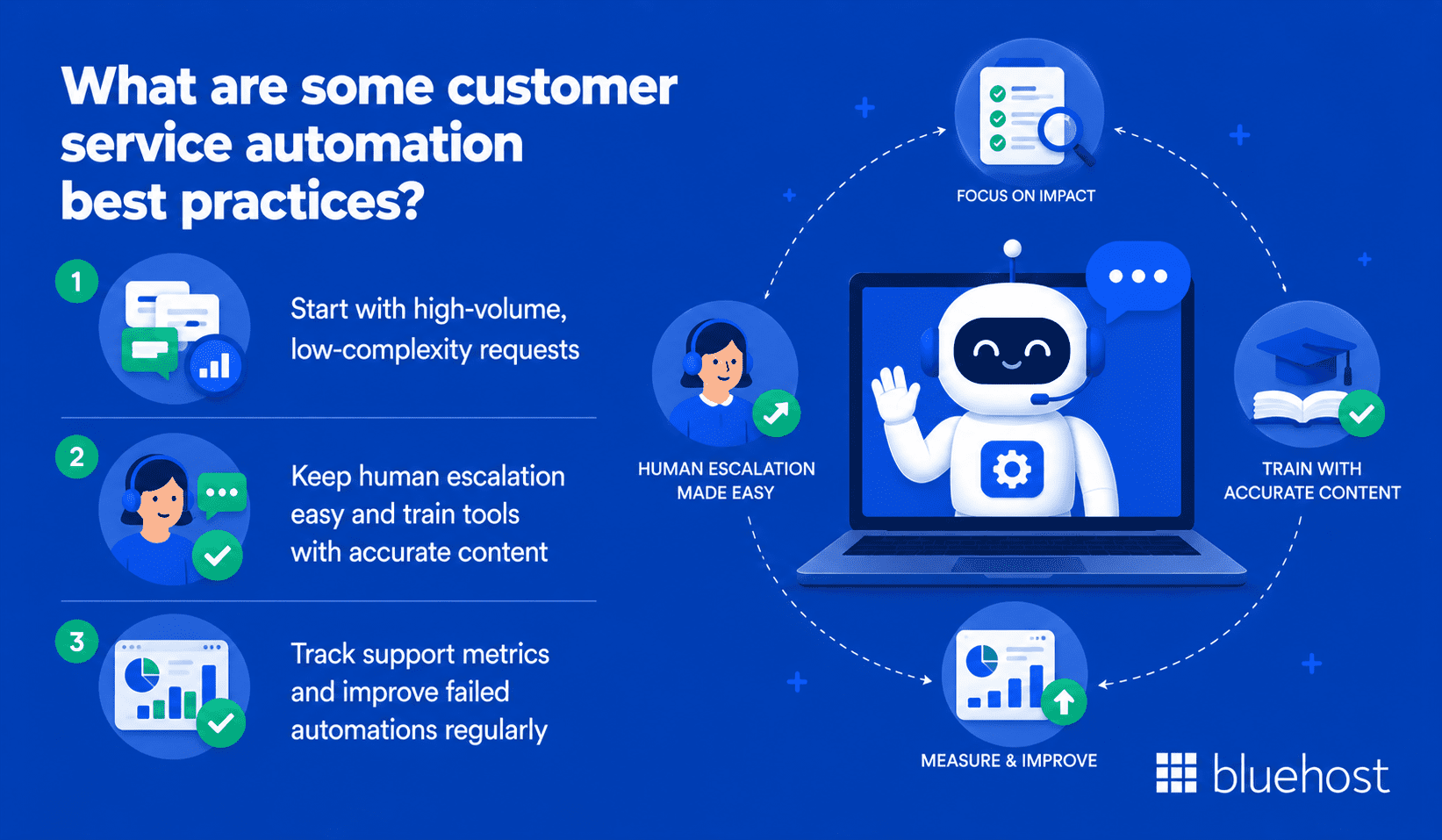
Starting with established best practices prevents configuration errors, saves setup time and maintains high customer satisfaction.
1. Start with high-volume, low-complexity requests
Automate simple requests like shipping updates and password resets first. Avoid automating billing issues or complex complaints until you have verified the accuracy of your system.
2. Keep human escalation easy and train tools with accurate content
Ensure customers can reach a live agent easily at any point. Keep your help documentation updated because AI tools trained on stale articles will provide incorrect answers.
3. Track support metrics and improve failed automations regularly
Monitor monthly user dropout rates within your automated systems. High abandonment indicates a workflow is failing to resolve issues, which means you must rewrite and retest the responses.
What are some customer service automation challenges and mistakes to avoid?
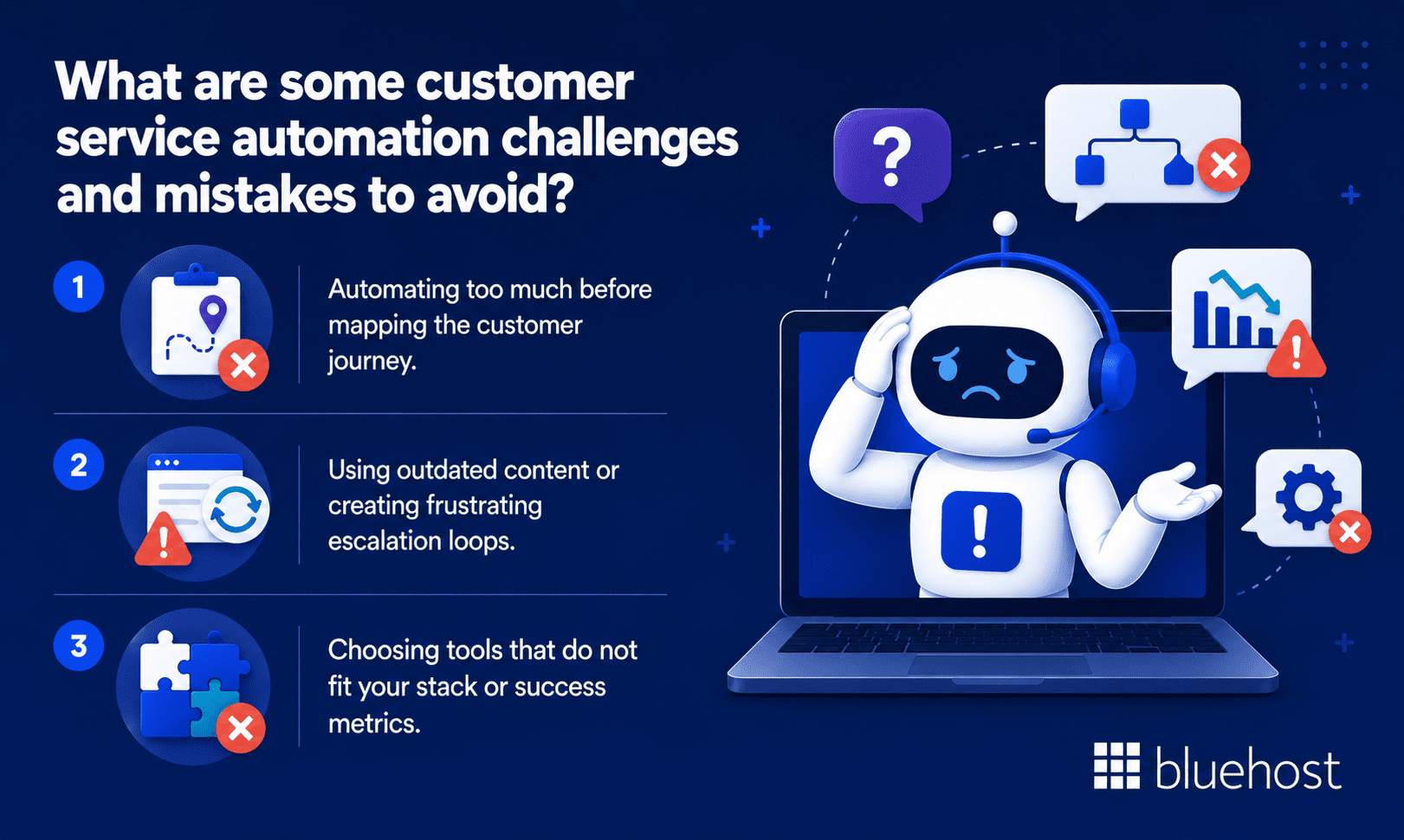
Even well-designed systems fail if rushed. Understanding common implementation mistakes helps your team avoid adoption issues.
1. Automating too much before mapping the customer journey
Automating support before mapping your customer journey creates friction. Outline the entire path first to identify bottlenecks, then apply automation to those specific steps.
2. Using outdated content or creating frustrating escalation loops
Stale documentation leads AI agents to share wrong information. Avoid confusing escalation loops where customers bounce between bots and human queues without getting help.
3. Choosing tools that do not fit your stack or success metrics
Systems that fail to connect with your CRM or eCommerce store will increase manual workloads. Establish clear success metrics first, selecting a platform for its compatibility rather than its feature list.
What is the future of customer service automation?
The future of support is shifting toward proactive, complete AI resolutions that anticipate user needs before they submit a ticket.
1. AI agents handling more end-to-end support resolutions
Future AI agents are expected to handle more multi-step tasks, such as checking orders, assisting with refunds and initiating replacement workflows with the right permissions. Leading customer platforms are already testing these capabilities.
2. Voice AI, predictive support and proactive customer engagement
Voice AI is bringing more automated help to phone channels and may reduce reliance on rigid scripted menus. Predictive modeling will identify issues early, allowing teams to resolve problems before customers ask for help.
3. Stronger AI governance, privacy and CRM-connected automation
As AI processes sensitive data, strict privacy controls and governance will become standard requirements. Connecting your automation platform directly to your CRM will provide real-time history for personalized answers.
Final thoughts
Customer service automation tools help businesses respond faster, reduce repetitive work and deliver more consistent support. The right platform can automate routine questions, route tickets and give agents more time for complex customer issues.
For small businesses, Bluehost AI Receptionist is a practical starting point. It helps answer customer questions, capture leads and manage appointments through Google Calendar, so your business can stay responsive even after office hours.
Start by identifying your highest-volume support requests, choosing a tool that fits your workflow and creating clear escalation paths for complex issues. With the right setup, automation can save time, improve customer experience and protect revenue.
FAQs
Customer service automation uses software and AI to handle routine support tasks without needing a human agent for every interaction. Common examples include chatbots, ticket routing, self-service help centers and automated follow-ups.
Service automation tools are platforms that automate repetitive customer support tasks. They can include AI chatbots, helpdesk ticketing, workflow automation, agent assist tools and customer feedback systems.
Five strong customer service automation tools are Bluehost AI Receptionist, Zendesk, Freshdesk, Intercom and HubSpot Service Hub. The right choice depends on your team size, support channels, budget and automation needs.
Customer success management tools include Gainsight, ChurnZero and Totango. These tools focus on customer health, renewals and retention, while customer service automation tools focus more on support requests and issue resolution.
Customer service automation captures customer requests, identifies intent and routes or resolves them automatically. Simple issues are handled by bots or workflows, while complex problems are escalated to human agents.
Automation is used for FAQs, ticket routing, appointment booking, order tracking, refund updates, SLA alerts, feedback surveys and follow-up messages. Tools like Bluehost AI Receptionist can also help automate lead capture and scheduling.
Customer service automation improves response times, reduces repetitive work, lowers support costs and keeps answers more consistent. It also helps agents focus on complex issues that need human judgment.
The future of customer service automation includes smarter AI agents, voice AI, predictive support and more personalized CRM-connected workflows. Businesses will also need stronger privacy controls and clear human escalation paths.

Write A Comment