 ChatGPT,
 Claude,
 Gemini,
 Grok — all four for
-
What Is Google Vault? How Retention, Archiving and eDiscovery Work
Key highlights Do you need to keep records for compliance or answer a legal request? Google Vault gives you an information governance and eDiscovery tool inside Google Workspace. With it, you can retain, hold, search and export your users’ Workspace data. Information governance means you set rules for how long data is kept and when…
-
How to Record a Google Meet Call in 2026?
Key highlights Yes, you can record a Google Meet, as long as you have a Google Workspace plan that includes recording and permission to start it. Native recording runs on a computer, saves to Google Drive and notifies everyone in the call. If you use a free personal Gmail account, the record button will not…
-
Google Gemini Advanced: Plans, Pricing and Value
Key highlights If you have searched for Google Gemini Advanced, you probably want one answer: Is paying for Gemini worth it? Here it is. Gemini Advanced, now Google AI Pro, is Google’s paid Gemini experience. Google now delivers it through two plans, Google AI Pro and Google AI Ultra. The free version already handles a…
-
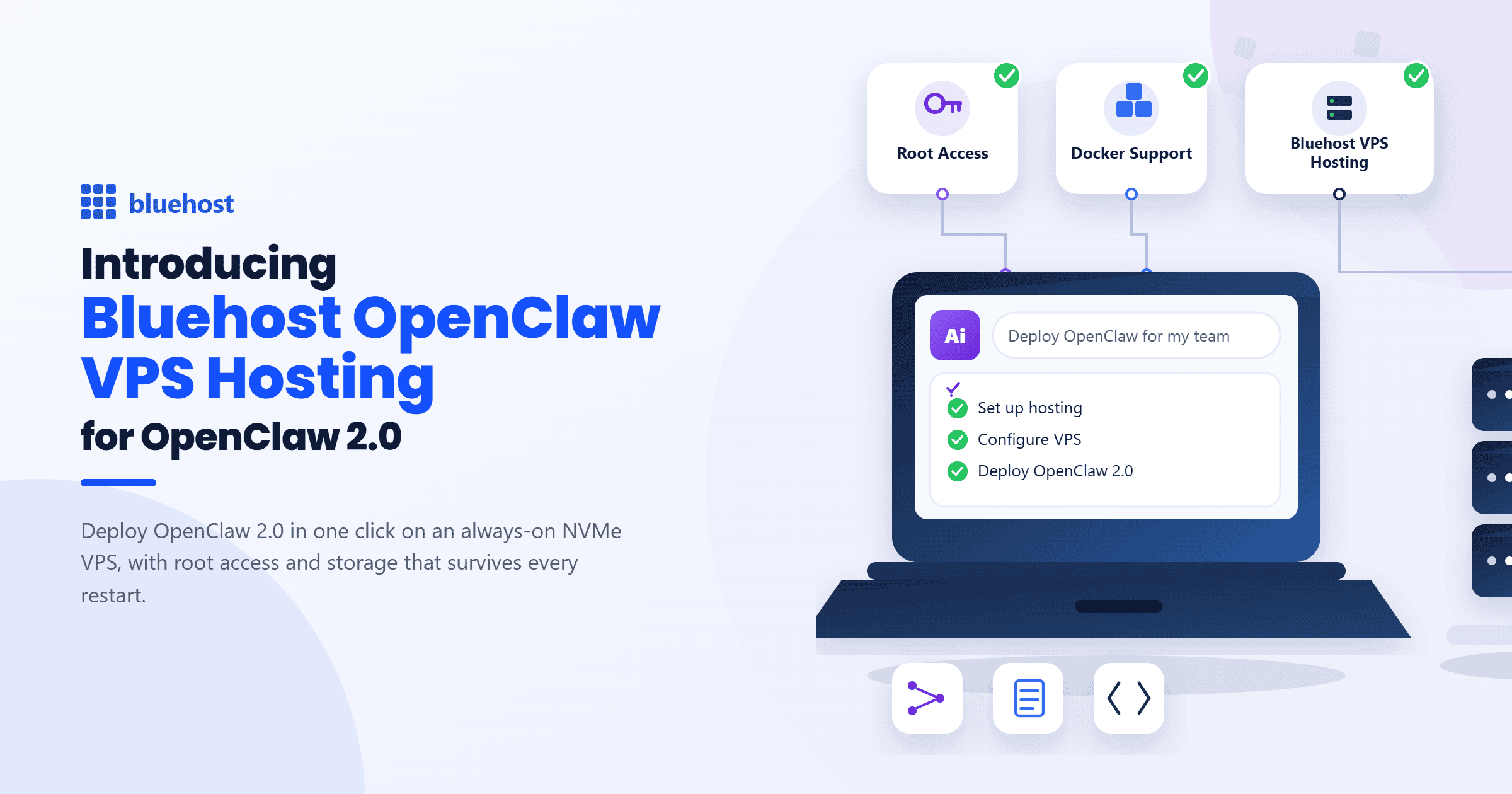
Introducing Bluehost OpenClaw VPS Hosting for OpenClaw 2.0
See why OpenClaw VPS hosting keeps OpenClaw 2.0 running, with no missed message or automation.
-
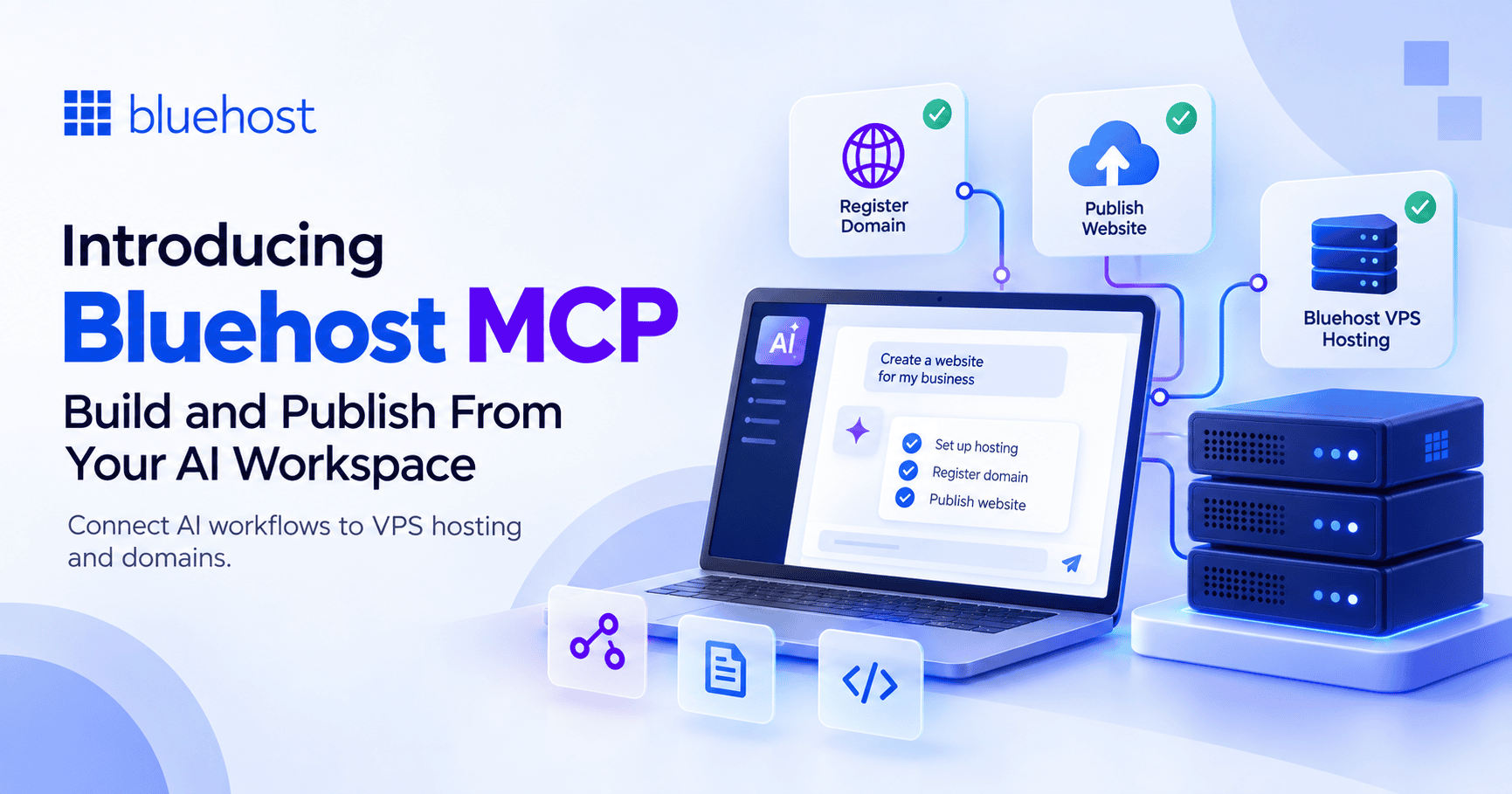
Introducing Bluehost MCP: Build and Publish From Your AI Workspace
Bluehost MCP brings VPS setup, app publishing and domain registration into supported AI workflows.
-

Developing a Better WooCommerce Setup: Product Lessons from Integrating 16 eCommerce Plugins
Discover 16 WooCommerce plugins that simplify store setup, selling and growth.
-
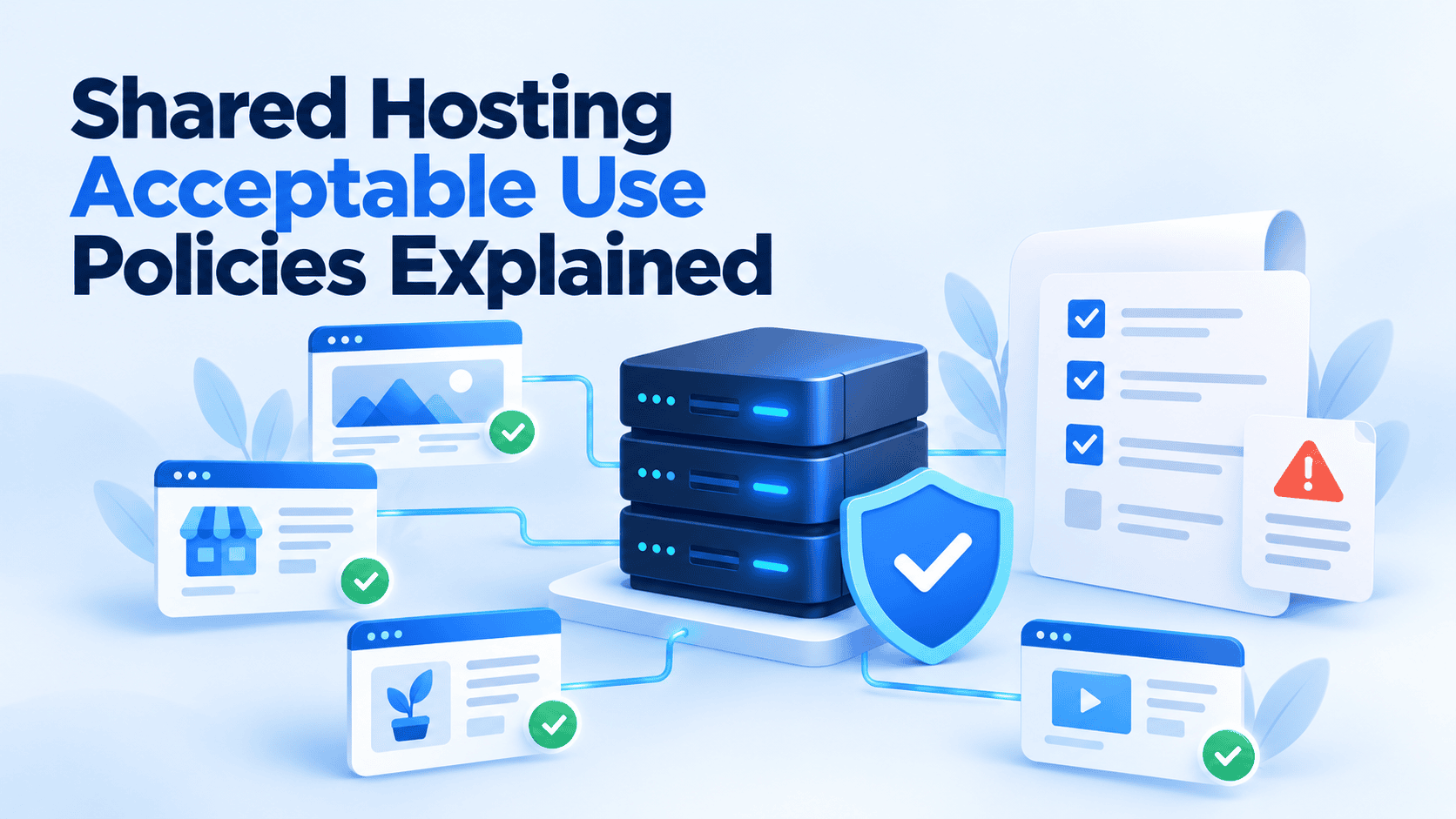
Shared Hosting Acceptable Use Policies Explained
Shared hosting acceptable use policies explained: rules, limits, violations and compliance tips.
-
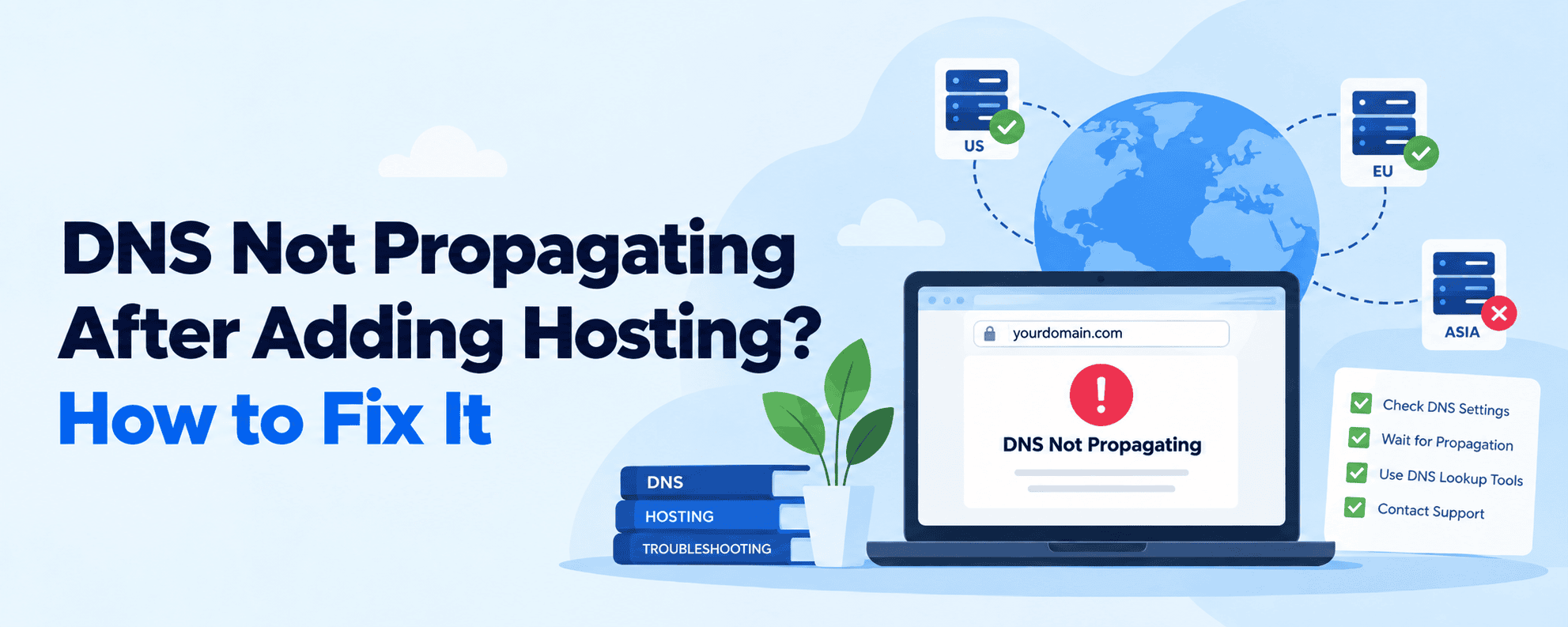
DNS Not Propagating After Adding Hosting? How to Fix It
DNS not propagating after adding hosting? Learn what causes delays and how to fix them fast.
-

How to Export and Import ChatGPT Memory to Claude
Key highlights You have spent months teaching ChatGPT about your business, your projects and how you like to work. Now you want to try Claude, and you do not want to start over. So how does ChatGPT import memory actually work? Here is the short answer: you cannot drop a bulk memory file into ChatGPT.…
-
How to Clear ChatGPT Memory (Step-by-Step)
Learn how to clear ChatGPT memory, remove stored details and reset personalization step by step.
GET IN TOUCH
We’re here to help
RESOURCES