 ChatGPT,
 Claude,
 Gemini,
 Grok — all four for
Key highlights
- Learn which ChatGPT alternative actually fits your workflow, whether that’s coding, academic writing, data analysis or image generation, instead of guessing and switching tools later.
- Discover the best ChatGPT alternatives with 15+ tested tools, including Claude, Gemini, Copilot, Perplexity, Grok and Cursor, compared side by side on features, pricing and real-world limitations.
- Understand exactly where ChatGPT falls short so you know what to look for before you commit to a paid plan.
- Uncover how multi-model access, Import Memory and Chat Memory can reduce switching friction and repeated context setup.
- Know the current 2026 pricing for every ChatGPT-like tool on this list so you can compare real value, not just marketing claims, before you buy.
ChatGPT is still the name most people say first when they think of AI chatbots, but it hasn’t been the only serious option for a while now. If you write code, you’ve probably noticed Copilot or Cursor living inside your editor. If you need sourced research, Perplexity does that job better. If you’re buried in a 40-page PDF, Claude handles it without losing the thread.
Quick answer: the best ChatGPT alternatives in 2026 are Claude for writing and reasoning, Google Gemini for Workspace integration, Microsoft Copilot for enterprise productivity, Perplexity AI for cited research, Grok for real-time trends, GitHub Copilot and Cursor AI for coding and Bluehost’s AI All-Access Pack if you want access to ChatGPT, Claude, Gemini and Grok in one dashboard for $20 per seat/month.
Finding the best ChatGPT alternatives means knowing more than just the name of a tool. This guide examines 15+ options in depth, covering what each excels at, current pricing and who it’s built for (and who should skip it). You’ll finish with a clear picture of which AI tool or mix of tools, fits your workflow.
Why look for a Chatgpt alternative in 2026?
ChatGPT remains a strong general-purpose assistant, but “general-purpose” is exactly the problem for specialized work. Here’s where it tends to fall short.
Common ChatGPT limitations
- Generic, one-size-fits-all replies. Even among the best ChatGPT alternatives, many default to a safe, average tone that misses the mark for creative projects or brand-specific writing.
- Context handling. ChatGPT can lose the thread on very long documents or multi-step projects unless you keep re-explaining context.
- Hallucinations and bias. Like every large language model, it can state incorrect information confidently, especially on niche or fast-moving topics.
- Limited built-in tools. Advanced workflows (deep research, IDE-native coding, real-time social data) often live in other products.
- Third-party dependency. Connecting ChatGPT to your existing project management, CRM or content tools usually means extra plugins or middleware.
What to look for in a ChatGPT alternative?
Before you pick a ChatGPT alternative, it helps to judge it against the same checklist:
| Criteria | Why it matters |
|---|---|
| Response quality | Consistency and accuracy across repeated queries |
| Contextual awareness | How well it holds long conversations or documents without drifting |
| Memory and continuity | Whether it retains useful context or supports importing existing context when switching AI tools |
| Customization | Ability to fine-tune tone, templates or workflows for your use case |
| Integrations | Native connections to the apps you already use daily |
| Security and privacy | Compliance with GDPR, CCPA and your industry’s data rules |
| Pricing | Cost per seat versus the value it actually replaces |
| Support | Documentation, community and responsiveness when something breaks |
Also read: 12 Best AI Coding Assistant 2026: Top 12 Tools Ranked
How we evaluated these tools?
Every tool below was assessed on the same five factors: core strengths, standout features, common use cases, current pricing and honest trade-offs. Let’s explore each:-
Best ChatGPT alternatives at a glance
| Tool | Best for | Standout feature | Starting price |
|---|---|---|---|
| Bluehost AI All-Access Pack | Using ChatGPT, Claude, Gemini & Grok in one place | Model switching + answer comparison in one dashboard | $20/month |
| Claude (Anthropic) | Long-form reasoning and writing | Massive context window, low hallucination rate | Free; Pro $20/mo |
| Google Gemini | Google Workspace users | Real-time Search grounding, 1M-token context | Free; AI Pro $19.99/mo |
| Microsoft Copilot | Microsoft 365 workflows | Deep integration with Word, Excel, Outlook, Teams | Free (limited); Pro ~$20/mo |
| Perplexity AI | Cited research and fact-checking | Every claim comes with a clickable source | Free; Pro $20/mo |
| Grok AI (xAI) | Real-time trends on X | Live X data + Grok Imagine for visuals | Free; SuperGrok $30/mo |
| GitHub Copilot | In-IDE code suggestions | Autocomplete trained on real codebases | Free; Pro $10/mo |
| Cursor AI | AI-native code editor | Full-project context, multi-file editing | Free; Pro $20/mo |
| DeepSeek | Cheap, strong reasoning | Ultra-low token pricing | Free; API from ~$0.07/1M tokens |
| Mistral AI (Le Chat) | Open-weight, self-hosted AI | Full control over deployment and data | Free tier; paid API |
| Meta AI | Casual, social use | Built into WhatsApp, Instagram, Facebook | Free |
| Jasper AI | Brand-consistent marketing copy | Trained brand voice profiles | From ~$39/mo |
| Writesonic | SEO blog and ad copy | Templates built around search intent | From ~$39/mo |
| Semrush ContentShake AI | Keyword-driven content briefs | Pulls live Semrush ranking data | From ~$60/mo |
In-depth reviews of the best ChatGPT alternatives
Here’s a closer look at all 10 tools, starting with the one that solves the biggest headache on this list: picking just one model to commit to. Each review covers what the tool is actually built for, its standout features, current pricing and the trade-offs worth knowing before you subscribe.
1. Bluehost AI All-Access Pack

Bluehost AI All-Access Pack brings ChatGPT, Gemini, Claude and Grok together in one dashboard.
Here’s the honest problem this tool solves: the “best” AI depends entirely on what you’re doing that day. You might need Claude’s reasoning for a client report in the morning and Grok’s real-time X data for a trend piece by lunch. Paying for separate premium AI subscriptions can cost upwards of $100 per user each month, while also requiring multiple logins and interfaces.
That friction isn’t only financial; switching tools can also mean changing interfaces and rebuilding useful context you’ve already established elsewhere.
Best for: SMBs, agencies and content teams that want multiple AI models, response comparison and centralized access in one dashboard.
Key features:
- Access to ChatGPT, Gemini, Claude and Grok in one place
- Side-by-side response comparison across models before you pick an answer
- Import Memory lets you bring useful context from external AI assistants like ChatGPT, Gemini or Claude into AI All-Access Pack
- Chat Memory retains relevant context across conversations, reducing how often you need to repeat preferences, background or recurring instructions
- A built-in Research Agent that browses, analyzes and generates detailed, cited reports
- Presentation Builder and AI Article Writer for content teams
- An Account Management Dashboard for teams and agencies managing multiple seats
- A Privacy+ tier that adds prompt sanitization, privately hosted LLM access, end-to-end encryption, PIN-protected access and Incognito Mode.
Pricing: All-Access Pack is $20/month; Privacy+ is $25/month.
| Pros | Cons |
|---|---|
| Access four leading AI models in one plan | Native provider features may differ from the AI All-Access experience |
| Compare model responses side by side | Each team member requires a purchased seat |
| Import Memory reduces switching setup; Chat Memory keeps useful context across chats | On Privacy+, Chat Memory and Chat Sanitization cannot run together |
| Research Agent, Presentation Builder and Article Writer included | No free trial; access begins immediately after purchase |
2. Claude (Anthropic)
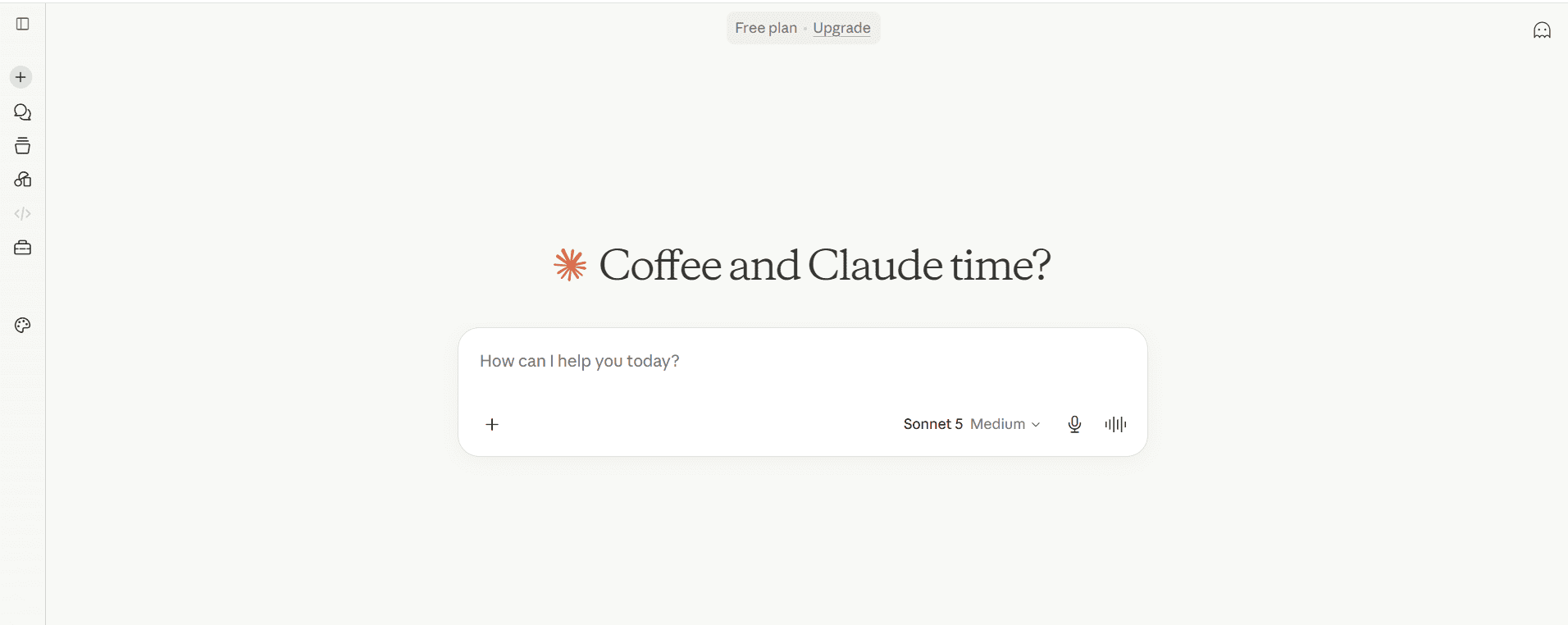
Claude is Anthropic’s reasoning-focused assistant, built around handling long documents, careful writing and code with a lower hallucination rate than most competitors.
Best for: Long-document analysis, academic and structured writing, coding and tasks where accuracy matters more than speed.
Key features:
- Very large context window for analyzing lengthy PDFs, contracts or codebases
- Strong step-by-step reasoning and logic handling
- Artifacts for generating and iterating on documents, code and visuals inline
- Natural, human-like conversational tone
Pricing: Free plan available; Pro is $20/month ($17/month billed annually); Max plans run $100 to $200/month; Team is roughly $25 to $30 per seat/month; Enterprise is custom.
| Pros | Cons |
|---|---|
| Excellent long-context understanding | No native real-time web browsing on lower tiers |
| Lower hallucination rate on complex tasks | Fewer third-party integrations than ChatGPT |
| Strong safety and ethical design | Advanced features gated behind paid plans |
3. Google Gemini
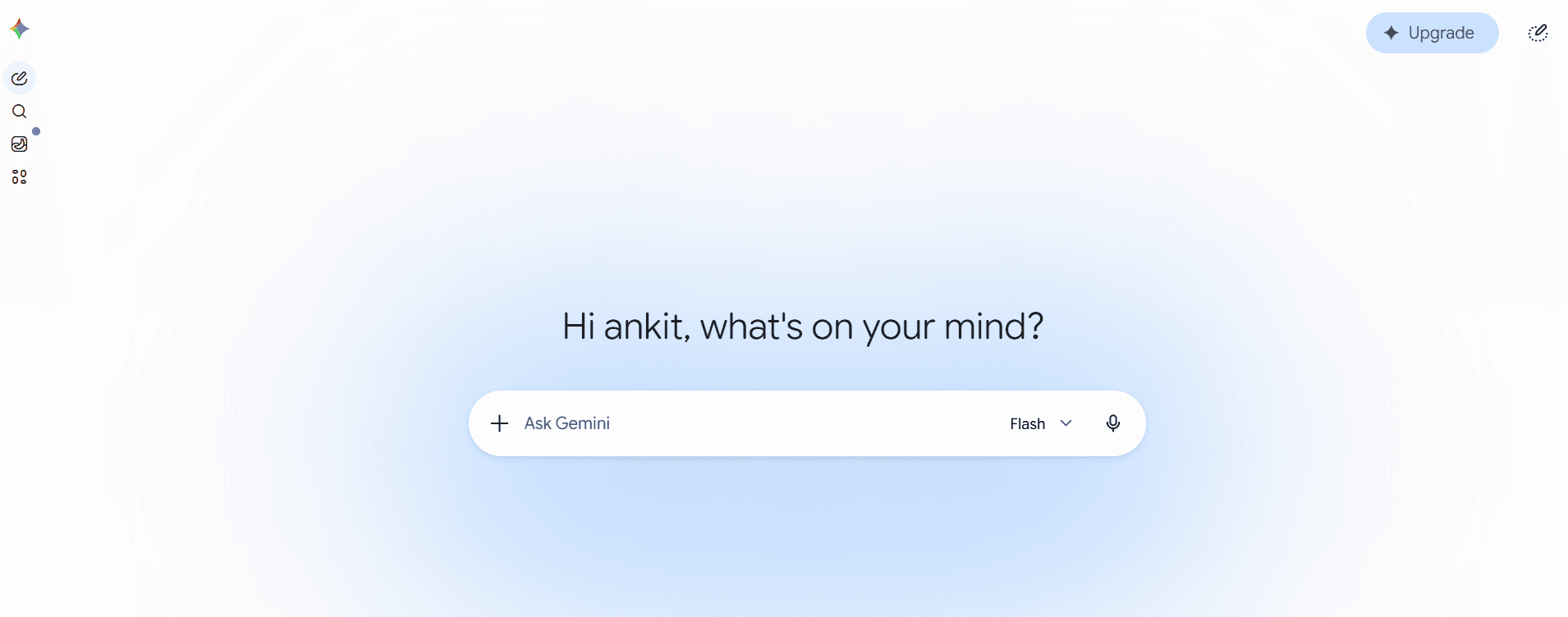
Gemini is Google’s multimodal assistant, built for real-time information and deep integration across Gmail, Docs and the rest of Google Workspace.
Best for: Users already living inside Google Workspace who need real-time search grounding and multimodal input.
Key features:
- Live Google Search access for current information
- Multimodal input across text, image and voice
- Native integration with Gmail, Docs, Sheets and Meet
- Image understanding and generation
Pricing: Free tier available; Google AI Plus is $4.99/month; AI Pro is $19.99/month; AI Ultra runs $99.99/month.
| Pros | Cons |
|---|---|
| Real-time, sourced information | Output quality varies more than Claude’s |
| Best-in-class Workspace integration | Requires a Google account to unlock full value |
| Generous free tier | Less predictable tone for creative writing |
4. Microsoft Copilot
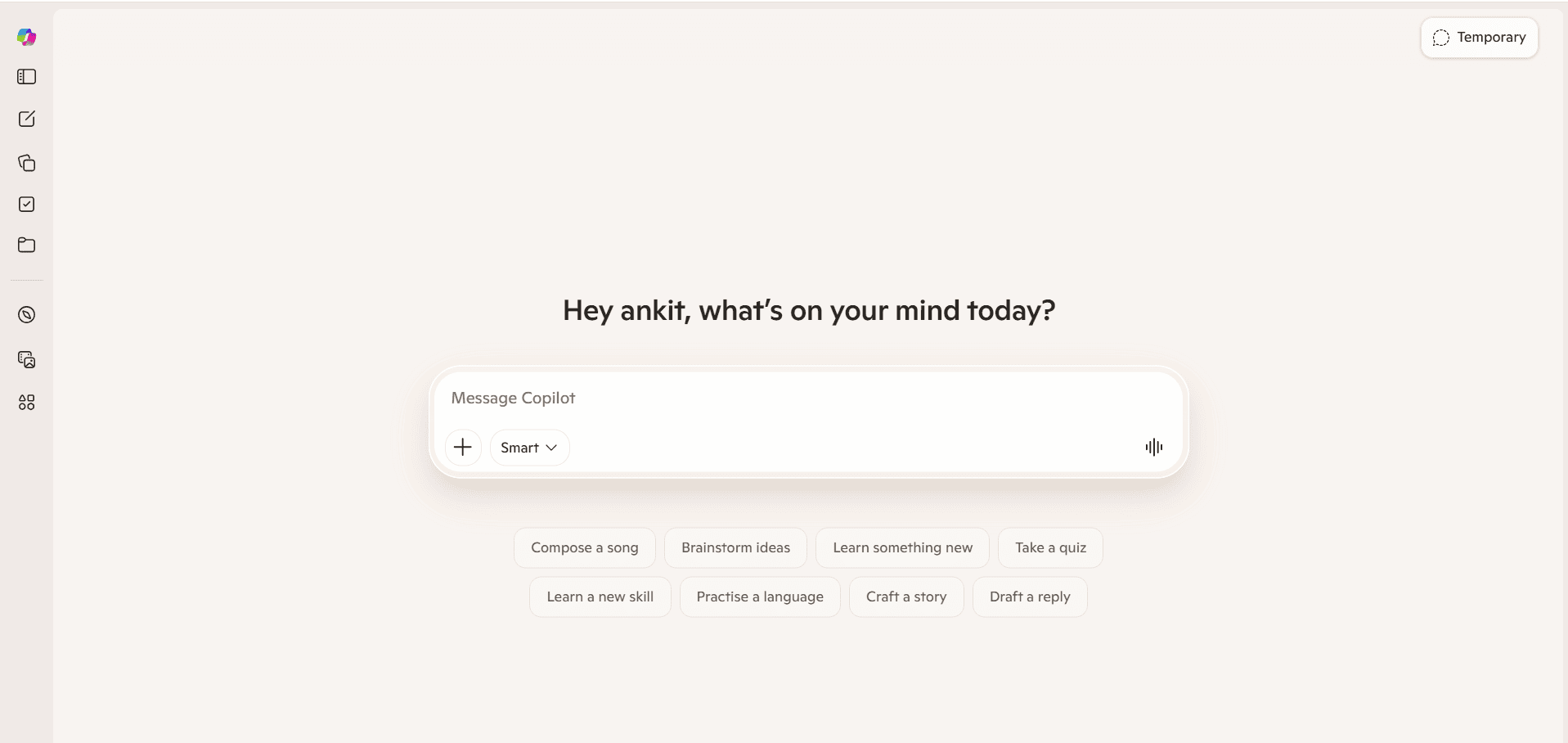
Microsoft Copilot is an enterprise-focused assistant that works inside Word, Excel, Outlook, PowerPoint and Teams, using your organization’s own data as context.
Best for: Office productivity, enterprise reporting and teams already standardized on Microsoft 365.
Key features:
- Context-aware responses pulled from Microsoft Graph (your emails, files, meetings)
- AI-assisted document drafting and summarization
- Automatic meeting notes and action items in Teams
- Formula generation and data analysis inside Excel
Pricing: Free version with limited access; Copilot Pro for individuals runs around $23/month; Microsoft 365 Copilot for business is priced per seat, generally around $32/user/month.
| Pros | Cons |
|---|---|
| Deep Microsoft 365 integration | Limited value if you’re outside that ecosystem |
| Strong enterprise security and compliance | Full functionality requires a paid plan |
| Saves real time on repetitive office tasks | Not built for creative or research-heavy work |
5. Perplexity AI
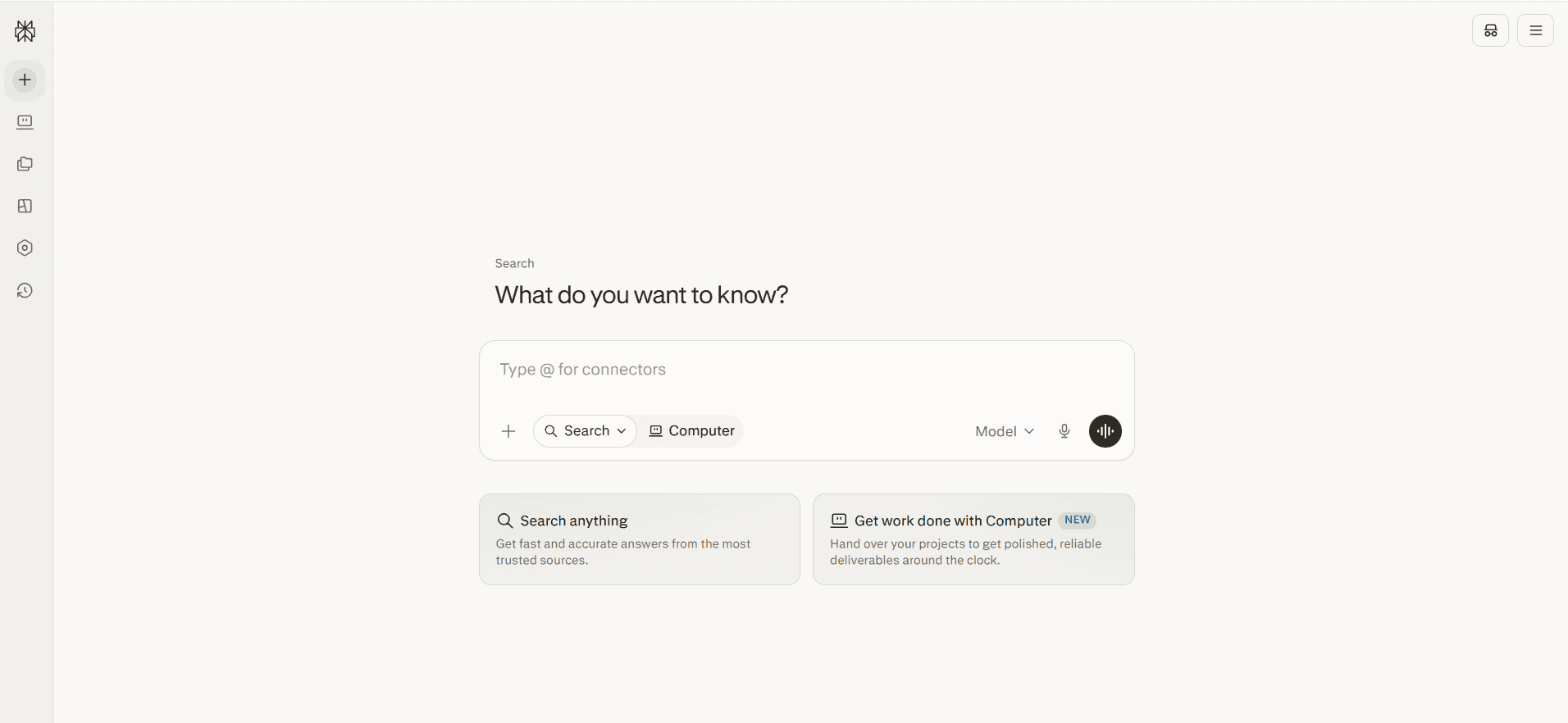
Perplexity is an AI-powered search assistant built around accuracy: every answer comes with clickable citations back to the original source.
Best for: Academic research, fact-checking, market research and any task where you need to verify claims quickly.
Key features:
- Real-time web search with inline citations
- Research-report mode for deeper, multi-source answers
- Clean, fast interface with minimal clutter
- Regular knowledge refreshes so answers stay current
Pricing: Free version available; Perplexity Pro is $20/month.
| Pros | Cons |
|---|---|
| Every claim is source-backed | Less creative than ChatGPT or Claude for open-ended writing |
| Genuinely fast, clean interface | Some cited sources are secondary write-ups, not originals |
| High trustworthiness for factual work | Advanced Deep Research is capped even on Pro |
6. Grok AI (xAI)
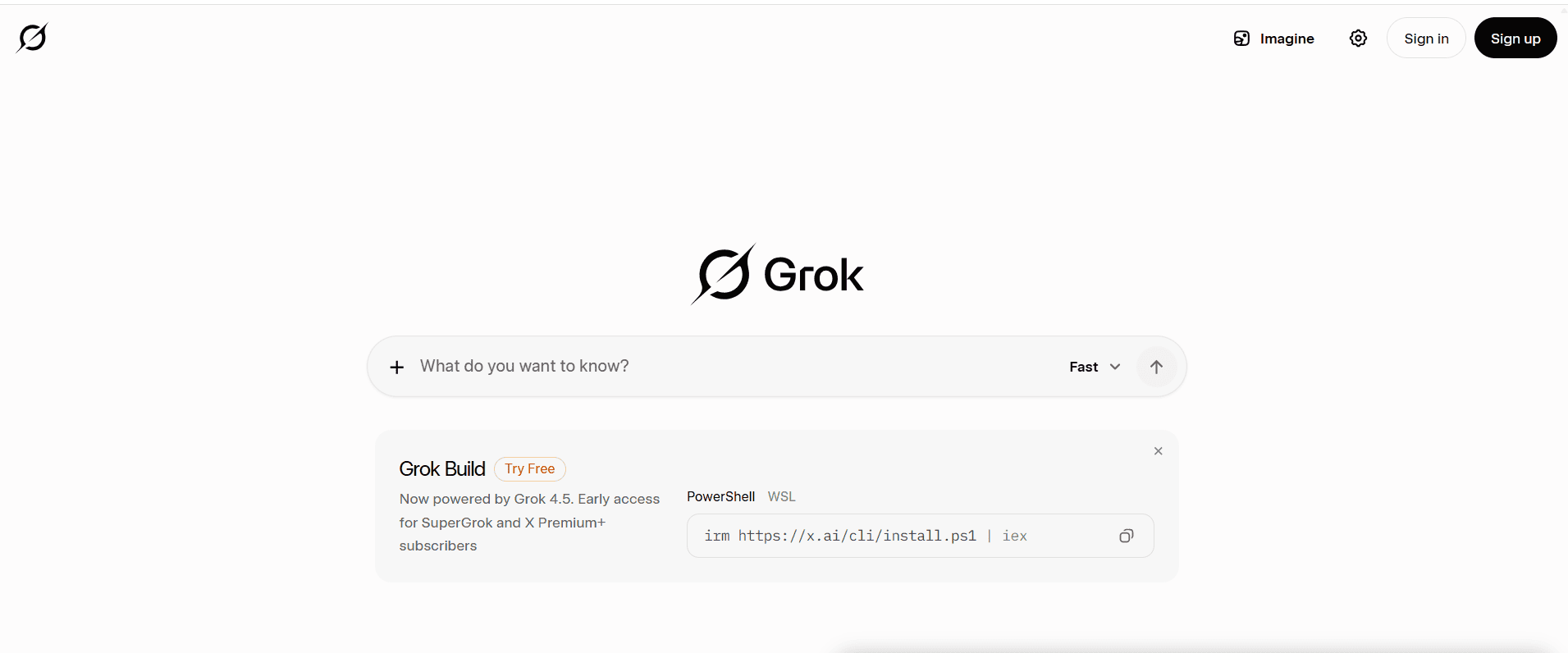
Grok is xAI’s real-time conversational assistant, tightly integrated with X (formerly Twitter) for trend analysis and current-events discussion.
Best for: Social trend monitoring, breaking news synthesis and casual, less filtered conversation.
Key features:
- Live access to X data alongside general web search
- DeepSearch mode for research-style, cited synthesis
- Grok Imagine for text-to-image and short video generation
- A more conversational, less formal tone than most competitors
Pricing: Free tier available; SuperGrok is $30/month.
| Pros | Cons |
|---|---|
| Genuinely current, real-time insights | Leans heavily on X-native chatter over broader news |
| Built-in image and short video generation | Not built for deep, formal research |
| Less restrictive conversational style | Pricing structure has more tiers than most competitors |
7. GitHub Copilot (ChatGPT Alternative for Coding)
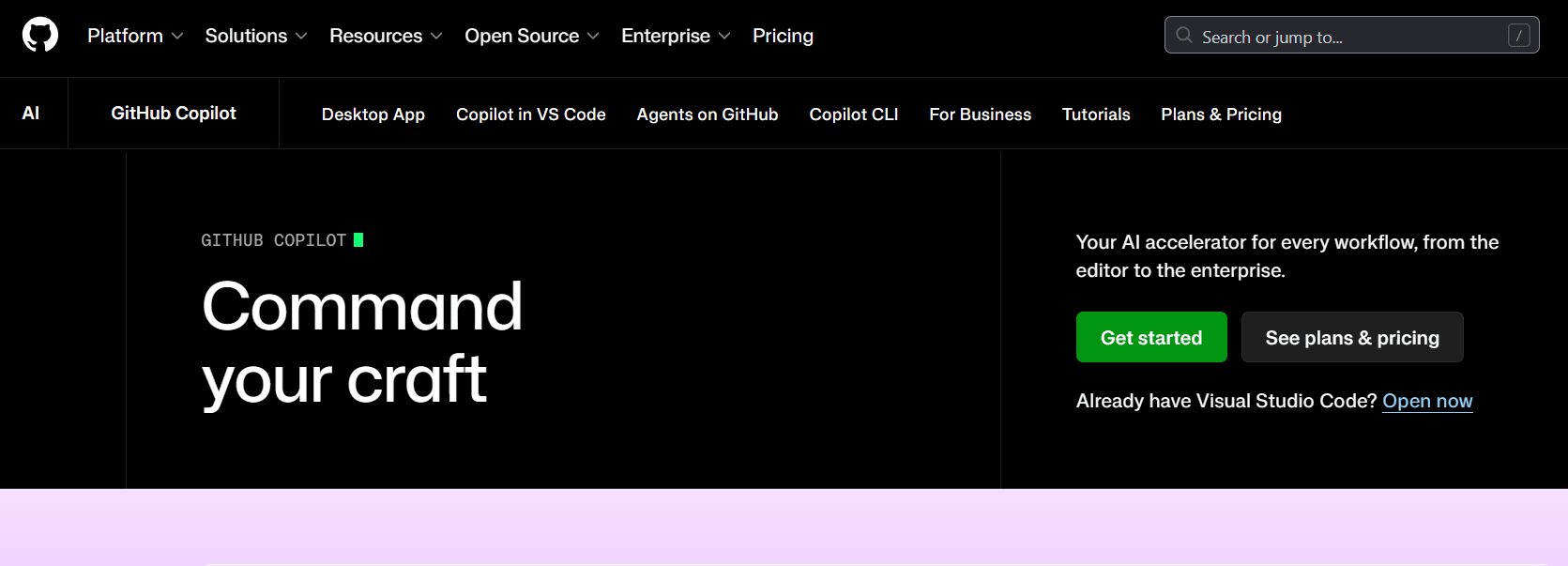
GitHub Copilot is a developer-focused AI pair programmer that works directly inside your IDE, suggesting code as you type.
Best for: Developers who want fast, accurate autocomplete and inline suggestions without leaving their editor.
Key features:
- Real-time code completions and “next edit” suggestions
- Chat and agent modes for larger refactors
- Deep IDE integration across VS Code, JetBrains and more
- Support for dozens of programming languages
Pricing: Free tier available; Pro is $4/month; Enterprise is $21/user/month.
| Pros | Cons |
|---|---|
| Accurate, real-time suggestions inside your editor | Chat and agent features draw from a metered credit pool |
| Deep GitHub and IDE integration | Limited value for non-developers |
| Affordable entry price for individuals | Business/Enterprise tiers get complex quickly |
8. Cursor AI
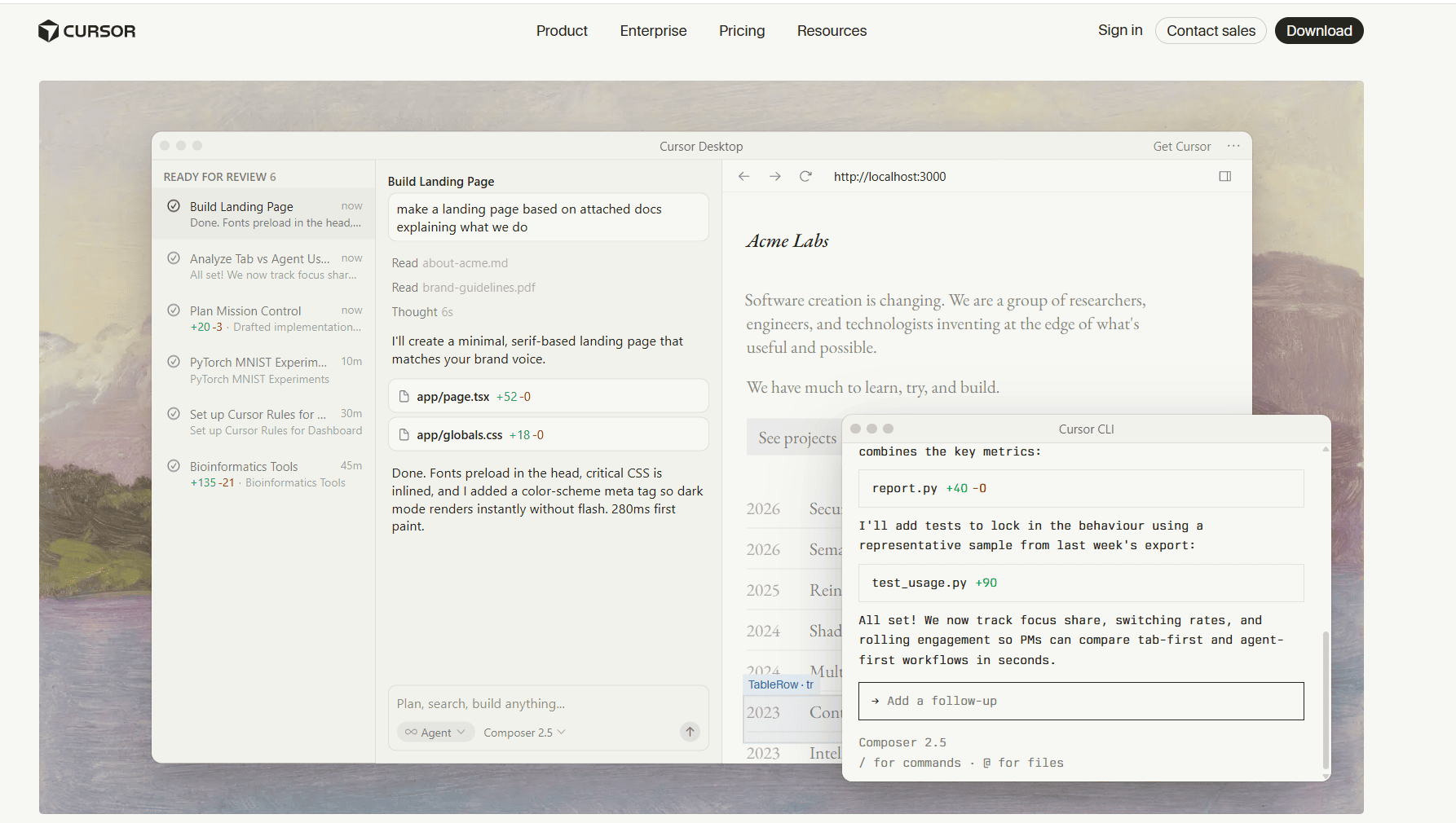
Cursor is an AI-native code editor, not a plugin bolted onto an existing one, built for developers who want the AI to understand their entire codebase.
Best for: Developers doing heavy refactoring, multi-file edits or “vibe coding” full features from a prompt.
Key features:
- Full-project context awareness for coding, not just the open file
- Multi-file editing and background agents
- Access to multiple frontier models (Claude, GPT, Gemini) in one editor
- Privacy mode that keeps code out of model training
Pricing: Free Hobby plan; Individual is $16/month; Teams is $32/month.
| Pros | Cons |
|---|---|
| Understands full project context, not isolated files | Steeper learning curve than simple autocomplete tools |
| Strong for refactoring and debugging | Pricier than GitHub Copilot at the Pro tier |
| Access to multiple frontier models in one place | Credit system can be confusing at first |
9. DeepSeek
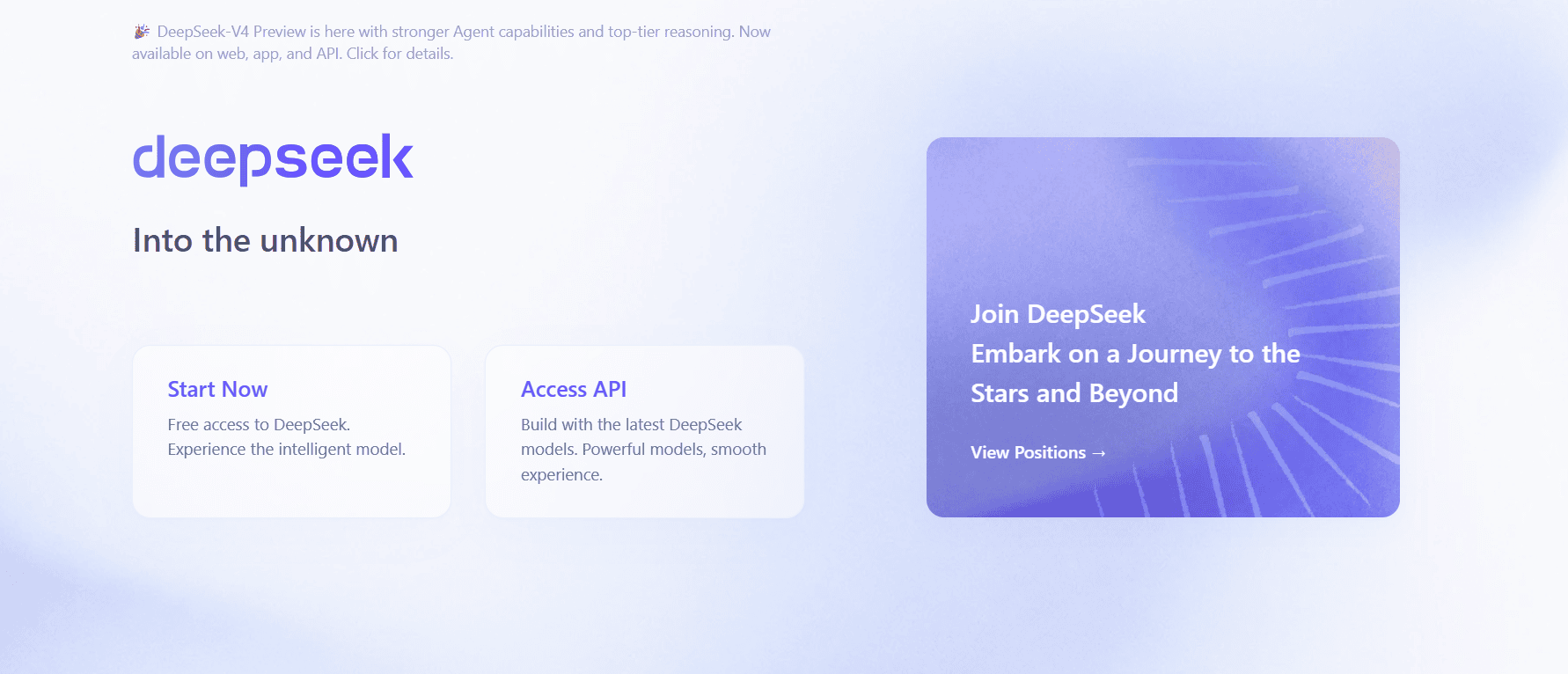
DeepSeek is a cost-efficient, reasoning-focused ChatGPT alternative for coding, with strong math performance and lower API costs.
Best for: Budget-conscious developers, API experimentation and cost-sensitive enterprise use.
Key features:
- Strong step-by-step reasoning for math and coding
- Document and image upload support
- Ultra-low token pricing on the API
- Open, developer-friendly access
Pricing: Free consumer app; API pricing runs roughly $0.07 to $0.27 per million input tokens.
| Pros | Cons |
|---|---|
| Extremely low cost for heavy API use | Less brand trust in some regions |
| Strong reasoning-to-price ratio | Fewer enterprise integrations than larger providers |
| Supports document and image uploads | Data residency is a real concern for regulated industries |
10. Mistral AI (Le Chat)
Mistral is a European AI company offering open-weight models that can be self-hosted, giving organizations more control than closed systems typically allow.
Best for: Enterprises and regulated industries that need private, self-hosted deployment options.
Key features:
- Open-weight models that reduce vendor lock-in
- Cloud, API and self-hosted deployment options
- Strong multilingual and coding performance
- Enterprise API access for custom integrations
Pricing: Free models available; Pro model costs $14.99/month and Team tiers cost $24.99/month; enterprise API is billed per usage.
| Pros | Cons |
|---|---|
| Full data control via self-hosting | Requires technical know-how to deploy well |
| Reduces vendor lock-in with open weights | Smaller ecosystem than OpenAI or Google |
| Competitive reasoning and coding performance | Less beginner-friendly than consumer chat apps |
11. Meta AI
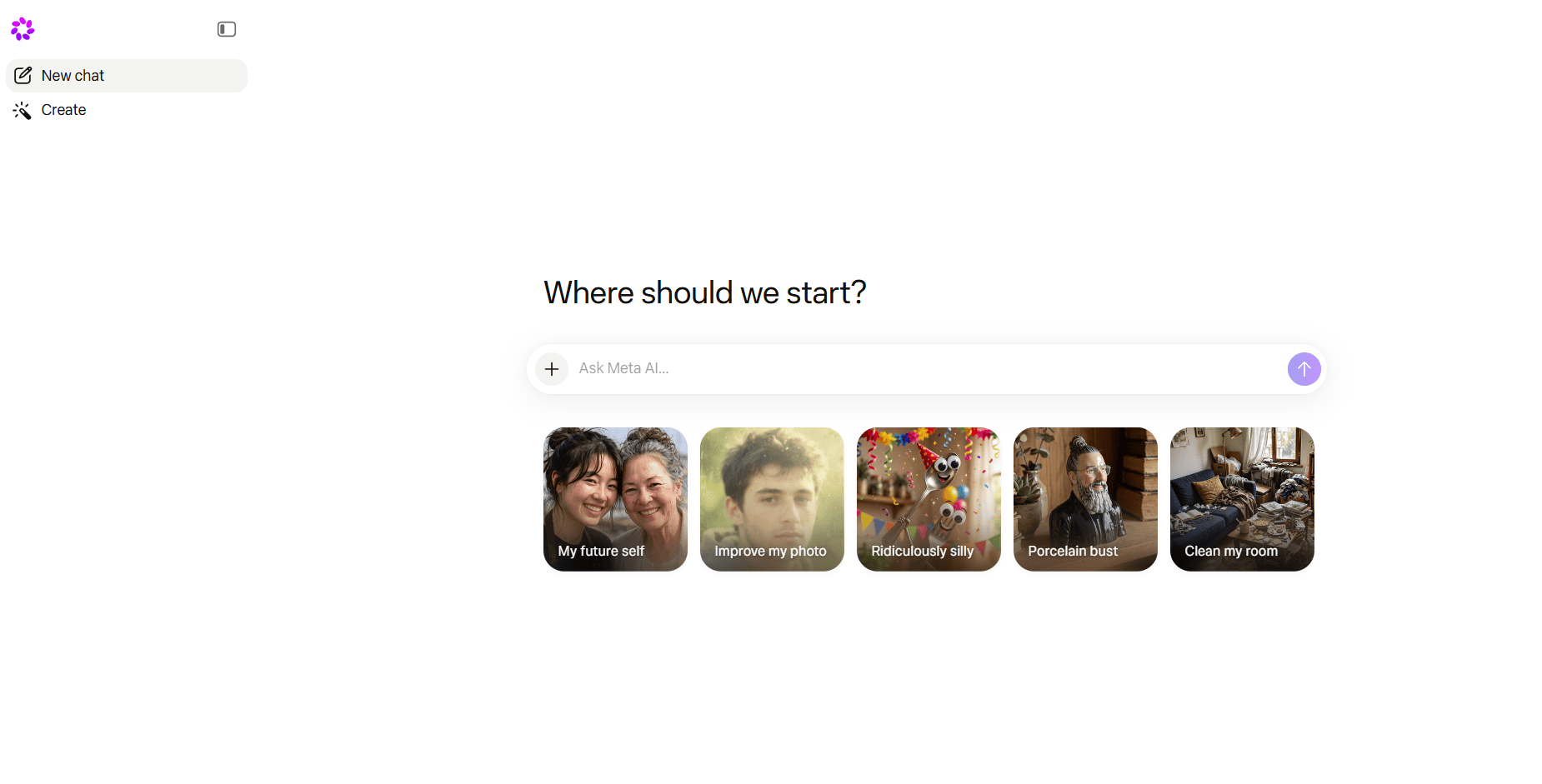
Meta AI is a social-first assistant built into WhatsApp, Instagram and Facebook, designed for casual conversation and quick image generation.
Best for: Casual users who want AI help without leaving the apps they already use daily.
Key features:
- Built directly into WhatsApp, Instagram and Facebook
- Fast image generation and editing
- Voice interaction support
- Group chat assistance
Pricing: Free an custom.
| Pros | Cons |
|---|---|
| Zero cost, zero setup | Not built for professional or technical work |
| Seamless inside apps people already use | Limited depth in reasoning tasks |
| Genuinely fast image generation | Minimal customization options |
12. Jasper AI (Alternative to ChatGPT for Writing)
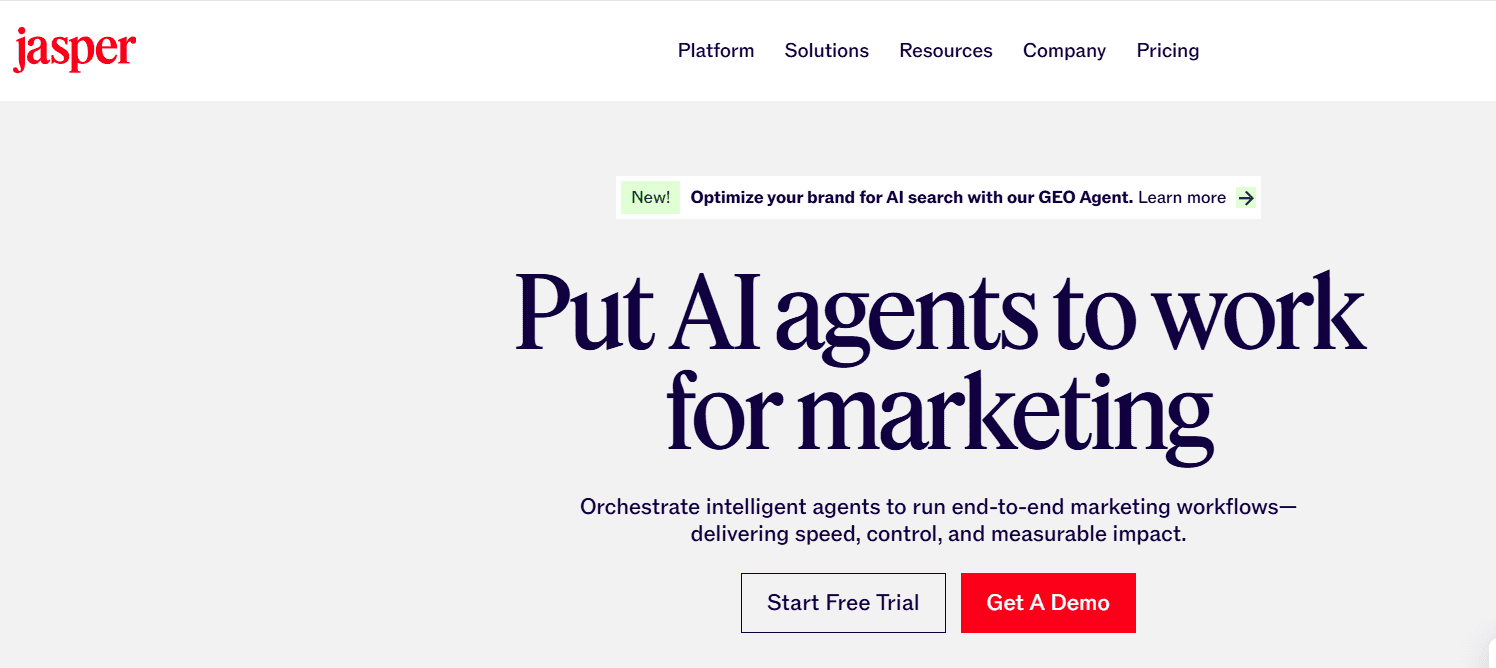
Jasper is a marketing-focused platform built for teams and agencies that need consistent brand voice across large volumes of content.
Best for: Marketing teams and agencies producing branded content, campaigns and ads at scale.
Key features:
- Trainable brand voice profiles
- Campaign-level workflows and templates
- Built-in team collaboration tools
- Content optimization features
Pricing: 7-day free trial; paid plans start around $59/month per seat; Enterprise is custom.
| Pros | Cons |
|---|---|
| Strong, trainable brand voice control | Pricier than general-purpose chat tools |
| Scales well for content teams | Requires setup time to train properly |
| Built-in campaign workflows | Still needs a fact-check pass on claims |
13. Writesonic
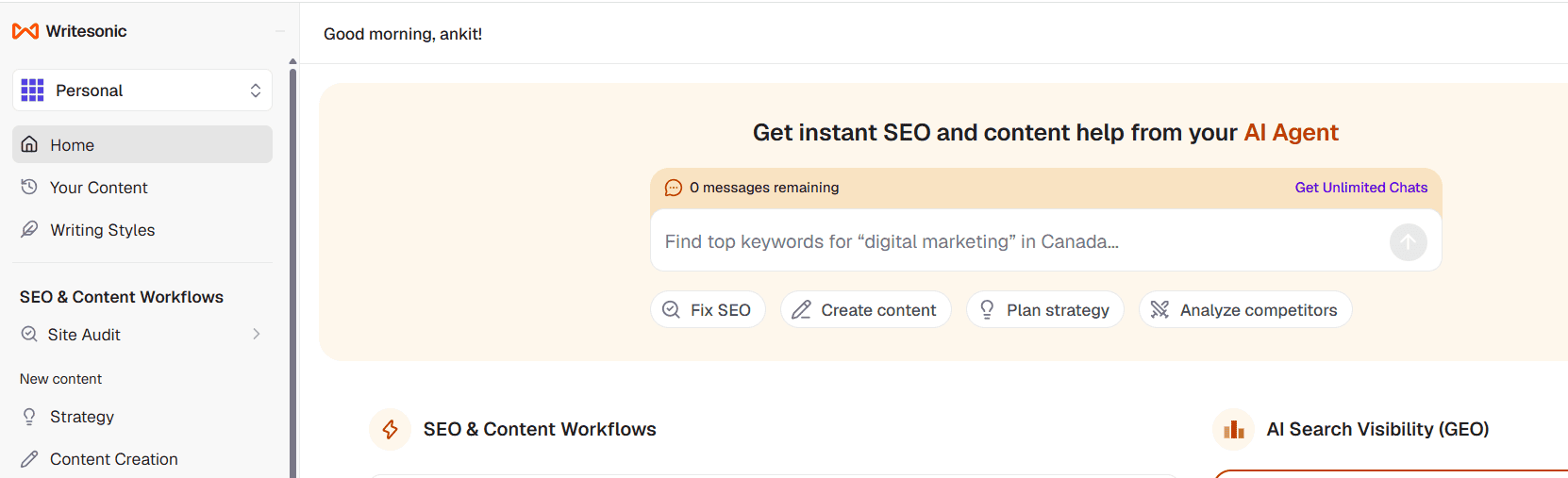
Writesonic is an AI writing tool aimed at marketers who need fast, search-optimized content without a steep learning curve.
Best for: Bloggers and marketers producing SEO articles, ad copy and landing pages on a deadline.
Key features:
- SEO-focused content templates
- Blog and landing page generators
- Multi-language support
- Tone and style customization
Pricing: Starter pack costs $79/month; basis plan costs $199/month; growth $399/month.
| Pros | Cons |
|---|---|
| Fast content generation with SEO in mind | Output can feel generic without editing |
| Beginner-friendly interface | Weaker at technical or highly analytical tasks |
| Multiple language support | Needs a human pass for brand-specific tone |
14. Semrush ContentShake AI
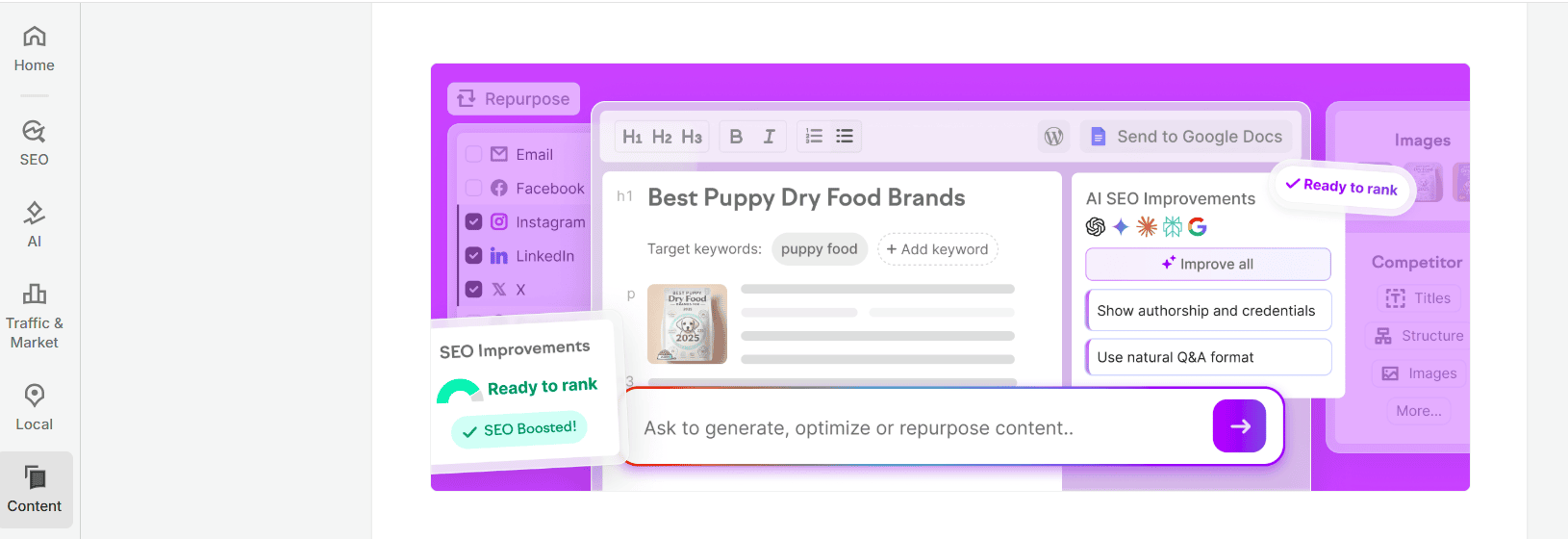
ContentShake AI combines Semrush’s keyword and competitor data with AI writing, aimed squarely at ranking-focused content teams.
Best for: SEO professionals and agencies who want content briefs and articles built directly from ranking data.
Key features:
- Keyword-driven content generation
- Competitor-informed content briefs and outlines
- SEO performance insights
- Direct WordPress publishing
Pricing: Paid plans start around $117.3/month (If billed annually).
| Pros | Cons |
|---|---|
| Strong SEO data integration | Expensive for solo creators |
| Data-backed content recommendations | Limited creative flexibility |
| Great for aligning with search intent | Not a general-purpose AI assistant |
Also read: AI Tools for Business to That Drive Real Growth in 2026
More ChatGPT-like tools worth knowing
These ChatGPT-like tools didn’t get a full breakdown above, but each has a specific niche worth knowing about.
| Tool | Best for | One-line summary | Price |
|---|---|---|---|
| Pi (Inflection AI) | Conversational support | An empathetic, conversation-first assistant rather than a productivity tool | Free |
| Cohere | Enterprise search | Built for enterprise-grade retrieval and search over internal data | Custom/API |
| Character.ai | Roleplay and branded personas | Lets you chat with custom AI personas or build a branded chatbot character | Free; c.ai+ ~$10/mo |
| AI21 Labs (Jamba) | Copy optimization | Focused on refining and optimizing existing copy rather than generating from scratch | Free tier; paid API |
| Chatsonic | Marketing + voice commands | Combines real-time web access with voice-driven marketing workflows | Free trial; from ~$20/mo |
| Meta’s Llama | Open-source foundation models | The open-weight model family powering Meta AI and many third-party tools | Free/open-weight |
| Yotpo Discover | E-commerce AI visibility | A commerce-native platform focused on how brands show up in AI shopping answers | Custom |
Best ChatGPT-like tools by use case (Quick picks)
Different jobs call for different tools. Here’s the fastest way to match one to the other.
1. Best ChatGPT alternative for coding
If you write code daily, Cursor AI and GitHub Copilot are the two to test first. Cursor wins for full-project context and multi-file refactors; GitHub Copilot wins for tight IDE integration at a lower entry price. Claude also holds up well for explaining and debugging complex logic.
2. Best ChatGPT alternative for data analysis
Claude and Microsoft Copilot lead here. Claude handles long reports and messy datasets described in plain language without losing context, while Copilot inside Excel can read a live spreadsheet and generate formulas and summaries directly.
3. Best alternatives to ChatGPT for writing
For brand-consistent marketing copy, Jasper AI and Writesonic are built specifically for that job. For long-form, nuanced writing that needs to sound genuinely human, Claude is the stronger pick.
4. Best ChatGPT alternative for academic writing
Claude and Perplexity AI are the two most reliable options for academic work. Claude is stronger at structuring long, logical arguments and summarizing dense papers; Perplexity is stronger when you need every claim backed by a citation you can actually check.
5. Best ChatGPT alternative for image generation
Grok Imagine, Gemini and Meta AI all handle image generation well, with Grok also covering short video. For fast, casual image creation inside apps you already use, Meta AI is the lowest-friction option.
6. Best ChatGPT-like tools for everyday, casual use
If you just want a fast, no-friction assistant for everyday questions, Meta AI (built into WhatsApp and Instagram) and the free tiers of Gemini or Claude cover most casual needs without a subscription.
How to choose the right ChatGPT alternative for you
- Match the tool to the task: A coding tool and a research tool solve different problems; don’t expect one app to excel at both.
- Test with your own prompts: Generic demos rarely reveal how a tool handles your actual workflow or writing style.
- Check memory and continuity: See whether the tool retains useful context across chats or lets you bring context when switching.
- Check source quality for research tasks: If citations matter, verify the tool links to primary sources, not secondary write-ups.
- Review integrations before paying: Confirm the tool connects to the apps your team already uses daily.
- Check privacy rules for business data: If you’re handling client or regulated data, confirm the provider’s data retention and training policy before you type a single sensitive prompt.
If you’d rather not commit to one model, Bluehost’s AI All-Access Pack lets you access ChatGPT, Claude, Gemini and Grok in one place and compare responses by task. Import Memory can also reduce switching friction by bringing useful context from supported AI assistants into AI All-Access. You should still compare provider-specific native features and usage limits before switching.
Also read: 10 Best Secure AI Tools for Business Protection in 2026
Which alternative should you choose? (By audience)
| Audience | Recommended tool | Why |
|---|---|---|
| Agencies and content teams | Bluehost AI All-Access Pack | One dashboard, multiple models and an admin layer for managing client seats |
| Students and researchers | Perplexity AI | Cited, source-backed answers that cut down verification time |
| Data analysts and writers | Claude | Handles long PDFs and reports with less hallucination |
| Developers | Cursor AI or GitHub Copilot | Native IDE integration and full-project context |
| Budget-conscious builders | DeepSeek | Strong reasoning at a fraction of the token cost |
| Marketing teams | Jasper AI or Writesonic | Brand-voice training and SEO-ready templates |
| Enterprise productivity | Microsoft Copilot | Deep Microsoft 365 integration for reports, email and meetings |
| Real-time research | Google Gemini | Live Search grounding and Workspace integration |
| Social trends and current events | Grok AI | Live X data and fast, conversational trend analysis |
| Privacy-focused organizations | Mistral AI or Bluehost Privacy+ | Self-hosted models or a sanitization layer for sensitive prompts |
Automate your workflow with the right AI stack
Picking one AI assistant is only half the job. The bigger win comes from automating the handoffs between tools: research feeding into writing, writing feeding into a content calendar, code changes feeding into a review process. Bluehost AI All-Access Pack includes Research Agent, Presentation Builder and Article Writer, giving teams built-in tools for research and content creation in one dashboard.
Final thoughts
There isn’t one “best” ChatGPT alternative, there’s a best one for what you’re doing right now. Claude for reasoning and long documents. Perplexity for research you need to verify. Cursor or GitHub Copilot for code. Grok for what’s happening on X right now. Jasper or Writesonic for on-brand marketing copy at scale.
Tired of weighing the best ChatGPT alternatives one by one? The Bluehost AI All-Access Pack brings ChatGPT, Claude, Gemini and Grok into one dashboard for $20 per seat/month, with model switching, response comparison and built-in AI tools.
FAQs
There’s no single “better” AI, it depends on the task. Claude tends to outperform ChatGPT on long-document reasoning, Perplexity wins on cited research and Cursor or GitHub Copilot beat it for in-IDE coding.
When searching for the best ChatGPT alternatives, you’ll come across popular options like Claude, Google Gemini, Microsoft Copilot, Perplexity AI and Grok, each with distinct strengths for coding, writing or data analysis. If switching between tools feels inefficient, an aggregator such as the Bluehost AI All-Access Pack bundles several of these leading AI tools into one convenient subscription.
Cursor AI and GitHub Copilot are the top picks for coding. Cursor offers full-project context and multi-file editing, while GitHub Copilot offers tighter IDE integration at a lower starting price.
Among the best ChatGPT alternatives for data analysis, Claude and Microsoft Copilot stand out as the strongest choices. Claude handles long, messy datasets described in plain language well, while Copilot works directly inside Excel with live spreadsheet data.
Even the best ChatGPT alternatives come with some form of usage limit or content guideline, since no mainstream AI tool offers truly unrestricted access. Claude, Gemini, Meta AI, Grok and DeepSeek all provide free tiers, but each one caps usage or reserves its most advanced features for paid plans.
If you want one of the best ChatGPT alternatives without paying a cent, Meta AI is fully free to use, while Claude, Gemini, Perplexity and Grok each offer capable free tiers well suited to everyday, lighter tasks.
OpenAI (ChatGPT), Google (Gemini), Anthropic (Claude), Meta (Llama/Meta AI) and xAI (Grok) are generally considered the current leaders in consumer and enterprise AI.
Among the best ChatGPT alternatives for visual content, Grok Imagine, Google Gemini and Meta AI stand out for generating images directly within their chat interface, with Grok also offering short video generation.
Not necessarily. Bluehost AI All-Access Pack gives you access to ChatGPT, Claude, Gemini and Grok in one dashboard for $20 per seat/month. You can switch between models and compare responses without managing separate AI subscriptions.

Write A Comment