



Key highlights
- Understand the fundamental differences in Cloudflare vs website security to determine the most effective defense strategy for your digital presence.
- Explore how advanced security layers and traffic filtering work together to mitigate DDoS attacks and prevent unauthorized access.
- Uncover the benefits of integrating cloud-based protection with server-side measures to balance high-speed performance and robust site safety.
- Know which features are essential for a comprehensive security stack to ensure your business data and user privacy remain fully protected.
- Learn how to optimize your Cloudflare and website security configuration for maximum reliability by selecting a professional hosting plan from Bluehost.
You might come across a statements/headlines/phrases saying, “A new cyberattack happens every few seconds”. That’s not a headline designed to scare you it’s a reality that every website owner, from solo bloggers to eCommerce store managers, needs to take seriously.
In the rush to protect their sites, many people discover two common tools: Cloudflare and dedicated website security services. Both promise protection, but they work in very different ways.
If you’ve ever asked yourself “What is Cloudflare and do I actually need it?” or wondered how it stacks up against a full website security plan, you’re in the right place. This guide breaks down the Cloudflare vs website security debate clearly, so you can make the right decision for your site and stop leaving the digital door unlocked.
What is Cloudflare?
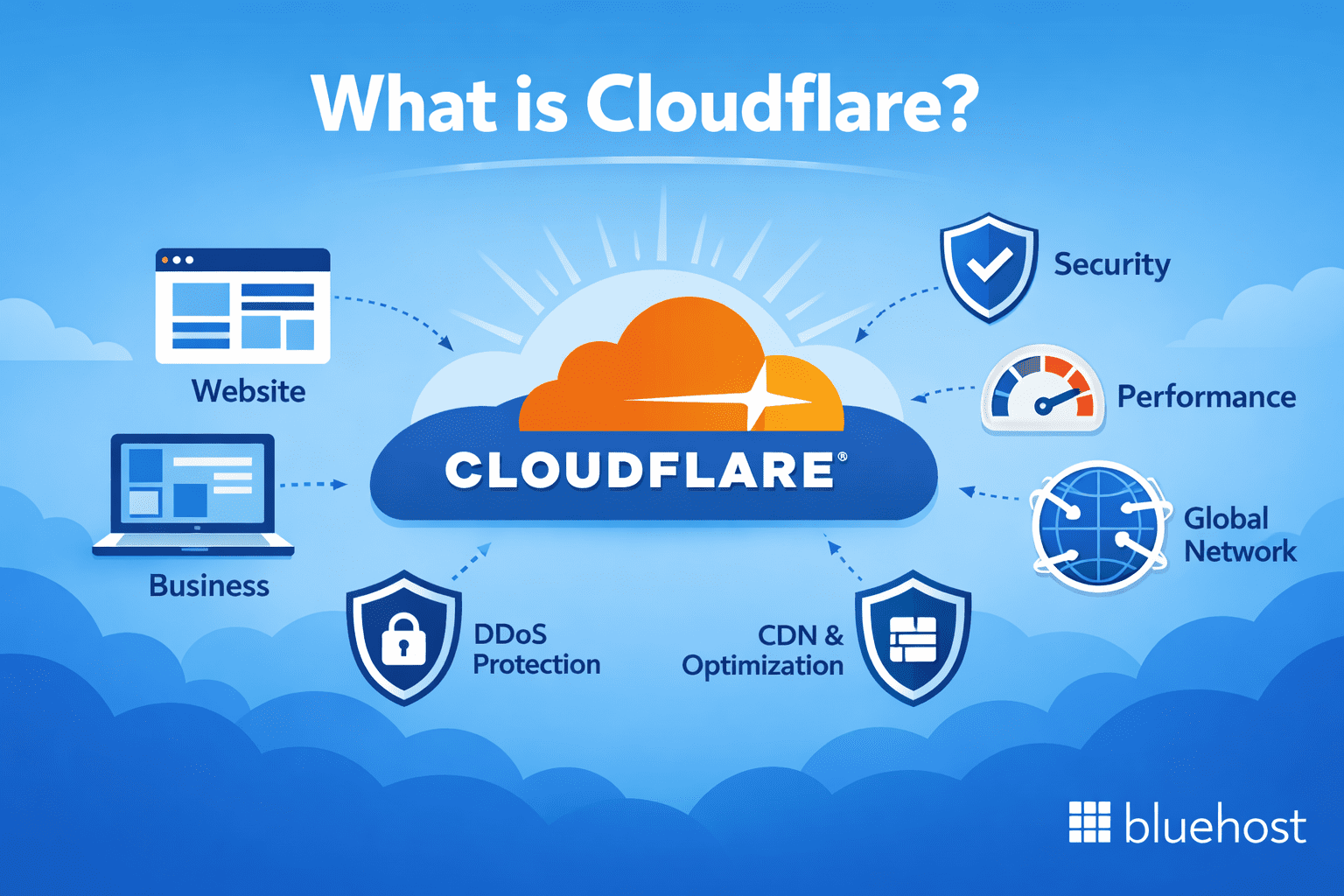
Cloudflare is a global network infrastructure company that acts as a reverse proxy between your website visitors and your hosting server. When someone types your URL into a browser, Cloudflare intercepts that request before it reaches your origin server, filtering out malicious traffic and serving cached content from one of its 300+ global edge locations.
At its core, Cloudflare is a Content Delivery Network (CDN), but it’s evolved into much more than that. Here’s what Cloudflare actually does:
- CDN and caching: Speeds up your website by delivering static assets (images, CSS, JavaScript) from servers closer to your visitors
- DDoS (Distributed Denial-of-Service) mitigation: Absorbs massive traffic floods designed to knock your site offline
- Web Application Firewall (WAF): Blocks common exploits at the network layer, including SQL injections and cross-site scripting (XSS)
- DNS management: Offers fast, secure DNS resolution to speed up connections
- Bot management: Identifies and blocks malicious bots while letting legitimate crawlers (like Googlebot) through
Cloudflare operates at the network layer, meaning it shields your site from threats before they ever reach your hosting server. This is powerful, but it’s not the whole picture.
Pro Tip: Cloudflare’s free plan is a solid starting point for small websites, but business-critical sites should explore paid tiers that unlock advanced WAF rules, bot management and priority DDoS response.
While Cloudflare provides a robust first line of defense, understanding the broader landscape of digital threats helps explain why these protections are so vital for modern site owners.
Why website security is critical for every website owner?
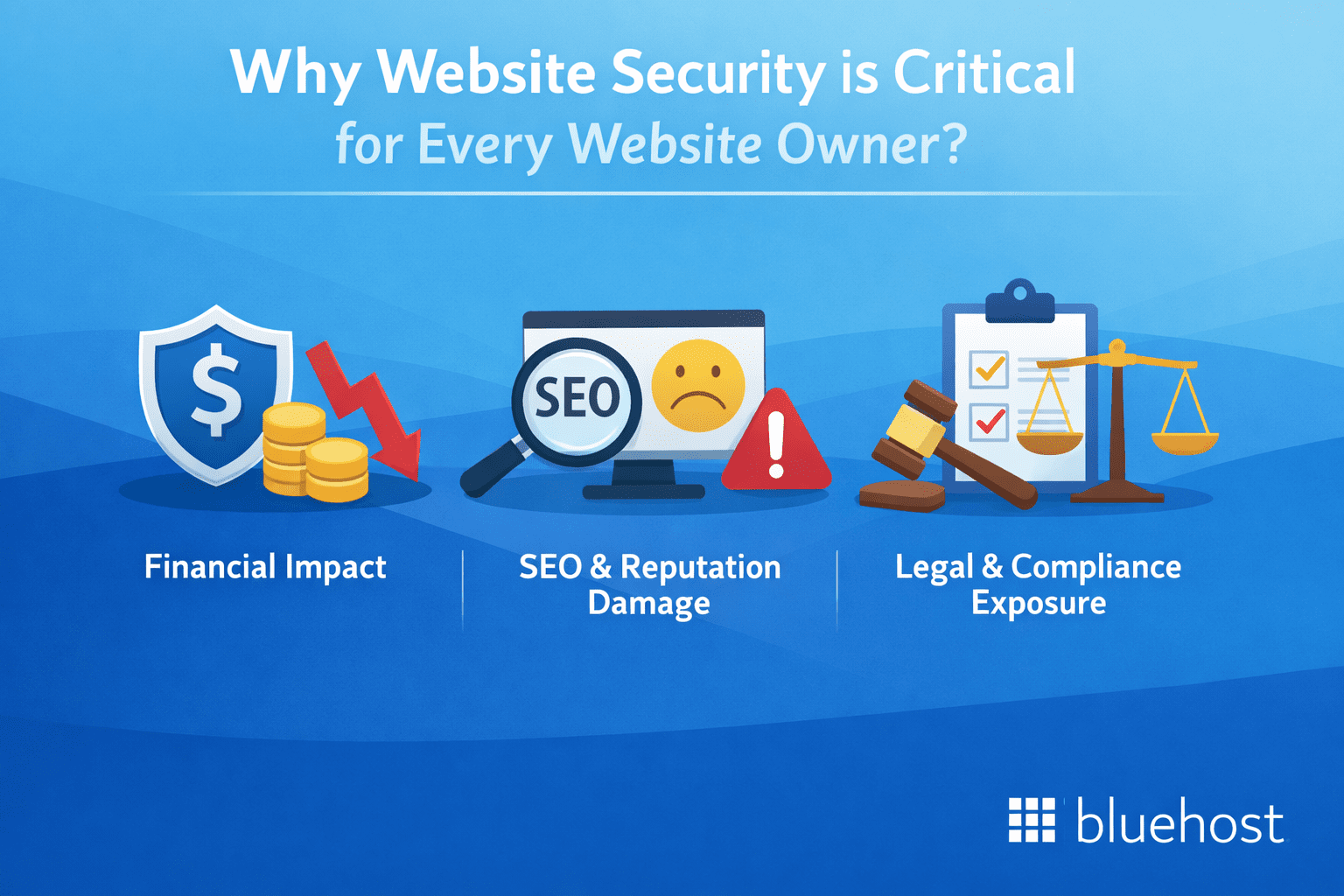
No website is too small to be a target. Cybercriminals use automated tools that scan millions of sites continuously, attacking vulnerabilities regardless of your traffic volume or business size. The question isn’t whether your site could be compromised, it’s whether you’re prepared when it happens. Three risk dimensions make this clear:
- Financial impact: Data breaches often result in substantial costs for small businesses, covering lost revenue during downtime, emergency remediation fees and potential customer compensation. These expenses can be devastating for a smaller operation. While the total cost might be lower than what a large enterprise faces, the overall impact on operations and survival is typically much more severe, as small businesses often lack the financial resources to weather the storm.
- SEO and reputation damage: A compromise can devastate your organic visibility almost immediately. One of the primary effects of being on the Google Safe Browsing blacklist is a dramatic drop in organic search traffic, blacklisted websites can lose a huge portion of their normal search engine visibility. Even after successful removal from the blacklist, the road to complete recovery is often long search rankings take time to rebuild, user trust needs to be re-established and the negative impact on conversion rates may persist for weeks or months. Many businesses might take around 3–6 months to fully recover.
- Legal and compliance exposure: If your site collects personal data from EU visitors, GDPR (General Data Protection Regulation) imposes strict breach notification requirements and hefty fines for non-compliance. For any site that handles customer payment data, PCI-DSS: Payment Card Industry Data Security Standard, compliance is non-negotiable and a breach that exposes cardholder data can trigger fines, audits and loss of the ability to process card payments entirely.
The most effective first line of defense against various security risks is a hosting environment that includes built-in malware detection and removal, rather than basic monitoring that simply flags a problem and leaves you to resolve it yourself.
For example: Bluehost offers robust website security through features like SiteLock, which provides automated malware scanning and proactive removal to keep your site clean. By integrating these server-side protections directly into the platform, Bluehost ensures that your website remains secure from the ground up, providing a critical layer of defense that works in tandem with edge-level security services like Cloudflare to mitigate threats before they reach your visitors.
Also read: Protecting Your Website From CyberThreats With SiteLock Security
Cloudflare vs website security: A side-by-side comparison
Understanding where one ends and the other begins is the key to building a truly protected website. Here’s a clear breakdown of how Cloudflare and dedicated website security services compare across the most important security functions:
| Feature | Cloudflare | Dedicated website security service |
|---|---|---|
| DDoS protection | ✅ Excellent (network-level) | ⚠️ Limited or none |
| Web Application Firewall (WAF) | ✅ Yes (network-level rules) | ✅ Yes (application-level rules) |
| Malware scanning | ❌ Not included | ✅ Core feature |
| Malware removal | ❌ Not included | ✅ Included (varies by plan) |
| CDN and performance | ✅ Core feature | ❌ Not typically included |
| SSL/TLS management | ✅ Free SSL included | ✅ Often included |
| Bot management | ✅ Advanced (paid plans) | ⚠️ Basic (some providers) |
| Vulnerability detection | ❌ Limited | ✅ Yes |
| Blacklist monitoring | ❌ Not included | ✅ Included |
| Backup and recovery | ❌ Not included | ✅ Often included |
| Setup complexity | Moderate (DNS changes required) | Low to moderate |
| Best for | Traffic filtering, speed, DDoS | Malware, recovery, monitoring |
The takeaway here is simple: Cloudflare and website security services are complementary, not interchangeable. Relying on one while ignoring the other leaves real gaps in your protection strategy.
Where Cloudflare genuinely excels?
1. Network-level threat interception
Cloudflare’s biggest strength is stopping threats before they ever reach your server. Because it acts as a proxy, every single request to your website goes through Cloudflare’s global network first. This means that volumetric attacks, like DDoS floods designed to overwhelm your server with traffic are absorbed and neutralized at the edge, not at your origin.
This is a game-changer for website availability. During a DDoS attack without Cloudflare, your server could slow to a crawl or go completely offline. With Cloudflare in place, your visitors may not even notice an attack is happening.
2. Performance and security in one package
One of Cloudflare’s most underrated advantages is that its security features come with a performance boost built in. The same CDN that caches your content and reduces load times also routes traffic through Cloudflare’s optimized network, minimizing latency. It’s a rare case where protecting your site also makes it faster, a win for both user experience and SEO rankings.
Pro tip: After enabling Cloudflare, test your site’s load time using Google PageSpeed Insights. Many site owners see significant improvements in First Contentful Paint (FCP) scores simply from activating Cloudflare’s caching and CDN features.
3. IP reputation and bot filtering
Cloudflare maintains one of the largest IP reputation databases in the world. When a request comes from a known malicious IP, one associated with spam networks, scraping bots or attack infrastructure, Cloudflare can challenge or block it automatically. For high-traffic websites, this alone can dramatically reduce the burden on your server and reduce exposure to automated attacks.
Where dedicated website security services shine?
1. Finding and removing malware that’s already inside your site
Here’s the scenario Cloudflare can’t handle: a compromised plugin installs a backdoor in your WordPress files six months ago and no one notices. The malicious code sits quietly in your database, redirecting mobile visitors to spam sites or harvesting customer data. Cloudflare, operating at the network level, has no visibility into what’s happening inside your server’s file system.
A dedicated website security service scans your files, database and code regularly to detect exactly this kind of hidden threat. When malware is found, the best services don’t just flag it. They remove it, often automatically or with one-click remediation.
2. Application hardening and vulnerability patching
While a network-level firewall blocks malicious traffic patterns, dedicated security services focus on the integrity of the application itself. They look for “open doors” such as outdated software, weak administrator passwords or insecure file permissions that could allow an attacker to bypass traditional defenses. By hardening the internal environment, these services reduce the overall attack surface of your website.
For example, a dedicated security tool might identify that your site is running a version of a contact form plugin with a known SQL injection vulnerability. It can then provide specific instructions to patch the hole or apply a “virtual patch” at the server level to stop exploitation before you even have a chance to update the plugin.
3. File integrity monitoring and change detection
Website security services monitor the “health” of your site’s core structure by tracking any modifications to system files. This is a critical layer of defense because many sophisticated attacks involve altering legitimate files rather than adding new ones. Because these changes happen locally on the server, they are invisible to external traffic monitors and CDNs.
A generic example would be an alert triggered when your .htaccess or wp-config.php file is modified without authorization. These real-time notifications allow you to revert suspicious changes immediately, preventing attackers from establishing a permanent foothold or redirecting your traffic to malicious domains.
Cricual website security best practices every site owner should follow
Whether you use Cloudflare, a dedicated security service or both, your protection is only as strong as your habits. Here are the website security best practices that form the foundation of any solid security strategy:
1. Always use HTTPS with a valid SSL certificate
HTTPS encrypts the connection between your visitors and your server, protecting sensitive data like login credentials and payment information. Google also treats HTTPS as a ranking signal. Most hosting providers including managed WordPress hosts include free SSL with every plan.
2. Keep everything updated
Outdated CMS versions, themes and plugins are the most common entry points for hackers. Enable automatic updates where possible and audit your installed plugins every month. If a plugin hasn’t been updated in over a year and has known vulnerabilities, replace it.
3. Use strong, unique passwords and enable two-factor authentication
Brute-force attacks target weak passwords relentlessly. Use a password manager to generate and store strong credentials and enable two-factor authentication (2FA) on your CMS admin, hosting account and any third-party services with access to your site.
4. Perform and test regular backups
A backup that has never been tested is just a hope, not a safety net. Schedule automated daily or weekly backups and periodically restore them in a staging environment to confirm they work. Store backups in an offsite location separate from your hosting server.
5. Limit login attempts and restrict admin access
Configure your site to lock out users after a set number of failed login attempts. Restrict access to your admin panel by IP address if you consistently manage the site from the same location. Remove default admin usernames and disable file editing from within the CMS dashboard.
6. Scan regularly for malware and vulnerabilities
Don’t wait for something to go wrong before you look. Scheduled security scans catch problems early before a minor infection becomes a full-scale compromise or before Google flags your site and drives away organic traffic.
Pro Tip: Combine these website security best practices with both Cloudflare’s network-level filtering and a dedicated security service for layered protection. Think of it like your home: Cloudflare is the fence around the property, website security services are the alarm system inside.
Do you need Cloudflare and a dedicated website security service?
For most website owners especially those running WordPress sites, eCommerce stores or any site that handles user data, the answer is yes. Here’s how to think about it:
- If you’re running a personal blog with low traffic: Cloudflare’s free plan plus your host’s built-in security features may be sufficient for now
- If you run a small business website: You need both, Cloudflare to handle traffic filtering and DDoS protection and a security service to monitor for malware and vulnerabilities
- If you run an eCommerce store: Both are non-negotiable. A single breach can expose customer payment data, destroy trust and result in costly fines under regulations like GDPR or PCI-DSS compliance requirements
- If you manage multiple client sites or an agency portfolio: Look for a managed WordPress host that bundles security features including malware detection and removal, alongside Cloudflare CDN integration at the infrastructure level
The good news is that many modern managed hosting platforms make this easier by integrating both layers into a single dashboard. When your host runs Cloudflare CDN at the infrastructure level and includes malware scanning and removal in the plan, the “Which one do I choose” question becomes moot, you get both, configured correctly from day one.
Bluehost simplifies this choice by offering a comprehensive suite of tools that bridge the gap between content delivery and site protection!
How Bluehost protects and accelerates your website?
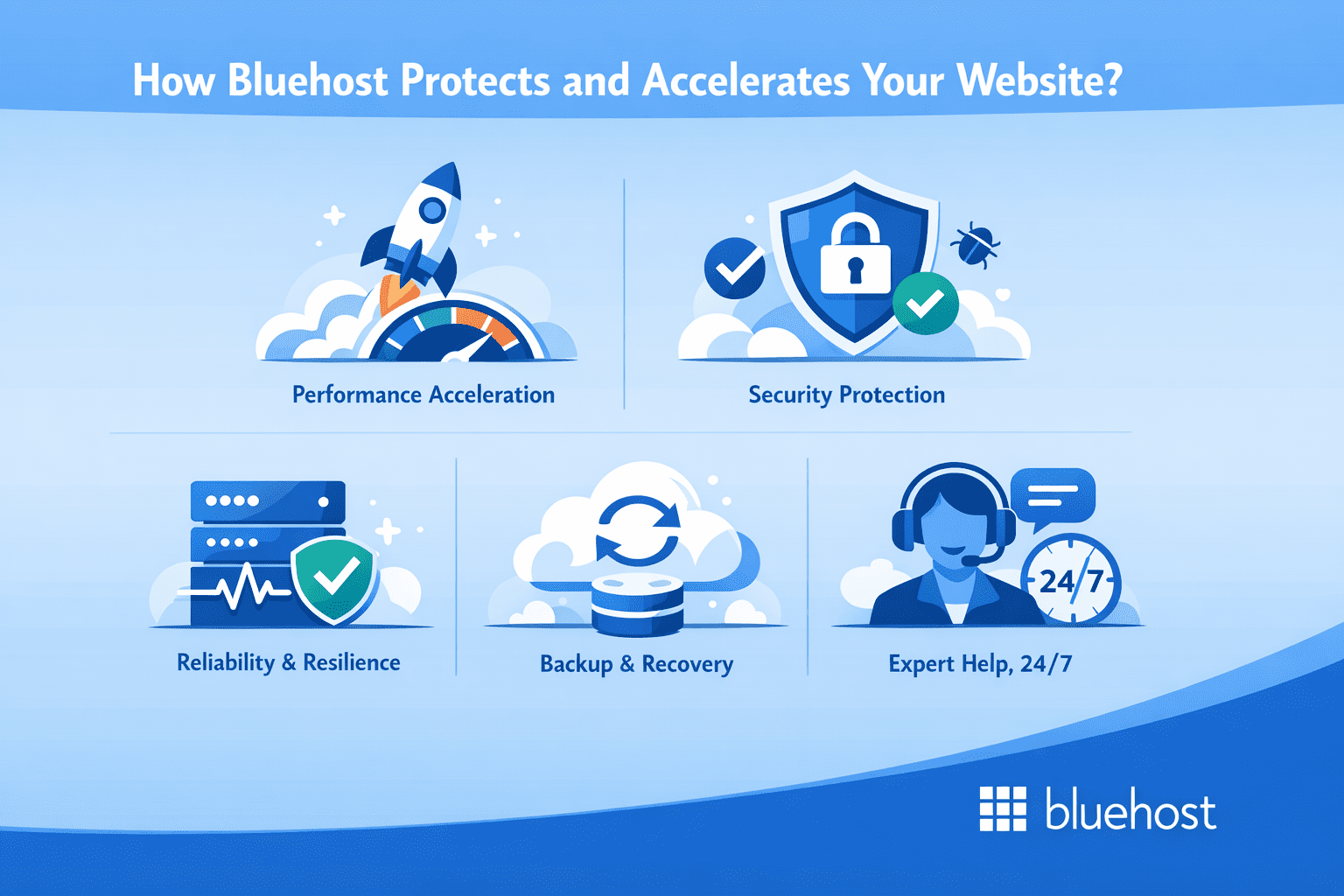
Bluehost’s managed WordPress hosting resolves the Cloudflare vs. security services dilemma by integrating both protection and performance into a single managed environment. Rather than asking you to stitch together separate tools, your hosting plan handles network-level speed and application-level security in one place, so you can focus on running your site, not managing its defenses.
Here’s what that looks like in practice for your site:
1. Performance acceleration (Speed you don’t have to engineer)
- Built-in Cloudflare CDN: Available on Bluehost WordPress hosting, with enablement handled from the Bluehost experience (rather than requiring you to build a separate CDN setup).
- Caching built for WordPress: Plan features list static content caching and object caching, helping pages load faster and reducing server strain.
- Global infrastructure: Bluehost markets globally distributed infrastructure/data centers to reduce latency for visitors in different regions.
2. Security protection (Block, scan and reduce downtime risk)
- Web Application Firewall (WAF): Included to help filter common web attacks before they reach WordPress.
- DDoS protection included: Built-in protection designed to help keep sites available during disruptive traffic events.
- Malware scanning: Included for threat detection visibility.
- Malware detection & removal on select tiers: The plan table shows malware detection/removal as included on higher-tier plans (plan-dependent).
3. Reliability and resilience (Stay online through spikes and incidents)
- 99.99% uptime SLA (plan-listed): Bluehost lists a 99.99% uptime SLA on its WordPress hosting plan page (tier/terms apply).
- Platform modernization on OCI: The hosting platform modernization on Oracle Cloud Infrastructure (OCI) enhances scalability, performance and reliability.
4. Backup and recovery (Get back fast if anything goes wrong)
- Website backups included (weekly listed): The plan feature table lists weekly website backups.
5. Expert help, 24/7 (You’re not alone during an incident)
- 24/7 support: Our 24/7 WordPress support team is ready via live chat or phone, with response times under 30 seconds. We’ll even migrate your site for free and provide over 1,000 helpful WordPress guides.
Note: Specific features like malware removal, phone support and backup frequency can vary by plan tier, so it is advisable to review the plan details for exact inclusions.
Final thoughts
The Cloudflare vs website security debate isn’t actually a competition, it’s a conversation about layers. Cloudflare is a powerful, battle-tested network layer tool that excels at performance, DDoS mitigation and traffic filtering. Dedicated website security services operate at the application layer, protecting your actual files, database and code from threats that network-level tools can’t see.
The stakes are too high to rely on a single tool. Choose a hosting solution that takes security seriously at every layer from the infrastructure level all the way down to the files on your server.
Secure your digital footprint with Bluehost website security today! Gain peace of mind with a comprehensive security suite that includes Cloudflare CDN integration, automated malware removal and constant monitoring, ensuring your site remains fast and safe!
FAQs
Cloudflare provides strong network-level protection, including DDoS mitigation, WAF rules and bot filtering. However, it cannot scan your server’s files or database for malware, detect vulnerable plugins or remove malicious code that’s already inside your site. For complete protection, you need a dedicated website security service alongside Cloudflare.
Cloudflare is primarily a Content Delivery Network (CDN) and network security platform. It speeds up websites by caching content across global edge servers, protects against DDoS attacks by absorbing malicious traffic before it reaches your server, manages DNS, provides free SSL and filters malicious bots at the network level.
Cloudflare’s WAF operates at the network layer, blocking known attack signatures before requests reach your server. A WAF built into a dedicated website security service operates at the application layer, with rules tailored to your specific CMS (like WordPress) and its known vulnerabilities. Both are valuable, they catch different types of threats at different points in the attack chain.
No. Cloudflare has no access to your website’s files, database or server-side code. It only sees incoming and outgoing network traffic. Malware detection and removal requires a dedicated security tool that scans your actual file system, something only an application-level security service can do.
The most critical website security best practices for WordPress include keeping your core, themes and plugins updated at all times, using strong and unique passwords with two-factor authentication enabled, installing a security plugin for malware scanning, enabling HTTPS with an SSL certificate, maintaining regular offsite backups and limiting login attempts to prevent brute-force attacks.


Write A Comment