



Key highlights
- Understand the fundamental differences between hostnames and domain names to better manage your website’s technical infrastructure and overall network settings.
- Learn how a domain name identifies your overall digital brand while a hostname specifies a particular server or service within that network.
- Explore the structure of a Fully Qualified Domain Name (FQDN) to ensure your web services are correctly configured and reachable by visitors.
- Uncover how the DNS system translates human-readable names into IP addresses, ensuring your site remains accessible without technical friction.
- Discover how proper naming conventions contribute to the organization and scalability of your online presence as your website grows.
When you type a web address into your browser and land on a website within seconds, a sophisticated system of naming conventions is working quietly in the background. Yet for many website owners, bloggers and small business operators, terms like hostname vs domain name create genuine confusion. Are they the same thing? Is one part of the other? Does the distinction even matter?
The short answer is yes, it matters quite a lot. Understanding the difference between a hostname and a domain name helps you make smarter decisions about your hosting environment, troubleshoot technical issues more effectively and communicate clearly with developers or support teams. This guide breaks down both concepts in plain language, compares them directly and explains why the distinction is relevant to anyone building or managing a website.
By the end of this article, you will have a clear understanding of what is a hostname, what is a domain name and exactly how they relate to one another in the broader ecosystem of the internet.
What is a domain name?
A domain name is the human-readable address used to identify a website on the internet. Instead of requiring users to memorize a string of numbers (known as an IP address), a domain name provides a recognizable label that maps directly to those numbers through the Domain Name System (DNS).
Think of a domain name as the postal address for your website. Just as a physical address tells a delivery driver where to bring a package, a domain name tells a web browser where to find your website’s files on a server.
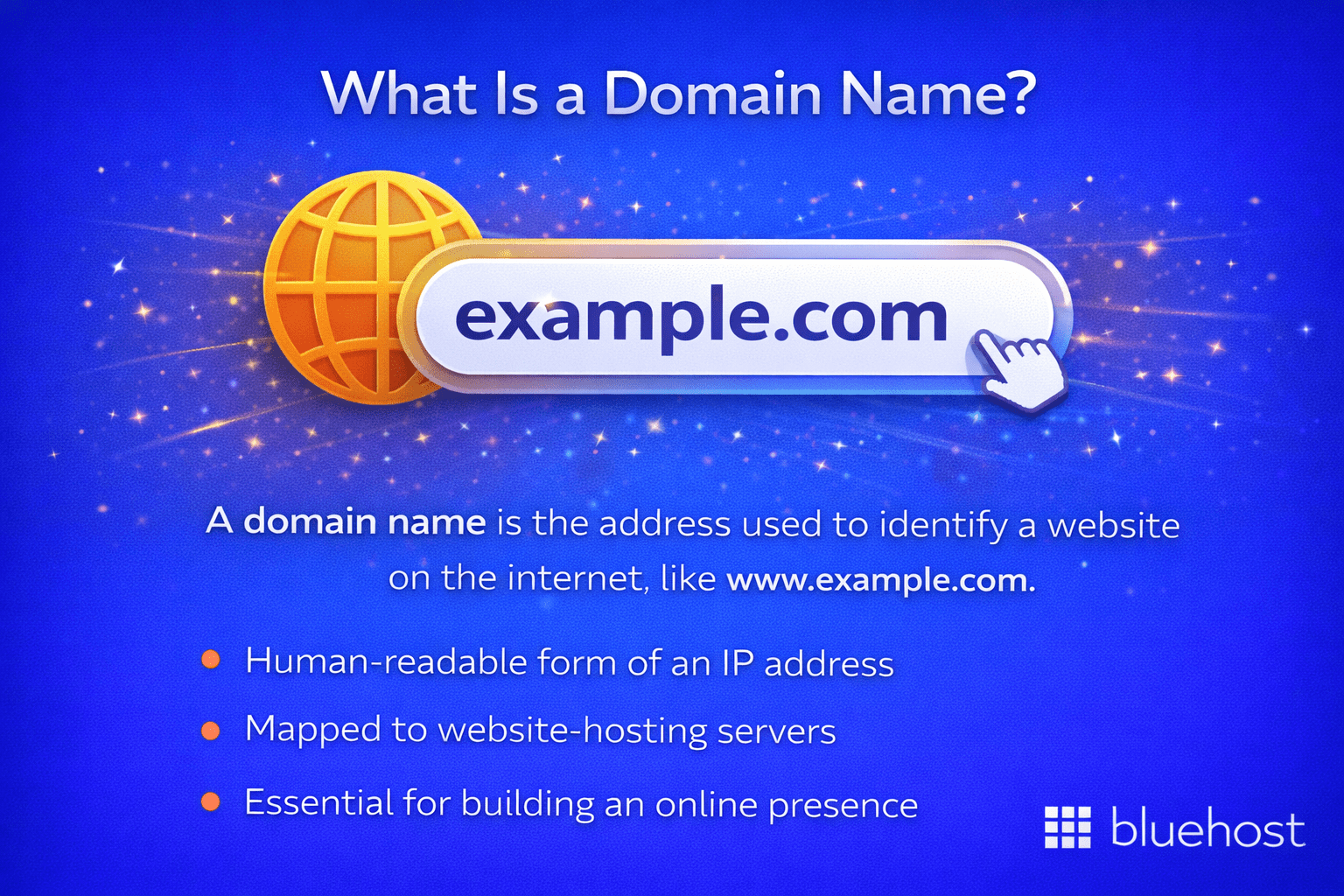
Components of a domain name
A domain name is made up of multiple parts, each serving a specific function:
- Second-level domain (SLD): This is the unique, branded portion of the name, the part your business or organization chooses. For example, in bluehost.com, “bluehost” is the second-level domain.
- Top-level domain (TLD): This is the extension that follows the second-level domain, such as .com, .org, .net or country-specific extensions like .co.uk or .in.
- Root domain: The combination of the SLD and TLD together forms the root domain, for example, bluehost.com.
Domain names are registered through accredited domain registrars and are typically renewed annually. According to Verisign’s Domain Name Industry Brief, there were over 359 million registered domain names globally as of recent reporting, a figure that underscores just how fundamental domain names are to the internet’s infrastructure.
How domain names work?
When someone types your domain name into a browser, a DNS lookup begins. The DNS acts like a phone book for the internet, translating the domain name into a numerical IP address so that the request can be routed to the correct server. This process happens in milliseconds and is largely invisible to the end user.
Domain names can also have prefixes added to them to create subdomains, which is where the concept of a hostname begins to overlap with domain names. Understanding this relationship is central to answering the hostname vs domain name question accurately.
Read more: How Do Domains Work? A Simple Guide for Businesses
What is a hostname?
A hostname is a label assigned to a specific device or machine connected to a network. It identifies a particular host, which could be a server, a computer or any networked device, within a larger network or domain structure.
While a domain name refers broadly to the address of a website or service, a hostname refers to a specific device or resource within that domain. In the context of websites, the hostname often points to the server or machine that is hosting the website’s content.
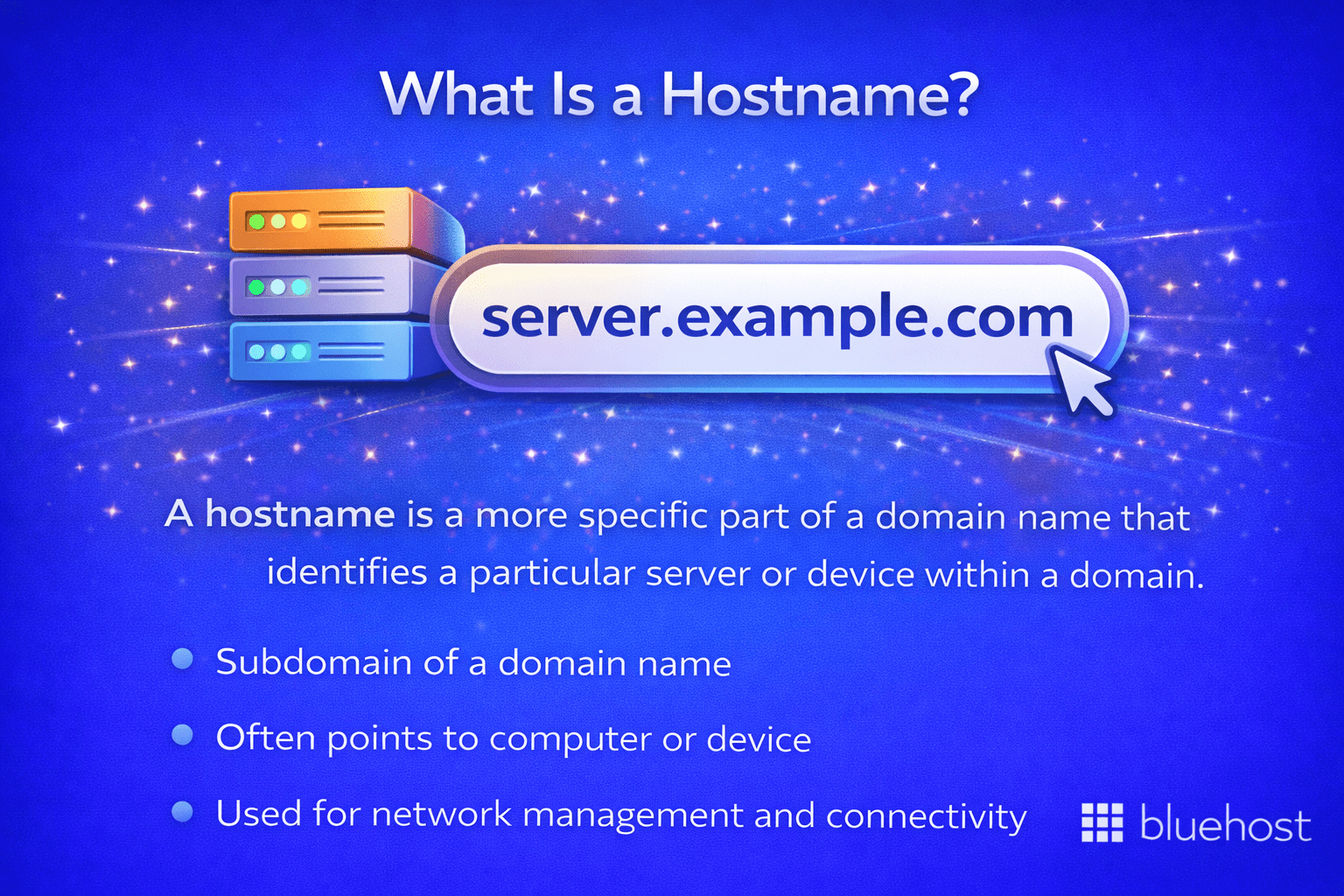
Structure of a hostname
A fully qualified domain name (FQDN) is the complete, unambiguous form of a hostname. It includes:
- The hostname itself: The specific name of the device or service (e.g., www, mail or ftp).
- The domain name: The broader domain to which the device belongs.
For example, in the address www.bluehost.com, the “www” is the hostname. It identifies a specific server (or service) within the bluehost.com domain. Similarly, mail.bluehost.com might be the hostname for the mail server within the same domain.
Hostnames in different networking contexts
Hostnames are not exclusive to websites. They are used across a wide range of networking scenarios:
- Web servers: The “www” prefix is perhaps the most familiar hostname, used to identify a web server.
- Email servers: Hostnames like “mail” or “smtp” identify servers responsible for sending and receiving email.
- File transfer servers: “ftp” is a common hostname for servers handling file transfers.
- Internal networks: Devices like laptops, printers or IoT devices within a company network are often assigned hostnames for easy identification.
In shared hosting environments, your hosting provider assigns a hostname to the server that stores your website’s files. This server hostname is separate from your domain name, though they work together to make your website accessible to visitors.
Hostname vs domain name: Key differences explained
Now that both concepts have been defined individually, it is useful to compare them directly. The difference between hostname and domain name can be understood across several dimensions.
| Attribute | Hostname | Domain name |
|---|---|---|
| Definition | Label for a specific device or service on a network | Human-readable address identifying a website or organization online |
| Scope | Refers to a specific machine or resource | Refers to a broader namespace or identity |
| Example | www, mail, ftp | bluehost.com, [example].org |
| Registration | Configured by a network administrator or hosting provider | Registered through an accredited domain registrar |
| Role in DNS | Identifies a specific host within a domain | Maps to an IP address via DNS records |
| Part of FQDN? | Yes, forms the prefix of an FQDN | Yes, forms the main body of an FQDN |
One is contained within the other
Perhaps the clearest way to understand the relationship is this: a hostname is part of a fully qualified domain name, not a separate entity altogether. The FQDN combines both the hostname and the domain name into a single, complete address.
Consider the FQDN www.example.com:
- www: hostname (identifies the specific web server)
- [example].com: domain name (identifies the broader domain)
- www.[example].com: the fully qualified domain name (the complete, routable address)
This hierarchy means that a single domain name can have multiple hostnames beneath it, each pointing to a different server or service within the same organization or infrastructure.
Can a domain name be its own hostname?
Yes, and this is where the concepts can overlap. When you access a website using just its root domain (for example, [example].com without the “www”), the domain name itself functions as the hostname in that context. This is sometimes referred to as a “naked domain” or “apex domain.” Modern DNS configurations handle this using A records and ALIAS records to direct traffic correctly without requiring a traditional hostname prefix.
Real-world examples of hostnames and domain names in action
Abstract definitions are helpful, but real-world examples make the distinction genuinely tangible. Below are several scenarios that illustrate how hostnames and domain names function in practice.
Example 1: Website with multiple subdomains
A mid-sized business might operate its online presence across several distinct services, each with its own hostname:
- www.[businessname].com: the main website (hostname: www)
- shop.[businessname[.com: the eCommerce store (hostname: shop)
- blog.[businessname].com: the content blog (hostname: blog)
- mail.[businessname].com: the email server (hostname: mail)
In each case, businessname.com is the domain name. The portion before the dot (www, shop, blog, mail) is the hostname. Each hostname can point to a different server or IP address while remaining part of the same overarching domain.
Example 2: Shared hosting environment
When you sign up for a shared hosting plan, your hosting provider assigns your account to a specific server. That server has its own hostname, something like server123.hostingprovider.com. This is the server’s identity within the hosting provider’s internal network. Your domain name ([yourdomain].com) is then pointed to that server through DNS records, specifically an A record that connects your domain to the server’s IP address.
Your visitors never see the server’s hostname. They simply type your domain name and are seamlessly directed to the correct server behind the scenes.
Example 3: Email configuration
When configuring email clients, users are often asked to enter incoming and outgoing mail server hostnames. These might look like imap.mailprovider.com or smtp.mailprovider.com. These are hostnames that identify specific mail servers within the provider’s domain. Without understanding what a hostname is, configuring email manually can feel unnecessarily complex, but once the concept is clear, it becomes straightforward.
Why understanding the difference between hostname and domain name matters?
You might be wondering whether this distinction has any practical implications for an everyday website owner. The answer is yes, and in more ways than one.
1. It affects how you configure your DNS settings
When you set up DNS records for your domain, you will encounter fields that ask for a “hostname” or “host” value. Understanding that this refers to the prefix portion of your web address (such as “www” or “@” for the root domain) helps you configure records accurately. Incorrect DNS entries can result in your website or email being inaccessible, which directly impacts your business operations.
2. It matters when setting up email
As noted in the email example above, setting up custom email addresses linked to your domain requires correctly identifying your mail server’s hostname. Whether you are configuring your email client manually or setting up MX records in your DNS panel, knowing the difference between a hostname and a domain name prevents costly configuration errors.
3. It is relevant for SSL certificate management
SSL (Secure Sockets Layer) certificates are issued either for a specific hostname (such as www.yourdomain.com) or as wildcard certificates that cover all subdomains under a domain. When purchasing or managing an SSL certificate, understanding what hostname your certificate needs to cover ensures your site’s security is not undermined by a misconfiguration.
4. It helps when communicating with technical support
When you contact your hosting provider’s support team, they may ask for your domain name, your server hostname or your FQDN. These are not interchangeable terms, and being able to provide the correct information speeds up the resolution process significantly. The more clearly you can communicate, the faster any technical issue gets resolved.
5. It is foundational for developers and agencies
For web professionals managing multiple client websites, staging environments or complex server configurations, the distinction between hostname and domain name is foundational knowledge. Staging environments, for instance, often operate on unique hostnames within a provider’s domain, clearly separate from the client’s live domain, to allow safe testing before deployment.
How hosting providers bridge the gap between hostnames and domain names?
Modern web hosting platforms are designed to abstract much of the complexity involved in connecting hostnames to domain names. When you sign up for a hosting plan, your provider handles server assignment, DNS propagation assistance and SSL configuration, often through an intuitive dashboard rather than requiring manual server-level configuration.
Quality hosting environments use robust infrastructure, including global CDN (Content Delivery Network) edge servers and intelligent DNS routing, to ensure that the connection between your domain name and the appropriate hostname is fast, reliable and secure. Uptime guarantees, such as a 99.9% or 99.99% SLA, are only meaningful if the underlying hostname-to-domain resolution process is operating correctly at all times.
For website owners who are not developers, choosing a hosting provider with strong technical support and a user-friendly management portal means you can leave the technical hostname configuration in expert hands while focusing on building and growing your website.
Bluehost simplifies this process by offering integrated domain registration and hosting services. This allows you to manage your domain name and hostname settings from a single, intuitive dashboard, removing the complexity of manual DNS records and server mapping.
Overall, selecting a reliable partner like Bluehost ensures your site’s foundation is secure and properly configured. Get started with Bluehost today to claim your free domain for the first year and simplify your entire website management process.
Final thoughts
The hostname vs domain name distinction is one of those technical concepts that seems complex on the surface but becomes intuitive once the relationship is clearly mapped. To summarize:
- A domain name is the primary, human-readable identity of your website or organization on the internet, the address your visitors type into their browsers.
- A hostname identifies a specific device, server or service within a network, and often forms the prefix of a fully qualified domain name.
- Together, a hostname and a domain name form a complete, routable address (FQDN) that makes specific resources (your website, your email server, your files) accessible to the right people.
Understanding the difference between hostname and domain name empowers you to manage your DNS settings with confidence, configure your email correctly, communicate effectively with technical teams and make informed decisions about your web hosting environment. Whether you are a small business owner setting up your first website or a developer managing a multi-site infrastructure, this foundational knowledge will serve you well at every stage.
If you are ready to take the next step and establish your online presence on a platform that handles the technical complexity for you, get started with Bluehost today and power your business with reliable, expert-backed hosting.
FAQs
Is a hostname the same as a domain name?
No. A hostname identifies a specific device or service within a network, while a domain name identifies a website or organization on the internet. A hostname often forms the prefix of a fully qualified domain name (FQDN), making it a component within a domain, not a synonym for it.
What is an example of a hostname?
Common examples of hostnames include “www” (for web servers), “mail” (for email servers) and “ftp” (for file transfer servers). In the address www.example.com, “www” is the hostname and “example.com” is the domain name.
Can a domain name function as its own hostname?
Yes. When a website is accessed using only its root domain, such as example.com without a “www” prefix, the domain name itself functions as the hostname. This is referred to as a naked domain or apex domain and is handled through specific DNS records such as A records or ALIAS records.
Why does the difference between hostname and domain name matter for DNS configuration?
When adding DNS records (such as A records, MX records or CNAME records), the “host” field requires a hostname value, not the full domain name. Entering the incorrect value can prevent your website or email from functioning correctly. Understanding this distinction helps you configure DNS records accurately and avoid connectivity issues.
What is a fully qualified domain name (FQDN)?
A fully qualified domain name (FQDN) is the complete address of a specific resource on the internet, combining both the hostname and the domain name. For example, mail.example.com is an FQDN where “mail” is the hostname and “example.com” is the domain name. FQDNs are unambiguous and can be resolved to a specific IP address through DNS.
Hostname vs domain name, which one is better?
Neither a hostname nor a domain name is inherently better. They serve entirely different purposes. A domain name identifies your website on the internet, while a hostname identifies a specific device or service within a network. Both work together seamlessly, making the comparison less about superiority and more about function.
What hostname is associated with a domain name’s IP address?
When a domain name is configured, its hostname, such as “www” in www.example.com, maps to a specific IP address through DNS records. This allows browsers to locate and load your website. Tools like nslookup or a reverse DNS lookup can identify the hostname tied to any given IP address.
What Is the difference between a hostname, domain name and DNS?
A hostname identifies a specific device or server within a network, while a domain name is the human-readable address that points users to your website. DNS (Domain Name System) acts as the internet’s directory, translating domain names into IP addresses so browsers can locate the correct server and deliver your content.

Write A Comment