 ChatGPT,
 Claude,
 Gemini,
 Grok — all four for
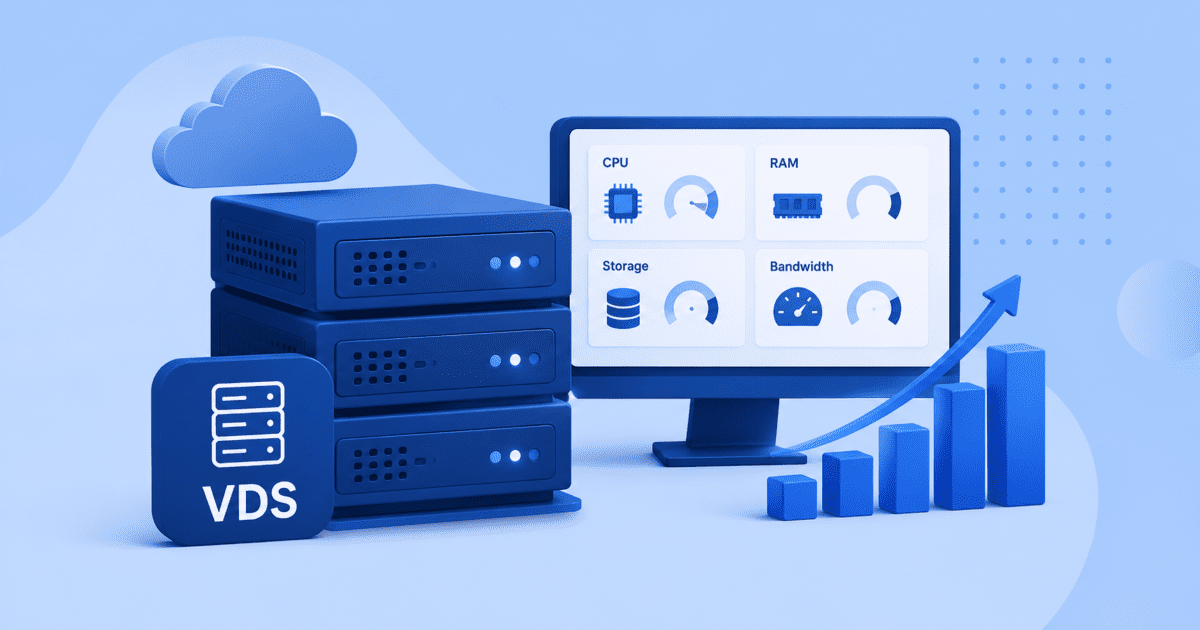
As your applications grow, choosing the right infrastructure becomes just as important as choosing the right software. Many businesses outgrow traditional VPS hosting when workloads become more demanding, traffic increases and performance consistency becomes critical. This is where Virtual Dedicated Server (VDS) hosting stands out.
Unlike standard virtual environments, VDS hosting provides dedicated CPU, RAM and storage resources reserved for your server. This helps reduce resource contention and delivers predictable performance for websites, eCommerce stores, SaaS applications, automation platforms and AI workloads.
The challenge is knowing how much infrastructure you actually need. In this guide, you’ll learn how to choose VDS resources based on workload requirements, performance goals and future growth plans.
Before choosing a plan, start with the resources that shape server performance.
What resources determine VDS performance?
VDS performance comes down to three core resources: CPU, RAM and storage. Each one controls a different part of how your server handles traffic, applications and data.
Also read: What Is VDS Hosting? Bluehost Virtual Dedicated Servers Explained
CPU affects how fast your server processes tasks. RAM helps applications and databases stay responsive. Storage affects how quickly files, logs and database records can be saved or retrieved.
The best VDS plan is not always the largest one. It is the plan that matches your workload today while giving you enough room to grow.
What does CPU do in a VDS?
CPU is the processing power behind your server.
It handles page requests, scripts, API calls, checkout flows, database activity and background jobs. If your workload has more users, transactions or automation, it usually needs more CPU cores.
You may need higher CPU capacity for:
- High-traffic websites
- eCommerce stores
- SaaS applications
- CI/CD pipelines
- Automation platforms
- AI workloads
In VDS hosting, CPU resources are dedicated to your server. This helps your workload run more predictably than shared-resource environments.
How much RAM do you need?
RAM keeps active data ready for quick access. Your operating system, applications, databases, caches and containers all use memory.
When RAM runs low, your server may slow down because it has to rely more on disk storage. You may need more RAM for large databases, WooCommerce stores, Magento stores, SaaS platforms, analytics tools, containers and AI runtimes.
Also read: Fast Magento Hosting: Speed, Caching and Server Performance
Choose RAM based on current usage, active services and expected growth.
Why does storage matter?
Storage affects both speed and capacity. Your VDS uses storage for website files, databases, media, backups, logs and application data.
Fast storage helps improve database queries, page loads, file operations and backups. NVMe storage is especially useful for workloads that read and write data often.
A small website may need limited storage. A growing eCommerce store, SaaS product or AI workload may need far more space as data, logs and backups increase.
Once you understand CPU, RAM and storage, the next step is matching those resources to your workload.
How do you choose VDS resources based on workload?
There is no one-size-fits-all approach to VDS sizing. The right configuration depends on the applications you run, the traffic you receive and the resources your workloads consume.
A business website, SaaS platform and AI application all use infrastructure differently. Understanding your workload is often the fastest way to determine how much CPU, RAM and storage you need.
Let’s look at common VDS use cases and the resources they typically require.
1. VDS for websites and business applications
Business websites, client portals and internal applications often need stable performance more than maximum computing power.
These workloads benefit from dedicated resources that keep websites responsive as traffic and data grow. A smaller VDS configuration is often enough for content-driven websites, company portals and business applications with moderate traffic.
2. VDS for eCommerce websites
eCommerce stores place greater demands on server resources.
Every product search, checkout, inventory update and customer interaction creates database activity. As order volume grows, more CPU, RAM and fast NVMe storage can help maintain a smoother shopping experience.
3. VDS for SaaS applications
SaaS applications often serve multiple users at the same time.
They also handle API requests, background jobs and database operations. As your customer base grows, higher CPU and memory allocations can help protect application responsiveness.
4. VDS for AI workloads
AI workloads are often resource-heavy.
AI inference, automation workflows, vector databases and model execution can consume steady CPU, memory and storage resources. Dedicated VDS resources help provide predictable performance for long-running production workloads.
The better you understand your workload, the easier it becomes to choose a VDS plan with the right balance of performance, scalability and cost.
After mapping your workload, use a simple framework to narrow your resource mix.
What is the easiest way to size a VDS?
The easiest way to size a VDS is to start with your workload, then match it to the resources it needs.
Use this simple framework:
- Start with your main workload: Identify what your VDS will run most often, such as websites, eCommerce stores, SaaS applications, AI workloads or databases.
- Estimate traffic and active users: Higher traffic, more checkout activity, frequent API calls and background jobs usually need more CPU and RAM.
- Review database and storage needs: Look at your database size, media files, logs and backups. Plan for growth if your workload stores customer records, transactions or large files.
- Account for background processes: Automation workflows, cron jobs, CI/CD pipelines, analytics tools and AI tasks can consume steady server resources.
- Leave room for growth: Choose a VDS plan that supports your workload today and gives you space to grow as traffic, data and application complexity increase.
Sizing a VDS becomes easier when you focus on how your workload behaves, not just the plan specifications.
The table below gives you a quick reference for common VDS workloads.
VDS sizing guide by workload type
The right VDS size depends on what you’re running and how much demand it places on your infrastructure. While every environment is different, this table provides a useful starting point.
| Workload type | CPU priority | RAM priority | Storage priority | Typical requirements |
| Business websites and client portals | Medium | Medium | Low | Stable performance for websites, portals and business applications |
| eCommerce websites | High | High | High | Product catalogs, database queries and checkout activity |
| SaaS applications | High | High | Medium | Concurrent users, APIs and background processes |
| Automation platforms | Medium | Medium | Medium | Workflows, scheduled tasks and integrations |
| Database servers | High | High | High | Fast storage and memory for query performance |
| AI workloads | High | High | High | AI inference, vector databases and model execution |
| CI/CD and development environments | High | Medium | Medium | Builds, testing, deployments and container workloads |
Business websites can often start with lower resource allocations. eCommerce stores, SaaS platforms and AI workloads usually need more CPU, RAM and NVMe storage.
Choose a VDS plan that matches your current workload and provides enough headroom for future growth.
Many buyers compare VDS with VPS before choosing a hosting plan.
VDS vs VPS resource allocation: what is the difference?
Both VPS and VDS use virtualization technology, but resources are allocated differently.
A VPS shares resources across multiple virtual environments. A VDS provides dedicated resources reserved for one server instance.
| Feature | VPS | VDS |
| CPU allocation | Shared or dynamically allocated | Dedicated CPU cores assigned to your server |
| RAM allocation | Shared environment with allocated limits | Dedicated RAM reserved for your workload |
| Resource contention | May be affected by neighboring workloads | Isolated resources with reduced resource contention |
| Performance consistency | Can vary during peak usage | More predictable and consistent performance |
| Scalability | Suitable for growing websites and applications | Built for sustained, resource-intensive workloads |
| Ideal for | Blogs, business websites and development environments | eCommerce stores, SaaS platforms, automation systems and AI workloads |
| Cost | Lower entry cost | Higher performance at a lower cost than dedicated hardware |
If your applications need dedicated compute resources, predictable performance and greater workload isolation, VDS is often the better choice as your infrastructure needs grow.
As your workload grows, your current plan may start showing performance limits.
What signs indicate you need more VDS resources?
Your current VDS plan may work well today, but growing workloads can gradually increase resource demand. Recognizing the warning signs early can help you avoid performance issues before they affect users.
Common signs that you may need more VDS resources include:
- Slower website or application performance: Pages, dashboards and applications take longer to load than usual.
- Consistently high CPU usage: Traffic spikes or background jobs regularly push CPU usage near its limit.
- Frequent memory constraints: Applications slow down because available RAM is running low.
- Growing database response times: Queries take longer as your database grows in size and complexity.
- Storage capacity running low: Databases, backups, logs and application data consume most of your disk space.
- Performance drops during peak traffic: Your environment struggles when visitor or user activity increases.
- Longer-running automation or AI tasks: Workflows, CI/CD jobs or AI workloads take longer to complete.
If several of these signs appear together, review your CPU, RAM, storage and overall VDS plan.
Choosing the right plan also means knowing which mistakes to avoid.
What mistakes should you avoid when choosing a VDS plan?
Choosing a VDS plan is easier when you know what to avoid. These mistakes can lead to slow performance, wasted budget or another upgrade sooner than expected.
- Choosing based on price alone: The lowest-cost plan may not support your workload. Compare CPU, RAM, storage and growth needs before deciding.
- Ignoring traffic spikes: Average traffic does not tell the full story. Plan for peak periods, checkout rushes, campaigns and seasonal demand.
- Underestimating database needs: Databases can consume more RAM and storage than expected. This is common with eCommerce, SaaS and analytics workloads.
- Forgetting background processes: Cron jobs, automation workflows, CI/CD tasks and AI jobs can run quietly in the background.
- Not planning for growth: A plan that fits today may feel limited in a few months. Leave room for more users, larger databases and added applications.
After reviewing resources, workloads and warning signs, the final step is making a practical decision.
Conclusion
Choosing the right VDS resources starts with understanding how your workload uses CPU, RAM and storage.
A business website may need stable baseline performance. An eCommerce store may need faster database access and more memory. A SaaS platform, automation system or AI workload may need more processing power and dedicated resources.
The goal is not to buy the largest plan right away. The goal is to choose a VDS plan that supports your current workload, protects performance and gives you space to grow.
Ready to give demanding workloads more room to perform? Explore Bluehost Virtual Dedicated Server Hosting to get dedicated CPU, RAM, NVMe storage and root access for growing workloads
FAQs
A VDS is used for workloads that need dedicated CPU, RAM and storage. It is a strong fit for growing websites, eCommerce stores, SaaS applications, automation platforms, databases and AI workloads.
Start with your workload type, then review CPU, RAM, storage, traffic and growth needs. Choose a plan that supports current usage and leaves room for future demand.
VDS is better when you need more predictable performance and dedicated resources. VPS can work well for lighter workloads, while VDS is better for resource-heavy or business-critical applications.
The right RAM depends on your applications, databases and active users. Smaller websites may need less RAM, while eCommerce stores, SaaS platforms and AI workloads often need higher memory.
Yes, many VDS plans allow you to scale resources as your workload grows. This helps you start with the right fit today and add more capacity when traffic, data or application demand increases.

Write A Comment