 ChatGPT,
 Claude,
 Gemini,
 Grok — all four for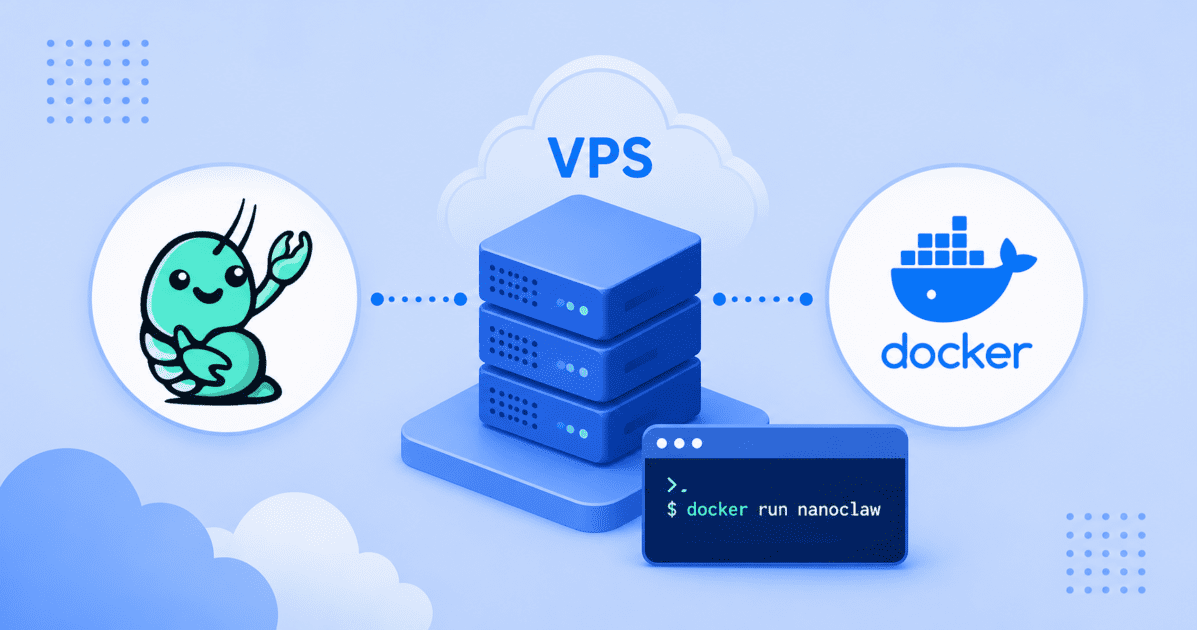
Key highlights
- Learn how to deploy the NanoClaw application on a Virtual Private Server using Docker for greater control and performance.
- Discover the step-by-step process, from connecting to your server to running your first containerized application.
- Explore the benefits of using a Bluehost VPS, including NVMe storage and unmetered bandwidth for scalability.
- Compare different VPS plans to find the right fit for your single or multi-container application needs.
- Understand how to maintain and secure your new NanoClaw deployment for long-term stability.
NanoClaw is a lightweight, open-source personal AI agent built directly on the Anthropic Claude Agent SDK. Unlike many self-hosted AI agents, each agent in NanoClaw runs inside its own Docker container on your Linux VPS. This isolates workloads and limits access to only the filesystems you explicitly mount. Bash commands run inside the container – not on your host. That single architectural decision is what makes giving an AI agent shell access safe.
Docker is not just a deployment tool here. It is NanoClaw’s isolation boundary. Each agent group gets its own container, its own filesystem scope, and its own process. The host machine stays untouched regardless of what the agent does inside its sandbox.
Also read: What is NanoClaw? A Developer’s Guide to the Lightweight Automation Tool
What are the prerequisites for installing NanoClaw?
Before you begin, make sure your server meets the requirements for this tutorial. The steps below were written for an Enterprise Linux–based VPS that uses the dnf package manager. If you’re using Ubuntu or Debian, some package installation commands will differ, although the overall deployment process remains the same.
You’ll need:
- A self-managed Bluehost VPS with SSH access
- Root or sudo privileges
- A supported Enterprise Linux distribution using dnf
- A basic understanding of the Linux command line
- A stable internet connection to download Docker packages and the NanoClaw container image
The most important prerequisite is Claude Code. NanoClaw’s entire setup process runs through Claude Code’s /setup skill. If Claude Code is not installed, authenticated and working before you begin, the setup will not complete correctly. Confirm the claude command works in your terminal before moving to the next step.
How to setup NanoClaw on a VPS with Docker?
Setting up NanoClaw with Docker involves a few key steps. This process starts with connecting to your server and ends with a running application.
Follow these instructions carefully for a successful deployment.
Step 1: Connect to your VPS
Open your terminal and connect to your Bluehost VPS over SSH, replacing username and your_server_ip with your actual credentials.
ssh username@your_server_ipOnce connected, update your system packages before installing any dependencies.
sudo apt update && sudo apt upgrade -yOnce connected, you are ready to install the necessary software.
Step 2: Install Node.js, Docker and Claude Code
NanoClaw requires Node.js 20 or later and Docker Engine as its container runtime. Install both, then install Claude Code globally via npm.
# Install Node.js 20
curl -fsSL https://deb.nodesource.com/setup_20.x | bash -
sudo apt install -y nodejs

# Install Docker Engine
curl -fsSL https://get.docker.com | sh
sudo usermod -aG docker $USER

# Start Docker and enable it on boot
sudo systemctl start docker
sudo systemctl enable docker

# Install Claude Code
npm install -g @anthropic-ai/claude-code
After adding your user to the Docker group, log out and log back in so the permission change takes effect. Confirm Docker is running with docker info before continuing.
Step 3: Clone the NanoClaw repository
Fork and clone the NanoClaw repository from GitHub, then move into the project directory. Forking ensures you can push your own customizations while pulling upstream updates.
git clone https://github.com/qwibitai/NanoClaw.git
cd NanoClaw NanoClaw’s codebase is intentionally small – one process, a handful of source files, no microservices. This makes it straightforward to read, audit and modify. Claude Code can walk you through the entire codebase if needed.
Step 4: Run the ClaudeCode setup
This is the key step that separates NanoClaw from a traditional manual install. NanoClaw’s setup is not a configuration file – it is a guided, AI-native process run through Claude Code’s /setup skill.
From inside the NanoClaw directory, start Claude Code:
Clude
Once Claude Code is running, type the following inside the Claude session – not in your terminal:
/setup
Claude Code automates most of the setup process. It validates your environment, installs the required dependencies, builds the container runner, configures Docker for agent isolation, creates the .env file with your Anthropic API key and registers a systemd service to keep the agent running after reboots.
During setup you will be prompted to:
- Confirm or provide your Anthropic API key
- Choose a messaging channel – WhatsApp authentication uses a QR code scan or pairing code; Telegram, Discord and Slack use API tokens
- Confirm container runtime detection (Docker on Linux VPS)
If something breaks during setup, Claude Code will attempt to fix it automatically. For issues it cannot resolve, run /debug inside the Claude session.
Step 5: Verify the agent running
Once setup completes, confirm the NanoClaw service is active and the agent container is running.
# Check the systemd service status
sudo systemctl status nanoclaw

# List running Docker containers
docker ps
You should see the NanoClaw service marked as active and a container running the agent process. Each agent group in NanoClaw runs in its own isolated container – only the filesystem explicitly mounted to that container is visible to the agent. Bash access is safe because commands run inside the container, not on your host.
To verify the full installation end-to-end, send a message to your connected channel. The agent should respond within a few seconds.
Also read: How to Install NanoClaw on a Bluehost VPS: Step-by-Step Guide
Why host NanoClaw on Bluehost VPS?
Running NanoClaw in production requires infrastructure that delivers consistent performance, secure containerized environments and the flexibility to scale as your AI workloads grow. Bluehost VPS provides dedicated resources, full root access and high-speed NVMe storage, giving developers the control they need to deploy, manage and optimize NanoClaw with confidence.
Dedicated resources for a persistent process. NanoClaw runs as a Node.js service with Docker container overhead for each active agent. Dedicated CPU and RAM ensure your NanoClaw agents have consistent performance without competing for resources with other tenants.
NVMe storage for fast container I/O. Container builds, SQLite memory reads and writes and session file access all benefit from the fast input and output speeds NVMe storage provides.
Unmetered bandwidth for outgoing API calls. Every message your NanoClaw agent processes triggers outgoing API calls to the Anthropic API. Unmetered bandwidth ensures those calls do not generate unexpected costs as agent usage grows.
Full root access for container runtime control. NanoClaw requires Docker Engine and the ability to manage container permissions at the OS level. Root access gives you that control without restrictions.
24/7 expert support for server-level issues. If Docker stops running, the system service fails or a network issue interrupts agent operation, our support team is available around the clock. NanoClaw itself is community-supported but your VPS infrastructure is not.
Also read: Bluehost ranked #1 in VPSBenchmarks’ Best VPS April 2026 rankings
What are the final thoughts on this setup?
Running NanoClaw on a Bluehost VPS gives you a personal AI agent that is always available, fully under your control and isolated from your host environment by design.
Once your initial setup is complete, you can extend NanoClaw as your requirements evolve. Add messaging channels using skills such as /add-telegram or /add-gmail to connect the agent with external communication platforms. You can also automate recurring tasks by configuring HEARTBEAT.md for scheduled execution. For more complex workflows, enable Agent Swarms to distribute work across multiple specialized sub-agents running in parallel.
The entire codebase stays small enough to understand and audit. That matters when you are building on top of it.
Ready to deploy? Bluehost’s Standard VPS plan includes 8 vCPUs, 32 GB RAM and NVMe storage – enough to run NanoClaw with multiple active agent groups and room to grow.
Frequently asked questions
Yes. Because each NanoClaw agent runs in its own isolated Linux container, it does not interfere with other processes on the server. Make sure your VPS plan has enough CPU and RAM to support the NanoClaw service, its agent containers and any other applications running simultaneously.
Claude Code is an interactive CLI tool – you use it manually in a terminal session. NanoClaw is an always-on AI assistant that runs as a background service on your server. It listens for messages from WhatsApp, Telegram, and other supported channels while maintaining persistent memory across conversations.
Beyond responding to messages, NanoClaw can automate scheduled tasks and launch Agent Swarms to handle complex workflows using multiple specialized agents. It is built on Claude Code and the Claude Agent SDK, but it is designed to run without your input.
On Linux VPS, NanoClaw uses Docker Engine. On macOS, it supports both Docker Desktop and Apple Container. The container runtime is detected automatically during setup. NanoClaw can also run inside Docker Sandboxes for an additional layer of MicroVM-based isolation.
Channel setup runs through Claude Code skills. After the initial /setup, run /add-whatsapp inside the Claude session for WhatsApp – this generates a QR code or pairing code for authentication. For Telegram, Slack, Discord, or Gmail, the corresponding skill walks through token configuration. You can run multiple channels simultaneously from one NanoClaw instance.
Pull the latest changes from the upstream repository and re-run the setup to rebuild the container and apply any updated configuration. Because NanoClaw uses a persistent SQLite database for memory, your conversation history and group registrations carry through updates.
The Standard plan is the right starting point for most users running one or two channels with occasional agent swarms. For higher message volumes, multiple active channels, or frequent parallel swarm tasks, the Enhanced or Premium plans provide additional CPU cores and RAM to keep container performance consistent.

Write A Comment