 ChatGPT,
 Claude,
 Gemini,
 Grok — all four for

Key highlights
- Understand the key difference between referring domains and backlinks and why focusing on unique referring domains leads to stronger, more credible SEO results.
- Know what referring domains are and how the number of unique websites linking to your site directly influences your domain authority and search rankings.
- Explore the main types of backlinks, from dofollow to nofollow, and learn which ones carry the most weight for improving your site’s visibility in search results.
- Learn how backlink indexing works and why ensuring search engines can discover and count your links is a critical step in any effective link building strategy.
- Uncover beginner-friendly link building techniques that help you earn quality backlinks from authoritative referring domains without requiring advanced technical knowledge.
Are you feeling overwhelmed by the technical jargon surrounding website growth? People often confuse these terms because they are deeply interconnected. Put simply, a backlink must live on a referring domain. The referring domain is the overarching website while the backlink is the specific clickable link pointing to your site.
It is easy to blur the lines when both metrics appear side by side in your analytics dashboard. However, understanding the nuance between referring domains vs backlinks is essential for mastering SEO—Search Engine Optimization. When another website owner decides to reference your content, their entire website acts as the referring domain. If they link to your page multiple times across different articles, each of those individual links counts as a separate backlink.
The confusion primarily stems from the fact that you cannot have one without the other. Every backlink requires a host website to exist. By learning what are referring domains and how they differ from individual links, you can build a smarter digital strategy that focuses on expanding your overall web presence rather than just collecting a high volume of links from a single source.
What is a referring domain?
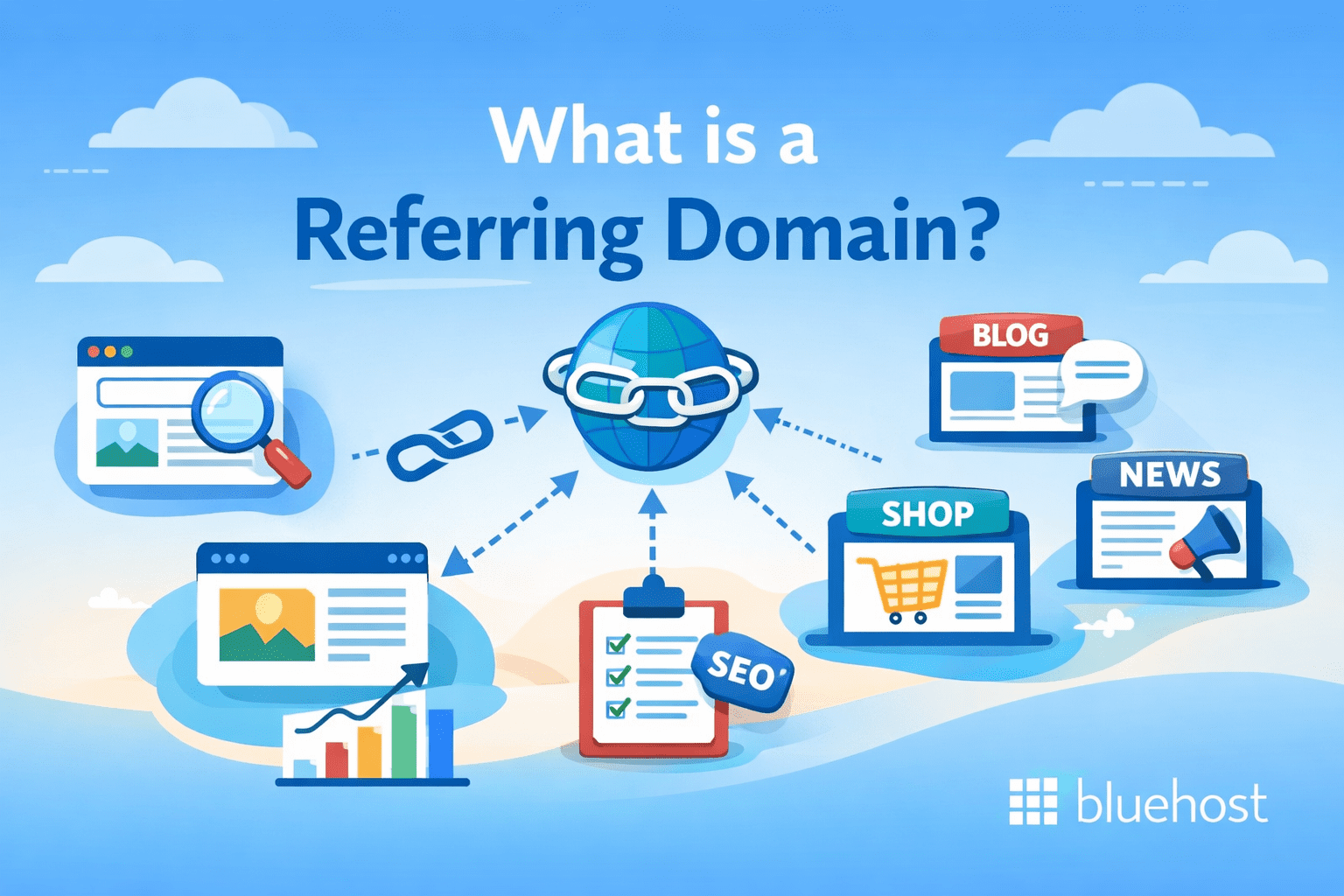
A referring domain is the external website that directs visitors to your own site through a hyperlink. When people ask exactly what are referring domains, they are simply looking at the home base where backlinks live. If a popular industry blog links to your latest article, that entire website acts as the referring domain. It is the core entity passing traffic and authority your way.
So why does tracking these domains matter more than just counting individual links? It all comes down to how search engines evaluate trust. When looking at referring domains vs backlinks, search algorithms heavily favor variety. Earning 50 links from 50 different high-quality websites signals a broad consensus of authority. On the other hand, earning 50 links from just one website only proves that a single source likes your content.
Understanding referring domains vs backlinks makes one thing clear: prioritizing unique referring domains delivers a stronger SEO impact than accumulating multiple links from the same source. Each new website that links to yours broadens your backlink profile with fresh domain authority, signaling to search engines that your content earns recognition from a wide variety of independent sources. Focusing your link building strategy on growing referring domains — rather than simply increasing raw backlink counts — is the most reliable path to improved organic rankings and sustained long-term traffic.
How do referring domains matter for web visibility?
Search engines like Google view referring domains as independent votes of confidence. When multiple unique websites link to your content, it signals that your brand has broad appeal and trusted authority across the web.
Understanding referring domains vs backlinks is crucial for maximizing your SEO strategy. A diverse profile of high-quality referring domains directly boosts your search visibility. Instead of relying on a single source for all your links, earning mentions from varied domains proves your website is a widely recommended resource, driving more organic traffic and expanding your digital footprint.
How do referring domains improve SEO?
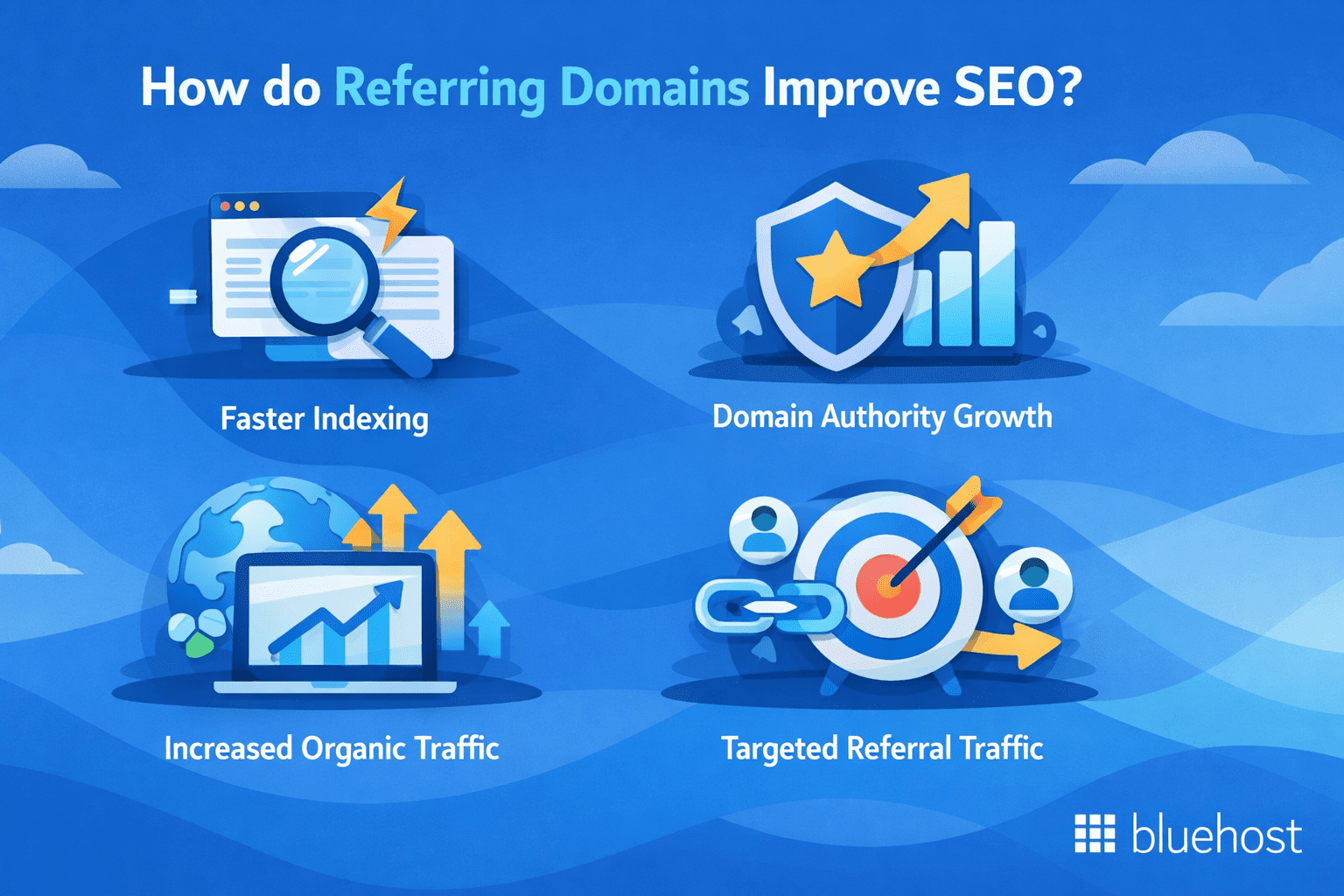
Understanding what are referring domains is a foundational step in link building for beginners because these unique sources directly impact your website’s performance. Earning links from a diverse portfolio of high-quality websites sends strong trust signals to search engines.
- Faster indexing: Search engine bots crawl authoritative referring domains frequently, helping your new content get discovered and indexed much faster.
- Domain authority growth: A strong ratio of referring domains vs backlinks shows algorithms that your website is a universally trusted resource across the web.
- Increased organic traffic: Higher domain authority directly translates to better search visibility and more consistent visitor traffic for your business.
- Targeted referral traffic: Beyond search engine rankings, quality referring domains send real, highly targeted human visitors straight to your landing pages.
What are backlinks?
Backlinks are the actual, clickable hyperlinks on other websites that point directly back to your site. When a reader clicks a link on another blog and lands on [yourbrand].com, that hyperlink functions as a backlink connecting their audience to your content.
Understanding referring domains vs backlinks starts with recognizing their role as digital votes of confidence in SEO. When search engines crawl the web, they treat these incoming links as strong signals that your content is valuable, credible and worth sharing. The more high-quality backlinks you earn from authoritative referring domains, the greater your chances of ranking higher in search engine results.
Grasping the distinction between referring domains vs backlinks is essential for building a successful SEO strategy. A single referring domain can generate dozens of individual backlinks across multiple articles and pages, meaning even a modest number of linking sites can significantly expand your backlink profile. Each of these connections strengthens your online authority and channels targeted traffic directly to your website.
What makes a backlink valuable?
Not all backlinks are created equal. To truly impact your SEO, a backlink must send strong positive signals to search engines. Three main factors determine a link’s true worth. Relevance: the linking website should share a similar niche or topic to your own content. Authority: a link from a trusted, high-traffic website carries significantly more weight than one from a brand-new or spammy domain. Placement: links embedded naturally within the main body of an article are much more valuable than those hidden in footers, sidebars or author bios.
Securing these high-quality links does more than just boost your search rankings. These digital endorsements act as powerful growth tools that empower small businesses to build with confidence. When you focus on earning valuable backlinks, you establish lasting credibility and drive highly targeted traffic directly to your website.
Can backlinks be different quality?
Yes, backlink quality varies widely and has a direct impact on your SEO rankings and link growth. Search engines do not treat every link equally. Instead, Google evaluates backlinks using several signals such as domain authority, content relevance, organic traffic and anchor text to determine how much weight each link carries toward your search visibility.
The core reason quality differs is editorial context. Assessed relevance between the linking and linked-to sites now carries tremendous weight in how algorithms score a link. A link buried in a spammy directory tells a very different story than one embedded within a trusted, topically aligned article. Use this quick checklist when reviewing a backlink report:
- Topical relevance: does the linking page cover a subject closely related to yours?
- Page-level quality: does the source page attract real organic traffic and publish original content?
- Placement: links placed inside useful articles are more effective than those in footers or sidebars.
- Anchor text naturalness: anchor text is the clickable phrase used for the link; overusing exact-match anchor text makes your backlink profile look manipulated and unnatural.
- Indexability: can search engines crawl and index the linking page so your link actually gets counted?
- Spam risk: look for warning signs such as excessive ads, copied content or irrelevant outbound links, as these often indicate spam websites that can damage your link profile.
Understanding the types of backlinks
As you explore link building for beginners, you will quickly discover that not all links are identical. There are several types of backlinks and each serves a unique purpose in shaping your website’s authority. When evaluating referring domains vs backlinks, the sheer volume of links matters less than the variety of sources pointing your way.
Building a diverse backlink profile signals natural growth to search engines. If every link pointing to your site looks exactly the same, it raises red flags for manipulation. Acquiring different link types from various trusted sources proves your digital presence is expanding organically. This variety also aids in faster backlink indexing since crawlers discover your content through multiple pathways. Understanding what are referring domains and the specific links they host helps you craft a safer and more effective SEO strategy.
Dofollow backlinks
Dofollow backlinks are the standard links that pass authority directly from a referring domain to your website. By default, any new link created on the web is a dofollow link unless restricted by specific code. When comparing referring domains vs backlinks, these connections should be your top priority. They create open pathways for search engine bots to crawl from one site to another: a critical step for fast backlink indexing.
Why are dofollow links the most valuable of all the types of backlinks? Because they transfer raw link equity to your pages. Search engines interpret this transfer as a powerful vote of confidence: the linking website is essentially staking its own reputation on your content. Mastering link building for beginners means focusing your efforts on acquiring dofollow links from trusted sources to build authority, improve rankings and drive organic traffic.
User-generated content (UGC) backlinks
User-generated content (UGC) backlinks occur when everyday users create the link: common examples include blog comments, forum posts and community discussions. Unlike editorial links where a publisher intentionally vouches for your content within an article, UGC links are often tagged as ugc or nofollow, which signals to Google that the link was user-added and may be treated as a hint rather than a strong endorsement.
They still play a crucial role in your digital strategy. Earning various types of backlinks helps diversify your overall profile and shows search engines that your website growth is organic. Even without passing massive authority, a well-placed forum comment can drive highly targeted referral traffic straight to your eCommerce site. When real people share and discuss your products online, you build brand awareness while attracting visitors who are ready to buy.
Contextual vs. non-contextual backlinks
As you explore different types of backlinks, you will quickly learn that placement matters just as much as the source. Where a link lives on a page dictates its true value, which is a foundational lesson in link building for beginners.
- Contextual backlinks: Embedded naturally within the main body text of an article
- Non-contextual backlinks: Placed in footers, sidebars or site navigation menus
- Relevance signals: Surrounding text gives search engines clear context about your linked page.
- Authority transfer: Algorithms favor contextual placements because they offer genuine value to human readers rather than just serving as structural elements.
When analyzing referring domains vs backlinks, remember that a contextual link carries significantly more weight. Search engines prioritize these links because they are earned through high-quality, relevant content rather than sitewide template placements.
What’s the difference between referring domains and backlinks?
The SEO impact depends on the link attribute—followed (commonly called “dofollow”) links can pass ranking signals, while nofollow / sponsored / UGC links are generally treated as hints.
| Feature | Referring Domains | Backlinks |
|---|---|---|
| Definition | The unique parent website hosting the link. | The clickable hyperlink pointing to your site. |
| Metric Tracking | Counts the number of distinct websites. | Counts the total volume of individual links. |
| Quantity Relation | Always equal to or less than total backlinks. | Usually much higher than referring domains. |
| SEO Focus | Signals broad authority and diverse trust. | Passes link equity and drives referral traffic. |
| SEO impact | Passes link equity and boosts domain authority | No direct authority transfer; treated as a hint by Google |
| Typical sources | Editorial mentions, guest posts, resource pages | Blog comments, social media, sponsored or paid placements |
| Risk | Low-quality dofollow links can trigger penalties | Overreliance limits ranking potential |
| Best-use scenario | Earning authority from trusted, relevant referring domains | Paid links, UGC sections and affiliate disclosures |
A balanced mix of both types signals to Google that your site is earning links through genuine engagement rather than manipulative schemes, which reinforces your overall credibility. An unusually high percentage of followed (“dofollow”) links can look unnatural depending on your niche and how you earn links—a healthy profile often includes a natural mix of followed and nofollow / sponsored / ugc mentions. When building links as a beginner, prioritize dofollow placements from authoritative referring domains, but welcome nofollow mentions from reputable platforms as a natural part of a diverse, trustworthy link profile.
Social media backlinks
Social media backlinks are links from platforms like LinkedIn, X (formerly Twitter), Facebook and Pinterest that point to your website. Most social platforms apply the rel="nofollow" attribute to outbound links by default, meaning they do not pass direct link equity.
However, they still deliver measurable SEO value: social media links can drive referral traffic, and Google treats nofollow, sponsored and ugc as hints for ranking—while for crawling and indexing, nofollow became a hint as of March 1, 2020.
Increased visibility on social media can also attract editorial attention, leading to dofollow backlinks from other sources that syndicate or publish content stemming from the original nofollow link.
For small business owners and creators, understanding referring domains vs backlinks is key to prioritizing the right placements — your profile bio link adds a permanent, consistently crawled backlink from a unique referring domain, a pinned post drives recurring link equity to your best resource, and contextual backlinks embedded in how-to threads each contribute a distinct referring domain to your profile, compounding your overall link authority over time.
Do: share specific, helpful content that naturally earns clicks and shares.
Do not: blast the same link repeatedly across unrelated groups or comment sections — misusing links for spammy comments or unnatural backlinks could result in a penalty.
Backlinks that can boost your SEO
Not all links are created equal when you are exploring link building for beginners. The most impactful backlinks come from highly authoritative domains within your specific niche. When a well-respected website links to your content, search engines interpret that connection as a powerful endorsement of your expertise and reliability. This transfer of authority helps signal that your website is a trustworthy resource worth showing to users.
High-quality backlinks generally share a few key characteristics. They originate from domains with substantial organic traffic, feature natural anchor text and are contextually relevant to the page they point toward. For example, if you run an eCommerce store selling outdoor gear, a link from a popular camping blog carries significantly more weight than a link from an unrelated finance forum. Understanding these different types of backlinks ensures you focus your efforts on links that actually move the needle.
Securing these top-tier placements presents a massive opportunity to build, grow and scale your digital presence. By consistently earning links from reputable referring domains, you actively strengthen your site’s foundation. This deliberate approach to quality over quantity improves your search engine rankings, drives highly targeted referral traffic and sets up your business for long-term online success.
Backlinks that are less likely to help your SEO
Not all links are created equal. Search engines actively penalize websites that rely on manipulative tactics to artificially inflate their rankings. You should strictly avoid building links through spammy directories and paid link schemes. While these methods might seem like a quick shortcut to boost your metrics, they signal low quality and can severely damage your digital reputation.
Another hazardous strategy involves private blog networks (PBNs). A PBN is a cluster of interconnected websites created solely to generate backlinks to a central site. Search algorithms are highly sophisticated at detecting these unnatural link patterns. If caught participating in a PBN, your website faces the risk of a manual penalty or complete removal from search results. Focus instead on authentic link building for beginners to secure sustainable growth.
Maintaining a clean backlink profile also means protecting your website from malicious inbound attacks and unwanted spam. As you scale your online presence, platform security becomes critical. Bluehost offers Free Malware Detection AND Removal to safeguard your website from hidden vulnerabilities and external threats. This ensures your hard-earned traffic always lands on a secure and reliable environment.
How to check backlinks and referring domains
Understanding your site’s overall link profile is a critical step in link building for beginners. To see exactly who is linking to your content and evaluate the quality of those connections, you need to leverage reputable analytics tools. Platforms like Google Search Console offer a free foundational view of your site showing your top referring domains and most linked pages.
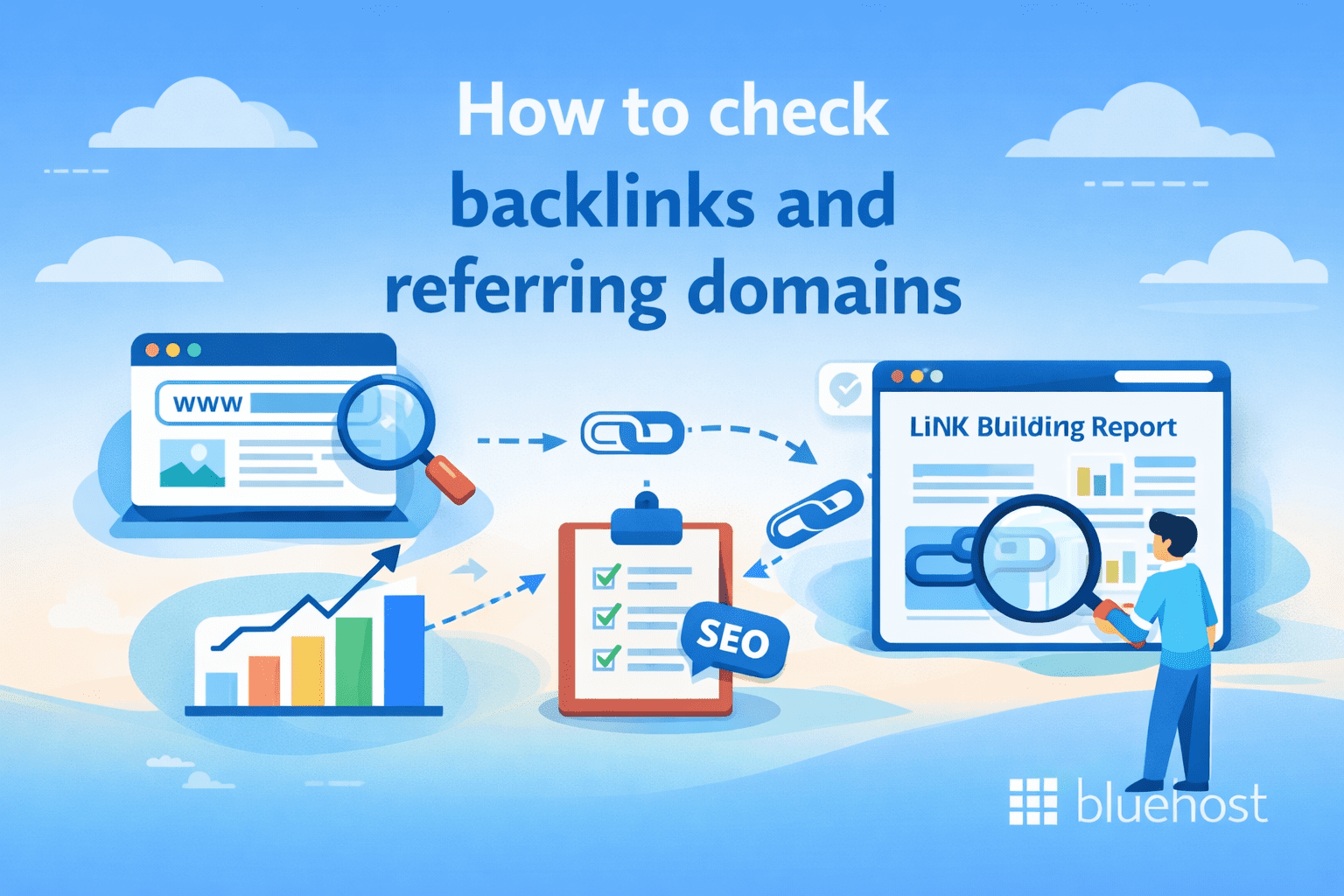
For a deeper dive into referring domains vs backlinks, premium SEO tools like Ahrefs, Semrush or Moz provide comprehensive dashboards. Simply enter your website URL into their site explorer features to reveal your total link count, domain authority metrics and newly acquired links. You can also use these platforms to analyze your competitors and uncover fresh outreach opportunities. When clicking out to explore these external tools, be sure to open them in a new tab so you can easily return to this guide.
Once you generate your backlink report, filter the results to identify the different types of backlinks pointing to your website. Pay close attention to the ratio of unique referring domains compared to your total link volume to ensure your growth looks natural to search engines. Regularly auditing these metrics empowers you to maintain a healthy backlink profile and confidently adjust your SEO strategy as your business scales.
How to monitor your backlinks
Consistent link monitoring is a critical habit for maintaining your website’s search visibility. Whether you are exploring link building for beginners or managing an established business site, tracking your existing profile protects your hard-earned authority. Regular monitoring allows you to quickly spot and reclaim valuable lost links if a referring domain drops a page or alters its content.
Beyond reclaiming lost value, tracking protects you from malicious SEO attacks. If low-quality or spammy sites suddenly link to your pages, search engines might penalize your ranking. By catching these toxic links early, you can submit a disavow file to Google and maintain a healthy digital footprint. This proactive approach ensures your site continues to grow securely and sustainably.
How do you find referring domains?
You can find referring domains by entering your website URL into an SEO analytics dashboard like Google Search Console, Ahrefs or Semrush. These tools automatically scan your site and generate a clear list of every unique external website linking to you.
This process is completely beginner-friendly and requires absolutely no coding knowledge. When you type [businessname].com into a site explorer, the software instantly reveals what are referring domains currently pointing to your content. From there, you can easily filter the results to review the specific types of backlinks you have earned. Navigating referring domains vs backlinks through these visual reports is an essential step in link building for beginners. Regularly checking your dashboard also helps you monitor backlink indexing, ensuring search engines actually discover and count your hard-earned links.
Best practices for building referring domains and backlinks
Whether you are exploring link building for beginners or managing complex SEO campaigns as a seasoned web professional, having a reliable growth strategy is essential. Understanding referring domains vs backlinks is just the foundation. To truly boost your search visibility, you need actionable methods to attract high-quality links from a diverse range of unique sources.
Once you grasp exactly what are referring domains and how they fuel your overall authority, the focus must shift to active acquisition. Earning valuable placements requires you to understand the different types of backlinks and prioritize those that offer the highest return on investment. Furthermore, your strategy must account for backlink indexing to ensure search engines actually crawl and credit your hard-earned links.
To help you build your digital presence with confidence, we have compiled the most effective methods into a straightforward action plan. The following sections outline proven techniques to elevate your site’s authority, ranging from core strategies to practical outreach tips.
1. 5 common link building strategies
When exploring link building for beginners, it is easy to feel overwhelmed by the process. However, focusing on proven tactics helps you earn high-quality links and consistently grow your referring domains without technical frustration. Try these five reliable methods to boost your website authority:
- Digital PR and outreach to industry publications
- Broken link building to replace dead resources
- Pitching your website for niche resource pages
- Guest blogging on authoritative websites
- Creating data-driven content that naturally earns backlinks from new referring domains
Implementing these strategies helps you build a diverse backlink profile. Over time, this diverse portfolio of links signals trust to search engines and positions your business for sustainable organic growth.
2. How to get more referring domains
Expanding your referring domains is fundamentally about relationship building rather than complex technical work. As a small business owner, you do not need extensive coding skills to succeed at link building for beginners. Focus on genuine outreach and digital networking within your industry. Reach out to local partners, suppliers or industry bloggers to share your expertise. When you build authentic relationships, website owners are naturally more inclined to feature your content and link back to your site.
Another highly effective strategy is tracking unlinked brand mentions. Often, satisfied customers, reviewers or local news outlets will mention your business online without actually linking to your website. You can use simple search alerts to find these mentions and politely email the publishers asking them to turn that text into a live backlink. This straightforward approach secures high-quality links from entirely new referring domains while reinforcing your online authority.
3. Tips for backlink building
When diving into link building for beginners, your primary focus should always be on content quality and relevance. You want to earn links from sites that share a similar audience to yours. Creating high-value assets like original research, comprehensive guides or interactive tools naturally encourages other webmasters to link to your pages.
If you run an eCommerce website, try reaching out to niche bloggers or industry publications for product reviews and gift guide inclusions. Always prioritize relevance over sheer volume since a single placement from a respected industry blog carries far more weight than dozens of unrelated links.
What is backlink indexing?
Backlink indexing is the critical process where search engines like Google discover, crawl and add a new link pointing to your site into their vast database. When another website links to your content, that hyperlink remains essentially invisible to search engine algorithms until their web crawlers actively find and record it.
Understanding the strategy behind this process is essential for any digital growth plan. Securing a high-quality link from an authoritative site is a great achievement but it only impacts your SEO once search engines successfully crawl and index it. If a link sits on a web page that search engine bots never visit or process, it passes absolutely zero authority to your domain.
This means your outreach efforts are only as effective as your backlink indexing rate. Once search engines finally index those links, they begin recognizing the connection between the referring domain and your website. That recognition is what ultimately signals trust, passes link equity and boosts your overall search rankings.
Difference between building backlinks and indexing backlinks
Think of building a backlink as the acquisition phase. This is the hands-on process of earning or placing a link to your website on another domain. However, simply securing that placement does not automatically improve your search visibility.
This is where backlink indexing comes in as the recognition phase. Indexing happens when search engine bots scan the internet, discover your new link and add it to their active database. If you are exploring link building for beginners, understanding this distinction is critical. A link offers zero SEO value until search engines actually see and process it. While building puts your link out into the world, indexing is the mechanism that officially counts it toward your website authority and ranking potential.
Steps to index backlinks fast
To speed up backlink indexing, share your new links across social media to drive immediate traffic. Additionally, use internal linking from your top-performing pages to the new content so search engines crawl it faster. For maximum speed, submit the URL directly through Google Search Console.
Building a strong online presence takes strategy, but your hosting platform shouldn’t slow you down. Build with confidence using Bluehost’s AI Site Creation to generate three unique site versions in minutes. Backed by our 99.9% uptime guarantee, your eCommerce store stays fast and reliable.
Final thoughts
Understanding the difference between referring domains and backlinks gives you a clear advantage in building a results-driven SEO strategy. While backlinks represent the individual links pointing to your website, referring domains measure the diversity of unique websites endorsing your content.
Search engines prioritize trust, authority and relevance—meaning a strong portfolio of varied, high-quality referring domains often delivers greater long-term impact than sheer link volume alone. By focusing on earning authoritative, contextually relevant links and ensuring proper backlink indexing, you strengthen your site’s credibility and visibility in search results.
Ready to turn your SEO strategy into real results? Launch your website with Bluehost—get a domain name, reliable WordPress hosting plans and everything you need to start strong. With seamless WordPress integration and the powerful Yoast SEO plugin available to optimize your content, Bluehost makes it easy to build, rank and grow your online presence with confidence.
FAQs
The main difference between referring domains and backlinks is that a referring domain is the overarching website, while a backlink is the specific clickable hyperlink pointing to your site. You can receive multiple backlinks from a single referring domain. For example, if a news website links to your business in three different articles, that counts as one referring domain but three separate backlinks. Understanding referring domains vs backlinks is essential for mastering SEO.
Referring domains are generally more important for SEO than the total number of backlinks. Search engines view links from a diverse portfolio of unique websites as stronger votes of confidence than thousands of links from a single source. Earning links from varied domains proves your website is a widely recommended resource across your industry. A higher ratio of referring domains indicates broader authority, which ultimately drives higher search rankings and organic traffic.
Referring domains are the external websites that direct visitors to your site through a hyperlink. When diving into link building for beginners, think of the referring domain as the home base where your backlinks live. If an industry blog links to your latest article, that entire website acts as the referring domain. Expanding your number of unique referring domains shows search engines that your brand holds widespread credibility.
When comparing referring domains vs backlinks, it helps to understand the different types of backlinks that shape your overall profile. Dofollow links, editorial links and user-generated content links are among the most common, with dofollow backlinks carrying the greatest SEO value by transferring direct link authority from a referring domain to your site. Directory links, social media backlinks and sponsored links round out the broader backlink profile, each playing a supporting role. Building a diverse mix of high-quality backlinks from authoritative referring domains strengthens your search engine rankings and drives sustained organic traffic growth.
Referring domains help speed up backlink indexing by attracting search engine bots to crawl your new links faster. When highly authoritative websites link to your content, search engines crawl those trusted referring domains frequently. This frequent crawling ensures your new backlinks are discovered, indexed and factored into your SEO profile much quicker. Efficient backlink indexing is crucial for seeing faster ranking improvements from your link building efforts.
Yes, when comparing referring domains vs backlinks, search engines place particular weight on the number of unique referring domains linking to your site, treating them as a powerful signal of website authority and trustworthiness.
When comparing referring domains vs backlinks, quality consistently outweighs quantity. A handful of backlinks from highly authoritative, relevant referring domains will typically deliver stronger SEO impact than thousands of low-quality links from a single source.
No. Understanding referring domains vs backlinks is only part of the equation — quality matters just as much as quantity. Spammy directories and paid links within your backlink profile can actively hurt your search rankings, while organically earned editorial links from high-authority referring domains deliver the SEO value you’re actually after.
When tracking referring domains vs backlinks, keep in mind that indexing a new backlink can take anywhere from a few days to several weeks, depending on the referring domain’s overall crawl rate.

Write A Comment