 ChatGPT,
 Claude,
 Gemini,
 Grok — all four for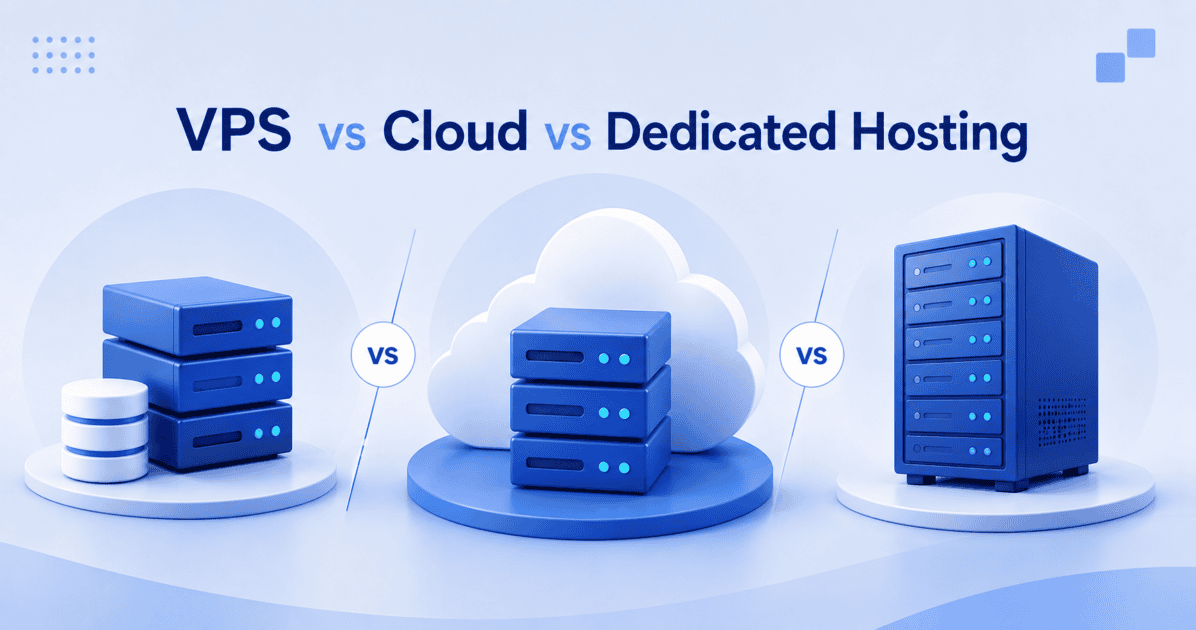
Choosing between VPS, cloud and dedicated hosting comes down to how much performance, flexibility and control your application needs.
VPS hosting gives you dedicated resources within a virtualized server environment. Cloud hosting distributes resources across multiple servers to handle changing demand. Dedicated hosting gives you an entire server environment with all resources reserved for maximum isolation and computing power.
The right choice can improve application performance, simplify infrastructure management and give your team room to scale without paying for resources you do not need.
VPS, Cloud and Dedicated hosting: Key architecture differences.
At the hardware level, the hypervisor splits a single physical server into multiple isolated Virtual Private Servers (VPS). Each virtual machine operates independently with its own operating system and dedicated resource limits. Cloud hosting spans multiple physical nodes, allowing the network to allocate computing power dynamically as application demand shifts.
Dedicated hosting reserves an entire server’s resources exclusively for your workload, with no other customers sharing your allocated CPU, RAM or storage, eliminating resource contention entirely. Selecting the wrong architecture starves your application during traffic surges or burns your budget on idle capacity.
1. VPS hosting for consistent application workloads
Developers select VPS hosting to lock in guaranteed RAM, CPU and storage limits for stable applications. The fixed-resource model excels when you know exactly what your application requires to run efficiently.
You secure root access to configure custom software stacks, manage specific PHP or Node.js versions and build CI/CD pipelines directly into the server environment. Predictable environments keep deployment pipelines running smoothly without unexpected resource throttling.
2. Cloud hosting absorbs unpredictable traffic spikes
Match your infrastructure to your traffic patterns. Cloud environments scale dynamically when a product launch or viral event sends thousands of concurrent users to your application. Unlike a general-purpose VPS that hits a hard resource ceiling, cloud infrastructure pulls available compute from the network pool to keep your site responsive.
For developers building on WordPress, specialized WordPress cloud hosting optimizes this elastic architecture specifically for database-heavy PHP queries. Elastic infrastructure captures revenue during volatile traffic events instead of returning database connection errors.
3. Dedicated hosting for resource-intensive workloads
When your application requires strict resource isolation and enhanced security control, dedicated hosting delivers complete separation from other users. Note that for workloads requiring specific compliance certifications such as SOC 2 or ISO 27001, confirm your provider’s certification status directly, as not all dedicated hosting offerings meet these standards.
High-volume eCommerce platforms, enterprise databases and bespoke applications consume massive I/O operations that degrade performance on shared or virtualized hardware. Dedicated hardware guarantees that noisy neighbors never compromise your mission-critical application performance. With these workload differences in mind, the next step is to compare how VPS, Cloud and Dedicated hosting stack up across performance, control, scalability and cost.
Which Hosting Type Offers the Right Balance of Performance and Control?
Compare the key differences in resources, scalability, control and cost to find the best fit for your workload.
| Feature | VPS Hosting | Cloud Hosting | Dedicated Hosting |
| Resource allocation | Fixed, dedicated slice of a server | Pooled, elastic resources | Entire server’s resources reserved exclusively for you. |
| Scalability model | Manual upgrade required | Automatic scaling | Manual hardware upgrade |
| Root/Admin access | Full root access available | Limited (platform dependent) | Full root access available |
| Management overhead | High (if self-managed) | Low to Medium | High (if self-managed) |
| Ideal workload | Stable, custom applications | Viral, unpredictable traffic | Resource-heavy, secure apps |
| Starting price | Accessible | Moderate | Premium |
Beyond performance and scalability, the level of server access you need also affects how much time your team spends managing infrastructure.
How server success and management affect your workload
You control the operating system directly on a self-managed VPS, taking full responsibility for command-line server configuration, patching and security. Managed VPS environments include control panels like cPanel and provider-level maintenance, freeing you from daily server administration.
Dedicated servers offer the same choice between full command-line control and fully managed administrative support. Your management choice determines whether your engineering team writes application code or applies security patches.
Cloud-backed infrastructure built for performance.
Bluehost engineers build these environments on Oracle Cloud Infrastructure (OCI) to deliver enterprise-grade performance. The 2025 OCI migration achieved a four to five times improvement in median response times compared to legacy architectures. Independent benchmark testing by WP Shout ranks Bluehost among the fastest WordPress hosts globally.
The platform utilizes NVMe storage and DDR5 memory across VPS and dedicated tiers to accelerate database queries and file retrieval. Enterprise-grade hardware ensures your application loads instantly regardless of global user location.
Which hosting type is right for your project?
At Bluehost, VPS, Cloud and Dedicated hosting are backed by cloud infrastructure, so your choice comes down to the level of resources, control and scalability your workload needs.
- Team size: Solo developers optimizing budgets choose VPS. Larger teams needing high availability select Cloud. Enterprise teams with dedicated sysadmins deploy Dedicated.
- Traffic pattern: Consistent, predictable traffic is well suited to VPS hosting. Spiky or seasonal traffic benefits from Cloud hosting, while sustained high-volume workloads may be better suited to Dedicated hosting.
- Compliance needs: Standard security runs effectively on VPS or Cloud. Strict regulatory data isolation mandates Dedicated.
Matching your specific workload to the correct infrastructure prevents costly and complex migrations later.
Run your application on Bluehost infrastructure with the performance, control and scalability your project needs. Choose VPS for predictable workloads, Cloud for flexible scaling or Dedicated hosting for maximum resources and isolation.
Explore Bluehost VPS, Cloud and Dedicated Hosting to find the right performance, scalability and control for your growing workload.
Frequently asked questions
Yes, but moving from VPS to Dedicated hosting requires a migration because the server environment changes. Files, databases and applications need to be transferred to the new server.
No. VPS hosting uses dedicated virtual resources on a physical server, while Cloud hosting draws from a broader pool of infrastructure resources and is designed to scale more flexibly.
Not always. Root access is mainly useful when you need custom server software, deeper configuration control or a development stack that is not supported in a managed environment.
With self-managed VPS, you handle server configuration, updates, security and troubleshooting. Managed VPS reduces that workload by adding provider-level server management and support.
Bluehost offers VPS, Cloud and Dedicated hosting for different workload needs. You can choose VPS for greater server control, Cloud for flexible scaling or Dedicated hosting for maximum resources and isolation.

Write A Comment