 ChatGPT,
 Claude,
 Gemini,
 Grok — all four for
Key highlights
- Know that Xcitium provides automated daily backups, so your website stays protected without any manual effort on your part.
- Learn how flexible restore options let you recover your entire website or a single file, depending on what the situation calls for.
- Understand how change notifications help you catch unexpected updates or potential issues early, before they become bigger problems.
- Explore how a centralized management console brings your website backup, monitoring and restores into one dashboard instead of scattered tools.
- Uncover which Xcitium plan, from Basic to Pro+, fits your needs, whether you need to protect one website or multiple websites.
Your website is one of the most valuable assets your business has, and it’s also one of the easiest things to lose. A failed plugin update, a bad line of code, a malware infection, or a simple human mistake can lead to data loss or website downtime. Without reliable website backup solutions in place, getting everything back can be time-consuming and expensive, while downtime can impact revenue and customer trust.
That’s why we’re excited to announce that Bluehost has introduced Xcitium, a new website backup solution built to protect your website data with automated daily backups, continuous monitoring, and flexible recovery options.
Why website backup matters
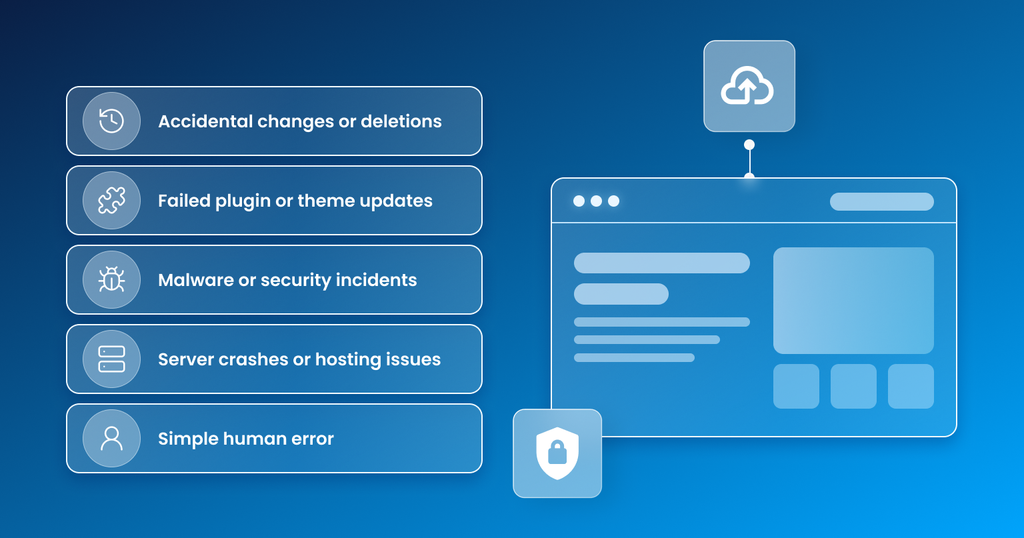
Every website owner faces the same underlying risk: things can go wrong without warning. Some of the most common causes of data loss and downtime include:
- Accidental changes or deletions
- Failed plugin or theme updates
- Malware or security incidents
- Server crashes or hosting issues
- Simple human error
Without a reliable backup website strategy, recovering from any of these situations can mean rebuilding content from scratch, or losing it permanently. On top of the lost data, downtime itself carries a real cost. It can impact revenue, disrupt customer experience, and damage the trust you’ve worked hard to build.
Manual backup processes only add to the risk. They’re inconsistent, easy to forget, and often leave website owners with little visibility into what’s changed or when an issue actually occurred. That’s the gap Xcitium is designed to close.
Introducing Xcitium: Bluehost’s website backup solution
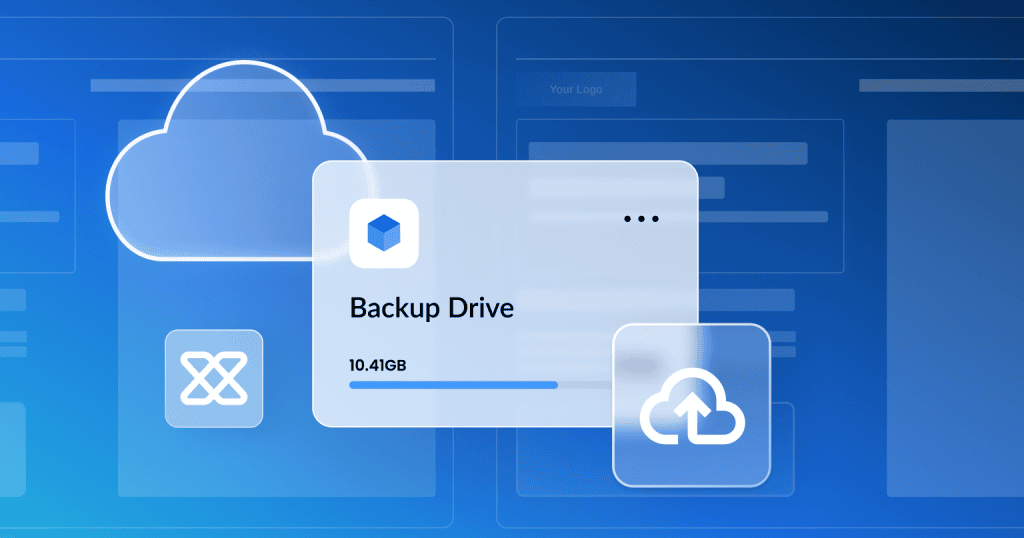
Xcitium is a centralized backup and monitoring solution designed to protect your website and its critical data. It’s built for website owners and web professionals who need a reliable way to protect, monitor, and restore their website, without relying on fragmented tools or manual effort.
With automated backups, real-time visibility into changes, and flexible restore options, Xcitium helps ensure your data is always protected, accessible, and easy to recover, so you can stay focused on running your business instead of managing backups.
In short: Xcitium provides automated backups, continuous monitoring, and flexible recovery in one centralized solution, helping you prevent data loss and minimize downtime.
What are the key features of Xcitium?
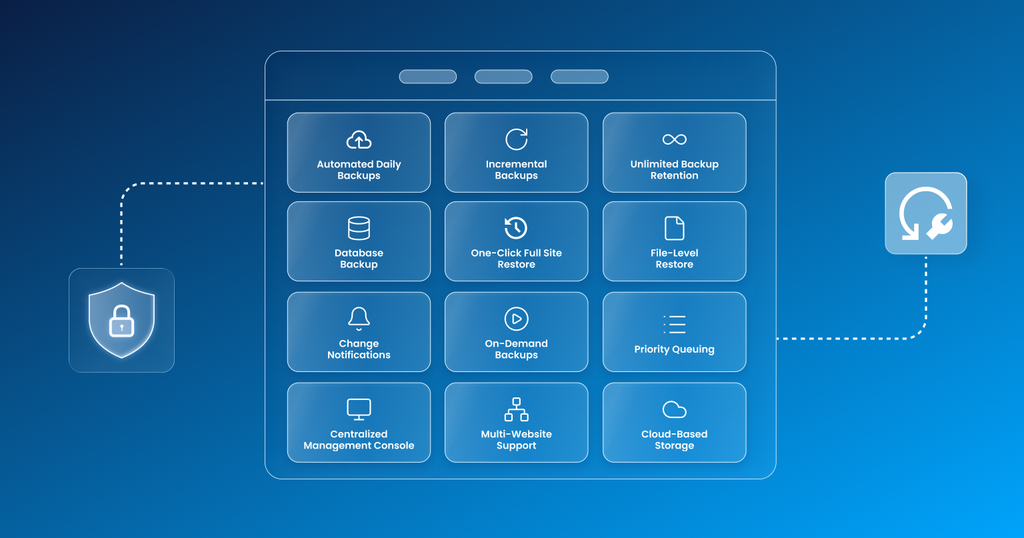
Xcitium brings together everything you need for reliable website backup and recovery in a single, easy-to-use website backup tool.
- Automated Daily Backups – Automatically backs up your website and data every day, so you stay protected without manual effort or the risk of missing a backup.
- Incremental Backups – Captures and stores only the changes made since your last backup, keeping storage efficient while maintaining a complete history of your website over time.
- Unlimited Backup Retention – Stores backup versions without automatic expiration, so you can access any previous version of your website whenever you need it.
- Database Backup – Creates dedicated backups of your site’s database, protecting dynamic content like customer data, orders, and settings.
- One-Click Full Site Restore – Restore your entire website to a previous version with a single action, so you can recover quickly from major issues like crashes, malware, or failed updates.
- File-Level Restore – Restore individual files instead of rolling back your entire website, so you can fix specific issues quickly without affecting the rest of your site.
- Change Notifications – Get alerted when changes occur, so you can stay informed and spot unexpected updates or potential issues early.
- On-Demand Backups – Create manual backups whenever needed, giving you the flexibility to safely test updates or changes by backing up right before making them.
- Priority Queuing – Higher-tier plans get priority backup and restore processing, so performance is faster when timing matters most.
- Centralized Management Console – Configure backups, monitor activity, and manage restores, all from one dashboard, saving time and reducing complexity.
- Multi-Website Support – Supports backup coverage across multiple websites from a single solution, so you can manage everything in one place without separate tools or setup.
- Cloud-Based Storage – Stores your backups securely off-site, so your data stays protected and accessible even if your hosting environment fails.
Also read: Xcitium Backup Dashboard Overview, Features, and Usage Guide
What are the benefits of Xcitium website backup?
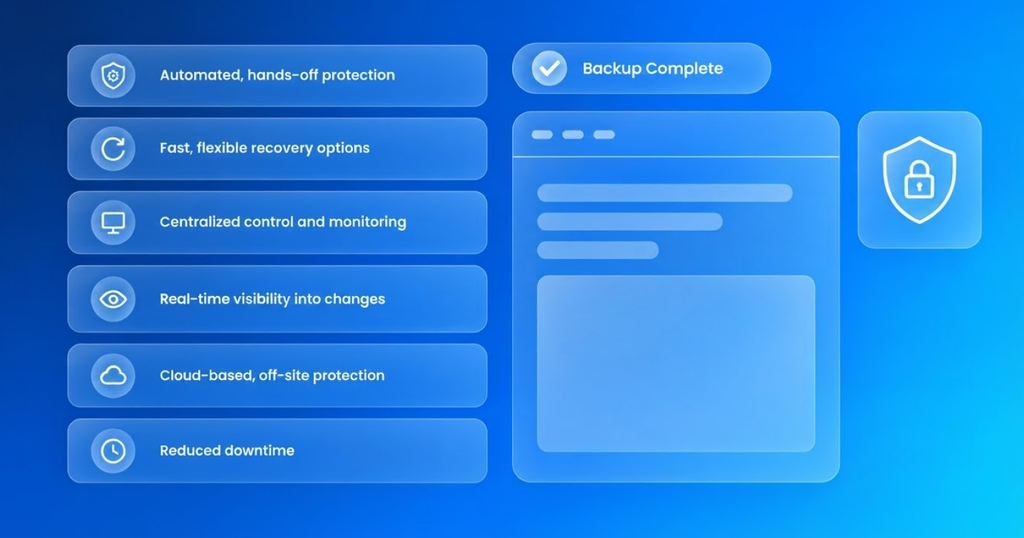
Beyond the individual features, Xcitium is designed to deliver real, practical value for how website owners actually work:
- Automated, hands-off protection – No need to remember to back things up yourself.
- Fast, flexible recovery options – Restore a full site or a single file, depending on what you need.
- Centralized control and monitoring – Manage everything from one dashboard instead of juggling multiple tools.
- Real-time visibility into changes – Catch issues early instead of discovering them after the damage is done.
- Cloud-based, off-site protection – Your backups stay safe even if something happens to your hosting environment.
- Reduced downtime – Faster recovery means less disruption to your business and your customers.
Xcitium website backup plans and pricing
Xcitium is available in four plans, so you can choose the level of protection that’s right for you.
| Xcitium Basic | Xcitium Deluxe | Xcitium Professional | Xcitium Pro+ | |
| Renewal Pricing (Monthly) | $3.99/mo | $4.99/mo | $8.99/mo | $19.99/mo |
| Renewal Pricing (Annual) | $47.88 | $59.88 | $107.88 | $239.88 |
| Storage | 1 GB | 5 GB | 10 GB | 25 GB |
| Websites Supported | Up to 5 | Up to 10 | Up to 25 | Up to 100 |
Every plan, from Basic to Pro+, includes:
- Automated daily backups
- Unlimited backup retention
- Incremental backups
- Database backup
- One-click full site restore
- File-level restore
- Change notifications
Starting with Xcitium Deluxe, plans also include on-demand backups and priority queuing, giving you even more control and flexibility when it matters most.
Whether you need to protect one website or multiple websites, there’s an Xcitium plan designed to fit your needs.
Protect your website with automated backups before something goes wrong
Data loss and downtime are costly, in terms of time, money, and customer trust. Xcitium helps you prevent data loss and minimize downtime, with automated backups, real-time visibility, and flexible recovery options that help keep your website running smoothly.
Don’t wait for a crash, bad update, or security incident to find out your website isn’t protected. Explore Xcitium’s website backup plans today and give your website the protection it deserves.
Final thought
Every website owner eventually faces the same question: what happens if something goes wrong? With Xcitium, the answer is simple. Your site is backed up automatically, monitored continuously, and ready to restore whenever you need it. Instead of scrambling to recover lost data or rebuild a broken site, you get peace of mind knowing a reliable website backup solution is already working in the background.
Whether you need to protect one website or multiple websites, Xcitium gives you the tools to prevent data loss, reduce downtime, and stay in control, all from one centralized solution.
FAQs
Xcitium is Bluehost’s website backup solution. It provides automated backups, continuous monitoring, and flexible recovery options from one centralized platform, helping website owners prevent data loss and minimize downtime.
Xcitium runs automated daily backups, so your website and data are protected every day without any manual effort on your part.
Yes. Xcitium’s website backup service offers file-level restore in addition to one-click full site restore, so you can fix specific issues without rolling back your entire website.
Backups are stored securely using cloud-based storage, keeping your data protected and accessible even if your hosting environment experiences an issue.
Yes. Xcitium includes change notifications that alert you when changes occur, helping you catch unexpected updates or potential issues early.
It depends on your plan. Xcitium Basic supports up to 5 websites, Deluxe supports up to 10, Professional supports up to 25, and Pro+ supports up to 100 websites.
All plans include automated daily backups, unlimited backup retention, database backup, and both full-site and file-level restore. Higher-tier plans (Deluxe and above) add on-demand backups and priority queuing, along with increased storage and website limits.
No. Xcitium includes unlimited backup retention, so your website backup versions are stored without automatic expiration.
Each Xcitium plan has a backup storage limit. If you reach that limit, new backups are paused until space is cleared, while your existing backups are retained. You can manage your available storage by deleting older backups or adjusting your retention settings.

Write A Comment