 ChatGPT,
 Claude,
 Gemini,
 Grok — all four for
Key highlights:
- Learn how to get WordPress help and support for technical challenges and site maintenance needs.
- Explore professional WordPress support options that provide personalized expert guidance for your website.
- Understand how to access free WordPress help resources and community-driven solutions effectively.
- Discover managed hosting benefits with dedicated support teams available for priority assistance round the clock.
- Know when to contact support professionals for complex customization, security breaches or site downtime.
When your WordPress site breaks, slows down or refuses to update, it can feel like everything comes to a standstill. From theme conflicts to plugin errors, even a small issue can disrupt your entire workflow. That’s why knowing how to get WordPress help and support makes all the difference.
WordPress powers millions of websites and offers incredible flexibility, but that also means troubleshooting isn’t always simple. Whether you’re stuck during setup, dealing with security concerns or trying to fix a sudden error, the right support can save hours of frustration.
In this guide, you’ll learn how to get reliable WordPress assistance through free community resources, dedicated hosting support and premium expert services. You’ll also discover when it’s time to move from DIY fixes to professional help. Learn how Bluehost’s support options, from 24/7 assistance to personalized design and done-for-you services, can make managing your WordPress site easier and more efficient.
Understanding WordPress.org support
WordPress’s open-source design allows for great customization, but it may also come with certain support challenges. While countless developers and enthusiasts contribute to its growth, there’s no centralized, official support team in the traditional sense. Instead, the WordPress community steps up to fill the gap, offering assistance and guidance through various channels.
WordPress.org, the heart of the WordPress universe, provides a wealth of resources, including support forums where users can connect and exchange knowledge. It’s important to remember that these forums rely on the goodwill of volunteers, so response times and expertise can vary.
Bluehost Pro Design Live: Personalized WordPress support team
Bluehost Pro Design Live gives you one-on-one WordPress guidance through expert-led sessions. Instead of troubleshooting or designing alone, you learn at your own pace with structured support that helps you build, refine and improve your website confidently.
You choose what to focus on during each consultation, whether it’s setup, layout adjustments or understanding how different WordPress features work. Want to skip the research and get clear answers to improve your site? Get Bluehost Pro Design Live today.
Key features of Pro Design Live
- 1:1 expert WordPress guidance
- Consultations tailored to your goals
- Support for setup, design and improvements
- Actionable advice that builds long-term confidence
- Skip the research with direct expert recommendations
- Ongoing guidance to help your website keep improving
Plan options
- Pro Design Live Basic
- Pro Design Live Plus
- Pro Design Live Premium
Each tier offers guided WordPress support, with increased depth and coverage in higher plans.
Support availability
Pro Design Live is available during business hours, Monday to Friday, through live chat, email and scheduled expert sessions.
Bluehost Full Service + SEO: Done-for-you services
The Bluehost Full Service + SEO is a premium, done-for-you website service designed to handle your WordPress setup, design and ongoing improvements. Instead of managing everything yourself, you work with a dedicated team. Our experts build and optimize your site while keeping you involved through scheduled consultations.
Looking for professional help in creating a website that looks great, performs well and supports long-term growth? Get Bluehost Full Service + SEO today.
Key features of Full Service + SEO
- Custom website design tailored to your goals
- Search-friendly content created to support visibility
- Ongoing updates to keep your site fresh and effective
- Dedicated help when you need it
- Built on WordPress for flexibility and control
- Oversight-friendly management to review progress easily
How does Full Service + SEO work?
Here’s how to get WordPress help and support in a clear 6-step workflow:
- Connect for a consultation
- Clarify goals & preferences
- Answer questions to help the team understand your specific needs
- Discuss design details and review the website structure
- Receive your finished site after expert setup
- Keep improving with ongoing updates and support
Why choose Full Service + SEO?
We are offering you a professional website without the stress of building it yourself. You get expert design, SEO-ready content and continuous improvements. So, you can easily maintain a strong online presence with less effort.
Bluehost 24/7 Priority support: Dedicated WordPress expert help
Bluehost’s 24/7 Priority Support gives you direct access to Tier-3 WordPress experts whenever you need help. Available with all advanced Bluehost hosting plans, this support ensures your website issues are handled quickly and professionally, day or night.
Whether you’re troubleshooting a plugin conflict, fixing an error (like PHP errors) or improving your site’s performance, priority access helps you skip the queue. You can connect directly with experienced technicians who specialize in WordPress.

Key features of Priority Support
- 24/7 access to WordPress-trained support agents
- Tier-3 expert assistance included with advanced hosting plans
- Faster response times for urgent issues
- Live chat and email support around the clock
- Help with WordPress errors, performance issues and setup needs
Why Priority Support matters?
With priority access to higher-level technicians, you get reliable help that resolves issues faster, especially when your website needs expert attention. This makes it easier to keep your WordPress site running smoothly without long waits or repeated troubleshooting.
Top Free Resources for WordPress Support and Assistance
While premium services provide tailored assistance, there are plenty of free resources available to help WordPress users troubleshoot common problems.
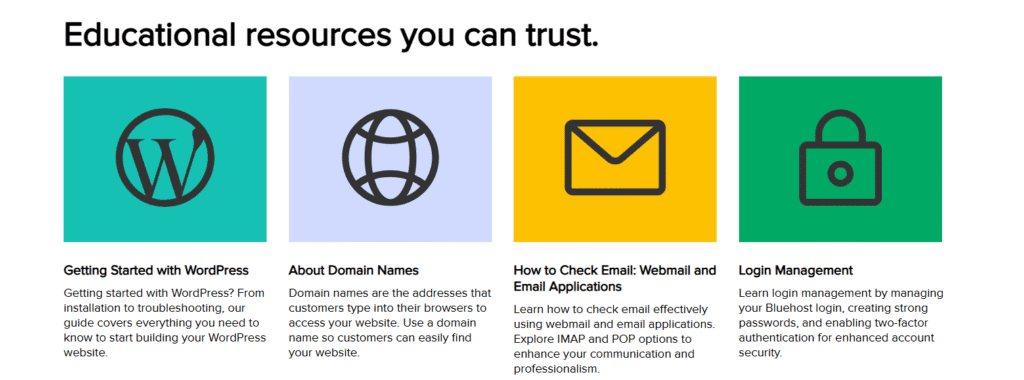
1. WordPress SEO course
Users can access free courses through the Bluehost Academy, which features comprehensive WordPress help through Yoast SEO training. Yoast is part of the Bluehost family, meaning your websites are highly discoverable thanks to Yoast’s SEO technology. This free platform offers in-depth WordPress and SEO training for beginners and advanced users through structured learning.

Our Academy provides courses on WordPress website development, SEO optimization, theme selection and site launch. Registration is free, providing lifetime access to valuable tutorials and courses for WordPress assistance needs consistently.
2. Bluehost Knowledge Base
The Bluehost Knowledge Base is another valuable free resource for WordPress website support and troubleshooting guidance. This comprehensive documentation features articles, tutorials and step-by-step guides covering WordPress-related topics for various skill levels.
3. Bluehost YouTube Channel:
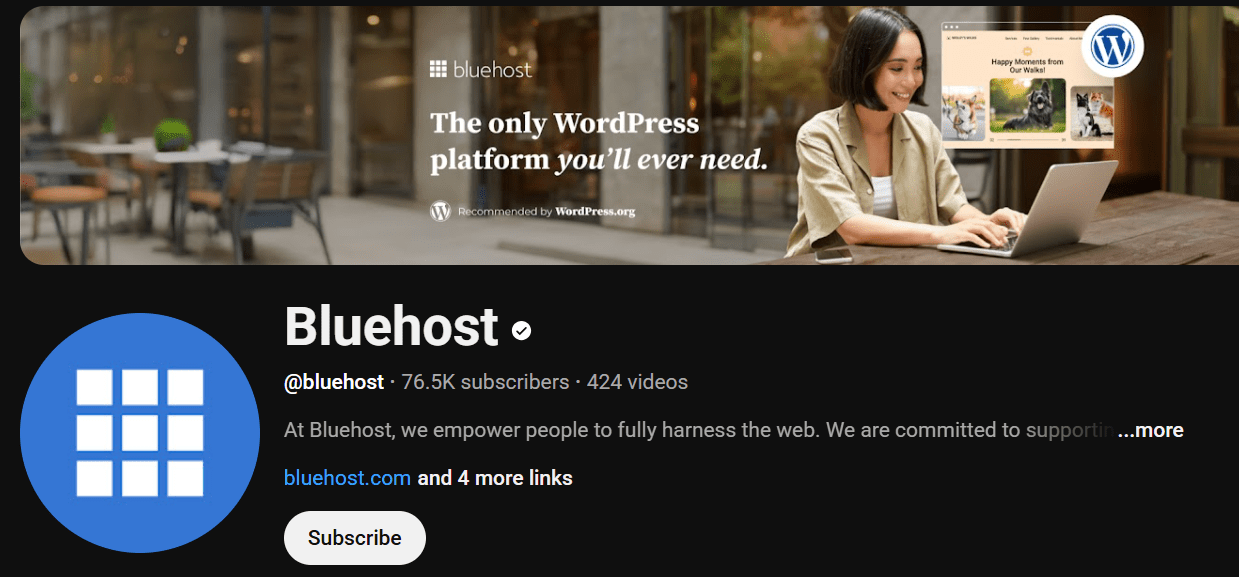
For visual learners, Bluehost YouTube channel comes packed with free tutorials, how-to guides and tips for optimizing your WordPress site. This channel is an excellent resource for users who prefer step-by-step video instructions. It covers a wide range of topics, from basic WordPress setup to advanced customization and site performance improvements.
While these free resources provide valuable assistance, they may not always be fast or personalized. Users who need urgent help or complex troubleshooting might prefer to explore premium support options like those offered by Bluehost.
Contact WordPress support for themes and plugins
One of the common challenges WordPress clients faces is finding support for specific themes and plugins. As WordPress is an open-source platform, many themes and plugins are developed by independent developers. This can make it difficult to know where to turn when something goes wrong. However, there are several ways you can get help:
1. Developer support
Many developers offer direct support for their themes and plugins, either through their own websites or through the WordPress.org repository. When you encounter an issue, check if the developer offers a support forum or a dedicated support ticket system.
Developers are often willing to help fix issues, offer troubleshooting advice or provide updates to ensure compatibility with the latest version of WordPress.
2. Support tickets
When contacting a developer for help, provide as much information as possible. Include details like your WordPress version, plugin/theme version and a description of the problem. Some developers have a formal support ticket system where users can submit issues, track progress and receive resolutions.
3. WordPress.org support forums
If the plugin or theme is hosted on the WordPress.org repository, you can post your query on the relevant public forums. Make sure to search for similar issues first because chances are, someone has already encountered the same problem and shared a solution. Remember to be respectful and concise when asking for help, as many of the people assisting you are volunteers.
By leveraging these resources, WordPress users can get timely WordPress website support for most theme or plugin issues effectively. However, for more complex problems or when dealing with premium themes, professional WordPress support services may be necessary.
When to hire professional WordPress support?
While free resources like forums and community groups are invaluable, there are times when hiring a professional becomes the best solution. If you’re facing issues that require advanced troubleshooting or customization, professional WordPress support can save you time, money and frustration. Here are some scenarios where you might consider hiring professional help:
1. Site downtime or errors
If your site is down or you’re facing persistent error messages (for example, the “Error Establishing a Database Connection”), this could be an indication of deeper technical issues that need immediate attention. In such cases, free forums might not provide fast enough responses and professional help from your hosting providers or WordPress developers becomes essential.
2. Complex customization
If you need to customize your WordPress theme beyond what’s possible through the settings or require complex plugin integrations, it’s best to hire an expert. Professionals can ensure that your customizations are functional, secure and compatible with future WordPress updates.
3. Security breaches
If you suspect your website has been hacked or compromised, seeking professional support immediately is crucial. Bluehost support offers security-related assistance, ensuring that your site is restored and secured quickly.
4. High-traffic WordPress sites
For eCommerce sites or high-traffic blogs, ensuring optimal performance and uptime is critical. If you rely on your website for business, hiring professionals for speed optimization, backup management and security monitoring can help prevent costly downtime.
5. Time saving
Hiring a professional is also ideal when you want to save time. Managing a WordPress site, especially if it involves technical fixes or customizations, can be time-consuming for non-experts. Professionals can quickly resolve issues, allowing you to focus on growing your business or creating content, instead of troubleshooting technical problems.
When you are looking for reliable and expert-level help with WordPress, you have Bluehost’s professional WordPress support services. From basic maintenance to complex troubleshooting, their dedicated support team can assist me with everything related to plugins. You can easily contact support through multiple channels, including live chat support, phone or email for assistance whenever needed.
Final thoughts
Knowing how to get WordPress help and support ensures your site stays secure, fast and easy to manage. Whether it’s tapping into the vibrant WordPress.org community, exploring Bluehost’s Knowledge Base or enrolling in free Yoast SEO courses, you have countless options for guidance.
When you need faster or more advanced assistance, Bluehost’s Pro Design Live and Full Service + SEO give you direct access to WordPress experts. Get the support you need to build, improve and maintain your WordPress site with confidence.
Ready for expert WordPress help? Connect with Bluehost support team today.
FAQs
WordPress.org does not offer direct email or phone support. Users can seek WordPress help through forums, community groups or by contacting theme/plugin developers. Bluehost Academy, YouTube channel and Knowledge Base offer free tutorials and an AI-powered search for quick solutions. Paid plans like Bluehost Pro, Design Live and Full Service + SEO provide one-on-one expert WordPress assistance.
Start by visiting the theme or plugin’s support page found on the developer’s website or WordPress.org. Search in the WordPress Plugin Directory or Theme Directory for contact support details and forums. Post issues in WordPress Support Forums to get help from other users. Premium themes offer direct developer WordPress support services.
Consider hiring a professional if your site is experiencing persistent technical issues or downtime, or if you require complex customizations. Professional support is also recommended for securing your site after a hack or for optimizing performance on high-traffic sites. Additionally, if you don’t have the time to watch tutorials or troubleshoot on your own, hiring someone to walk you through the issues can be a quicker and more convenient solution.
No, WordPress.org does not offer live chat support or phone support. WordPress.com users on paid plans have access to live chat and email support. Bluehost provides 24/7 live chat support and phone support for customers whose website is hosted on our servers. You can also add Pro Design Live for personalized WordPress help.
Common ways to improve performance include optimizing images, using caching plugins and choosing a reliable hosting provider. For complex optimizations, consider hiring professional support to help with speed optimization and security enhancements.
Bluehost offers comprehensive WordPress support services, including 24/7 live chat support, phone and email. Agency hosting customers receive priority support with Level 3 Technicians for professional WordPress support. Bluehost Pro Design Live and Full Service + SEO provides personalized WordPress help. Free resources include Bluehost Academy and Knowledge Base with AI support.
Access the Bluehost Knowledge Base with an AI-powered search for instant solutions and WordPress website support. Bluehost Academy offers free courses for self-paced WordPress help. Search results in the Knowledge Base cover common support inquiries. For urgent issues, Bluehost’s 24/7 live chat support provides quick, professional WordPress support.
Yes, WordPress has a large community of developers, designers and other users providing WordPress assistance through forums. WordPress.org support forums are where the community helps with WordPress website support for troubleshooting. The open-source software nature means the large community continuously contributes to the resources.
Managed hosting provides automatic updates, security monitoring and dedicated support teams for comprehensive WordPress website support. With managed hosting like Bluehost for agencies, you get priority professional WordPress support available. It includes optimized performance, daily backups and expert help with WordPress automatically.

Write A Comment