 ChatGPT,
 Claude,
 Gemini,
 Grok — all four for
Key highlights
- Use an AI chatbot ROI calculator to estimate potential returns from automation based on costs, savings and performance.
- Learn how to calculate AI chatbot ROI using the right formula, cost inputs and business data.
- Estimate savings with an AI chatbot cost savings calculator and understand how to calculate cost savings from AI chatbot automation.
- Understand how much an AI chatbot costs by considering software, setup, implementation and ongoing expenses.
- Track what metrics matter for chatbot ROI to measure automation, labor savings, resolution rates and business impact.
- Explore Bluehost AI Receptionist to automate routine customer questions and appointment scheduling with 24/7 assistance and Google Calendar integration.
Every week, a support team answers the same billing question dozens of times. Leadership wants to know if the chatbot subscription is actually paying for itself. Without real numbers, that question is hard to answer with confidence.
An AI chatbot ROI calculator turns scattered data, ticket volume, agent wages and response times into one clear return figure. This guide covers the formulas, cost inputs and metrics that make chatbot ROI accurate instead of a guess. You will also see a worked example, common calculation mistakes and a framework for reading your results.
What is an AI chatbot ROI calculator?
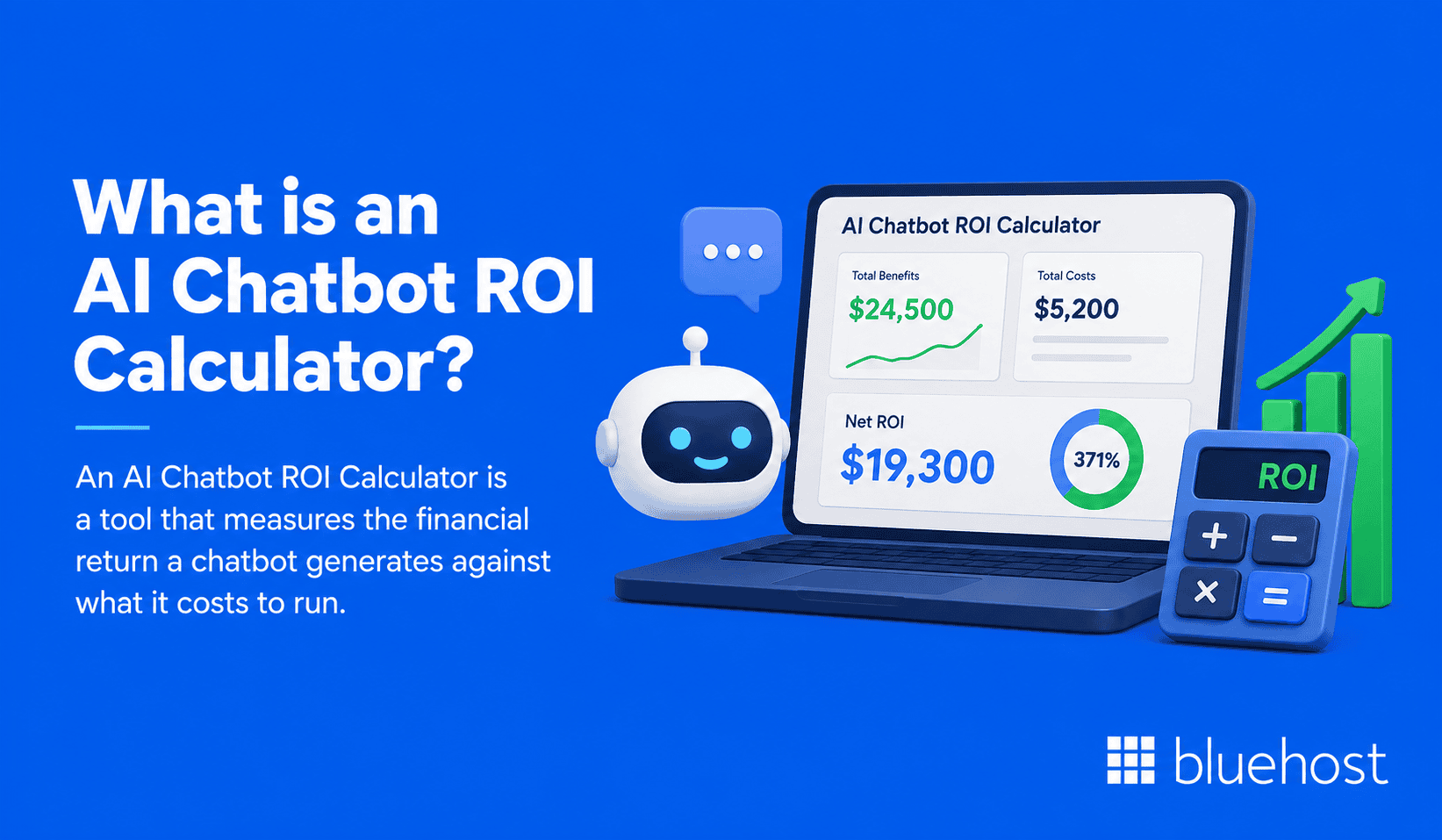
An AI chatbot ROI calculator is a tool that measures the financial return a chatbot generates against what it costs to run. It compares support costs before automation with costs after automation, then factors in the price of the software itself.
The output is usually a percentage or a dollar figure. That number tells you whether the chatbot is saving money, generating revenue or doing both at once.
How does an AI chatbot ROI calculator work?
Most calculators follow the same basic sequence, regardless of the platform behind them. Understanding the steps helps you trust the number it produces.
- You enter baseline data, such as monthly conversation volume and average handle time.
- You enter chatbot costs, including software fees and setup charges.
- The calculator estimates labor hours saved based on automation rate.
- It converts those hours into a dollar value using agent wages.
- It subtracts total chatbot costs to produce a net return figure.
The accuracy of this process depends on the quality of your inputs as well as the assumptions used in the calculation. Rough estimates produce rough results.
What information do you need to calculate chatbot ROI?
Before running any calculation, gather a short list of operational figures. Missing even one of these can skew your final result.
- Average monthly support ticket or conversation volume
- Average handle time per conversation, in minutes
- Fully loaded hourly cost of a support agent
- Total monthly or annual chatbot software cost
- One time setup or implementation fees
- Expected chatbot resolution rate, based on a trial or pilot
Once you have these figures, you are ready to apply the formula in the next section.
How to calculate AI chatbot ROI?
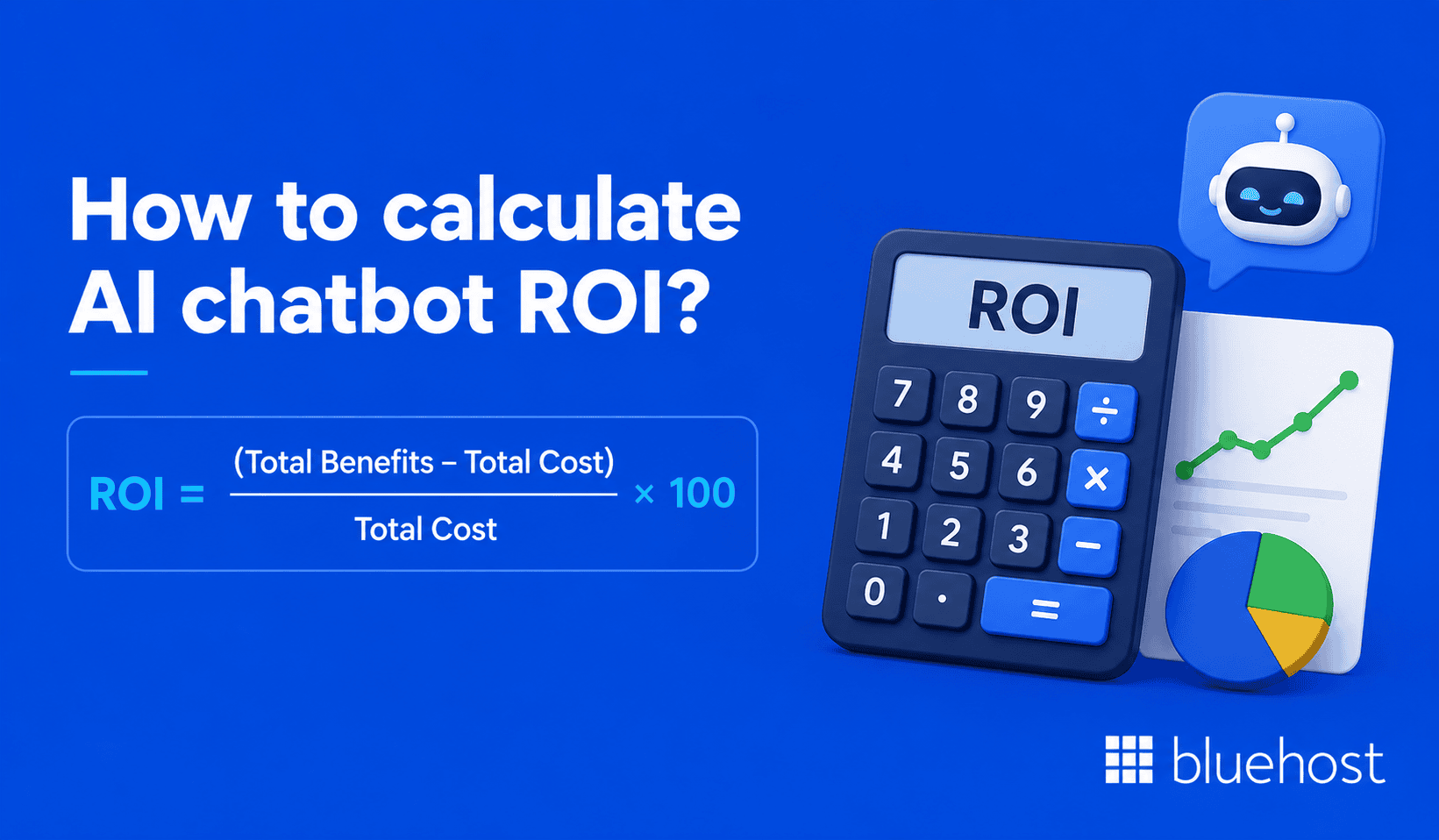
Calculating chatbot ROI comes down to comparing the total financial benefits against the total investment. The math is simple, but each input needs to reflect real usage rather than vendor marketing claims.
What is the AI chatbot ROI formula?
The standard formula is: ROI = (Total Benefits minus Total Cost) divided by Total Cost, multiplied by 100. Total benefits can include labor cost savings plus any additional revenue attributable to the chatbot.
Total cost includes software fees, setup charges and any ongoing support expenses. The result is expressed as a percentage, making it easy to compare against other business investments.
AI chatbot ROI calculation example
Consider a company handling 5,000 support conversations a month at an average handle time of eight minutes. Agent cost runs $25 per hour, and the chatbot resolves 60 percent of conversations without human help.
| Metric | Value |
|---|---|
| Conversations automated monthly | 3,000 |
| Hours saved (8 min average) | 400 hours |
| Labor cost saved | $10,000 |
| Monthly chatbot cost | $1,200 |
| Net monthly savings | $8,800 |
| ROI | 733 percent |
Even a modest automation rate can generate a strong return once labor costs are added up at scale. Your own numbers will vary based on wages and ticket complexity.
How much does an AI chatbot cost?
AI chatbot pricing varies widely based on features, conversation volume, pricing model and customization needs. Enterprise deployments with custom integrations can run higher.
Understanding where that money goes helps you build a more realistic cost side of your ROI calculation.
Software, setup and implementation costs
Software pricing may follow subscription, per-seat, usage-based or resolution-based models, depending on the provider. Setup adds another layer of cost that is easy to overlook.
- Monthly or annual subscription fees for the chatbot platform
- One time integration costs for connecting to your CRM or helpdesk
- Content and script development for training the chatbot on your business
- Design and branding work to match your website or app
Setup costs are usually front loaded, meaning your first month or quarter will show a lower ROI than steady state months.
Ongoing maintenance and support costs
After launch, a chatbot still needs attention to stay accurate and useful. Budget for these recurring expenses when building your ROI model.
- Periodic updates to the knowledge base as products or policies change
- Human review of escalated or misunderstood conversations
- Vendor support fees for premium tiers or priority assistance
- Analytics and reporting tools used to track performance over time
These ongoing costs vary by platform and usage, but they can add up over a year and belong in your total cost figure.
Also read: What Is an AI Chatbot? A Beginner’s Guide
How does an AI chatbot cost savings calculator estimate savings?
An AI chatbot cost savings calculator isolates the savings side of the ROI equation. It focuses on what you no longer spend, rather than what you now spend on software.
How to calculate cost savings from AI chatbot automation?
Start by multiplying the number of automated conversations by the average handle time. That figure gives you total hours saved each month.
Multiply hours saved by your fully loaded agent hourly cost to get a dollar value. This is the core calculation behind most cost savings estimates, and it works the same way across industries.
How to calculate labor and customer support savings?
Labor savings extend beyond the conversations a chatbot fully resolves on its own. Partial deflection, where the bot handles the first step before a human takes over, still reduces agent workload.
To capture this, calculate the time saved on partially automated conversations separately from fully automated ones. Add both figures together for a complete labor savings number.
How to estimate revenue gains from chatbot automation?
Savings are only half the story for many businesses. Chatbots that qualify leads, book appointments or recover abandoned carts also generate new revenue.
To estimate this, track conversion rate on chatbot initiated conversations against your average order or deal value. Multiply the additional conversions by that average value to reach an estimated revenue gain.
Also read: Which AI Model Is the Best? A 2026 Comparison for Agencies
What metrics matter for chatbot ROI?
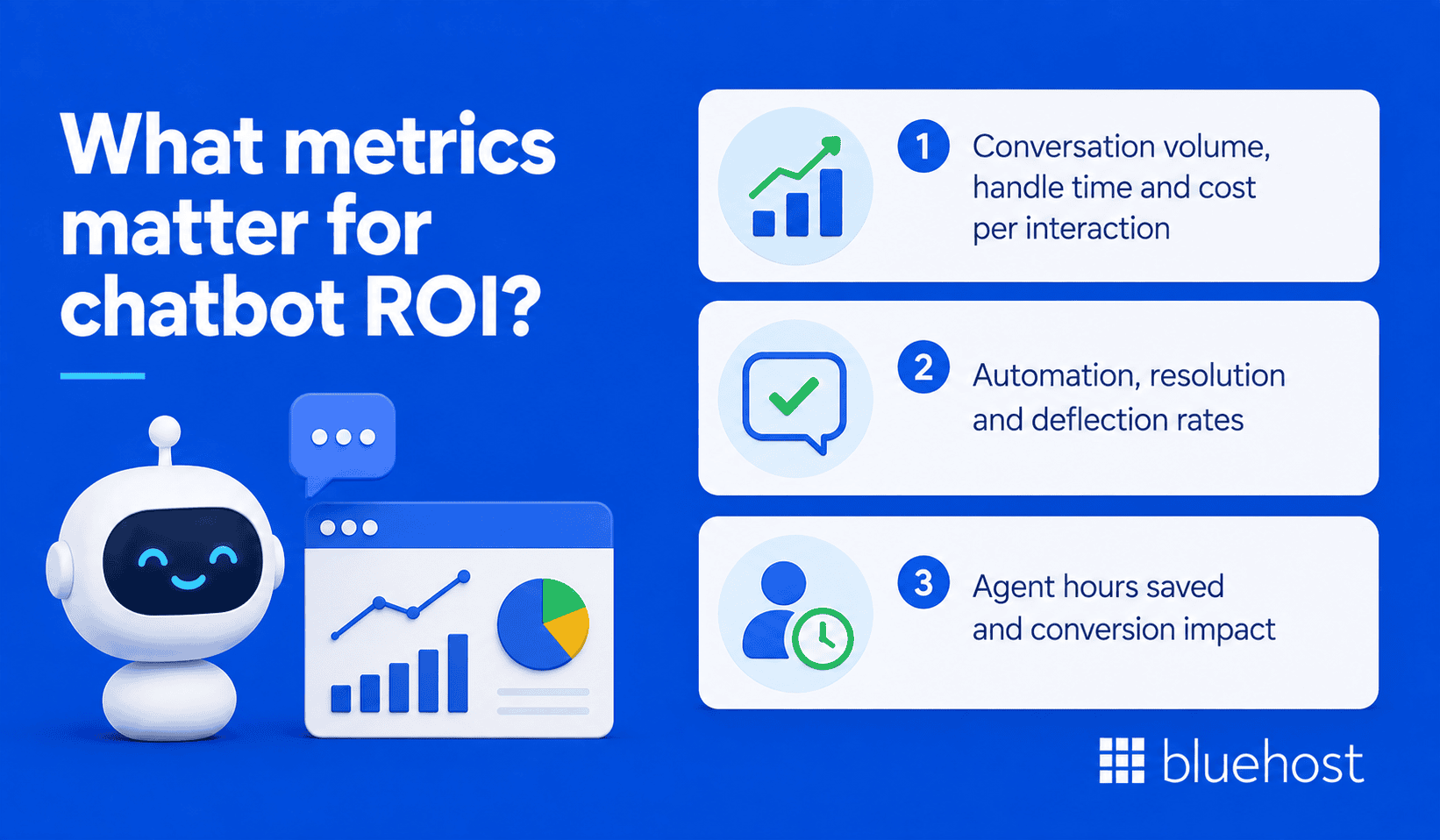
A handful of metrics drive most chatbot ROI outcomes. Tracking the right ones prevents you from overstating or understating your results.
1. Conversation volume, handle time and cost per interaction
Conversation volume tells you how much workload the chatbot is actually handling each month. Handle time shows how much agent time each conversation would have consumed without automation.
Cost per interaction combines both figures into a single benchmark. Zendesk’s 2024 Customer Experience Trends report found that 83 percent of CX leaders using generative AI reported positive ROI, highlighting AI’s potential to manage volume and lower costs.
2. Automation, resolution and deflection rates
These three rates describe different parts of the same story. Automation rate measures how many conversations the bot handles without any human involvement.
Resolution rate measures how many of those automated conversations actually solve the customer’s problem. Deflection rate measures how many conversations never reach a human agent at all, regardless of who ultimately solved them.
3. Agent hours saved and conversion impact
Agent hours saved can be converted into a labor cost figure using your fully loaded hourly agent cost. Conversion impact captures the revenue side, including leads captured or sales completed through the chatbot.
Together, these two metrics connect chatbot performance to bottom line business results, rather than vanity statistics like total messages sent.
Also read: Customer Service Automation Tools & How They Work
What factors affect AI chatbot ROI?
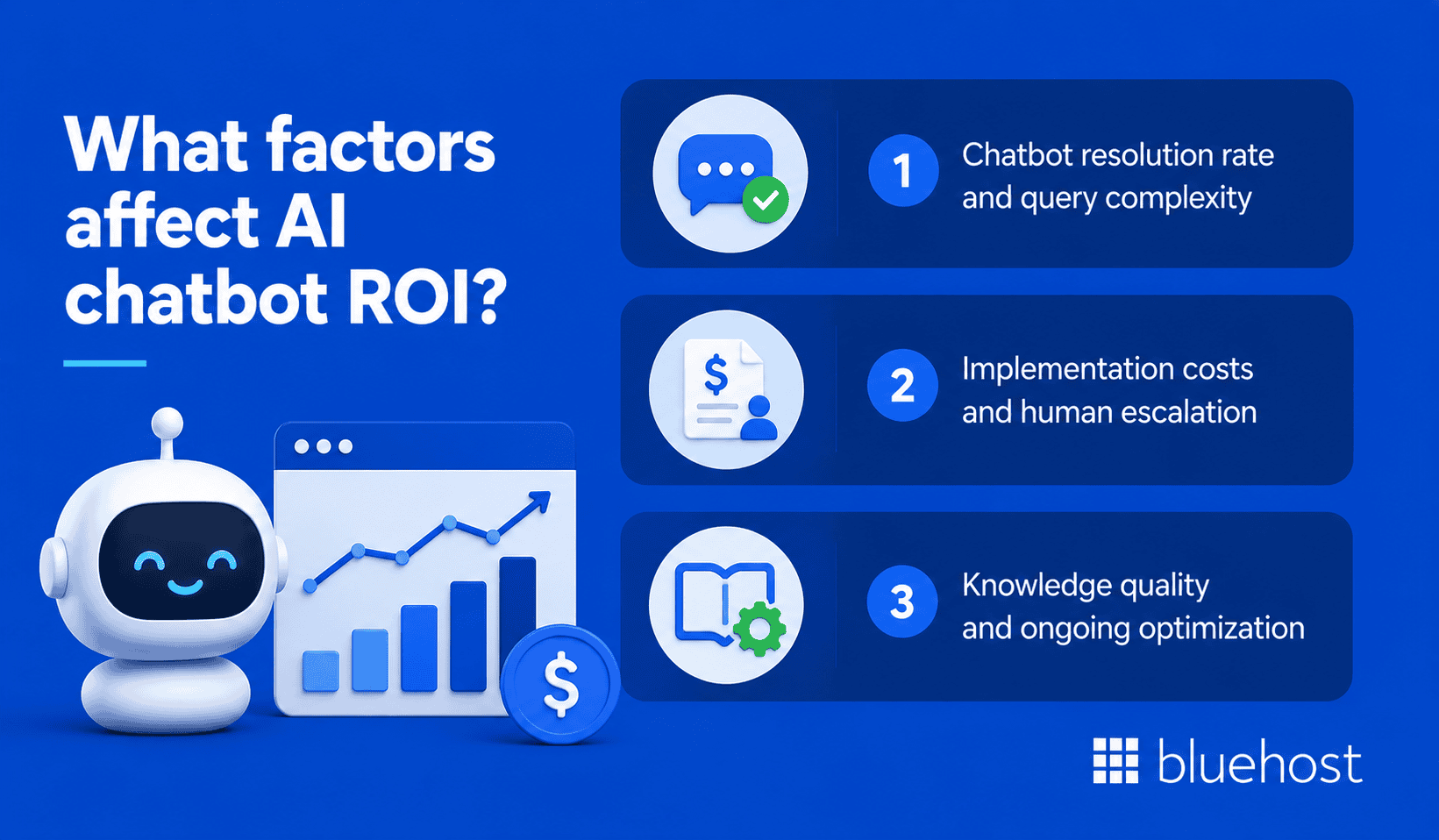
Two businesses using the same chatbot platform can see very different returns. The gap usually comes down to a few controllable factors.
1. Chatbot resolution rate and query complexity
Simple, repetitive questions are generally better candidates for automation than complex, multi-step issues. A support desk full of billing and password questions will automate more easily than one full of technical troubleshooting.
Before setting ROI expectations, review your ticket categories and estimate what percentage a chatbot could realistically handle.
2. Implementation costs and human escalation
Heavy customization and complex integrations raise upfront costs, which lowers ROI in the early months. Escalation design also matters, since a chatbot that hands off too quickly reduces automation gains.
Tip: Review your escalation rules every few months and adjust them as the chatbot’s knowledge base improves.
3. Knowledge quality and ongoing optimization
A chatbot’s performance depends in part on the quality and relevance of the information behind it. Outdated policies or thin documentation lead to more escalations and lower resolution rates.
Regularly reviewing chatbot transcripts and updating content can help improve performance and support better ROI over time.
Also read: AI Customer Service Automation Features for Faster Workflows
How to interpret your AI chatbot ROI calculator results?
A number on a screen only helps if you know what it means for your business. This section covers how to read that output correctly.
ROI percentage, payback period and break-even point
ROI percentage tells you the overall return relative to cost, but payback period tells you how fast that return arrives. Break-even point marks the exact moment savings equal total investment.
A high ROI with a long payback period may still be riskier than a moderate ROI with a fast break-even point. Consider both figures together, not just the headline percentage.
Common chatbot ROI calculation mistakes
Certain errors show up repeatedly when businesses first calculate chatbot returns. Watch for these before trusting your final figure.
- Using vendor benchmark automation rates instead of your own pilot data
- Ignoring setup and training costs in the total investment figure
- Counting fully loaded agent wages incorrectly, without benefits and overhead
- Overlooking partial deflection, where a bot assists but does not fully resolve
- Forgetting to include revenue impact for lead generation or sales chatbots
Correcting these mistakes usually moves the ROI number, sometimes significantly, in either direction.
How to validate ROI after implementation?
Initial ROI estimates are projections, not guarantees. Validate them against real performance data once you have enough live usage to compare actual results with your original assumptions.
Compare actual automation and resolution rates against your original assumptions. Adjust your calculator inputs accordingly, then recalculate ROI using real data rather than estimates.
How can Bluehost AI Receptionist help automate customer conversations?
Bluehost AI Receptionist helps small businesses automate routine sales and front-desk tasks without requiring someone to respond to every inquiry manually. It provides 24/7 assistance, answers questions using your business knowledge and helps customers manage appointments through Google Calendar.
Bluehost AI Receptionist helps with:
- 24/7 customer conversations: Respond to routine questions and capture potential leads at any time using information from your business knowledge base.
- Automated appointment management: Let customers book, reschedule or cancel 30-minute appointments through a direct Google Calendar integration.
- Knowledge base training: Train the AI Receptionist on your business documents and resources so responses are based on company-specific information.
- Custom voice and tone: Define a response style and brand personality to help keep customer interactions consistent with your business.
- Admin and analytics dashboard: Review chat history, bookings and topic trends to better understand customer conversations and activity.
- Implementation support: Get help configuring goals and knowledge bases through Bluehost’s Professional Services team to simplify setup and launch.
For businesses evaluating automation ROI, these capabilities can help reduce time spent on repetitive questions and manual scheduling while keeping the focus on capturing leads and managing customer inquiries efficiently.
Final thoughts
AI chatbot ROI depends on costs, automation rates and the savings or revenue generated over time. Use an AI chatbot ROI calculator as a starting point, then update your inputs with real performance data.
For small businesses looking to automate routine questions and appointment scheduling, Bluehost AI Receptionist can provide 24/7 assistance and manage bookings through Google Calendar.
Explore Bluehost AI Receptionist!
AI Chatbot ROI Calculator
See your estimated savings, ROI, and payback period.
Your Estimated Results
How this was calculated
| Conversations automated | 3,000 / mo |
| Hours saved | 400 hrs / mo |
| Labor savings | $10,000 / mo |
| Chatbot cost | $1,200 / mo |
| Net savings | $8,800 / mo |
| Annual ROI | 733% |
Formula: ROI = (Total Benefits − Total Cost) ÷ Total Cost × 100. Labor savings = automated conversations × handle time × agent hourly cost. Payback period includes your one-time setup fee (if any), divided by monthly net savings. Estimates only — actual results vary by conversation complexity, escalation rate, and knowledge base quality.
FAQs
A good ROI for an AI chatbot depends on your investment, operating costs and measurable savings or revenue gains. Businesses with high conversation volume and repetitive queries may have more opportunities to generate savings through automation.
The time required to see measurable chatbot ROI varies based on implementation costs, conversation volume and automation performance. Payback period depends heavily on setup costs and how quickly resolution rates improve after initial training.
An AI chatbot may be worth the investment when measurable labor savings or revenue gains outweigh its implementation and operating costs. For lower-volume businesses, manual handling may sometimes be more cost-effective depending on chatbot costs and the value of the tasks being automated.

Write A Comment