 ChatGPT,
 Claude,
 Gemini,
 Grok — all four for
Key highlights
- Learn which criteria matter most, including content training, human handoff, booking support, setup, pricing and channels.
- Compare costs that span free plans through usage-based artificial intelligence (AI) fees per outcome, resolution or credit.
- Discover how done-for-you setup compares with build-it-yourself tools when you have limited time and no technical staff.
- Know how booking support differs, since some tools book in your calendar while others share a link.
- Choose a launch checklist that covers real customer questions, wrong answers and human handoffs before going live.
The best AI chatbots for small business depend on the main job you need covered. Bluehost AI Receptionist fits appointment booking, Tidio fits store support and ManyChat fits social direct messages (DMs). Intercom Fin AI Agent suits help center teams, while Botpress suits custom builds.
This list compares seven tools on content training, human handoff, booking, setup and pricing for owners without technical staff. If you’d like the basics first, start with how AI chatbots work.
Many small firms are still early in AI adoption, per the Census Bureau AI use survey. From December 2025 to May 2026, AI use in any business function among US employer businesses stayed between 17% and 20%. In the same Census data, under 20% of firms with four or fewer employees reported using AI.
Top picks at a glance
These AI chatbots for small business each match one main job. For service businesses that need a chatbot trained on their own content, Google Calendar booking and expert setup, Bluehost AI Receptionist leads this list.
- Bluehost AI Receptionist: Best for appointment-based service businesses, since it books into Google Calendar and the Bluehost team sets it up.
- Tidio: Best for online stores that want live chat plus AI through the Lyro AI Agent.
- Chatbase: Best for training an AI agent on your own files, websites and support tickets.
- ManyChat: Best for Instagram and social DM automation with AI Replies for Instagram.
- Intercom Fin AI Agent: Best for growing support teams with a help center, since Fin works with existing helpdesks.
- HubSpot Customer Agent: Best for businesses already on HubSpot customer relationship management (CRM), since it acts inside your CRM.
- Botpress: Best for building a custom AI agent with your own flows and a connected knowledge base.
Comparing the best AI chatbots for small business
This table compares free plans, entry prices, AI fees, booking and setup. The last two columns show how much work lands on you.
| Tool | Best for | Free plan | Starting paid price | How AI is priced | Appointment booking | Setup |
| Bluehost AI Receptionist | Appointment-based service businesses | Not listed | $25/month | Flat monthly price | Native Google Calendar booking | Done for you by the Bluehost team |
| Tidio | Online stores that want live chat plus AI | Yes, with 50 one-time AI conversations | $24.17/month billed annually | Lyro add-on from $32.50/month billed annually | Calendly link | Do-it-yourself (DIY), no-code |
| Chatbase | Training AI on your own content | Yes, with 50 credits a month | $40/month | Message credits that vary by AI model | Calendly or Cal.com action (needs AI Actions, which Free doesn’t include) | DIY, no-code |
| ManyChat | Instagram and social DMs | Yes, without AI | AI from $29/month billed annually | AI listed on Pro and up, no separate AI fee shown, plus contact overages | Third-party marketplace apps | DIY flow builder |
| Intercom Fin AI Agent | Support teams with a help center | No; 14-day free trial | From $29/seat/month billed annually | $0.99 per outcome | Booked sales calls ($9.99 outcomes) | DIY, with testing suite |
| HubSpot Customer Agent | Businesses on HubSpot CRM | Free CRM tools; the agent needs Professional or Enterprise | From $90/seat/month billed annually plus $1,500 onboarding | $0.50 per resolution from credits | Booking-a-meeting action | DIY, plus required paid onboarding |
| Botpress | Custom AI agents | Yes, with 100 conversations | $150/month billed annually | $25 of AI usage included, then top-ups | Calendly integration | DIY visual or code builder |
Note: Pricing is as of October 2026. For the latest pricing and offerings for each tool, visit the provider’s website directly.
The biggest split is billing. Flat prices hold steady as chats grow, while usage fees rise with volume.
Also read: See how overages and hidden costs add up in this guide to AI chatbot pricing models.
How the options were chosen
Each of these AI chatbots for small business was evaluated on six criteria tied to a small team’s daily work. Generative AI agents that write answers from your content were the focus, since rule-based bots follow scripted paths.
- Content training: The tool learns from your website, documents or question-and-answer pairs.
- Human handoff: The tool gives visitors a clear path to a person when it can’t help.
- Booking and lead capture: The tool books in a calendar, shares a scheduling link or bills booked sales calls.
- Setup effort: The tool is set up for you or needs a DIY build.
- Pricing predictability: The tool charges a flat fee or bills per outcome, resolution, credit or contact.
- Channels: The tool runs in website chat, social DMs or both.
Gartner surveyed 3,566 business and consumer customers in February and March 2026. In that Gartner customer service survey, 87% said reaching a human agent is essential when companies use generative AI for service. That’s why each profile below notes how handoff works.
Details come from vendors’ official pages, checked in October 2026, and reflect fit rather than measured answer quality. Bluehost AI Receptionist is a Bluehost product, and its first-place position reflects the booking and done-for-you setup criteria above.
Also read: AI Chatbot vs. Virtual Assistant: What’s the Difference
Find 7 top AI chatbots for small business
Let’s explore top 7 AI chatbots options for the small business in details:-
1. Bluehost AI Receptionist: best for appointment-based service businesses
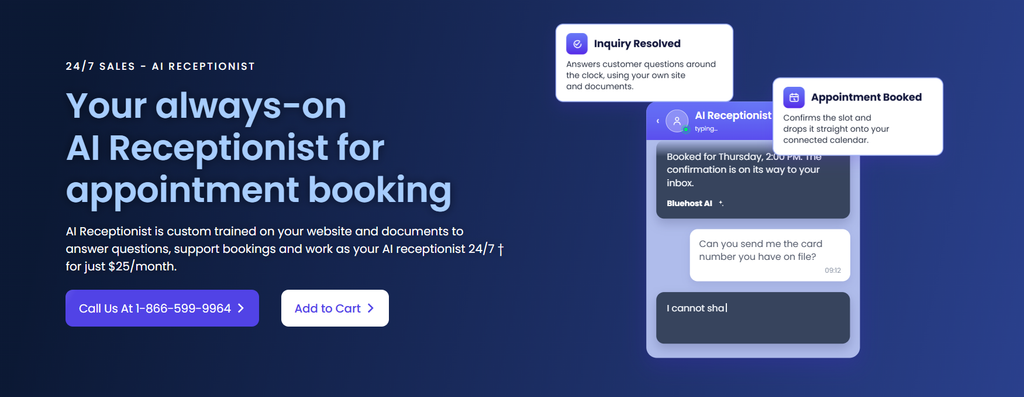
Bluehost AI Receptionist is an AI chatbot for small business websites that answers supported questions 24/7 and qualifies leads. It learns from your website and documents, and our team connects your calendar, uploads your knowledge base and configures your brand voice.
Key features
- Knowledge-base training: It answers from your services, hours and policies.
- Google Calendar booking: It lets customers book, reschedule or cancel 30-minute appointments using real-time availability and blackout dates.
- Lead qualification: It captures and qualifies leads while answering questions.
- Custom tone: It replies in the personality configured for your brand.
- No coding or setup fee: It’s configured by our team, with no coding and no setup fee.
- Any host: It works on websites hosted anywhere.
- Dashboard: It shows bookings, chat trends and lead volumes.
- Sensitive-data refusals: It refuses requests for sensitive information.
Price: $25/month, with no setup fee.
Best for: Salons, clinics, consultants, home services and agencies managing several client brands.
Watch for: Booking runs through Google Calendar, so it fits best when your schedule lives there. You can go live in days after handing off accurate frequently asked questions (FAQs), policies and hours. It supports staff with routine questions, so keep a path for complex requests to reach your team.
2. Tidio: best for online stores that want live chat plus AI
Tidio is a live chat helpdesk with the Lyro AI Agent answering from your support content. Lyro learns from website pages and question-and-answer pairs, then hands off to a human or creates a ticket.
Key features
- Live chat and ticketing: Live chat, ticketing and email management come on all plans.
- Messaging channels: Messenger, Instagram, WhatsApp and email connect on every plan.
- Product recommendations: Paid Lyro quotas can suggest Shopify and WooCommerce products.
- Visual Flows builder: No-code conversion paths reach up to 100 visitors a month on Free.
- Calendly booking link: Tidio’s Calendly integration shares a booking link when visitors ask to schedule.
Price: Tidio pricing lists Starter at $24.17/month billed annually or $29 monthly. Lyro starts at $32.50/month billed annually or $39 monthly for 50 AI conversations.
Best for: Online stores whose team already answers live chats.
Watch for: The free plan’s 50 Lyro conversations are one-time and don’t refresh monthly. AI is billed on top of the helpdesk plan, and Tidio branding stays on Free and Starter.
3. Chatbase: best for training an AI agent on your own content
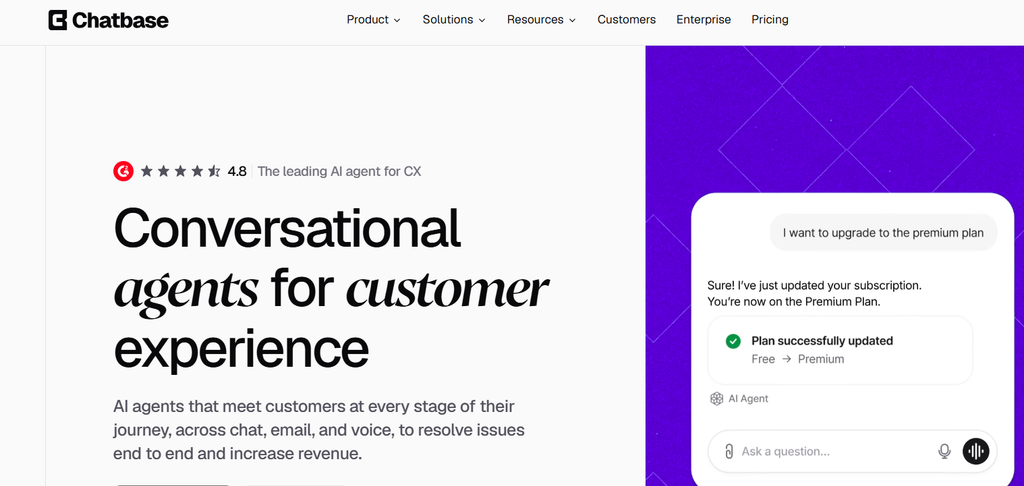
Chatbase is a no-code builder for AI agents trained on files, websites, text, Notion pages and support tickets. You add sources, then embed the agent where customers ask questions.
Key features
- Website training: It can crawl your site, read a sitemap or learn from single links.
- Channels: The agent runs in a website widget and connects to WhatsApp, Instagram, Messenger and Slack.
- Calendar booking: The Chatbase Calendly action checks live availability and books during the chat.
- Shopify actions: It can recommend products, manage carts and answer delivery questions.
- Escalation tickets: Hard questions can become tickets in Zendesk, HubSpot and other helpdesks.
Price: Chatbase pricing lists Hobby at $40/month with 700 message credits and Standard at $150/month.
Best for: Owners who want to build and train their own agent on existing content.
Watch for: Credit use varies by AI model, and actions can use extra credits. Free plan agents are deleted after 14 days of inactivity, and removing branding costs $99/month. Live human handoff needs the Helpdesk on Standard and higher.
4. ManyChat: best for Instagram and social DM automation
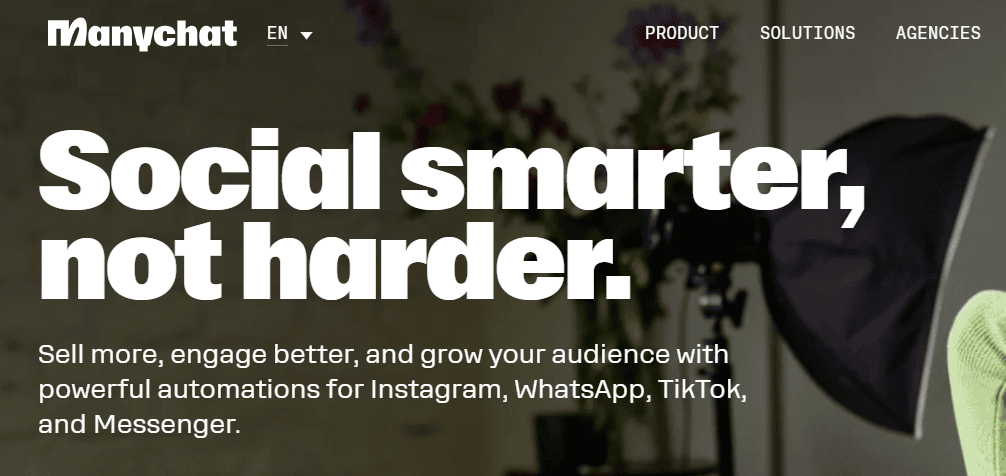
ManyChat automates DMs and comments on Instagram, WhatsApp, TikTok and Messenger. ManyChat AI Replies answer Instagram DMs from business info you provide and are currently in beta.
Key features
- Comment and Story replies: It responds automatically to comments, DMs and Story mentions.
- No-code Flow Builder: It lets you map conversations visually without coding.
- AI knowledge: It trains AI Replies on text or single web pages you add.
- Intention recognition: It reads the intent behind messages on Instagram, Messenger, WhatsApp and Telegram.
- Broadcasts: It sends broadcasts on WhatsApp, Telegram and Messenger on Pro and higher plans.
Price: ManyChat pricing puts AI on Pro at $29/month billed annually or $39 monthly, with 2,500 active contacts. The Free plan doesn’t include AI.
Best for: Boutiques, salons and creators whose customers mostly message on Instagram.
Watch for: AI Replies run on Instagram only, and extra active contacts add overage fees. ManyChat focuses on social DMs, so pair it with a website chatbot if most questions arrive on your site.
5. Intercom Fin AI Agent: best for growing support teams with a help center
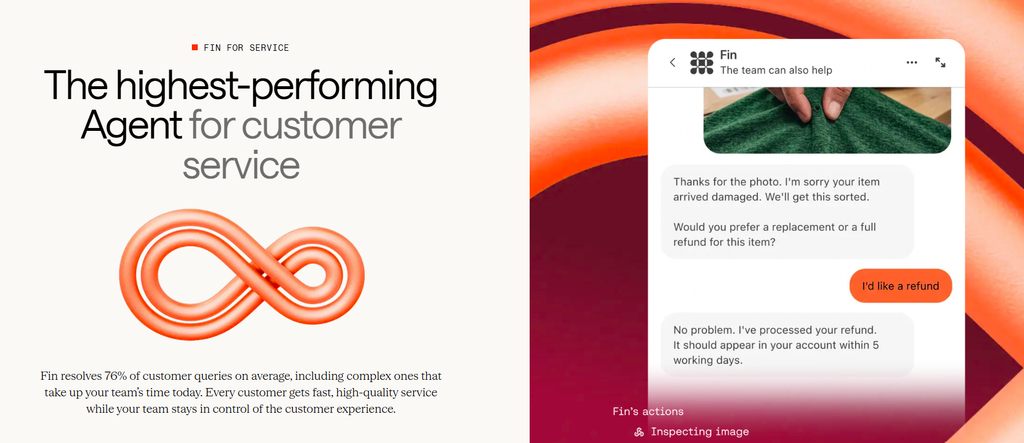
Fin AI Agent answers customers from your help content inside Intercom or alongside Zendesk, Salesforce and HubSpot. It suits teams that already maintain help articles.
Key features
- Content sources: Fin content sources include help articles, synced web pages, uploaded files, Notion and Confluence.
- Human handoff: Fin passes conversations to agents in your preferred inbox.
- Testing suite: You can run simulations and regression tests before changes go live.
- Multiple channels: Fin covers chat, email, voice, Slack and social channels.
- Shopify integration: A native Shopify integration supports store questions in web Messenger.
Price: Intercom pricing lists Fin at $0.99 per outcome, with plans from $29 per seat per month billed annually and a 14-day free trial.
Best for: Growing support teams with a maintained help center and steady chat volume.
Watch for: Per-outcome fees grow with volume. Booked sales calls count as $9.99 outcomes, so booking works as a sales tool rather than general appointment scheduling. Website sync refreshes weekly.
6. HubSpot Customer Agent: best for businesses already on HubSpot CRM
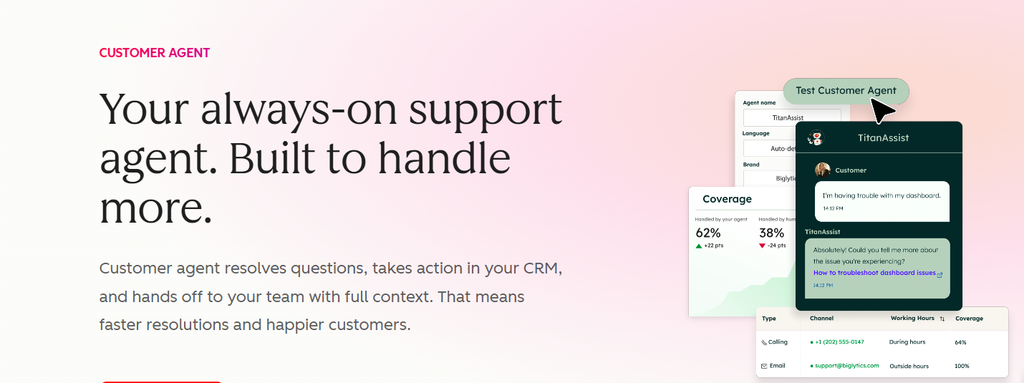
HubSpot Customer Agent resolves questions, takes action in your CRM and Shopify and hands off to your team with full context. It learns from your knowledge base, website, CRM data and past conversations.
Key features
- Channels: It works in website chat, email, forms, WhatsApp and Messenger.
- Meeting booking: Configured actions include booking a meeting.
- Context-rich handoff: Conversations reach your team with full context.
- Pre-launch testing: You can test the agent before it goes live.
- Resolution analytics: Reports show which conversations the agent resolved.
Price: The agent needs a Professional or Enterprise edition. HubSpot Service Hub pricing lists Professional from $90/seat/month billed annually, plus a required $1,500 one-time onboarding fee. Resolutions cost $0.50 each from included credits.
Best for: Businesses that already run sales or service in HubSpot.
Watch for: The agent stops taking new conversations when credits run out, until they reset or you buy more. Sites not hosted on HubSpot need its tracking code, and HubSpot’s free chatbot builder offers rule-based chatflows as a separate product.
7. Botpress: best for building a custom AI agent
Botpress is a visual and code builder for custom AI agents. You design the flows and connect a Botpress knowledge base built from websites, documents, tables and web search.
Key features
- Studio builder: A drag-and-drop Studio sits alongside a code option.
- Webchat and WhatsApp: Agents run in website webchat and WhatsApp.
- Social integrations: Messenger, Instagram and Telegram connect through integrations.
- Human handoff: Live agents can join chats on Plus and higher plans.
- Calendly booking: The Botpress Calendly integration shares open time slots and books inside the chat.
Price: Botpress pricing includes a Free plan with 100 conversations. Plus costs $150/month billed annually or $189 monthly, with 250 conversations and $25 of AI usage.
Best for: Businesses with technical help that want full control.
Watch for: You build and maintain the flows yourself. Extra 100-conversation packs are added near your limit and can’t be turned off.
Best AI chatbot for each small business use case
The right pick among AI chatbots for small business depends on where questions arrive and what the chatbot needs to finish. Find your situation, then check that profile for pricing and limits.
- Appointment-based service business: You need visitors to book without back-and-forth emails. Bluehost AI Receptionist books, reschedules and cancels in Google Calendar, and the Bluehost team sets it up.
- Online store: You need quick answers on products and orders. Tidio pairs live chat with AI product suggestions, and Chatbase adds Shopify actions. If you also offer consultations, Bluehost AI Receptionist can book them.
- Instagram-first business: Most questions arrive as Instagram DMs, which is where ManyChat fits. Bluehost AI Receptionist can cover the website side.
- Large help center and support team: You need AI that answers from articles. Intercom Fin AI Agent suits maintained articles, and HubSpot Customer Agent suits HubSpot users.
- Full control with technical help: Botpress lets you design every flow yourself. If booking is the main job, Bluehost AI Receptionist handles it without a build project.
- After-hours leads without building anything: You need inquiries captured when nobody is at the desk. Bluehost AI Receptionist answers supported questions 24/7 and qualifies leads.
Also read: If you need full ticketing beyond a chatbot, compare these customer service automation tools.
How to choose the right AI chatbot for your small business
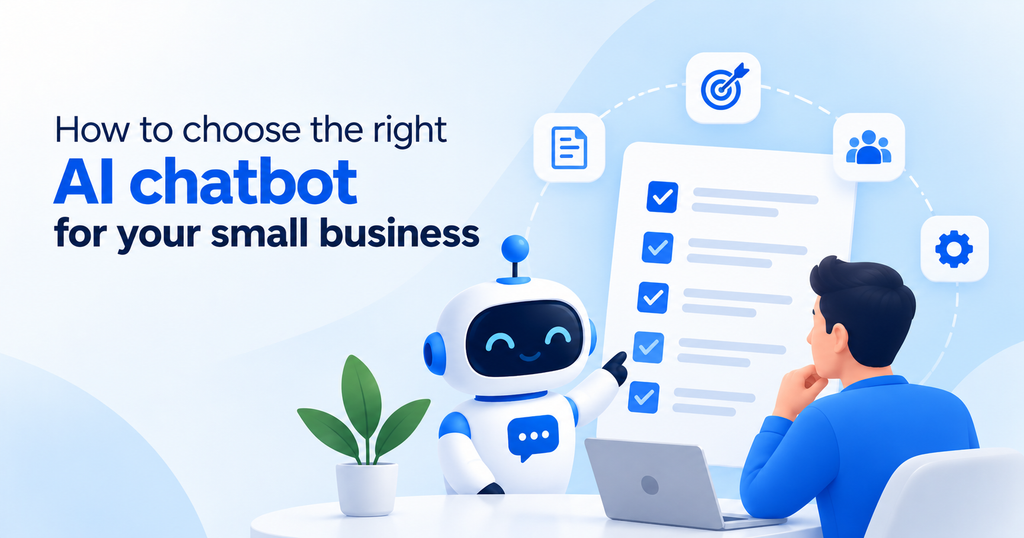
Turn the criteria above into a quick checklist for your two strongest candidates. Each step helps you avoid paying for a poor fit.
- Name the one job: Pick the main task, such as booking, store support, social DMs or help center deflection.
- List your 20 most common questions: Check that each tool can learn those answers from your site or documents.
- Price your real volume: Multiply expected monthly AI conversations by each per-use fee, then compare the total with flat prices.
- Confirm a path to a human: Test the handoff yourself and make sure sensitive requests reach a person.
- Decide between building and done-for-you: Weigh your hours and skills, since DIY tools need ongoing training from you.
- Test before launch: Ask real customer questions, check wrong answers and refusals, then review chat logs weekly.
- Be transparent: Tell visitors up front that they’re chatting with an AI assistant.
Pro tip: Use last month’s chat count. At $0.99 per outcome, 300 outcomes add $297 before seat costs. At $0.50 per resolution, 300 resolutions add $150.
Maine’s chatbot disclosure law requires clear and conspicuous notice when a chatbot could lead a reasonable consumer to think it’s human. That’s one state’s rule, so check where you operate and treat it as an example rather than legal advice.
Why Choose Bluehost AI Receptionist for Your Small Business?
Bluehost AI Receptionist helps small businesses answer customer questions, qualify leads and manage appointments 24/7. It learns from your website and documents to provide relevant answers and books appointments directly through Google Calendar.
Unlike DIY chatbot tools, our team handles setup, calendar integration and knowledge-base configuration. You don’t need coding skills or a setup fee, and it works with websites hosted on any platform.
At $25/month, it’s a practical choice for salons, clinics, consultants and home service businesses looking to simplify customer communication.
Give your front desk a helping hand with Bluehost AI Receptionist.
Final thoughts
When you compare AI chatbots for small business, start with the one job you need covered and price each tool at your real volume. Shortlist two options and test them with questions your customers actually ask before you commit.
If your business runs on appointments, we can set up an AI chatbot that answers routine questions and books visits for your team. Explore Bluehost AI Receptionist to see how it fits your front desk.
FAQs
None of the free plans in this comparison covers ongoing AI use without limits, since each caps AI or leaves it out. For a fuller test, Tidio and Chatbase each offer a 7-day free trial. ManyChat offers 14 days on Essential or Pro.
Yes, no-code builders let you train an agent on your site, files or question-and-answer pairs, and developer platforms add code options. The bigger commitment is upkeep, since the agent needs fresh content when prices, hours or policies change. On Chatbase, automatic re-sync of data sources is limited to Standard and Pro plans.
It depends on your conversation volume and how the tool bills AI, so check overage charges beyond the base plan. Botpress adds 100-conversation packs for $65 on Plus, and Chatbase sells extra message credits at $40 per 1,000. Count your own setup and maintenance hours too, since DIY tools shift that work onto you.
Yes, Bluehost AI Receptionist works with websites hosted anywhere, so you can keep your current host. Booking runs through Google Calendar and admin access uses Google Login, so have your business Google account ready. Before handoff, gather your hours, services and policies, since those become the agent’s knowledge base.
It depends mostly on how ready your content is and who handles setup. Intercom says Fin AI Agent can go live with an existing helpdesk in less than an hour. DIY builders need extra time for flows and testing, so plan a few days of trial questions before you announce it.
No, a chatbot works alongside your staff by taking routine questions and simple bookings so people can focus on complex requests. Gartner also advises against making AI a mandatory first step before customers can reach a person. Keep someone responsible for reviewing chat logs and updating answers as your business changes.

Write A Comment