 ChatGPT,
 Claude,
 Gemini,
 Grok — all four for
-

SPF vs DKIM vs DMARC: Email Security Explained
Key highlights Every day, billions of emails are sent across the internet — and not all of them are legitimate. According to the Anti-Phishing Working Group, phishing attacks remain one of the most persistent threats facing businesses of every size, with email spoofing at the center of most campaigns. If you manage a website or…
-

Root Domain vs. Subdomain: Key Differences, SEO Impact and How to Choose
Root domain vs. subdomain: learn the key differences, SEO impact, and how to choose the right structure for your website.
-
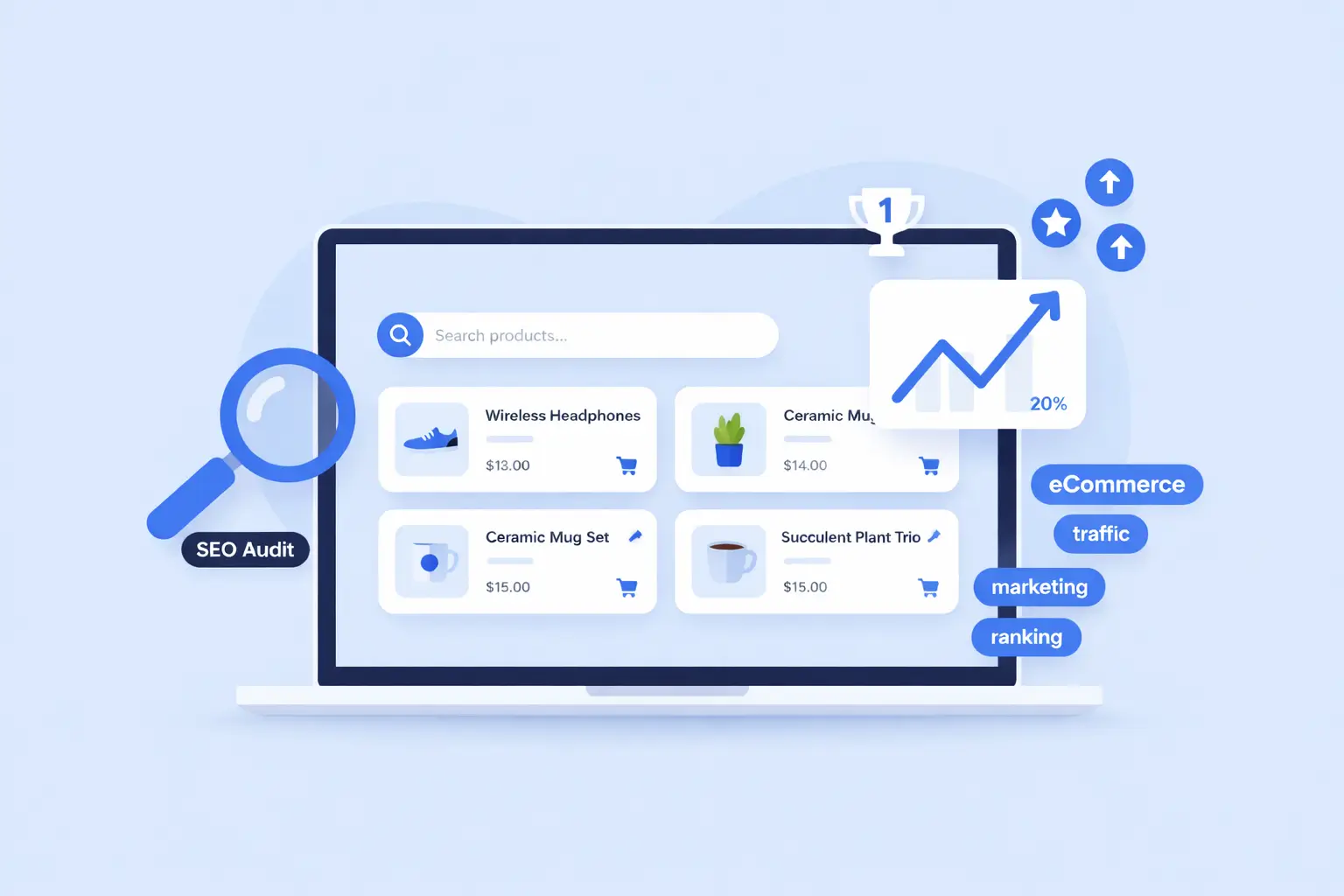
WooCommerce SEO: Proven Steps to Rank and Sell More in 2026
WooCommerce SEO best practices 2026: Optimize products, improve rankings and drive sales with proven strategies.
-

Step-by-Step Guide to Building an SEO Website Structure
Learn how to build an SEO-friendly website structure with a clear hierarchy, internal linking and optimized navigation for better rankings.
-
Internal Linking for SEO: How to Rank Higher in 2026
Discover the power of internal linking for your site’s SEO success.
-
Yoast SEO vs Ubersuggest: Which Wins for 2026?
Compare Yoast and Ubersuggest side by side to find the best SEO tool for your goals, budget and skill level.
-

SEO vs PPC: Which Strategy Wins for Your Business?
SEO or PPC? Compare costs, speed, trust and ROI to pick the right channel – or combine both for SERP dominance.
-

Yoast vs Surfer SEO: Pick the Right Tool for Rankings
Yoast SEO vs Surfer SEO explained features, pricing, use cases and which tool actually helps you rank in 2026.
-
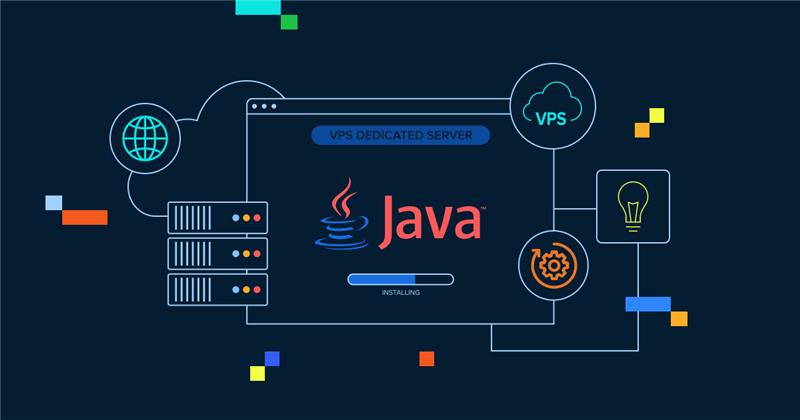
Java VPS Hosting Installation Guide: How to Install Java on a VPS
Install Java on VPS hosting with a simple step-by-step guide. Learn setup, best practices and why VPS works best for Java apps.
-
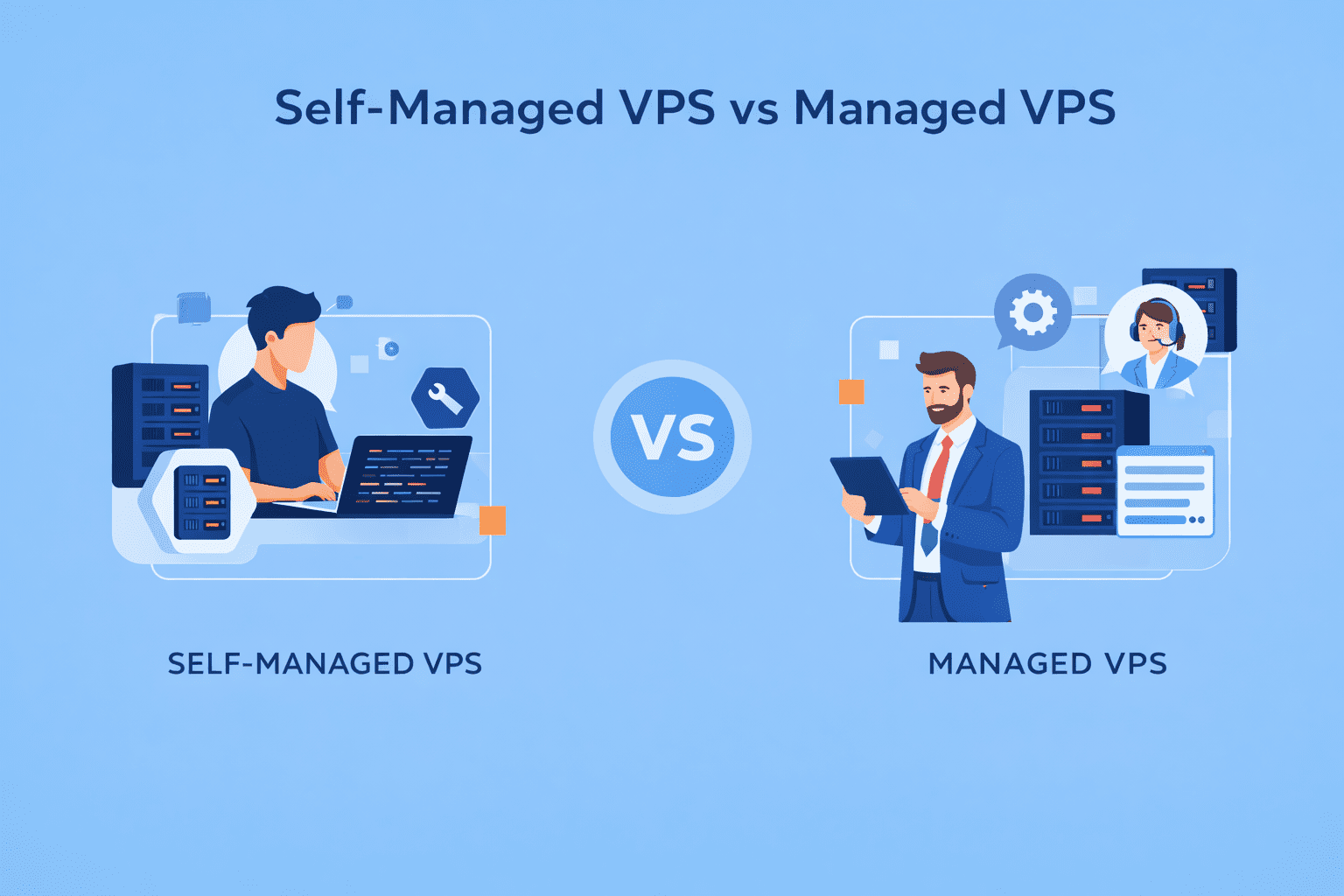
Self-Managed VPS vs Managed VPS: Which is Right for You?
Self-managed VPS vs managed: which suits you? Compare costs, technical needs and benefits to make the best choice.
GET IN TOUCH
We’re here to help
RESOURCES