 ChatGPT,
 Claude,
 Gemini,
 Grok — all four for
-
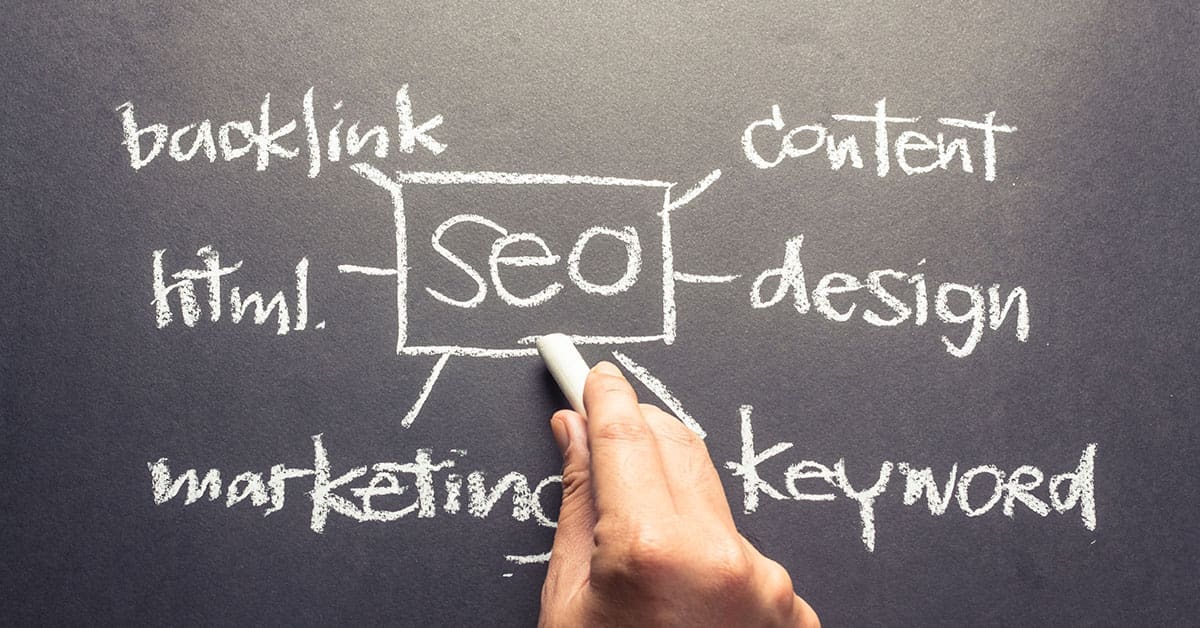
10 Tips and Tricks for Improving SEO on Your WordPress Website
If your goal is driving organic traffic to your business website — and who isn’t thinking about that today? — you have to implement good SEO practices. The better your SEO, the higher your site will rank on the search engine results page (SERP). And the closer you get to the top of page one,
-
6 Essential Steps to Success for Code Newbies
You can read and write — right? Odds are, you can. Next question: Can you read and write code? Odds are, you can’t. One percent of Americans are professional programmers. But for the remaining 99 percent of us, learning to code, including understanding the best programming languages, may be nearly as important as good old
-

New Bluehost Security Features Make Protecting Your Site Easier
As a Bluehost customer, you take website security seriously — and so do we. To strengthen your online defenses, we’ve recently rolled out four important security updates you should know about. Password Reset Page Revamp First, we’ve revamped our password reset page, making it more accessible and easier to use. When you create a new password,
-
9 WordPress Websites That Give Us Design Envy
What do you expect potential customers to get from your business website? If you can’t answer that question with a few carefully chosen words, chances are you’re not using your website design budget wisely. After all, how can you expect site visitors to “get” your message when you aren’t even sure what you want to
-

The Value of a First Impression
First impressions are powerful. In business, personal relationships, or social situations, your first encounter with another person has an enormous impact on how others treat you and sets the trajectory for future interactions. For small businesses, a website is often the first thing potential customers will see. And for better or worse, your website brings
-

Why Your Small Business Needs an SSL Certificate
The Internet of Things has changed the way businesses and consumers think about security. According to identity theft protection services provider Lifelock, research confirms that one in four people have experienced identity theft. When you build a website for your e-commerce site, you have to take rigorous steps to protect your company and the data
-

Grow Your Small Business Through Social Media
With more than 65 percent of adults using social media today, it’s integral to the success of your small business to be actively present on Facebook and Twitter. While social media is a great way to connect with brand advocates, many small business owners wonder which social networks they should join. To help you decide where
-

The Ultimate Resource Guide For Women Starting a Business
According to the Small Business Association (SBA), women-owned businesses generate more than $1.2 trillion annually and employ about 7.5 million people. While the gap between female-owned and male-owned businesses continues to narrow, many women still don’t know about all the resources available to help them launch and grow a successful business.The following list of agencies, organizations
-

6 Organizations That Support Women in Business
Women face a rough road when trying to start businesses in traditionally male-dominated fields. Luckily, there are more resources today than ever before. Whether it’s addressing issues of equal compensation, finding like-minded investors to secure funding, or building a support network, here are six organizations that are doing their part to help female entrepreneurs thrive.
-

Navigation, The Secret Weapon to Web Design
There’s no shortage of opinions and guidance on how to build an effective website. While not all this website wisdom is of equal value, it does typically all agree that an effective website is absolutely fundamental for a small business, or any business for that matter. For a website to be effective, it must be