 ChatGPT,
 Claude,
 Gemini,
 Grok — all four for
Key highlights
- Learn what is responsible AI and why it matters for legal teams handling confidential client work.
- Explore the benefits of AI for law firms, including faster drafting, research support and document review.
- Understand the risks of AI in legal practice, from fabricated citations to privacy and compliance concerns.
- Discover how to use AI ethically in law and what to consider when comparing the best AI tools for law firms.
- Use Bluehost Privacy+ for Law Firms as a privacy-focused option for artificial intelligence in law firms, supporting safer drafting, summaries and internal workflows.
Legal professionals across the industry increasingly recognize that artificial intelligence is poised to redefine the practice of law.
However, many firms rush to deploy these digital tools before establishing clear policies, proper training or necessary ethical guardrails. Premature implementation invites serious danger, which has already resulted in severe court sanctions, sensitive data leaks and career-threatening disciplinary actions.
Understanding how law firms can use AI responsibly is now a necessity. The following sections explore how to integrate these tools, detailing the common hazards attorneys face, the core ethical obligations you must uphold and the practical policy framework required to safeguard your practice.
What is responsible AI in legal practice?
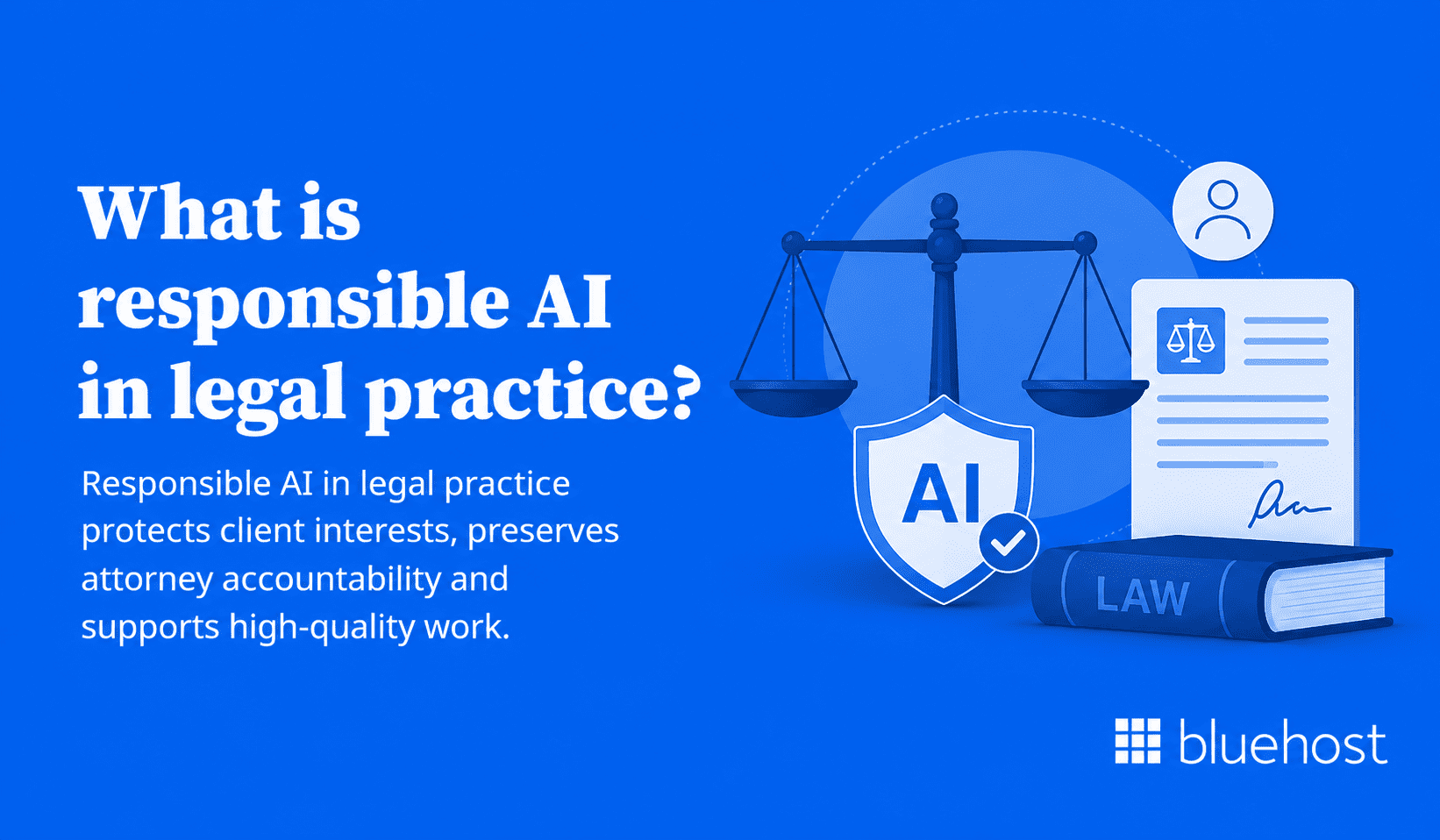
Responsible AI in legal practice protects client interests, preserves attorney accountability and supports high-quality work. Law firms must align AI-assisted workflows with professional responsibility obligations, confidentiality rules and documented review standards.
While AI can assist with research, drafting and document review, it cannot make final legal decisions. Lawyers must remain fully accountable for the accuracy and ethical soundness of their overall work product.
Firms need clear rules before adopting AI tools. Establishing policies for approved software, data entry, verification steps and final approvals prevents inconsistent use and reduces client risk.
What responsible AI means for law firms?
Understanding how law firms can use AI responsibly is essential as artificial intelligence integrates into legal practice.
Responsible AI refers to using AI systems in ways that are accurate, transparent, fair and accountable. In a professional legal environment, proper implementation means no AI output reaches a client or a court without direct attorney review.
Firm-wide policies must also govern which tools are approved and how data is handled throughout the entire process.
- AI supports legal work, but it does not replace professional lawyer judgment.
- Every AI-assisted output carries the professional responsibility of the oversight attorney.
- Policies and documented training remain absolute requirements instead of optional extras.
Defining what responsible AI means within your specific practice is the necessary first step before your firm adopts any new tool.
Why responsible AI requires extra care in the legal industry?
Law governs rights, liberty and financial outcomes. Errors in AI-generated legal work can harm clients directly. ABA Formal Opinion 512 explains that existing Model Rules duties, including competence, confidentiality, communication, supervision, candor and reasonable fees, continue to apply when lawyers use generative AI tools.
Courts and bar authorities are already issuing sanctions and formal guidance related to AI use in filings and client communications.
- Attorney competence obligations extend to AI-assisted work under ABA Model Rule 1.1.
- Clients have a right to accurate representation and protected communications.
- AI errors in court filings can result in sanctions, reputational harm and potential malpractice exposure.
What is the role of human oversight in responsible AI?
Human oversight is not an optional layer on top of AI output. It is the foundation that makes AI use professionally defensible. A qualified attorney must review every AI output before it becomes part of any legal work product or client communication.
- AI handles research drafts, document review and initial drafting support.
- The attorney makes every professional, strategic and ethical decision.
- Oversight must be documented and traceable in the file.
Also read: AI for Small Business: The Complete Guide to Getting Started in 2026
How law firms are using artificial intelligence?
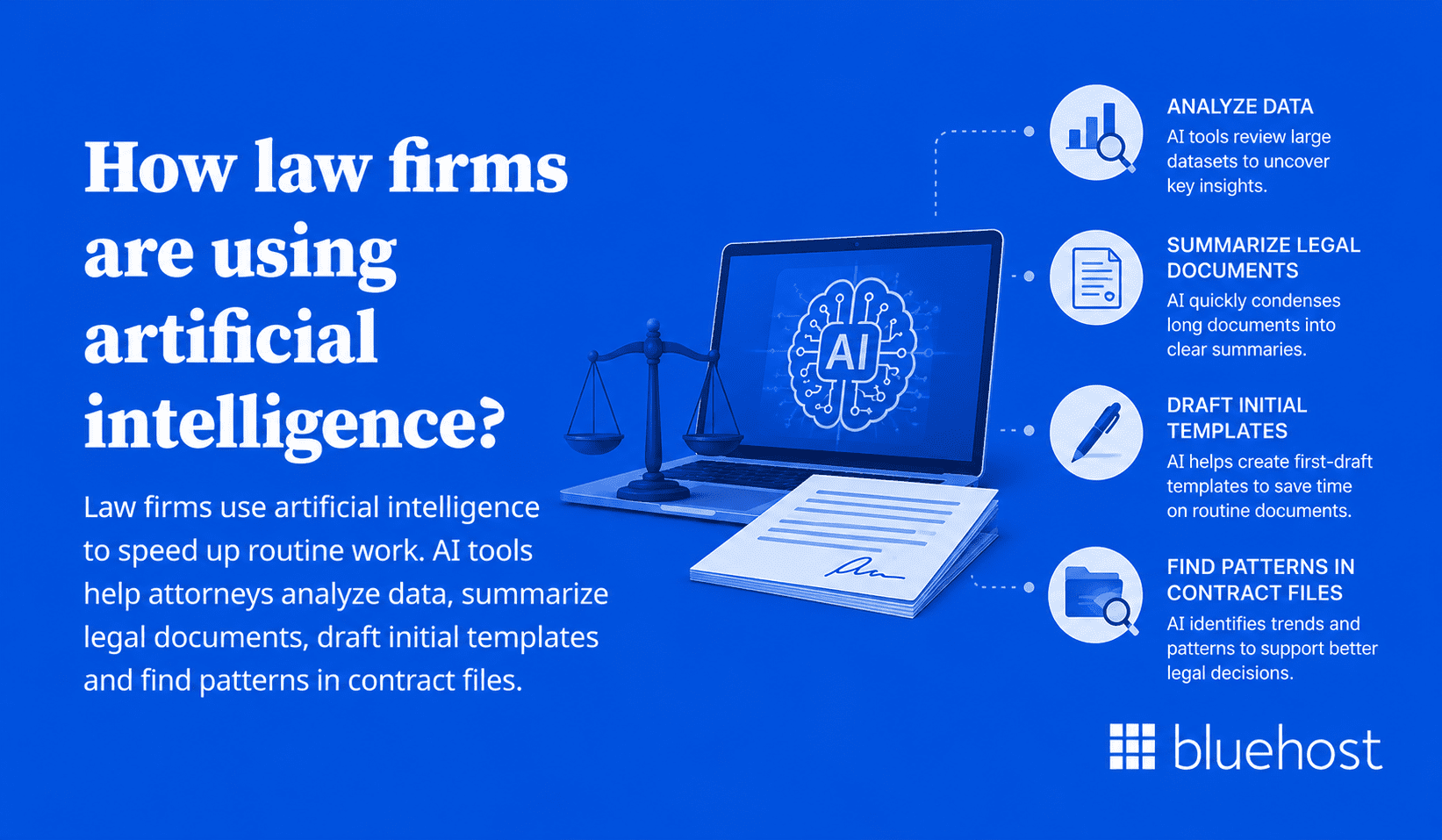
Law firms use artificial intelligence to speed up routine work. AI tools help attorneys analyze data, summarize legal documents, draft initial templates and find patterns in contract files.
Implementing these tools improves overall efficiency for firms managing document-heavy cases. However, AI must remain a supportive tool under human supervision rather than a replacement for professional legal judgment and final analysis.
Successful firms adopt AI gradually by starting with low-risk projects. Step-by-step implementation allows teams to test systems, train staff and build confidence before using technology for sensitive client work.
What are the common uses of artificial intelligence in law firms?
AI adoption in legal practice is growing faster than many firms have prepared for. A 2023 Thomson Reuters Institute report found broad awareness of generative AI among law firm professionals and noted that many believed it should be used for legal work, while actual adoption was still limited at that time.
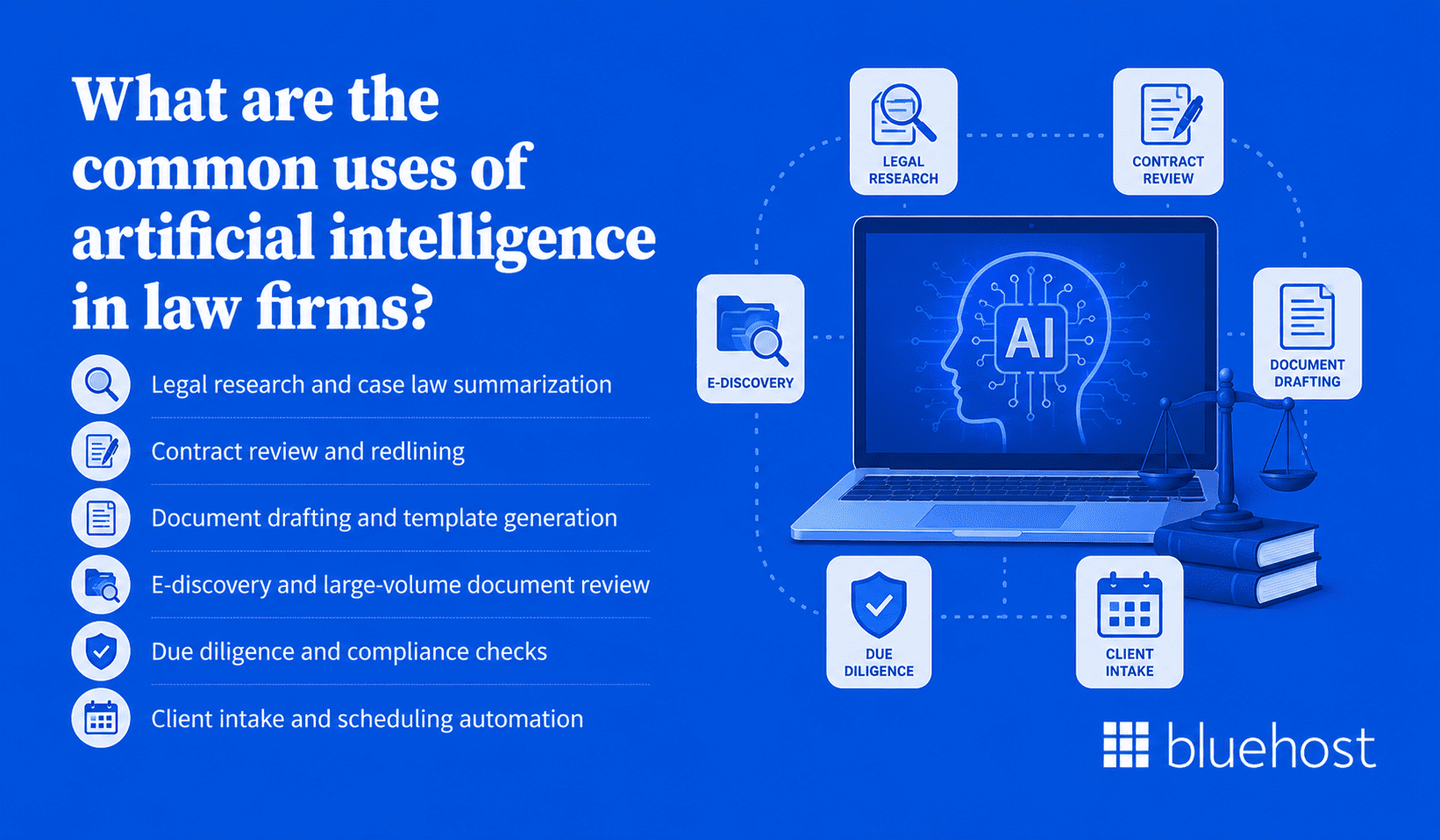
- Legal research and case law summarization
- Contract review and redlining
- Document drafting and template generation
- E-discovery and large-volume document review
- Due diligence and compliance checks
- Client intake and scheduling automation
Each application offers genuine time savings, but each also carries specific risks that require controls tailored to the task.
What are the benefits of AI for law firms?
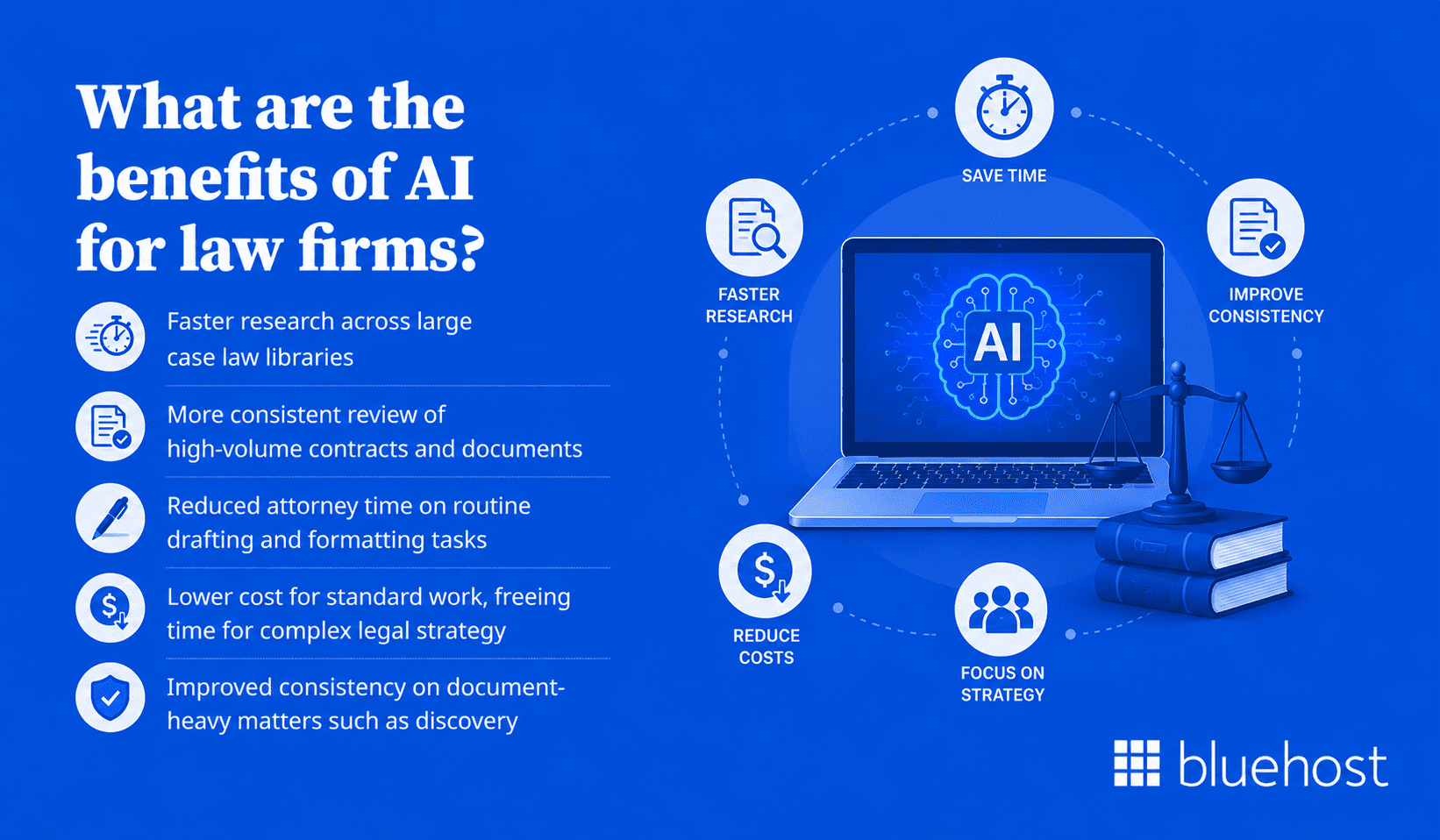
When deployed within a structured framework, AI delivers measurable advantages across efficiency, consistency and service quality. These gains apply to firms of all sizes, from solo practices to large multi-practice organizations.
- Faster research across large case law libraries
- More consistent review of high-volume contracts and documents
- Reduced attorney time on routine drafting and formatting tasks
- Lower cost for standard work, freeing time for complex legal strategy
- Improved consistency on document-heavy matters such as discovery
These advantages only hold when AI operates inside a clear, policy-driven governance structure.
How AI can support legal research, drafting & client service?
Platforms built specifically for legal workflows include Harvey, Westlaw Precision and CoCounsel by Thomson Reuters; some legal-research features ground answers in trusted legal content and citations, which may reduce citation risk, but attorneys must still verify every source before relying on the output.
These tools can draft research memos, flag contract inconsistencies and surface relevant precedents. The critical point is that every AI-generated draft is a starting point, not a finished product. Direct attorney review remains required before any output moves forward.
Also read: AI Tools for Small Business: Best Picks for Productivity and Growth in 2026
What are some risks of AI in legal practice?
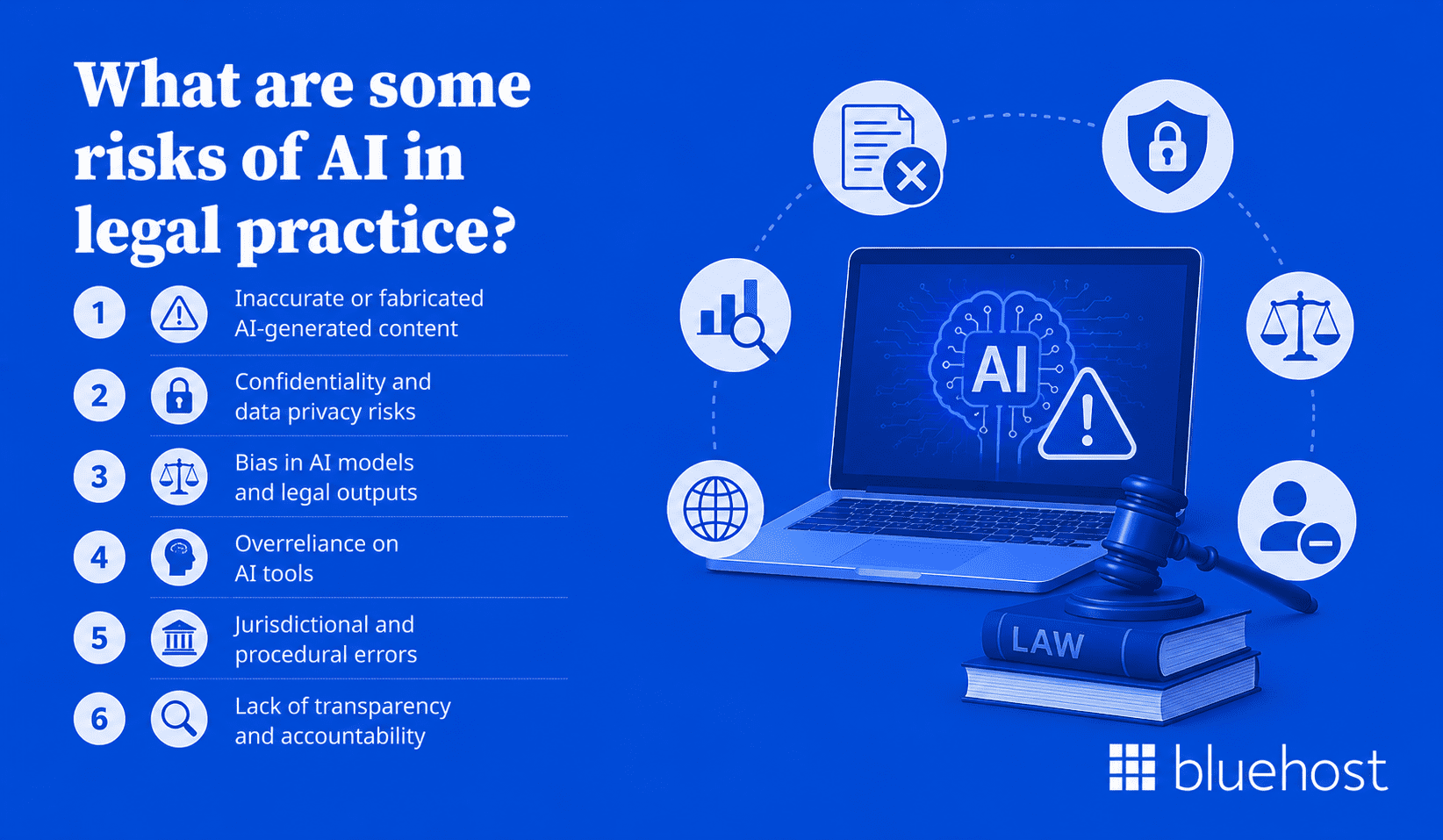
The risks of AI in legal practice are documented, growing and highly consequential. Before deploying these tools, legal teams must understand how law firms can use AI responsibly.
Skipping a structured risk assessment exposes your firm to severe professional, legal and reputational damage.
1. Inaccurate or fabricated AI-generated content
AI models can generate plausible-sounding but entirely false case citations. In 2023, attorneys in Mata v. Avianca submitted a brief containing AI-generated fictitious citations. The court sanctioned the lawyers involved. Verifying every citation before use is non-negotiable.
2. Confidentiality and data privacy risks
Consumer ChatGPT content may be used to train or improve models unless users use available opt-out controls, while OpenAI says content processed for business offerings such as the API is governed by customer agreements. Entering client facts, case details or privileged communications into unapproved platforms directly violates attorney-client privilege obligations.
3. Bias in AI models and legal outputs
AI models trained on historical legal data can reflect existing biases in the justice system. Outputs involving risk assessments, sentencing analysis or client characterizations may carry embedded bias. Attorneys must actively identify and correct that bias before any such output is used.
4. Overreliance on AI tools
Treating AI output as final, rather than as a working draft, reduces the attorney’s critical review. Lawyers who skip independent verification are more likely to miss errors, overlook important nuance and produce substandard work product.
5. Jurisdictional and procedural errors
AI tools may apply federal rules when state rules apply, or cite procedures from the wrong court system. Explicit jurisdiction inputs and post-output verification are required to catch these errors before any document is filed.
6. Lack of transparency and accountability
Some AI models cannot explain how they reached a conclusion. When an attorney cannot account for the reasoning behind a legal position, that position becomes difficult to defend before clients, courts or bar authorities.
What are some AI ethics for law firms?
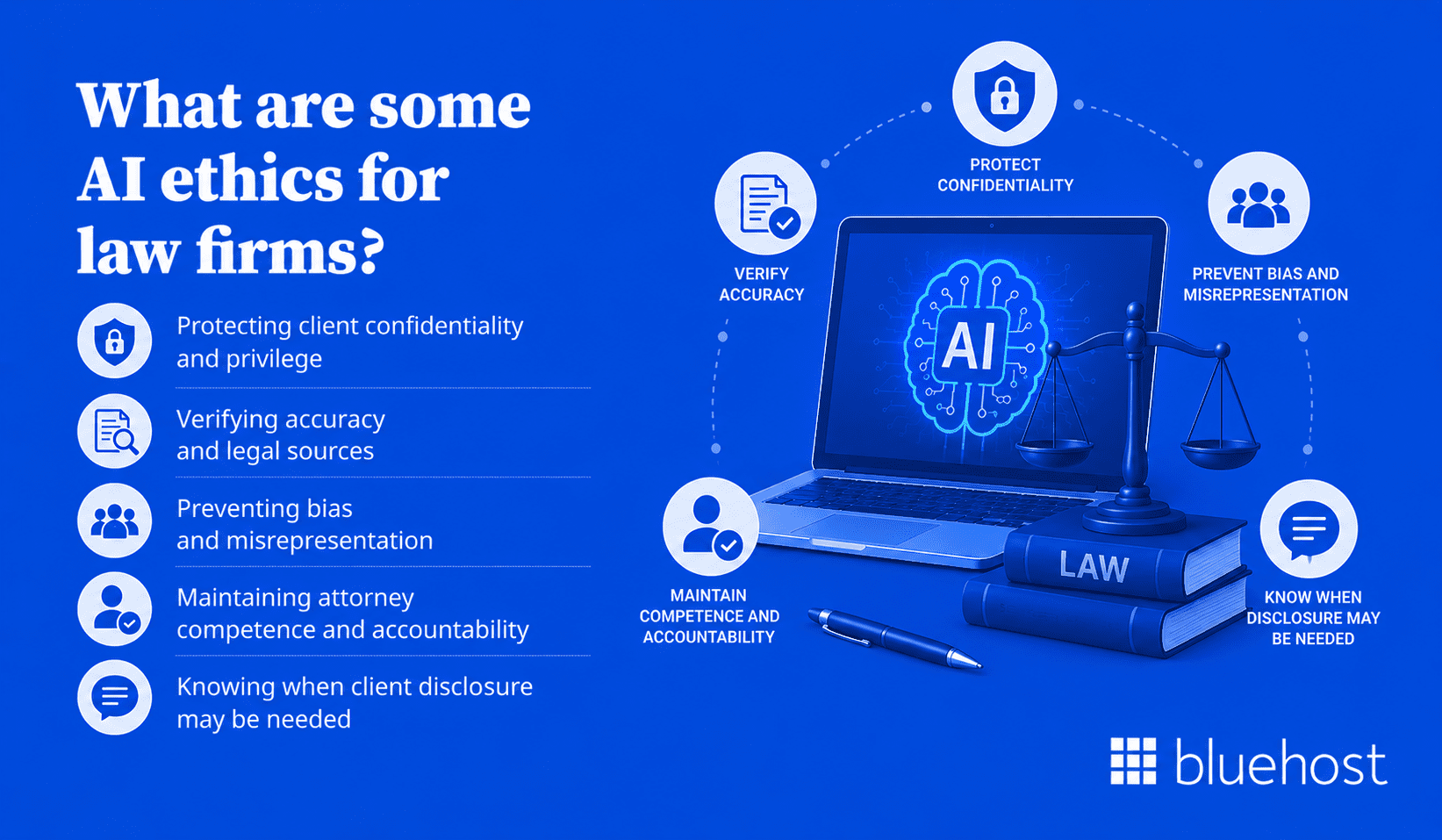
Ethical AI use in legal practice builds directly on existing professional responsibility obligations. The principles below connect core duties to specific AI-related behaviors attorneys and staff must follow.
1. Protecting client confidentiality and privilege
Only use platforms with strong security controls, clear data handling policies and written commitments about whether client inputs are retained, reviewed or used to train models. Require vendors to sign data processing agreements that reflect attorney-client privilege protections before granting any access to firm or client data.
2. Verifying accuracy and legal sources
Every AI-generated citation must be independently verified through an authoritative legal research database, official court source or other controlling primary legal authority before use. Do not cite a case, statute or regulation that you have not confirmed yourself through a primary source.
3. Preventing bias and misrepresentation
Apply heightened review to any AI output involving client demographics, prior history, financial background or immigration status. Look for language that characterizes rather than describes and remove or revise it before the output is used.
4. Maintaining attorney competence and accountability
ABA Model Rule 1.1 requires competence. AI ethics for legal professionals extends that obligation to understanding how AI tools function, what their limitations are and what risks they introduce into each type of legal workflow. Attorneys who sign off on AI-assisted work carry full responsibility for its accuracy.
5. Knowing when client disclosure may be needed
Some jurisdictions and clients may require disclosure when AI is used in legal work. Review applicable bar guidance and client agreements before beginning any AI-assisted task. When the requirement is unclear, transparency is the safer and more defensible choice.
How to use AI ethically in law?
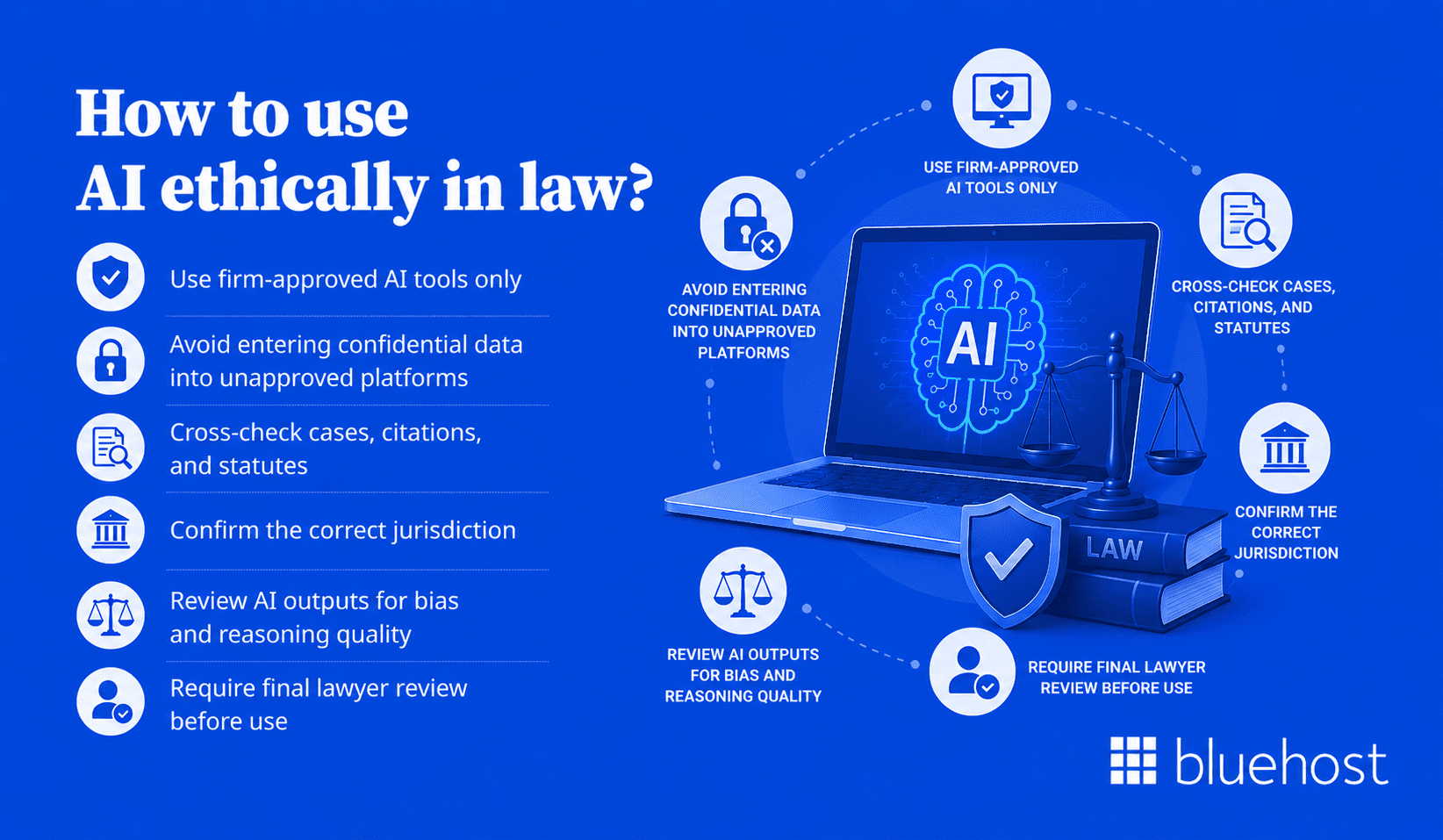
Understanding how law firms can use AI responsibly in daily practice requires more than good intentions. These six practical steps form the operational foundation for compliant and ethical AI adoption at the individual attorney level.
1. Use firm-approved AI tools only
Every AI tool used in client work must be reviewed and approved by firm leadership before attorneys access it. Using unapproved tools, even briefly or for minor tasks, creates data handling and professional liability exposure.
2. Avoid entering confidential data into unapproved platforms
Treat unapproved AI platforms the same as a public forum. Do not enter client names, case facts, financial records or privileged communications into any system that has not passed the firm’s security and privacy review.
3. Cross-check cases, citations and statutes
Verify every legal citation through an authoritative database before it enters any filing, letter or memorandum. AI confidence levels and formatting quality are not substitutes for direct source verification.
4. Confirm the correct jurisdiction
Specify jurisdiction explicitly in every AI query. After receiving output, confirm that the statutes, procedural rules and case law cited all apply to the correct court and legal system for the matter at hand.
5. Review AI outputs for bias and reasoning quality
Read AI-generated content critically. Ask whether the reasoning is sound, the sources are verifiable and all characterizations of facts or parties are accurate and neutral before moving forward.
6. Require final lawyer review before use
No AI-generated work product should be sent to a client, filed with a court or included in a transactional document without a reviewing attorney’s written final approval on record.
How to create an AI policy for law firms?
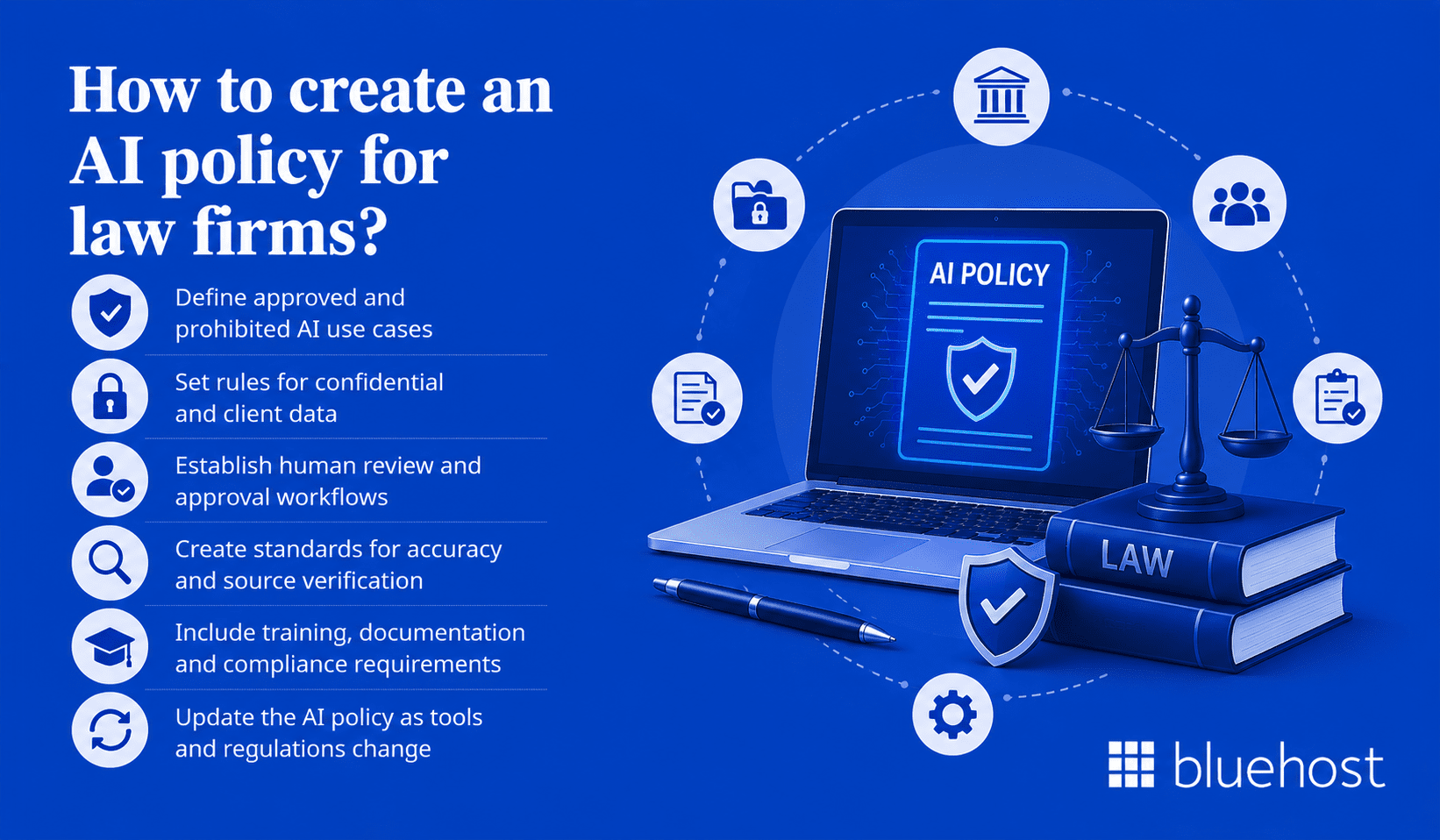
A written AI policy is the single most important governance step a firm can take before deploying AI tools. The policy sets expectations, assigns accountability and protects the firm, its attorneys and its clients from inconsistent or harmful use.
1. Define approved and prohibited AI use cases
List specific tasks where AI is permitted, such as generating internal research drafts and tasks where it is prohibited, such as submitting court filings without full human review. Keep the list current as tools and practices evolve.
2. Set rules for confidential and client data
Identify which data categories may not be entered into any AI tool. Specify approved platforms and the exact conditions under which client data may be processed through those systems at all.
3. Establish human review and approval workflows
Document who must review AI outputs, at what stage of the workflow and what sign-off is required before work product is considered final. Assign that accountability by role, not just by task type.
4. Create standards for accuracy and source verification
Require attorneys to document how they verified AI-generated legal sources. Build a formal sign-off step that confirms verification was completed before any AI-assisted product is submitted or filed.
5. Include training, documentation and compliance requirements
All attorneys and staff using approved AI tools must complete training before access is granted. Maintain records of who used which tools, when and for which client matter.
6. Update the AI policy as tools and regulations change
Set a formal review schedule, at minimum annually, for the firm’s AI policy. Assign one responsible person to monitor bar guidance, court rules and vendor policy changes between formal review dates.
What are the best practices for implementing AI in law firms?
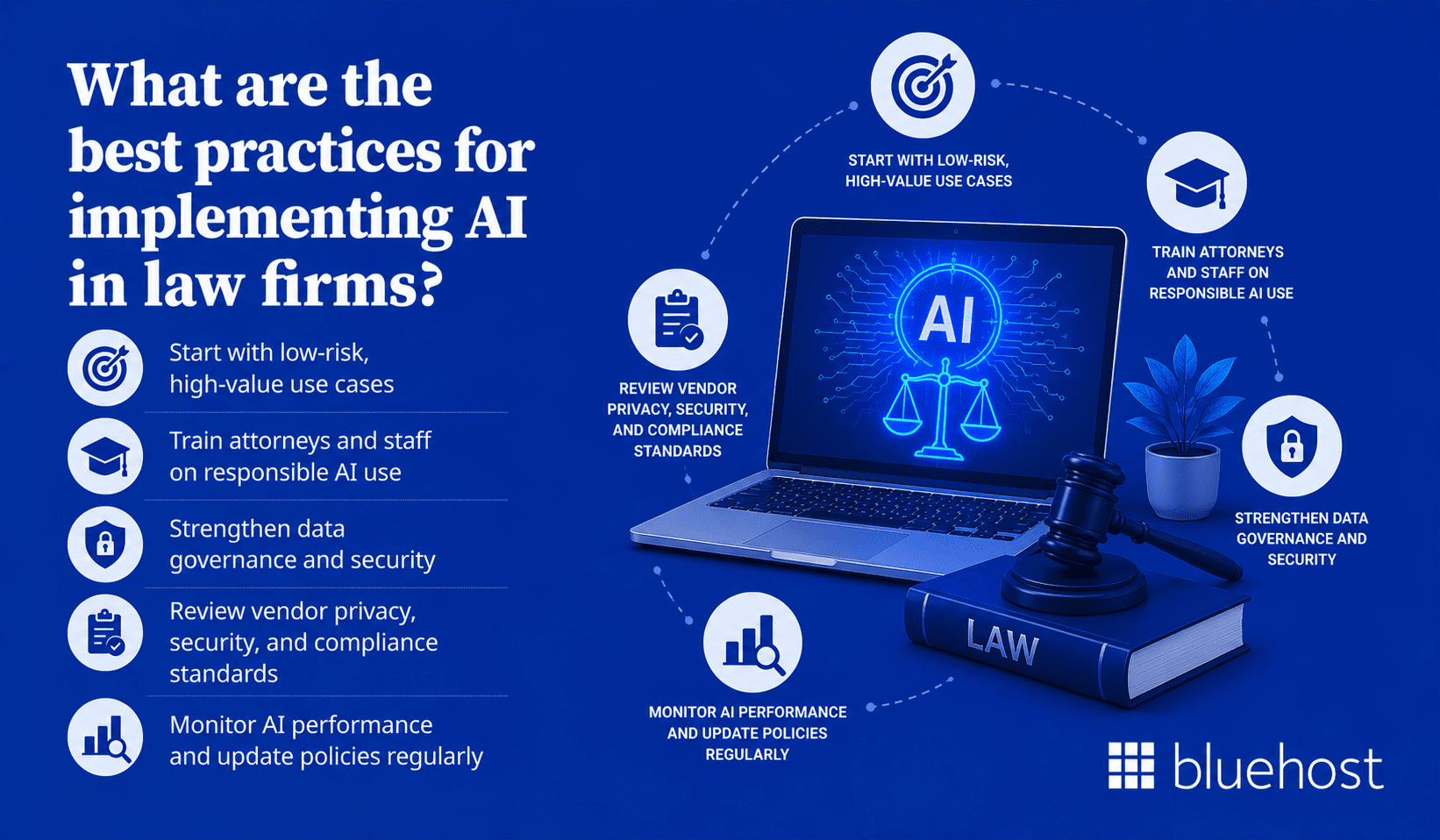
Establishing clear guidelines helps your practice adopt new technology without compromising client confidentiality or ethical duties. Learning how law firms can use AI responsibly is critical to protecting your business from compliance risks.
A well-defined policy ensures your team uses artificial intelligence tools safely and productively while keeping sensitive data secure.
1. Start with low-risk, high-value use cases
Begin with tasks such as summarizing publicly available case law or drafting internal research memos. Avoid deploying AI on high-stakes filings or client-facing documents until the team has built genuine experience with the tools and the review workflow is fully established.
2. Train attorneys and staff on responsible AI use
Training must cover how the tool works, its known limitations and the firm’s approved use cases. It must also address the ethical and professional responsibility obligations that apply to AI-assisted work. Training is not a one-time event. It should be updated whenever tools or policies change.
3. Strengthen data governance and security
Before adopting any AI tool, audit where client data lives and who can access it. Know exactly how the vendor handles that data during and after processing and document those findings as part of the approval record.
4. Review vendor privacy, security and compliance standards
Request vendor privacy policies, security certifications such as SOC 2 Type II and data retention practices. Confirm in writing that client inputs will not be used to train AI models, and keep that confirmation on file.
5. Monitor AI performance and update policies regularly
Track error rates, attorney feedback and any incidents involving AI-generated inaccuracies. Use that information to refine approved use cases and update both training materials and policy requirements on an ongoing basis.
Also read: 15 Best AI Scheduling Assistants: Features, Use Cases and Top Picks for 2026
What are the best AI tools for law firms and what to look for in them?
Not every AI tool is appropriate for legal work. The best AI tools for law firms should support legal workflows, protect confidential data and help attorneys verify sources before relying on any output.
1. Legal-specific functionality
Choose platforms built for legal research, drafting, contract review, e-discovery or due diligence. Legal AI tools should understand legal workflows better than general-purpose AI platforms.
2. Security and confidentiality protections
Review how each vendor handles client data. Look for encryption, access controls, clear retention policies and written commitments that client inputs will not be used to train public AI models.
3. Source verification and citation support
Prioritize tools that connect answers to verifiable legal sources. Attorneys should be able to check cases, statutes and citations before using AI-generated work in any client matter.
4. Workflow integration
Select tools that fit the firm’s existing research, document review or contract management process. A tool that creates extra manual steps is less likely to be used consistently or safely.
5. Vendor transparency and administrative controls
The vendor should provide audit logs, user permissions and clear documentation about how the tool processes data. These controls help firms supervise AI use and maintain accountability.
Best AI tools for law firms
| AI tool | Best for | Common legal uses |
|---|---|---|
| Harvey | Large law firms and corporate legal teams | Legal drafting, due diligence, litigation support and contract analysis |
| Westlaw Precision | Legal research and case law verification | Case research, citation checking, litigation research and legal analysis |
| CoCounsel by Thomson Reuters | AI-assisted legal workflows | Research, drafting, document review, summarization and timeline creation |
| Lexis+ AI | Firms using LexisNexis research tools | Legal research, citation validation, drafting and source-backed summaries |
| Spellbook | Transactional and contract-focused lawyers | Contract drafting, clause review, redlining and contract language suggestions |
The right tool depends on the firm’s practice areas, client confidentiality obligations and risk tolerance. No matter which platform a firm chooses, AI outputs should always be reviewed, verified and approved by an attorney before they become final work product.
Also read: The Best AI Assistants in 2026 (Tested and Compared)
AI-generated legal work review checklist
Before finalizing or submitting any AI-assisted work product, attorneys should work through these seven questions.
Establishing a completed checklist for every legal matter provides a practical framework for how law firms can use AI responsibly, creating a defensible record if questions arise later.
1. Was the AI tool approved by the firm?
Confirm the platform is on the firm’s approved list before the work product is finalized. Work created with unapproved tools must be flagged and reviewed before use.
2. Was confidential information protected?
Verify that no privileged client data was entered into unapproved or unreviewed platforms at any stage of the work process.
3. Are the facts and legal sources accurate?
Check every factual claim and legal citation against a verified, authoritative source such as Westlaw, LexisNexis or an official court record before the document moves forward.
4. Is the correct jurisdiction applied?
Confirm that all statutes, procedural rules and case law cited match the applicable court and jurisdiction for the specific matter.
5. Is the output free from bias or mischaracterization?
Review all language involving client demographics, prior conduct or risk characterizations with particular care before finalizing any written output.
6. Does it follow ethical, court and procedural rules?
Confirm the work product complies with applicable bar rules, court filing requirements and the procedural standards of the relevant court or regulatory body.
7. Has a lawyer given final approval?
Obtain written sign-off from a reviewing attorney before the work product is submitted, sent or filed with any party.
What is the future of artificial intelligence in law firms?
AI continues to reshape how attorneys research, draft and serve clients. Knowing how law firms can use AI responsibly is key.
The most successful practices will avoid rushed implementation, adopting these tools gradually with clear policies, trained teams and strict attorney oversight.
How AI may improve productivity and service quality?
AI will allow attorneys to handle larger caseloads with greater consistency across matters. Routine research, standard contract drafting and large-scale document review can move faster. That speed frees attorney capacity for strategic judgment, client counseling and complex argumentation where human expertise is irreplaceable.
Why AI should support lawyers, not replace them?
Legal judgment involves ethics, contextual reasoning and client relationships that AI cannot replicate. Firms that adopt AI most successfully will treat it as a capable assistant, not a substitute for qualified legal counsel. Human judgment remains the irreplaceable core of legal practice and no AI tool changes that reality.
Potential changes to pricing, staffing and workflows
Firms may shift billing models away from hourly rates for tasks that AI can complete in minutes. Paralegals and junior associates may focus on higher-level review and advisory work rather than basic research. Billing models, staffing ratios and workflow structures are all likely to change as AI capabilities mature.
How Bluehost Privacy+ for Law Firms can support legal AI workflows?
For law firms adopting AI, privacy and control matter as much as speed. Bluehost Privacy+ for Law Firms gives attorneys, legal staff and operations teams a more private way to use AI for drafting, summaries, research support and internal workflows.
It is built for document-heavy, data-sensitive legal workflows where teams need to move faster without treating client or case details like generic prompt data. It brings leading AI models into one dashboard and adds privacy-focused controls designed to reduce exposure risk during prompt-based work.
Bluehost Privacy+ for Law Firms includes:
- Access to ChatGPT, Gemini, Claude and Grok in one place
- Privacy Mode with context sanitization for sensitive prompts
- Encrypted conversations and private access patterns
- Model switching, comparison and secure drafting support
- Support for record summaries, case chronology drafting, intake review and client communication drafts
Privacy+ is priced at $25 per month per user and can be purchased as a privacy-focused AI plan for legal teams.
Law firms should still use Privacy+ within a formal AI policy. Attorneys must verify outputs, protect privileged information and review any AI-assisted work before it becomes client-facing or court-facing.
Please note: Prices are subject to change, please check our website for the accurate pricing details.
Final thoughts
Law firms that use artificial intelligence most effectively will not be the ones that move the fastest. Instead, the most successful firms will move carefully, establishing clear policies, trained teams and documented review processes before any AI output reaches a client or a court.
Learning how law firms can use AI responsibly starts with a single approved tool, one governed workflow and one well-trained group of attorneys. A strong foundation makes future adoption faster, more consistent and far more defensible when professional accountability is on the line.
Protecting client data remains your highest priority when adopting new tools. Secure your firm’s digital workspace and safeguard sensitive information with Bluehost Privacy+ for Law Firms. Get started today to build a secure and compliant foundation for your legal practice.
FAQ
Responsible AI refers to the use of artificial intelligence systems in ways that are accurate, fair, transparent and accountable. For organizations handling sensitive information, responsible AI also requires human oversight, documented safeguards for data protection and clear processes for correcting errors when they occur.
Law firms can use AI responsibly by adopting firm-approved tools only, restricting AI access to non-privileged data, verifying all AI-generated legal sources independently and requiring attorney review before any AI output becomes official work product.
The main risks include fabricated case citations, confidentiality breaches from entering client data into unapproved platforms, embedded bias in AI outputs, attorney overreliance on AI results, silent jurisdictional errors and a lack of model transparency that makes legal reasoning difficult to defend.
An AI policy for law firms establishes clear rules covering approved tools, client data handling, output verification and review workflows. Without a formal policy, individual attorneys make inconsistent and potentially high-risk decisions about AI use on an ad hoc basis, with no accountability structure in place.
Lawyers can use AI ethically by operating within firm-approved tools only, avoiding privileged data entry into unapproved systems, independently verifying all citations against authoritative sources and maintaining full personal accountability for every AI-assisted work product they produce or sign off on.
The primary benefits of AI for law firms include faster legal research, more consistent contract review, reduced time on routine drafting tasks and lower cost for document-intensive work. These gains increase attorney capacity without reducing the quality of judgment applied to complex or high-stakes matters.
Firms should prioritize legal-specific functionality, strong confidentiality protections, verified citation support, compatibility with existing practice management systems and vendor transparency about how AI models are built, trained and updated over time. Contractual data handling commitments are as important as technical features.

Write A Comment