 ChatGPT,
 Claude,
 Gemini,
 Grok — all four for
Key highlights
- Know how AI scheduling assistants automate booking, calendar coordination and reminders so you can spend less time arranging meetings.
- Explore 15 AI scheduling assistant tools for different needs, from customer appointment booking to team calendar management and personal productivity.
- Understand how to choose the right tool based on your workflow, integrations, scheduling volume and whether you need customer-facing or internal scheduling.
- Discover how Bluehost AI Front Desk Agent helps small businesses capture leads and book appointments through Google Calendar from their website.
Manual scheduling quietly drains the workweek. Between back-and-forth emails, last-minute changes, time-zone confusion and double bookings, finding a meeting time can take more effort than the meeting itself. As hybrid work, distributed teams and customer expectations for faster responses continue to grow, businesses need scheduling workflows that are quicker, smarter and easier to manage.
If you have ever traded six messages just to land a 30-minute call, or watched a client book a slot you already filled, you know the problem. Double bookings, time-zone mistakes and tool overload turn a simple task into a daily tax on your attention.
This guide compares 15 AI scheduling assistant tools across different needs, from customer appointment booking and sales calls to team calendar management and personal productivity. You’ll learn how each type of tool works, which features matter most and what to review before connecting any scheduler to your calendar.
What is an AI scheduling assistant?
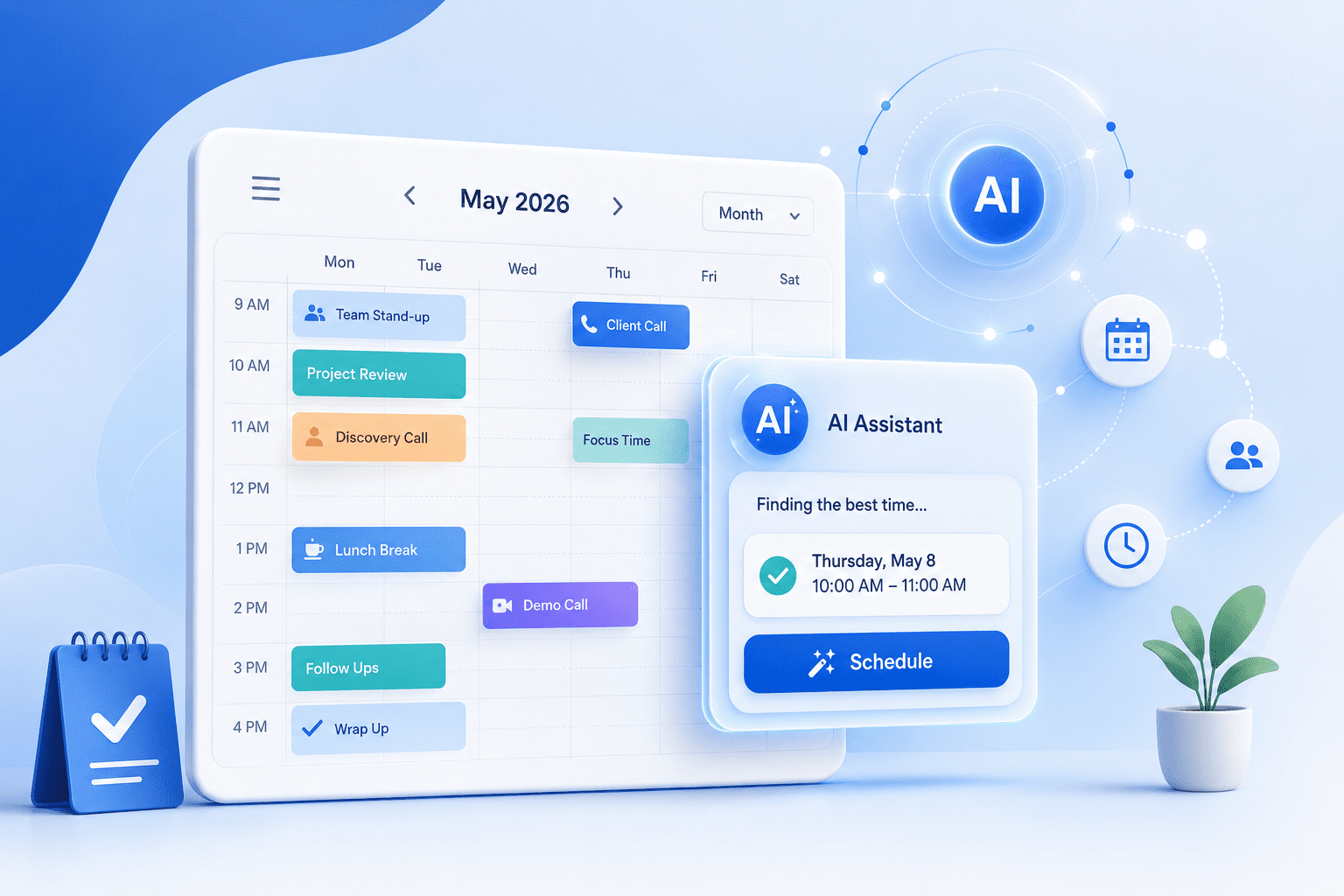
An AI scheduling assistant is software that uses automation and machine learning to read your calendar, interpret your availability, propose suitable meeting times and book or reschedule appointments while resolving conflicts and time-zone differences without you sending a single email.
Behind the scenes, the tool parses calendar data and interprets natural-language requests like “can we meet Thursday at 2pm?” It cross-checks participant availability, applies your scheduling rules and confirms a booking without back-and-forth email chains. The practical result: you stop chasing free slots in inboxes and your calendar stays accurate.
Most AI scheduling tools built to improve productivity share a common set of core capabilities:
- Real-time calendar sync across platforms like Google Calendar and Outlook
- Conflict detection that catches double bookings before they happen
- Automatic time-zone conversion so each participant sees the correct local time
- Reminder workflows that reduce no-shows without manual follow-up
- Lead capture to collect contact details at the point of booking
Also read: What Is an AI Receptionist and Which Tool Suits Your Business
15 Best AI scheduling assistants for businesses
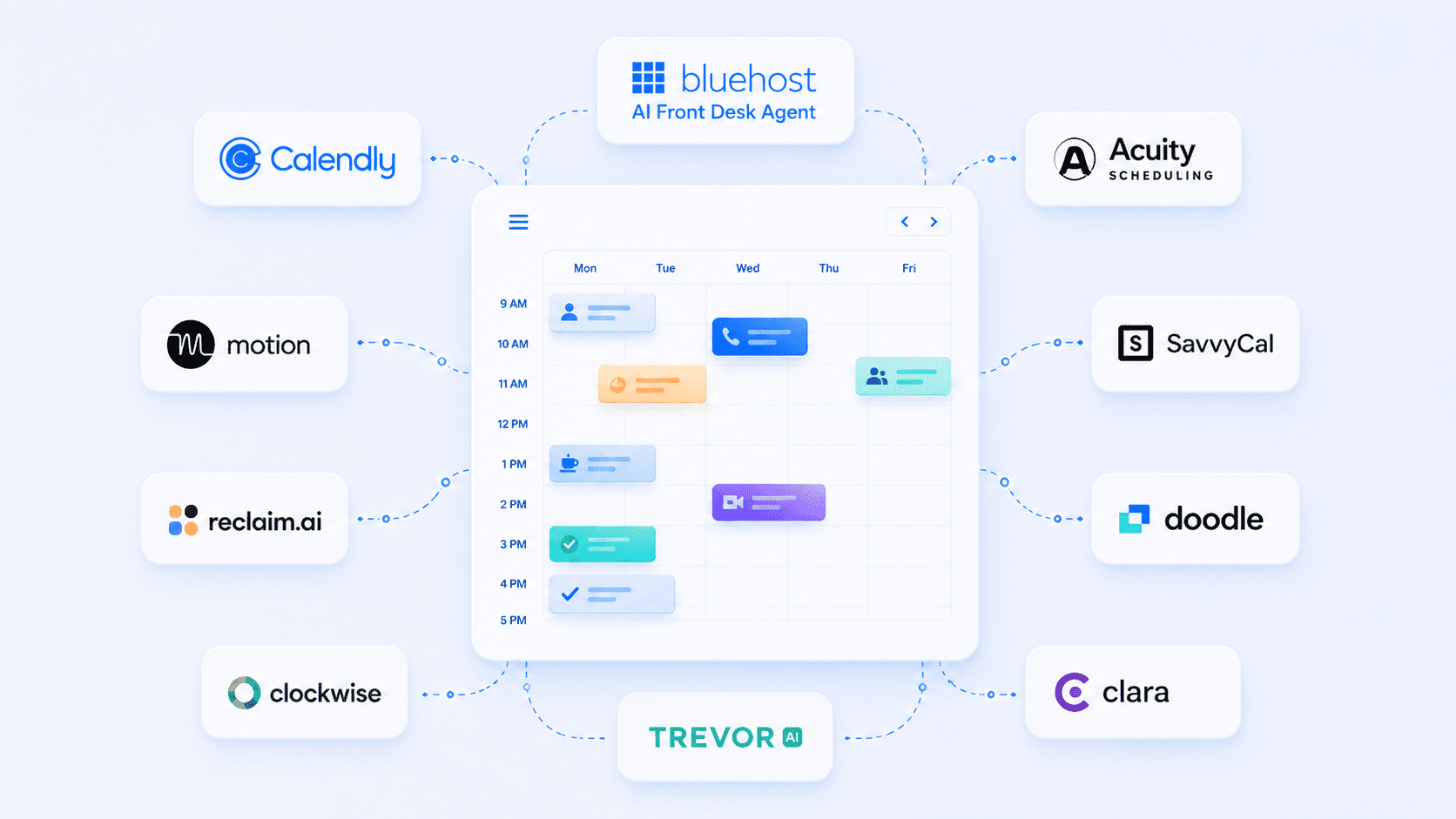
An AI scheduling assistant is software that uses automation and machine learning to handle booking, availability and calendar coordination on your behalf. It reads your calendar, applies your rules and books or reschedules meetings while resolving conflicts and time-zone differences automatically.
The table below gives a quick side-by-side view before the detailed breakdown. Coverage focuses on tool type, best-fit user, standout features and pricing model so you can shortlist quickly.
| Tool | Scheduling style | Ideal workflow | Automation level | Key integration focus |
|---|---|---|---|---|
| Bluehost AI Front Desk Agent | Conversational booking | Website inquiries to appointments | High | Google Calendar, web, SMS and social channels |
| Calendly | Booking links | External meeting booking | Medium | Calendar and video conferencing tools |
| Scheduler AI | Conversational scheduling | Meeting coordination and rebooking | High | Calendar, email and CRM workflows |
| Motion | AI calendar planning | Tasks, meetings and deadlines | High | Calendar and task management |
| Reclaim.ai | Smart calendar blocking | Focus time and habits | High | Calendar and productivity tools |
| Clockwise | Team calendar optimization | Meeting reshuffling and focus blocks | High | Team calendars |
| Acuity Scheduling | Appointment management | Service bookings, intake and payments | Medium | Calendar, forms and payments |
| SavvyCal | Collaborative booking links | External booking with calendar overlay | Medium | Calendar tools |
| Doodle | Poll-based scheduling | Group availability voting | Low to medium | Calendar tools |
| Kronologic | Revenue meeting automation | Sales pipeline meeting booking | High | CRM and sales workflows |
| Clara | Email-based scheduling | Inbox-led meeting coordination | High | Email and calendar |
| Sidekick AI | AI meeting scheduling | Email, web and mobile scheduling | Medium | Calendar and email |
| Microsoft Copilot scheduling features | Workspace scheduling | Outlook and Teams meeting support | Medium to high | Microsoft 365 |
| Google Gemini scheduling features | Workspace scheduling | Gmail and Google Calendar scheduling | Medium | Google Workspace |
| Trevor AI | Personal time blocking | Task-to-calendar planning | Medium | Calendar and task lists |
1. Bluehost AI Front Desk Agent
Bluehost AI Front Desk Agent helps small businesses turn website inquiries into booked appointments. It works as an always-available front-desk assistant that can answer customer questions, capture lead details and schedule appointments through Google Calendar. Because it can be trained on your business information and preferred voice, it is useful for service-based businesses that want booking tied directly to their website experience.
Key features:
- 24/7 customer inquiry handling
- Google Calendar appointment booking
- Lead capture and contact detail collection
- Knowledge base training using business documents and resources
- Custom voice and tone settings
- Web, SMS, WhatsApp and Instagram support
- Multilingual support
- Admin dashboard for chat history, bookings and topic trends
Primary use case: Turning website inquiries into qualified leads and booked appointments.
Best for: Small businesses, service providers and appointment-driven companies that want lead capture and scheduling connected to their website experience.
Why it stands out: Most scheduling tools start when someone is ready to book. Bluehost AI Front Desk Agent supports the earlier stages of the customer journey by answering questions, capturing leads and guiding visitors toward scheduling.
The AI Front Desk Agent fits owners who want one provider for their site, email and booking rather than stitching together separate subscriptions. If you are building or moving a business website and want scheduling baked into your professional presence, get started with Bluehost today to set up booking alongside your site.
2. Calendly
Calendly is a simple booking-link scheduler that lets people choose from your available time slots without email back-and-forth. It is widely used because it is easy to set up, works well for external booking and supports different meeting types for individuals and teams.
Key features:
- Shareable booking pages
- Availability rules
- Buffer times
- One-on-one and group event types
- Calendar sync
- Team scheduling options
Primary use case: External appointment booking through scheduling links.
Best for: Solo professionals, sales teams and client-facing teams that need a reliable booking-link system.
Potential limitation: Limited lead capture and customer engagement capabilities compared to AI-powered assistants.
3. Scheduler AI
Scheduler AI is a conversational AI scheduling assistant built to reduce meeting back-and-forth. It can help propose meeting times, rebook conversations, send reminders and support follow-up workflows, making it useful for teams that want more automation than a standard booking link.
Key features:
- AI meeting booking
- Time proposal automation
- Rebooking support
- Meeting reminders
- Follow-up notes
- Calendar-based scheduling
Primary use case: Automating meeting coordination across sales, marketing and business conversations.
Best for: Teams that want an AI assistant to manage meeting logistics instead of only sharing a booking page.
Potential limitation: More useful for meeting coordination than website-based lead capture or service appointment workflows.
4. Motion
Motion combines an AI calendar with task and project management, helping users automatically plan their day around meetings, deadlines and priorities. It is best for people who need help organizing work time, not just booking meetings.
Key features:
- AI-generated daily schedules
- Task and project planning
- Deadline-aware scheduling
- Calendar-based time blocking
- Automatic schedule rebuilding
Primary use case: Automatically planning work schedules around tasks and deadlines.
Best for: Professionals and teams that want tasks, meetings and priorities planned together.
Potential limitation: Not designed for customer booking or lead management.
5. Reclaim.ai
Reclaim.ai focuses on protecting focus time by automatically scheduling tasks, habits, breaks and routines around existing meetings. It is useful for teams and professionals who want fewer fragmented days and more intentional calendar control.
Key features:
- Auto-scheduled tasks
- Habit scheduling
- Focus time protection
- Calendar defense
- Smart rescheduling
Primary use case: Preserving deep-work time within busy calendars.
Best for: Professionals and teams that want to protect focus time around meetings.
Potential limitation: Less useful for businesses that need customer-facing scheduling.
6. Clockwise
Clockwise optimizes team calendars by moving flexible meetings to create longer blocks of uninterrupted focus time. It works best when multiple teammates use it together, especially in meeting-heavy environments where fragmented calendars reduce productivity.
Key features:
- Automatic meeting reshuffling
- Team focus-time optimization
- Flexible meeting movement
- Focus-time analytics
- Calendar coordination across teams
Primary use case: Improving team productivity through calendar optimization.
Best for: Meeting-heavy teams that need longer blocks of uninterrupted work time.
Potential limitation: Delivers the most value when adopted across teams rather than by individual users.
7. Acuity Scheduling
Acuity Scheduling is built for appointment-based businesses that need scheduling, intake and payment collection in one workflow. It is especially useful for service providers that require client details or payment before confirming an appointment.
Key features:
- Client appointment booking
- Intake forms
- Payment collection
- Recurring appointments
- Class and session scheduling
- Calendar sync
Primary use case: Managing paid appointments and client intake.
Best for: Service businesses that need scheduling, intake and payment collection in one flow.
Potential limitation: Focuses on appointment operations rather than AI-driven scheduling optimization.
8. SavvyCal
SavvyCal improves the booking-link experience by letting invitees overlay their own calendar on your availability page. This makes it easier for external contacts to choose a time and creates a more collaborative scheduling experience.
Key features:
- Calendar overlay
- Personalized scheduling links
- Ranked availability
- Team scheduling options
- Clean invitee experience
Primary use case: Improving the experience of booking meetings with external contacts.
Best for: Professionals who schedule frequently with external contacts and want a more polished booking experience.
Potential limitation: Lacks broader workflow automation and lead management capabilities.
9. Doodle
Doodle is designed for group scheduling, where the challenge is finding one time that works for many people. Organizers create a poll, participants vote on available slots and the best meeting time becomes clear
Key features:
- Time-slot polls
- Group availability voting
- Meeting reminders
- Booking pages
- Calendar connections
Primary use case: Coordinating meetings among multiple participants.
Best for: Groups that need to agree on a meeting time without long email threads.
Potential limitation: Not designed for AI scheduling, productivity planning or customer bookings.
10. Clara
Clara works as an AI email scheduling assistant that coordinates meetings through natural-language email. Instead of sharing a booking link, users can copy Clara into an email thread and let it handle the scheduling conversation.
Key features:
- Natural-language email scheduling
- Meeting coordination
- Follow-up handling
- Calendar booking
- Assistant-style experience
Primary use case: Delegating scheduling conversations conducted through email.
Best for: Leaders, sales teams and recruiters who schedule primarily through email.
Potential limitation: Less useful for website-based scheduling or team calendar optimization.
11. Kronologic
Kronologic is built for revenue teams that need to book meetings at scale. Instead of waiting for prospects to choose a time manually, it helps automate outreach, meeting coordination and calendar booking across large sales or marketing pipelines.
Key features:
- AI-powered meeting orchestration
- High-volume customer meeting booking
- Sales pipeline scheduling
- Automated follow-up workflows
- Calendar booking automation
Primary use case: Booking more sales meetings from pipeline, outreach or campaign activity.
Best for: Sales and marketing teams that manage high volumes of leads or customer meetings.
Potential limitation: Less relevant for individuals or small businesses that only need simple appointment scheduling.
12. Trevor AI
Trevor AI helps users turn task lists into realistic, time-blocked calendar plans. It is best for solo users who want to plan their day more intentionally by assigning tasks to specific time slots.
Key features:
- Visual time blocking
- Task-calendar sync
- Drag-and-drop planning
- AI scheduling suggestions
- Daily planning prompts
Primary use case: Turning tasks into actionable daily schedules.
Best for: Solo users who want to turn task lists into realistic daily schedules.
Potential limitation: Not intended for customer scheduling or team coordination.
13. Sidekick AI
Sidekick AI is a smart scheduling assistant that helps users book meetings through email, web and mobile. It is designed to remove the back-and-forth from meeting coordination while still giving users control over availability and booking preferences.
Key features:
- AI-assisted meeting booking
- Email-based scheduling
- Web and mobile access
- Calendar availability matching
- Meeting request handling
Primary use case: Scheduling meetings faster without relying only on booking links.
Best for: Professionals who want lightweight AI scheduling support across email and calendar workflows.
Potential limitation: Not ideal for businesses that need deeper lead capture, customer intake or front-desk automation.
14. Microsoft Copilot scheduling features
Microsoft Copilot scheduling features are useful for teams already working inside Microsoft 365. Copilot can help reduce context switching by supporting meeting scheduling from familiar tools like Outlook, Teams and Copilot Chat, depending on the plan and rollout availability.
Key features:
- Meeting scheduling inside Microsoft 365
- Outlook and Teams workflow support
- Availability checks
- Agenda drafting support
- Meeting invite assistance
- Enterprise workspace integration
Primary use case: Helping Microsoft 365 users schedule meetings without leaving their existing work environment.
Best for: Businesses already using Microsoft 365, Outlook and Teams.
Potential limitation: Best value comes inside the Microsoft ecosystem and may depend on licensing, rollout status and admin settings.
15. Google Gemini scheduling features
Google Gemini scheduling features are useful for teams that rely on Gmail and Google Calendar. Gemini can help suggest meeting times based on calendar availability, working hours, time zones and email context, making scheduling easier inside Google Workspace.
Key features:
- Gmail-based scheduling suggestions
- Google Calendar availability checks
- Suggested meeting times
- Time zone and conflict awareness
- Workspace integration
Primary use case: Finding and suggesting meeting times directly inside Gmail and Google Calendar workflows.
Best for: Google Workspace users who want scheduling assistance inside the tools they already use.
Potential limitation: Best suited for Google Workspace environments and may not replace a full customer-facing booking or lead capture tool.
Also read: 30 Best AI Marketing Tools to Grow Your Business in 2026
How do you choose the best AI scheduling assistant?
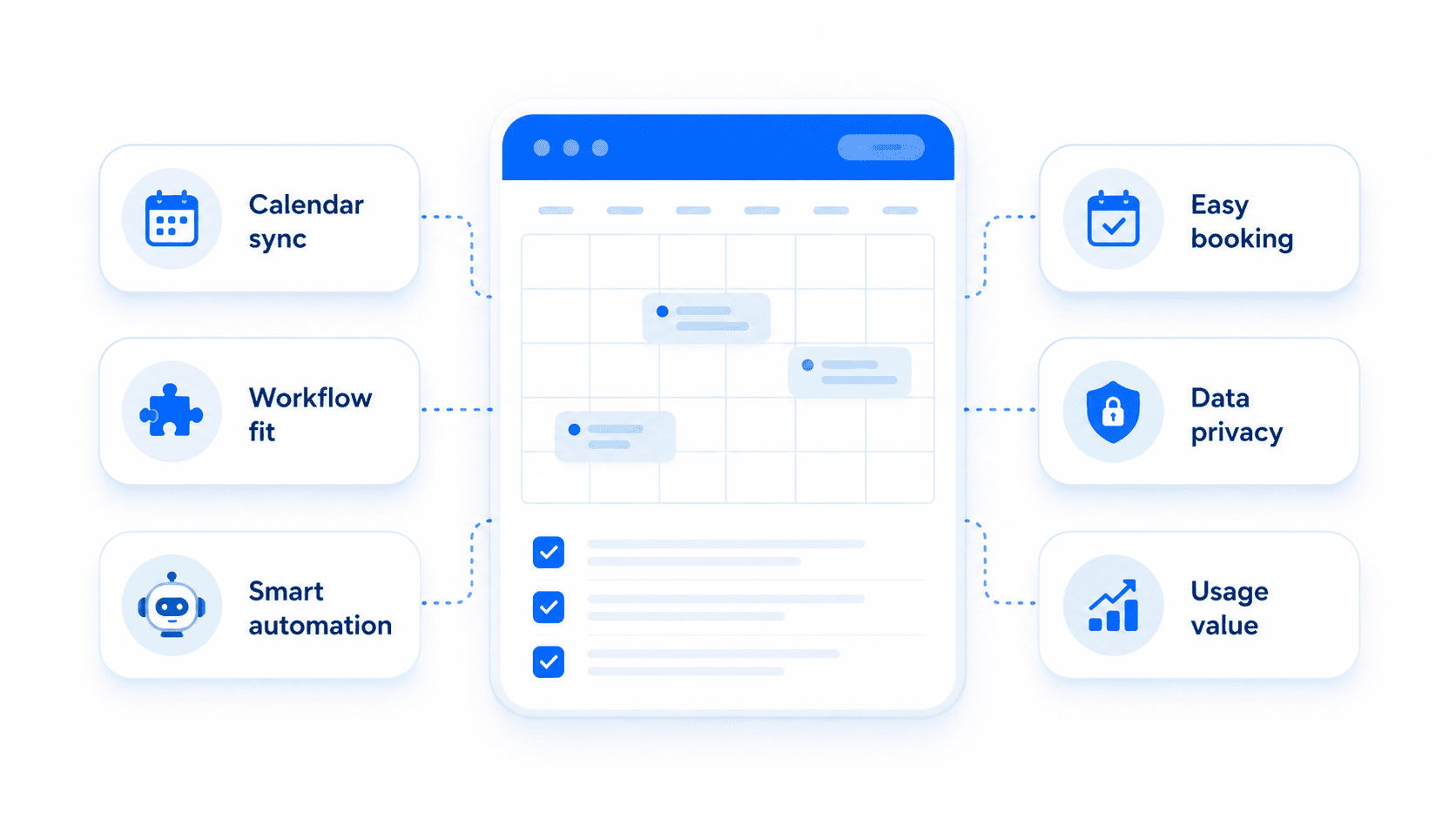
The best AI scheduling assistant is not always the tool with the longest feature list. It is the one that fits how you book meetings, manage availability and communicate with customers or teammates. Before choosing a platform, compare each option based on your calendar setup, meeting types, automation needs and data privacy requirements.
1. Does it work with your calendar and business tools?
Start with the calendar you already use. A good AI scheduling assistant should sync with Google Calendar, Outlook or Apple Calendar in real time, so availability stays accurate and double bookings are avoided.
Also check whether it connects with the tools that support your workflow, such as Zoom, Google Meet, Microsoft Teams, HubSpot, Salesforce, Stripe or your website. The best tool should fit into your current setup instead of forcing you to rebuild your process.
2. What kind of scheduling do you need?
Different AI scheduling tools solve different problems. Some are best for booking links, some for team meeting coordination and others for customer-facing appointments.
For example, Calendly works well for simple external booking, Clockwise is stronger for team calendar optimization and Bluehost AI Front Desk Agent is better suited for small businesses that want to capture website inquiries and book appointments through Google Calendar. Match the tool to the actual scheduling job, not just the brand name.
3. How much automation does it provide?
Look beyond basic availability sharing. A stronger AI scheduling assistant should help detect conflicts, add buffer times, manage rescheduling, send reminders and support different meeting types.
If you run a service business, appointment booking and follow-up may matter most. If you manage a team, focus-time protection and meeting reshuffling may be more valuable. The right level of automation should save time without creating extra cleanup work.
4. Is it easy for customers or invitees to use?
A scheduling tool only works if people can complete the booking quickly. Look for a simple booking flow, clear time slots, mobile-friendly pages and automatic confirmations.
For customer-facing businesses, this matters even more. If a prospect has to wait for a callback or navigate a confusing booking process, they may drop off before scheduling.
5. What privacy and calendar permissions does it require?
AI scheduling assistants often need access to calendar data, meeting details and contact information. Before connecting a tool, review what permissions it requests, what data it stores and how you can revoke access.
Choose tools with clear privacy policies, secure integrations and permission controls that match your comfort level. This is especially important for teams handling client, sales, medical, legal or internal business information.
6. Does the value match your usage?
Instead of comparing tools only by price, compare them by the time and missed opportunities they save. A solo user may need a simple booking assistant, while a growing team may need shared availability, routing, admin controls and deeper integrations.
The best AI scheduling assistant should reduce manual coordination, prevent scheduling errors and make it easier for people to book time with you. If it adds complexity, it is probably not the right fit.
Quick tip: Shortlist two or three tools and test them with real scheduling scenarios for one week. The best choice is usually the one that saves time, prevents mistakes and feels easiest for both your team and the people booking with you.
Also read: AI Receptionist for Small Business: Your 24/7 Answering Service in 2026
What are the top AI scheduling assistant use cases?
AI scheduling assistants are useful when booking meetings, managing appointments or coordinating calendars starts taking too much manual effort. The strongest use cases usually fall into three areas: customer booking, internal coordination and repeatable scheduling workflows.
1. Client booking and sales calls
For service businesses, consultants and sales teams, scheduling is often tied directly to revenue. If a prospect is ready to book but has to wait for a reply, that delay can turn into a lost opportunity.
An AI scheduling assistant can help prospects choose a time, receive a confirmation and move forward without back-and-forth emails. For website-based inquiries, Bluehost AI Front Desk Agent can also help answer routine questions, collect lead details and guide interested visitors toward a booked appointment.
2. Internal team and cross-time-zone meetings
For remote and hybrid teams, scheduling is less about lead capture and more about coordination. An AI scheduling assistant can compare availability across calendars, account for time zones and suggest meeting times that work for everyone.
This helps managers and teams avoid long email threads, missed invites and awkward meeting times. It is especially useful when employees, clients or partners work across different regions.
For this use case, look for calendar sync, time-zone detection, shared availability and conflict prevention.
3. Recruiting and interview scheduling
Recruiting teams often repeat the same scheduling workflows: screening calls, panel interviews, follow-ups and onboarding meetings. AI scheduling assistants can reduce this manual work by letting candidates choose available time slots, sending confirmations and keeping calendars updated.
For high-volume hiring, this can help recruiters move faster while giving candidates a smoother experience. It also reduces the risk of double bookings, missed reminders or delayed follow-ups.
The most useful features here include automated reminders, calendar sync, interviewer availability and repeatable meeting templates.
4. Customer onboarding and service appointments
Once a customer signs up or requests a service, scheduling the next step quickly matters. AI scheduling assistants can help teams book onboarding calls, training sessions, service visits or follow-up appointments without slowing down the customer journey.
For appointment-based businesses, this creates a more professional experience and reduces the chance of customers dropping off after the first inquiry. It also helps teams keep bookings organized without relying on manual scheduling.
5. Personal productivity and daily planning
Some AI scheduling assistants focus on individual productivity rather than customer booking. These tools help users place tasks, focus blocks, habits and deadlines directly on the calendar.
This is useful for professionals who struggle to turn a task list into a realistic workday. Instead of manually deciding when to complete each task, the assistant helps structure time around priorities and availability.
For this use case, look for task scheduling, focus-time protection, calendar blocking and automatic rescheduling.
Quick takeaway: If your goal is to turn website inquiries into booked appointments, Bluehost AI Front Desk Agent is a strong fit because it helps answer questions, collect lead details and schedule appointments through Google Calendar, even when your team is offline.
Also read: The Best AI Assistants in 2026 (Tested and Compared)
How can you increase productivity with an AI scheduling assistant?
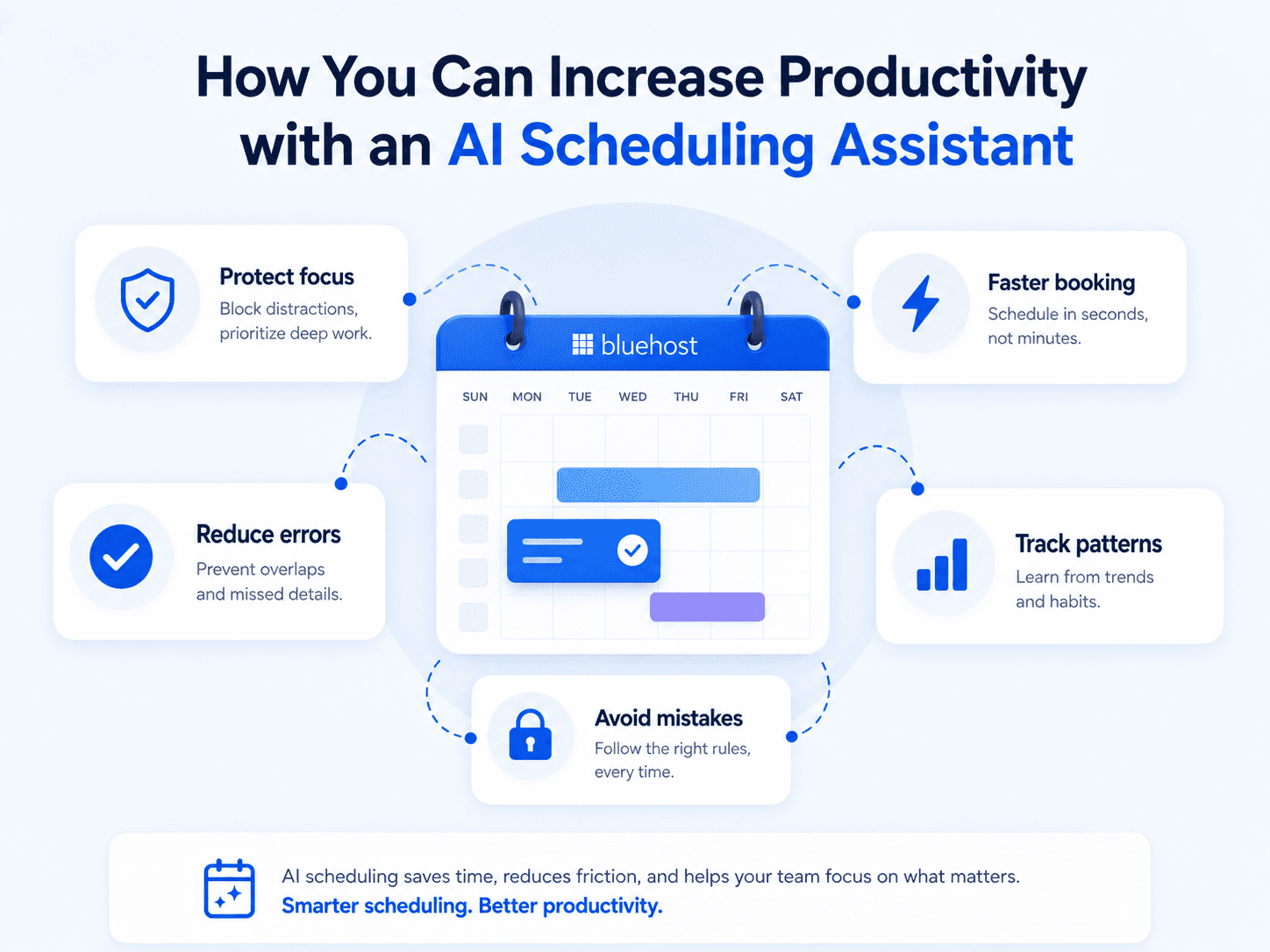
An AI scheduling assistant improves productivity by reducing manual coordination, preventing booking errors and helping teams use their calendars more intentionally.
- Protect focus time: A good scheduler should not fill every open slot. It should help preserve time for deep work, planning and priority tasks. Look for features like buffer time, focus blocks and automatic rescheduling.
- Reduce scheduling mistakes: AI scheduling tools can help prevent common calendar issues such as double bookings, missed reminders and time-zone confusion. For customer-facing businesses, this means fewer dropped appointments and a smoother booking experience.
- Speed up customer booking: When prospects are ready to book, delays can cost revenue. Bluehost AI Front Desk Agent helps answer customer questions, collect lead details and schedule appointments through Google Calendar, even when your team is offline.
- Track meeting and booking patterns: Scheduling insights can show when people book most often, where no-shows happen and how much time meetings take from the week. Use this data to adjust availability, reduce unnecessary meetings and improve follow-up.
- Avoid setup mistakes: Before going live, make sure your scheduling rules reflect how your business actually works. Add buffer time between meetings, set clear time-zone preferences, avoid opening too many booking slots, define rescheduling rules and limit calendar permissions to only what the tool needs.
The best AI scheduling assistant should save time, reduce errors and make booking easier. For small businesses, Bluehost AI Front Desk Agent is useful when scheduling needs to connect with lead capture and customer inquiries.
Final thoughts
Choosing the best AI scheduling assistant comes down to matching real workflow needs against four checks: how well it integrates, how deep its automation runs, whether the pricing fits your size and how it treats your calendar data. Score your shortlist consistently and the right tool tends to stand out on its own.
If you run a small business and want booking built into a professional website, set up Bluehost AI Front Desk Agent so lead capture and Google Calendar scheduling work together from day one.
Ready to stop losing leads after hours? Let Bluehost AI Front Desk Agent turn inquiries into appointments 24/7.
FAQs
The best AI scheduling assistant for small teams depends on whether you need customer booking, internal calendar coordination or task planning. Look for shared availability, calendar sync, automated reminders and simple admin controls. For small businesses that want scheduling connected to website inquiries and lead capture, Bluehost AI Front Desk Agent is a strong option.
An AI calendar assistant detects each participant’s time zone and shows available meeting slots in their local time. This helps prevent confusion, missed meetings and manual time-zone conversions, especially for remote teams, clients or customers in different regions.
AI scheduling assistants can be safe when they use secure integrations, clear permission controls and transparent data policies. Before connecting a tool, review what calendar data it can access, how that data is stored and whether you can revoke permissions at any time.
Yes. Many AI scheduling assistants integrate with Google Calendar to check availability, prevent conflicts and add bookings automatically. Bluehost AI Front Desk Agent uses Google Calendar booking to help customers schedule, reschedule or cancel appointments without manual coordination.
AI scheduling assistant costs vary based on the tool, number of users, automation features and business use case. Some are built for individual productivity, while others support team scheduling, customer booking or lead capture. Compare plans based on the workflows you need most, not just the lowest monthly price.

Write A Comment