


Key highlights
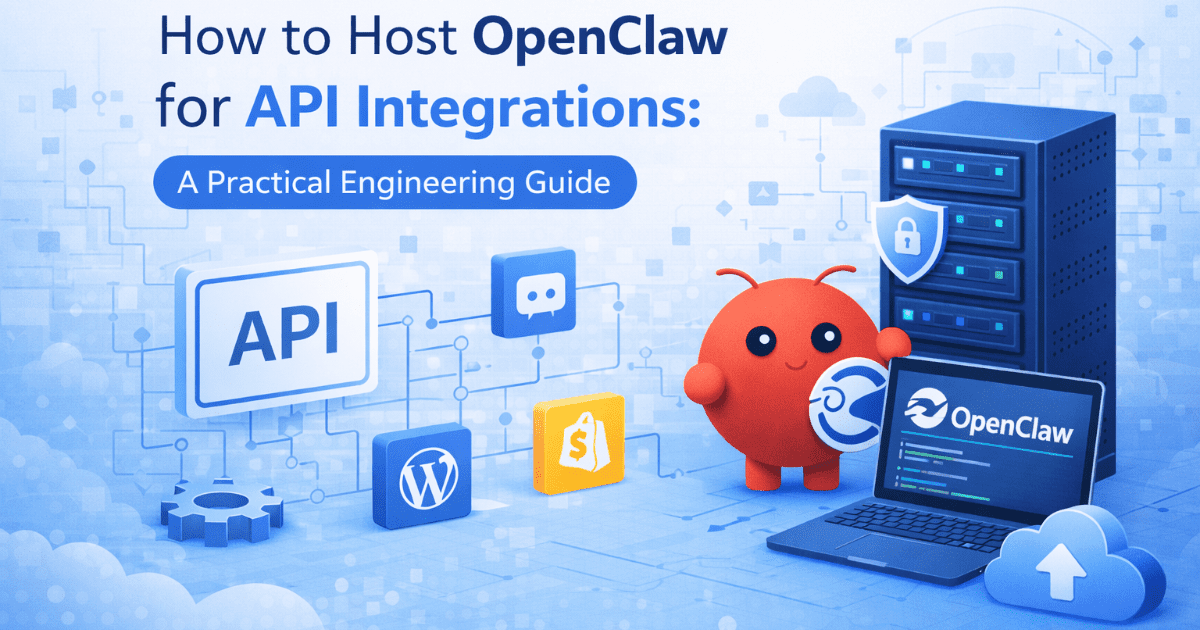
- Discover how to deploy OpenClaw API endpoints on a secure, self-managed VPS.
- Learn to orchestrate AI agents and connect them directly to your internal business tools.
- Explore the hardware requirements and NVMe storage configurations needed for optimal performance.
- Understand the key differences between self-hosted AI infrastructure and opaque SaaS wrappers.
- Compare VPS tier options to find the perfect balance of RAM and vCPUs for your AI workflows.
Are you wondering what OpenClaw is and how it fits into your AI stack?
OpenClaw is an AI orchestration platform for building private agents and automated workflows. Self-hosting this platform on a virtual private server gives engineers complete control over proprietary data. Consulting a detailed VPS hosting guide can help you plan your architecture effectively.
Many teams begin their AI journey by experimenting with ad-hoc SaaS tools. These opaque tools often lack deep integration capabilities for production environments. Running your own environment can help keep your data within infrastructure you control, as long as your workflows do not send data to external model APIs or third-party services.
However, this control depends on your setup. Features like telemetry, automated backups, logging systems, or third-party connectors may still transmit or store data outside your environment if not properly configured.
This is exactly why a structured, self-hosted approach matters. This guide helps you transition from limited tools to an owned operational AI system. We cover hardware requirements, deployment steps and integration strategies.
Let’s explore exactly why owning this infrastructure matters for your engineering team.
Also read: How OpenClaw Works: Runtime, Architecture & Safe Hosting
Why should you self-host OpenClaw for API integrations?
Many engineering teams face a critical problem when adopting AI capabilities. They want powerful internal tools but cannot legally send proprietary data to third-party SaaS wrappers.
While self-hosting provides maximum control, those seeking professional maintenance might prefer managed VPS hosting to simplify server operations.
This approach protects sensitive company information from training external AI models. Your business logic and customer data remain safely isolated on your own server.
Engineers also avoid vendor lock-in by maintaining full root access and complete infrastructure control.
Also read: Managed vs Self-Managed VPS for OpenClaw
Connecting AI directly into existing workflows
Hosting your own OpenClaw API enables seamless integration with internal databases and custom applications. SaaS AI tools often impose restrictive rate limits or lack specialized API connectors. A self-hosted orchestration layer allows agents to communicate directly with platforms like GitHub or Discord.
This deep connectivity reduces manual handoffs and enables end-to-end automation across your engineering stack. Your agents can read repository data, analyze code and trigger deployments automatically.
To support this setup, you need the right VPS environment and a clear OpenClaw installation path.
What are the hardware requirements for OpenClaw hosting?
Running OpenClaw in production requires sufficient compute to handle multi-step reasoning and concurrent workflows. While small instances can support testing, real-world AI orchestration demands dedicated resources.
Fast storage is critical for prompt pipelines and memory retrieval. Use NVMe SSDs for low latency and high throughput.
1. Sizing vCPUs and RAM for AI orchestration
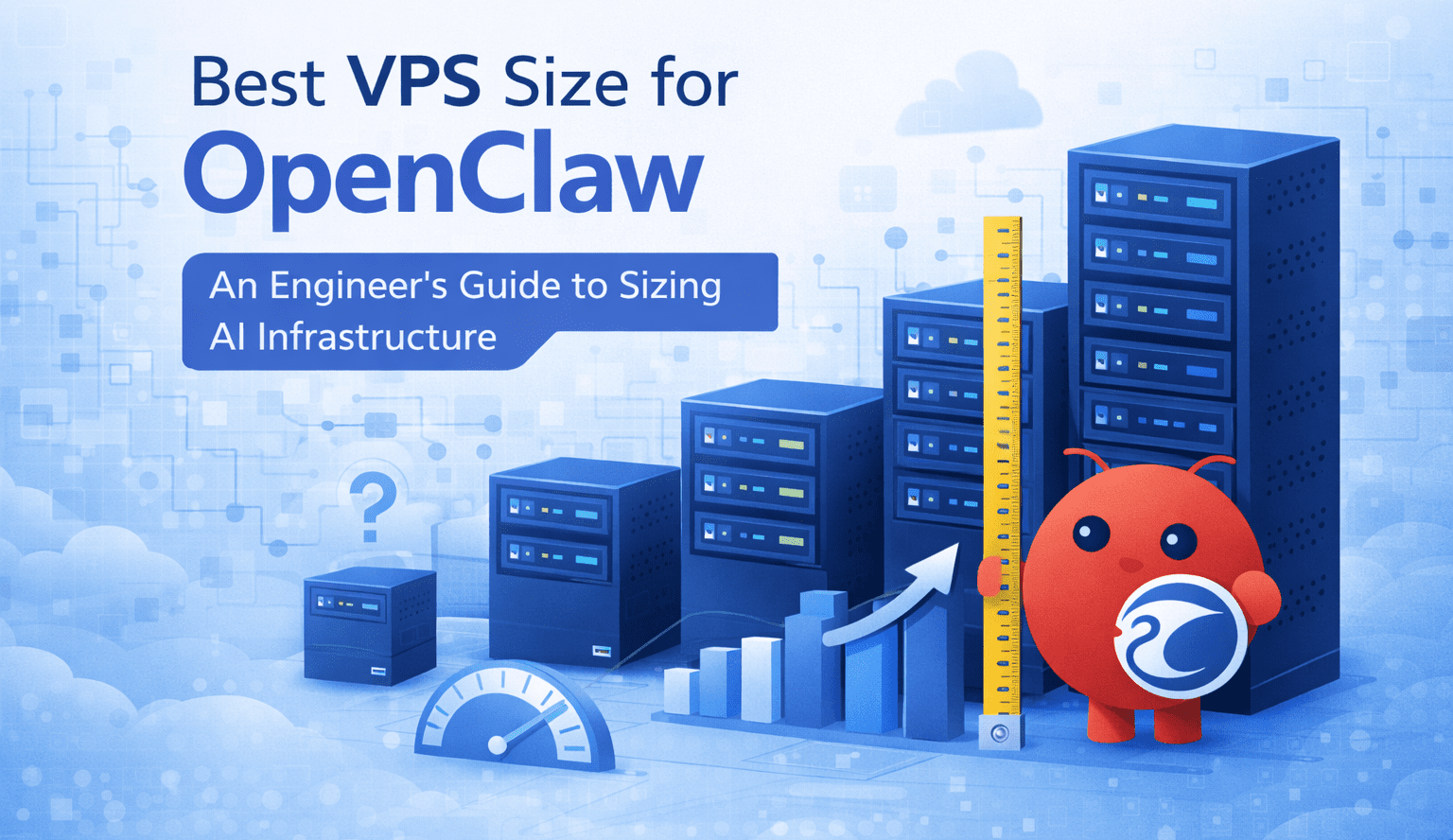
Start with 2 GB RAM for basic testing environments. For production workloads with API chaining and concurrent tool execution, provision 4 GB to 16 GB RAM. Multiple vCPUs are recommended to handle parallel task execution and reduce latency.
2. Scaling resources for autonomous task execution
Event-driven workflows can create sudden traffic spikes. Monitor resource usage and scale your VPS as automation volume grows. Dedicated resources ensure stable performance under load.
How do you connect OpenClaw to internal APIs and tools?
OpenClaw agents connect to internal services and external APIs to perform real actions. These connections allow your workflows to run continuously without repeated input.
Step 1: Connect your APIs and internal tools
Start by linking OpenClaw to the systems your team already uses. This can include internal databases, GitHub, CRMs or communication tools. These integrations allow your agents to access and act on real data.
Step 2: Enable tool calling and API chaining
Tool calling allows agents to execute structured actions across connected systems. You can configure your agent to read data, analyze it and trigger follow-up actions. For example, an agent can pull repository data, evaluate changes and post updates to your team.
Chaining these API calls turns simple prompts into complete workflows.
Step 3: Trigger workflows using webhooks and events
Use webhooks or scheduled jobs to trigger your workflows automatically. For example, a webhook can notify OpenClaw when a new support ticket is created. The agent can then analyze the issue and update your CRM without manual input.
Step 4: Apply version control and deployment practices
Treat your AI workflows like production code. Use version control and CI/CD pipelines to manage prompt logic and deployment across environments. This keeps your workflows stable and reproducible.
Before deploying to production, secure your server environment to protect these automated systems.
How do you deploy and secure OpenClaw APIs on a VPS?
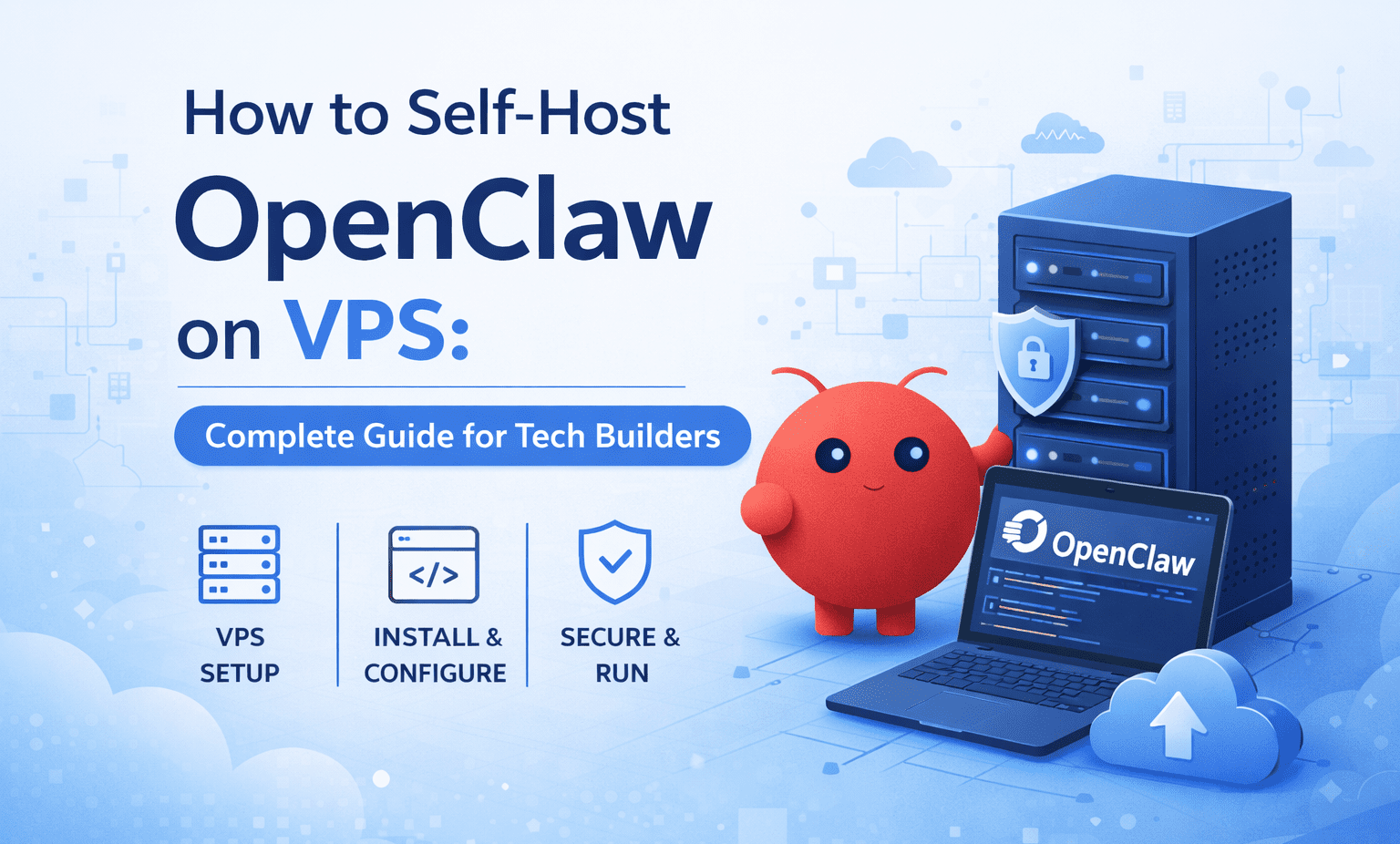
Deploy OpenClaw on a Linux VPS using Docker to keep the runtime consistent across development and production. Containerization makes it easier to manage dependencies, updates and service restarts.
After deployment, secure the API before exposing it to external traffic. Use a firewall to restrict open ports, configure HTTPS with SSL certificates and store secrets in environment variables instead of hardcoding them.
Securing OpenClaw endpoints on a self-managed VPS
A self-managed VPS gives engineers full root access and full responsibility for server security. Limit public access, apply system updates regularly and use authentication controls to protect private API endpoints.
If your workflows depend on external services, route traffic through a dedicated IP or controlled network layer where needed, but rely on firewall rules, TLS and access controls as the primary security measures.
This version better matches the H2 because it covers both deployment and security without overexplaining.
The main fix is simple: make deployment more concrete and make security more precise.
Why choose Bluehost for OpenClaw API integrations?
The OpenClaw on VPS deployment automates complex setup steps so you can build agents immediately. This streamlined solution transforms AI from a fragile experiment into a secure, owned operational layer.
Here are the core benefits of building your AI infrastructure with Bluehost:
- One-click OpenClaw deployment: Install the orchestration platform instantly without wrestling with complex manual server configurations.
- NVMe SSD storage: Ensures low-latency memory retrieval so AI agents execute without delays.
- Full root access: Maintain complete administrative control over your operating system, software stack and security configurations.
- Private data isolation: Keep your proprietary business logic and customer data strictly on your own hardware.
- Dedicated compute resources: Guarantee your agents have the memory and CPU power they need.
- DDoS protection: Defend your critical API endpoints against distributed denial-of-service attacks right out of the box.
- Scalable infrastructure: Add more vCPUs or RAM instantly from your dashboard when automated workflows require more power.
- Unmetered bandwidth: Process high volumes of API calls and data transfers without artificial traffic limits.
When Bluehost infrastructure is the right choice for OpenClaw API workloads
Understanding OpenClaw use cases for developers helps clarify when dedicated infrastructure becomes necessary. As workflows move from simple automation to production systems, the need for control, performance and security becomes critical.
For private, self-hosted AI systems: Choose Bluehost if your OpenClaw setup needs full control over data and infrastructure. It is well-suited for agents that interact with internal databases, CRMs or proprietary tools.
For consistent API performance: If your workflows involve API chaining or continuous automation, dedicated VPS resources ensure stable execution without shared environment limits.
For scalable automation workloads: Event-driven pipelines can create unpredictable load. Bluehost allows you to scale CPU and RAM on demand, preventing slowdowns during traffic spikes.
For production-grade deployments: If you are moving beyond experimentation, Bluehost provides the control, isolation and reliability required to run OpenClaw as a long-term system.
These capabilities come together as a cohesive system when deployed in a real environment, where infrastructure, security and automation workflows operate as a single layer.
Production considerations before you go live
Running OpenClaw in production is not just about deployment. It is about controlling access, protecting data and ensuring your system can recover from failure. Use this checklist as a baseline before exposing any endpoints or workflows.
Access control and least privilege
- Restrict access to only the users and services that need it
- Avoid running containers or services as root unless absolutely required
- Scope API keys and database permissions to the minimum required actions
- Isolate services using private networks instead of exposing everything publicly
- Use role-based access control where available
Secrets management and rotation
- Store secrets in environment variables or a dedicated secrets manager
- Never hardcode credentials in code, compose files or repositories
- Rotate API keys, tokens and passwords on a defined schedule
- Immediately revoke and regenerate any exposed credentials
- Limit access to .env files and ensure proper file permissions
Logging and audit trails
- Enable structured logs for all services and integrations
- Log authentication attempts, API calls and workflow executions
- Centralize logs using a logging stack or external service
- Set up alerts for unusual activity such as repeated failures or spikes in usage
- Retain logs long enough to investigate incidents, but avoid storing sensitive data unnecessarily
PII handling and data protection
- Identify whether your workflows process personally identifiable information
- Avoid storing PII unless it is strictly required for the workflow
- Mask or redact sensitive fields in logs and outputs
- Encrypt data in transit using HTTPS and in storage where applicable
- Clearly define who can access sensitive data and under what conditions
Data retention and lifecycle management
- Define how long application data, logs and backups are stored
- Automatically delete or archive data that is no longer needed
- Avoid indefinite storage of workflow history unless required
- Ensure backups follow the same security standards as live data
- Document retention policies so they are consistent across environments
Incident response and recovery
- Define a clear process for handling failures or security incidents
- Maintain recent backups of configuration and application data
- Test your recovery process regularly to ensure it works
- Monitor system health and set alerts for downtime or degraded performance
- Document escalation paths and ownership for critical issues
Production readiness is not a one-time step. It is an ongoing process of monitoring, updating and tightening controls as your workflows evolve.
Build and scale private AI systems with OpenClaw on Bluehost VPS
Self-hosting OpenClaw completely transforms AI from an ad-hoc novelty into a reliable operational layer. Engineering teams gain the security and deep integration capabilities that external SaaS wrappers simply cannot provide. You maintain total architectural control over your data, prompts and execution logic.
We highly recommend the Enhanced NVMe 4 plan or higher for teams building robust API integrations. This tier provides the necessary RAM and processing power for concurrent autonomous workflows. It ensures your multi-step reasoning agents never hit execution bottlenecks during critical operations.
Deploy OpenClaw on Bluehost VPS today and start building powerful private AI systems. If you still have questions about specific configurations, review these common inquiries.
FAQs
OpenClaw is an AI orchestration platform designed to build and run autonomous agents and automated workflows. It acts as a control layer that connects large language models, APIs and internal tools into structured, multi-step processes. Instead of responding to single prompts, OpenClaw agents can execute sequences of actions such as retrieving data, analyzing it and triggering downstream systems.
Yes, the Standard NVMe 2 plan can support very basic OpenClaw installations. However, complex multi-step reasoning workflows require more memory to run smoothly. We recommend at least 4 GB of RAM for production environments.
Start by choosing a hosting plan equipped with fast NVMe SSD storage. You should also allocate sufficient RAM to prevent your server from relying on slow swap memory. Keeping your containerized environments lightweight will further improve response times.
Traffic spikes or complex API chaining can quickly exhaust your initial server allocation. Bluehost allows you to scale up your VPS compute and storage resources on demand. This ensures your autonomous agents continue running without interruption during peak workloads.
You must configure a strong firewall using your root access privileges immediately after deployment. Always install custom SSL certificates to encrypt data traveling between your agents and external APIs. Utilizing dedicated IP addresses also adds another critical layer of isolation and security.
Self-hosting OpenClaw gives you greater control over your infrastructure, data and integrations. This is especially useful when your workflows involve proprietary systems or sensitive business data.
However, this control depends on your setup. If your workflows call external model APIs or third-party services, some data may still leave your environment. Self-hosting primarily reduces dependency on SaaS platforms and helps avoid vendor lock-in while enabling deeper system-level integrations.
Yes. OpenClaw is designed to integrate directly with internal systems such as databases, CRMs, GitHub repositories and communication tools.
Through tool calling and API chaining, agents can perform actions across multiple systems. For example, an agent can fetch repository data, analyze changes and post updates to a team channel without manual input.
Workflows can be triggered using webhooks, scheduled jobs or event-based signals.
For example, a webhook can initiate a workflow when a new support ticket is created. The agent can then process the request, analyze context and update internal systems automatically. This enables continuous, event-driven automation without manual intervention.
Docker is strongly recommended for running OpenClaw in production environments. Containerization ensures consistent runtime behavior across development and production, simplifies dependency management and makes it easier to restart or update services without breaking workflows.

Write A Comment