



Key highlights
- Understand the critical differences between ssl vs firewall to build a comprehensive security strategy.
- Learn how encryption technology protects sensitive visitor data during transmission across the web.
- Explore how traffic filtering effectively blocks malicious requests before they reach your server.
- Uncover the benefits of integrated website security and secure your site with a premium SSL certificate from Bluehost.
Imagine waking up to find your website completely compromised, its data leaked and your reputation in ruins. Whether you manage a personal blog, a high-traffic eCommerce store or a professional landing page, your site is a constant target for malicious actors.
As you evaluate ssl vs firewall protection, it is vital to understand how each layer functions to keep you safe. This often leads to one of the most pressing questions for website owners: Do I need SSL, a firewall or both to ensure complete security? The confusion is understandable. SSL and firewalls are both essential pieces of the website security puzzle, but they do very different jobs. Mixing them up can leave dangerous gaps in your protection without you even knowing it.
In this guide, you’ll get a clear breakdown of SSL vs firewall: What each one is, how each one works and why the smartest website owners use both. By the end, you’ll know exactly what’s standing between your site and the bad actors trying to break in.
What is SSL? SSL certificate explained for website owners
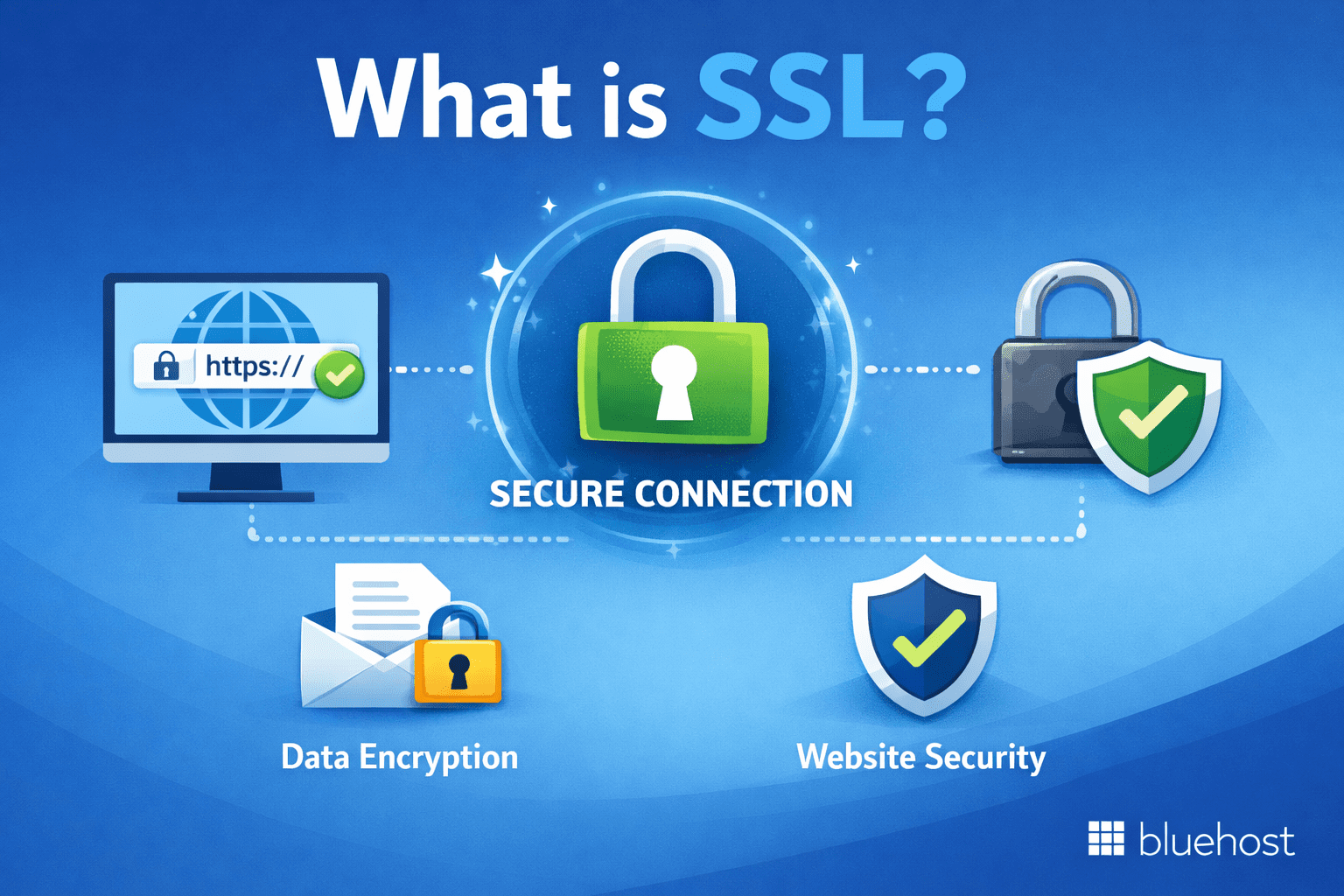
If you’ve ever noticed the little padlock icon in your browser’s address bar, you’ve already seen SSL in action. SSL (Secure Sockets Layer) is a security protocol that encrypts the data traveling between a user’s browser and your web server. In practice, most modern implementations use TLS (Transport Layer Security), the updated successor to SSL, though the term “SSL” remains the widely used shorthand.
When a visitor lands on your website and types in a password, submits a contact form or enters credit card details, SSL ensures that information is scrambled into unreadable code during transit. Even if a hacker intercepts the data mid-journey, they see nothing but gibberish.
Free vs. paid SSL certificates
| Feature | Free SSL certificates | Paid SSL certificates |
|---|---|---|
| Validation level | Standard Domain Validation (DV) | Organization Validation (OV) or Extended Validation (EV) |
| Best for | Basic websites or personal blogs | Businesses requiring high visitor trust |
| Core benefits | Free SSL certificates provide necessary encryption for SEO and HTTPS transition. | Verifies business existence and legal standing to prevent phishing or fraud. |
| Verification process | Automated (typically via Let’s Encrypt) | Manual verification by the issuing authority |
Also read: Free SSL vs Paid SSL Certificate: Which is Best for Your Business?
Why buy a premium SSL certificate?
While free versions are a good starting point, premium SSL certificates are a necessity for any business handling sensitive customer data. Here are the primary reasons to upgrade:
- Financial warranty: Premium certificates come with a warranty that covers your business and users in the unlikely event of a security breach resulting from a flaw in the certificate.
- Enhanced trust indicators: Paid certificates often provide site seals and detailed certificate information that prove your business’s legitimacy to savvy consumers.
- Longer validity and support: Premium providers offer dedicated customer support and longer renewal cycles, reducing the risk of your certificate expiring unexpectedly.
- Advanced features: If you need to secure multiple subdomains or various different domains, paid Wildcard and Multi-Domain (SAN) certificates offer the flexibility that free versions often lack.
How SSL works: Step by step
Understanding SSL doesn’t require a computer science degree. Here’s the simplified version of what happens every time someone visits an SSL-secured page:
- The browser requests a secure connection from the web server.
- The server sends its SSL certificate to the browser for verification.
- The browser validates the certificate against a trusted Certificate Authority (CA).
- An encrypted session is established using a shared encryption key.
- Data flows securely between the browser and server throughout the session.
The visual result? Your site URL changes from http:// to https:// and the padlock icon appears. Google has also confirmed that HTTPS is a ranking signal, which means SSL directly impacts your SEO performance as well.
Also read: How to Redirect HTTP to HTTPS: A Complete Guide
Top SSL certificate providers to know
When evaluating your website’s security through the lens of SSL vs firewall, the provider you choose for encryption is essential. Not all SSL certificates are the same; depending on your website’s needs, you’ll want to choose the right type from a reputable source. The most trusted SSL certificate providers include:
- Let’s Encrypt: Free, automated and widely used for basic domain validation.
- DigiCert: Known for enterprise-grade certificates and robust extended validation options.
- Comodo (now Sectigo): Offers affordable solutions across domain, wildcard and multi-domain certificates.
- GlobalSign: Provides scalable certificates for businesses managing multiple subdomains and complex infrastructures.
Pro tip: Always verify your SSL certificate is active before launching a website. Use a free tool like SSL Labs’ SSL Server Test to check your certificate’s validity, expiration date and encryption strength.
What is a firewall? Firewall explained for beginners
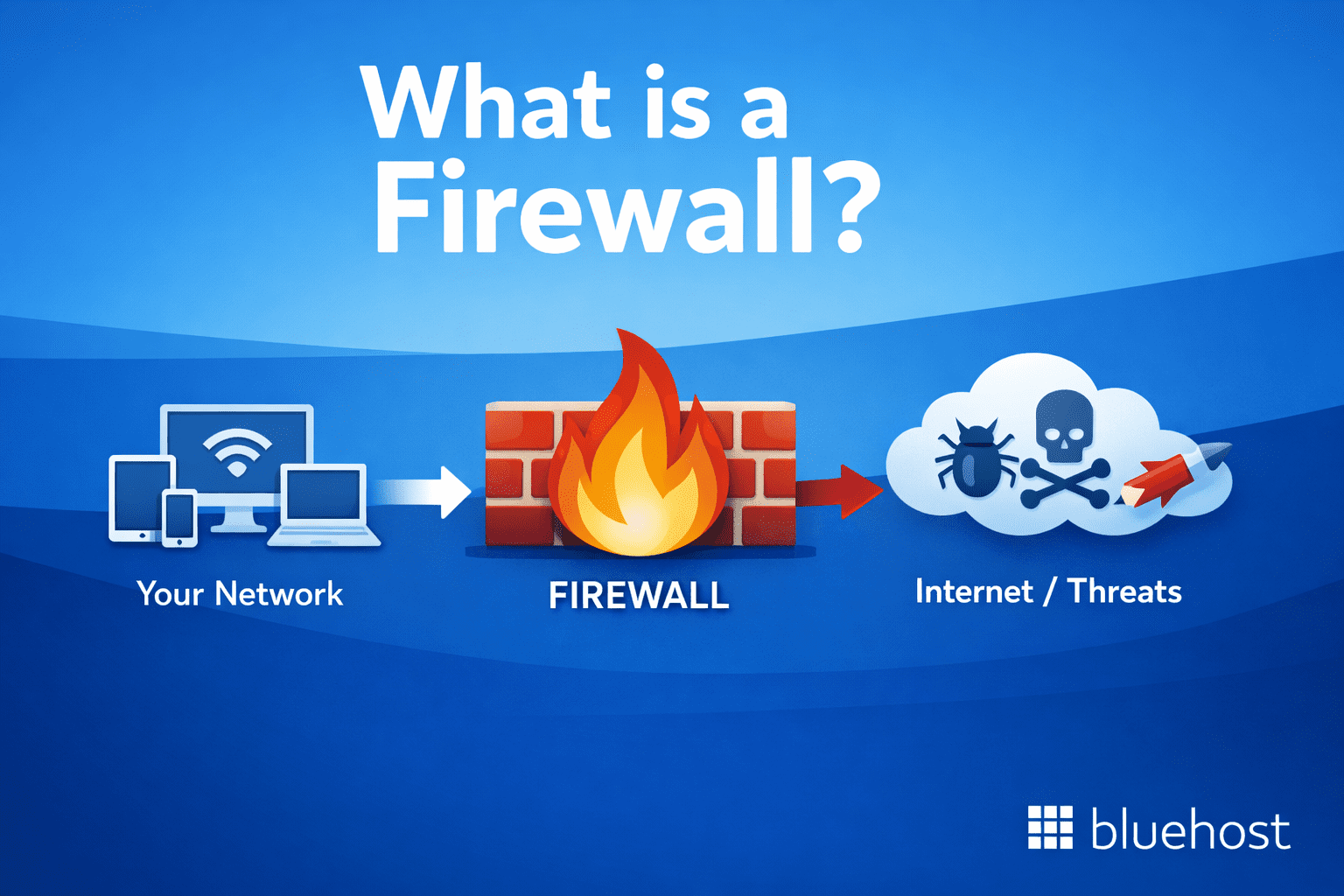
If SSL is the locked vault protecting your data in transit, think of a firewall as the security guard standing at the entrance to your website, deciding who gets in and who gets turned away.
A firewall is a network security system that monitors and controls incoming and outgoing traffic based on a predefined set of security rules. It acts as a barrier between your trusted internal network (your web server) and untrusted external traffic (the internet). Any request that doesn’t meet the security rules is blocked before it can cause harm.
How does a firewall work?
A firewall examines data packets, the small units of information sent between devices over the internet. When a packet arrives, the firewall checks it against its rules and decides to allow, block or flag it. Here are the main types you should know:
- Packet filtering firewalls: The most basic type; inspects packets based on source IP, destination IP and port numbers
- Stateful inspection firewalls: Track the state of active connections to make smarter filtering decisions
- Application-layer firewalls (WAF): Inspect traffic at the application level, filtering threats like SQL injection, cross-site scripting (XSS) and bot attacks
- Next-generation firewalls (NGFW): Combine traditional firewall features with deep packet inspection, intrusion detection and threat intelligence
For websites specifically, a Web Application Firewall (WAF) is the most relevant type. It sits between your website and incoming traffic, filtering out malicious requests in real time before they ever reach your server.
Firewall as a service: The cloud-native approach
Firewall as a service (FWaaS) is a newer model that delivers firewall capabilities through the cloud rather than through physical hardware or software installed on your server. It’s especially popular among small businesses and website owners because it requires no hardware, scales automatically and is managed entirely by a third-party provider.
Cloudflare is one of the most well-known FWaaS providers for websites, offering a cloud-based WAF that protects against DDoS attacks, bots and application-layer threats. Services like these are increasingly being bundled directly into hosting plans, making enterprise-level protection accessible to everyone.
Pro tip: If you’re running a WordPress website, look for hosting plans that include CDN integration with Cloudflare edge servers. This gives you built-in firewall protection without any extra setup.
Also read: How a Firewall Can Boost Website Security Against Attacks
SSL vs firewall: Understanding the key differences
Both SSL and firewalls are critical to website security, but they protect your site in fundamentally different ways and at different layers. Here’s a side-by-side comparison to make the distinction crystal clear:
| Feature | SSL Certificate | Firewall |
|---|---|---|
| Primary purpose | Encrypts data in transit | Filters and blocks malicious traffic |
| Protection layer | Datatransport layer | Networkapplication layer |
| What it prevents | Data interception and eavesdropping | Unauthorized access, DDoS attacks, intrusions |
| Visible to users? | Yes (HTTPS padlock in browser) | No (operates silently in background) |
| Impact on SEO | Positive (Google ranking signal) | Indirect (better uptime, less downtime from attacks) |
| Setup complexity | Low (often auto-installed by host) | Moderate (may require configuration) |
| Cost | Free to low-cost options available | Free (basic) to premium (enterprise WAF) |
| Cloud-based option? | Yes (via hosting provider) | Yes (Firewall as a Service) |
The bottom line on the SSL vs firewall debate: SSL protects the privacy of your data while it moves from point A to point B. A firewall protects your server from being attacked in the first place. One handles encryption; the other handles access control. They’re not competitors, they’re collaborators.
Why website protection requires both SSL and a firewall?
Think of your website like a physical bank. The vault inside stores all the valuable assets (your user data). SSL is the armored transport that safely moves money between the vault and clients, no one can intercept it mid-journey. The firewall is the security team at the door, checking IDs, watching for suspicious behavior and stopping robbers before they even get inside.
Now imagine having only one of them. A bank with no vault protection but a great security team is still vulnerable to an inside job. A bank with a great vault but no security team will eventually have someone sneak past the entrance. You need both to be truly protected.
1. Real-world threats that SSL alone cannot stop
SSL encrypts data in transit but it does nothing to stop the following threats:
- Brute force attacks: Hackers repeatedly guess login credentials until they gain access
- SQL injection: Malicious code injected into your database through form fields
- DDoS attacks: Floods of traffic that overwhelm your server and take your site offline
- Cross-site scripting (XSS): Malicious scripts injected into web pages viewed by other users
- Zero-day exploits: Attacks targeting unknown vulnerabilities before patches are available
Also read: Is My Website Protected Against DDoS Attacks?
2. Real-world threats that a firewall alone cannot stop
Likewise, even the most sophisticated firewall has limits. It can’t protect data that’s already in motion. Without SSL:
- Login credentials submitted through a form can be intercepted on unsecured public Wi-Fi
- Customer payment information can be stolen via man-in-the-middle attacks
- Google will flag your site as “Not Secure,” which damages trust and conversions
- Your SEO rankings may suffer since HTTPS is a direct ranking factor
Pro tip: Run a quick security audit of your website using tools like Sucuri SiteCheck or Google’s Transparency Report. These tools can identify missing SSL coverage, flagged malware and known vulnerabilities, all in a matter of seconds.
Choosing the right SSL and firewall tools for your website
Now that you understand the distinct roles of SSL and firewalls, here is how we help ensure your website protection setup covers all the bases:
For SSL certificate coverage
At Bluehost, we offer Premium SSL certificates designed to provide advanced security, stronger encryption and greater customer trust. When choosing a Premium SSL, here’s what you get with us:
- Trusted certificate authority: Our Premium SSL certificates are issued by globally recognized providers like Sectigo.
- Validation options: We offer Domain Validation (DV) and Extended Validation (EV) to help you establish the right level of trust for your website.
- Extended validity options: Choose flexible certificate terms, typically 1–2 years, based on your needs.
- Strong encryption standards: We support RSA or ECC encryption with up to 4096-bit keys for maximum data protection.
- Full browser compatibility: Our certificates are widely recognized and trusted by all major browsers.
- High warranty protection: Get warranty coverage of up to $1,750,000 for added peace of mind.
- Dynamic site seal: Display a trusted security seal on your website to boost visitor confidence.
- Dedicated customer support: Our experts are available to assist you with installation and ongoing support.
Buy a premium SSL certificate from Bluehost today and ensure your site is protected by the best in the industry!
For firewall protection
- At minimum, use a Web Application Firewall (WAF) to protect against application-layer attacks.
- Consider firewall-as-a-service solutions if you want cloud-based protection without managing hardware.
- If you run a WordPress site, Bluehost simplifies enhancing your security by bundling Jetpack’s comprehensive protection features along with seamless Cloudflare CDN integration. Together, these provide multiple layers of firewall and anti-bot defences automatically, helping safeguard your website effectively.
- Enable login attempt limits and two-factor authentication (2FA) to complement your firewall setup.
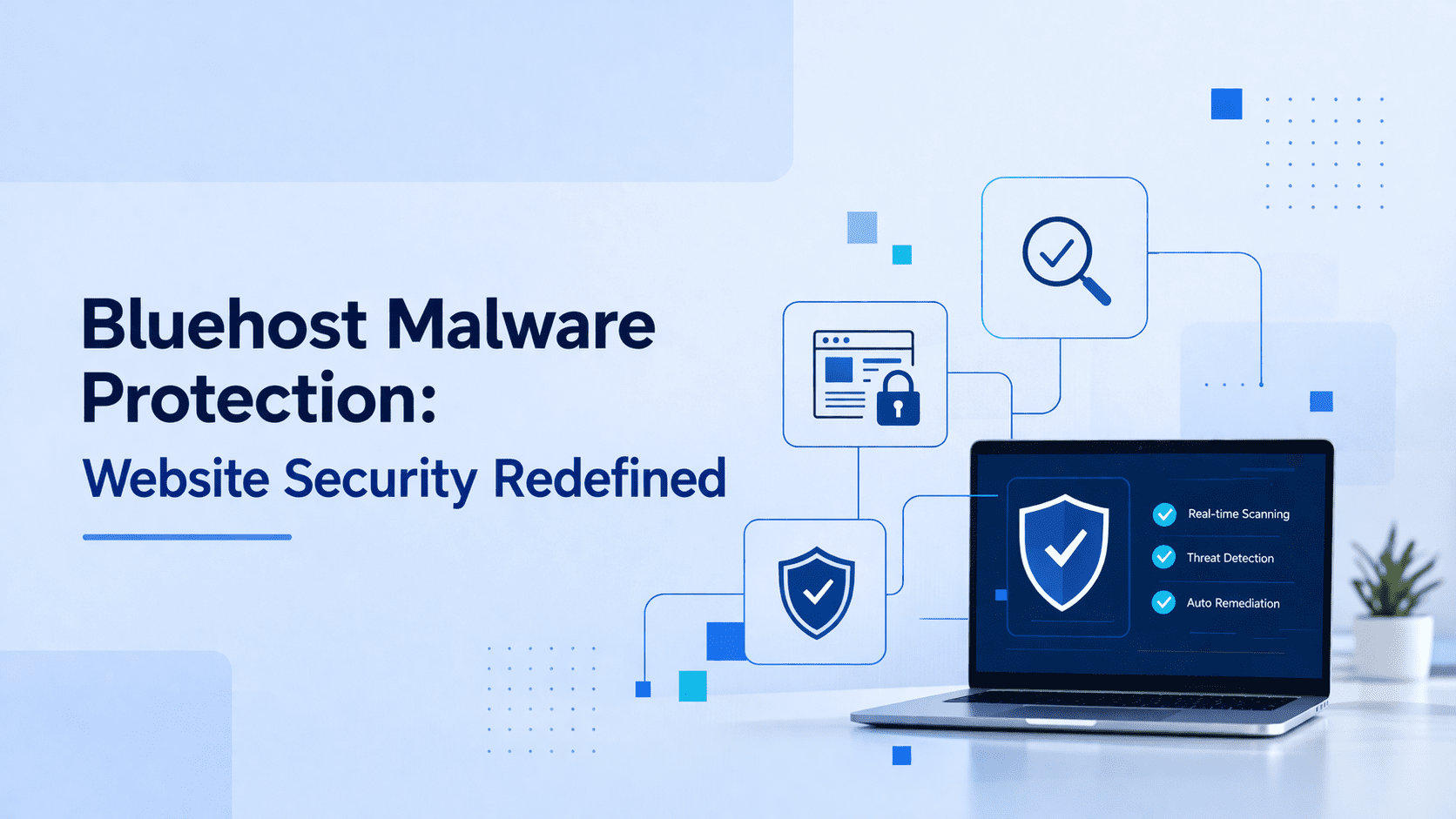
- For growing businesses, we also offer built-in malware detection and removal that’s worth the investment, it reduces the reactive scramble when an attack does happen.
The good news: You don’t have to be a cybersecurity expert to secure your website. At Bluehost, we simplify website security by including SSL certificates, CDN integration, automated malware scanning and removal and firewall protections as part of our hosting plans, making comprehensive protection easy and accessible.
Final thoughts
The SSL vs firewall debate ultimately has one answer: you don’t need to choose. Both are non-negotiable components of a secure, trustworthy website in today’s threat landscape. SSL encrypts your data in transit to protect user privacy and earn browser trust. A firewall filters dangerous traffic to protect your server from intrusion. Together, they form the foundation of a layered website security strategy that keeps your site and your visitors safe.
Whether you’re running a personal blog, a growing eCommerce store or a client-facing business site, now is the time to make sure both protections are active. Start with a hosting plan that bundles free SSL and firewall support out of the box, this removes the guesswork and lets you focus on building rather than defending.
Ready to launch your website with top-tier security? Choose Bluehost’s Premium SSL Certificate for enhanced protection, trust and peace of mind.
FAQs
SSL (Secure Sockets Layer) encrypts data as it travels between a user’s browser and your web server, protecting it from interception. A firewall, on the other hand, monitors and filters network traffic to block unauthorized access and malicious requests before they reach your server. SSL protects data in transit while a firewall protects the server itself from attacks.
SSL is a security protocol that establishes an encrypted connection between a browser and a web server, indicated by “https:/ a padlock icon in the browser. Yes, you absolutely need it. Without SSL, user data is transmitted in plain text and can be intercepted. Google also uses HTTPS as a ranking signal, so having SSL is important for both security and SEO.
A firewall examines incoming and outgoing data packets and compares them against a set of security rules. Any request that appears malicious such as SQL injection attempts, bot traffic or DDoS floods — is blocked before it reaches your server. Web Application Firewalls (WAF) operate specifically at the application layer and are the most common type used for website protection.
Firewall as a service is a cloud-based model that delivers firewall protection without requiring physical hardware or software installation. It’s managed by a third-party provider through the cloud and can scale automatically based on traffic volume. It’s an ideal solution for small businesses and website owners who want enterprise-level protection without the complexity of managing infrastructure themselves.
For most small business websites, a Domain Validated (DV) SSL from Let’s Encrypt (free) or Comodo/Sectigo (affordable paid options) is sufficient. If your site processes payments or handles sensitive user data, consider an Organization Validated (OV) or Extended Validation (EV) SSL from providers like DigiCert or GlobalSign for higher assurance levels. Many hosting providers also include free SSL certificates automatically, removing the need to source one independently.

Write A Comment