-

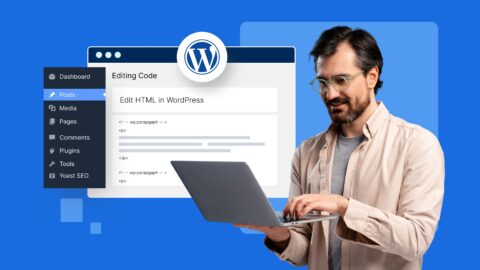
How to Edit HTML in WordPress – Beginner’s Guide (2026)
Discover how to edit HTML in WordPress with the Classic Editor, Theme Editor or plugins. Safely add custom HTML and…
 15 Mins Read
 -
WordPress Logs: How to Find & Use Them for Troubleshooting
WordPress logs provide critical insights for website troubleshooting. These diagnostic files reveal error sources and help solve problems.
12 Mins Read -
How to Create an Email Newsletter: A Step-by-Step Guide
Discover how to create an email newsletter that boosts engagement, builds trust and drives conversions effortlessly.
9 Mins Read -
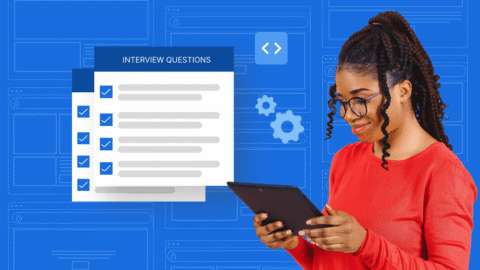
Master Web Developer Interview Questions for Success
Master your next web developer interview with our expert guide—featuring key questions, answers, and examples!
17 Mins Read -
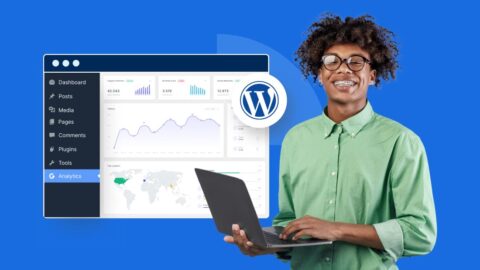
How to Add Google Analytics to WordPress: Step-by-Step Guide
Add Google Analytics to WordPress to track traffic and user behavior. Follow this simple guide to set it up quickly!
8 Mins Read -
WordPress Editor – Tips, Plugins & Best Practices
The blog shares tips for using WordPress editor, best plugins and effective practices to improve your editing experience.
10 Mins Read -
Securing Cloud Data with VPS Servers: Best Practices for VPS Security
Shield your VPS from cyber threats. Learn top tips for securing cloud data with VPS servers and keeping hackers away.
17 Mins Read -

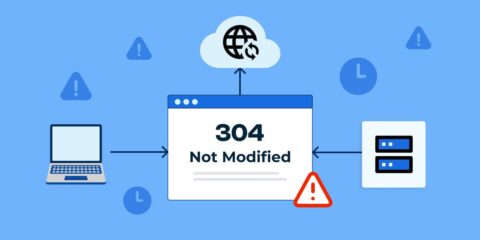
304 Status Code – What It Means & How It Works
Boost website speed & SEO! Learn how the 304 status code optimizes caching while avoiding common pitfalls.
15 Mins Read -
How to Migrate from Wix to WordPress: A Beginner-Friendly Guide
Switch from Wix to WordPress effortlessly. Follow this guide to improve customization, SEO and site scalability.
13 Mins Read
Browsing
TAG