 ChatGPT,
 Claude,
 Gemini,
 Grok — all four for
Key highlights
- Understand what is a virtual receptionist service and use remote support for customer inquiries.
- Clarify the virtual receptionist meaning and treat receptionists as brand extensions.
- Learn what does a virtual receptionist do across calls, appointments and lead screening.
- Compare types of virtual receptionist services before choosing live, AI or hybrid support.
- Review the benefits of a virtual receptionist including lower costs and better availability.
- Explore Bluehost AI Receptionist to capture leads and support bookings 24/7.
Every missed call is a missed opportunity. Research from Harvard Business Review (2011) found that businesses failing to respond to inbound inquiries within five minutes lose a significant portion of potential leads. For small businesses without dedicated front desk staff, that exposure repeats every single day.
A virtual receptionist service closes that gap without the cost of a full-time hire. Whether you run a law firm, a medical practice or a growing small business, reliable phone coverage protects your reputation and keeps clients from moving on to a competitor.
The sections below cover what virtual receptionists are, what they handle daily, which service models are available and the practical advantages businesses gain after making the switch.
What is a virtual receptionist service?
A virtual receptionist service is a remote staffing solution. Trained agents or automated systems handle your incoming calls, messages and customer inquiries. Callers hear your company name and receive accurate answers. The experience feels attended to, without any indication the receptionist works off-site.
The virtual receptionist meaning is broader than most people expect. These services are not simply call-takers. They act as a professional extension of your team, following custom scripts, accessing your scheduling tools and representing your brand tone on every interaction.
Many business owners confuse virtual receptionists with traditional answering services. The distinction is practical. An answering service records a message and forwards it. A virtual receptionist engages more actively. Agents book appointments, qualify leads and route calls to the right person in real time.
Most providers charge a flat monthly subscription or a per-minute rate based on call volume. You pay for coverage, not a salary, not benefits and not physical desk space. That structure makes remote reception cost-effective for businesses at almost any stage of growth.
Pro tip: Before comparing providers, document your average daily call volume. Then list the top five tasks your current phone handling misses. That list defines exactly which service tier you need.
What does a virtual receptionist do?
The scope of responsibilities depends on the provider and your specific plan. Most remote reception services cover a consistent set of core functions, though the depth varies by industry and price point. Knowing what these agents handle day-to-day helps you evaluate whether the model fits your workflow.
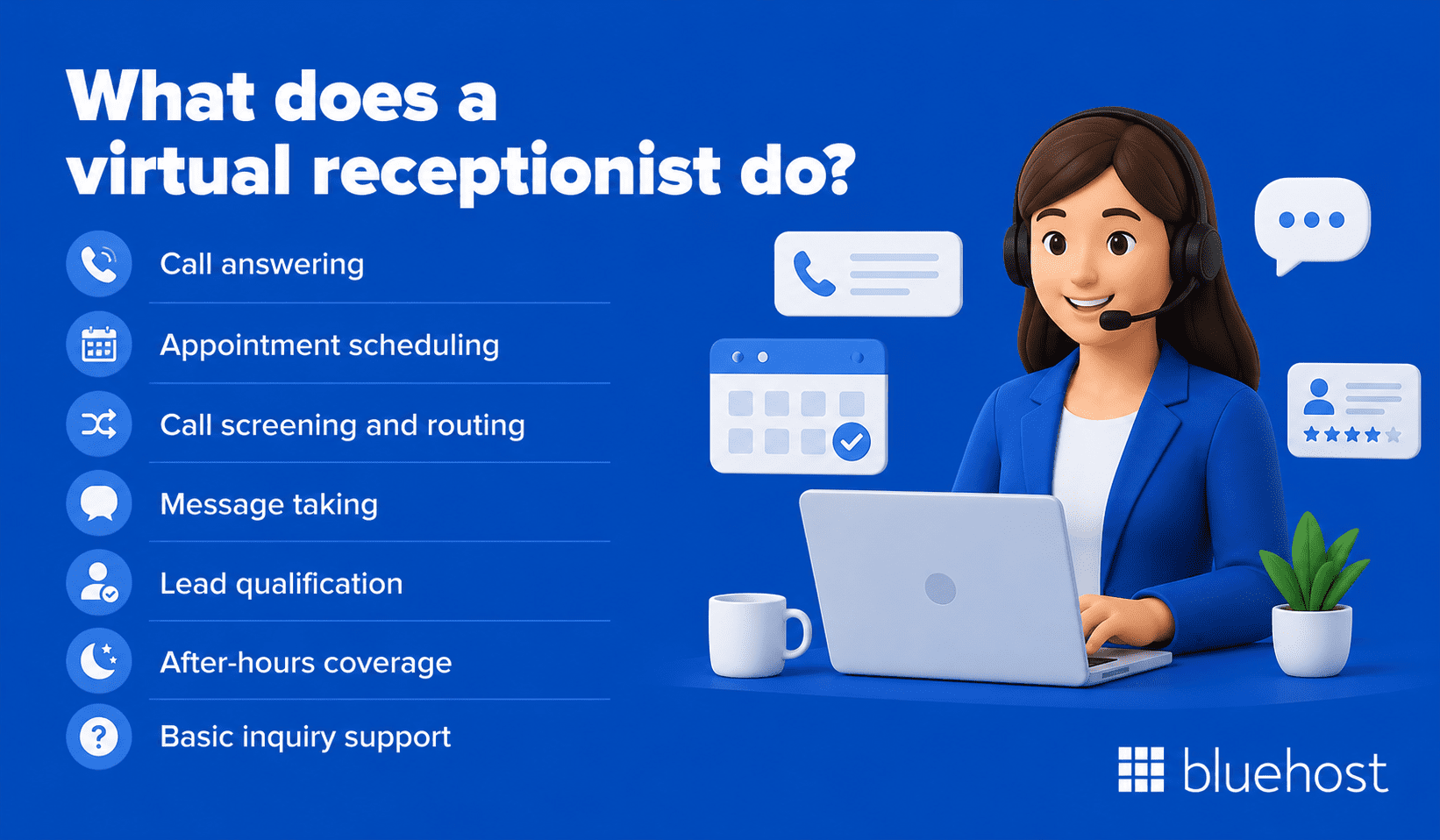
Virtual receptionists typically manage the following tasks:
- Call answering: Agents pick up calls in your business name and follow your approved script on every interaction.
- Appointment scheduling: Receptionists book, reschedule and confirm appointments directly in your calendar system.
- Call screening and routing: Agents identify caller needs, filter by priority and transfer the right calls to the appropriate team members.
- Message taking: Detailed messages are captured and delivered via email, text or your CRM platform.
- Lead qualification: Agents ask pre-set questions to identify serious prospects before handing them to your sales team.
- After-hours coverage: Calls made outside business hours reach a live voice rather than voicemail.
- Basic inquiry support: Receptionists handle common questions about pricing, location, hours and available services.
Each function above keeps your front-of-house running without requiring you to monitor a phone constantly. For service-based businesses, missed calls during peak hours translate directly into lost revenue. Outsourcing this layer protects that revenue without adding internal headcount.
The coverage also applies across channels in more advanced plans. Some providers handle live chat and web form follow-up in addition to voice calls, which means your response rate improves across every customer touchpoint simultaneously.
How a virtual receptionist call works?
A virtual receptionist service works by routing calls from your existing business number to a trained remote receptionist or reception team. From the caller’s perspective, the experience feels like speaking with someone at your business, even though the receptionist may be working from another location.
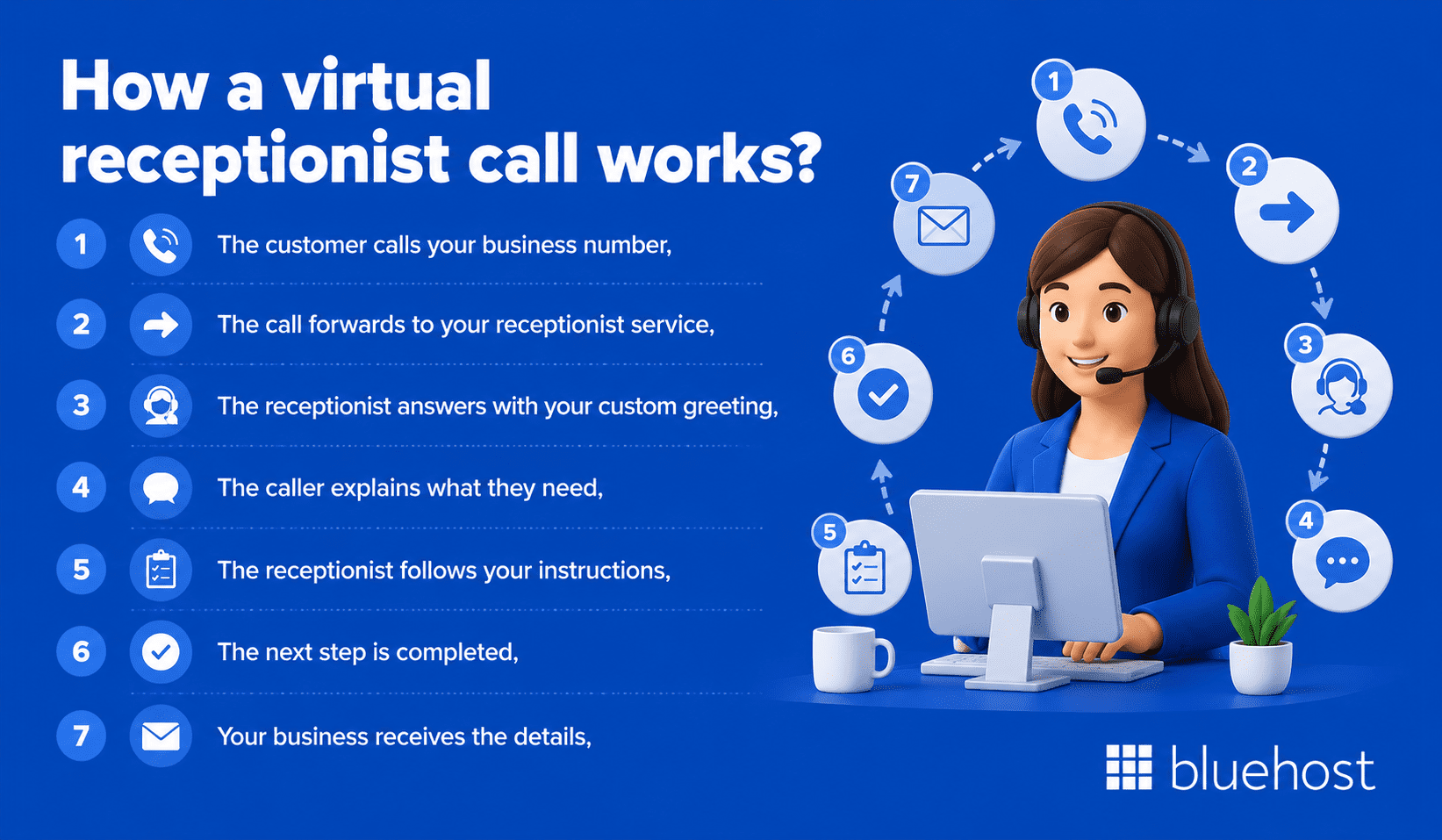
A typical call flow looks like this:
- The customer calls your business number: The caller uses the same number listed on your website, Google Business Profile, ads or business cards.
- The call forwards to your receptionist service: Depending on your setup, all calls may route to the service or only missed, after-hours or overflow calls may be forwarded.
- The receptionist answers with your custom greeting: The agent uses your business name, approved script and preferred tone.
- The caller explains what they need: The receptionist identifies whether the call is about scheduling, pricing, directions, service questions, an emergency, a new lead or an existing customer issue.
- The receptionist follows your instructions: They may check your calendar, ask intake questions, qualify the caller, transfer the call or take a detailed message.
- The next step is completed: The call may result in an appointment booking, a live transfer, an escalation, a CRM entry or a message sent to your team.
- Your business receives the details: Most providers send call summaries by email, text, dashboard notification or CRM update.
This process keeps calls organized and prevents important inquiries from getting lost in voicemail. It also gives your team a consistent record of who called, what they needed and what action was taken.
How does a virtual receptionist compare to other options?
A virtual receptionist is one of four main call-handling models available to small businesses. Choosing between them depends on your call volume, budget and how much real-time judgment each interaction needs. The comparison below maps the key differences so you can identify the right fit quickly.
| Option | How calls are handled | Typical monthly cost | Availability | Personalization level | Best-fit business |
|---|---|---|---|---|---|
| Virtual receptionist | Live agents answer, schedule appointments, qualify leads and route calls in real time | $100–$500 | Extended or 24/7 hours | High; follows your custom script and integrates with your scheduling tools | Service businesses with moderate to high call volume |
| Traditional answering service | Agents record messages and forward them; no real-time scheduling or routing | $50–$150 | 24/7 | Low; limited to basic message templates | Low-volume businesses that only need message capture |
| In-house receptionist | A dedicated employee handles all front-desk tasks on-site with full context | $3,000–$4,000+ | Business hours only | Very high; deep knowledge of your team, clients and processes | High foot-traffic offices with complex in-person needs |
| AI phone assistant | Automated speech recognition manages calls using scripted decision trees | $50–$150 | 24/7 | Low to moderate; limited to pre-built workflows | High-volume businesses handling routine predictable inquiries |
An in-house receptionist offers the deepest institutional knowledge and suits offices where callers frequently arrive in person, but salary and benefits costs make the model impractical for most small operations. If your call volume is low and callers mostly need to leave a message, a traditional answering service covers that need at minimal cost with no ongoing staffing commitment.
AI phone assistants handle volume efficiently around the clock but fall short when callers have nuanced questions or time-sensitive requests that fall outside a scripted flow. A virtual receptionist sits between those two extremes: live agents actively book appointments, screen prospects and transfer calls to the right person in real time, delivering a caller experience far closer to an in-house hire at a fraction of the monthly cost.
Virtual receptionist vs call center: what’s the difference?
A virtual receptionist and a call center both help businesses manage incoming calls, but they serve different purposes. The goal is to greet callers professionally, understand what they need and either book an appointment, route the call or take a detailed message.
A call center is usually built for higher-volume customer support. Instead of focusing only on front-desk tasks, call centers often handle larger queues across sales, support, billing, order status, technical issues or customer service tickets.
Here’s a simple way to compare the two:
- Virtual receptionist: Best for small businesses that need professional call answering, appointment scheduling, lead intake and call routing.
- Call center: Best for businesses with large support volumes, complex customer service needs or multiple support channels.
- Virtual receptionist: Usually provides a more personalized, front-office experience.
- Call center: Usually focuses more on speed, volume and issue resolution.
- Virtual receptionist: Works well for law firms, medical practices, home service businesses, consultants and real estate professionals.
- Call center: Works well for eCommerce brands, software companies, larger service teams and businesses with ongoing customer support queues.
For most small businesses, a virtual receptionist is the better fit when the main goal is to avoid missed calls, create a stronger first impression and make sure every caller reaches the right next step. A call center becomes more useful when your business needs a larger support operation that can handle many customer issues at once.
What are the common use cases for virtual receptionists across industries?
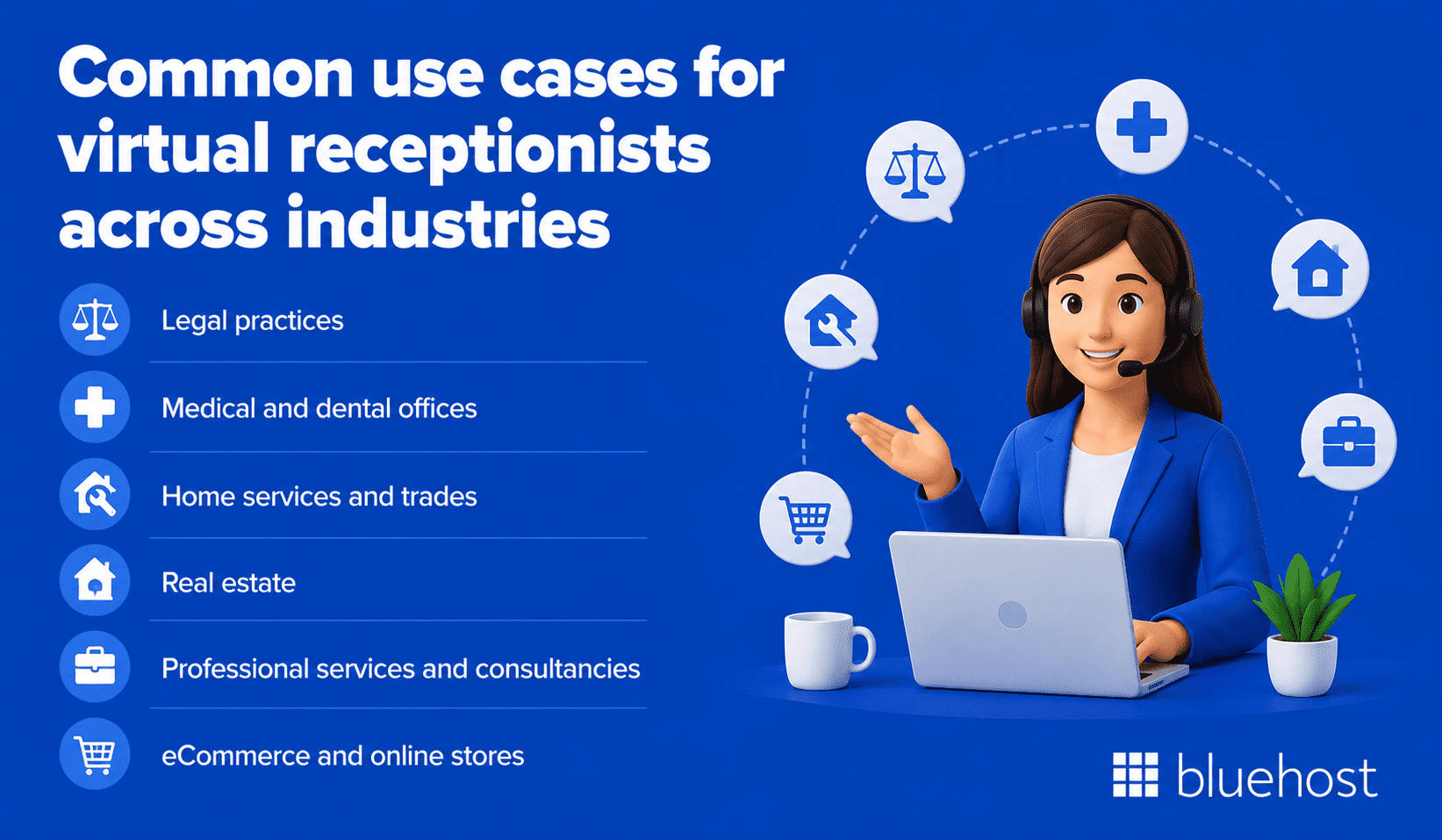
Service businesses that depend on phone calls for bookings, lead capture or client intake see the strongest return from remote reception. Industries with high call volume, time-sensitive inquiries or compliance requirements are particularly well matched to what a virtual receptionist does day to day.
- Legal practices: Attorneys lose billable time fielding unscreened intake calls. A trained remote receptionist captures conflict-of-interest details, qualifies new callers using your intake questions and routes serious prospects to the right attorney without interrupting active consultations.
- Medical and dental offices: Scheduling gaps and no-shows cost practices measurable revenue every week. Remote receptionists confirm appointments, send reminders and field after-hours patient inquiries using compliant intake workflows.
- Home services and trades: Plumbers, electricians and HVAC technicians are frequently on-site and cannot answer incoming calls. A live remote receptionist converts those missed calls into booked jobs rather than letting callers move on to the next contractor in a search result.
- Real estate: Property inquiries arrive fast and buyers often call several agents simultaneously. Answering within minutes keeps a lead engaged before a competing agent responds first.
- Professional services and consultancies: Accountants, financial advisors and management consultants face scheduling backlogs during peak periods. Outsourcing initial client contact fills their calendars without adding an administrative hire.
- eCommerce and online stores: Order status questions, return requests and pre-purchase inquiries spike during promotions. Remote agents resolve those support calls quickly, reducing the friction that causes shoppers to abandon a purchase before completing it.
What are the types of virtual receptionist services?
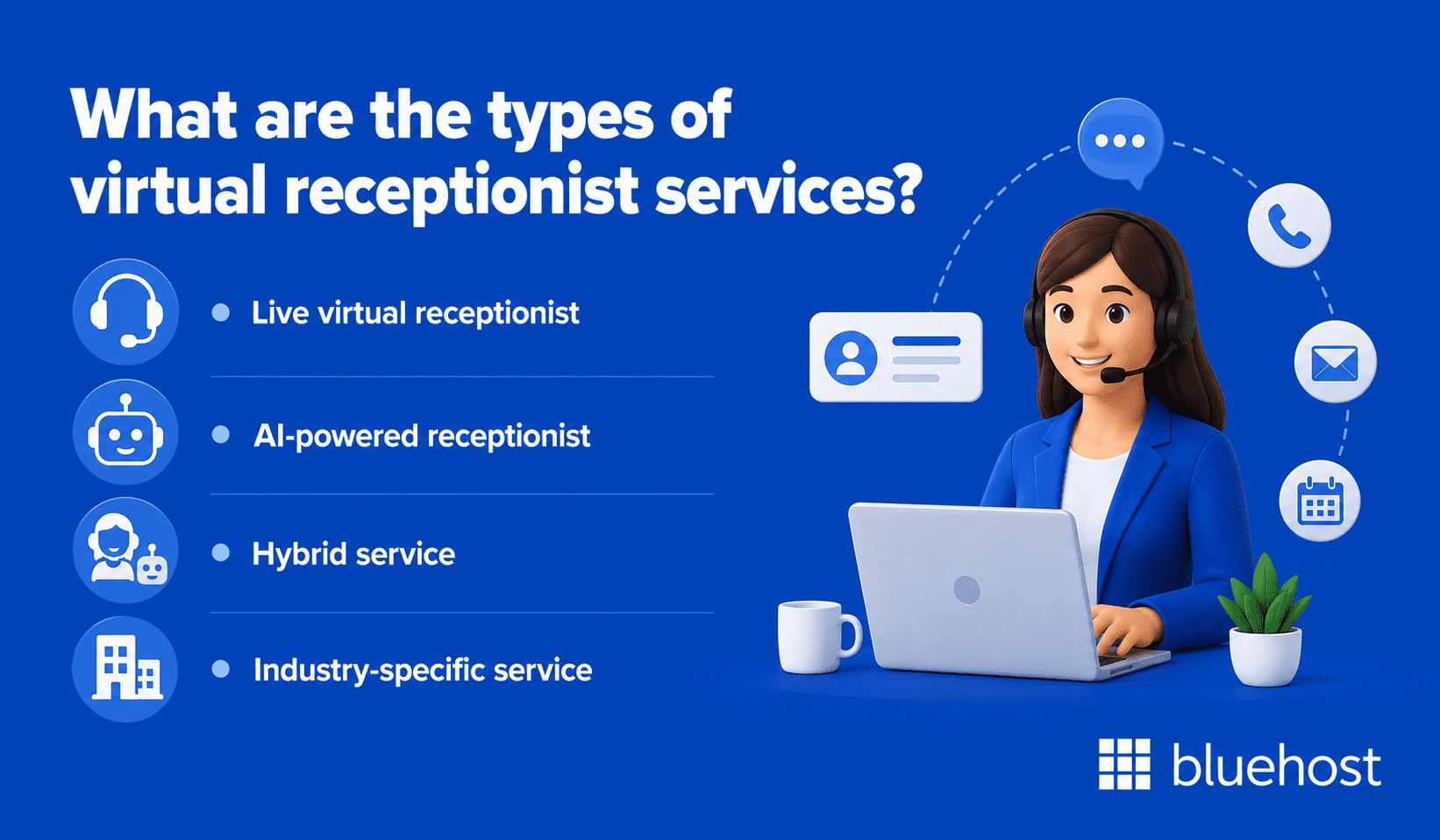
Not every service model suits every business. Providers fall into distinct categories based on how calls are handled and how deeply agents integrate into your operations. The table below offers a quick comparison of the main options before the detailed breakdown.
| Service type | Best for | Availability | Approximate monthly cost |
|---|---|---|---|
| Live virtual receptionist | High-touch service businesses | Extended or business hours | $200–$500 |
| AI-powered receptionist | High-volume, routine inquiries | 24/7 | $50–$150 |
| Hybrid service | Mixed call complexity | 24/7 | $150–$350 |
| Industry-specific service | Healthcare, legal, finance | Varies by provider | $250–$600 |
1. Live virtual receptionist services
Live agents answer calls in real time. A dedicated or shared receptionist follows your script, accesses your calendar and brings a human element to each conversation. Ruby Receptionists and Smith.ai are well-established providers in this category.
Live services work best when caller interactions require judgment and nuance. Legal offices, healthcare providers and consultancies all benefit from an agent who can adapt to unexpected questions rather than following a rigid decision tree.
2. Automated and AI-powered receptionists
These systems use speech recognition and natural language processing to manage calls without a human agent. Callers interact with a conversational AI that books appointments, answers common questions and captures contact details automatically.
AI-powered options are considerably more affordable and available at any hour without staffing constraints. The limitation is context: complex, emotional or highly specific calls often require human escalation to reach a satisfying resolution for the caller.
3. Hybrid services
Hybrid models pair automated systems with live agents. Routine inquiries go to the AI layer. Complex or high-value calls escalate to a human agent. This setup balances cost control with quality caller experience and is growing in popularity among mid-size businesses managing varied call types.
4. Industry-specific services
Some providers train agents specifically for regulated industries. Medical virtual receptionists follow HIPAA-compliant workflows. Legal receptionists are trained in client intake procedures and confidentiality requirements. These niche services cost more, but they reduce the risk of compliance errors that could expose your business to liability.
Choosing between these models comes down to your call volume, your budget and the regulatory environment you operate in. The level of real-time judgment each caller interaction typically demands should be your primary deciding factor.
What a virtual medical receptionist service handles?
Medical and dental practices face incredibly high stakes when handling patient phone calls. A dedicated virtual receptionist service operates under strict HIPAA guidelines to secure patient information while managing your front-desk operations.
- HIPAA compliance: Agents sign business associate agreements, follow your approved scripts and protect sensitive health data from unauthorized disclosure.
- Patient intake and scheduling: Assistants gather demographic and insurance details and schedule appointments directly in your calendar software: such as Kareo, Athenahealth or similar platforms.
- Prescription routing: Support staff direct refill requests straight to your clinical team, keeping clinical decisions with your licensed providers.
- Insurance pre-screening: Representatives verify coverage details at the point of first contact to reduce administrative delays on the day of the appointment.
- After-hours triage: Teams capture urgent client concerns and escalate them according to your custom protocols, alerting on-call staff to emergencies and saving non-urgent messages for the next day.
What are the benefits of a virtual receptionist for your business?
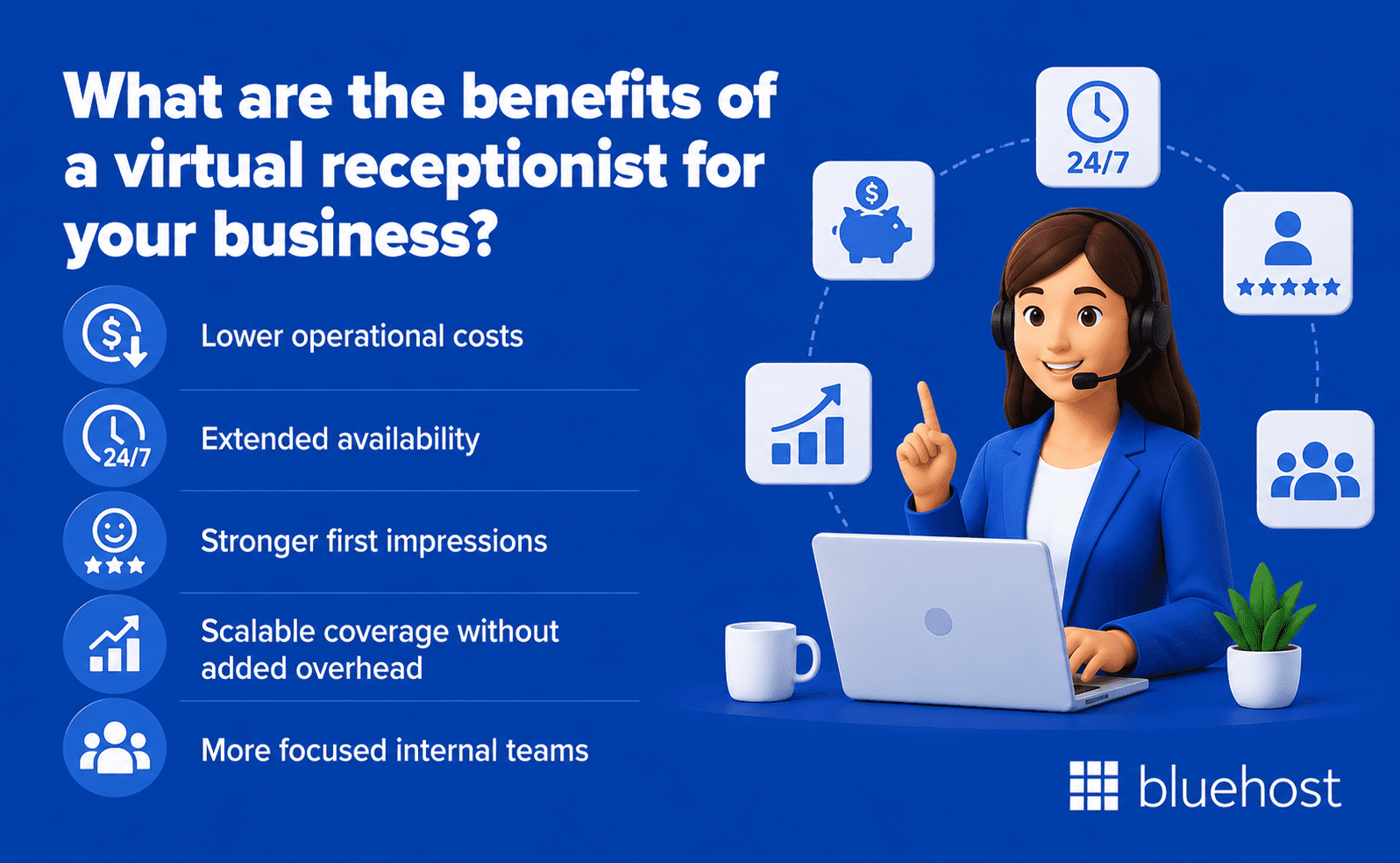
The practical case for remote reception goes well beyond convenience. Businesses that adopt these services report consistent improvements across cost, customer experience and internal productivity. The benefits of a virtual receptionist tend to compound the longer the service is in place.
1. Lower operational costs
Hiring a full-time receptionist in the United States costs between $35,000 and $45,000 in annual salary alone, according to U.S. Bureau of Labor Statistics 2023 data. Benefits, onboarding and equipment add substantially to that figure.
Virtual receptionist plans typically run between $100 and $500 per month. For small businesses managing tight margins, that cost difference is significant. The savings can be redirected toward marketing, product development or roles that drive direct revenue growth.
2. Extended availability
Most providers offer extended-hour or 24/7 coverage. A caller who reaches a live voice at 9 PM converts at a meaningfully higher rate than one who hits voicemail. For businesses serving clients across multiple time zones or industries with non-standard hours, this availability is a genuine competitive advantage that an in-house hire cannot easily match.
3. Stronger first impressions
Callers form judgments quickly. A professionally answered call, using your exact greeting and tone, signals that your business is organized and reliable. For small businesses competing against larger, more established players, this perception gap matters considerably.
When callers receive accurate information on the first contact, trust develops immediately. That trust directly influences whether a prospect books a consultation or moves on to the next option in their search results.
4. Scalable coverage without added overhead
As call volume grows, scaling a virtual service takes minutes rather than months. There is no recruiting process, no training period and no disruption to existing coverage. Seasonal spikes and product launches are absorbed cleanly without adding permanent staff costs to your payroll.
5. More focused internal teams
When remote agents handle call screening and routine scheduling, internal staff reclaim hours lost to phone interruptions. Fewer disruptions allow your team to produce higher-quality work on tasks that require their specific expertise.
Tip: Track the number of inbound calls your team handles directly for one week before switching to a provider. That baseline makes it easy to measure the time your team reclaims after your remote reception service goes live.
Is a virtual receptionist worth it for small businesses?
Determining whether a virtual receptionist service fits your small business depends on your call volume, budget and customer expectations.
- Significant cost savings: At $100 to $500 per month, the subscription fee sits well below the cost of full-time front desk staffing, allowing a single converted inquiry to pay for the service.
- Higher conversion rates: Callers who reach a live voice convert much faster than those sent to voicemail. Every missed call represents lost revenue that quickly exceeds the monthly plan cost.
- Smarter alternatives for low volume: If your business handles fewer than ten calls a week or relies mainly on online booking, a per-minute answering service or digital self-service tools are more cost-effective.
- Simple ROI calculation: Track your missed-call rate for two weeks and estimate your average customer value to see if the recovered revenue covers the subscription cost.
How to evaluate a virtual receptionist provider?
Selecting a provider requires more than comparing monthly pricing. Several factors determine whether an agent will represent your business accurately under real-world call conditions. Rushing this decision is one of the most common mistakes businesses make when adopting remote reception for the first time.
When comparing services, assess these criteria carefully:
- Onboarding depth: Does the provider learn your business, your script and your industry terminology before going live?
- Tool integration: Can agents access your scheduling software, CRM or ticketing system directly?
- Reporting and transparency: Are call recordings, transcripts or detailed summaries provided after each interaction?
- Backup coverage: What happens when your primary agent is unavailable? Is continuous coverage guaranteed?
- Contract terms: Month-to-month arrangements offer more flexibility than annual commitments while you evaluate the fit.
- Compliance certifications: Healthcare and legal businesses must verify HIPAA or confidentiality compliance explicitly before starting any service.
Requesting a trial period is a reasonable expectation from any reputable provider. Services like Ruby, PATLive and Davinci Virtual offer short evaluation windows for new clients. Use that window to test script accuracy, call handling tone and how agents respond to calls that fall outside the expected script.
The provider you select becomes a direct touchpoint between your business and every caller. Taking extra time to vet that relationship pays off in retained clients and avoided miscommunications down the line.
How to test a virtual receptionist before committing?
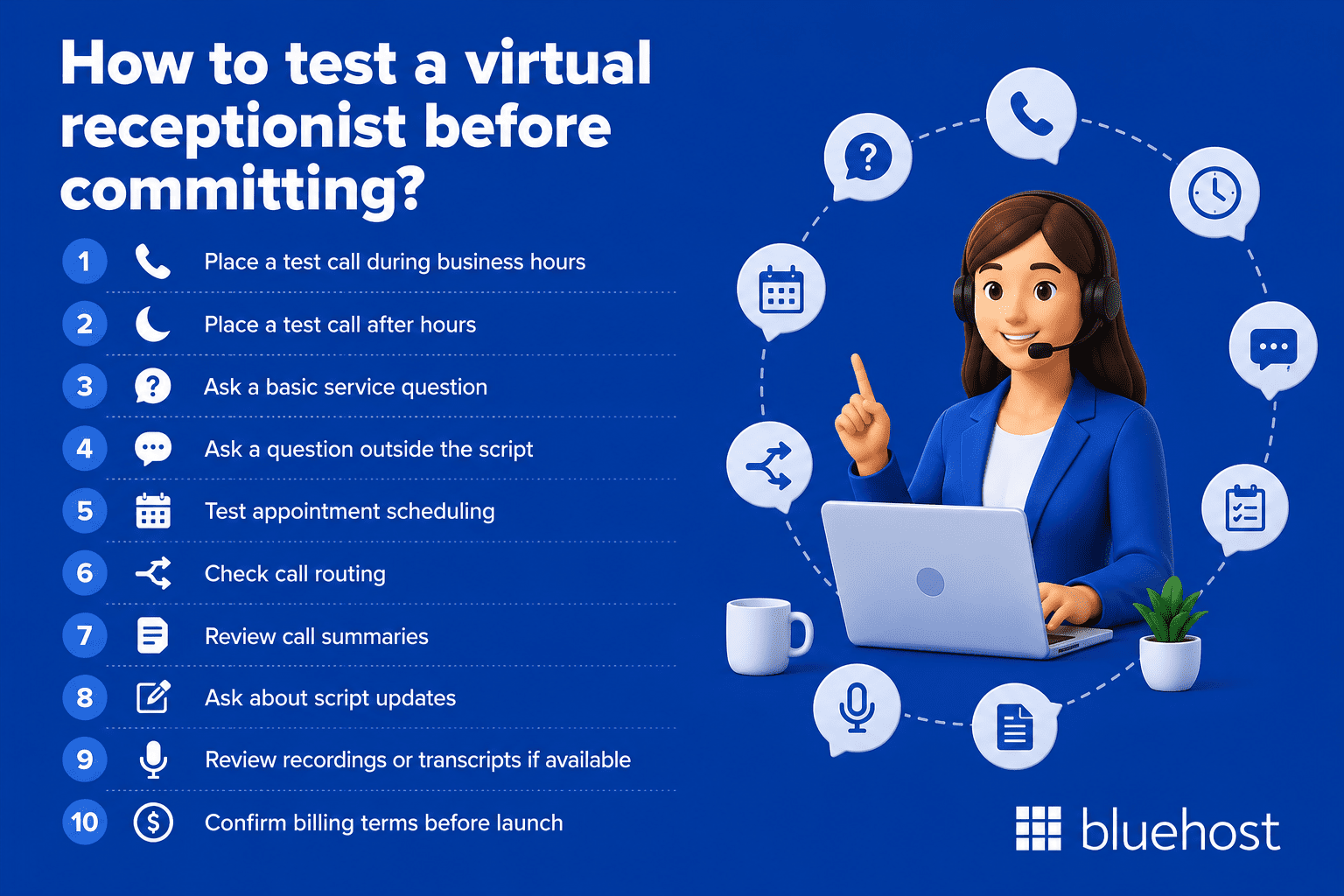
Evaluating a provider on paper is helpful, but the real test is how the service performs during actual calls. Before signing a long-term agreement, ask whether the provider offers a trial period, sample call review or short-term plan so you can test the caller experience yourself.
Use this checklist before committing:
- Place a test call during business hours: Check whether the receptionist answers quickly, uses your business name correctly and follows your greeting.
- Place a test call after hours: Make sure the after-hours experience matches what the provider promised.
- Ask a basic service question: Confirm the receptionist can answer common questions about your hours, location, services, pricing range or appointment process.
- Ask a question outside the script: This shows how the receptionist handles uncertainty. A good agent should avoid guessing and should escalate or take a message instead.
- Test appointment scheduling: If the provider will manage bookings, confirm that appointments appear correctly in your calendar.
- Check call routing: Make sure urgent calls, sales calls, existing customer calls and low-priority messages are routed according to your instructions.
- Review call summaries: Look at the quality of the notes. They should include the caller’s name, contact details, reason for calling and any agreed next step.
- Ask about script updates: Your business details will change over time, so confirm how quickly greetings, FAQs and routing instructions can be edited.
- Review recordings or transcripts if available: These help you judge tone, accuracy and professionalism.
- Confirm billing terms before launch: Check included minutes, overage fees, cancellation terms, setup fees and any charges for integrations or after-hours coverage.
A strong provider should be easy to test, transparent about pricing and willing to refine the script after real calls begin. If the trial reveals missed details, unclear messages or poor call handling, fix those issues before sending all inbound calls to the service.
How to set up your virtual receptionist service?
Once you’ve chosen a provider, working through this sequence before your first live call protects the caller experience and what your reception team communicates on your behalf.
- Document your current call volume and the most common caller requests, since that data determines which plan tier you need and which questions the script must answer.
- Write or approve your greeting and script in full detail, because accuracy matters: agents who answer a pricing question correctly on the first call build more trust than a transferred call ever will.
- Connect your scheduling software and CRM to the provider’s platform so agents can book appointments and log contacts in real time, removing reconciliation work from your team’s day.
- Define your call routing and escalation rules before going live, specifying which call types go to which team members and when an agent should take a message rather than attempt a live transfer.
- Set your business hours in the provider’s system and confirm how after-hours calls will be handled, since callers reaching a live voice at 8 PM expect the same response quality as a midday call.
- Start with limited call forwarding before routing all inbound calls to the service. This gives your team time to confirm that greetings, routing rules, appointment booking and message delivery work correctly.
- Review call recordings and reports in your first 30 days and refine the script based on the patterns you find, because callers consistently reveal gaps that initial setup does not anticipate.
Keep your front desk covered with Bluehost AI Receptionist
For small businesses that want faster response times without adding more staff, Bluehost AI Receptionist offers an automated way to keep customer conversations moving around the clock. It acts as an always-on front desk for sales and support, greeting prospective clients, answering questions about your business and capturing leads 24/7.
Unlike a generic chatbot, Bluehost AI Receptionist is trained on your business materials, such as service pages, product details, hours and policies. That helps it provide more relevant answers while reflecting your preferred brand voice and tone. It can work with a website hosted anywhere, so businesses do not need to migrate their site to Bluehost to use it.
With Bluehost AI Receptionist, small businesses can:
- Respond to inquiries 24/7: Give prospects an immediate response even after business hours, on weekends or when your team is busy.
- Answer business-specific questions: Train the agent on your documents and resources so it can respond with information based on your actual business.
- Capture more leads: Collect visitor details and keep potential customers engaged before they move on to a competitor.
- Support appointment booking: Use Google Calendar integration to help customers book, reschedule or cancel 30-minute appointment slots without a manual coordinator.
- Maintain a consistent brand voice: Customize the agent’s voice and tone so responses feel more aligned with your business.
- Reduce routine front-desk work: Automate repetitive questions and scheduling tasks so your team can focus on more complex or high-value conversations.
- Track conversations and trends: Use admin and analytics features to review chat history, bookings and common topics.
Bluehost AI Receptionist is a practical fit for appointment-based and service-based businesses that receive frequent questions, rely on lead capture or need front-desk coverage outside normal business hours. A live receptionist may still be better for sensitive, emotional or highly complex calls, but an AI Receptionist can help reduce missed opportunities by handling routine conversations instantly.
Final thoughts
A virtual receptionist service helps small businesses stay responsive without adding full-time front-desk staff. The right setup depends on your call volume, budget, customer expectations and the complexity of your daily inquiries.
For some businesses, live receptionists offer the best caller experience. For others, AI-powered support can handle routine questions, capture leads and support appointment booking around the clock.
Bluehost AI Receptionist gives small businesses an automated way to answer customer questions, collect lead details and keep conversations moving 24/7. It is especially useful for service-based and appointment-driven businesses that cannot afford to miss inquiries after hours.
Ready to keep your front desk covered around the clock? Explore Bluehost AI Receptionist and turn more customer conversations into opportunities.
FAQs
Most virtual receptionist service plans cost between $100 and $500 each month. Your total price depends on call volume, coverage hours and customization. Many providers offer flexible per-minute billing models, which work well for lower-volume businesses.
Yes, virtual receptionist services integrate with popular tools like Calendly, Acuity and Google Calendar. You must confirm compatibility with your specific software before choosing a provider to ensure your booking system operates without any daily workflow disruptions.
An answering service only takes messages and forwards them to you. A virtual receptionist acts as an extension of your team by scheduling appointments, routing calls and answering questions. Active phone support delivers a highly professional caller experience.
Specialized providers train agents to handle sector-specific regulations. For example, medical receptionists follow strict HIPAA guidelines, while legal receptionists manage client intake. Always ask potential providers to share their compliance training protocols before you sign a contract.
When you exceed your monthly allowance, providers charge a per-minute or per-call overage fee. Some plans automatically scale to prevent any service interruptions. Review these overage rates carefully to prevent unexpected costs during peak seasonal traffic periods.
Yes, providers forward your existing number to their agents so callers notice no change. You can also set up simultaneous ringing, allowing your staff to answer first. Just verify porting timelines, which often take ten business days.
Look for agents with active listening skills, professional etiquette and CRM software training. They must follow customized scripts while adapting to callers. If you operate in medical or legal sectors, verify that they have active compliance certifications.
Remote agents cannot answer questions outside their script, which limits deep product support. You must also invest time creating detailed instructions. Additionally, some clients prefer speaking directly with an in-house team member who knows your business personally.
A virtual receptionist focuses strictly on live phone support: answering calls, booking appointments and routing leads. A virtual assistant manages broader administrative tasks like email, data entry and research that do not require an immediate phone response.
If your clients prefer online booking or phone calls are rare, a receptionist service delivers low value. For very low call volumes, you can use automated voicemail systems or consider hiring a coordinator to manage your office.

Write A Comment