



Key highlights
- Understand SEO copywriting by blending keyword-rich content with persuasive writing to boost Google rankings.
- Explore SEO writing techniques like keyword research and SEO plugins to optimize your content.
- Avoid SEO mistakes such as keyword stuffing and ignoring search intent to improve content performance.
- Use SEO tools like Yoast SEO and Google Keyword Planner tools to refine your content.
- Maximize results with Bluehost’s SEO tools and managed services built to support smarter search engine optimization strategies for any business.
- Stay updated with search engine algorithms to keep your keyword rich content ranking higher.
Struggling to get your website noticed on Google? You’re not alone, millions of web pages are competing for the top spot. But what if you could unlock the secret to standing out and driving more organic traffic? The answer lies in the power of SEO copywriting.
But what is SEO copywriting? It’s the magic behind creating content that both readers and search engines love. SEO copywriting combines keywords with storytelling to boost rankings, increase visibility and drive more traffic.
In this blog, we’ll highlight the importance of Search engine copywriting, share a few tips to improve your Google rankings and show how to convert visitors into loyal customers. Ready to transform your content? Let’s start by understanding the basics.
What is SEO copywriting?
SEO copywriting is the process of crafting web content that is optimized for search engines while ensuring it provides value to readers. It combines strategic keyword usage, on-page SEO tactics and compelling writing to boost a page’s visibility in search results. Unlike traditional copywriting, which focuses solely on persuasion, SEO copywriting strategically blends SEO tactics with engaging content.
A practical way to think about it: SEO copywriting is “two-audience writing.” You’re writing for:
- Search engines, which need clear signals about what your page is about (topic coverage, headings, internal links, metadata).
- Humans, who want fast answers, easy scanning and a clear next step.
This is why SEO copywriting isn’t just “adding keywords.” It’s turning a search term into a complete, satisfying answer structured in a way that reduces guesswork for the reader and reduces ambiguity for Google.
Why SEO copywriting matters for Google rankings?
Google’s systems are built to surface content that’s helpful, reliable and created for people, not pages written just to attract traffic. SEO copywriting helps you align with that by improving the signals Google and users respond to:
- Relevance: Your headings and keyword themes make it obvious what the page covers.
- Engagement: Clear structure, strong intros and scannable sections keep readers on the page (and reduce “back to results” behavior).
- Clicks from the SERP: Better titles and meta descriptions can improve CTR, which means more traffic even before rankings change.
- Satisfaction: You match intent and answer the query completely, exactly what Google wants to reward over time.
In short, great SEO copywriting helps you earn rankings by earning attention and trust.
Also read: SEO Fundamentals: Beginners Guide
How does SEO copywriting differ from traditional copywriting?
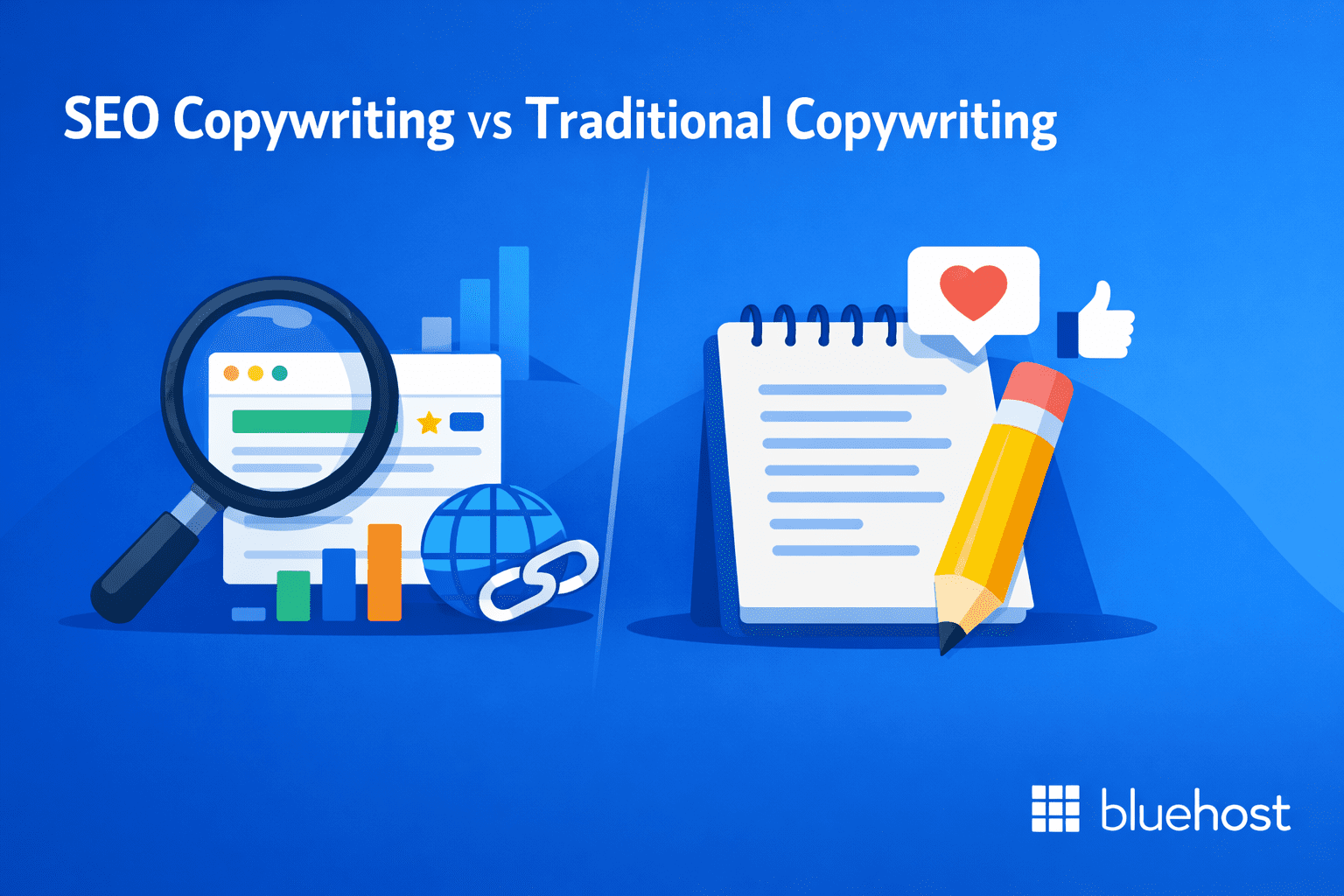
SEO copywriting and traditional copywriting both aim to influence readers, but they’re optimized for different discovery paths.
- Traditional copywriting assumes the reader is already in front of your message (ads, email, landing pages, brochures). The job is to persuade with brand voice, emotion and a clear call to action.
- SEO copywriting has to earn the click first, then earn the conversion. That means writing content that search engines can confidently rank and people want to read, trust, link to and share.
Traditional copywriting converts attention. SEO copywriting creates and converts attention.
Key differences at a glance
| Aspect | SEO copywriting | Traditional copywriting |
|---|---|---|
| Primary goal | Rank + win the click + drive action | Persuade and drive action |
| Audience | Search engines + humans | Humans only |
| Starting point | Keyword + search intent | Offer + brand message |
| Structure | Scannable headings, FAQs, internal links | Narrative flow, campaign messaging |
| Success metrics | Rankings, impressions, CTR, organic traffic, conversions | Leads, sales, sign-ups, brand lift |
If someone searches “best WordPress SEO plugins”, traditional copy might open with a brand story or a bold claim. SEO copywriting typically starts by matching intent fast: quick picks, comparison criteria, a structured list and FAQs, because Google wants pages that satisfy the query efficiently and readers want answers without digging.
Google’s guidance is clear: ranking systems are designed to surface helpful, reliable, people-first content, not content written only to manipulate rankings. SEO copywriting helps you align with that reality by blending persuasion with clarity, structure and intent-match so you don’t just write “good copy,” you write the best result for that search.
Also read: Website Copywriting: How to Write Copy That Converts Visitors
How SEO copywriting helps your website grow?
SEO copywriting doesn’t just “help rankings.” It helps your site win at three stages:
- Get discovered (rank for the right searches)
- Win the click (stand out on the results page)
- Earn the action (keep readers engaged and moving)
Let’s dive into the key ways SEO copywriting supports growth.
1. Keyword targeting
SEO copywriting helps you attract the right kind of traffic by aligning your page with what people actually search for. Instead of writing broadly and hoping Google figures it out, you build the page around a clear topic (primary keyword) and the supporting subtopics users expect.
That makes your content easier for Google to understand and easier for readers to trust because the page feels relevant immediately, not vague or “covering everything.”
Pro tip: Use one primary keyword, then support it with 3–6 closely related terms in headings and key sections.
Also read: How to Find Keywords for SEO & Search Intent Success
2. Higher click-through rate (CTR)
Even strong rankings won’t drive growth if people don’t click. SEO copywriting improves CTR by making your result more compelling on the search page through clearer titles, sharper meta descriptions and intros that match intent.
When your snippet signals “this is the answer” (specific, benefit-led and aligned to the query), you can often earn more traffic from the same position.
Pro tip: Write titles that combine topic + outcome (example: “SEO Copywriting Tips to Rank Higher”).
3. Better readability
SEO growth isn’t only about getting traffic, it’s about keeping it. Readable content reduces bounce and helps people stay long enough to actually absorb the value and take the next step.
That’s why SEO copywriting favors short sections, clear subheads and simple language. It respects how people read online: they scan first, then commit when they see the page is worth it.
Pro tip: Break “walls of text” every 2–3 lines and make each subheading describe the takeaway.
Also read: Content Optimization: SEO Strategies That Drive Rankings
4. Internal linking
Internal links help search engines understand how your pages relate and they guide readers to the next logical step. Good SEO copywriting uses internal links intentionally so your blog doesn’t become a set of isolated posts.
This strengthens topical authority over time (because related pages reinforce each other) and increases engagement by keeping visitors moving through your site.
Pro tip: Link to one foundational guide and 1–2 supporting posts in every major section.
5. More conversions
SEO copywriting improves conversions because it doesn’t stop at “informing.” It nudges the reader toward action in a way that matches their intent without feeling pushy.
For example, informational posts convert best when the CTA offers the next helpful step (a checklist, a tool, a guide, a service that solves the next problem). When the CTA fits the moment, conversions feel natural.
Match your CTA to intent: learning → guide/tool, comparing → recommendation, buying → product/service.
SEO copywriting works when you combine the right strategy with the right execution. Next, we’ll break down nine practical tips you can apply immediately
Also read: Best SEO Software: 17 Top Tools to Boost Rankings 2026
9 SEO copywriting tips to improve your Google rankings
SEO copywriting works best when it does two jobs at once: it makes your topic obvious to Google and it makes your content effortless for a real person to consume. With that in mind, let’s explore nine tips you can apply without turning your writing into keyword soup.
1. Do keyword research
Keyword research is the process of finding the exact words and phrases people type into Google when they want an answer. It matters because if you target the wrong query (or a query you can’t realistically compete for), even great writing won’t rank.
Pick one primary keyword for the page. Add 3–6 close variations (synonyms, related terms, “also searched” phrases). You canlook at the current top results and ask, “Is my page meant to beat these?” If not, narrow the keyword.
2. Match search intent
Search intent is the reason someone typed a query into Google. Are they trying to learn, compare or buy/act? Google tends to rank pages that solve that job quickly and in the format people clearly prefer for that search (because that’s what keeps searchers satisfied).
How to spot intent in 60 seconds
- Lots of guides with steps → Google wants a how-to
- Lists with “top” picks → Google wants a best-of
- Product/category pages → Google wants shopping/transactional
3. Write for readers
Writing for readers means your content should be easy to understand, fast to scan and genuinely useful and not written like it’s trying to “sound SEO.” That matters because if people don’t quickly find what they came for, they’ll leave (and Google notices that the page didn’t satisfy the search).
Here’s what to do:
- Answer early: confirm they’re in the right place in the first few lines.
- Keep it simple: use plain words, short sentences, fewer buzzwords.
- Make it skimmable: tight paragraphs, clear headings, quick examples.
- Guide the reader: add small transitions so sections flow naturally.
Also read: 52 Proven Website Content Ideas for 2026
4. Use keywords strategically
Using keywords strategically means you’re placing your main term and close variations where they signal the topic clearly without repeating the same phrase until the writing feels forced. This helps search engines understand what your page covers and it helps readers feel like they landed on the right answer fast.
- Pick one primary keyword for the page, then use 3–6 natural variations (synonyms, related phrases, subtopics).
- Put the primary keyword in the places that carry the most weight for clarity: H1, early intro (naturally) and at least one relevant H2.
- Use variations in headings and examples instead of repeating the exact phrase over and over.
- If a keyword makes a sentence sound awkward, rewrite the sentence.
Quick rule: If you wouldn’t say it that way to a real person, don’t write it that way for “SEO.”
5. Format for scanning
Formatting for scanning is the difference between “someone landed on your page” and “someone actually stayed.” Most readers skim first then decide if your content is worth their time. When your page is easy to scan, it’s easier for people to spot the exact section they need (and that reduces the quick back-to-Google behavior).
- Lead with the point, then the details. Give the main answer early, then expand. That “essential first” structure is a proven way to keep skimmers from bouncing.
- Make headings do real work. Each H2/H3 should tell the reader what they’ll get in that section (not vague labels like “Key considerations”).
- Keep paragraphs short and visually breathable. If a section looks like a wall of text, break it up.
- Use “keep reading” transitions when a drop-off is likely. Short bridge phrases can pull readers into the next line instead of the back button.
Also read: Blog Audit Guide: Improve Content Performance in 2026
6. Optimize title + meta
Your title tag and meta description are your “ad” in the search results. Even with a solid ranking, a vague title can get skipped, while a sharper one can pull clicks from pages sitting above you. The goal here isn’t to stuff keywords, it’s to make your result look like the best match for the query.
Title tag: the clickable headline people see in Google.
Meta description: the short preview text that sells what’s on the page (even though Google may rewrite it sometimes).
- Put the primary keyword first, then the benefit/outcome.
- Match the SERP wording: “how to”, “best”, “tips”, “guide”.
- Keep the title clean + single-focus (no cramming).
- Meta description: 1–2 lines with who it’s for + what they’ll learn.
- Skip fluff words (“ultimate”, “best ever”) unless you can back them up.
Also read: Content Management Systems Guide for 2026
7. Add internal links
Internal links are links from one page on your site to another. They help in two big ways: Google can discover and understand your pages more easily and readers can naturally continue to the next helpful step. That’s why internal linking is often described as one of the simplest ways to signal which pages matter most on your site.
- Link to relevant supporting pages (not random ones) and point readers toward the “next step” topic.
- Add links inside the body where the concept is mentioned, not only at the end.
- Avoid “orphan” pages (pages with no internal links pointing to them), so important content doesn’t get buried.
Also read: Guest Blogging: Find Opportunities & Publish Posts
8. Write image alt text
Alt text (alternative text) is a short description added to an image that helps screen readers understand it and helps search engines interpret what the image is showing. It won’t magically rank your page on its own, but it does improve accessibility and can support image visibility when the description is genuinely useful.
- Describe the image as if you’re explaining it to someone who can’t see it.
- Keep it specific and natural (usually one sentence is enough).
- Use a keyword only if it fits the image don’t force it.
- Skip empty descriptions unless the image is purely decorative.
Also read: What Does Alt Text Do? + How Important is Alt Text For SEO?
9. Refresh old content
Refreshing old content is when you take a page that already exists and make it more accurate, more complete and more aligned with what people expect to see in today’s search results. It’s worth doing because search engines (and AI assistants) tend to favor information that’s current and reliable and updating pages is often one of the easiest ways to stay competitive without starting from scratch.
- Pick the right page first: start with posts that used to perform well or are slipping, not random old content.
- Make real improvements (don’t just change the date): update examples, screenshots, tools, steps and anything that’s outdated and tighten sections that feel thin or repetitive.
- Re-check intent: scan the current top results and see if the “expected format” has changed (list vs guide vs comparison). Then adjust your structure to match.
- Republish + promote: once it’s meaningfully improved, republish and give it another push so new readers actually see it.
What mistakes should beginners avoid when writing SEO content?
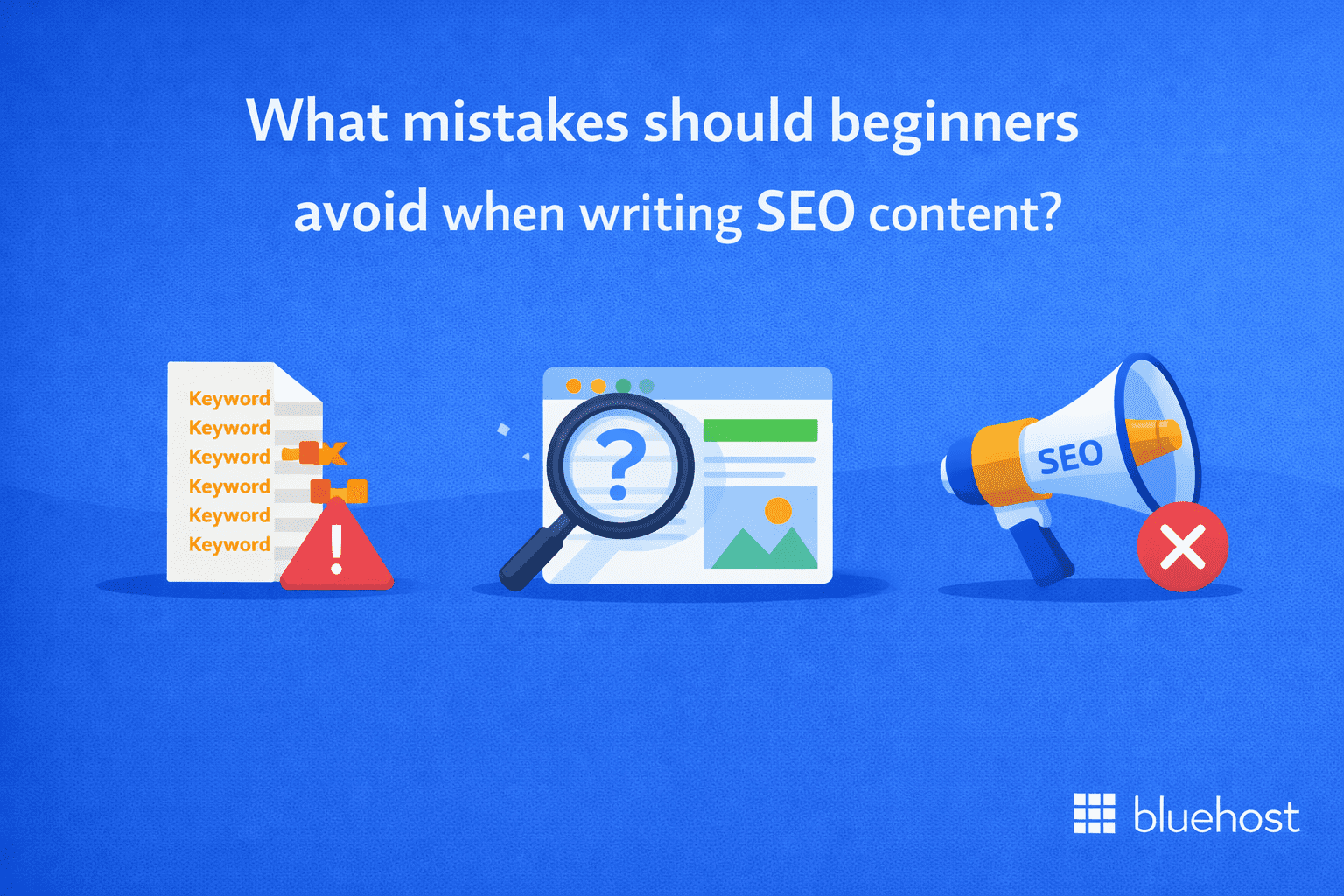
Most SEO content doesn’t fail because the topic is bad, but because the page is hard to understand, mismatched to the search or trying a little too hard to “sound SEO.” When you avoid the common beginner mistakes below, your content becomes easier for Google to interpret and easier for people to stick with.
1. Using too many keywords
If the keyword starts showing up in every other sentence, the copy usually gets awkward fast and that’s a red flag for readers (and can drift into keyword stuffing).
Read one paragraph out loud. If you naturally want to rephrase the keyword, it’s probably forced.
Look for repeats that add no new meaning, especially in headings, intros, meta text, image alt text and link anchor text (these are common stuffing hotspots).
Also read: 20 Best AI Content Generators in 2026: Advantages and Disadvantages + Key Features
2. Ignoring search intent
You can have a well-written post and still not rank if it’s solving the wrong problem. The searcher has a specific goal in mind and Google usually rewards pages that meet that goal quickly (and in the format people expect).
Here’s a quick reality check: compare your page to the current top results and spot the common pattern (list, step-by-step, comparison, template). If your structure doesn’t match that pattern, adjust the layout first, then add depth.
For example, if the SERP is full of “quick picks + why” lists and your post starts with three paragraphs of background, move the shortlist up front and keep the deeper explanation after.
Also read: How to Increase Blog Traffic in 2026 | 11 Proven Strategies
3. Skipping title and meta
Your title tag and meta description won’t “save” weak content, but they can quietly cap your results even when the page deserves traffic.
A quick check is to search your target keyword and compare your snippet to the ones ranking above you. If theirs clearly says what the page includes (steps, checklist, examples, picks) and yours doesn’t, tighten it.
For example, imagine someone searches “email marketing best practices.” A generic title like “Email Marketing” doesn’t tell them what’s inside. A stronger title like “Email Marketing Best Practices: 12 Tips That Improve Opens and Clicks” makes the value obvious.
4. Poor formatting and long paragraphs
Most visitors don’t read top-to-bottom on the first pass, they scan headings and the first lines of each section to decide whether your page is worth their time. If they can’t spot the answer quickly, they bounce and pick a result that feels easier.
A simple fix is to structure each section so the main point comes first, then the explanation follows. For example, instead of opening with a long paragraph of context, start with a clear takeaway sentence, then add detail and an example underneath.
Also read: How to Increase User Engagement in 2026: Proven Strategies for Websites & Apps
5.Not using internal links
When you don’t link to related content, people hit a dead end: they get one answer, then leave. When you do link thoughtfully, you guide them to the next useful page and make it easier for Google to understand how your content connects.
A good way to do this without overdoing it is to link at the exact moment a reader would naturally want more. A few well-placed links that genuinely expand the topic will do more than a long list of “related articles” dumped at the bottom.
A simple way to improve your SEO writing faster is to audit first, then edit. Bluehost’s free SEO Checker helps you review your website’s SEO health and identify common issues you can fix right away before you spend hours rewriting content. Think of it as a quick “pre-flight check” that helps you prioritize improvements, then refine your copy with confidence.
How can Bluehost help you succeed with SEO copywriting?
SEO copywriting works best when your content, site performance and SEO execution all support the same goal: earning qualified organic traffic over time. Bluehost gives you three clear paths: DIY with a plugin, expert-led SEO or fully managed website + SEO, so you can choose the level of help you need.
At Bluehost, we offer a range of features that can help you optimize your content for search engines. Here’s how we can support you throughout your SEO copywriting journey:
1. SEO ready website foundation
Your SEO copy won’t perform if your site is slow, insecure or frequently down. Bluehost is WordPress.org’s longest-running recommended host, which makes it a solid starting point for WordPress sites focused on content growth.
Why Bluehost hosting matters for your SEO copy:
- Publish sooner: WordPress is pre-installed and you get an AI site builder to launch faster.
- Faster pages: Bluehost includes a built-in CDN to speed up content delivery.
- Security trust: Free SSL is included (baseline trust + secure browsing).
- Grow your brand: Includes essentials like a free domain name + email to support publishing and branding.
When you choose Bluehost, you get access to SEO-friendly hosting plans that are optimized for speed, security and performance. Our hosting plans ensure your website loads quickly, which is crucial for both SEO rankings and user experience. A fast website means better rankings and higher engagement.
2. Content optimization with Yoast SEO Premium
If you’re writing content yourself and want real-time guidance inside WordPress, Yoast SEO Premium helps you polish drafts and strengthen on-page SEO without needing deep technical knowledge. It’s ideal when you want to stay in control of your content but still want guardrails, automation and smart prompts that reduce guesswork.
Also read: Yoast SEO for WordPress: Best SEO Plugin Guide in2025
What Yoast SEO Premium actually helps you do
- On-Page SEO guidance: SEO Content Analysis prompts you to improve common on-page elements while you write.
- Readability & clarity: Real-time readability check helps keep your writing clear and skimmable so visitors stick around.
- AI writing assist: Yoast AI tools speed up drafting and refining (useful for meta descriptions, intros, summaries and tightening copy).
- Smarter internal links: Internal Linking Tool suggests internal links so your content connects logically (great for building topic clusters).
- Safe URL updates: Redirect Manager makes it easier to handle URL changes without losing traffic or sending users to broken pages.
- Search discoverability: Sitemaps support discoverability by helping search engines find your pages.
- Front-end review: Front-End SEO Inspector helps you review on-page elements from the front end.
- Multilingual & training: Scale across markets with multilingual support (20+ languages) and helpful guided improvements like SEO workouts.
- Specialized SEO add-Ons: Optional extensions are available for specialized needs, such as Local SEO, News SEO and Video SEO.
Yoast SEO Premium acts like a built-in editing partner for SEO. Optimize your content as you write with Yoast SEO Premium.
3. Expert-led growth with Bluehost Pro SEO
If SEO feels overwhelming or you’ve tried optimizing content and still aren’t seeing momentum, Bluehost Pro SEO gives you an expert-led plan built to improve visibility over time. It’s designed for small businesses that want human expertise, flexible support and a strategy you can actually stick with.
Here is what you get with Pro SEO
- Identify the best keywords to target based on your goals and how customers search.
- Improve key pages so they’re easier for search engines to understand and easier for visitors to act on.
- Strengthen on-page content so it answers the right queries and attracts more qualified traffic.
- Build authority over time with link-building efforts that support long-term ranking growth.
- Track progress in a performance dashboard so results are visible and measurable.
- Work with a dedicated marketing manager to keep execution aligned, consistent and moving forward.
Pro SEO is built to give you an expert helping handso you’re not guessing at keywords, fixes or what to do next. With a long-term strategy, ongoing optimizations and a dedicated marketing manager, you get a clear path to stronger visibility and more qualified traffic over time.
4. Fully managed presence with Full Service + SEO
When you need more than SEO copywriting and SEO support baked into the service, Full Service + SEO gives you an end-to-end solution. It’s built for businesses that want a professional online presence without coordinating multiple vendors for design, content and SEO.
Here is what’s included:
- Custom WordPress website design with project consultation and brand management
- SEO support designed to improve visibility, including SEO-friendly content, website analytics and ongoing SEO elements like Simple SEO, SEO Assist, SEO Backlinks and Pro SEO Support Plus
- Ongoing help to keep the site current: content replacements/additions and design updates
With Full Service + SEO, you’re not just launching a site, you’re maintaining one. Ongoing updates, SEO support and performance tracking help your website stay current, competitive and aligned with growth goals. If you maintain a professional website and need ongoing expert support, Full Service + SEO is the hands-off option for your SEO growth.
Final thoughts
SEO copywriting is an essential skill for anyone looking to improve their website’s visibility and drive organic traffic. By combining strategic keyword integration, user-focused content and SEO optimization techniques, you can create content that not only engages your audience but also performs well on search engines.
Bluehost Pro SEO delivers an expert-led plan with ongoing optimizations, link building and performance tracking. And if you want a true “done-for-you” option, Full Service + SEO combines WordPress website design, ongoing updates and SEO support in one managed solution.
Ready to take the next step? Explore Bluehost Full Service + SEO to get expert support and a long-term strategy built for growth.
FAQs
SEO copywriting involves creating content that is optimized for both search engines and your audience. This helps improve your website’s visibility on search engines like Google and attracts more targeted visitors.
Yes, Bluehost is beginner-friendly and offers hosting plans that come with built-in SEO tools and helpful guides to support those new to SEO copywriting.
Yes, Bluehost offers SEO tools that help you track your rankings and suggest improvements. We also have Managed SEO Services where experts assist you with optimizing your website and content.
The ideal word count depends on your topic, but usually, content with more than 1,000 words performs better. Longer, detailed content provides more value and ranks higher in search results.
It is possible to rank without search engine Copywriting, but using SEO techniques greatly improves your chances. SEO copywriting ensures your content matches what people search for and what search engines want to show.
SEO results usually take a few weeks to several months to appear. The timeline depends on factors like competition, the quality of your content and how authoritative your website is.



Write A Comment