 ChatGPT,
 Claude,
 Gemini,
 Grok — all four for
Key highlights
- Understand what WordPress support plans include and how they differ from maintenance, development and one-time troubleshooting services.
- Compare 10 leading WordPress support providers based on their support approach, optimization guidance, channels and service flexibility.
- Identify whether your website needs ongoing support based on its complexity, business role and your available time or technical expertise.
- Learn how to evaluate WordPress support services by expertise, support channels, optimization guidance, scalability and service scope.
- Explore how Bluehost Professional WordPress Support Service provides expert guidance across themes, content, SEO, landing pages and mobile responsiveness.
WordPress powers millions of websites because it gives you the freedom to build almost anything. But that flexibility also comes with a learning curve. Choosing the right theme, customizing your site’s design, improving search visibility, optimizing for mobile devices and keeping everything running smoothly can quickly become overwhelming.
While tutorials and forums can help with basic questions, they often don’t provide the personalized guidance needed to solve real-world challenges. That’s where WordPress support plans come in. Instead of simply fixing technical issues, they give you access to experienced WordPress experts who can help you build, optimize and manage your website with confidence.
In this guide, we’ll explain what WordPress support plans are, what they typically include and how to choose the right one for your needs. We’ll also explore how Bluehost Pro WordPress support service can provide ongoing WordPress guidance beyond traditional break-fix support.
What is a WordPress support plan?
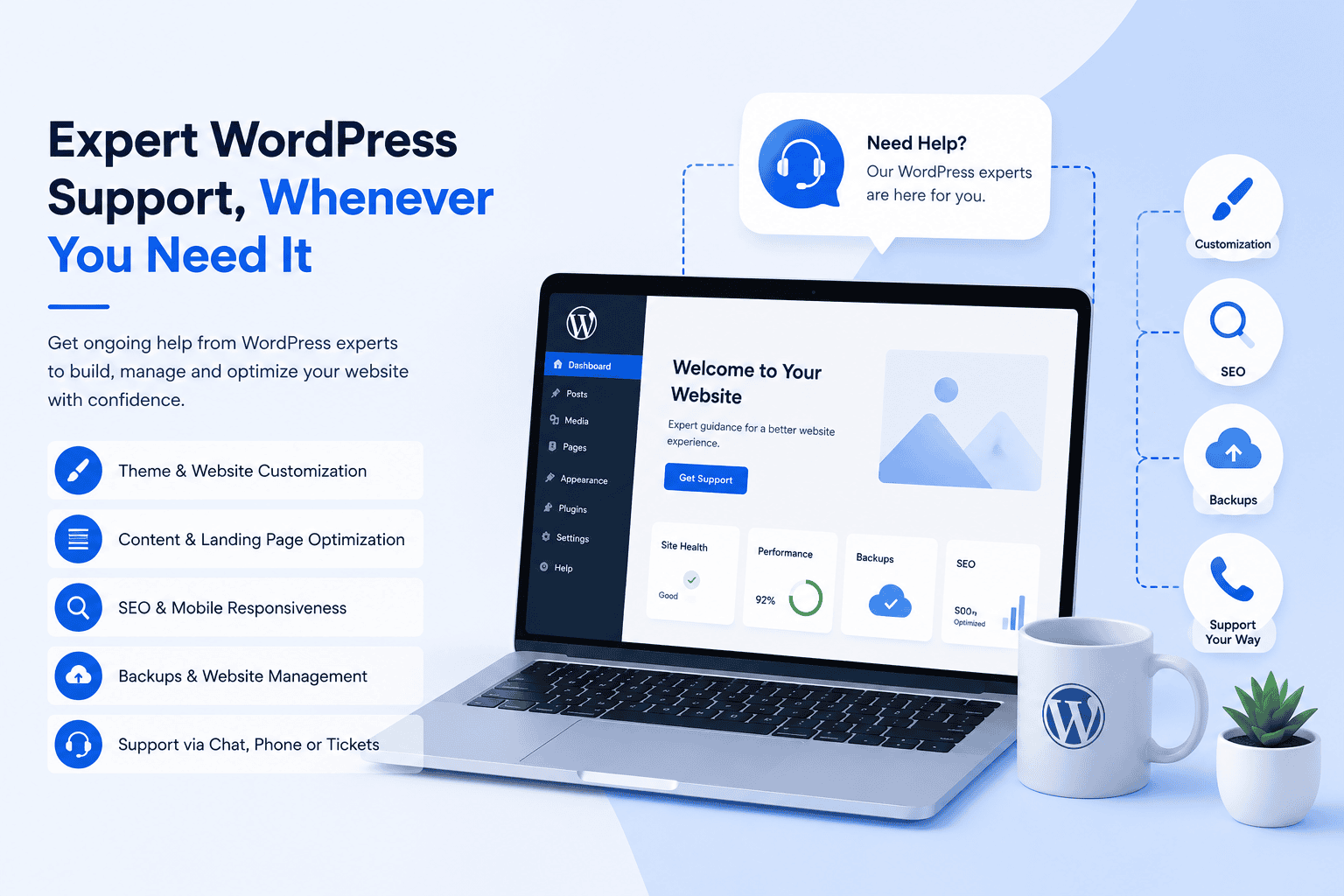
A WordPress support plan is an ongoing service that gives you access to experienced WordPress professionals for help with building, managing and optimizing your website. Instead of relying solely on self-help resources or seeking one-time technical fixes, you can get expert guidance whenever you need assistance with your site.
Depending on the provider, a support plan may include help with theme selection, website customization, backups, content organization, SEO, landing page optimization and mobile responsiveness. Some plans also offer support through multiple channels, such as chat, phone or support tickets, making it easier to get help in the way that works best for you.
Also read: Most Common WordPress Issues and Their Solutions in 2026
Quick comparison of the best WordPress support services
WordPress support providers follow different service models. Use this comparison to identify which option best matches your website and the level of assistance you need.
| Provider | Support approach | Website optimization guidance | Support channels | One-time help available |
|---|---|---|---|---|
| Bluehost Professional WordPress Support Service | Guided assistance from WordPress experts | Design, content, landing page, mobile and one-keyword optimization on applicable plans | Ticket, live chat and phone on applicable plans | Yes |
| WP Buffs | Hands-off website maintenance | Mobile, image and speed optimization on higher plans | Support through its website-care service | Yes, for selected tasks and projects |
| Codeable | Specialist-led project work | Available when included in the project scope | Project workroom with matched experts | Yes |
| SiteCare | Managed maintenance and optimization | Performance and technical SEO support on applicable plans | Plan-based support | Available through separately scoped professional services |
| FixRunner | Technical support and website management | Speed and performance optimization on applicable plans | Live support, email and phone | Yes |
| GoWP | White-label outsourced support | Content edits and page-building services available | White-label support system for agencies | Limited; primarily recurring agency services |
| Seahawk Media | Full-service WordPress agency | Design, performance and broader website improvement services | Plan and project-based communication | Yes |
| WP Tech Support | Recurring technical maintenance | Performance checks and technical assistance | Plan-based technical support | Limited by service offering |
| FatLab Web Support | Combined maintenance, hosting and technical support | Consulting and development support on applicable plans | Direct support through ongoing plans | Project work may be available separately |
| Cornershop Creative | Collaborative maintenance and strategic support | SEO, content and digital strategy available | Support requests and retained service arrangements | Selected tasks may be commissioned |
The comparison shows that the right WordPress support service depends on how much assistance you need and how you prefer to work. Bluehost Professional WordPress Support Service stands out for users who want direct access to WordPress experts, guidance across design and optimization, multiple support channels and the flexibility to choose ongoing or one-time assistance.
This makes it a strong fit for website owners who want more support than self-help resources without handing over complete management of their site.
Also read: Top 6 Free WordPress Troubleshooting Plugins of 2026
10 best WordPress support plans and services in 2026
WordPress support can mean anything from expert guidance and one-time troubleshooting to continuous maintenance and custom development. The following providers serve different needs, so the best option depends on whether you want advice, hands-off website management, development support or an outsourced team.
1. Bluehost Professional WordPress Support Service
Bluehost Professional WordPress Support Service gives WordPress users access to experts who can guide them through website setup, design decisions, content optimization and ongoing improvements. It is a guided-support service for users who want help understanding and managing their WordPress website rather than a full-service maintenance or development agency.
Key features
- Access to knowledgeable WordPress experts
- Ticket and live chat support
- Phone support through the applicable plan
- Theme selection and supported customization guidance
- Content, landing-page and mobile responsiveness optimization
- One-keyword optimization through the applicable plan
- Backup scheduling and restoration assistance
- Clearly defined service boundaries so users understand what is and is not included
Best for: WordPress users who want ongoing expert guidance without outsourcing full website maintenance or development.
Unlike basic troubleshooting services, Bluehost Professional WordPress Support Service provides guidance across several areas of website management. Users can turn to WordPress experts for help with design decisions, content improvements, mobile responsiveness, SEO fundamentals and backup-related tasks.
2. WP Buffs
WP Buffs provides ongoing WordPress care for website owners who want routine maintenance handled for them. Its plans range from essential updates and monitoring to more advanced support for ecommerce, custom-coded websites and ongoing site edits.
Key features
- Weekly WordPress core, theme and plugin updates
- Frequent cloud backups
- Continuous uptime monitoring
- Emergency WordPress support
- Security and performance optimization on higher plans
- Support for ecommerce and custom functionality on applicable plans
Limitation: Website edits, performance optimization and support for custom-coded sites are reserved for higher-tier plans, which may make the service more expensive for websites with advanced requirements.
Best for: Website owners who want hands-off WordPress maintenance and monitoring.
3. Codeable

Codeable is a curated platform that connects customers with vetted WordPress professionals. Rather than offering only a conventional support subscription, it is designed for users who need specialist help with development, troubleshooting, customization or complex WordPress projects.
Key features
- Access to vetted WordPress specialists
- Custom theme and plugin development
- WooCommerce development and support
- Third-party integrations
- Troubleshooting and performance work
- Monthly maintenance packages from individual experts
Limitation: Costs vary by project and expert, so Codeable may be less predictable than a fixed-price support plan for users who only need routine assistance.
Best for: Businesses with complex WordPress development or customization requirements.
4. SiteCare
SiteCare offers structured WordPress support plans that combine maintenance, security, backups and optimization. Its service levels range from routine website monitoring to broader technical support and ongoing improvements for more complex business websites.
Key features
- WordPress core, theme and plugin updates
- Daily remote website backups
- Malware scanning and threat protection
- Uptime and activity monitoring
- Performance and technical SEO support on applicable plans
- Custom development services available separately
Limitation: Advanced optimization, hosting and white-glove support are concentrated in higher-tier plans, which may exceed the needs and budgets of smaller websites.
Best for: Growing business websites that need maintenance, security and ongoing optimization from one provider.
5. FixRunner
FixRunner combines one-time WordPress assistance with recurring maintenance plans. Users can request help for an individual technical problem or choose ongoing support that includes website upkeep, security and performance-related services.
Key features
- One-time WordPress troubleshooting
- Monthly maintenance plans
- Core, plugin and theme updates
- Website backups and uptime monitoring
- Security and malware-removal services
- Speed optimization and custom development options
Limitation: Service inclusions vary between one-time assistance, maintenance plans and separately priced specialist services, so users need to confirm which tasks are covered.
Best for: Website owners who want the flexibility to choose between a single fix and recurring WordPress support.
6. GoWP
GoWP provides outsourced WordPress services specifically for agencies. Its white-label model allows agencies to offer maintenance, content updates, page building and development services under their own brand without expanding their internal team.
Key features
- White-label WordPress maintenance
- Core, theme and plugin updates
- Off-site backups and security monitoring
- Ongoing content edits
- WordPress page-build services
- Outsourced development and dedicated team options
Limitation: GoWP is built primarily for agencies and freelancers managing client websites, so its model may not be suitable for individual website owners seeking direct support.
Best for: Digital agencies that want to outsource WordPress maintenance and production work under their own brand.
7. Seahawk Media
Seahawk Media provides a broad range of WordPress services, including ongoing website care, design, development, migration and white-label support. Its care plans are intended to handle routine technical upkeep while its broader agency services cover larger website projects.
Key features
- WordPress core, theme and plugin updates
- Scheduled website backups
- Security and uptime monitoring
- Performance checks and optimization
- WordPress design and development services
- Migration and white-label agency support
Limitation: Maintenance, custom development and other specialist services may be offered separately, so customers should verify exactly what is included in their selected plan.
Best for: Businesses seeking one provider for ongoing maintenance and larger WordPress projects.
8. WP Tech Support
WP Tech Support offers recurring WordPress maintenance and technical assistance for business websites. Its plans focus on keeping sites updated, backed up, monitored and secure, while also providing support when technical problems arise.
Key features
- WordPress core, theme and plugin updates
- Cloud website backups
- Malware scanning and removal
- Uptime and security monitoring
- Performance checks
- Technical support for WordPress issues
Limitation: Development time, content changes and advanced website improvements may be limited by plan or require additional charges.
Best for: Small businesses that want routine maintenance combined with access to technical WordPress support.
9. FatLab Web Support

FatLab Web Support combines WordPress maintenance, hosting and access to technical specialists. Its model is designed for organizations that want one provider to manage routine website care while also helping with troubleshooting and broader technical needs.
Key features
- Weekly WordPress software updates
- Daily off-site website backups
- Security and uptime monitoring
- Access to WordPress developers
- Managed WordPress hosting options
- Technical guidance and development support on applicable plans
Limitation: Its integrated service model may cost more than basic update-and-backup plans and may be more comprehensive than a simple website requires.
Best for: Businesses and nonprofit organizations that want hosting, maintenance and technical support from one provider.
10. Cornershop Creative
Cornershop Creative provides WordPress maintenance and digital support for nonprofits, advocacy groups and mission-driven organizations. Its services extend beyond technical upkeep to include website strategy, content, SEO and campaign-related support.
Key features
- WordPress core and plugin updates
- Off-site backups
- Security scanning and uptime monitoring
- Website support requests and fast tasks
- Hosting management options
- SEO, content and digital strategy services
Limitation: The service is tailored mainly to nonprofit and advocacy organizations, so commercial businesses may find a general WordPress support provider more closely aligned with their needs.
Best for: Nonprofits and mission-driven organizations that need ongoing WordPress maintenance and strategic website support.
Do you actually need a WordPress support plan?
Not every website needs ongoing WordPress support. The right plan depends on your website’s complexity, your technical skills and how much time you can dedicate to managing it. Here’s who benefits most from a WordPress support plan.
- New website owners: If you’re new to WordPress, expert guidance can help you choose themes, configure your website and avoid common setup mistakes.
- Small business websites: When your website supports leads, bookings or sales, downtime and technical issues can impact your business.
- Ecommerce websites: Ongoing support can help you manage updates, improve performance and address issues before they affect the shopping experience.
- Agencies and freelancers: Managing multiple client websites can quickly become time-consuming. A support plan can help streamline maintenance, troubleshooting and routine WordPress tasks.
- Bloggers and publishers: As your content library grows, so do your website management needs. Support can help with backups, performance, mobile usability and content optimization.
- Developers and technical teams: Developers may not need day-to-day WordPress guidance, but specialist support can be valuable for complex troubleshooting, custom projects or workload overflow.
Bottom line: If your website plays an important role in your business or you simply want expert help without spending hours troubleshooting WordPress yourself, a support plan is worth considering.
Also read: How to Hire WordPress Developers in 2026
How do you choose the right WordPress support service?
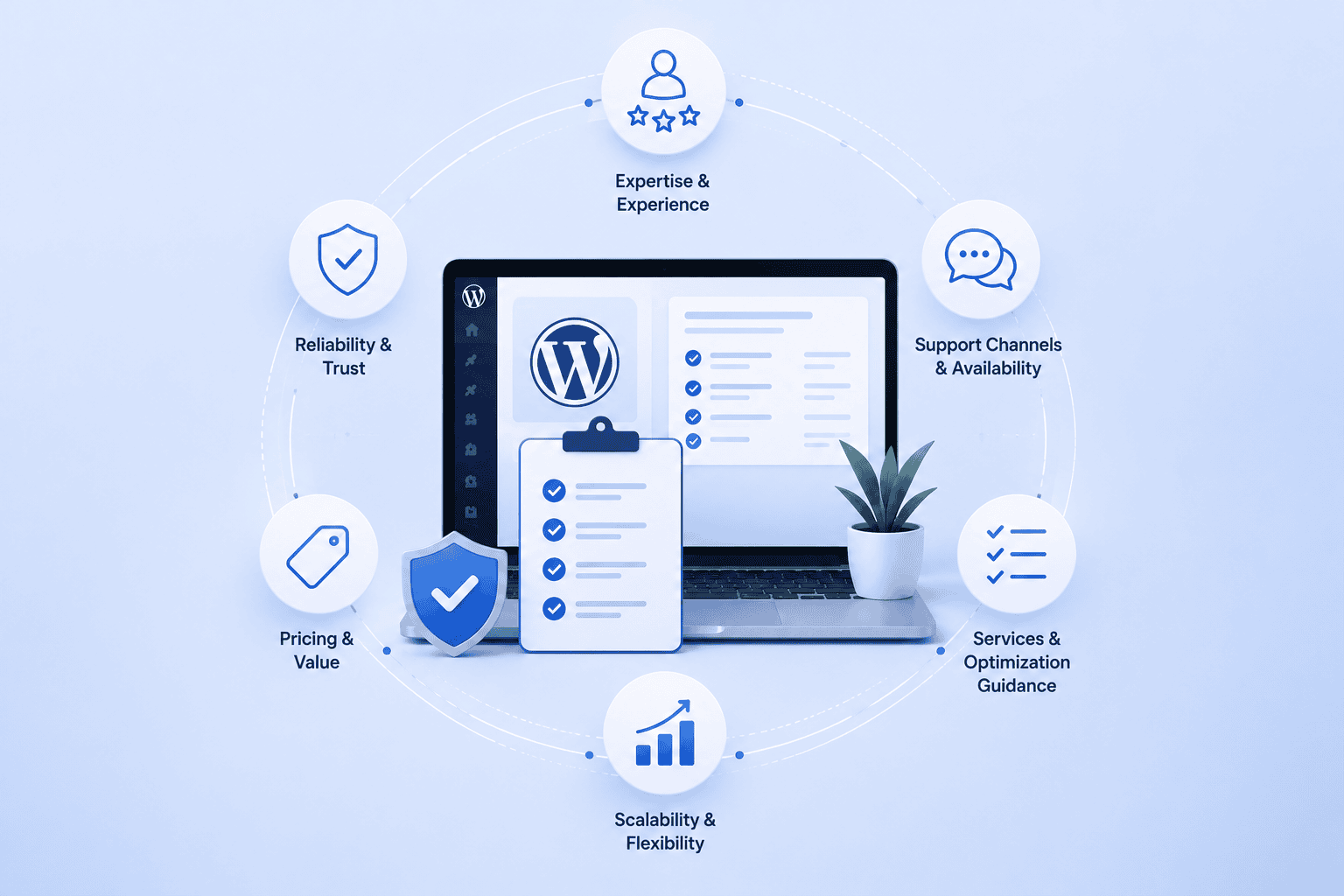
The best WordPress support plan is not necessarily the one with the longest feature list. It is the one that matches your current website needs, gives you access to the right level of expertise and clearly explains what is and is not included.
1. Knowledgeable WordPress experts
Look for a service staffed by professionals who understand more than basic troubleshooting. The right experts should be able to guide you through common WordPress decisions, such as choosing a theme, organizing content, improving mobile responsiveness and applying SEO best practices.
Before committing, review the provider’s stated areas of expertise and check whether the service offers advice, hands-on assistance or both.
2. Multiple support channels
Different questions call for different types of support. A quick issue may be easier to resolve through live chat, while a more detailed request may require a support ticket or phone conversation.
Check which channels are included in each plan, whether access depends on the pricing tier and how follow-up communication is handled.
3. Optimization guidance
A strong support plan should help you improve your website, not only restore it when something goes wrong. Look for guidance on areas such as:
- Content structure
- Landing page clarity
- Mobile usability
- Theme selection
- On-page SEO
The exact scope will vary, so confirm whether the provider offers recommendations only or also helps you carry out supported changes.
4. Transparent limitations
Clear service boundaries are a positive sign. A trustworthy provider should explain which tasks are included and which require a developer, designer or separate service.
For example, some support plans may offer guidance on theme customization but exclude custom coding, database changes, migrations or direct file edits. Understanding these limits early helps avoid mismatched expectations.
5. Scalable support
Your support needs may change as your website grows. A basic plan may be enough when you are getting started, while a more advanced plan may become useful when you need support with content, SEO, landing pages or mobile optimization.
Compare the available tiers and check whether you can upgrade without changing providers or starting over with a new service.
6. Clear pricing options
Review more than the monthly price. Check:
- Whether annual billing changes the effective monthly cost
- Which support channels are included at each tier
- Whether advanced guidance requires a higher plan
- Whether any tools or add-ons cost extra
A lower-priced plan may still be the better fit if it covers your actual needs, while a more expensive option should provide clear additional value rather than simply a longer feature list.
Also read: How to Get WordPress Help and Support: Free & Premium Tips
Why Bluehost Professional WordPress Support Service stands out?
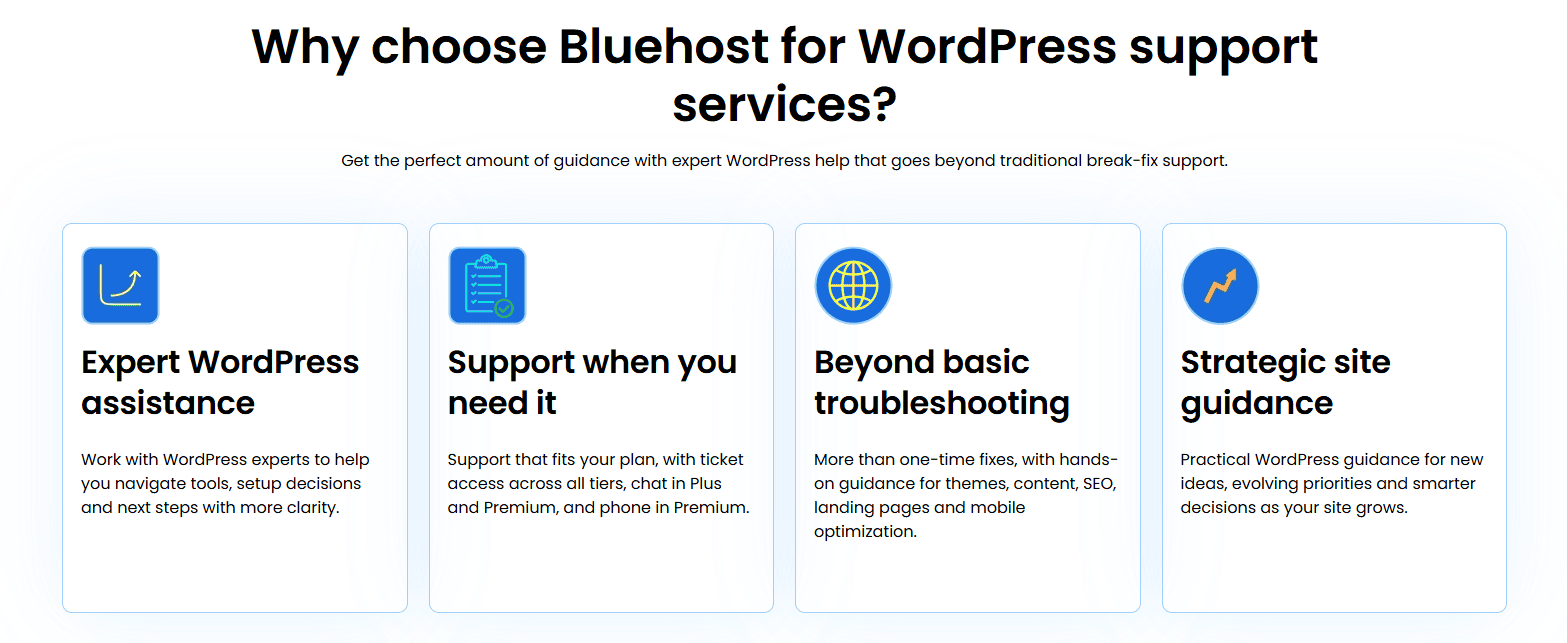
Managing a WordPress website often involves more than fixing technical issues. Bluehost Professional WordPress Support Service gives website owners access to WordPress experts who can provide practical guidance across setup, design and optimization tasks.
Depending on the plan, support is available through tickets, live chat and phone, making it easier to get help in the format that suits the question. Experts can assist with theme selection and supported customization, content organization, SEO guidance, landing page improvements and mobile responsiveness.
- WordPress expert guidance: Get practical guidance from experienced WordPress professionals on website setup, theme selection, supported customization and common WordPress challenges. Instead of relying on trial and error, you can make informed decisions with expert recommendations.
- Multiple support channels: Choose the support channel that works best for you. Depending on your plan, you can connect with experts through support tickets, live chat or phone for timely assistance whenever you need it.
- Theme and content optimization: Receive guidance on selecting the right WordPress theme, organizing website content and improving page structure to create a clearer, more user-friendly experience for your visitors.
- SEO, landing page and mobile optimization: Improve your website’s visibility and user experience with guidance on one-keyword SEO optimization, landing page improvements and mobile responsiveness, helping your website follow established best practices. SEO results are not guaranteed and may vary.
- Clearly defined support scope: The service focuses on expert guidance and supported assistance. It does not include custom coding, database modifications, website migrations, direct edits to customer files or theme/plugin repairs. This transparent scope helps set clear expectations before you get started.
Bluehost Professional WordPress Support Service provides ongoing access to expert guidance across website design, content, SEO, mobile responsiveness and day-to-day WordPress management. With multiple support channels and a clearly defined service scope, you can get the right level of assistance while staying informed and in control of your website.
Final thoughts
Choosing the right WordPress support service comes down to understanding your website’s needs and the level of assistance you’re looking for. Whether you need occasional expert guidance, ongoing website optimization or dedicated technical support, selecting a provider with the right expertise can save time and help you manage your website with greater confidence.
If you’re looking for expert WordPress guidance without the complexity of a full development service, Bluehost Professional WordPress Support Service offers access to WordPress experts who can help with website setup, design, content, SEO and ongoing optimization. Explore the available support options to find the plan that best fits your website today.
Need expert help with WordPress? Get the guidance you need to build, manage and improve your website with Bluehost Pro WordPress Support.
FAQs
A WordPress support plan can be worthwhile if you lack the time or expertise to manage your website independently. It can also help when your website supports important business activities and you need reliable access to expert guidance.
WordPress support plan coverage varies by provider. Common services may include troubleshooting, theme guidance, content optimization, mobile responsiveness, SEO assistance, backups and access to WordPress professionals.
Yes, some WordPress support plans include on-page SEO guidance. This may cover keyword use, headings, metadata, internal linking and content structure, but it does not guarantee higher rankings. Bluehost Professional WordPress Support Service includes SEO guidance through applicable support options.
Yes. WordPress experts can help you compare themes based on your website’s purpose, layout, mobile responsiveness and supported customization options. Our Professional WordPress Support Service includes theme selection and supported customization guidance.
Some plans include backups, while others require a separate tool or add-on. Check the backup frequency, retention period and whether restoration assistance is included. With Bluehost Professional WordPress Support Service, backup scheduling and restoration assistance may be available.

Write A Comment