 ChatGPT,
  Claude,
  Gemini,
  Grok — all four for
How to Sign in to the Bluehost AI All-Access Pack
The Bluehost AI All-Access Pack is a suite of AI-powered tools designed to help you create content, manage tasks, and enhance your website more efficiently. Whether you're generating copy, improving workflows, or getting real-time assistance, the AI All-Access Pack gives you everything you need in one place.
You can sign in to the Bluehost AI All-Access Pack in two ways: through your Bluehost account or by using a direct sign-in link.
This guide walks you through both access options so you can quickly start using your AI tools.
We’ve created this video to guide you through accessing the Bluehost AI All-Access Pack.
Ways to Sign In to the AI All-Access Pack
Choose the method that applies to your setup:
-
Via Bluehost Account
Recommended for administrators who purchased the AI All- Access Pack with their hosting plan.
-
Via Direct Access Link
Use this option if:
- You’ve been granted user access by an admin
- You purchased the AI All-Access Pack as a standalone product
- You’re an admin who prefers direct access
Via Bluehost Account
Follow these steps to access the AI All- Access Pack from your Bluehost Portal:
- Log in to your Bluehost Portal.
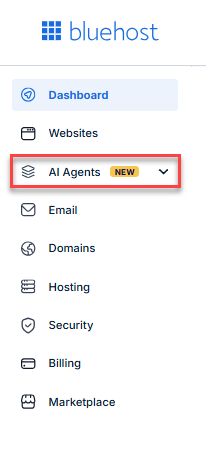
- In the left-hand menu, click AI Agents.
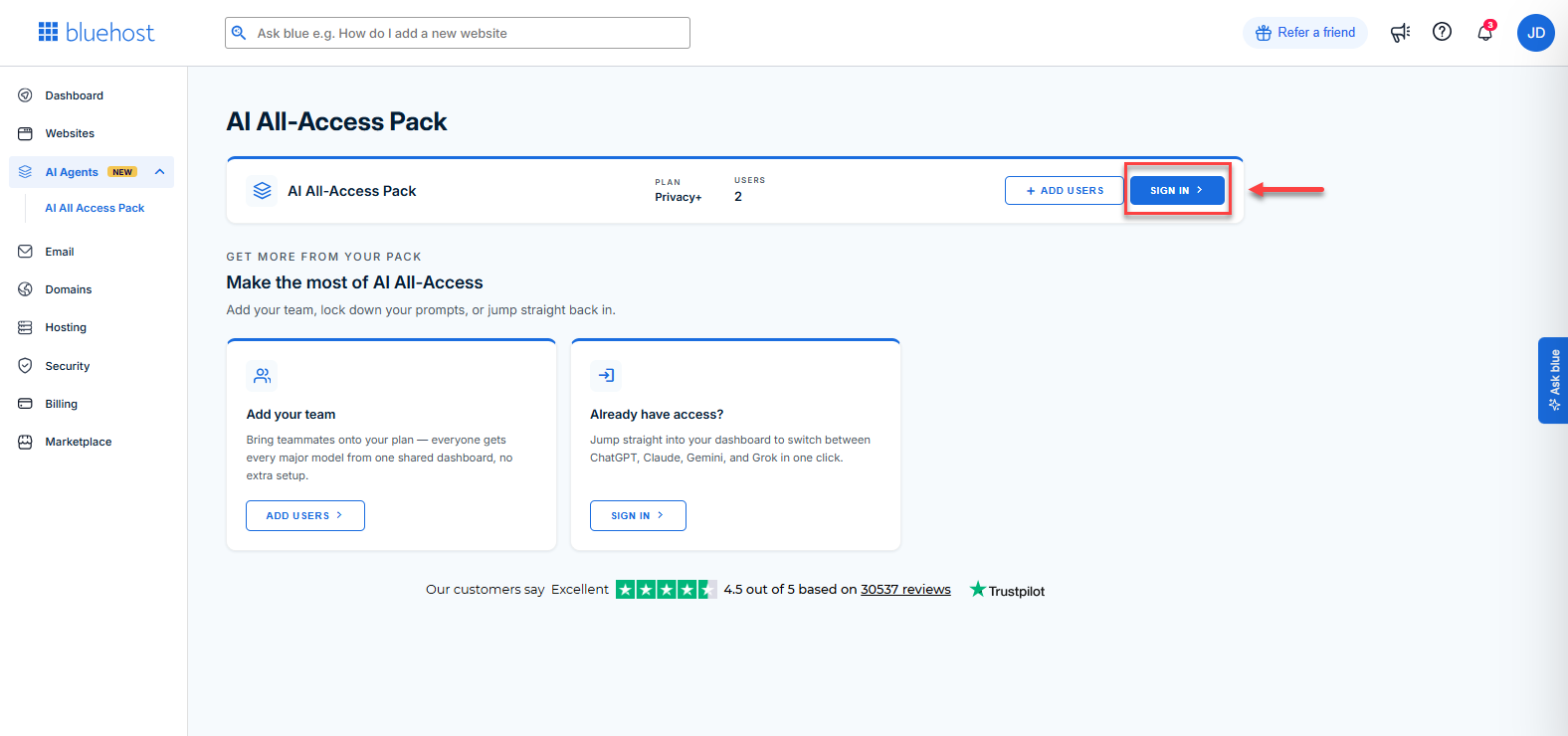
- Click the Sign In button.
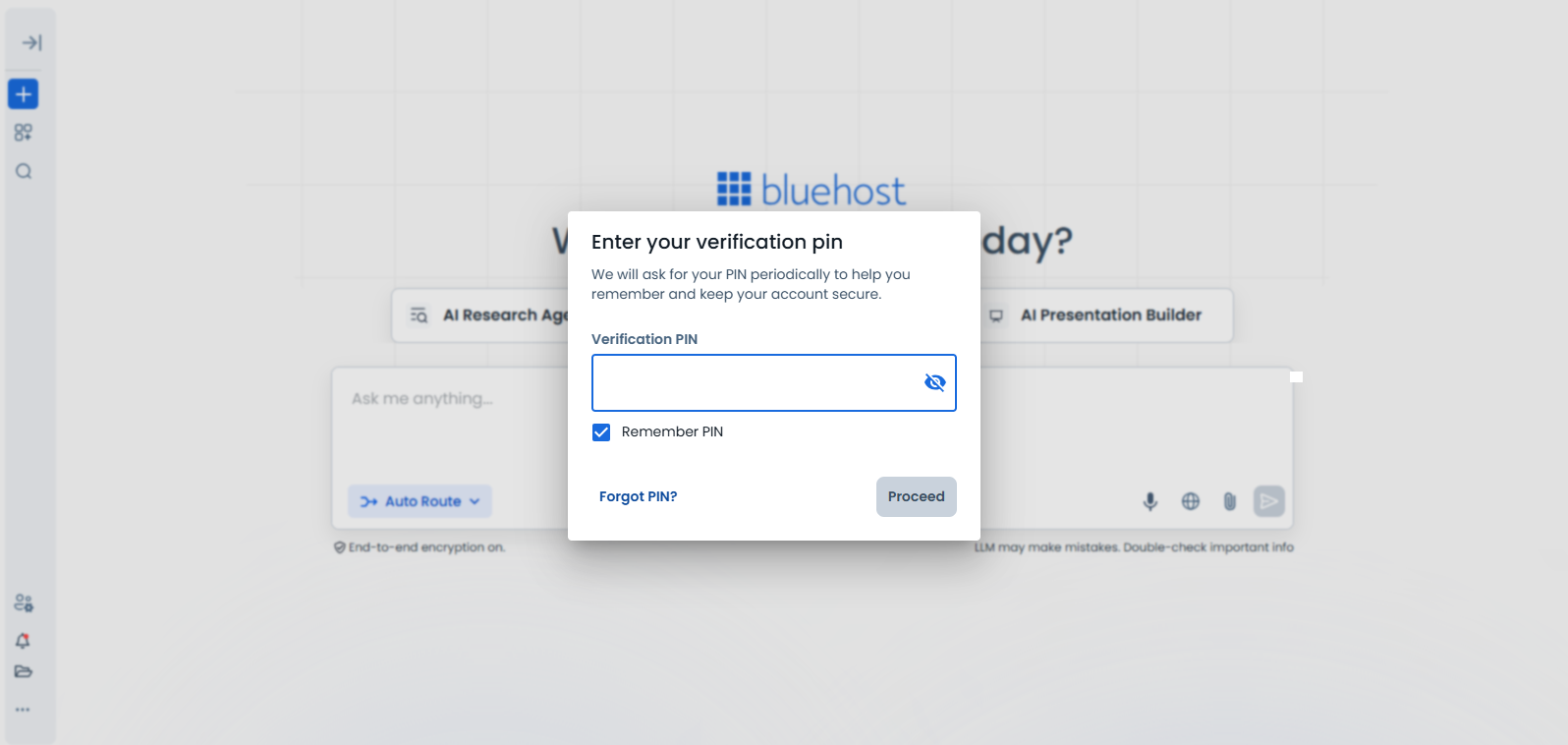
- Enter your Verification PIN when prompted.
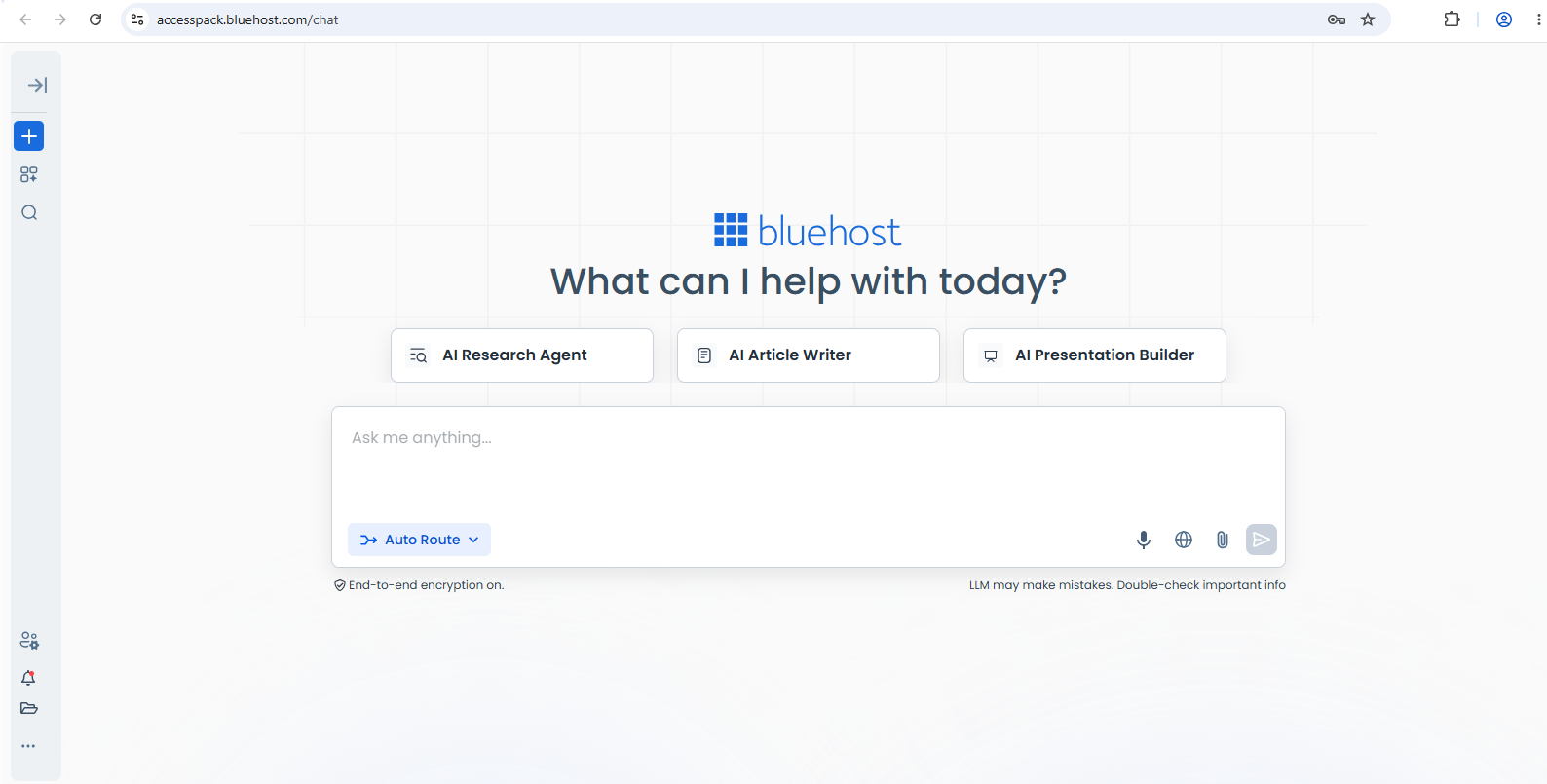
- Once verified, you’ll be logged in and ready to start chatting with your AI agent.
Via Direct Access Link
To access the AI All-Access Pack directly:
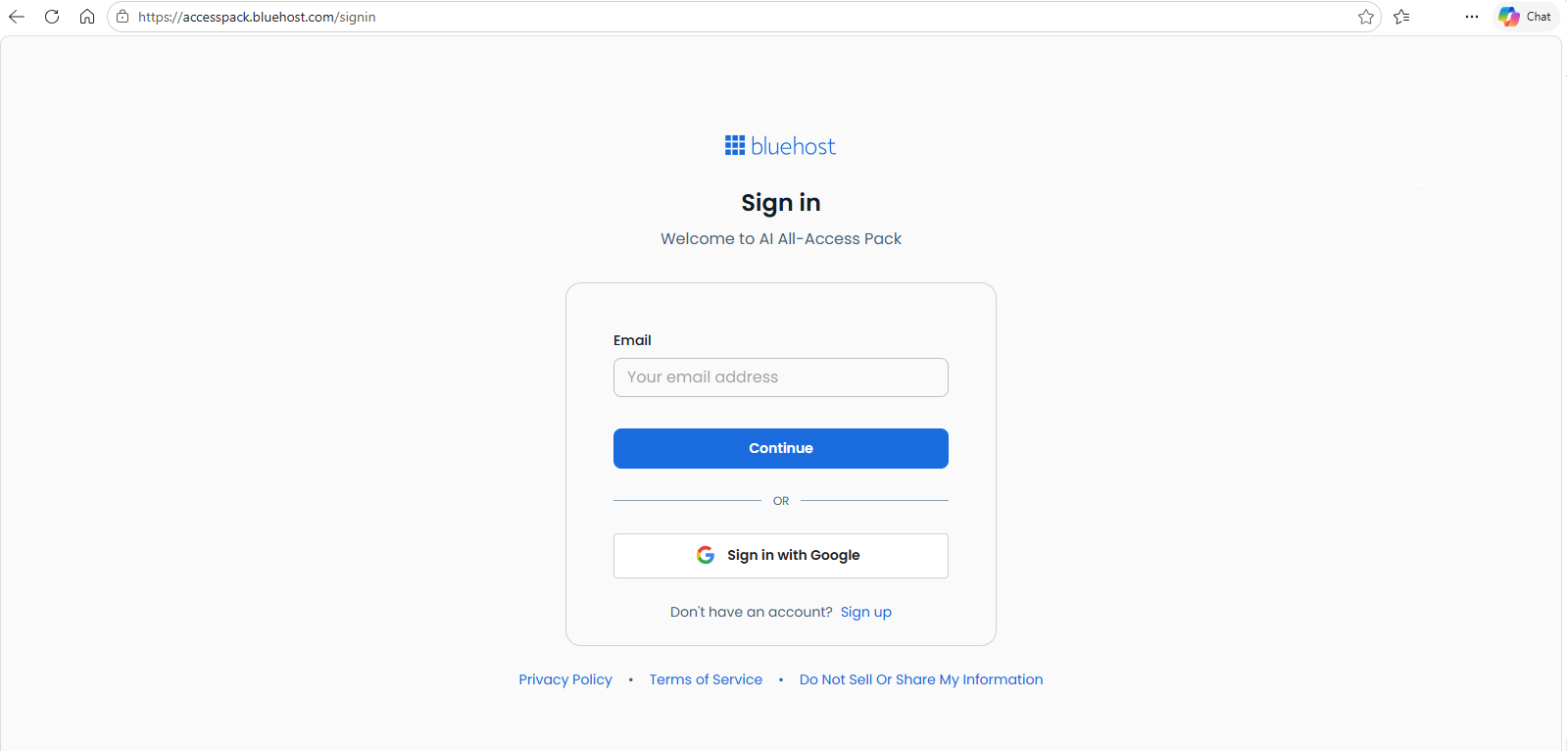
- Visit the sign-in page: https://accesspack.bluehost.com/signin.
- Enter your registered email address, then click Continue.
- Check your email and enter the one-time verification code.
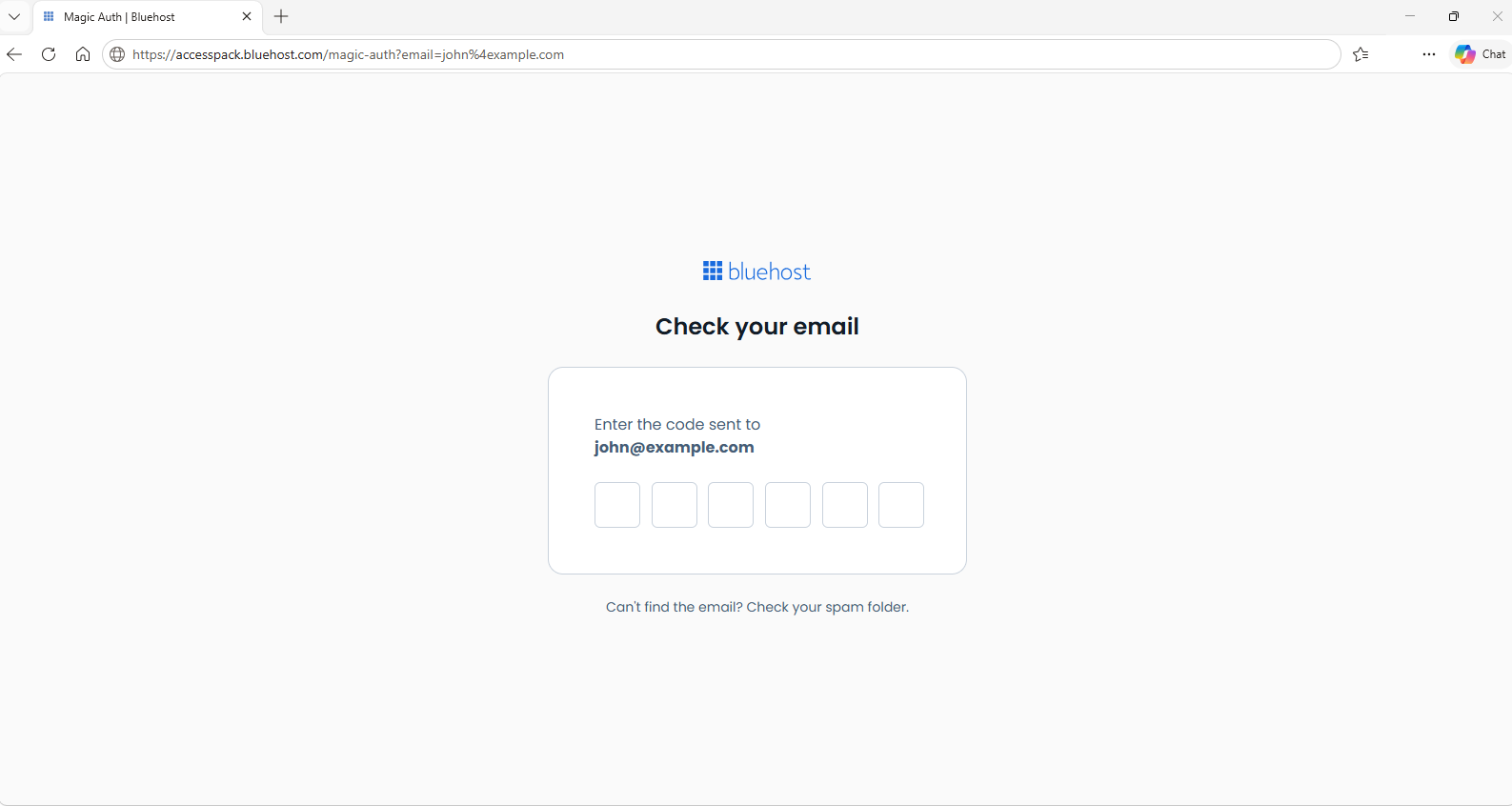
- Complete the verification process.
- After signing in, you can immediately begin using your AI agent.
Summary
The Bluehost AI All-Access Pack provides flexible sign-in options depending on your access type. Whether you log in through your Bluehost account or a direct link, you can quickly verify your credentials and start using powerful AI tools to boost productivity and streamline your workflow.
If you need further assistance, Bluehost Chat Support is available 24 hours a day, 7days a week while Bluehost Phone Support is available 7 days a week from 7 am-12 midnight EST.
- Chat Support - While on our website, you should see a CHAT bubble in the bottom right-hand corner of the page. Click anywhere on the bubble to begin a chat session.
- Phone Support -
- US: 888-401-4678
- International: +1 801-765-9400
You may also refer to our Knowledge Base articles to help answer common questions and guide you through various setup, configuration, and troubleshooting steps.