 ChatGPT,
  Claude,
  Gemini,
  Grok — all four for
 How to Enable or Disable Domain Lock
Locking and unlocking your domain is important to keep it secure from unauthorized transfers. By default, domains are automatically locked after registration, preventing transfers to another registrar. If you want to move your domain, you’ll need to unlock it first. Understand the Domain Transfer Lock process in this article.
Learn more about domain locks in this article: Understanding the Different Types of Domain Locks.
How to Toggle Domain Lock On and Off
If you need to transfer or move your domain, you can toggle the Domain Transfer Lock:
- Log in to your Bluehost Portal.
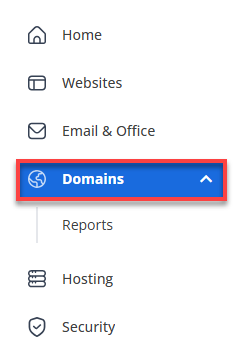
- In the left-hand menu, click Domains.
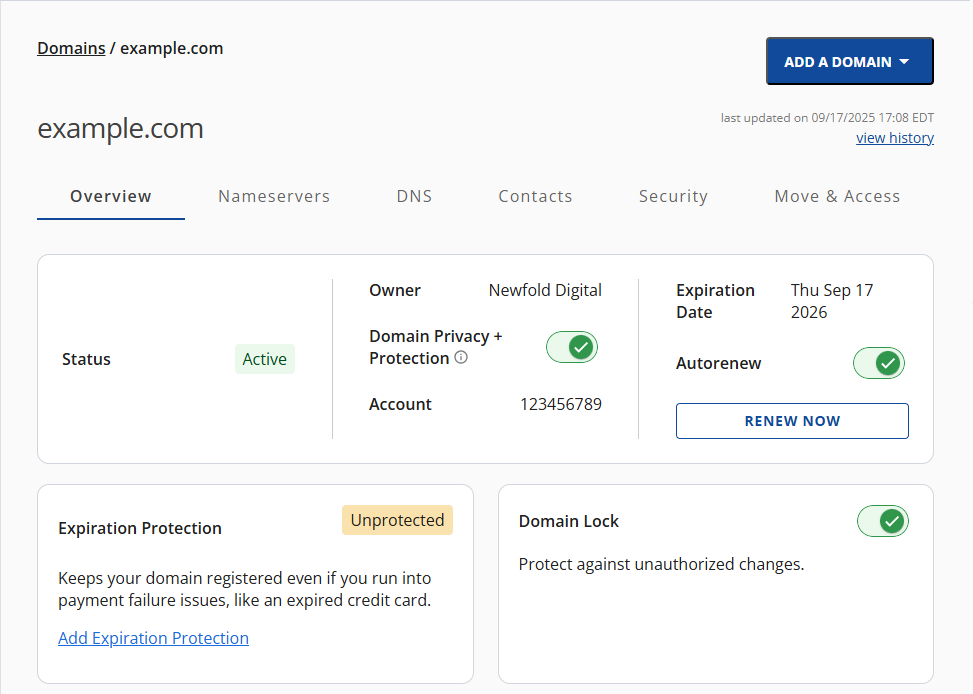
- If you have one domain in your account, you will be taken directly to the domain management panel.
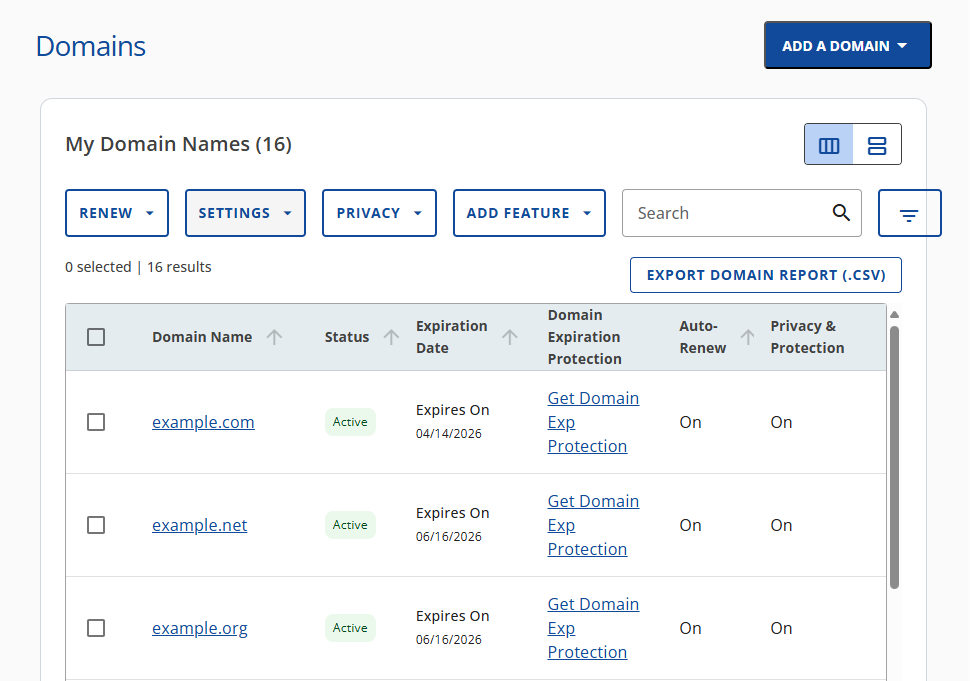
- If you have multiple domains in your account, click the domain you wish to manage to access the domain management panel.
- If you have one domain in your account, you will be taken directly to the domain management panel.
- Scroll to the Domain Lock section.
- Use the toggle switch to Turn On or Turn Off the lock:
- Turn on - When your domain is locked, it’s protected from unauthorized transfers, keeping it safe and under your control.
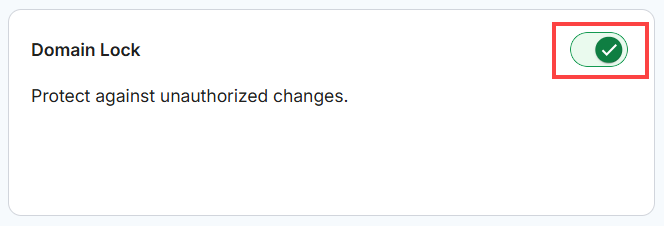
- Turn Off - Unlocking your domain makes it potentially vulnerable to unauthorized transfers. However, if you plan to move your domain to another registrar, you can request your EPP Code (also called an Authorization Code or key) by visiting the Move & Access tab in your Bluehost Portal.
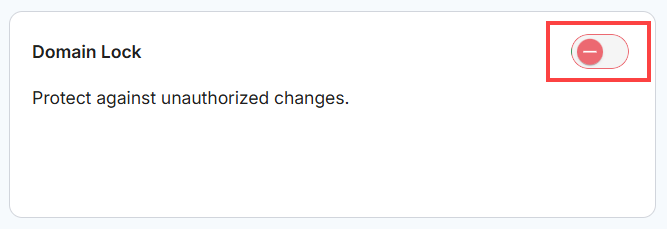
- Turn on - When your domain is locked, it’s protected from unauthorized transfers, keeping it safe and under your control.
A confirmation message will appear once your change is saved.

Summary
Locking your domain by default is essential to stop anyone from moving it without your consent, and only turn off the lock when you need it. This helps your domain safe and within your control. Using domain locks helps you feel secure, prevents mistakes, and makes it easier and safer to manage your domain.
If you need further assistance, Bluehost Chat Support is available 24 hours a day, 7days a week while Bluehost Phone Support is available 7 days a week from 7 am-12 midnight EST.
- Chat Support - While on our website, you should see a CHAT bubble in the bottom right-hand corner of the page. Click anywhere on the bubble to begin a chat session.
- Phone Support -
- US: 888-401-4678
- International: +1 801-765-9400
You may also refer to our Knowledge Base articles to help answer common questions and guide you through various setup, configuration, and troubleshooting steps.