 ChatGPT,
  Claude,
  Gemini,
  Grok — all four for
 How to Add an Additional Hosting Plan in Bluehost Portal
If you need to expand your website or manage multiple projects, you can easily add an additional hosting plan to your Bluehost account. Whether you already have an active plan or are just getting started, Bluehost gives you flexible options to purchase and manage hosting in one place.
Follow the steps below to add a new hosting plan using either the Hosting tab or the Marketplace.
Adding Hosting Plan from the Hosting Tab
You can add an additional hosting plan directly from the Hosting section of your Bluehost Portal.
- Log in to your Bluehost Portal.
- In the Hosting tab:
- If you already have a hosting plan, click Add Hosting Plan.
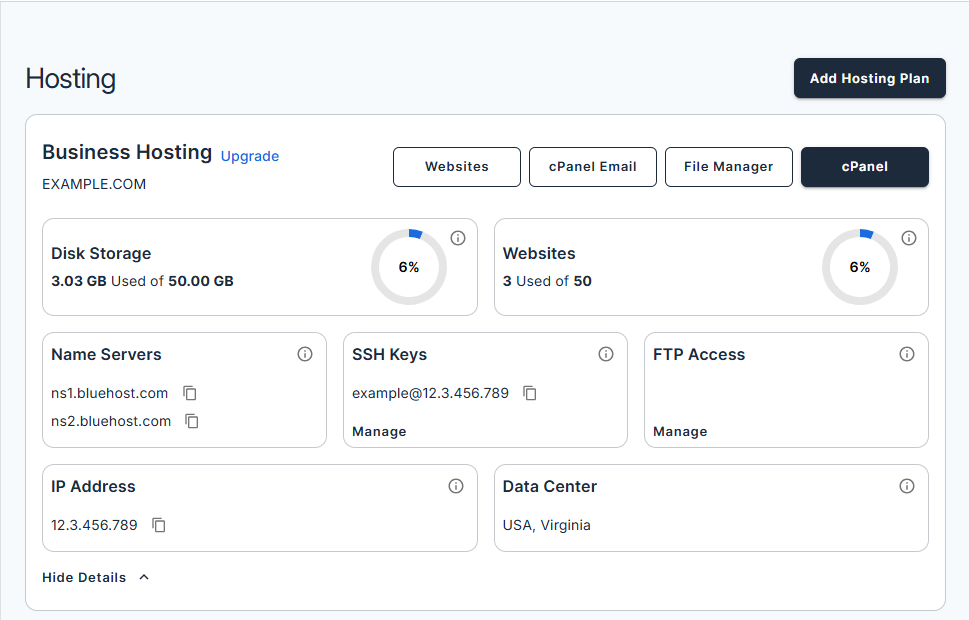
- If you don’t have a hosting plan, review the plans that fit your needs and click See Plans:
- Web Hosting: Launch your website with AI-powered tools.
- WooCommerce Online Store: Sell anything online with a custom eCommerce site.
- If you already have a hosting plan, click Add Hosting Plan.
- Select your plan on the next page.
- Choose and enjoy a FREE domain with your website package.
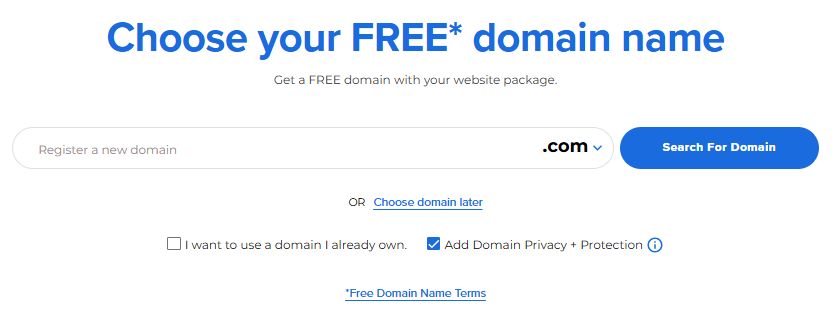
You can choose your domain later or use one you already own. - Review your cart and click Continue to Checkout.

- Check your Account and Billing Information.
- To use a different payment method, click + Add Payment Method and select from the available options.
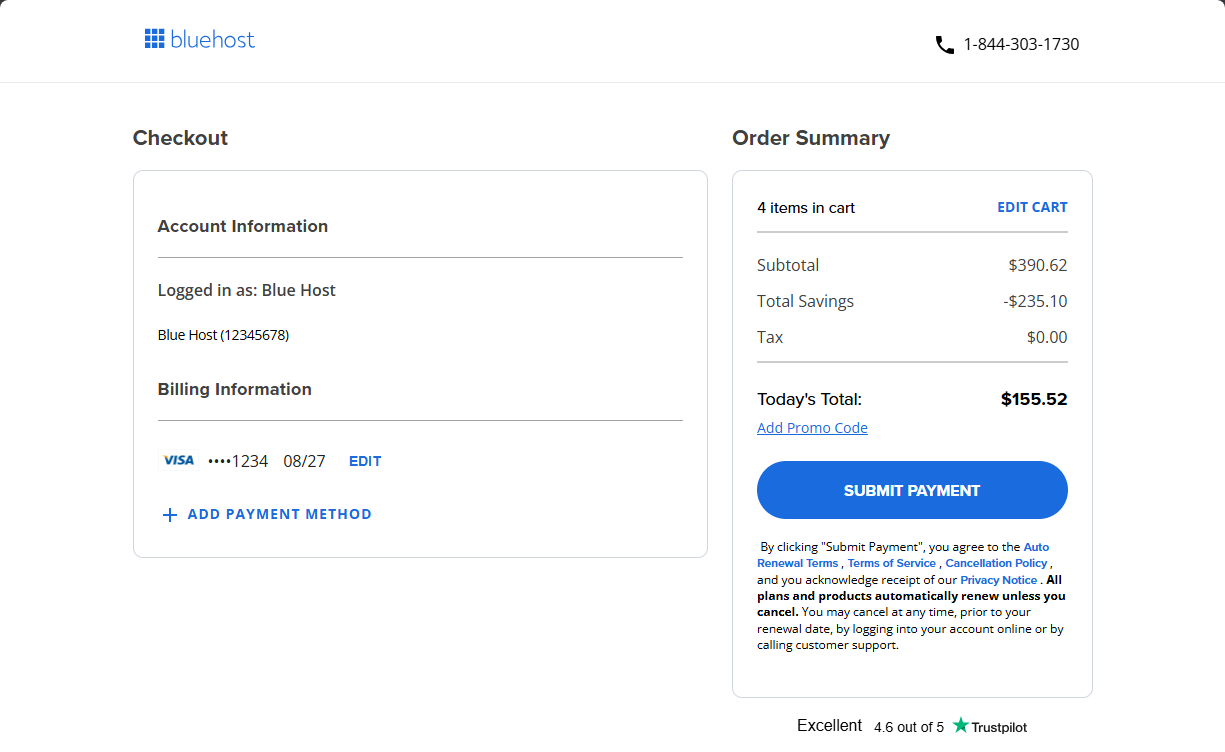
- Click Submit Payment to complete your purchase.
Adding Hosting Plan from the Marketplace
You can also add an additional hosting plan through the Marketplace.
- Log in to your Bluehost Portal.
- Click Marketplace on the left-side menu.
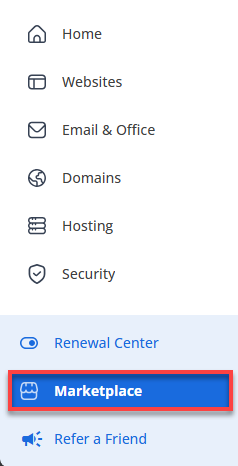
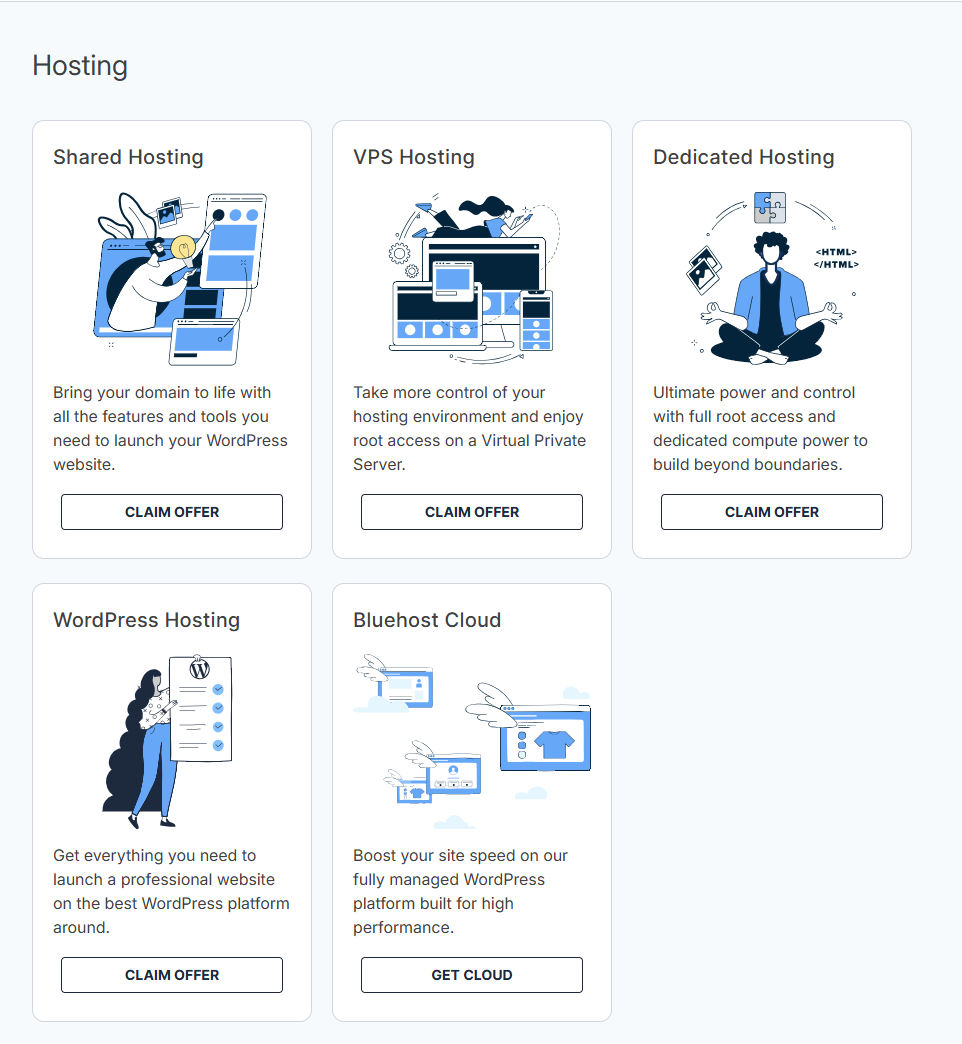
- Scroll down to the Hosting section and choose the plan that fits your needs:
- Shared Hosting: Bring your domain to life with all the features and tools you need to launch your WordPress website.
- VPS Hosting: Take more control of your hosting environment and enjoy root access on a Virtual Private Server.
- Dedicated Hosting: Ultimate power and control with full root access and dedicated compute power to build beyond boundaries.
- WordPress Hosting: Get everything you need to launch a professional website on the best WordPress platform around.
- Bluehost Cloud: Boost your site speed on our fully managed WordPress platform built for high performance.
- Click Claim offer/Get cloud.
- Select your plan on the next page.
- Choose and enjoy a FREE domain with your website package.
You can choose your domain later or use one you already own.
- Review your cart and click Continue to Checkout.
- Check your Account and Billing Information.
- To use a different payment method, click + Add Payment Method and select from the available options.
- Click Submit Payment to complete your purchase.
Summary
You can add an additional hosting plan to your Bluehost account at any time using the Hosting tab or the Marketplace. Both options allow you to choose a hosting type, claim a free domain, and complete checkout quickly—making it easy to scale your website as your needs grow.
If you need further assistance, Bluehost Chat Support is available 24 hours a day, 7days a week while Bluehost Phone Support is available 7 days a week from 7 am-12 midnight EST.
- Chat Support - While on our website, you should see a CHAT bubble in the bottom right-hand corner of the page. Click anywhere on the bubble to begin a chat session.
- Phone Support -
- US: 888-401-4678
- International: +1 801-765-9400
You may also refer to our Knowledge Base articles to help answer common questions and guide you through various setup, configuration, and troubleshooting steps.