 ChatGPT,
  Claude,
  Gemini,
  Grok — all four for
 Purchase a Self-Managed VPS with LEMP Installation
The LEMP stack is a well-known open-source way to make and run dynamic websites and web apps. It consists of Linux, which is the operating system, Nginx (pronounced as "Engine X") is the web server, MySQL or MariaDB is used to manage data, and PHP is used for server-side scripting. These parts work together to make a stable and flexible environment for web development in the modern age
Importance and Usage of LEMP
LEMP is widely preferred because it’s fast, efficient, and handles high traffic really well. Nginx, in particular, uses an event-driven approach, which helps it manage multiple connections smoothly—often making it more efficient than traditional setups. When you run a LEMP stack on a VPS, you also get full control over your server, allowing you to customize and optimize it based on your needs.
You can use the LEMP stack for a variety of projects, such as:
- High-Performance Websites: Deliver fast-loading sites with better resource handling.
- Web Applications: Run dynamic apps that rely on databases.
- Content Management Systems (CMS): Power platforms like WordPress, Drupal, or Joomla.
- E-commerce Stores: Support online shops that handle multiple users at once.
- Custom Development: Build and deploy tailored web solutions with flexibility.
Overall, LEMP is a great choice if you’re looking for a balance of speed, flexibility, and control for your web projects.
How to Purchase a Self-Managed VPS with LEMP Installation
We’ve created a short video on how to purchase a Self-Managed VPS with LEMP Stack Installation.

New to VPS or not sure where to start? No worries! At the top of the Self-Managed VPS purchase page, you’ll see the Pre-configured Setup section. This handy feature is perfect if you’re feeling a bit unsure—just pick the type of project you want, like WordPress Site, AI Agent/Claude Code, Dev/Staging, or eCommerce Store. We’ll take care of the rest by automatically filling in the best plan, operating system, and template for you.
- Super simple for beginners or anyone who just wants a quick setup
- Instantly get the recommended settings for your project
- Skip the guesswork and save time
- You can still customize things later if you want
- In your browser, go to https://www.bluehost.com/vps-hosting.
- Click the Choose Plan button under your preferred VPS hosting plan.
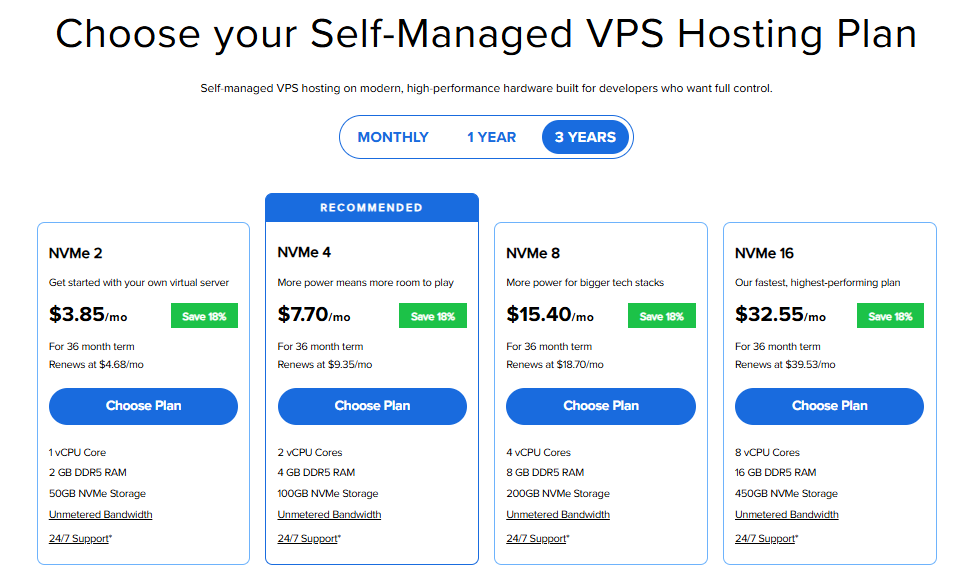
Important: Pricing is subject to change—please visit https://www.bluehost.com/vps-hosting for the current introductory/sign-up offer for Bluehost VPS Hosting. For the most up-to-date renewal pricing, visit your Bluehost Portal Renewal Center.
- Select your preferred Data Center location.

- On the Cart page, you can configure your server to fit your needs in the following section:
- Hardware:
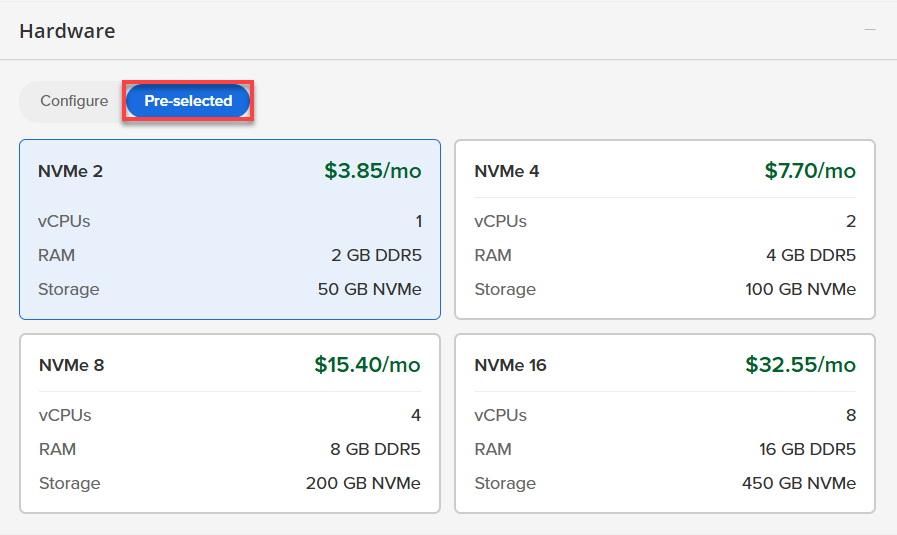
- Pre-selected:
You can select a different Self-Managed VPS plan in this section.
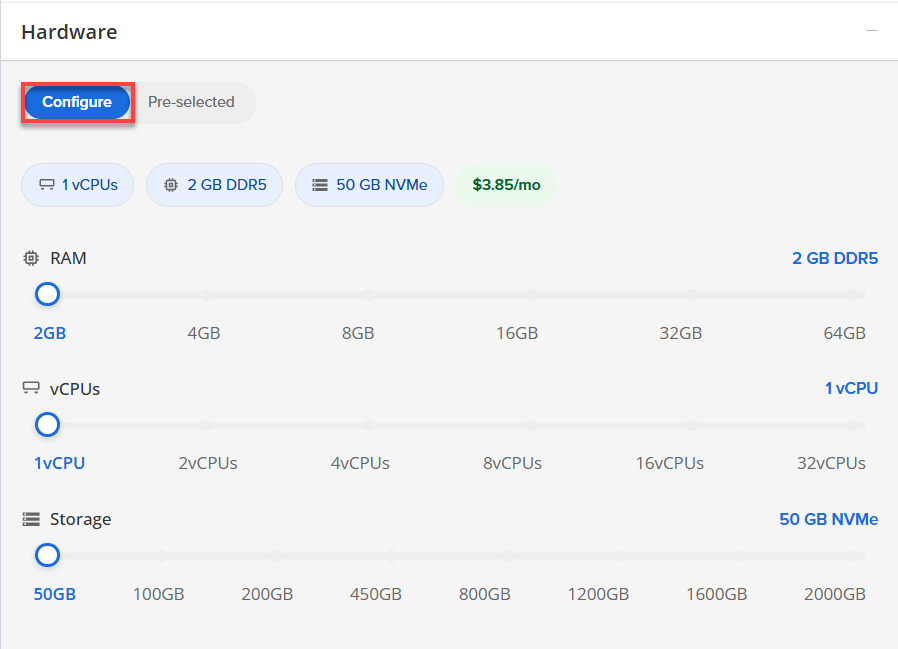
- Configure:
Click Configure to customize your package.
Note that your changes help customize your plan, and the overall cost will adjust accordingly to fit your needs.
- Pre-selected:
- Software:
If the selected plan does not meet the app's minimum requirements, the app will be grayed out.
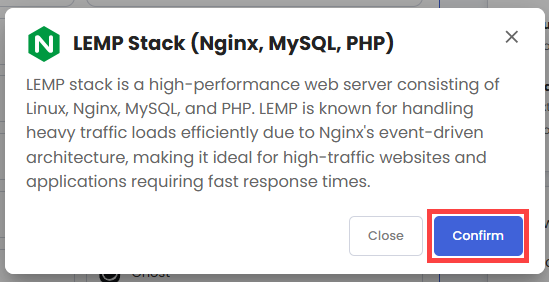
- Click the Application tab.
- Select LEMP Stack.
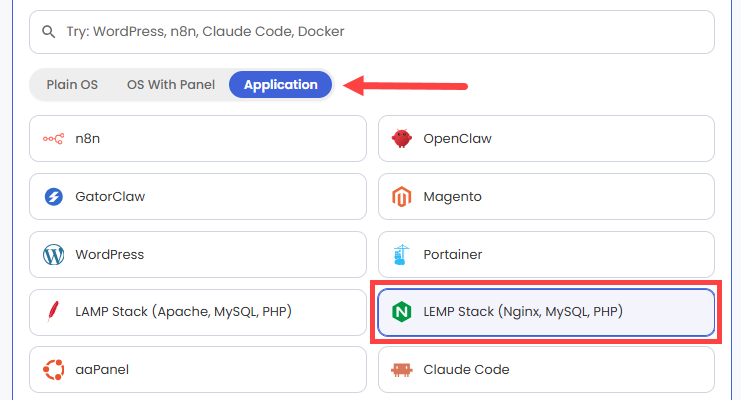
- In the pop-up, click Confirm.
- Hardware:
- Add-Ons: You can add Premium Support here, which gives you priority access to expert assistance and faster response times.

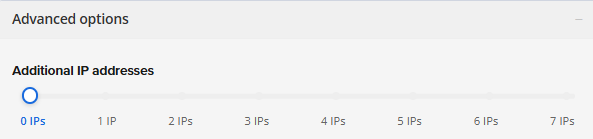
- In the Advanced options:
- Extra IP's: You can add extra IP addresses for an additional fee.
Pricing changes based on how many IPs you add. - Hostname: Assign a custom hostname to easily identify your server. This is optional.
- Extra IP's: You can add extra IP addresses for an additional fee.
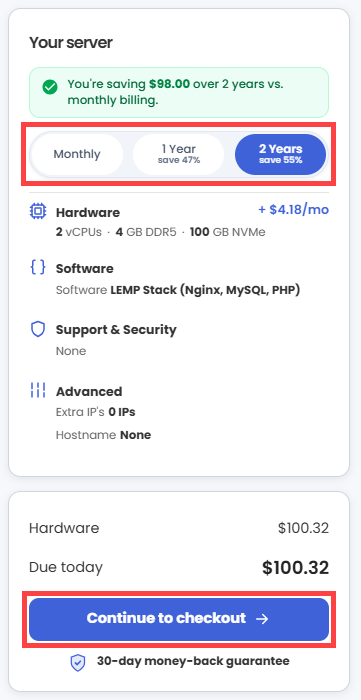
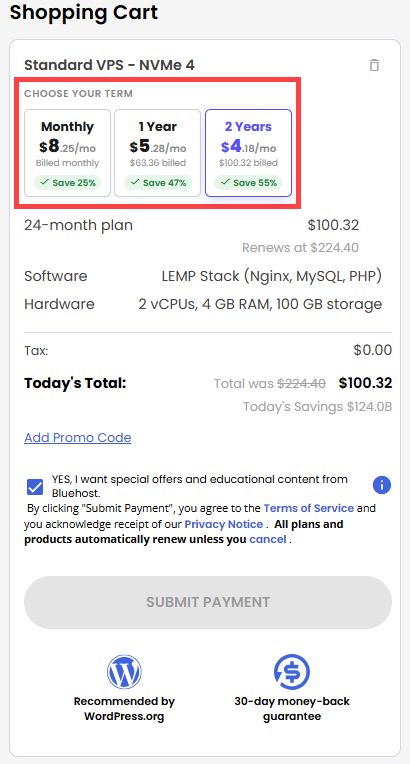
- Next, select your preferred billing term and review your Order Summary, then click Continue to Checkout.
- Do the following on the Checkout page:
If you're new with Bluehost:
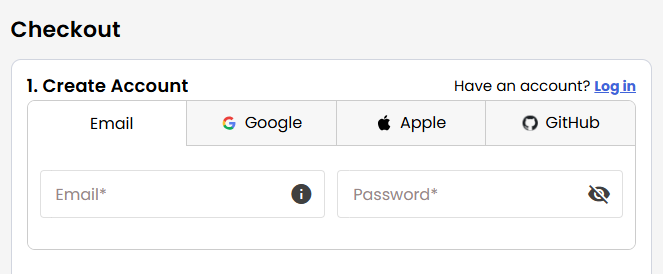
- Create your Bluehost account by using your email address or by connecting with your Google, Apple, or GitHub account — whichever you prefer!
- Select your preferred payment method: credit card, Google Pay, or PayPal. Enter your billing information.
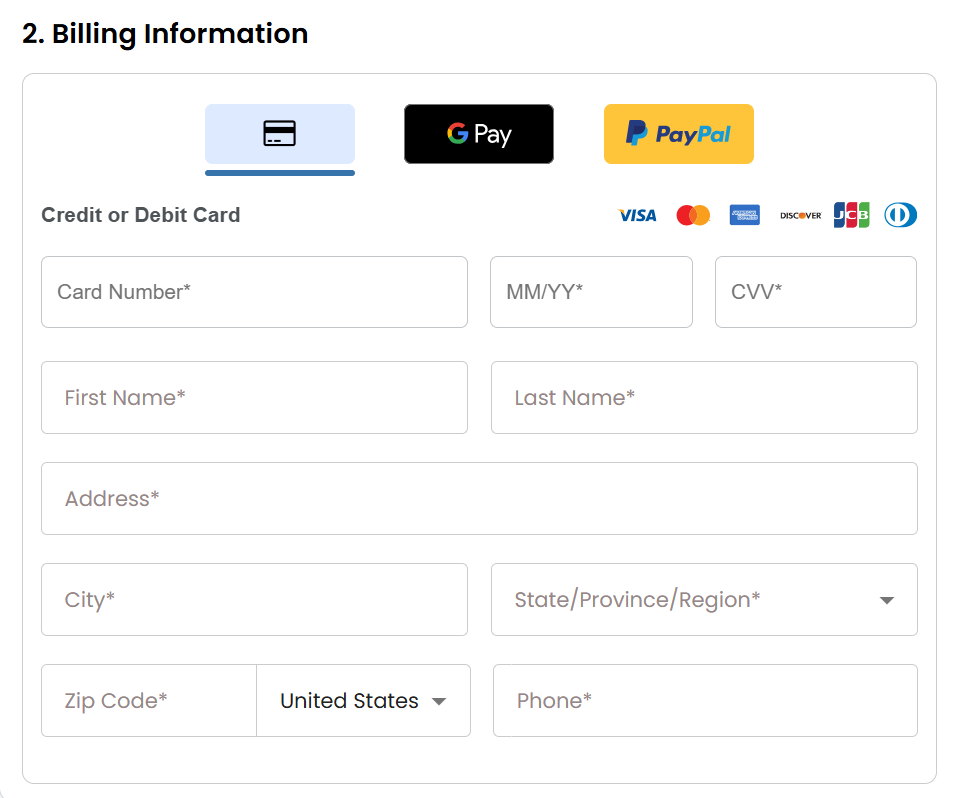
If you have an account with us, you will see your Bluehost login details when you are logged into your Bluehost Portal. If you are not logged in, please click the Log In link.
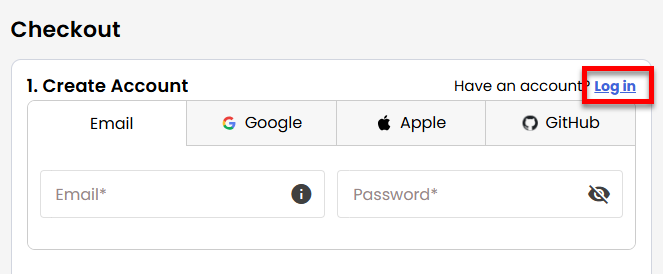
- Create your Bluehost account by using your email address or by connecting with your Google, Apple, or GitHub account — whichever you prefer!
- In the Shopping Cart section, you can still adjust your billing term if needed.
- Review the items in your cart, add a Promo Code if you have one, and then click Submit Payment to complete the purchase.
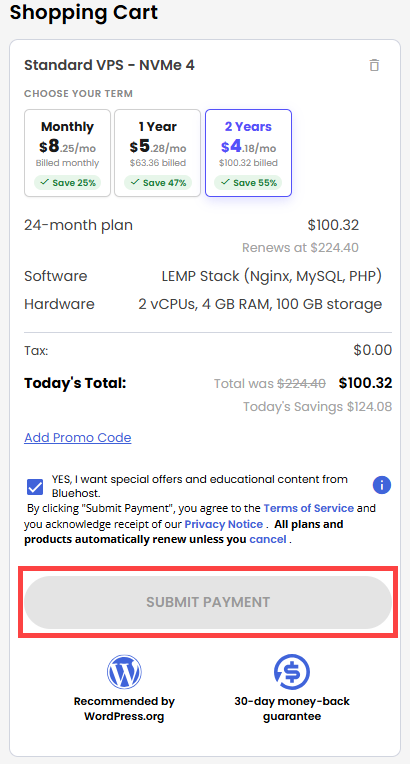
After completing the purchase, your VPS hosting will begin provisioning. You can access and manage your new VPS hosting in the Hosting tab of your Bluehost Portal.
Summary
The LEMP stack is an open-source setup that makes it easier to make and run fast, dynamic websites and web apps. It combines Linux, Nginx, MySQL or MariaDB, and PHP to make a setup that is stable and can easily grow with your needs. A lot of people choose it for modern web projects because it's fast and can handle a lot of traffic without any problems. You can use it to host websites, run web apps, manage platforms like WordPress, or even support online stores. To get started, you can set it up on your own server or use a VPS if you want more control and flexibility.