 ChatGPT,
 Claude,
 Gemini,
 Grok — all four for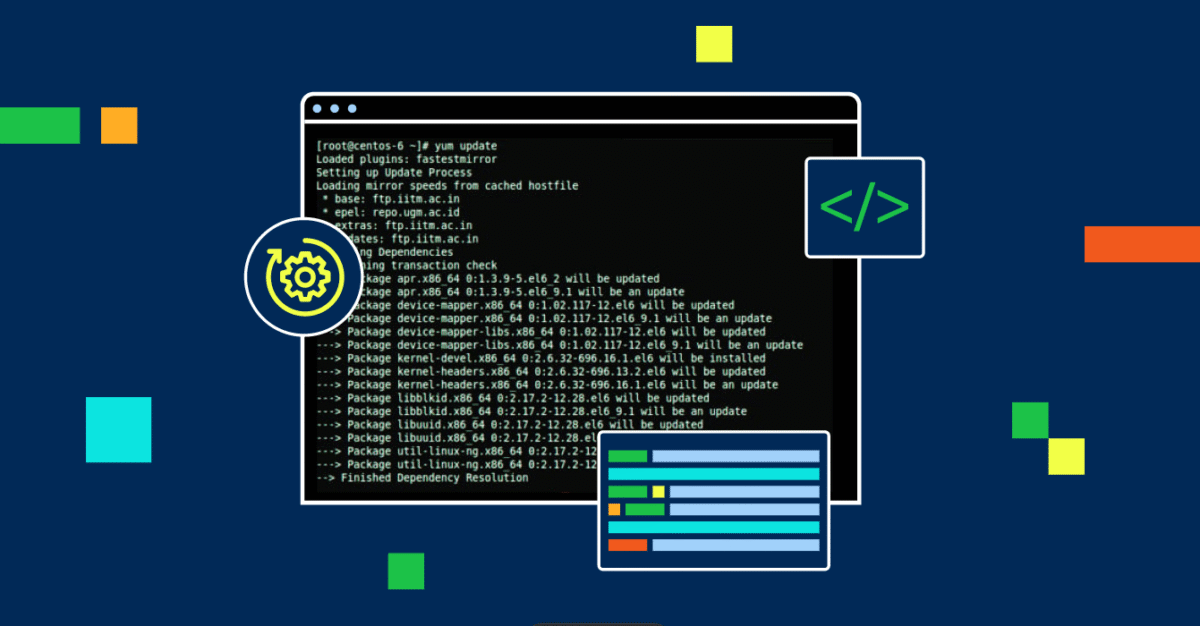
You can let software administrate your VPS or Dedicated Server by using the Yellowdog Updater, Modified, otherwise known as YUM for short. The following instructions detail how to manage YUM which includes getting the software packages installed, updated, or uninstalled from the CentOS box from this guide. These can control server package software installations in order that one is always upgraded and secured.
Using yum
The following is what you can use with yum:
- To install a package, you would use install and the package name after yum.
sudo yum installpackage - If you are not sure of the package name, you can use search and part of the package name or term after yum.
sudo yum searchpackage - To find out the information about the package that you want to install, you use the info and the package name.
sudo yum infopackage - To update the packages that you have installed with yum, use update and the package name.
sudo yum updatepackage - Note: To update yum, you would use update without the package name.
- Uninstalling packages will use the remove tag and the package name with yum.
sudo yum removepackage
Summary
All things considered, YUM is one of those necessary tools you will find while taking care of your VPS or Dedicated Server under CentOS. You can learn commands and techniques that might come handy to you with streamlining software management. Keep the server running by smoothing things up and tightening up its security with Bluehost’s highly elaborate instructions on the installations, updates, or removal of packages.

Write A Comment