 ChatGPT,
 Claude,
 Gemini,
 Grok — all four for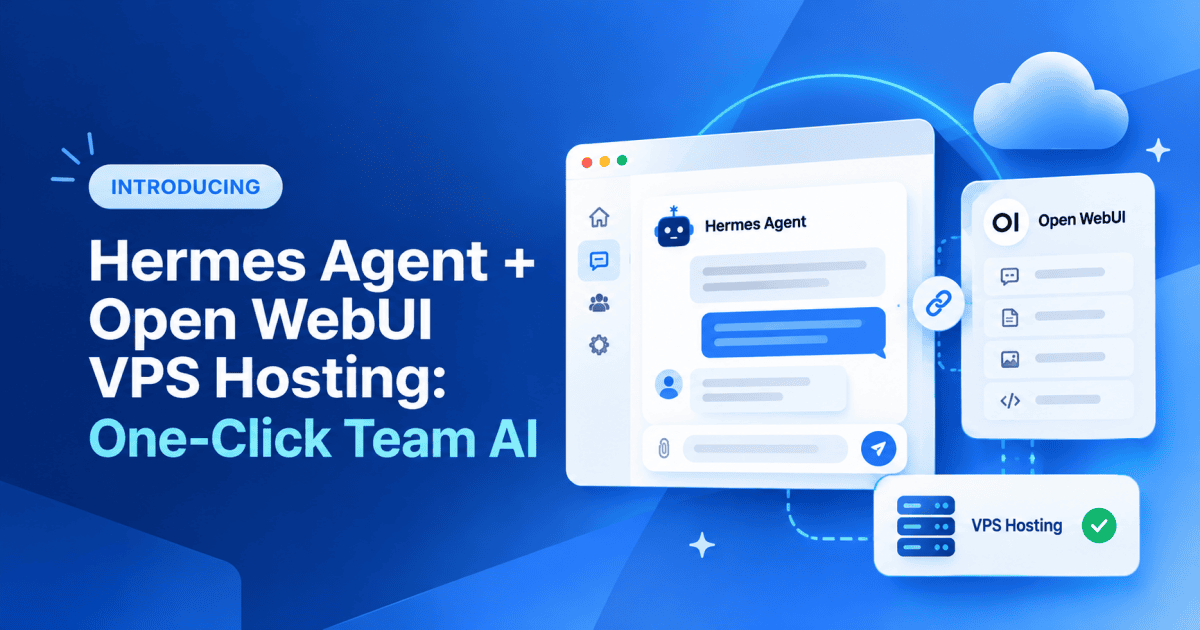
Something shifted this year in how small teams use AI. Prompting a chatbot and pasting the answer into a doc used to be the whole workflow. Now teams hand over the job itself: research this market and report back, watch the repo and summarize what shipped. That kind of work needs an agent that keeps running when nobody is watching, and that everybody on the team can reach from a browser.
That’s what we built. Hermes Agent + Open WebUI VPS hosting is a one-click Bluehost template that deploys Hermes Agent, an open-source autonomous AI agent from Nous Research, alongside Open WebUI, a self-hosted chat interface, already connected on one always-on NVMe server with full root access.
Open WebUI is what your team sees and types into; Hermes Agent is what keeps working after they close the tab. Memory, documents and logs all stay on a server you control.
Below is what each piece is built for, and why the two of them need real server infrastructure to work together.
Two products, one job
Here’s what each half of that actually does, and why neither one survives on a laptop.
Hermes Agent is an open-source AI agent from Nous Research. You give it a goal and it works through the steps itself, running terminal commands, browsing the web and spawning parallel subagents. It keeps persistent memory in MEMORY.md and USER.md, and its learning loop turns finished work into new skills.
Open WebUI is a ChatGPT-style chat interface you host yourself. It adds user management, shared channels, multi-model switching and retrieval-augmented generation (RAG) over private documents, so the whole team talks to the agent in a browser.
One product does the work. The other lets people ask for it.
What Hermes Agent Open WebUI VPS hosting fixes?
Laptops go dark when the lid closes, and shared hosting cannot give an agent the root access, ports and persistent storage it needs to keep running.
Bluehost Hermes Agent + Open WebUI hosting answers each of those:
- The laptop closes and work stops. The agent runs continuously on the server, so workflows, scheduled tasks and bots stay live 24/7.
- Containers need permissions shared hosting withholds. Root access and Docker support let you rewrite SOUL.md, add skill directories and switch execution backends across SSH, Modal and Singularity.
- Slow disks stall memory and RAG. NVMe SSD storage keeps memory writes, document ingestion and embedding generation fast.
- Shared CPU slows under team load. Dedicated, isolated resources hold performance steady under concurrent use.
- Restarts lose what the agent learned. Persistent volumes keep memory files, knowledge bases and accounts intact. Free SSL and unmetered bandwidth are included.
- Wiring two products together takes hours. The one-click template launches both pre-connected, with no API wiring.
- Outgrowing the box means migrating. Scaling from NVMe 2 to NVMe 16 needs no re-deployment and no rebuilt integration.
Independent testing points the same way. VPSBenchmarks ranked Bluehost NVMe 4 second of 26 plans in Best Value VPS May 2026, with A grades for web performance, stability and network performance, plus a storage badge for speeds above 3,000 MiB/s.
Every fix on that list points back to one requirement: a server that keeps running whether or not anyone is watching it. That’s the exact problem the team set out to solve:
“Everyone who tries Hermes Agent hits the same two walls. The agent stops when the laptop closes, and the only person who can talk to it is whoever installed it. We shipped both products pre-connected on an always-on server so the whole team just opens a browser.”
Ram Pramod, Product Manager at Bluehost
A server that stays on answers the first wall. The second one, who can actually reach the agent, comes down to whether the two products are wired together at all.
Why does the Hermes Agent Open WebUI integration beat two separate installs?
Two products on the same server still isn’t the same as two products that talk to each other.
Left separate, Open WebUI is just a chat window in front of a model API, and Hermes Agent’s toolset is reachable only by whoever has a terminal or an API key.
Wire them together and one agent instance serves the whole team through a browser on a shared memory stack, documents uploaded to Open WebUI become live context for the agent’s tasks, and tool execution shows inline as it runs.
Open WebUI with Hermes Agent: one deployment, your entire stack
What makes this stack useful is what it connects to. The models the agent reasons with, the channels your team reaches it through, the documents it reads.
You own the server, so each is your call:
- LLM providers: OpenRouter, Anthropic, OpenAI, Together AI, Ollama, vLLM, llama.cpp or any OpenAI-compatible endpoint
- Messaging platforms: run the agent as a bot on Telegram, Discord, Slack, WhatsApp or Signal
- RAG and knowledge bases: PDFs, web pages and text files, or sync via oikb from GitHub, S3, Confluence and 40+ sources
- Execution backends: Docker, SSH, Modal and Singularity
- Research and browsing: Firecrawl, Browserbase and Exa
- Model Context Protocol (MCP) tool servers: proxy any MCP server through the mcpo adapter
- Team access: Tailscale, Cloudflare Tunnels or an Nginx or Caddy reverse proxy
Nothing reaches a third-party AI service unless you connect it. Memory files, documents and logs stay on your server. One monthly cost covers unlimited users and agent interactions.
What that looks like in practice
A teammate messages the agent on Slack, asking it to pull the latest numbers from a shared deck and check whether recent support tickets raise the same issue. Hermes Agent reasons through the request with whichever model you’ve connected, pulls the deck from the knowledge base synced in through oikb, searches the connected ticket history for matching complaints, and writes the summary back into the same Slack thread. Nobody opened a terminal. Nobody waited on a laptop to wake up. The agent reached for the tools already wired into it and did the work.
Nobody opened a terminal. Nobody waited on a laptop to wake up. The agent reached for the tools already wired into it and did the work.
Here’s that same request, playing out live in Open WebUI. Watch it run below, then grab your own always-on agent from the storefront.
Hermes Agent + Open WebUI · Bluehost VPS Hosting
An agent that keeps working
and a team that can reach it.
Run Hermes Agent and Open WebUI pre-connected on a Bluehost VPS built to stay online, so the agent keeps reasoning after you close the laptop and your whole team can reach it from a browser.
Get Hermes Agent + Open WebUI HostingWhat it takes to keep the agent running
An agent that stops when a laptop sleeps is a demo. An agent only one person can reach is a personal tool. Neither is what you signed up for when you started handing Hermes Agent real work, and no local workaround fixes either one.
Closing that gap comes down to four things: a server that stays on, storage fast enough to keep memory and RAG responsive over weeks (not just on day one), root access to shape how the agent behaves, and an interface the whole team can open without a terminal or shared credentials.
Hermes Agent + Open WebUI VPS hosting puts all four in place in one click, on a VPS you own outright. Deploy it once, and the agent keeps working, keeps learning, and stays reachable — whether or not anyone’s at a desk.
Ready to stop wiring this together manually? Deploy Hermes Agent + Open WebUI on Bluehost VPS and give your team an always-on agent workspace out of the box.

Write A Comment