


Key highlights
- Install PHP Pear packages effortlessly through cPanel’s intuitive interface in minutes.
- Manage dependencies automatically with Pear’s built-in package management system.
- Access thousands of pre-built PHP libraries to accelerate your development workflow.
- Configure server settings properly to ensure seamless Pear package functionality.
- Troubleshoot common installation issues using cPanel’s diagnostic tools and logs.
Managing PHP dependencies and extensions can be challenging for web developers, especially when working within PHP module package compatibility. If you’re wondering what is PHP Pear and how it can streamline your development workflow, you’ve come to the right place. PHP Extension and Application Repository (PEAR) is a powerful package management system that simplifies the process of installing, updating and managing PHP libraries and applications.
In this comprehensive PHP Pear tutorial, you’ll learn everything you need to know about php pear install package through cPanel. Whether you’re a beginner looking to understand the basics or an experienced developer seeking to optimize your workflow, this guide will walk you through each step of the process. We’ll cover installation methods, package management techniques, troubleshooting tips and best practices for using the pear package manager effectively.
By the end of this tutorial, you’ll have a solid understanding of how to use pear in PHP and be able to confidently PHP pear install package dependencies for your web applications. Let’s dive into the world of PEAR package management and unlock its potential for your development projects.
Understanding PHP Pear: What it is and why you need it?
What is PHP Pear exactly? PHP Extension and Application Repository (PEAR) is a framework and distribution system for reusable PHP components. Think of it as a centralized library where developers can find, download and install pre-built PHP packages that extend the functionality of their applications.
PEAR serves several crucial purposes in PHP development:
- Code Reusability: Instead of writing common functionality from scratch, you can leverage tested and proven packages
- Standardization: PEAR packages follow consistent coding standards and structures
- Dependency Management: Automatically handles package dependencies and version conflicts
- Easy Updates: Simplified process for updating packages to newer versions
- Quality Assurance: All packages undergo review processes before inclusion
The pear package manager acts as the command-line interface for interacting with the PEAR repository. It allows you to search for packages, install them with their dependencies, upgrade existing installations and remove packages when they’re no longer needed.
Common use cases for PEAR packages include database abstraction layers, email handling libraries, XML parsing tools, authentication systems and image manipulation utilities. By leveraging these pre-built components, you can significantly reduce development time while ensuring code quality and reliability.
Understanding PEAR package organization
PEAR uses a hierarchical directory structure that directly reflects package names to organize libraries logically on your server. For instance, a package named HTTP_Request is stored in the HTTP/Request.php directory, effectively serving as a namespace to prevent file conflicts. This system groups packages by functionality, such as Database, Networking or Authentication, simplifying how the pear package manager handles dependencies and ensuring your project remains organized.
The system distributes these libraries through channels, with pear.php.net serving as the default repository for official packages. You can also add third-party channels to access external libraries not found in the main registry. Understanding this structure helps you verify sources before you php pear install package files, ensuring smoother integration when learning how to use pear in PHP for your development projects.
PEAR’s current status and modern alternatives
While the pear package manager was once the industry standard for distributing PHP extensions, the ecosystem has evolved significantly. Today, PEAR is officially considered legacy technology. Although the repository remains active and functional—making it critical for maintaining older codebases—it is no longer the recommended tool for new projects. Modern PHP development has largely shifted toward Composer, which offers superior dependency management and access to a vastly larger library ecosystem through Packagist.
If you are asking what is php pear in the context of current best practices, view it primarily as a maintenance tool rather than a foundation for new builds. The key difference lies in architecture: PEAR typically installs packages globally, whereas Composer manages dependencies per project to prevent version conflicts. For developers maintaining legacy systems, knowing how to use pear in php remains a valuable skill. However, you should generally restrict php pear install package commands to existing environments. For any new application, we strongly recommend adopting Composer to ensure long-term support, security updates and seamless integration with modern workflows.
Prerequisites for installing PHP Pear in cPanel
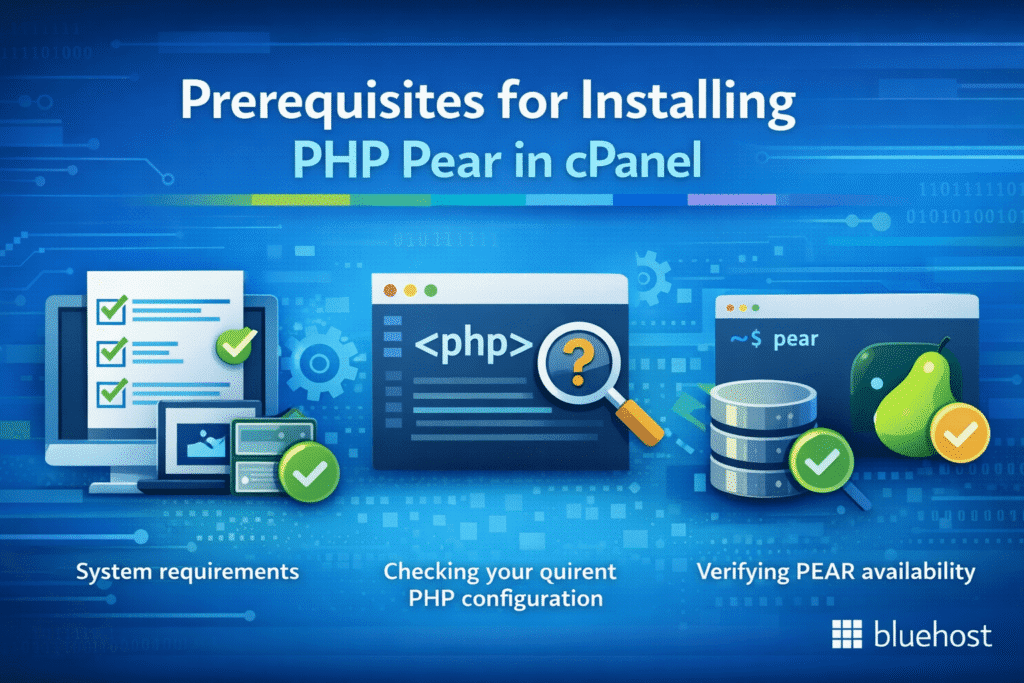
Before you begin the installation process, it’s important to verify that your hosting environment meets the necessary requirements. Most modern hosting providers support PEAR installation, but there are a few prerequisites to check.
1. System requirements
Your hosting account should have:
- PHP version 5.4 or higher (PHP 7.x or 8.x recommended)
- cPanel access with sufficient privileges
- SSH access (preferred but not always required)
- Sufficient disk space for package installations
- Write permissions in your home directory
2. Checking your current PHP configuration
To verify your PHP setup, create a simple PHP info file in your public_html directory:
- Log into your cPanel account
- Navigate to the File Manager
- Create a new file called phpinfo.php
- Add the following code:
- Save the file and access it through your browser at [yourdomain].[com]
This will display comprehensive information about your PHP installation, including available extensions and configuration settings that may affect PEAR functionality.
3. Verifying PEAR availability
Some hosting providers pre-install PEAR, while others require manual installation. To check if PEAR is already available:
- Look for “pear” in your phpinfo() output
- Check if the pear command is accessible via SSH
- Verify if PEAR packages are already installed in your PHP include path
Step-by-Step guide to install PHP Pear in cPanel
There are several methods to install PEAR in cPanel environments. We’ll cover the most common and effective approaches, starting with the easiest method and progressing to more advanced techniques.
Method 1: Installing PEAR via SSH (Recommended)
If you have SSH access to your hosting account, this is typically the most straightforward method to PHP pear install package functionality:
- Connect to SSH: Access your server via SSH using a client like PuTTY or Terminal
- Navigate to your home directory:
cd ~/ - Download the PEAR installer:
wget http://pear.php.net/go-pear.phar - Run the installer:
php go-pear.phar - Follow the installation prompts: Accept default settings or customize as needed
- Update your PATH: Add the PEAR binary directory to your PATH variable
During installation, you’ll be prompted to configure various settings. For most shared hosting environments, accepting the default values is recommended. The installer will create the necessary directory structure and set up the basic PEAR environment.
Method 2: Manual installation via file manager
If SSH access isn’t available, you can install PEAR manually using cPanel’s File Manager:
- Download PEAR: Visit pear.php.net and download the latest stable release
- Upload to cPanel: Use File Manager to upload the PEAR archive to your account
- Extract files: Unzip the archive in your desired directory
- Set permissions: Ensure proper file permissions for execution
- Configure include path: Update your PHP configuration to recognize PEAR
This method requires more manual configuration but works when SSH access is restricted.
Method 3: Using composer as an alternative
While not technically PEAR, Composer offers similar functionality and is often easier to install in restricted environments:
- Download Composer installer to your cPanel account
- Install Composer following the standard procedure
- Use Composer to install PEAR packages that are available in Packagist
- Configure autoloading for seamless integration
Configuring the PHP include path for PEAR
The PHP include path serves as the roadmap for your application, dictating exactly where it looks for required library files. If the pear package manager directory isn’t listed here, your scripts will fail to locate libraries even after a successful installation, resulting in fatal runtime errors. You can easily verify your current configuration by creating a diagnostic file containing and accessing it via [example].com/info.php or by running php -i | grep include_path in the command line interface to see the active directories.
To ensure the system can locate your files, you can modify the path using three primary methods depending on your environment’s restrictions. The most robust approach is editing the global php.ini file to append your PEAR directory: include_path = ".:/usr/lib/php:/home/[username]/pear/share/pear". On shared hosting where global config access is restricted, you can instead add php_value include_path ".:/home/[username]/pear/share/pear" to your .htaccess file. Alternatively, for runtime changes within specific scripts, use ini_set() at the top of your PHP code. Correctly configuring this path is a vital step in this php pear tutorial for learning how to use pear in php, ensuring you can successfully php pear install package dependencies without encountering “failed to open stream” errors.
Installing the core PEAR system
The core PEAR system serves as the foundational engine for your PHP environment, containing the installer, the pear package manager and the directory structure required to manage extensions. Unlike installing a single library, setting up the core system deploys the essential framework that handles dependencies and versioning for all other components. To install, download the system using wget http://pear.php.net/go-pear.phar and execute the setup with php go-pear.phar to initialize the base configuration.
- Run
pear versionto verify that the core installation was successful. - Confirm that the
pearcommand is accessible and correctly recognized in your system path.
If the command fails, ensure you have the necessary write permissions and that your PHP include path is configured correctly. addressing these foundational settings is critical before you attempt to php pear install package libraries or explore how to use pear in php for development.
Using the PHP PEAR Package interface in cPanel
For many developers, the command line can be daunting, which is why cPanel provides a user-friendly graphical interface for the pear package manager. To access this tool, simply navigate to the “Software” section of your cPanel dashboard and select “PHP PEAR Packages.” This intuitive interface allows you to browse the repository, view currently installed libraries and manage your PHP extensions without typing a single command. It serves as an excellent visual entry point for understanding what is php pear and how it structures library management, offering a convenient search bar to quickly locate specific components like “Mail” or “XML” directly from the central repository.
Once you have located a desired library, the php pear install package process is streamlined into a single click. The interface displays package descriptions and version numbers, allowing you to make informed decisions before installation. To add a new package, simply find it in the “Available PHP PEAR Packages” list and click the “Install” button; the system automatically handles the download and dependency resolution in the background. Conversely, managing existing extensions is just as effortless—you can view a complete list of installed modules and uninstall them instantly if they are no longer needed, greatly simplifying how to use pear in php for routine maintenance.
While this graphical approach makes this PHP Pear tutorial accessible to beginners, it is important to understand the trade-offs compared to SSH access. The cPanel interface excels at straightforward discovery and “one-click” installations, removing the barrier of entry for users who find terminal commands intimidating. However, developers requiring complex channel configurations or specific beta versions might find the command line method more flexible. Despite these minor limitations, the cPanel interface remains the most efficient method for standard package management, ensuring you can quickly enhance your web applications without technical friction.
How to use Pear Package Manager: Essential commands
Once you have PEAR installed, understanding how to use pear in PHP becomes crucial for effective package management. The pear package manager provides a comprehensive set of commands for various operations.
1. Basic PEAR commands
Here are the fundamental commands you’ll use most frequently:
pear list: Display all installed packagespear search [keyword]: Search for packages in the repositorypear info [package]: Get detailed information about a specific packagepear install [package]: Install a new packagepear upgrade [package]: Update an existing packagepear uninstall [package]: Remove a package
2. Installing your first package
To demonstrate the package installation process, let’s install a popular PEAR package like Mail_Queue:
- Search for the package:
pear search mail - Get package information:
pear info Mail_Queue - Install the package:
pear install Mail_Queue - Verify installation:
pear list
The installation process will automatically download the package, resolve dependencies and configure it for use in your PHP applications.
3. Managing package dependencies
One of PEAR’s greatest strengths is automatic dependency resolution. When you install a package that requires other PEAR packages, the system will:
- Identify all required dependencies
- Check for version compatibility
- Download and install missing dependencies
- Configure the entire package stack
This automated process ensures that your packages work correctly without manual intervention.
4. Viewing and managing installed packages
To maintain a healthy development environment, you must know exactly what is running on your server. Using the pear package manager, you can instantly audit your system by running pear list. This command displays a complete inventory of all installed packages, their current versions and stability states, providing the transparency needed for effective system administration.
For deeper insights, execute pear info [package_name] to view detailed documentation, installation paths and critical dependencies. This step is vital for troubleshooting version conflicts and verifying package integrity. Additionally, running pear list-upgrades allows you to identify available updates to keep your system secure. We recommend documenting these specific versions to ensure reproducibility across servers, a key skill when learning how to use pear in PHP for professional web development.
5. Real-world example: Installing QuickForm
One of the best ways to understand what is PHP Pear is by implementing HTML_QuickForm, a robust library that streamlines creating and validating web forms. To start this practical PHP pear tutorial, search for the library using pear search HTML_QuickForm to confirm availability. Next, use the pear package manager to download the library and automatically resolve dependencies by running pear install HTML_QuickForm. You can verify the successful installation by checking your inventory with the pear list command.
addElement('text', 'username', 'Username:');
$form->addRule('username', 'Username is required', 'required');
?>
This code snippet demonstrates how to use pear in PHP to quickly generate a form element with server-side validation rules attached. By learning to PHP pear install package libraries like QuickForm, you can rapidly deploy secure contact forms, login screens and search interfaces without writing complex validation logic from scratch.
Navigating the PEAR Package repository
The official PEAR repository at pear.php.net serves as the central hub for discovering reusable PHP components. Understanding its organization is key to mastering the pear package manager. Packages are logically categorized by functionality—such as Networking, Database or Authentication—making it easy to browse for specific solutions. You can effectively search for libraries using keywords directly on the site or through the command line. Each package page provides crucial documentation, including version numbers and stability ratings like “alpha,” “beta,” or “stable.” These ratings indicate the code’s maturity, helping you decide if a library is production-ready before you proceed to php pear install package files.
Beyond the official repository, PEAR utilizes a system of “channels” to manage package sources. While the default channel hosts official packages, you can add third-party channels to access specialized libraries managed by other developers. When navigating these options, evaluating package quality is essential. Always check the “Last Update” date, review download statistics and examine dependency lists to distinguish between well-maintained libraries and abandoned projects. This php pear tutorial emphasizes that thorough vetting—reading user reviews and checking maintenance status—is critical for keeping your applications secure.
By learning how to use pear in PHP to evaluate these metrics, you gain the confidence to select high-quality components for your development needs. Whether you are looking for a robust database abstraction layer or a simple mail utility, understanding what is php pear and how to navigate its vast repository ensures you integrate only the most reliable tools into your cPanel environment.
Popular PHP Pear Packages for web development
Understanding which packages are most useful can help you make the most of your PEAR installation. Here are some essential packages that many developers find invaluable:
1. Database and data management
- MDB2: Database abstraction layer supporting multiple database systems
- DB_DataObject: Object-relational mapping tool for database interactions
- Structures_DataGrid: Create sortable, pageable data grids
2. Email and communication
- Mail: Comprehensive email sending library
- Mail_Queue: Queue management for bulk email operations
- Mail_Mime: Create MIME-compliant emails with attachments
3. Authentication and security
- Auth: Flexible authentication system
- Crypt_CHAP: Challenge-Handshake Authentication Protocol implementation
- Text_Password: Password generation and strength validation
4. XML and web services
- XML_Parser: Enhanced XML parsing capabilities
- SOAP: Web services integration
- Services_JSON: JSON encoding and decoding utilities
To PHP pear install package any of these libraries, simply use the install command followed by the package name. For example: pear install Mail or pear install Auth.
Practical PEAR Package implementation examples
To truly understand what is PHP Pear capable of, this PHP pear tutorial section demonstrates two production-ready implementations: sending MIME emails and managing database connections. First, handling complex emails with attachments is simplified using Mail_Mime. Use the pear package manager command pear install Mail_Mime to set it up. The following code sends an HTML email with a PDF attachment, automatically handling headers and encoding:
require_once 'Mail.php';
require_once 'Mail/mime.php';

$mime = new Mail_mime(array('eol' => "\n"));
$mime->setTXTBody('Please find the invoice attached.');
$mime->addAttachment('invoice.pdf', 'application/pdf');
$body = $mime->get();
$headers = $mime->headers(array('From' => '[email protected]', 'Subject' => 'Invoice'));

$mail =& Mail::factory('mail');
$mail->send('[email protected]', $headers, $body);
Next, reliable database abstraction is essential for modern applications. After you php pear install package dependencies for MDB2, use the following snippet to create a portable connection. This example includes built-in error handling methods—a critical security practice when learning how to use pear in PHP to prevent leaking stack traces:
require_once 'MDB2.php';
$dsn = 'mysqli://user:pass@localhost/dbname';
$mdb2 =& MDB2::connect($dsn);

if (PEAR::isError($mdb2)) {
    die("Connection failed: " . $mdb2->getMessage());
}

$result = $mdb2->query('SELECT * FROM clients');
while ($row = $result->fetchRow()) {
    print_r($row);
}
Troubleshooting common PEAR installation issues
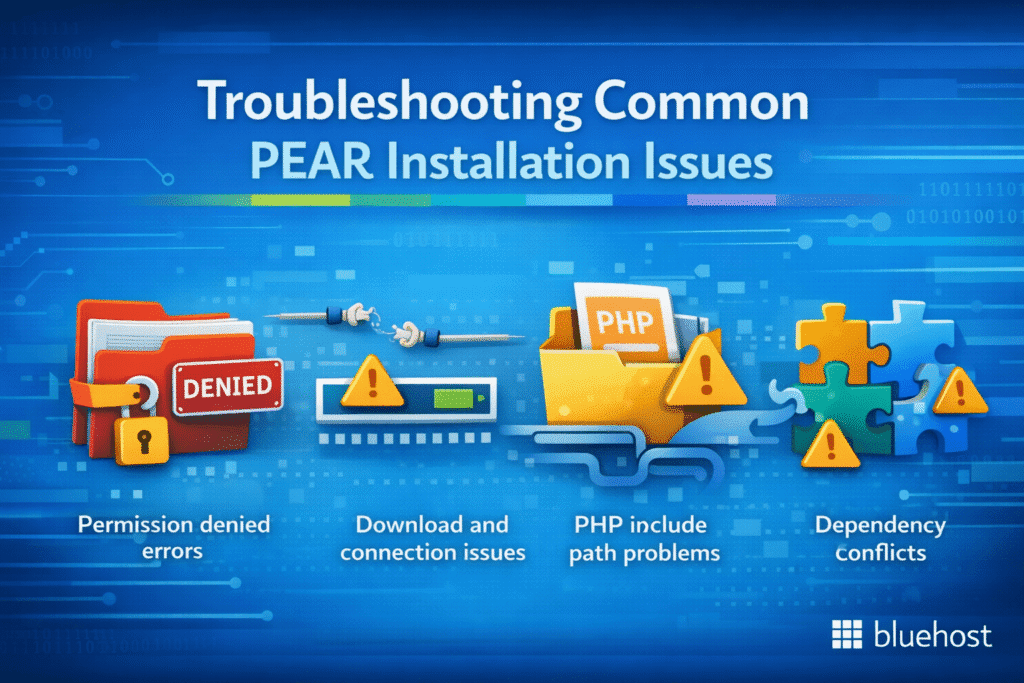
Even with careful preparation, you may encounter issues during PEAR installation or package management. Here are solutions to common problems:
1. Permission denied errors
If you receive permission errors during installation:
- Check file and directory permissions in your PEAR installation directory
- Ensure your user account has write access to the PHP include path
- Consider installing PEAR in your user directory rather than system-wide
- Contact your hosting provider if system-level permissions are required
2. Download and connection issues
Network-related problems can prevent package downloads:
- Verify your server has internet connectivity
- Check if your hosting provider blocks outbound connections
- Try downloading packages manually and installing from local files
- Configure proxy settings if your server requires them
3. PHP include path problems
If installed packages aren’t recognized by PHP:
- Verify the PEAR directory is in your PHP include_path
- Update your php.ini file or use ini_set() in your scripts
- Check that package files are properly extracted and located
- Restart ApachePHP if configuration changes aren’t taking effect
4. Dependency conflicts
Sometimes package dependencies conflict with each other:
- Use
pear list-allto see all available package versions - Install specific package versions to resolve conflicts
- Consider alternative packages if conflicts cannot be resolved
- Use package channels to access different repositories
Best practices for PEAR Package management
To maximize the benefits of using the pear package manager, follow these proven best practices:
1. Regular maintenance
Keep your PEAR installation and packages up to date:
- Run
pear list-upgradesregularly to check for updates - Use
pear upgrade-allto update all packages at once - Test applications thoroughly after package updates
- Maintain backups before performing major updates
2. Documentation and version control
Maintain proper documentation of your PEAR usage:
- Document which packages your applications depend on
- Record specific package versions for reproducible deployments
- Include PEAR package information in your project documentation
- Use version control to track package configuration changes
3. Security considerations
Protect your applications when using PEAR packages:
- Only install packages from trusted sources
- Regularly update packages to address security vulnerabilities
- Monitor security advisories for packages you use
- Validate input when using package functions that process external data
4. Performance optimization
Optimize PEAR package usage for better performance:
- Only install packages you actually use
- Configure autoloading to reduce memory usage
- Use package-specific optimization settings when available
- Monitor application performance after package installations
Final thoughts
Mastering PHP Pear installation and management in cPanel opens up a world of possibilities for PHP developers. Throughout this comprehensive tutorial, we’ve explored what is PHP Pear, walked through detailed installation procedures and learned how to use pear in PHP effectively. The pear package manager provides a robust foundation for managing PHP dependencies and extending your applications with proven, reusable components.
Whether you chose to install PEAR via SSH, manual file management or alternative methods, you now have the knowledge to successfully PHP pear install package dependencies for your web development projects. Remember that effective package management requires ongoing maintenance, proper documentation and adherence to security best practices.
As you continue developing PHP applications, the skills you’ve gained from this PHP Pear tutorial will serve you well. The ability to leverage pre-built packages can significantly accelerate your development process while ensuring code quality and reliability. Keep experimenting with different PEAR packages, stay updated with the latest releases and don’t hesitate to explore alternative package management solutions like Composer for your future projects.
Ready to take your PHP development to the next level? Start implementing PEAR packages in your current projects and experience the benefits of efficient dependency management firsthand. Your future self will thank you for building applications on a foundation of well-tested, community-maintained code libraries.
FAQs
PEAR is PHP’s original package management system, while Composer is a more modern dependency manager. Composer offers better dependency resolution and is more widely used in contemporary PHP development. However, PEAR still hosts many useful packages not available elsewhere.
Yes, PEAR packages can be integrated into modern PHP applications. However, you may need to adapt the code to work with current PHP versions and frameworks. Many developers now prefer Composer packages for new projects.
To completely remove PEAR, delete the PEAR directory from your account, remove PEAR-related entries from your PHP include path and clean up any configuration files or environment variables that reference PEAR.
Generally yes, as long as you install packages in your user directory rather than system-wide. Always check with your hosting provider’s policies and avoid packages that require system-level access or could impact server security.
This usually indicates that PEAR cannot connect to the package repository. Check your internet connection, verify the channel URL is correct and ensure your hosting provider doesn’t block outbound connections to PEAR servers.



Write A Comment