 ChatGPT,
  Claude,
  Gemini,
  Grok — all four for
 How to Access Your New cPanel Email
You can access your new cPanel email account immediately using one of two methods. While your main dashboard takes until midnight to update, you do not have to wait. This article explains how to skip the delay and log in through your Hosting tab right away, or through the Email tab after the dashboard updates, typically by tomorrow.
We've also included a video tutorial to help you access your cPanel email account.
Access Your Email from the Email Tab (After Midnight)
Once your Bluehost Portal updates overnight, your plan will appear in your main dashboard. Moving forward, you can access your mailboxes directly without going through your hosting settings:
- Log in to your Bluehost Portal.
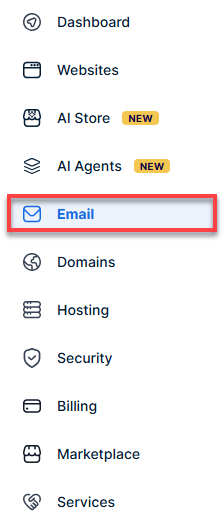
- From the left-hand navigation menu, click on the Email tab.
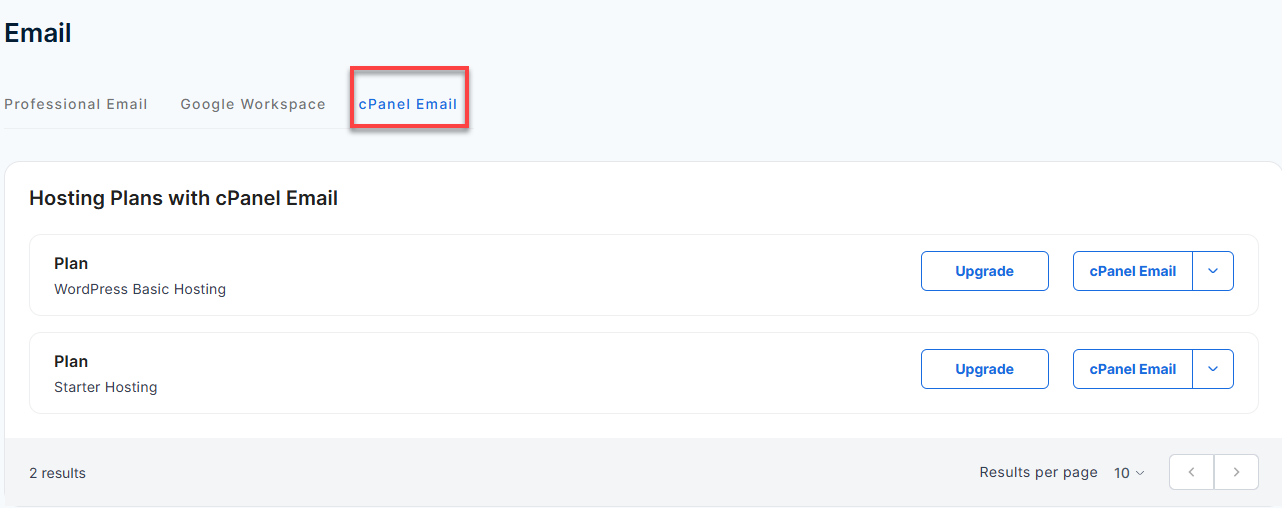
- Click on the cPanel Email tab.
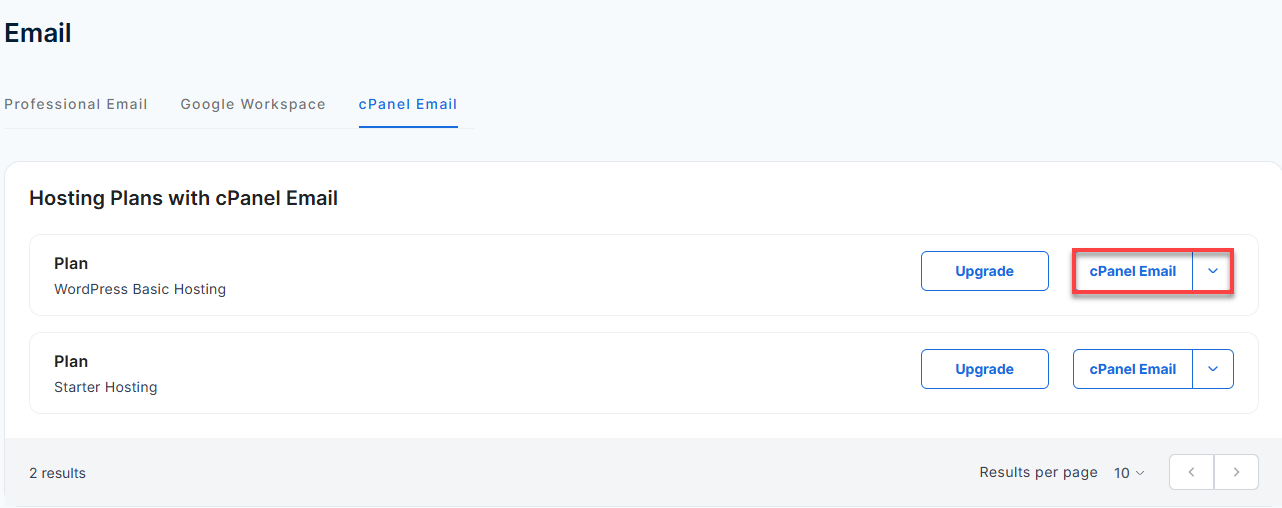
- Find your email plan and click cPanel Email.
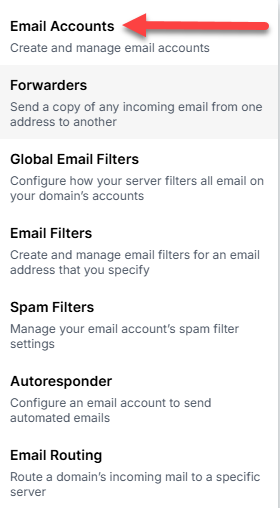
- Click Email Accounts.
- From this page, you can create new email addresses, manage your inbox storage, or click Check Email to log straight into Webmail.
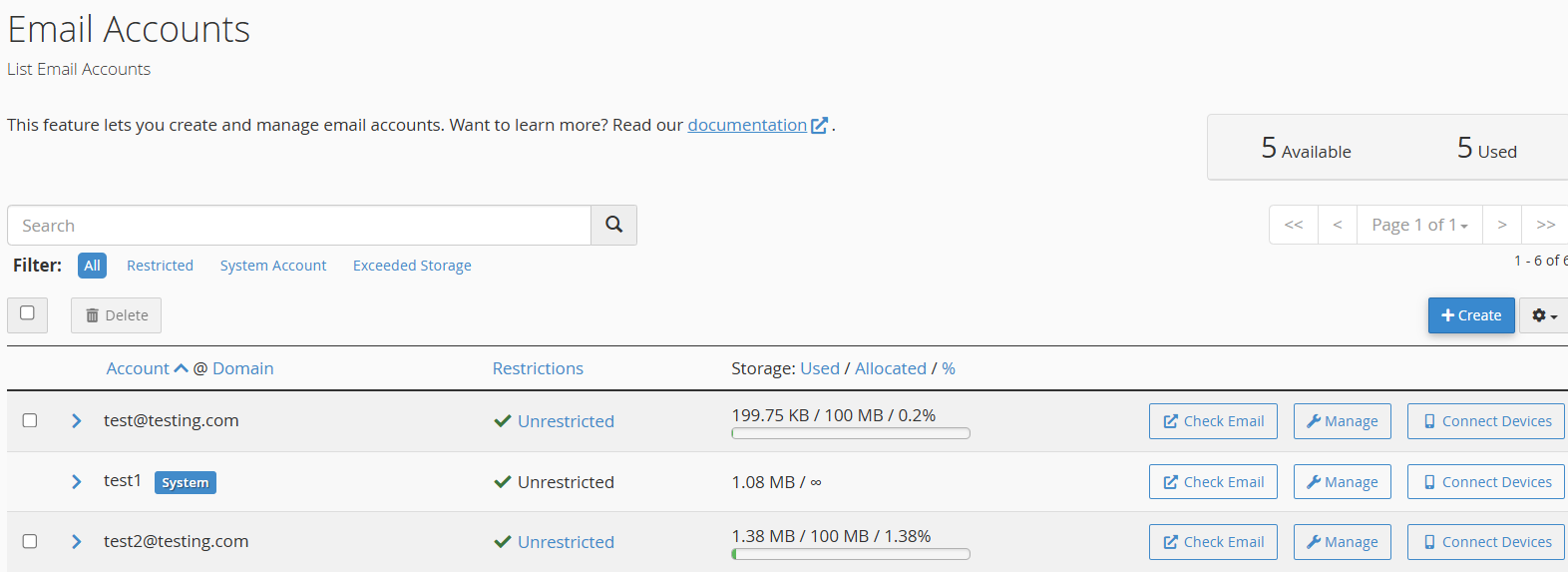
Access Your New cPanel Email Right Away
When you buy or upgrade a cPanel Email plan, your service is ready to use instantly. However, your main dashboard takes until midnight to update and show your new plan under the Email tab.
Follow these steps to manage your email through your Hosting tab:
- Log in to your Bluehost Portal.
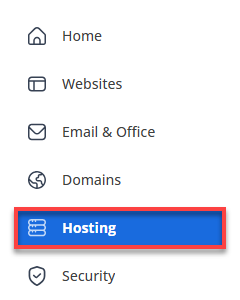
- In the left-hand menu, click Hosting, then select My Plans.
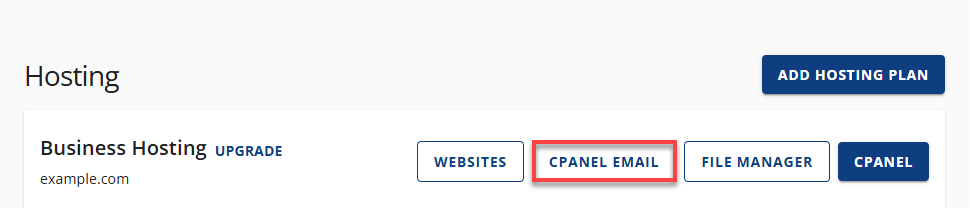
- On the right, click the cPanel Email button.
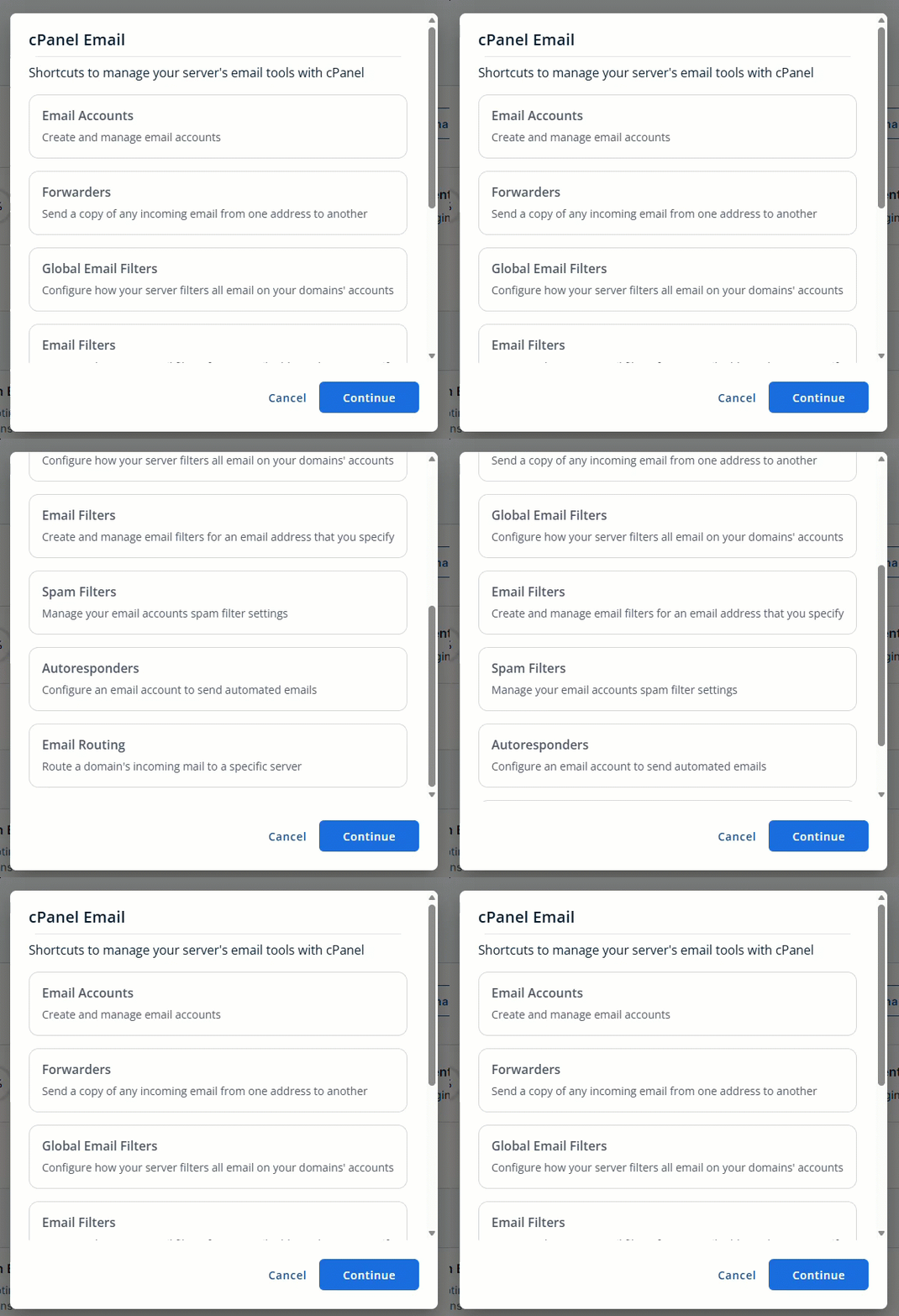
- Click on the Email Accounts tab, and then click Continue. It will open a new tab.
- In the Email section, click Email Accounts.
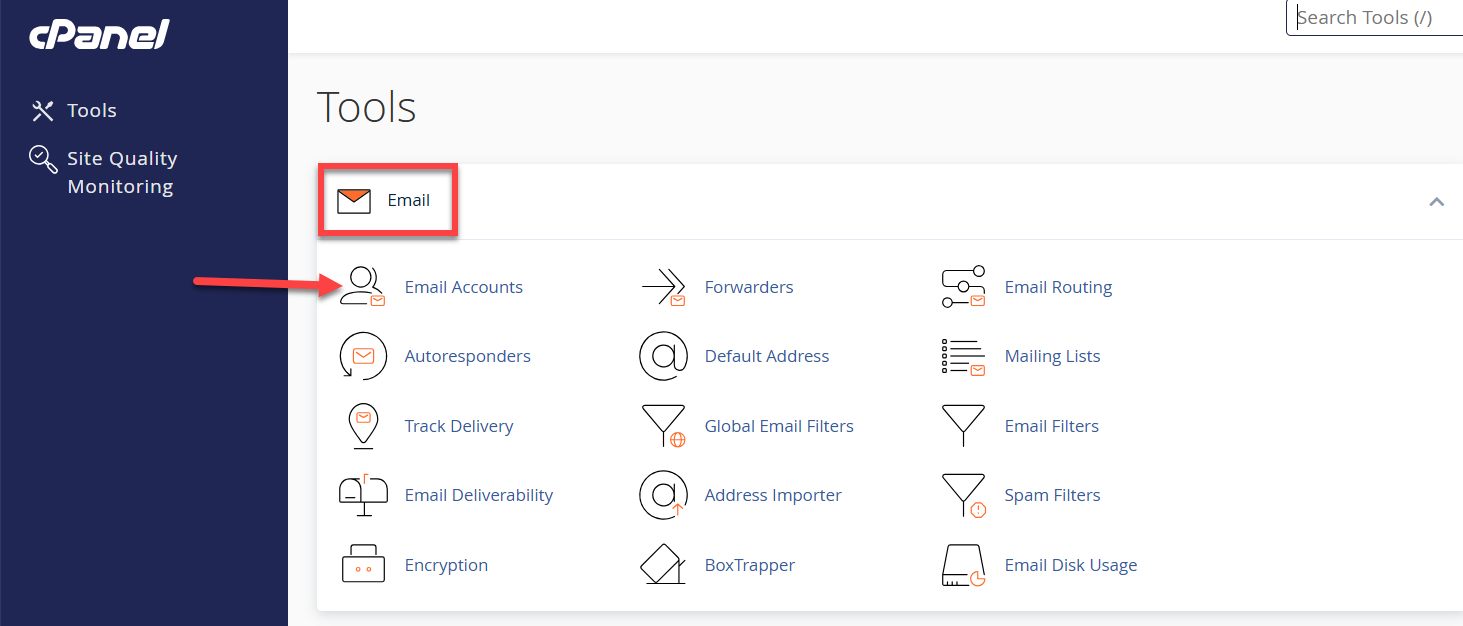
- From this page, you can create new email addresses, manage your inbox storage, or click Check Email to log straight into webmail.
Summary
Your new cPanel Email is ready to use instantly. However, your main dashboard takes until midnight to update and show your new plan. Skip the wait by following our steps to log in right now through your Hosting settings. You can also access your inbox normally tomorrow using the standard Email tab.
If you need further assistance, Bluehost Chat Support is available 24 hours a day, 7days a week while Bluehost Phone Support is available 7 days a week from 7 am-12 midnight EST.
- Chat Support - While on our website, you should see a CHAT bubble in the bottom right-hand corner of the page. Click anywhere on the bubble to begin a chat session.
- Phone Support -
- US: 888-401-4678
- International: +1 801-765-9400
You may also refer to our Knowledge Base articles to help answer common questions and guide you through various setup, configuration, and troubleshooting steps.