 ChatGPT,
  Claude,
  Gemini,
  Grok — all four for
 Bluehost AI Website Builder: From Free Trial to Published Website
Experience the new Bluehost AI Website Builder—create your dream website in minutes with a free 14-day trial! Simply describe your vision, and the AI builds a personalized website for you. When your trial ends, you can seamlessly upgrade to publish your site with your own domain and unlock advanced features.
This article walks you through how to upgrade your Bluehost AI Website Builder from the free trial to the paid Get Online plan, so you can publish your site.
Watch this short video for a quick guide on upgrading your Bluehost AI Website Builder.
Upgrade Your AI Website Builder Free Trial
When you are ready to go live, upgrade your trial to a paid account to publish your website. Here's how.
- Log in to your Bluehost Portal.
- Once logged in, you'll see a banner at the top of the page, showing the remaining time in your free trial and an "Upgrade Now" button.
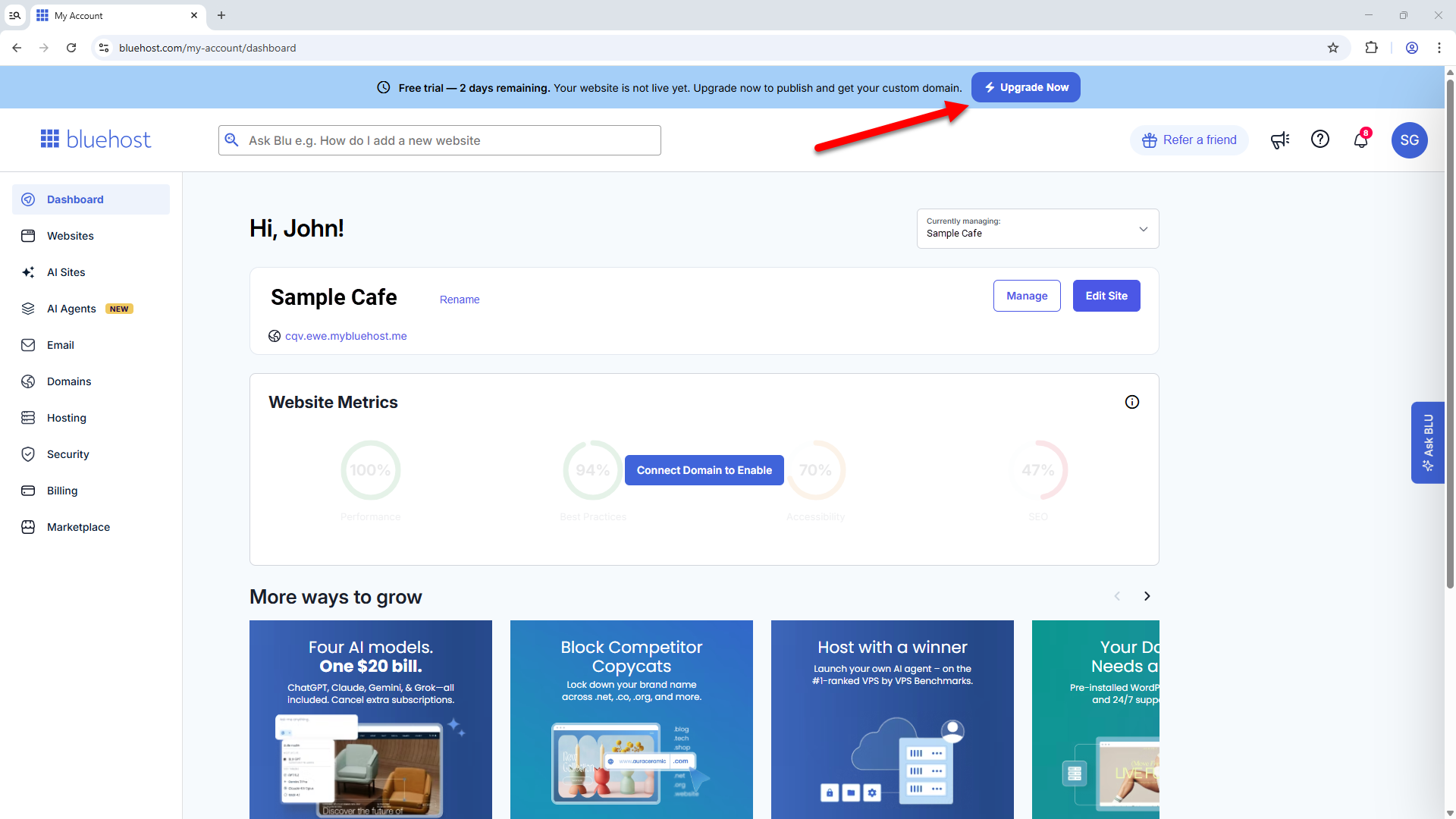
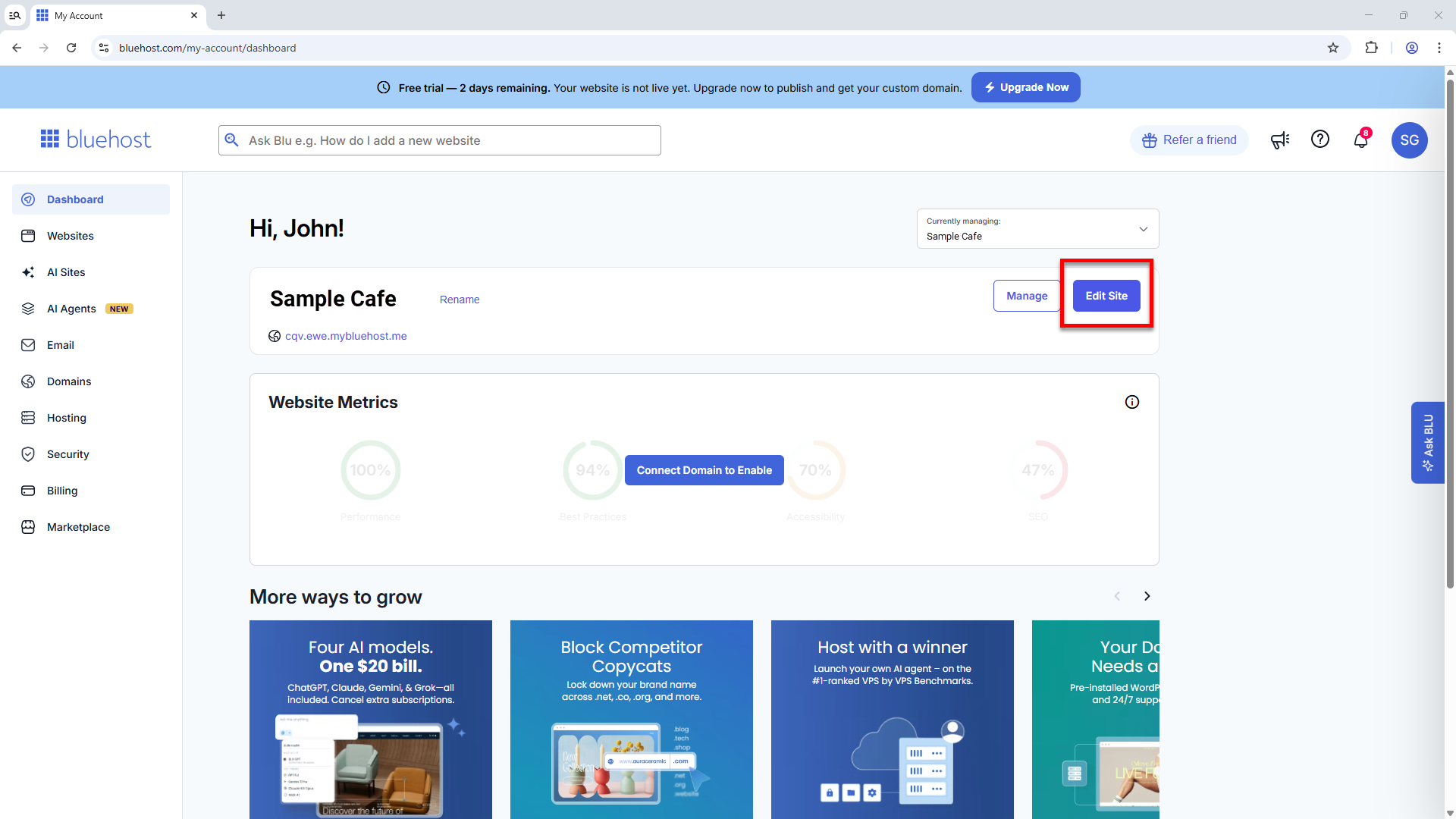
You will also see the Upgrade banner when you access your website editor. Simply click Edit Site to enter the editor.
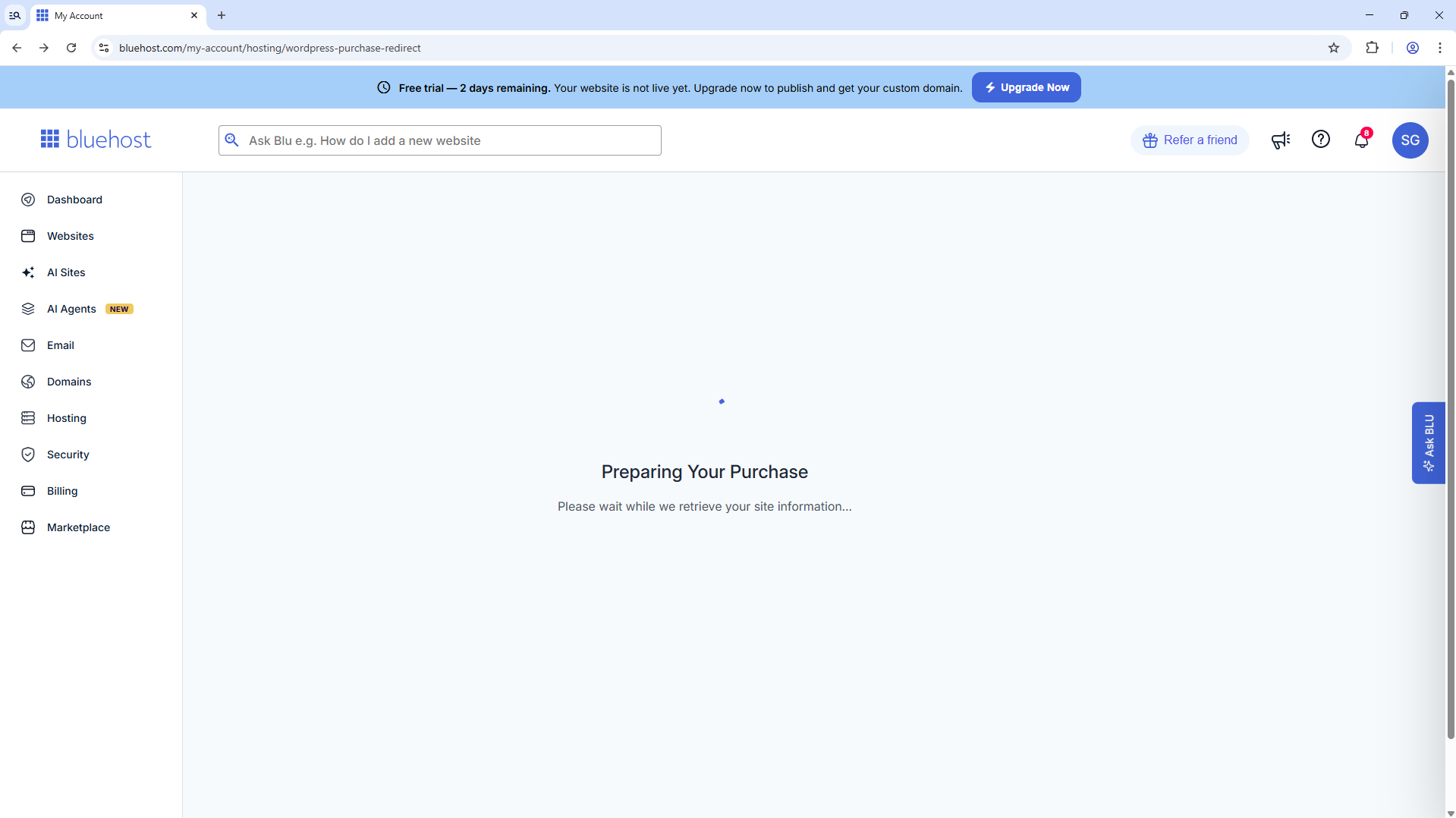
- Allow the AI Website Builder a few moments to analyze your site information.
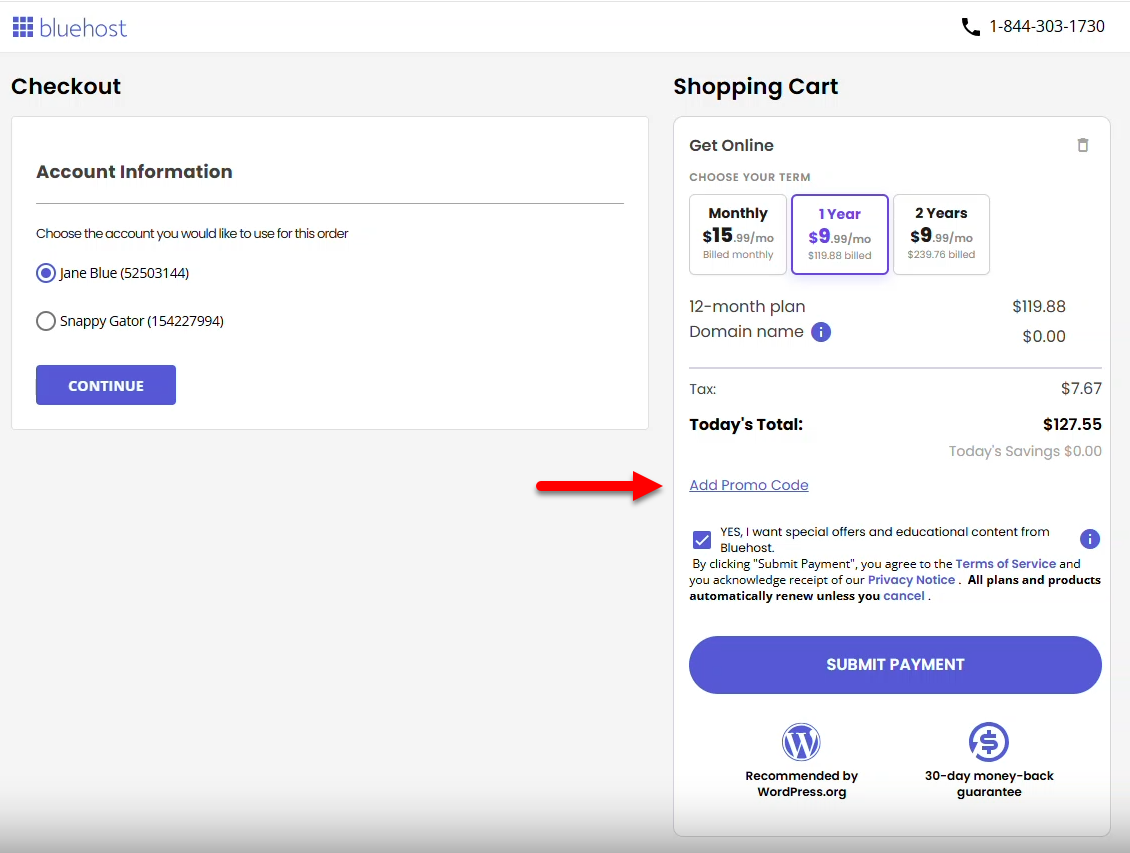
- On the Checkout page, choose a billing term.
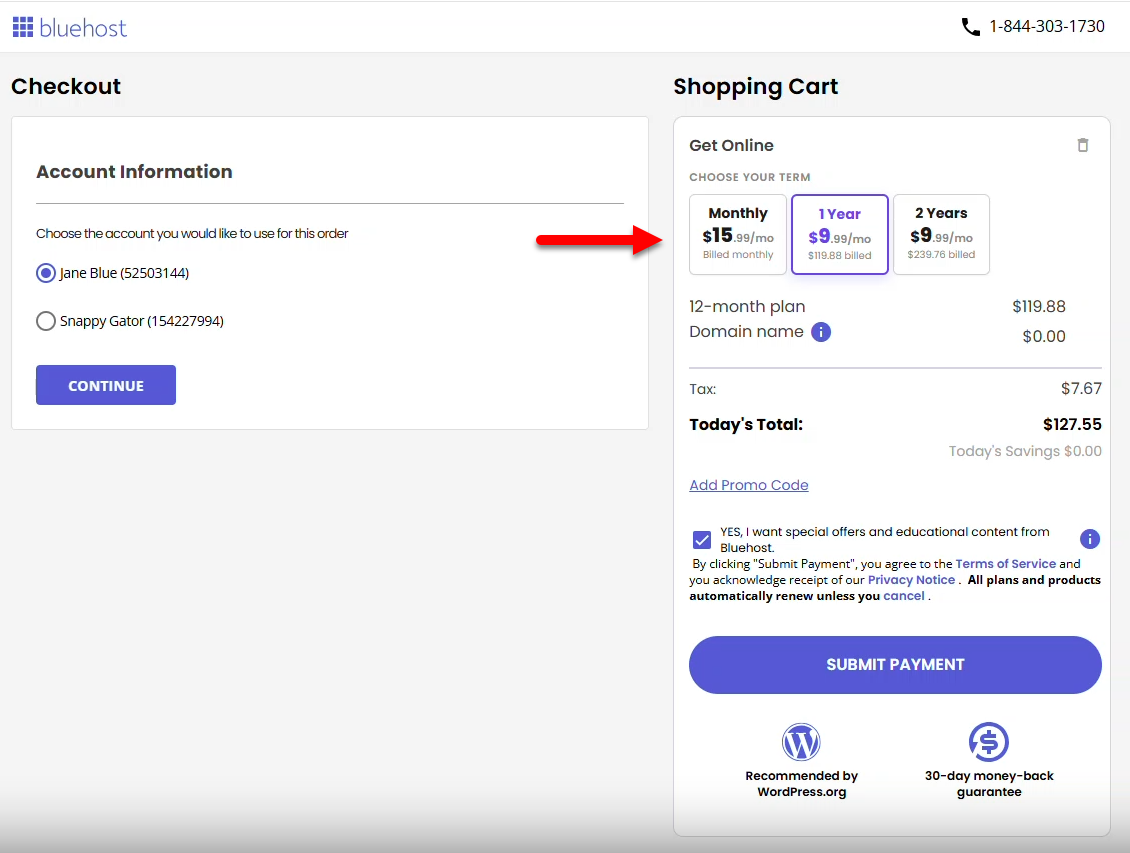
- Add a Promo code if you have one available, then click the Submit Payment button to complete the transaction.
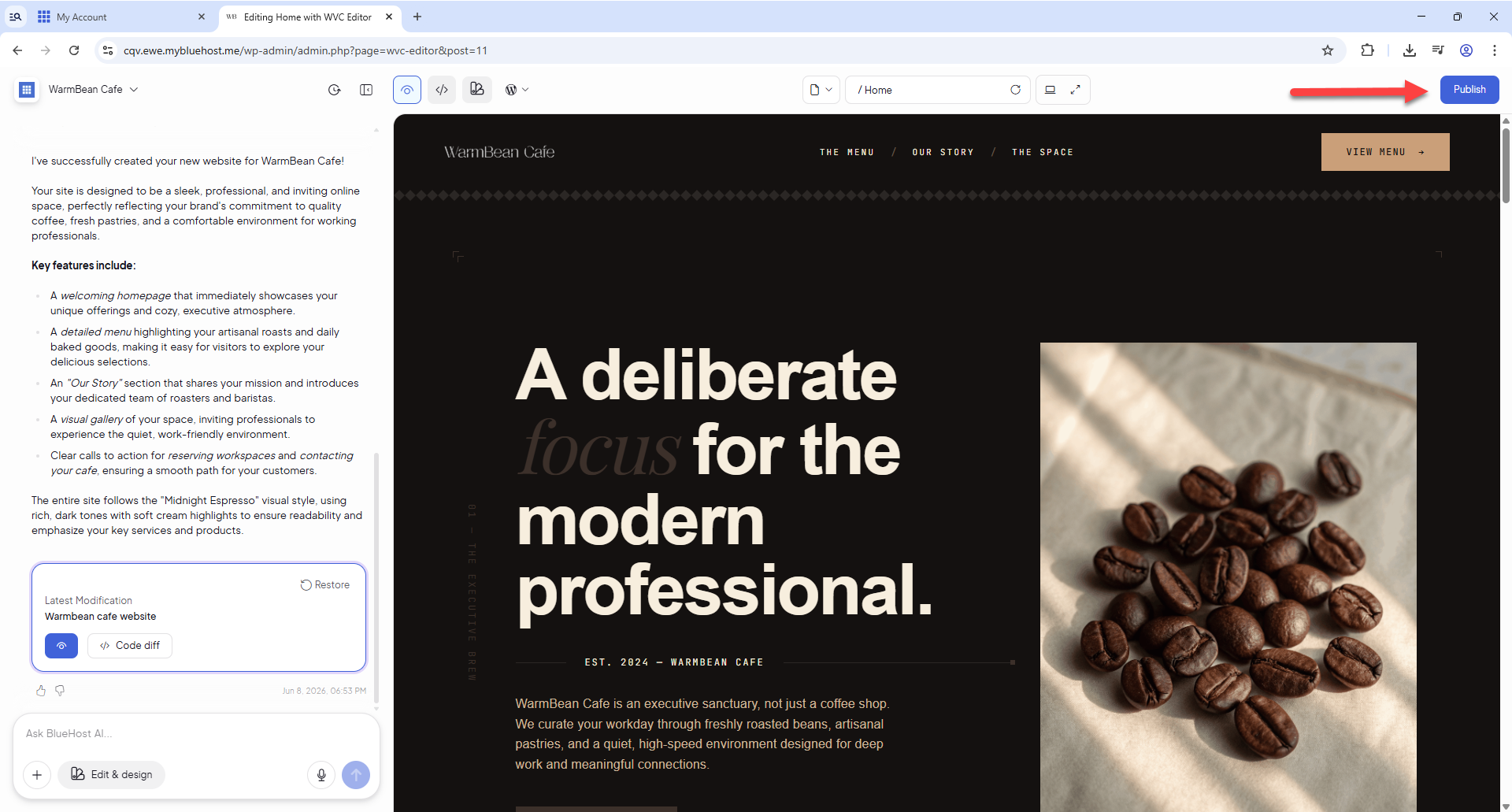
- Once the upgrade is complete, click the Publish button to bring your website to life!
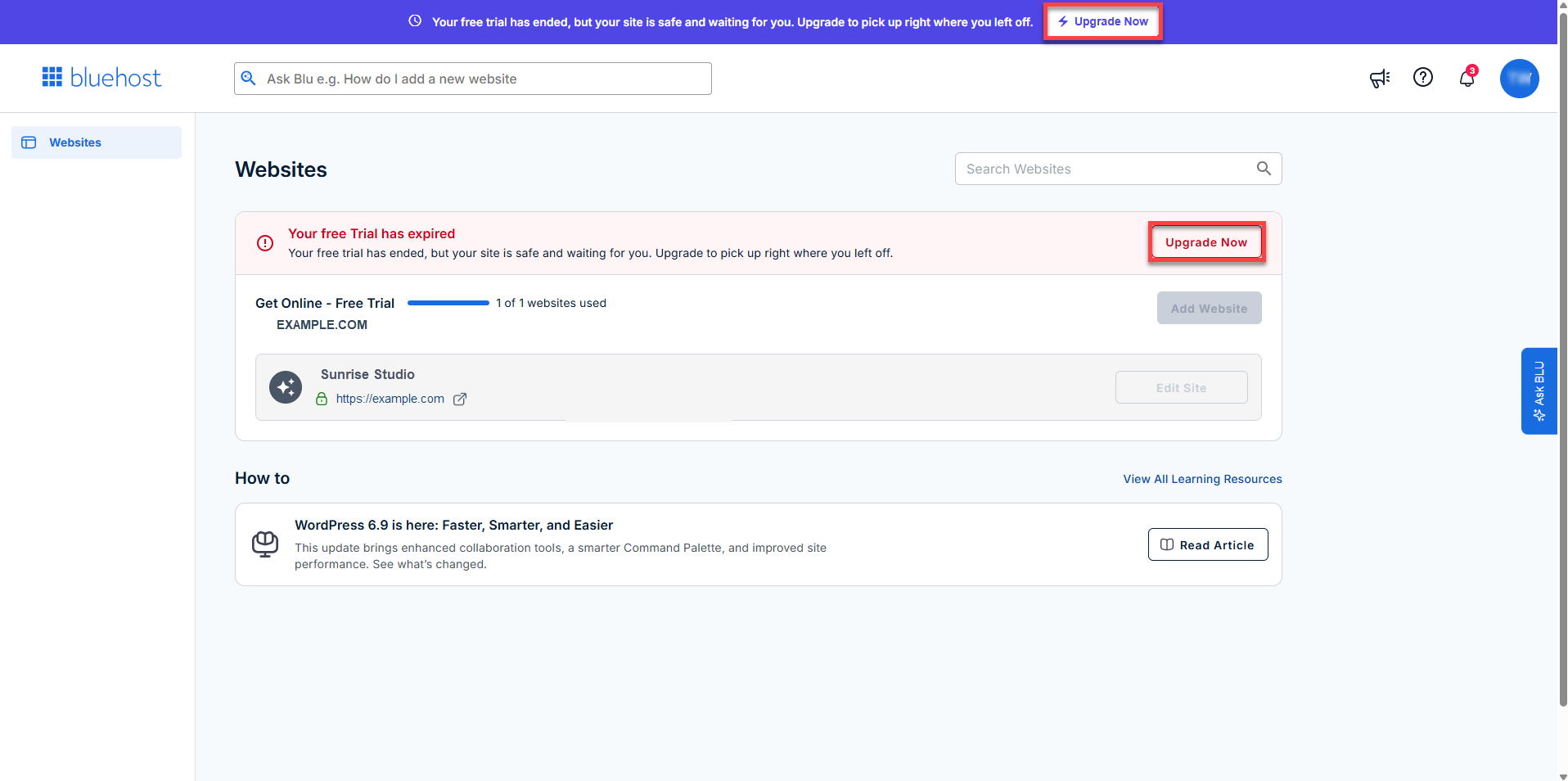
- If your free trial has already expired and the dashboard is no longer accessible, you can still upgrade your Bluehost AI Website Builder.
Summary
The Bluehost AI Website Builder makes website creation fast and accessible with a 14-day free trial that lets you design and preview your site before committing. When you’re ready, upgrading is simple—allowing you to publish your website, connect a domain, and unlock powerful features. Whether you’re launching your first site or upgrading to sell online, Bluehost AI Website Builder provides a smooth path from trial to a fully published website.
Ready to go live? Upgrade your Bluehost AI Website Builder and publish your site in just a few clicks!
If you need further assistance, Bluehost Chat Support is available 24 hours a day, 7days a week while Bluehost Phone Support is available 7 days a week from 7 am-12 midnight EST.
- Chat Support - While on our website, you should see a CHAT bubble in the bottom right-hand corner of the page. Click anywhere on the bubble to begin a chat session.
- Phone Support -
- US: 888-401-4678
- International: +1 801-765-9400
You may also refer to our Knowledge Base articles to help answer common questions and guide you through various setup, configuration, and troubleshooting steps.