 ChatGPT,
  Claude,
  Gemini,
  Grok — all four for
 How to Use the Bluehost Support Portal
The Bluehost Support Portal is d'started' or 'guide'esigned to help users quickly find answers, explore helpful resources, and access reliable customer support. This guide explains all the available features and how to use the portal efficiently.
Bluehost Support Portal Search
With the Bluehost Support Portal at
https://www.bluehost.com/help, you can search for any topic related to hosting, domains, billing, or website management.
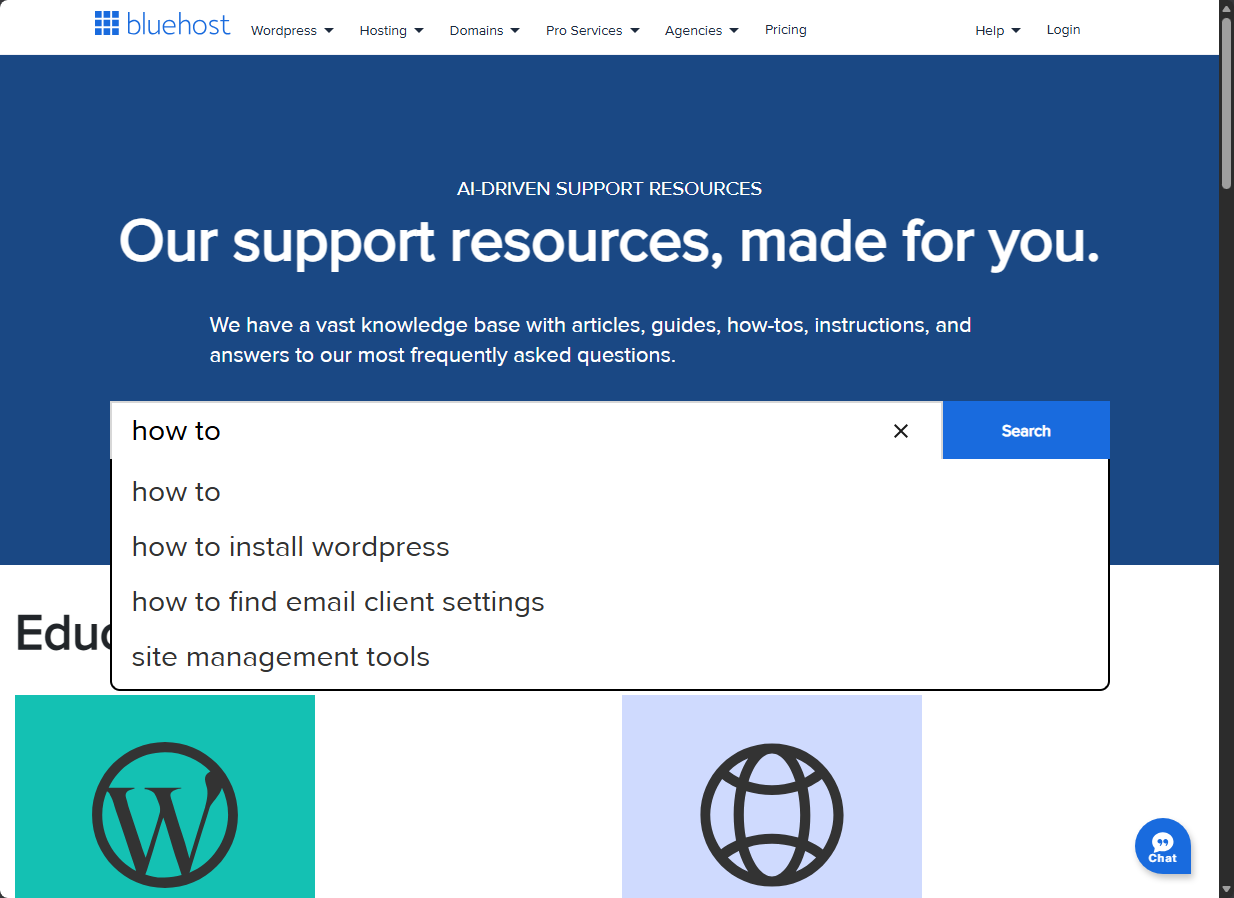
As you type in the search bar, suggested Bluehost support articles appear automatically. You can click a suggested article or press Enter to view full search results.
Search Tips
- Use correct spelling for better accuracy
- Focus on relevant keywords (common words like the or and are ignored)
- Searches are not case‑sensitive
- Words with fewer than 3 alphanumeric characters are ignored
Advanced Search Tips
- Use quotation marks ("") to find exact phrases
- Use a minus sign (-) to exclude words from results
- Use a plus sign (+) to require specific words in results
Bluehost Search Examples
Example:
Search Term: getting started guide
The Bluehost knowledge base returns articles containing either started or guide, not necessarily both.
Example:
Search Term: "getting started"
Returns only articles where the exact phrase appears together.
Example:
Search Term: +getting +started +guide
Returns only articles containing both required words.
Example:
Search Term: getting started -guide
Excludes all articles containing the word guide.
AI Overview
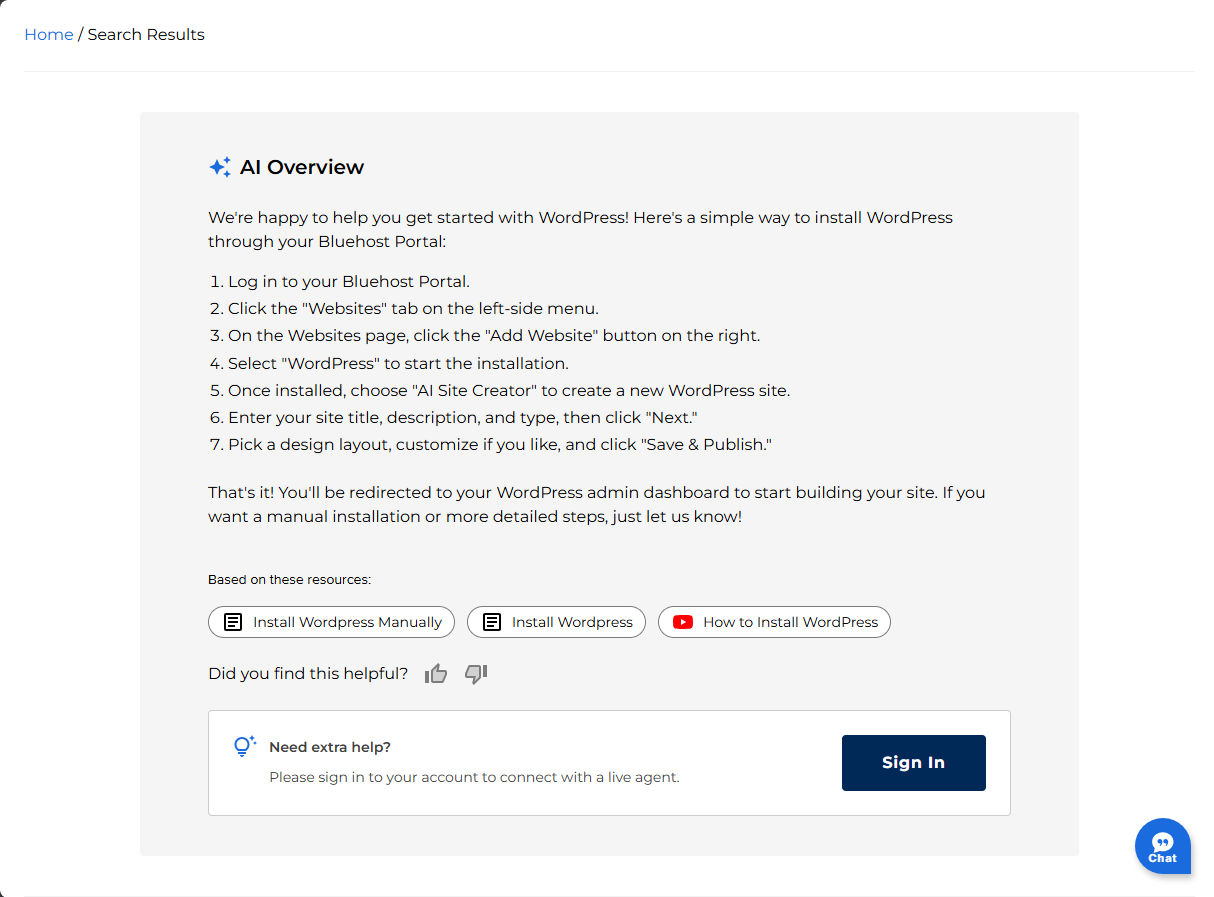
The AI Overview provides a quick summary of your search results in the Bluehost Support Portal. It highlights key steps and relevant information using related support articles to help you get answers faster.
Below the overview, the "Based on these resources" section displays links to the most relevant Bluehost support articles for deeper guidance.
You can also provide feedback on whether the AI response was helpful. If you need additional assistance, simply sign in to your Bluehost account to connect with live support for personalized help.
Browse by Topic
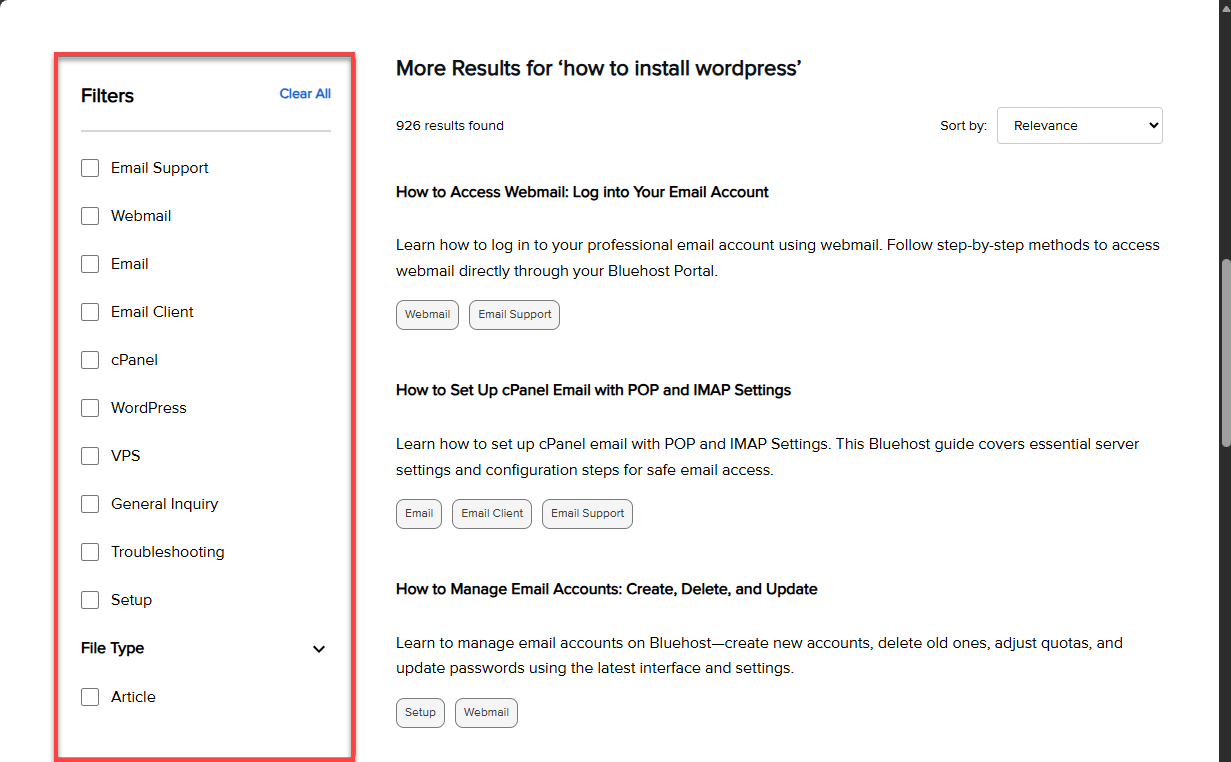
If you prefer exploring topics visually, use Browse by Topic in the Bluehost Help Center. On the right‑hand side, you'll see categories covering hosting, WordPress, email, accounts, and more.
After selecting filters, you'll see only the Bluehost support articles related to your selection.
Using Breadcrumbs
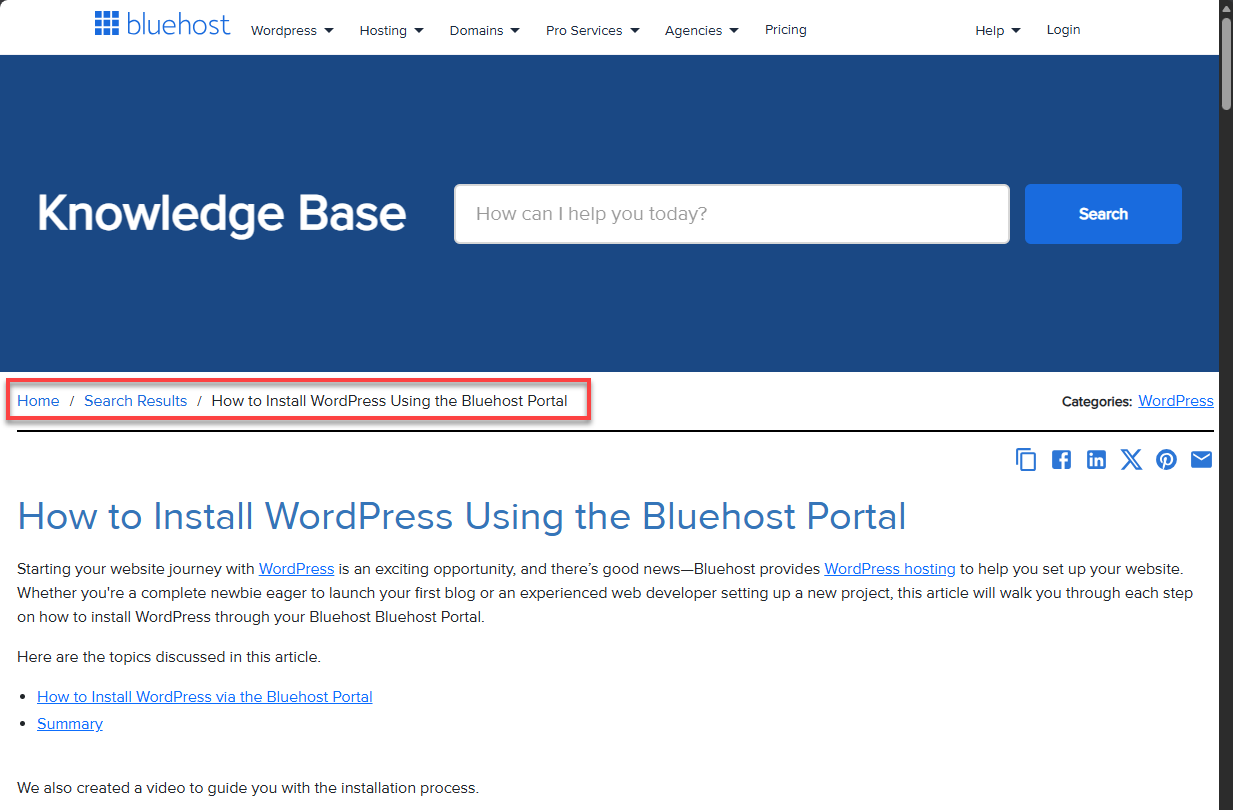
Breadcrumbs allow you to explore related articles within the Bluehost Support Portal. This navigation feature shows the category path for each article, helping you easily discover similar content.
Copy the Article Link
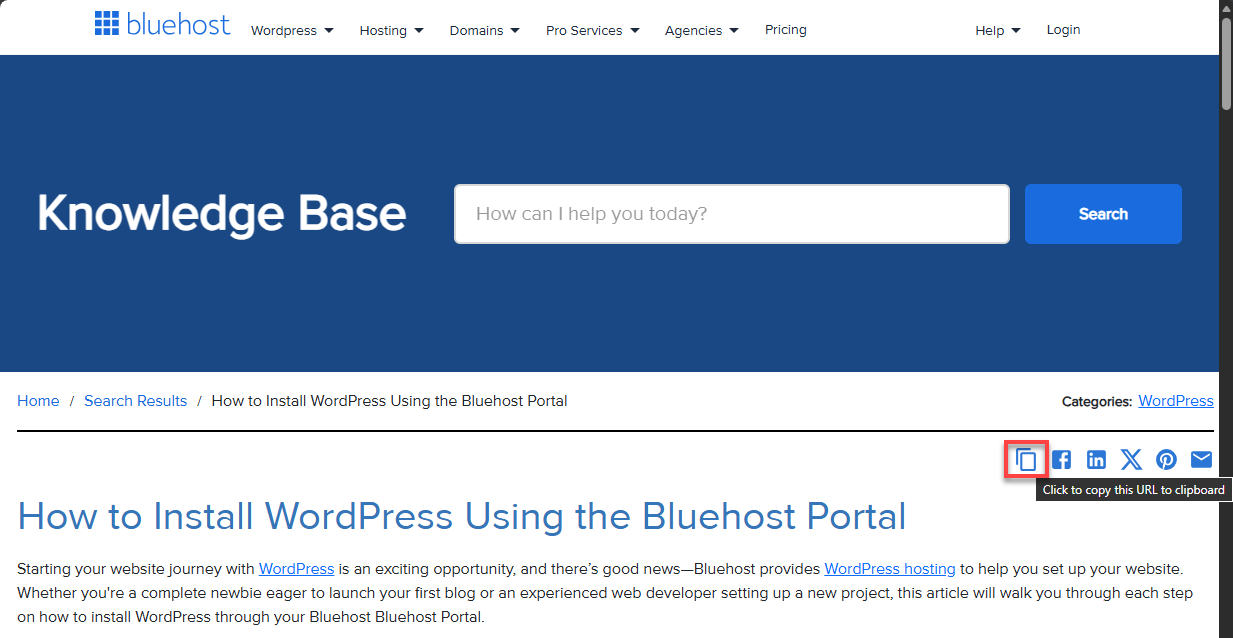
Each article includes a Copy Link button that lets you copy the page URL instantly. This makes it simple to share Bluehost help articles with teammates, clients, or support staff.
Social Media Sharing Options
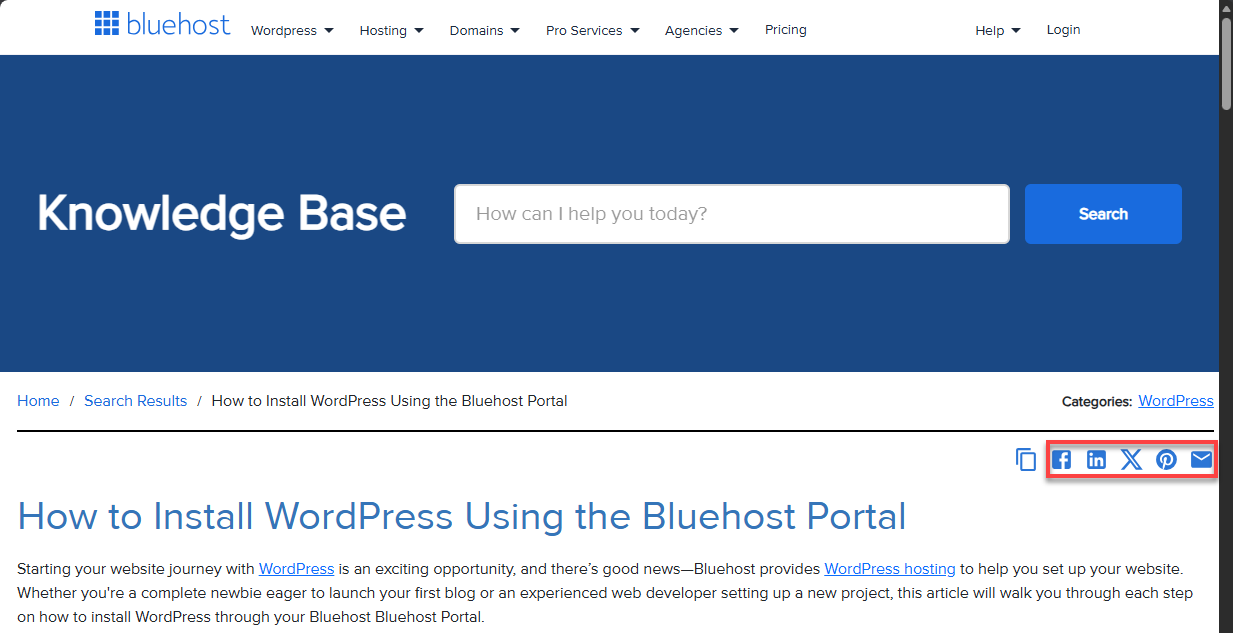
Bluehost support articles include social media icons, allowing you to share helpful documentation across platforms like Facebook, X (Twitter), Pinterest, and LinkedIn, as well as via email.
Summary
The Bluehost Support Portal is a powerful self‑service resource that helps users resolve issues efficiently. By using keyword‑based search, browsing by topic, and leveraging breadcrumbs, you can find accurate Bluehost support information faster and get the assistance you need with confidence.
If you need further assistance, Bluehost Chat Support is available 24 hours a day, 7days a week while Bluehost Phone Support is available 7 days a week from 7 am-12 midnight EST.
- Chat Support - While on our website, you should see a CHAT bubble in the bottom right-hand corner of the page. Click anywhere on the bubble to begin a chat session.
- Phone Support -
- US: 888-401-4678
- International: +1 801-765-9400
You may also refer to our Knowledge Base articles to help answer common questions and guide you through various setup, configuration, and troubleshooting steps.