 ChatGPT,
 Claude,
 Gemini,
 Grok — all four for
Key highlights
- Know how Bluehost and Namecheap compare across WordPress hosting, pricing, performance, security and support.
- Learn which host fits your website goals, whether you are starting one site or planning to grow.
- Understand why Bluehost offers stronger long-term value for users who need more tools, support and scalability.
- Explore the key factors to check before choosing WordPress hosting, including budget, setup, migration and reliability.
- Uncover how to move from Namecheap to Bluehost if you want a more complete WordPress hosting solution.
Choosing the right WordPress host can feel confusing when both options look beginner-friendly but serve different needs. If you are comparing Bluehost vs Namecheap for WordPress, the real question is which host gives you the right mix of performance, ease of use, security, support and long-term value for your website.
This guide breaks down both hosting providers in a simple way so you can make a clear decision. You’ll see how both hosts compare on pricing, performance, security, ease of use and support so you can choose the right option for your WordPress website.
Overview of Bluehost
Bluehost was founded in 2003 and has grown into one of the most recognized names in Web hosting and WordPress hosting. At Bluehost, we help you build, host, manage and grow your website from one place.
We are WordPress.org’s longest-running recommended host. Our WordPress hosting is built to make website creation easier for beginners, small businesses, bloggers and growing brands. With Bluehost WordPress hosting, you get powerful features like a free domain for the first year, free SSL, free CDN, managed WordPress updates, AI site creation tools, security features, migration support and 24/7 support.
Our goal is simple: to help you launch your WordPress website with less stress and give you the tools to keep improving it as your website grows.
Overview of Namecheap
Namecheap was founded in 2000 and is known mainly as a domain registrar and web hosting provider. Over the years, it has expanded its services to include hosting, security, managed WordPress hosting, email and other online tools.
For WordPress users, Namecheap offers EasyWP, its managed WordPress hosting solution. EasyWP is designed to help users launch a WordPress website quickly with features like a custom dashboard, free SSL, free CDN, WordPress auto updates, backups and support for domains from any provider.
Namecheap can be a good option if you want a simple and affordable way to host one WordPress website. It focuses on making WordPress setup easy, especially for users who do not want to manage a traditional hosting dashboard.
Quick comparison: Bluehost vs Namecheap for WordPress hosting
| Factors | Bluehost | Namecheap |
| Best for | WordPress users who want an all-in-one hosting platform | Users who want simple managed WordPress hosting |
| Websites supported | 50 websites | 1 WordPress website |
| Storage | 50 GB NVMe SSD storage | 50 GB NVMe storage |
| Free domain | Free domain for the first year | Discounted or free domain offers may apply on select terms |
| SSL | Free SSL | Free SSL |
| CDN | Free CDN | Free CDN |
| WordPress updates | Managed WordPress updates | WordPress auto updates |
| Website builder | WordPress AI Builder | Brizy Site Builder |
| Security | Malware scanning, malware removal, Web Application Firewall, DDoS protection and weekly backups | HackGuardian and MalwareGuardian Autoclean Protection |
| Migration | Free site migration tool | Supports WordPress hosting setup, but migration features vary |
| Support | 24/7 chat and phone support (International call charges may apply) | 24/7 support |
| Better for growth | Yes, especially for multiple websites | Better for single-site simplicity |
Also read:Namecheap vs Bluehost: Best Alternative Host Picks
Bluehost vs Namecheap for WordPress: Detailed hosting comparison
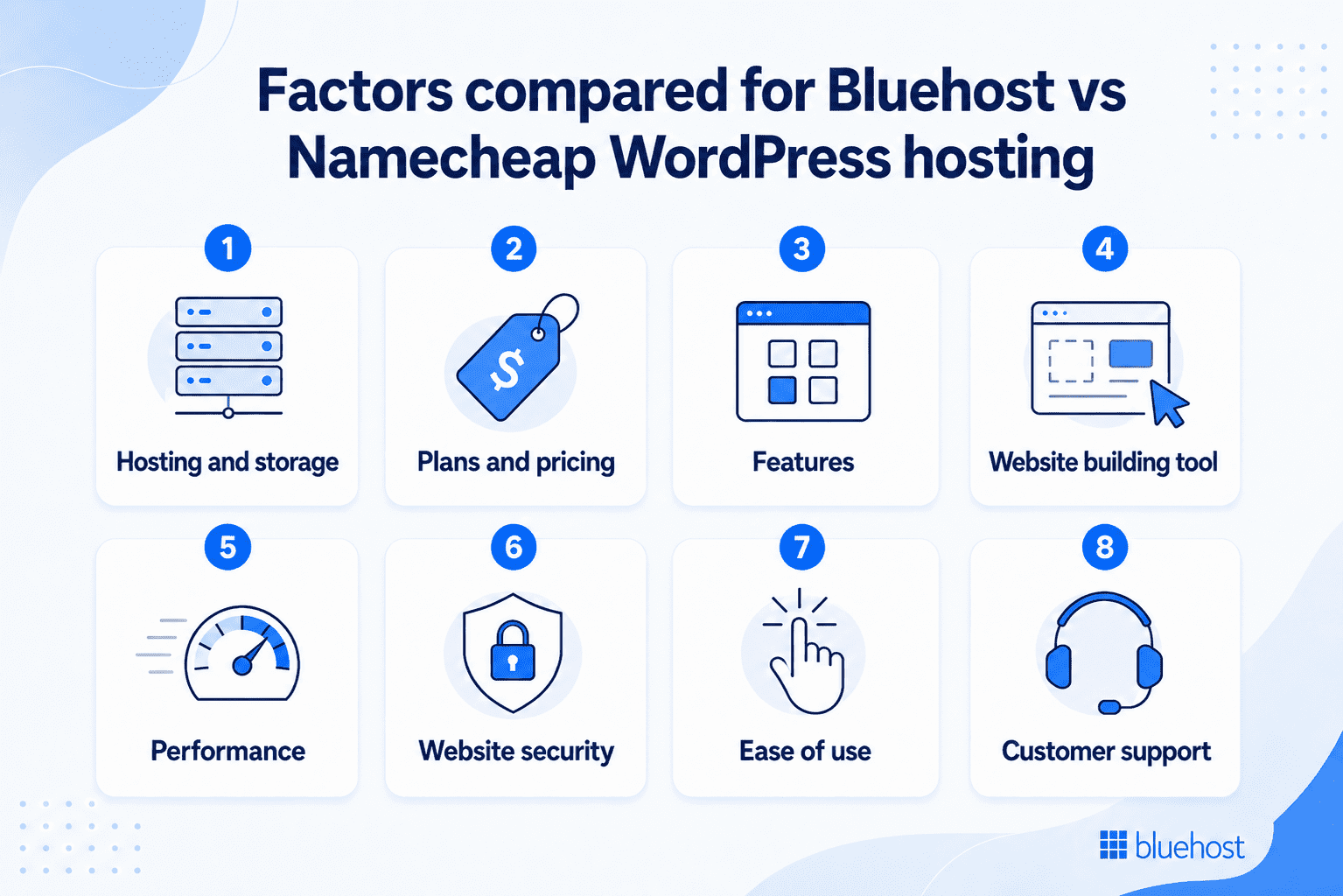
Use this comparison to see how both hosts perform in real website needs, not just on paper. It will help you choose the option that fits your WordPress goals better.
1. Hosting and storage
Bluehost
Bluehost is an ideal fit if you want WordPress hosting that can support more than one website. Our popular Business plan supports up to 50 websites and includes 50 GB NVMe SSD storage, which gives you enough space for content, images, pages and business growth.
You also get a WordPress-focused hosting setup with managed WordPress updates, free CDN, global data centers, staging, object caching, SSH and WP-CLI. This makes Bluehost a strong choice if you want one hosting plan that can support your current website and future projects.
Namecheap
For users who want to host a single WordPress website, Namecheap EasyWP keeps things simple. Its popular EasyWP Turbo plan includes 50 GB NVMe storage and is built on Namecheap Cloud, giving you a managed WordPress hosting setup without a traditional hosting dashboard.
EasyWP also includes unlimited bandwidth and unlimited visitors on the Turbo plan. However, each EasyWP plan supports one WordPress website, so it may feel limited if you plan to manage multiple sites under one hosting plan.
2. Plans and pricing
Bluehost
Our WordPress hosting plans are structured for different website needs, from a first blog to a growing business website or online store. The Business plan is the most popular choice for users who want more room to grow.
Bluehost’s current WordPress hosting plans include:
- Starter: Starts at $3.99 per month for a 36-month term. It is best for your first website or blog.
- Business: Starts at $6.99 per month for a 36-month term. Best for multiple websites that need more storage, security and backups.
- eCommerce Essentials: Starts at $14.99 per month for a 36-month term. Best for users who want to sell online with WordPress and WooCommerce.
- Enterprise & Custom: Custom pricing. Best for high-traffic, complex or custom website needs.
Bluehost pricing depends on the plan, billing term and current offer. Renewal pricing may be different, so it is always best to check the latest pricing before you buy.
Disclaimer: Bluehost pricing, plans and offers are subject to change, so always check out the latest details on our website before you buy.
Namecheap
Namecheap EasyWP plans are built for users who want managed WordPress hosting for one website. The Turbo plan is marked as the popular choice and sits between the entry-level Starter plan and the higher-tier Supersonic plan.
Namecheap’s current EasyWP plans include:
- EasyWP Starter: First month free, then renews at $9.88 per month. Best for a basic WordPress website.
- EasyWP Turbo: Starts at $13.88 per month for the first billing cycle, then renews at $18.88 per month. Marked as the popular choice.
- EasyWP Supersonic: Starts at $20.88 per month for the first billing cycle, then renews at $26.88 per month. Best for users who need the highest EasyWP tier.
Namecheap’s first-month free trial can make it easier to test EasyWP before committing. However, promotional prices apply only to the first billing cycle, so you should also check the renewal price before choosing a plan.
Disclaimer: Namecheap pricing, plans and offers are subject to change, make sure to check out the latest details on their official website before you buy.
3. Features
Bluehost
With our WordPress hosting, you get a more complete set of tools to build, manage and grow your website from one place. The focus is not just on hosting your site, but also helping you create it faster, keep it updated, improve visibility and manage technical tasks with less effort.
Key Bluehost features include:
- AI site creation tools: Build your WordPress website faster by describing your business and customizing the generated site.
- Managed WordPress updates: Keep WordPress core, themes and plugins updated with less manual work.
- Free site migration tool: Move your existing WordPress website to Bluehost more easily.
- Built-in SEO support: Get Yoast SEO Free Plugin included to help optimize your pages and content.
- Staging site: Test changes before publishing them on your live website.
- Developer-friendly access: Use SSH and WP-CLI if you want more control over your WordPress setup.
These features make Bluehost a better fit if you want WordPress hosting that supports both beginners and users who need more control as their website grows.
Namecheap
Namecheap EasyWP focuses on keeping managed WordPress hosting simple. It gives you the basic tools you need to launch, manage and maintain one WordPress website without using cPanel.
Key Namecheap EasyWP features include:
- Custom EasyWP dashboard: Manage your WordPress website, domain connection, backups and settings from one simple dashboard.
- WordPress auto updates: Keep your WordPress site updated with less manual effort.
- Free temporary domain: Start building your website before connecting your final domain.
- Easy backups and restores: Create and restore backups when needed.
- SFTP and database access: Get access to your site files and database for more technical changes.
- Support for any domain provider: Connect a domain registered with Namecheap or another domain provider.
These features make Namecheap a practical choice if you want a simple managed WordPress setup for one website.
4. Website building tool
Bluehost
If you want to build a website faster, our WordPress AI builder can help you get started and build your website in minutes. You can describe your business and customize the generated site to align with your business goals.
This is useful if you want a guided setup while still keeping the flexibility of WordPress.
Namecheap
Namecheap EasyWP lets you create and manage a WordPress site through its managed setup. You can customize your website inside WordPress using themes, plugins and available design tools.
EasyWP Turbo and Supersonic also include Brizy Site Builder, which gives you a visual way to edit pages.
5. Performance
Bluehost
Our WordPress hosting includes NVMe SSD storage, free CDN, global data centers and caching tools to support faster load times. The Business plan supports up to 200K visits per month and includes a 99.99% uptime SLA.
This makes Bluehost a strong option if you want a WordPress site built for speed, stability and long-term growth.
Namecheap
Namecheap EasyWP runs on Namecheap Cloud and uses NVMe storage. Its Turbo plan includes free CDN, unlimited bandwidth and unlimited visitors.
EasyWP lists a 99.9% uptime guarantee, making it a simple performance-focused option for one WordPress website.
6. Website security
Bluehost
Our WordPress hosting includes free SSL, daily malware scanning, DDoS protection and automated weekly backups. On the Business plan, you also get malware detection and removal, Web Application Firewall (WAF) and domain privacy for the first year.
This gives your WordPress website stronger built-in protection without needing to set up every security tool separately.
Namecheap
Namecheap EasyWP includes free SSL, HackGuardian, backups and restores. EasyWP Turbo and Supersonic also include MalwareGuardian Autoclean Protection.
These security features cover the basics for one managed WordPress website and help reduce common WordPress security risks.
7. Ease of use
Bluehost
Our WordPress hosting is beginner-friendly and built to help you launch faster without code. You can use AI site creation tools to generate a WordPress website, then edit it in the WordPress dashboard with access to themes, plugins and settings.
For example, if you are creating a website for a local service business, you can describe your business, get a starter website and then update the text, images and pages without hiring a developer.
Namecheap
Namecheap EasyWP is designed to remove the technical steps from WordPress setup. You can install WordPress quickly, connect a domain, manage backups, access files and update basic site settings from its custom EasyWP dashboard.
For example, if you are starting a simple blog or portfolio, you can launch WordPress without using cPanel or handling server configuration.
8. Customer support
Bluehost
Our support is available 24/7 through live chat and phone, so you can get help when you need it. The Bluehost team is responsive and can guide you with quick answers, practical solutions and next steps for WordPress setup, hosting issues, domain questions, SSL setup, website migration or general troubleshooting.
Namecheap
Namecheap offers 24/7 customer support for EasyWP users. You can get help with WordPress setup, domain connection, backups, restores and EasyWP dashboard questions.
Namecheap also has support resources and guides for users who prefer to solve common setup or hosting issues on their own.
Final verdict
Namecheap works well for a simple single-site setup, while Bluehost gives you more room, tools and support to grow with WordPress. With that comparison in mind, here are the main things to consider before you decide.
Key considerations while choosing WordPress hosting
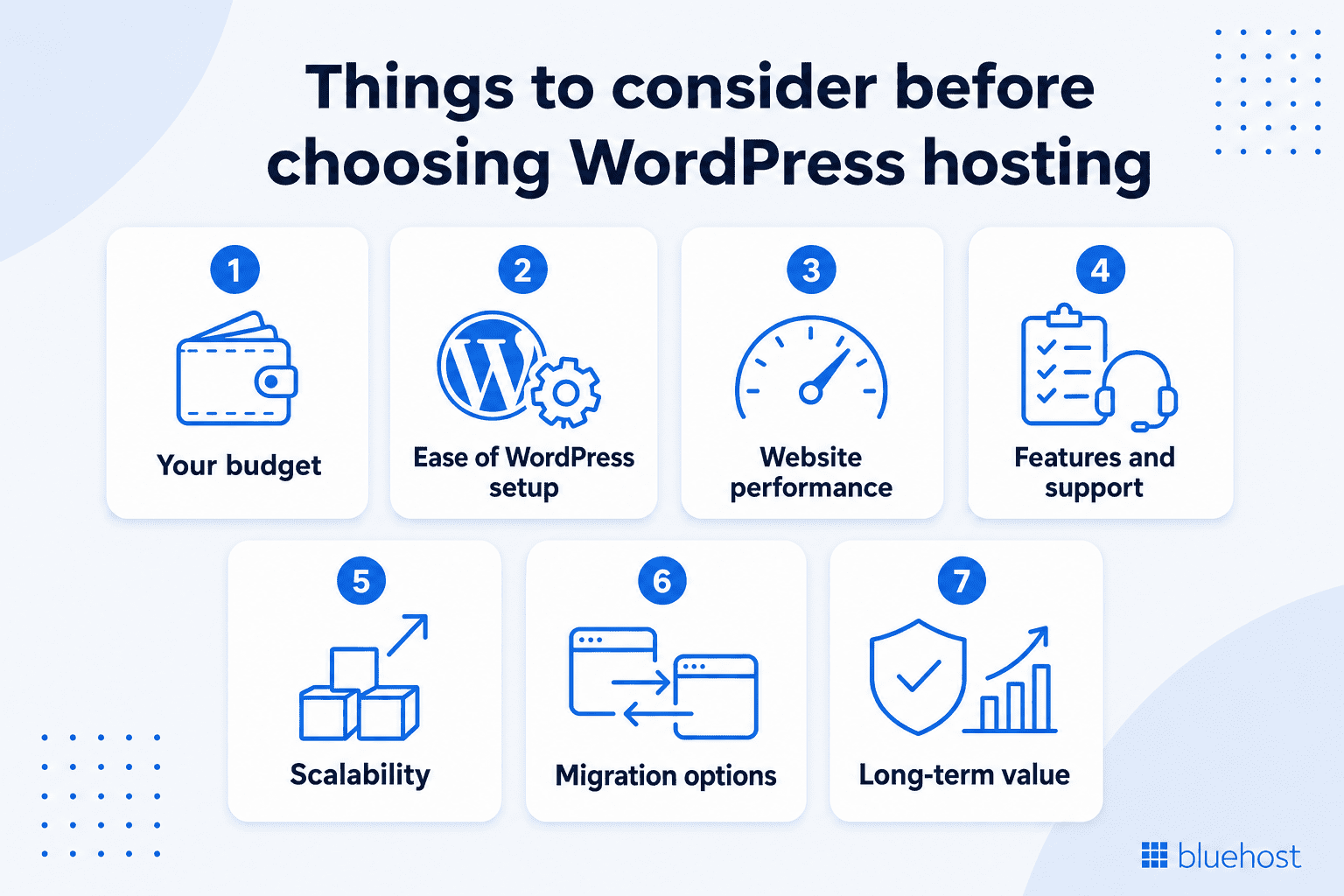
The right host depends on your priorities, not just a feature list. Run your shortlist through these factors before you commit.
- Your budget: Choose a hosting plan that fits your current budget but check the renewal rates before signing up. Also check included tools and what you may need to buy later.
- Ease of WordPress setup: Beginners should choose hosting that includes easy WordPress setup, guided tools, SSL, domain setup and support.
- Website performance: Faster sites keep visitors engaged and tend to rank better. Look for NVMe storage, CDN, caching, uptime commitments and room to handle traffic growth.
- Features and support: Match included features to what you actually need, such as staging, backups, malware removal, security, email and more. Pair that with the level of support you expect when problems appear, since expert help saves hours during an outage.
- Scalability: Think about where your site will be in two years. Choose a host that can support your website as traffic, content and business needs grow.
- Migration options: If you plan to move from Namecheap to Bluehost or any other website, check if your new host gives you a simple way to migrate your WordPress website.
- Long-term value: The cheapest plan is not always the best value. Look at what is included, how much time it saves and how well it supports growth.
When you compare hosts with these points in mind, it becomes easier to look beyond price and focus on long-term value.
Also read:How to Choose a Web Hosting Service Provider: Find Your Best Fit
Why is Bluehost a better choice for WordPress website hosting?
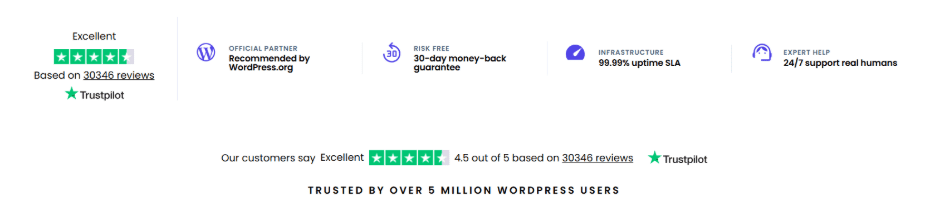
Bluehost is a better choice for WordPress website hosting if you want a simple setup, helpful built-in tools, and hosting made to support WordPress from the start. When you compare Bluehost vs Namecheap for WordPress, Bluehost gives you a more complete experience with specialized features that simplify website management for business owners.
- Recommended by WordPress.org: Bluehost has maintained an official recommendation from WordPress since 2005. This long-standing partnership ensures that your hosting is built to work well with WordPress and support the needs of WordPress website owners.
- 30-day money-back guarantee: You can test the hosting services completely risk-free for your first month. This gives you time to test the platform and decide if it is the right fit for your website.
- 99.99% uptime SLA: Your website remains accessible to visitors thanks to a dependable infrastructure backed by a service level agreement. For users who need even higher availability, Bluehost Cloud can offer a 100% uptime SLA.
- 24/7 support from experts: You get access to actual hosting experts who can troubleshoot technical issues, configure settings and resolve downtime. This helps you get practical answers when you need help with setup, migration or troubleshooting.
- WordPress AI Builder for faster setup: This interactive tool helps you generate a fully functional website in minutes. You can describe your business, customize the templates and launch with minimal coding or advanced design skills. This makes Bluehost a strong choice if you want to get online faster and avoid starting from a blank page.
Ready to launch a new website? Bluehost WordPress hosting offers an easy way to get started with all your essential tools in one place.
If you already have a website but want a better long-term hosting partner, you can move WordPress site from Namecheap to Bluehost with the help of a migration tool. You can also transfer domain from Namecheap to Bluehost if you want to manage your domain and hosting in one place.
In short, moving to Bluehost can give your WordPress site more room, stronger tools and better support as your online presence grows.
Final thoughts
When comparing Bluehost vs Namecheap for WordPress, Namecheap is a good option for users who want simple managed WordPress hosting for one site. But Bluehost is the better choice for users who want a complete WordPress hosting solution with more websites, built-in AI tools, stronger security, migration support and expert WordPress help.
Start your WordPress website with Bluehost today or move your existing WordPress site to Bluehost for a hosting experience built to help your website grow.
FAQs
Yes. Bluehost is good for WordPress hosting because it has been officially recommended by WordPress.org since 2005 and offers managed WordPress updates, free SSL, free CDN, AI site creation tools, a free domain for the first year, security features and 24/7 support.
Namecheap may be better if you only need low-cost managed WordPress hosting for one simple website. Bluehost is better if you want more built-in tools, stronger security and more room to grow.
Namecheap EasyWP may feel limited if you want to manage multiple WordPress websites under one plan. It is mainly built for single-site managed WordPress hosting, and some users may prefer Bluehost for broader WordPress tools, migration support, built-in security and long-term scalability.
Bluehost is one of the most reliable WordPress hosting options for beginners because it combines hosting, domain setup, SSL, CDN, AI site creation, managed WordPress updates, migration tools and 24/7 support in one place.
Bluehost is better for most WordPress users who want a complete hosting solution. Namecheap is a good choice for users who want simple managed WordPress hosting for one site, but Bluehost offers more value for beginners, businesses and growing websites.
Both are easy to use, but Bluehost is easier for users who want an all-in-one WordPress setup. It includes AI site creation tools, domain options, SSL, CDN, SEO tools, migration support and customer support in one place.
Yes. You can transfer domain from Namecheap to Bluehost if your domain is eligible for transfer. You can also update your domain settings if you want to keep the domain at Namecheap while hosting your WordPress site with Bluehost.
Yes. You can move WordPress site from Namecheap to Bluehost. Bluehost WordPress hosting plans include a free site migration tool, which helps make the migration process easier.

Write A Comment