 ChatGPT,
 Claude,
 Gemini,
 Grok — all four for
Key highlights
- Understand how portfolio website hosting keeps your work accessible, secure and ready for visitors.
- Explore the best hosting platforms for your portfolio site.
- Learn why shared hosting is a strong starting point for most portfolio websites.
- Know when to upgrade from shared hosting as traffic, media files or features grow.
- Discover how Bluehost shared hosting supports a professional portfolio with WordPress flexibility, security and upgrade options.
Your portfolio is often your first digital impression. When a potential client or recruiter clicks your link, a slow-loading gallery or unexpected downtime can quietly cost you your next big opportunity.
Choosing the best web hosting for portfolio sites gives your work a fast, stable and professional home. It also helps you build a portfolio that fits your goals, whether you want full website control, a simple hosted builder or a platform to showcase your creative work.
However, finding the right plan can still be confusing. This guide compares the top portfolio website hosting platforms, explains whether shared hosting fits your current needs and shows when it may be time to upgrade.
Let’s understand in detail.
TL; DR: Best web hosting for portfolio sites
Use this table to quickly match each platform with the kind of portfolio you want to build.
| Platform | Hosting type | Best for |
| Bluehost | Shared web hosting | Professional WordPress portfolios |
| Wix | Hosted website builder | Template-based portfolios |
| Squarespace | Hosted website builder | Image-led template portfolios |
| WordPress.com | Hosted website platform | Simple WordPress portfolios |
| Hostinger | Web hosting + builder | Budget-friendly portfolio sites |
| Namecheap | Web hosting + domains | Basic domain-first portfolios |
| Adobe Portfolio | Portfolio builder | Adobe Creative Cloud users |
| Behance | Creative network | Portfolio discovery and networking |
Start with shared hosting for portfolio website if you want more control and flexibility. Choose a builder or creative network if simplicity matters more.
What is portfolio website hosting?
Portfolio website hosting is the service that stores your site’s files, images, videos and code on a server so visitors can access them through your web address. It keeps your portfolio pages, galleries, case studies, resume and contact forms available online around the clock.
A good hosting plan does more than keeping your site live. It also supports faster loading, safer browsing and stronger reliability through features like caching, uptime commitments, SSL, backups and malware protection.
Best web hosting for portfolio websites: 8 top options
The best option depends on how much control you want and how you plan to grow. Self-hosted setups reward you with ownership and flexibility, all-in-one builders favor speed and simplicity and creative networks give designers instant visibility. Here are eight most popular and widely used platforms for portfolio websites, along with what each does well.
1. Bluehost
Bluehost is a hosting provider for creators who want to build a professional portfolio website with more control over design, content and growth. Our hosting works well for personalized WordPress portfolios that use image galleries, case studies, resumes, contact forms and custom domains. and custom domains.
For portfolio websites, speed and reliability matter as much as design. Bluehost Web hosting includes NVMe SSD storage, CDN support and a 99.99% uptime SLA to help your work load quickly and stay accessible when clients, recruiters or collaborators visit.
Pros:
- Quick set up with WordPress AI Builder
- More ownership over site structure and SEO
- Faster loading for image-heavy pages
- Supports custom domains and business email
- Cost-effective shared hosting plans
- Upgrade options as traffic grows
- Provides 24/7 chat support
Cons:
- Extra time for advanced customization
- Learning curve for WordPress themes and plugins
2. Wix
Wix is a hosted website builder for users who want to create a portfolio quickly. It includes templates, a drag-and-drop editor, AI website tools, image galleries and media support. The platform works best for freelancers, students and creators who want a simple visual portfolio without handling technical setup.
Pros:
- Easy to use for beginners
- Offers a range of portfolio templates
- Good for quick launches
- Handles technical setup inside the platform
Cons:
- Restricted advanced SEO and design control
- Less backend control than self-hosted WordPress
- Wix branding on free sites
- Limited website migration flexibility
3. Squarespace
Squarespace is a design-led website builder with polished templates and built-in website tools. It is popular with photographers, designers, artists and service-based professionals. The platform is a good fit if visual presentation matters more than deep customization or backend control. The plans combine hosting, design and basic commerce in a single subscription.
Pros:
- Strong visual design quality
- Good for creative portfolios
- Built-in templates, forms and marketing tools
- Simple setup for non-technical users
Cons:
- Not ideal for highly complex portfolio sites
- Less flexible than open-source WordPress
- Limited advanced customization
- Higher costs with added features
4. WordPress
WordPress.com is a hosted website platform that bundles WordPress, hosting, security and site management into one setup. For portfolio websites, it works well if you want a WordPress-based site with less technical management. Paid plans support custom domains, themes and more advanced features, but hosting remains tied to the WordPress.com platform.
Pros:
- Offers free plan
- Free domain for first year on paid plan
- Supports portfolio themes and site-building tools
- More customization on paid plans
Cons:
- Extra steps for moving to another host
- Less hosting control than WordPress.org
- Plan-based access to advanced features
- Less flexible for custom server-level changes
5. Hostinger
Hostinger offers different types of web hosting and website builder tools. It is often chosen by users looking for a budget-conscious starting point. For portfolio websites, it can work well if you want basic hosting with WordPress support and upgrade options later.
Pros:
- Budget-friendly entry point
- Free domain for one year
- Supports WordPress websites
- Includes drag-and-drop website builder and AI tools
- Suitable for simple portfolio sites
Cons:
- Resource limits on lower-tier plans
- Weekly backups frequency on starter plans
- Less suitable for advanced users
- Higher renewal prices
6. Namecheap
Namecheap is best known as a domain registrar, but it also offers hosting, email, SSL and WordPress-related services. It can be useful if you want to buy a domain and launch a basic portfolio in one place. This platform is a practical option for simple portfolio sites, especially when cost is a priority.
Pros:
- Good for domain-first users
- Budget-friendly basic portfolio hosting
- Supports WordPress installation
- Email and SSL add-on options
Cons:
- More manual website setup
- Performance tied to plan choice
- Shared hosting features vary by plan
- 24/7 live chat support only
7. Adobe Portfolio
Adobe Portfolio is made for creators who want a simple visual portfolio. It is especially useful for photographers, designers and artists already using Adobe Creative Cloud. The platform focuses on showcasing creative work rather than building a fully customized website with advanced functionality.
Pros:
- Good fit for Adobe users
- Simple visual portfolio setup
- Strong for image-heavy work
- Creative workflow integrations
- Behance integration support
Cons:
- Best value with Adobe subscription use
- Limited customization options
- Not ideal for complex websites
- Less control over SEO and site structure
8. Behance
Behance is a creative network platform where designers, artists and visual professionals can publish work and get discovered. It is useful for visibility, inspiration and networking. This platform works best as a discovery channel alongside your own site.
Pros:
- Free simple portfolio setup
- Discovery for creative work
- Adobe Portfolio and Creative Cloud integration
- Networking with other creators
- No website setup required
Cons:
- Not ideal as a primary client-facing site
- Limited brand ownership
- Not a full website replacement
- Less control over SEO and user experience
- Work hosted inside another platform
If you want more ownership and room to grow, a self-hosted WordPress site with reliable portfolio hosting can be a better long-term fit than a closed builder or shared profile.
Still confused if this is the right choice? Let’s understand if shared web hosting is the right choice for your portfolio website.
Is shared hosting for portfolio websites enough?
Yes, shared hosting is enough for most portfolio websites. A typical portfolio has core pages, image galleries, case studies, a resume and a contact form. It usually does not need the same resources as a large eCommerce store or high-traffic business site.
Shared hosting keeps costs lower because your site shares server resources with other websites. The key is to choose a host that supports better performance with the right infrastructure and tools.
Our Bluehost Shared Web hosting plan includes helpful tools and features such as AI site creation, Yoast SEO free plugin, managed WordPress updates, weekly website backups, SSL, caching and more. These features help you create, optimize, protect and manage your portfolio website as your work grows.
For freelancers, photographers, writers, designers and students, shared hosting is usually enough to start. You can upgrade later to higher-performance shared hosting or VPS hosting plans if your portfolio gets more traffic, uses heavy media or needs advanced features.
Tip: Compress images, use caching and enable a CDN when available.
When to upgrade your portfolio hosting plan?
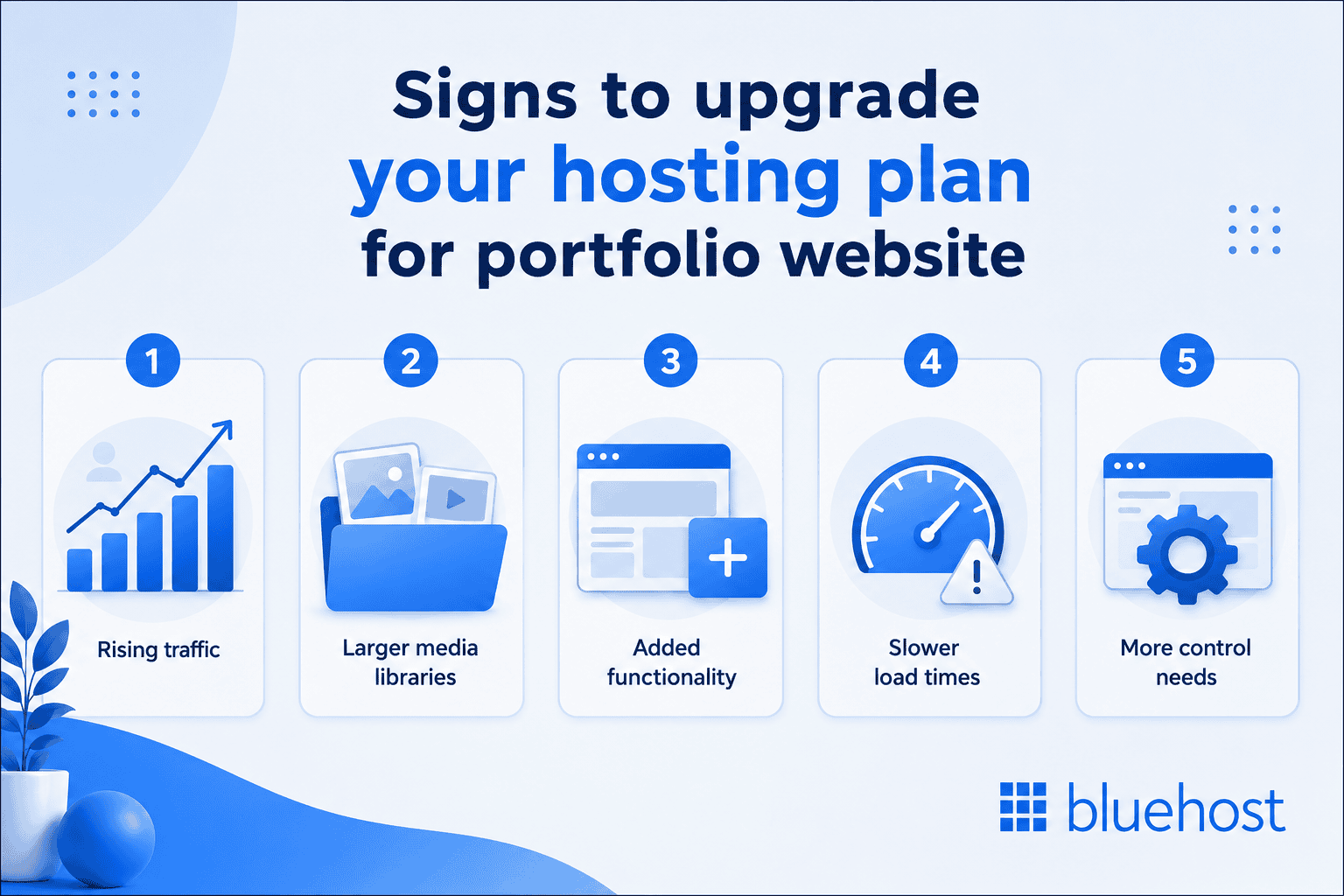
Shared hosting for portfolio websites is enough most of the time, but your needs may change as your work, traffic, features and needs grow. The goal is to upgrade before slow load times, storage limits or performance issues affect visitors. You need to check these signs:
- Rising traffic: Press mentions, viral posts, portfolio campaigns or a growing client base can increase visits beyond what your current plan comfortably supports.
- Larger media libraries: High-resolution images, video reels, downloadable assets and project archives can increase storage and bandwidth needs over time.
- Added functionality: Booking forms, client portals, eCommerce features or private galleries may need more resources than a basic portfolio site.
- Slower load times: If your site still feels slow after image compression, caching and CDN setup, it may be time for a higher-performance hosting plan.
- More control needs: If you want custom server settings, isolated resources or advanced performance control, VPS hosting may be a better fit.
Many creators start with shared hosting for portfolio websites and upgrade only when one of these signals appears. If you add eCommerce features, WooCommerce hosting can support selling, payments and store tools. If traffic, media files or control needs grow, managed VPS hosting can be the better next step. This keeps early costs lower while still giving your portfolio room to grow.
Also read: When to Upgrade from Shared Hosting to VPS Hosting
How to choose the right hosting for your portfolio website?
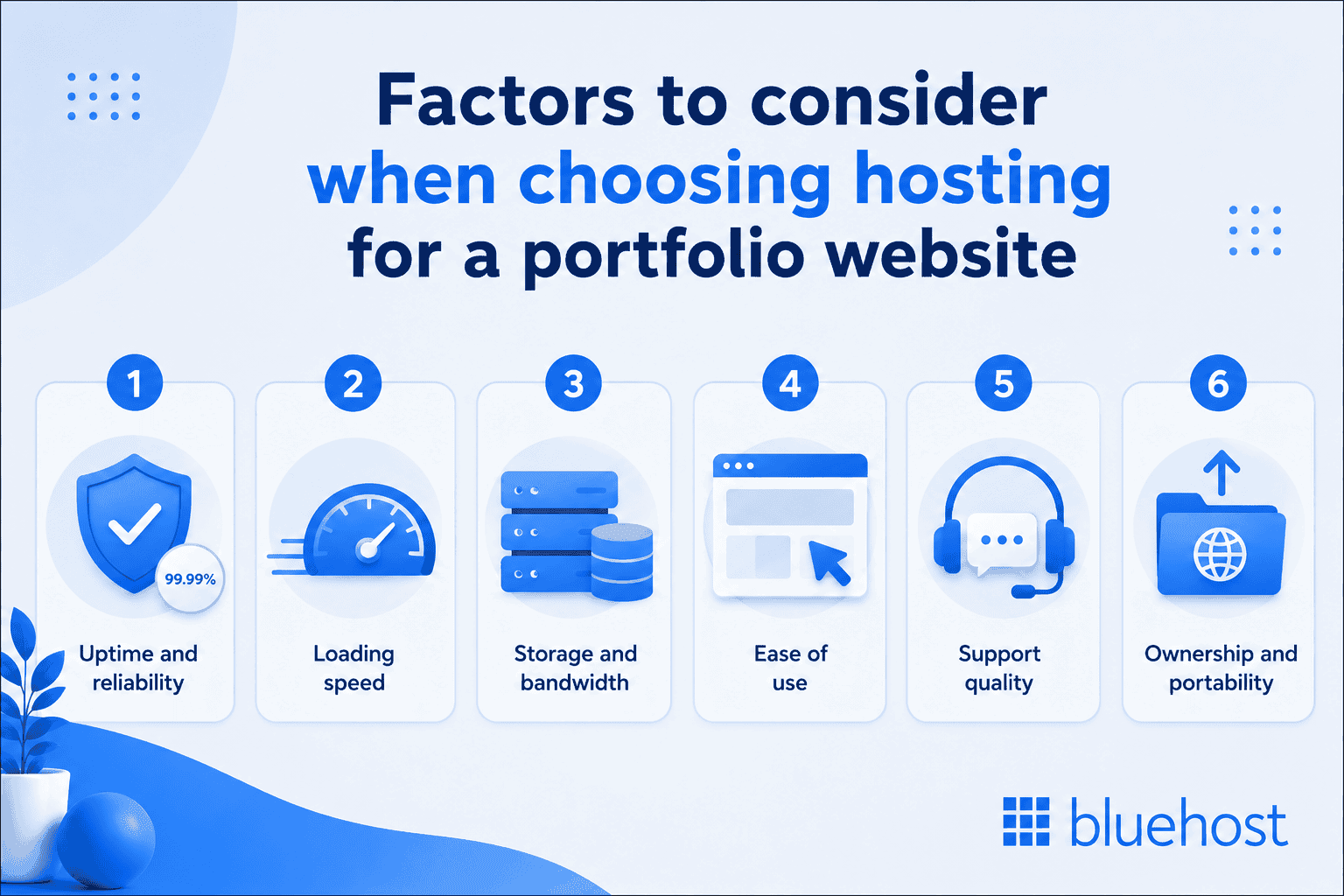
Choose a hosting plan based on how your work will be displayed, how much traffic you expect and how much control you need. The right option should balance speed, reliability, storage, ease of use and support without making you pay for resources you do not need. Here are the key factors to check before you decide:
- Uptime and reliability: Look for a clear uptime commitment so your portfolio stays reachable when clients, recruiters or collaborators visit.
- Loading speed: Choose hosting with fast servers, caching and CDN support. This is especially important if your portfolio has image-heavy galleries or visual case studies.
- Storage and bandwidth: Make sure the plan can handle your current images, videos and files with room to grow. Most simple portfolios do not need enterprise-level resources.
- Ease of use: A clean dashboard, guided setup and WordPress installation tools can save time if you are not technical.
- Support quality: Reliable human support matters when you are launching your website, fixing errors or handling site issues before a client pitch.
- Ownership and portability: Choose a setup that lets you manage your domain, content and site files. This makes it easier to move or scale your portfolio later.
The best hosting choice is the one that supports your portfolio today without limiting how it can grow tomorrow. If speed, performance and reliability matter, Bluehost Shared Web hosting gives your portfolio a better place to start.
Why choose Bluehost Web hosting for portfolio websites?
Bluehost Shared Web hosting works well for portfolio creators who want a cost-effective way to build a professional website with flexible design, reliable performance and expert support. We support WordPress, custom domains, security tools and upgrade paths as your portfolio grows.
As a host recommended by WordPress.org since 2005, we give your work a stable foundation you can grow into. Here is what stands out for portfolio sites:
- Free domain for the first year: Launch your portfolio with a custom web address at no added domain cost for the first year.
- Free site migration tool: Already have a portfolio website? Our free site migration tool helps you move your WordPress site to Bluehost more easily.
- Beginner-friendly setup: Our WordPress tools, intuitive dashboard and AI website creation features help you set up your portfolio faster, without getting stuck in complex technical steps.
- WordPress staging site: Test design changes, new portfolio pages or plugin updates before making them live on your main site.
- Built-in security: Features like SSL, free malware scanning, Web Application Firewall and DDoS Protection help protect your portfolio files, forms and published work.
- Flexible upgrade options: If your portfolio grows beyond shared hosting, we offer higher-performance hosting, VPS and dedicated hosting plans with more resources.
In short, with Bluehost Web hosting, you can build a portfolio that looks professional, performs well and is ready to grow as your work gets noticed.
Final thoughts
The best web hosting for portfolio websites should match your current needs without limiting future growth. For most freelancers, designers, photographers, writers and students, shared hosting offers the speed, reliability and control needed to build a professional portfolio.
As your needs grow, you can move to advanced hosting plans without starting over. Choose a platform that is easy to manage, supports your content and gives your work room to grow.
Ready to showcase your work online? Start building your portfolio by choosing a Bluehost Web hosting plan today.
FAQs
Yes. If you want a standalone portfolio website with your own domain, files and site structure, you’ll need web hosting. Creative platforms may include hosting, but they usually give you less control than the actual web hosting plan.
Bluehost, Hostinger and Namecheap are some well-known options for portfolio website hosting. Bluehost is a strong choice if you want shared hosting, WordPress flexibility, custom domains, security tools and room to upgrade.
Yes, but free options usually come with limits. You may have platform branding, a shared subdomain, fewer customization options and less control over your site compared to paid hosting.
Yes, WordPress is a strong choice for portfolio websites. With the right hosting provider, you can use flexible themes, portfolio plugins, SEO tools, galleries, contact forms and custom pages.
Yes, for most creators shared hosting is a good option. Portfolios are lightweight, image-based sites that rarely strain shared servers, so an entry-level plan delivers the speed and uptime they need within budget.
Start with shared hosting for portfolio websites if you are launching a standard one. Consider VPS hosting when your traffic grows, your media library becomes heavier or you add features like bookings, private galleries or eCommerce.
Upgrade when your site slows down despite optimization, reaches storage or bandwidth limits, gets frequent traffic spikes or needs advanced features that require more server resources.
Yes. Most hosting providers support custom domains. Bluehost hosting plans include a free domain for the first year, which can help you launch with a more professional web address.
Most portfolio websites can start with a few gigabytes of storage. Image-heavy, video-heavy or downloadable portfolios may need more space, so choose a hosting plan that leaves room to grow.

Write A Comment