 ChatGPT,
 Claude,
 Gemini,
 Grok — all four for
-

Front Desk Automation: Benefits, Features & Examples
Learn what front desk automation actually means and how it goes beyond a basic chatbot or answering service.
-
VDS vs VPS Hosting: What’s the Difference and Which One Do You Need?
Key highlights Your hosting environment is the foundation everything else runs on. When it struggles, your applications slow down, your clients notice and your business pays the price. If you have been running on VPS hosting and started noticing performance inconsistencies, you are not imagining it. Many developers, agencies and growing businesses eventually hit a ceiling with standard virtual private servers, not because…
-
Google Workspace vs Slack: Full Feature Comparison
Compare Google Workspace vs Slack to choose the right platform for business communication and team collaboration.
-
How to secure Paperclip on a VPS: A step-by-step guide
Key highlights Running a web application like Paperclip on a Virtual Private Server (VPS) gives you incredible power and flexibility. With that power comes the responsibility of security. An unsecured VPS can expose your application and its data to significant risks, including data breaches and service interruptions. Protecting your server is not a one-time task…
-

Where Is WordPress Hosted? Identify Your Host with Tools & Tips
Find where your WordPress site is hosted using WHOIS, DNS records and hosting lookup tools.
-

Is Your Cloud Hosting Slow? It’s Not Your Connection
Most people blame the internet when an online experience feels slow. A game freezes. A website stalls. A checkout button takes too long to respond. A dashboard lags after a click. But a 2025 systems research paper suggests the connection is only part of the story. The paper, Dissecting and Streamlining the Interactive Loop of…
-
VDS vs Virtual Machine Hosting: Key Differences, Performance & Cost
Compare VDS vs virtual machine hosting to find the right balance of performance, isolation and cost.
-
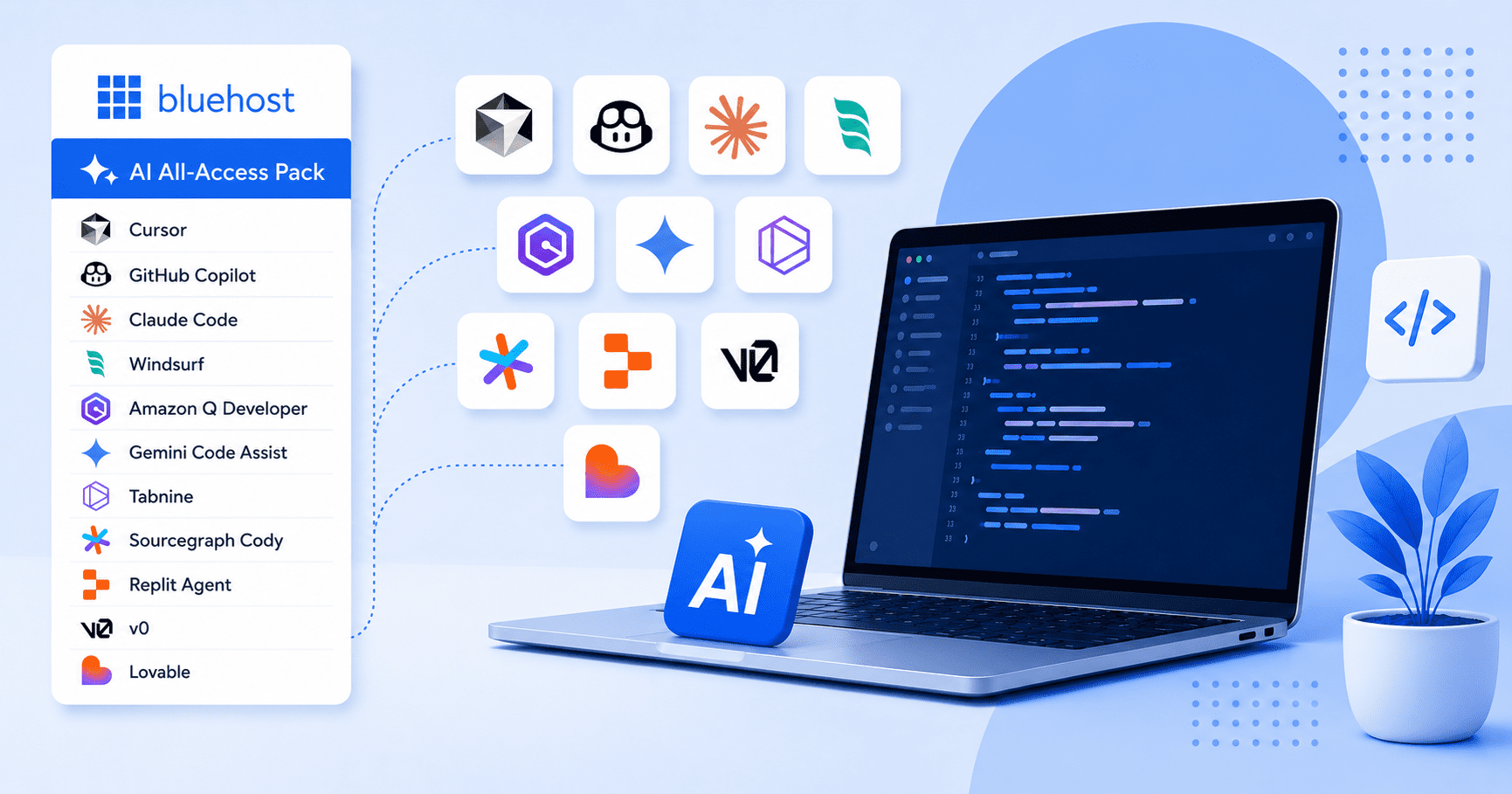
12 Best AI Coding Assistant 2026: Ranked for Speed and Accuracy
Compare 12 leading AI coding tools by features, pricing, capabilities and ideal use cases before committing.
-

Bluehost Launches Paperclip & Magento VPS Hosting
Bluehost launches Paperclip and Magento VPS Hosting for AI workflows, eCommerce and self-managed control.
-

VDS vs Shared Hosting: Which Hosting is Right for Your Website?
Compare VDS vs shared hosting to choose the right setup for better speed, control and scalability.
GET IN TOUCH
We’re here to help
RESOURCES