 ChatGPT,
 Claude,
 Gemini,
 Grok — all four for
Key highlights
- Discover the main difference between Google Workspace and Outlook for business users.
- Learn what is Google Workspace, its key Google Workspace features and its Google Workspace pros and cons.
- Understand what is Outlook, its Outlook features and its Outlook pros and cons.
- Compare email, calendar, storage, meetings, security and AI in the Google Workspace vs Outlook features comparison.
- Explore Google Workspace by Bluehost for professional email, online collaboration and easy access from one place.
- Decide whether Google Workspace vs Outlook is better for your team’s workflow, budget and collaboration needs.
Picking the wrong productivity suite costs more than a monthly subscription. It costs onboarding time, workflow disruption and team frustration. Google Workspace and Outlook are two of the most widely used business productivity platforms, but they serve different purposes and suit different types of organizations.
Whether you are evaluating options for the first time or considering a switch, this breakdown covers features, pricing, pros, cons and practical decision points to guide your choice.
Google Workspace vs. Outlook: Quick comparison
Before diving into details, the table below highlights how the two platforms differ at a glance.
| Category | Google Workspace | Outlook |
|---|---|---|
| Type | Full cloud productivity suite | Email app (or full suite via Microsoft 365) |
| Business email | Gmail with custom domain | Outlook with Exchange |
| Documents | Docs, Sheets, Slides | Word, Excel, PowerPoint |
| Storage | Google Drive | OneDrive |
| Video meetings | Google Meet | Microsoft Teams |
| AI assistant | Gemini | Copilot |
| Offline access | Limited | Full (desktop app) |
| Starting price | $3.50/user/month | $6/user/month |
Is Google Workspace the same as Outlook?
No. Google Workspace is a cloud-based productivity suite from Google. Outlook is a Microsoft email and calendar application. The two products overlap in email and scheduling but differ significantly in scope. A fair comparison pairs Google Workspace against Microsoft 365, the full suite, rather than Outlook alone.
Quick verdict: Which one is better for your business?
For most small businesses, Google Workspace is the better choice. It brings business email, storage, meetings, calendars and real-time collaboration into one simple platform.
- Choose Google Workspace for easy setup, fast onboarding and cloud-first teamwork.
- Choose Outlook/Microsoft 365 only if you rely heavily on Exchange, desktop Office apps or advanced Microsoft controls.
For simplicity, collaboration and ease of management, Google Workspace has the edge.
The sections below break down exactly where each platform excels and where it falls short.
Also read: Google Workspace vs Rackspace Email
What is Google Workspace?
Google Workspace, formerly known as G Suite, is Google’s cloud-based suite of productivity and collaboration tools. Every app runs in the browser, syncs automatically and requires no software installation. Organizations subscribe on a per-user, per-month basis.
What are some Google Workspace features?
Google Workspace bundles a broad set of tools under one subscription. The core apps include:
- Gmail: Business email with a custom domain
- Google Drive: Cloud file storage with real-time sharing
- Google Docs, Sheets and Slides: Browser-based document editing
- Google Meet: Video conferencing for up to 100, 150 or 500 participants, depending on the plan
- Google Chat: Team messaging with spaces and threads
- Google Calendar: Shared scheduling and room booking
- Gemini AI: AI assistance in Gmail on Starter and across more Google apps on higher-tier plans
All apps are designed to work together from day one, which reduces the need for third-party integrations.
What are Google Workspace pros and cons?
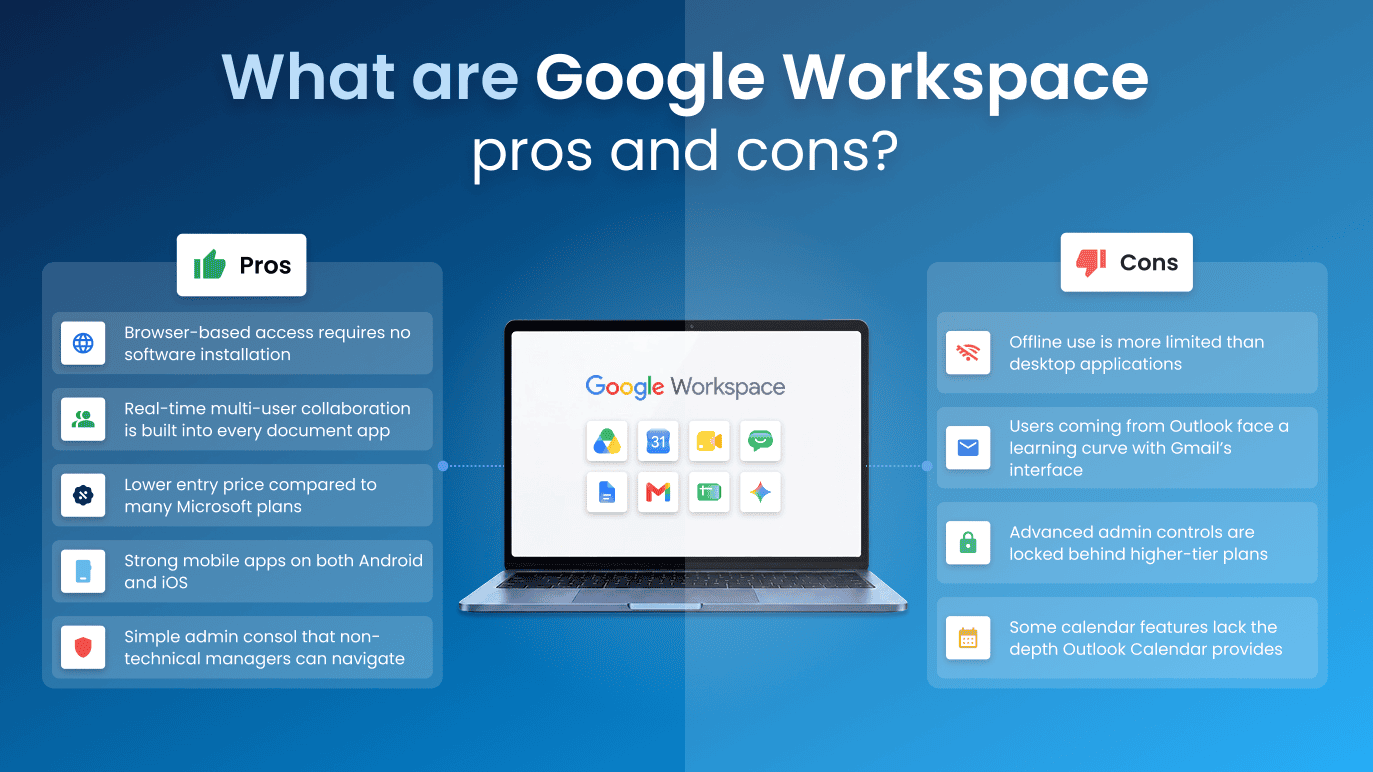
Knowing where a platform excels and where it struggles helps set realistic expectations before you commit. It’s important to know the Google Workspace benefits and also the cons.
Pros:
- Browser-based access requires no software installation
- Real-time multi-user collaboration is built into every document app
- Lower introductory entry price through Bluehost compared with many Microsoft plans
- Strong mobile apps on both Android and iOS
- Simple admin console that non-technical managers can navigate
Cons:
- Offline use is more limited than desktop applications
- Users coming from Outlook face a learning curve with Gmail’s interface
- Advanced admin controls are locked behind higher-tier plans
- Some calendar features lack the depth Outlook Calendar provides
Who is Google Workspace best for?
Google Workspace works best for teams that operate primarily online. It suits:
- Remote and distributed teams that collaborate across time zones
- Startups and small businesses prioritizing fast setup
- Educational institutions and nonprofits on limited budgets
- Organizations already using Android devices or other Google services
Also read: How To Use Google Workspace?
What is Outlook?
Outlook is Microsoft’s email and calendar application. It is available as a desktop app, a web app and a mobile app. Personal use is free through a Microsoft account. Business use typically requires a Microsoft 365 subscription, which pairs Outlook with Exchange for reliable corporate email.
What are some Outlook features?
Outlook is built around email productivity and scheduling. Its key capabilities include:
- Focused Inbox: Automatically separates important emails from low-priority ones
- Calendar: Meeting requests, shared calendars and resource booking
- Tasks and To-Do: Built-in task tracking linked to Microsoft To Do
- Rules and filters: Automated email sorting and management
- Offline access: Full functionality through the desktop app without an internet connection
- Exchange integration: Deep sync with corporate directory and contact management
- Copilot AI: Email drafting and summarization on eligible Microsoft 365 plans
Outlook’s calendar stands out for large organizations that manage complex meeting logistics and delegate access.
What are Outlook pros and cons?
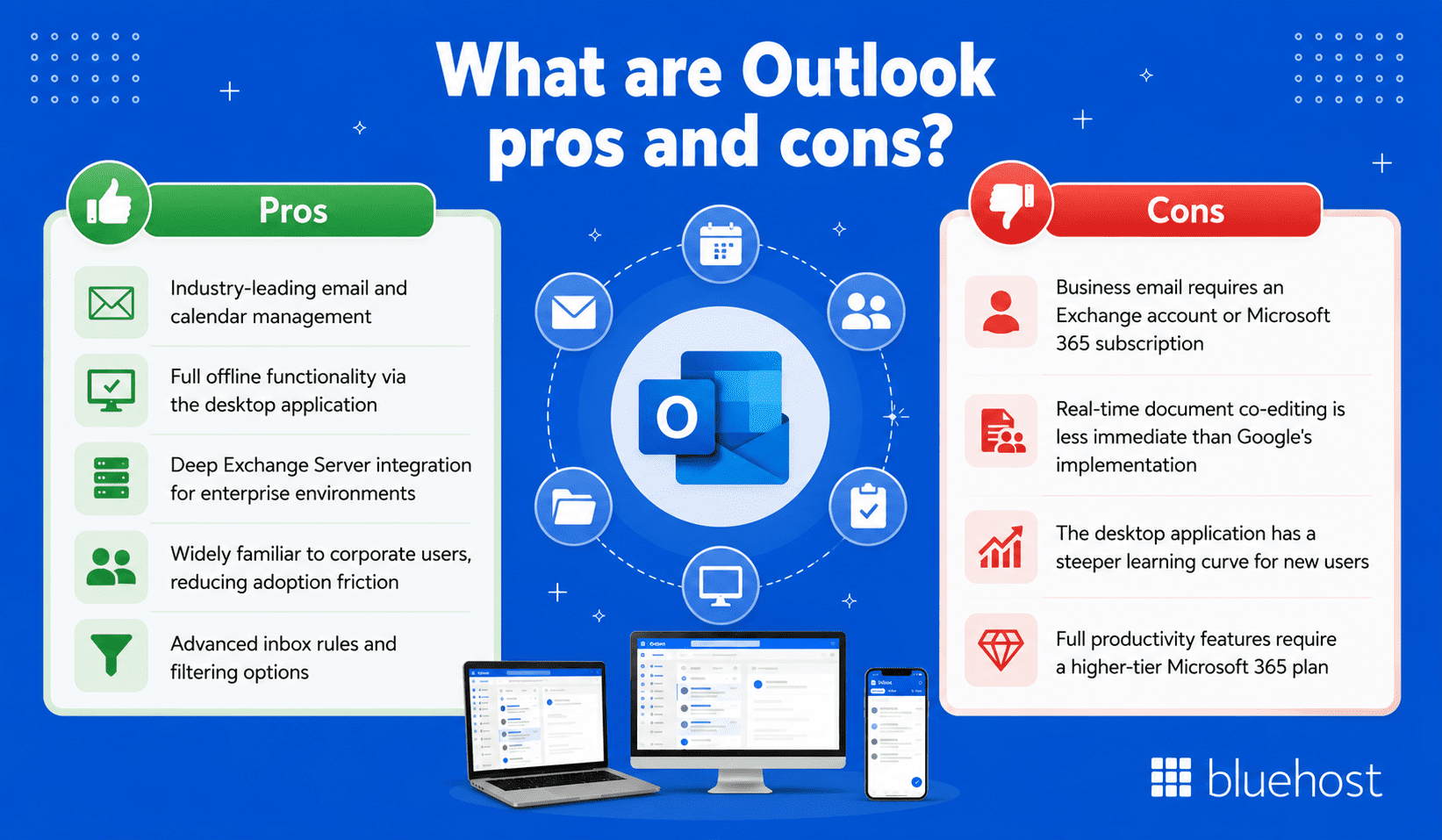
Pros:
- Industry-leading email and calendar management
- Full offline functionality via the desktop application
- Deep Exchange Server integration for enterprise environments
- Widely familiar to corporate users, reducing adoption friction
- Advanced inbox rules and filtering options
Cons:
- Business email requires an Exchange account or Microsoft 365 subscription
- Real-time document co-editing is less immediate than Google’s implementation
- The desktop application has a steeper learning curve for new users
- Full productivity features require a higher-tier Microsoft 365 plan
Who is Outlook best for?
Outlook suits organizations where email and calendar management are mission-critical. It is the natural choice for:
- Large enterprises running on-premise Exchange servers
- Legal, finance and compliance-heavy industries
- Professionals who depend on detailed calendar delegate features
- Teams already using Word, Excel and PowerPoint daily
What is the difference between Google Workspace and Outlook?
The two products differ fundamentally in scope. Understanding this distinction prevents common mistakes when comparing them side by side.
Google Workspace is a full productivity suite
Google Workspace covers email, document creation, cloud storage, video calls and team messaging in a single subscription. Every app is cloud-native. Files live online and update in real time for all users simultaneously. There is no separate purchase needed to access collaboration tools.
Outlook is primarily an email and calendar app
Outlook focuses on email and scheduling. On its own, it does not include document editors, cloud storage or video conferencing. Those functions require the broader Microsoft 365 suite, which is sold separately or bundled in business plans.
How Microsoft 365 changes the comparison
When the comparison widens to Microsoft 365, both platforms become more evenly matched. Microsoft 365 includes Word, Excel, PowerPoint, Teams and OneDrive alongside Outlook. That full bundle is the true competitor to Google Workspace, not Outlook alone.
Google Workspace vs. Outlook features comparison
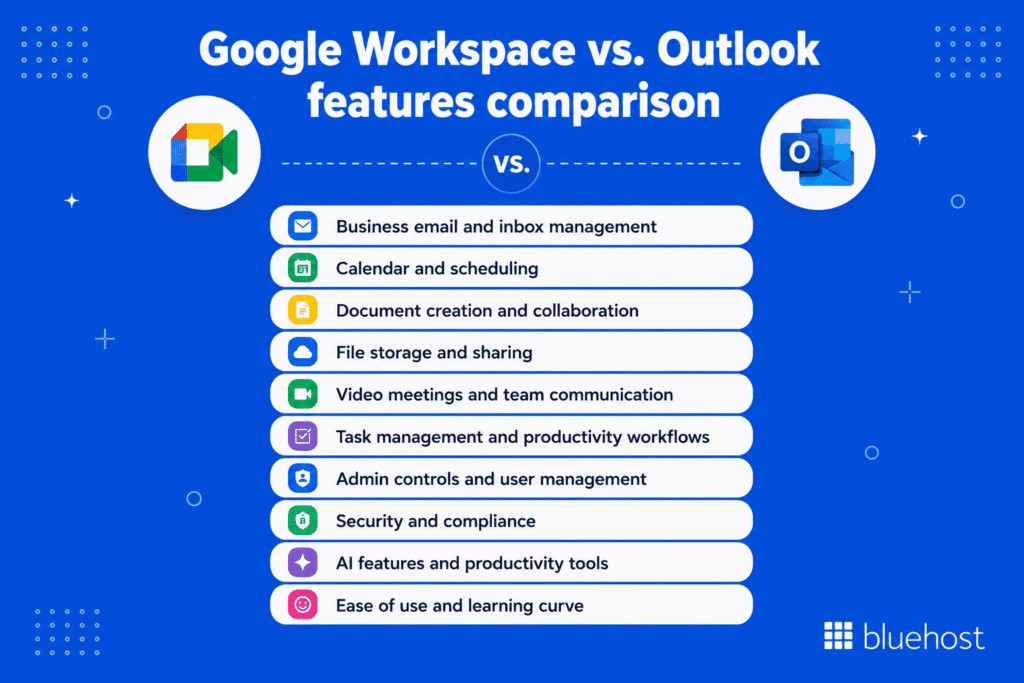
With the scope clarified, here is how Google Workspace and Outlook compare across the features that matter most to business users. Since Outlook is mainly an email and calendar app, Google Workspace offers a broader out-of-the-box comparison by including Gmail, Drive, Docs, Sheets, Slides, Meet and Chat in one cloud-based suite.
Before comparing each feature in detail, here’s a quick overview of the 10 main differences.
| Comparison factor | Google Workspace | Outlook / Microsoft 365 | Better fit |
|---|---|---|---|
| Business email and inbox management | Gmail with fast search and simple inbox tools | Outlook with rules, folders and shared mailboxes | Gmail for simplicity; Outlook for control |
| Calendar and scheduling | Simple sharing and scheduling | Advanced scheduling, delegates and room booking | Google for ease; Outlook for complexity |
| Document creation and collaboration | Docs, Sheets and Slides for live collaboration | Word, Excel and PowerPoint for advanced editing | Google for teamwork; Microsoft for Office files |
| File storage and sharing | Google Drive for simple sharing | OneDrive and SharePoint for structured storage | Google for sharing; Microsoft for structure |
| Video meetings and team communication | Meet and Chat for quick communication | Teams for meetings, chat and channels | Meet for simple calls; Teams for collaboration |
| Task management and productivity workflows | Tasks and Keep for basic productivity | To Do, Planner and Power Automate for workflows | Google for basic tasks; Microsoft for automation |
| Admin controls and user management | Simpler Admin Console | Deeper IT controls | Google for small teams; Microsoft for IT teams |
| Security and compliance | Strong cloud security controls | Deeper compliance and governance tools | Google for simple security; Microsoft for compliance |
| AI features and productivity tools | Gemini across Google apps | Copilot across Microsoft apps | Gemini for Google users; Copilot for Microsoft users |
| Ease of use and learning curve | Browser-first and easier to learn | More advanced but more complex | Google for onboarding; Microsoft for power users |
1. Google Workspace vs Outlook: Business email and inbox management
Gmail is built for fast search, simple inbox management and easy access across devices. Outlook offers more advanced email controls, including folders, rules, categories, flags and shared mailboxes.
Key differences include:
- Gmail is easier for fast search, mobile access and everyday business email management.
- Outlook offers deeper rules, folders and shared mailbox controls, but Gmail is often simpler for teams that want less inbox complexity.
- Gmail works best with Google Workspace tools.
- Outlook works best in Microsoft 365 or Exchange environments.
Best choice: Choose Gmail for simple, cloud-first business email. Choose Outlook only if your team needs advanced inbox control.
Also read: Google Workspace vs Gmail: What is the Difference?
2. Google Workspace vs Outlook: Calendar and scheduling
Google Calendar is simple, visual and easy to share across teams. Outlook Calendar offers complex scheduling features, but Google Calendar is easier for everyday meeting coordination, sharing and team visibility.
Key differences include:
- Google Calendar is easier for quick scheduling.
- Outlook Calendar is stronger for complex meeting coordination.
- Google Calendar connects well with Gmail and Meet.
- Outlook Calendar connects deeply with Exchange, Teams and Microsoft 365.
Best choice: Choose Google Calendar for simple, shared scheduling. Choose Outlook Calendar only for complex enterprise scheduling needs.
3. Google Workspace vs Outlook: Document creation and collaboration
Google Workspace includes Docs, Sheets and Slides for real-time collaboration. Outlook does not include document tools on its own, so Microsoft 365 is the better comparison for Word, Excel and PowerPoint.
Key differences include:
- Google Workspace is stronger for live collaboration.
- Microsoft 365 is stronger for advanced Office features.
- Google makes version control easier.
- Microsoft is better for desktop Office workflows.
Best choice: Choose Google Workspace for live collaboration and easy version control. Choose Microsoft 365 for advanced desktop Office file work.
4. Google Workspace vs Outlook: File storage and sharing
Google Workspace uses Google Drive for simple file storage, sharing and collaboration. Microsoft 365 uses OneDrive for personal files and SharePoint for structured team document libraries.
Key differences include:
- Google Drive is easier for simple file sharing.
- OneDrive works well for personal files.
- SharePoint is better for structured team storage.
- Google Drive may feel easier for external collaboration.
Best choice: Choose Google Drive for simple sharing. Choose OneDrive and SharePoint for structured file management.
5. Google Workspace vs Outlook: Video meetings and team communication
Google Workspace includes Google Meet for video calls and Google Chat for messaging. Microsoft Teams combines meetings, chat, channels, file sharing and app integrations in one hub.
Key differences include:
- Google Meet is easier for quick browser-based calls.
- Google Chat supports lightweight messaging.
- Microsoft Teams is stronger as a communication hub.
- Teams is better for companies already using Microsoft 365.
Best choice: Choose Google Meet for simple video calls and easy access. Choose Microsoft Teams for a fuller collaboration hub.
6. Google Workspace vs Outlook: Task management and productivity workflows
Google Workspace includes Google Tasks and Keep for simple to-dos, reminders and notes. Microsoft 365 offers To Do, Planner and Power Automate for more structured task tracking and automation.
Key differences include:
- Google Tasks is better for simple to-do lists.
- Google Keep works well for quick notes.
- Microsoft Planner is better for team task tracking.
- Power Automate supports stronger workflow automation.
Best choice: Choose Google Workspace for basic tasks. Choose Microsoft 365 for project tracking and automation.
7. Google Workspace vs Outlook: Admin controls and user management
Google Workspace has a simpler Admin Console for managing users, groups, devices and app access. Microsoft 365 offers deeper admin controls for larger organizations and IT teams.
Key differences include:
- Google Workspace is easier for basic user management.
- Microsoft 365 offers more advanced admin controls.
- Google is often simpler for small businesses.
- Microsoft is better for organizations with IT support.
Best choice: Choose Google Workspace for simpler administration. Choose Microsoft 365 for advanced IT control.
8. Google Workspace vs Outlook: Security and compliance
Google Workspace includes security features such as two-step verification, phishing protection, endpoint management and admin controls. Microsoft 365 offers deeper compliance and governance tools through products like Defender, Purview and Compliance Manager.
Key differences include:
- Google Workspace offers strong cloud security.
- Microsoft 365 offers deeper compliance features.
- Both reserve advanced protections for higher-tier plans.
- Microsoft may be stronger for regulated industries.
Best choice: Choose Google Workspace for straightforward cloud security. Choose Microsoft 365 for deeper compliance and governance.
9. Google Workspace vs Outlook: AI features and productivity tools
Google Workspace includes Gemini AI features, with app availability depending on the plan. Microsoft 365 uses Copilot across Outlook, Word, Excel, PowerPoint and Teams.
Key differences include:
- Gemini fits teams working mainly in Google apps.
- Copilot fits teams working mainly in Microsoft apps.
- Both support writing, summarization and productivity tasks.
- Availability may depend on the plan or add-on.
Best choice: Choose Gemini if your team uses Google apps and wants AI inside a cloud-first workflow. Choose Copilot if your team uses Microsoft 365 apps.
10. Google Workspace vs Outlook: Ease of use and learning curve
Google Workspace is generally easier to learn because it is browser-first and consistent across apps. Outlook and Microsoft 365 offer more advanced features but may take longer to learn.
Key differences include:
- Google Workspace is easier for new users.
- Outlook offers more advanced controls.
- Google is better for simplicity and speed.
- Microsoft 365 is better for power users and Office-focused teams.
Best choice: Choose Google Workspace for fast onboarding. Choose Outlook or Microsoft 365 for advanced features and Microsoft familiarity.
Google Workspace vs. Outlook pricing
Google Workspace pricing overview
Google Workspace business plans are priced as follows:
- Starter: Intro pricing starts at $3.50/user/month and renews at $7/user/month, with 30GB Drive cloud storage per user
- Standard: Intro pricing starts at $7/user/month and renews at $14/user/month, with 2TB storage per user
- Plus: Intro pricing starts at $11/user/month and renews at $22/user/month, with 5TB storage per user
Outlook and Microsoft 365 pricing overview
Microsoft 365 business plans include:
- Business Basic: $6 per user per month (web and mobile apps, business email and cloud storage, but no desktop apps)
- Apps for Business: $8.25 per user per month (desktop apps, no Teams)
- Business Standard: $12.50 per user per month (desktop apps plus Teams)
- Business Premium: $22 per user per month (advanced security features)
Which option offers better value?
At entry level, Microsoft 365 Business Basic starts at $6 per user per month, while Bluehost Google Workspace Starter has intro pricing from $3.50/mo and renews at $7/mo.
At mid-tier, Bluehost Google Workspace Standard has intro pricing from $7/mo, renews at $14/mo and includes 2TB storage per user. Microsoft 365 Business Standard is $12.50 per user per month with an annual commitment and adds full desktop, web and mobile apps, which is the key differentiator.
Teams that need offline desktop access to Word and Excel may get more value from Microsoft 365 Business Standard, while teams that want Google’s cloud-first tools may prefer Bluehost Google Workspace Standard.
Google Workspace vs. Outlook for business email
Which is better for professional email?
Outlook provides more email management depth for professional environments. Its rules engine, offline access and Exchange integration give enterprise teams precise control over large inboxes. Gmail offers better search, a faster mobile experience and a cleaner interface for everyday use.
Which is better for small businesses?
Small businesses without dedicated IT support tend to find Google Workspace easier to manage. Setup is faster, the admin console is accessible and all collaboration tools are immediately available after purchase. Outlook requires Exchange or Microsoft 365 to unlock full business email functionality.
Which is better for teams that collaborate online?
Google Workspace has the edge for real-time online collaboration. Shared documents update instantly for all editors. Teams using Microsoft 365 achieve similar results but typically need to combine Outlook, OneDrive and SharePoint to match what Google bundles in a single subscription.
Can you use Outlook with Google Workspace?
Yes. Outlook can connect to Google Workspace through IMAP or through Google Workspace Sync for Microsoft Outlook (GWSMO), a free synchronization tool from Google.
When using Outlook with Google Workspace makes sense
Some users prefer Outlook’s interface but work in a Google Workspace organization. GWSMO syncs Gmail, Google Calendar and Google Contacts directly into Outlook. Teams transitioning from Microsoft can use this setup to maintain familiar workflows while migrating gradually.
- Useful during phased migrations from Microsoft to Google
- Suitable for users who prefer Outlook’s offline capabilities
Potential limitations to consider
GWSMO does not support every Google Workspace feature. Some calendar functions and Drive-specific features are unavailable inside Outlook. Real-time document collaboration through Google Docs is not available in this configuration, which limits a key Google Workspace advantage.
Switching from Outlook to Google Workspace: What to consider?
A platform migration involves more than signing up for a new subscription. Planning each step carefully reduces disruption for your team.
Email migration
Google provides a Data Migration Service inside the Admin Console. Most organizations migrate email, contacts and calendar data without significant data loss. Plan extra time for large mailboxes and test a pilot group before migrating the full organization.
File compatibility
Google Workspace can open and edit Microsoft Office files. Google Workspace can open, edit and save Microsoft Office files in their original formats or users can convert them to Google Docs, Sheets or Slides when needed. Complex formatting such as macros and advanced tables may shift during conversion, so test critical documents before completing the migration.
Team training and adoption
Most users adapt to Google Workspace within one to two weeks. Gmail’s label-based system feels different from Outlook’s folder structure, which can frustrate experienced Outlook users. Budget time for onboarding sessions and provide quick-reference guides during the transition period.
Hidden costs of switching platforms
Factor in these costs before finalizing the decision:
- Migration service fees or IT contractor time
- Overlapping licenses during the transition period
- Third-party tools that integrate with Microsoft but not Google
- Continued Microsoft 365 licenses if teams still need desktop Word or Excel
Google Workspace vs. Outlook: Which should you choose?
Choose Google Workspace if…
- Your team works primarily in the browser
- Real-time document collaboration is a daily requirement
- You want an easy entry point with all-in-one cloud productivity tools included
- You are a startup, small business or remote-first organization
- Fast onboarding with minimal IT support is a priority
Choose Outlook if…
- Your organization runs on Microsoft Exchange Server
- You need detailed email rules, categories and calendar delegate features
- Offline access is critical for your users
- Your team depends heavily on advanced Outlook calendar controls
Consider Microsoft 365 if…
- You want Outlook plus full desktop apps including Word, Excel and PowerPoint
- Your compliance requirements favor Microsoft’s enterprise security stack
- You already have an IT team managing Microsoft infrastructure
- Your business relies on Power Automate or SharePoint workflows
Get Google Workspace with Bluehost
If you decide Google Workspace is the right fit for your business, Bluehost makes it easy to get started. You can add Google Workspace to your Bluehost account and manage access from your customer dashboard, bringing your domain, business email and productivity tools closer together in one place.
With Google Workspace through Bluehost, you can create a professional email address that matches your domain name while giving your team access to tools for email, file storage, scheduling, video meetings and real-time collaboration. It is a practical option for business owners who want to build credibility online and manage day-to-day work from an easy-to-use platform.
Bluehost Google Workspace includes:
- Custom business email: Create a professional email address that matches your domain name.
- Gmail: Send and receive business email through Google’s familiar email platform.
- Google Calendar: Schedule meetings, share calendars and check team availability.
- Google Drive: Store files in the cloud and manage access with view, comment or edit permissions.
- Google Docs, Sheets and Slides: Create documents, spreadsheets and presentations your team can edit together in real time.
- Google Meet: Host video meetings with up to 100, 150 or 500 participants, depending on your plan.
- Google Chat: Stay connected with team messaging and collaboration spaces. Guest access is available on Standard and Plus plans, while Plus also includes threaded rooms.
- Gemini for Google Workspace: Use AI-assisted productivity features, with availability depending on your Bluehost plan. Starter includes Gemini in Gmail, while Standard and Plus expand Gemini access across more Google apps.
- NotebookLM and Vids: Starter includes NotebookLM, while Standard and Plus include NotebookLM Plus and Vids AI-powered video creation.
- Security and admin controls: Add users, manage access and configure security settings such as two-step verification, with Vault security and archiving available on Plus.
- 24/7 Bluehost support: Get help from Bluehost’s expert support team through available support channels, including live chat and phone support.
Bluehost offers Starter, Standard and Plus plans, so you can choose the option that best fits your business needs. This makes it easier to start with the essentials and upgrade as your team needs more storage, meeting features, AI access or security controls.
For businesses already using Bluehost for a domain or website, adding Google Workspace can be a convenient next step. It helps you create a more professional brand presence, collaborate from anywhere and keep your team connected with tools many users already know.
Final thoughts
The Google Workspace vs. Outlook decision depends on how your team works. Google Workspace is a strong fit for businesses that want simple setup, professional email, real-time collaboration, cloud storage and AI-powered productivity tools. Outlook, especially with Microsoft 365, is better for teams that need advanced inbox controls, desktop Office apps and deeper enterprise features.
For small businesses, Google Workspace can be an easy way to build credibility and keep teams connected. With Bluehost, you can add Google Workspace to your account, create a professional email address that matches your domain and access tools like Gmail, Drive, Docs, Calendar, Meet and Gemini.
Ready to create, connect and collaborate? Get Google Workspace through Bluehost today.
FAQs
Yes. Outlook is included in Microsoft 365 business and personal subscription plans. A limited free version is also available through Outlook.com for personal use, but custom business domains require a paid plan.
Google Workspace is a complete productivity suite covering email, documents, storage, video meetings and team messaging. Outlook is an email and calendar application. The two serve overlapping but fundamentally different purposes.
For real-time collaboration and ease of setup, Google Workspace is the stronger choice. For deep email management, offline access and Exchange integration, Outlook is better. Neither is objectively superior across all use cases.
Yes. Google Workspace Sync for Microsoft Outlook (GWSMO) allows you to use Outlook as your interface while your email, calendar and contacts remain in Google Workspace. Some advanced Google features are unavailable in this configuration.
Yes. Bluehost Google Workspace includes Gmail with a custom business domain on all plans. Custom business email is not available with a free personal Gmail account.
No. Business email with Outlook and a custom domain requires a Microsoft 365 subscription. The free version of Outlook at Outlook.com supports personal email addresses only.
Gmail is better for teams prioritizing mobile access, fast search and a minimal interface. Outlook is better for complex inbox management, delegate calendars and Exchange-dependent organizations.
Both are full productivity suites. Google Workspace uses browser-based apps with real-time collaboration built in. Microsoft 365 includes downloadable desktop apps like Word and Excel alongside cloud tools, making it better suited for offline-heavy workflows.
Google ended free legacy G Suite accounts in 2022. Free Google accounts still include Gmail and Drive with limited storage. Business features such as custom domain email and advanced admin controls require a paid Google Workspace subscription.
Microsoft 365 may be cheaper at renewal, while Bluehost Google Workspace offers lower introductory pricing at entry and mid-tier levels. Business Basic starts at $6/user/month, while Bluehost Google Workspace Starter starts at $3.50/mo and renews at $7/mo. At mid-tier, Microsoft 365 Business Standard is $12.50/user/month with desktop apps, while Bluehost Google Workspace Standard starts at $7/mo and renews at $14/mo with 2TB storage per user. Value depends on whether your team needs Microsoft desktop apps or Google’s cloud-first tools.
Generally, no. Microsoft 365 covers email, documents, storage and video meetings. Some organizations add specific Google tools like Google Forms or Looker Studio for analytics, but running both full suites simultaneously adds cost without proportional benefit for most businesses.

Write A Comment