



Key highlights
- Discover how VPS hosting provides dedicated resources and superior performance for growing small businesses compared to shared hosting plans.
- Compare the leading VPS hosting providers to identify the best solution based on your budget, technical expertise and business requirements.
- Evaluate essential VPS features including scalability options, security measures, managed services and support availability for small businesses.
- Learn how to set up and configure your VPS hosting environment quickly using our Bluehost VPS hosting.
- Scale your VPS resources seamlessly as your website traffic and business needs grow to maintain optimal performance.
Small businesses and freelancers often outgrow shared hosting, struggling with slow load times and limited control. If your business is outgrowing shared plans but dedicated servers feel too expensive, you’re in the right place. VPS hosting offers the middle ground; a market projected to reach USD 17.06 billion by 2035, delivering dedicated resources and root access without enterprise pricing.
Think of it like renting your own apartment instead of sharing a dorm room. You get isolated space, guaranteed resources and the freedom to customize everything. This guide breaks down the best VPS hosting options for small businesses, compares key providers and explains why VPS is one of the smartest server solutions for startups ready to scale.
Why consider VPS hosting for small businesses?
As your small business grows, VPS (Virtual Private Server) hosting provides the dedicated resources, enhanced security and administrative control necessary to scale. It serves as the ideal middle ground for companies that have outgrown the limitations of shared hosting but do not yet require the high cost of a dedicated physical server.
VPS hosting for small businesses eliminates the performance lags and security risks common in shared environments. Running your website in an isolated space with dedicated resources ensures consistent performance for eCommerce platforms and sensitive data management. This level of isolation maintains speed and reliability for your small business, regardless of the activity levels from other users on the same server.
Read more: What Is VPS Hosting? Everything You Need to Know!

Determining the right time to upgrade to VPS hosting is a critical decision for growing businesses. As your website scales and traffic increases, your hosting infrastructure needs to evolve alongside your business objectives.
Growth trigger checklist: Signs you need to upgrade to VPS
Your website’s performance issues aren’t just technical problems. They’re warning signals that directly impact your revenue, customer satisfaction and competitive position. If you’re experiencing any of the below mentioned scenarios, upgrading to VPS hosting provides the scalable solution your business needs to succeed:
- Slow response times during peak traffic are costing you conversions and damaging customer trust.
- Your eCommerce operations are scaling, but abandoned carts and failed transactions signal infrastructure can’t keep pace.
- Compliance requirements or client expectations demand enterprise-grade security that shared hosting can’t deliver.
- Shared hosting resource limits are forcing you to choose between site performance and business growth.
- Managing multiple client sites or applications on shared infrastructure creates risk and limits your service offerings.
- Your development workflow requires root access and custom configurations that shared environments restrict.
- Downtime incidents are directly impacting revenue, reputation and client retention rates.
Recognizing these indicators early allows you to make a proactive infrastructure decision rather than a reactive one. VPS hosting transforms your infrastructure from a constraint into a competitive advantage, protecting revenue while enabling the scalability your growing business demands.
Also read: VPS vs. Shared Hosting: Which Option Is Best for You?
To make the right hosting decision for your small business, it’s important to understand how VPS hosting compares to other popular options like shared and dedicated hosting.
Comparing VPS hosting with shared and dedicated hosting
Your hosting choice directly impacts your website’s performance and your profitability. Understanding how VPS hosting compares to shared and dedicated alternatives helps you select the right infrastructure for your business goals and budget.
Let’s look at how VPS stacks up against these alternatives across key performance and value metrics.
1. VPS hosting vs. shared hosting
Shared hosting provides an affordable starting point, but VPS hosting delivers the performance, security and reliability that growing businesses require. These differences directly affect your site’s ability to serve customers and generate revenue.
Resource allocation differences
Shared hosting places your website alongside dozens or hundreds of others, all competing for the same CPU, RAM and bandwidth. When a neighboring site experiences high traffic, your performance suffers.
VPS hosting guarantees dedicated resources that no other user can access. You receive allocated CPU cores, RAM and storage, ensuring consistent performance regardless of activity on other accounts. For example, an online retailer running a flash sale can maintain fast load times without worrying about other sites impacting their checkout process.
Beyond resource guarantees, security architecture presents another critical distinction.
Security and isolation comparison
With shared hosting, a security breach on one website can potentially affect neighboring sites. You share the same environment with unknown entities whose security practices remain outside your control.
VPS creates isolated environments through virtualization. Your files, databases and processes run separately from other users. When another VPS on the same physical machine gets compromised, your environment remains protected behind its own virtual boundaries.
These security advantages translate directly into more reliable performance outcomes.
Performance consistency
Shared hosting performance fluctuates with server load. Your site might load quickly during off-peak hours but slow considerably during business hours when traffic across all sites increases.
VPS delivers predictable performance because your resources remain constant. You can accurately forecast how your site handles traffic and plan accordingly. This consistency becomes essential for ecommerce stores, membership sites or any platform where slow loading directly costs you customers and revenue.
While VPS offers clear benefits over shared hosting, dedicated hosting presents a different set of trade-offs worth examining for high-demand applications.
2. VPS hosting vs. dedicated hosting
Dedicated hosting and VPS hosting both offer high-level performance and security, but they differ significantly in scale and resource ownership. While VPS uses virtualization to partition a server, dedicated hosting provides an entire physical machine for your exclusive use, making it the choice for resource-heavy enterprise needs.
Exclusive hardware vs. virtualized partitions
In a VPS environment, several users share the same physical server, though they are isolated from one another via a hypervisor. You get guaranteed resources, but you are still bound by the total capacity of that host machine. Dedicated hosting removes these boundaries, providing 100% of the hardware’s CPU, RAM and disk I/O to your application alone. This is critical for sites with hundreds of thousands of monthly visitors or complex data processing requirements.
Beyond raw power, the pricing and scalability models vary significantly between these two types of infrastructure.
Scalability and cost-efficiency
VPS hosting is generally more cost-effective for small to medium-sized businesses, offering “vertical scaling.” This means you can upgrade your plan and add more resources like RAM or storage instantly without hardware changes. Dedicated hosting requires a much higher monthly investment and scaling is often more rigid; increasing capacity may involve migrating to a new physical server or manually adding hardware, which can result in more complex management requirements.
Infrastructure decisions ultimately determine what level of operational control you maintain over the server hardware.
Hardware control and customization
While VPS offers root access to your virtual environment, dedicated hosting allows for hardware-level customization. This includes choosing specific CPU architectures, custom RAID configurations or specialized hardware security modules. For most small businesses, a VPS provides more than enough customization power without the burden of maintaining physical hardware, whereas dedicated servers are reserved for those who need absolute control over the physical environment.
Understanding these distinctions between VPS, shared and dedicated hosting helps narrow down which solution fits your specific requirements. Now with these insights, you can evaluate the top VPS providers that could deliver on performance, reliability and value for your small business.
Top 10 best VPS hosting for small businesses in 2026
VPS hosting bridges the gap between shared hosting and dedicated servers, offering small businesses the performance and control they need without the hefty price tag.
The comparison table below highlights 10 providers across key factors such as pricing, management options and core strengths.
| Provider | Rating | Managed VPS | Price range (monthly basis) | Key strength |
|---|---|---|---|---|
| Bluehost | 4.8/5 | Yes | $49.99 – $97.99 | User-friendly and fully managed |
| Hostinger | 4.3/5 | No | $4.99 – $23 | Extremely affordable VPS |
| A2 Hosting | 4.4/5 | Optional | $19.99 – $43.5 | Turbo servers for fast performance |
| HostGator | 4.2/5 | Optional | $3.75 – $13.95 | Scalable with good beginner support |
| Liquid Web | 4.6/5 | Yes | $33 – $94.5 | High-performance and pro support |
| InMotion | 4.5/5 | Yes | $4.99 – $110.49 | Great support and uptime |
| Amazon Web Services | 4.7/5 | No (unless added) | Pay-as-you-go | Unmatched scalability and flexibility |
| Ultahost | 4.5/5 | Optional | $5.99 – $22.5 | Versatile plans at low prices |
| Cloudzy | 4.2/5 | No | $11 – $55 | Instant deployment and global reach |
| MonoVM | 4.1/5 | No | $6 – $84.99 | Cost-effective and stable |
Disclaimer: Prices are subject to change. Please check the official website before purchasing. Last updated: 05-02-2026
Managed VPS hosting typically has higher monthly costs than unmanaged plans, reflecting the additional support and convenience they provide. Some providers specialize in fully managed services with easier setup processes, while others focus on lower-cost options that require more hands-on technical management. With these different approaches in mind, let’s examine each provider’s features, performance and value proposition to help you make an informed decision.
What are the best VPS for entrepreneurs and startups? Review and recommendation
Choosing the right VPS for entrepreneurs and startups means balancing price, performance and support. Here’s a detailed look at 10 trusted VPS hosting providers, ideal for entrepreneurs who need flexible, scalable and reliable small business server solutions.
We’ll highlight key features, pros and cons to help you find the perfect fit.
1. Bluehost
Rating: 4.8/5
Best for: Entrepreneurs who want managed VPS hosting with zero technical hassle.
Brand overview:
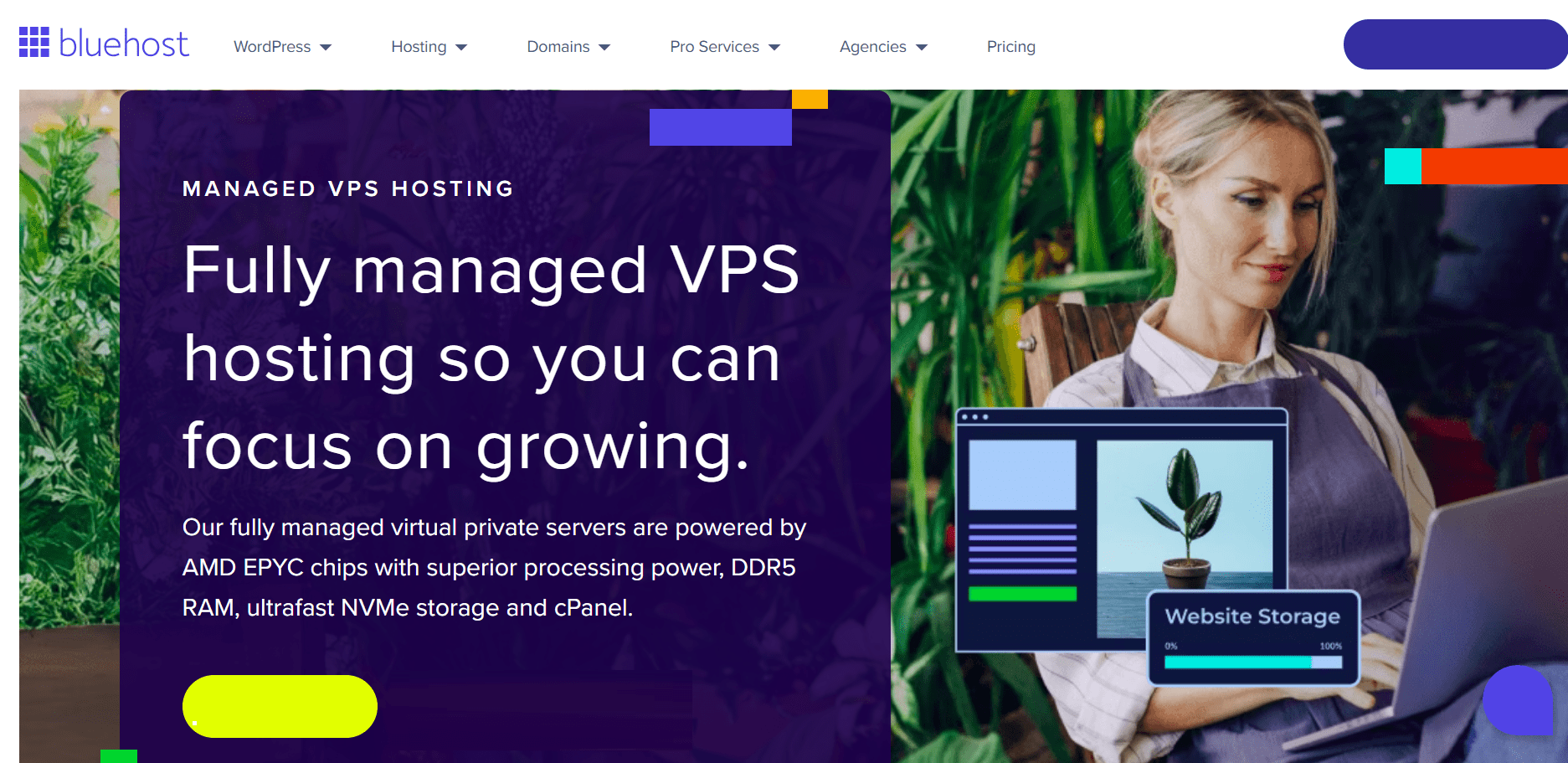
We consistently rank as a top provider of VPS hosting for small businesses due to our combination of high-performance servers, dedicated resources and a user-friendly control panel. Our fully managed virtual private servers are powered by AMD EPYC chips with superior processing power, DDR5 RAM, ultrafast NVMe storage and cPanel. Additionally, our comprehensive Bluehost VPS hosting plans also feature full root access, free SSL and enhanced security to support your business operations in 2026.
This makes it ideal for you to host multiple websites, eCommerce stores or content platforms in a single VPS plan. Unlike shared hosting, our VPS ensures isolation and better server management, which helps improve your personal website’s performance and protect sensitive data.
For startups lacking deep technical expertise, our reliable customer support, DDoS protection and automated backups are especially valuable.
Key features:
- Fully managed VPS hosting with cPanel
- NVMe storage and unlimited bandwidth
- Free domain, SSL and root access
- 24/7 technical support
- Easily scalable VPS hosting plans to match business growth
- Free site migration tool to simplify switching
Pros:
- Excellent uptime (99.9%)
- Easy scalability for growing traffic
- Trusted by small businesses and solopreneurs
Cons:
- Slightly higher cost due to added convenience and support
- May offer limited advanced customization options for highly specialized developer needs
Verdict: If you’re looking for a reliable VPS hosting solution with robust managed services, we would suggest you to choose our managed VPS hosting services.
2. HostGator

Rating: 4.2/5
Best for: Startups ready to move beyond shared hosting.
Brand overview:
HostGator offers scalable VPS hosting plans with dedicated resources and optional managed services. Its unmetered bandwidth, cPanel access and reliable technical support make it easy to grow your site traffic while maintaining stability. It’s especially suited for businesses migrating from shared hosting who want a more robust virtual server.
Key features:
- Full root access
- Unmetered bandwidth
- Free SSL and IPs
- Optional server management
Pros:
- Good uptime and scalability
- Beginner-friendly migration tools
- Affordable entry-tier VPS plans
Cons:
- Support can be slow at peak times
- Fewer features in basic plans
Verdict: A solid middle-ground VPS hosting provider for small businesses seeking performance without high complexity.
3. Hostinger
Rating: 4.3/5
Best for: Founders on a tight budget who can handle self-management.
Brand overview:
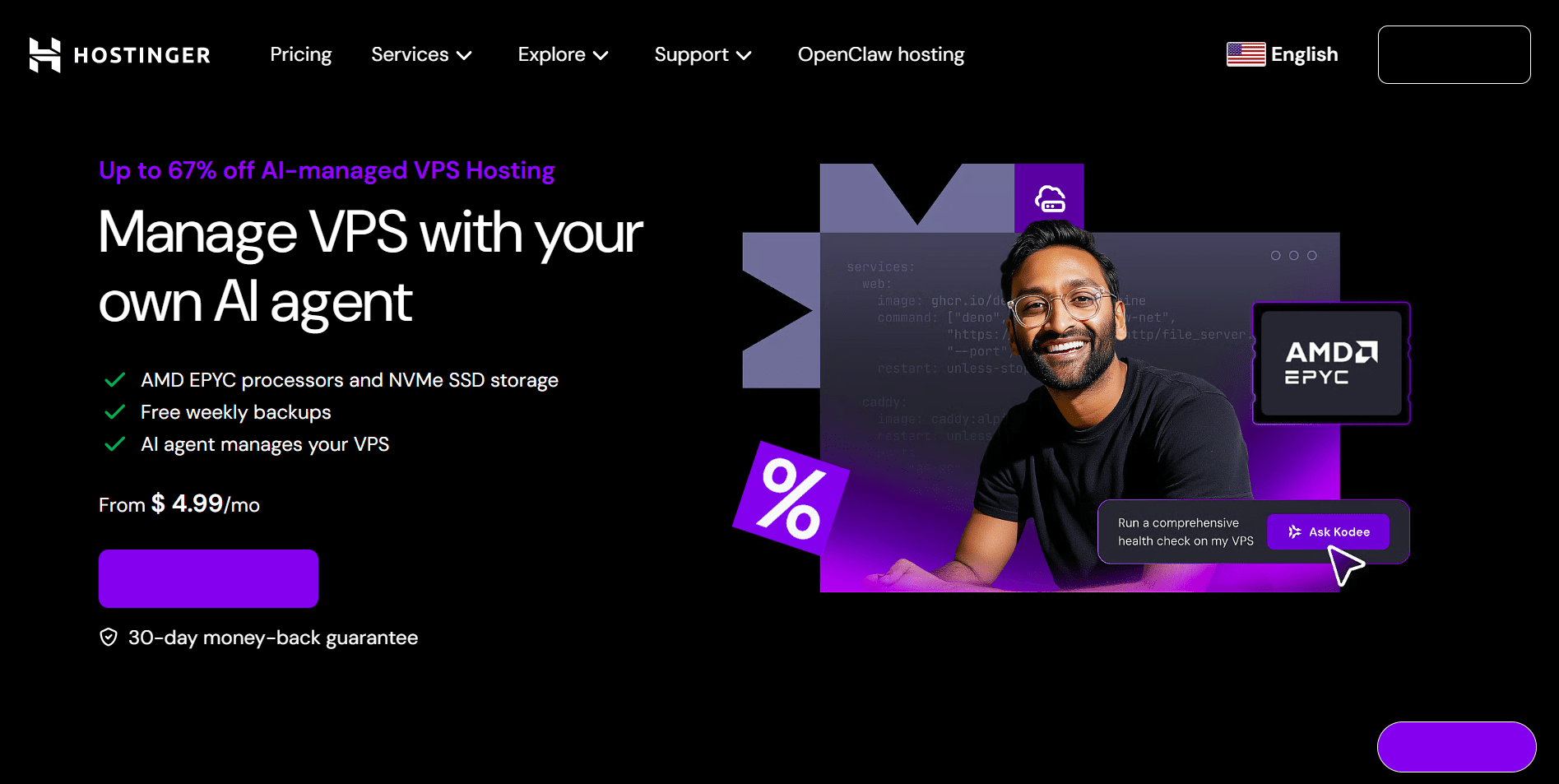
Hostinger offers some of the most affordable VPS hosting plans for small businesses. With full root access, multiple Linux OS options and DDoS protection, it provides all the core tools needed to run a virtual server with speed and control. However, it’s unmanaged VPS hosting, so you’ll be responsible for updates and configurations – a solid choice if you’re technically confident.
Key features:
- Full root access and OS choice
- SSD storage
- Self-managed control panel
- Multiple VPS hosting offers with low-cost tiers
Pros:
- Highly cost-effective
- Fast virtual server performance
- Great for DIY entrepreneurs
Cons:
- No managed services
- Limited support for complex server issues
Verdict: Hostinger is best for bootstrapped startups that can manage their own server environment and prioritize affordability.
4. Hosting.com
Rating: 4.4/5
Best for: Tech-savvy startups who want control and speed.
Brand overview:
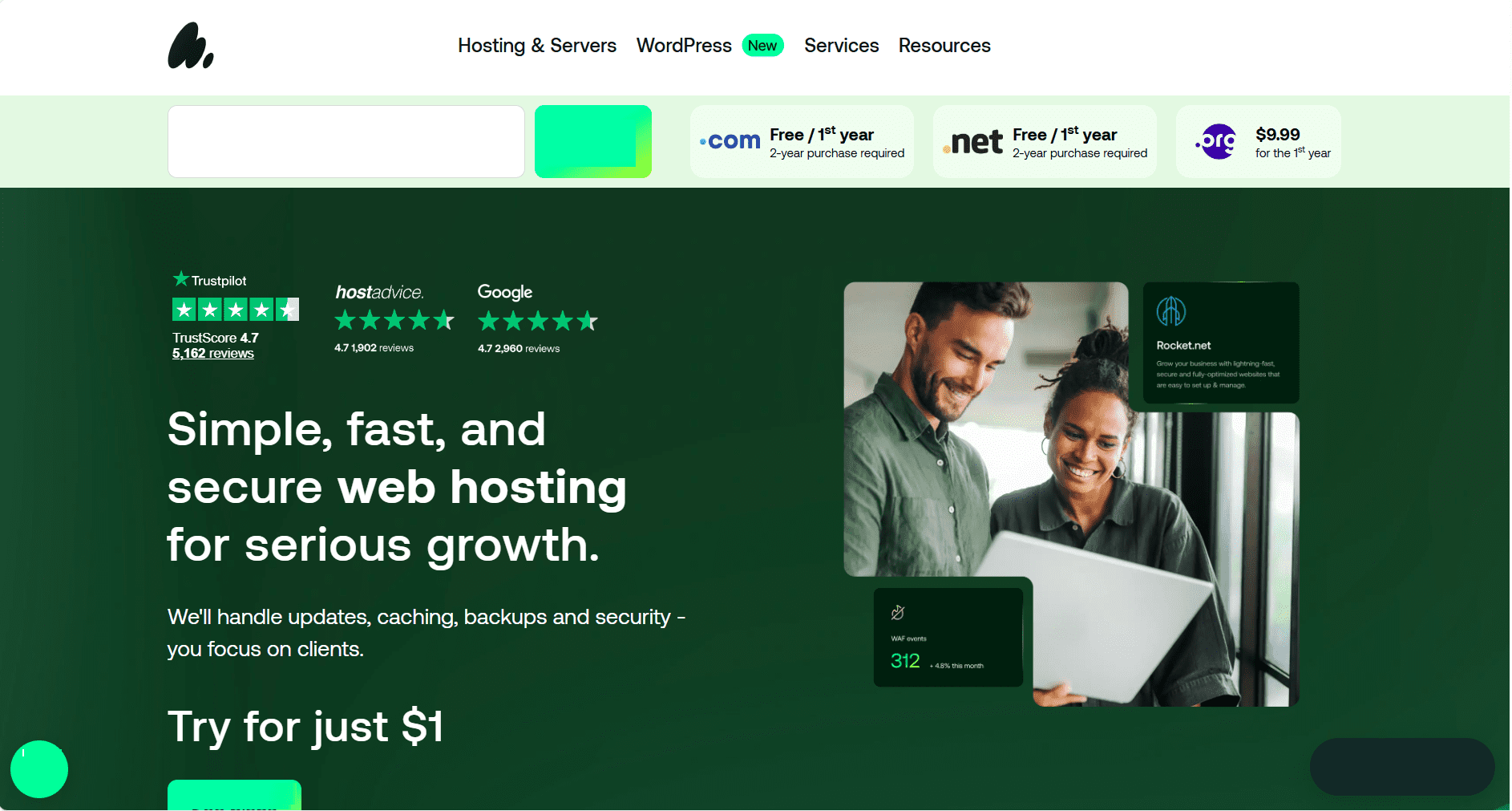
A2 Hosting, now Hosting.com, stands out with its Turbo VPS servers, which deliver up to 20x faster load times – perfect for high-traffic websites, SaaS tools or digital agencies. Their VPS hosting solutions come with root access, multiple control panels and SSD storage, letting developers fully optimize the virtual environment. You can choose between managed VPS hosting or self-managed options.
Key features:
- Turbo Boost with NVMe SSD
- Root access and OS flexibility
- Managed and unmanaged VPS options
- Free site migrations
Pros:
- Ultra-fast load speeds
- Great for custom setups and dev teams
- High VPS performance
Cons:
- Interface may feel complex to beginners
- Price jumps on renewal
Verdict: Ideal for developers and tech entrepreneurs who need powerful VPS servers and deep control over the server configuration.
5. Liquid Web
Rating: 4.6/5
Best for: Funded startups and SaaS businesses needing enterprise-grade reliability.
Brand overview:
Liquid Web offers fully managed VPS hosting with serious performance power. With staging environments, multi-level backups and proactive server management, it’s designed for companies that need rock-solid infrastructure. Their technical support is among the best in the industry, which justifies the premium pricing.
Key features:
- Managed VPS with SSD storage
- Full root access
- Real-time monitoring and backups
- 24/7 expert technical support
Pros:
- Excellent uptime and server stability
- Ideal for mission-critical applications
- Industry-leading server management
Cons:
- Expensive for solo entrepreneurs
- Overkill for simple websites
Verdict: Best for startups scaling fast or needing high-performance VPS hosting with expert support and minimal risk.
6. InMotion Hosting
Rating: 4.5/5
Best for: SMBs and developers seeking reliable U.S.-based managed VPS hosting.
Brand overview:
InMotion Hosting delivers managed VPS hosting with a developer-friendly environment and exceptional uptime. With SSD storage, root access, cPanel integration and real-time snapshots, it’s well-suited for agencies, online stores and growing startups that need scalable performance without managing everything manually. Their U.S.-based support is a standout feature.
Key features:
- Managed and unmanaged VPS options
- Free SSL, cPanel and site migration
- SSD storage with real-time snapshots
- 24/7 U.S.-based technical support
Pros:
- Excellent customer support
- Ideal for scaling websites and apps
- Free backup and security tools
Cons:
- Data centers only in the U.S.
- Slightly more expensive than budget hosts
Verdict: A strong VPS hosting choice for U.S. startups and SMBs looking for fully managed, secure and scalable performance with human support.
7. Amazon Web Services
Rating: 4.7/5
Best for: Funded tech startups and enterprise-grade projects that need ultra-scalable cloud VPS infrastructure.
Brand overview:
AWS, Amazon Web Services, offers EC2 instances that serve as highly customizable cloud-based VPS hosting solutions. With unmatched scalability, global server locations and integrations with 200+ services, it’s the go-to platform for complex applications and high-growth businesses. However, it has a steep learning curve and limited hands-on support unless you pay extra.
Key features:
- Elastic Compute Cloud (EC2) with instant scalability
- Global availability zones
- Pay-as-you-go pricing
- Integrates with over 200 AWS services
Pros:
- Extreme flexibility and power
- Perfect for dynamic workloads and high-traffic apps
- Enterprise-grade uptime and redundancy
Cons:
- Complex setup and management
- Support costs extra
- Not beginner-friendly
Verdict: Ideal for venture-backed startups, SaaS platforms or businesses that require cloud-native VPS hosting with global reach, scalability and DevOps automation.
8. Ultahost

Rating: 4.5/5
Best for: Budget-conscious startups needing customizable VPS hosting with solid performance.
Brand overview:
Ultahost delivers affordable VPS hosting solutions with enterprise-level performance. With SSD-powered virtual private servers, root access and several server location options, it caters to startups needing flexibility without high costs. Although it’s not fully managed by default, the platform offers optional managed VPS hosting plans and free DDoS protection.
Key features:
- SSD storage and full root access
- Multiple Linux and Windows OS options
- Free DDoS protection
- Optional managed services
Pros:
- Great performance at competitive pricing
- Versatile server configurations
- Good VPS hosting offers for beginners
Cons:
- Basic UI
- Limited support compared to premium providers
Verdict: A strong pick for startups wanting control, scalability and affordable VPS plans without sacrificing performance.
9. Cloudzy
Rating: 4.2/5
Best for: Global startups seeking rapid deployment and cost efficiency.
Brand overview:
Cloudzy focuses on cloud-based VPS hosting that delivers instant setup and wide server location coverage. With SSD storage, DDoS protection and customizable virtual machine configurations, it’s ideal for startups launching MVPs or testing new markets. However, limited support may challenge less tech-savvy users.
Key features:
- Instant VPS server deployment
- SSD storage with DDoS protection
- Global server locations
- Root access
Pros:
- Quick launch times
- Competitive pricing
- Great for multiple test environments
Cons:
- Limited customer support
- Few managed services
Verdict: Best suited for startups that need quick, flexible VPS hosting solutions without heavy support requirements.
10. MonoVM
Rating: 4.1/5
Best for: Developers and solo founders who want budget-friendly VPS with technical control.
Brand overview:
MonoVM provides basic yet solid VPS hosting with root access and SSD drives. It’s ideal for users with some server management knowledge who don’t need full support. Startups launching side projects or technical users will appreciate its low cost and reliability.
Key features:
- SSD storage and root access
- Multiple Linux distributions
- IPv6 support
- Simple control panel
Pros:
- Cost-effective VPS plans
- Stable hosting environment
- Good uptime
Cons:
- Lacks advanced features
- No fully managed VPS hosting option
Verdict: A practical, entry-level VPS provider for startups that can manage basic server configurations themselves.
To sum it up, finding the ideal VPS hosting solution comes down to understanding your startup’s unique demands. For entrepreneurs who want to focus on growth rather than server maintenance, we at Bluehost offer an ideal blend of performance, security and expert support. However, regardless of which provider you choose, ensure they offer the scalability to grow alongside your business, ensuring your digital foundation remains solid as you scale.
Now that you understand how to choose the right VPS hosting provider, let’s dive into the essential features that small business server solutions should offer to meet your operational needs.
Also read: Best Linux VPS Hosting Providers | Top 5 Picks & Features
What are the key features for small business server solutions?
Selecting the right VPS hosting plan depends heavily on your unique business needs right from budget and technical expertise to traffic expectations and website type.
The following are the important factors to consider when choosing the best VPS hosting for small businesses.

1. Budget considerations
Cost is often a primary factor for startups and small businesses. When evaluating options, consider not just the upfront price but the value delivered through included features like free SSL certificates, automated backups and customer support. We at Bluehost provide flexible VPS hosting plans that fit a variety of budgets, ensuring you get managed services without hidden fees.
2. Technical knowledge: Managed vs unmanaged hosting
Your level of technical expertise will influence whether a managed or unmanaged VPS is the right fit. Fully managed VPS hosting is perfect for entrepreneurs and small businesses that want to avoid server maintenance headaches, offering a user-friendly control panel and expert support. On the other hand, unmanaged plans suit tech-savvy users who prefer full server control.
3. Expected traffic and scalability
Startups often experience fluctuating web traffic. Top VPS plans come with scalable resources, including SSD storage and bandwidth. This ensures your website maintains fast load times and uptime even during traffic spikes. This is critical for eCommerce sites or SaaS platforms where performance directly impacts revenue and user experience.
4. Website type
Each website type has unique hosting requirements. eCommerce sites need secure servers with SSL, PCI compliance and reliable backups to protect transactions. Content-heavy websites benefit from fast storage and content delivery optimizations. SaaS platforms, on the other hand, require high uptime, server reliability and flexible resources.
5. Security and backups
Security is non-negotiable for small businesses. Hosting should include features like free SSL certificates, DDoS protection and automated daily backups to safeguard your data and ensure business continuity. These security features help protect sensitive customer information and give peace of mind.
6. Customer support expectations
Responsive, expert customer support can make or break your hosting experience. At Bluehost, we offer 24/7 technical support with managed VPS plans. We make it easier for startups without in-house IT teams to focus on growth rather than server issues. This level of support is a key advantage over unmanaged, budget hosting options.
By aligning your small business’s VPS hosting choice with these critical features, you’ll ensure you’re equipped with a scalable, secure and hassle-free server environment.
Ready to put this knowledge into action? Let’s walk through the practical steps of getting your VPS hosting configured with Bluehost.
Startup VPS hosting: How to set up with Bluehost?
Our Bluehost VPS hosting empowers small businesses with enterprise-grade performance, dedicated resources and scalable infrastructure; all managed through an intuitive platform designed for business users and not just developers. Whether you’re experiencing rapid growth, running eCommerce operations or need guaranteed uptime for your business-critical applications, our VPS solution delivers the power and reliability you need.
As a trusted WordPress hosting partner powering millions of websites, we’ve streamlined the setup process so you can focus on your business, not server management. Here’s your step-by-step guide to deploying your small business VPS hosting solution:
- Select a VPS hosting plan: Go to our VPS hosting page and review the available plans. Choose a plan based on your expected CPU, RAM and storage requirements.
- Set up your Bluehost account: After selecting a plan, continue with the signup process. Enter your contact and billing information to create your Bluehost account.
- Add or move your domain: During checkout, you can either register a new domain or connect an existing one. Registering a domain at this stage can simplify the initial configuration.
- Finalize your order: Check your order details, add any optional services if required and complete the payment to activate your VPS hosting.
- Access your VPS control panel: Once the purchase is complete, sign in to your Bluehost dashboard. Navigate to the Hosting section to view and manage your VPS server.
- Configure your VPS environment: Use WHM or cPanel to set up your server. If needed, create individual cPanel accounts to manage multiple websites or projects separately.
- Launch your website or application: Upload your site files or install applications such as WordPress through cPanel. Update DNS records if your domain is managed outside Bluehost.
Read more: How to Run WordPress on VPS Hosting: Performance Guide
With your VPS hosting now configured and running, you have the foundation for a robust online presence. However, getting started is just the beginning. The real value of VPS hosting lies in how it adapts and grows alongside your business needs. Let’s explore how this powerful infrastructure investment supports your long-term success.
Understanding how VPS hosting supports long-term growth
Choosing the right hosting solution isn’t just about meeting your current needs; it’s about setting your business up for sustainable growth. VPS hosting bridges the gap between entry-level shared hosting and expensive dedicated servers, offering small businesses the resources and flexibility needed to scale without disruption. Unlike shared hosting where resources are divided among multiple users, VPS provides guaranteed capacity that grows alongside your business demands.
1. Dedicated resources and predictable performance
VPS hosting allocates dedicated CPU and RAM exclusively to your virtual environment. This means your website’s performance doesn’t depend on what neighboring sites are doing. When another business on the same physical server experiences high traffic, your allocated resources remain untouched and fully available to you.
This isolation delivers consistent performance during traffic spikes—whether from seasonal promotions, viral content or marketing campaigns. Your site maintains the same speed and responsiveness regardless of when visitors arrive. For small businesses building customer trust, this reliability prevents the slowdowns and timeouts that drive potential customers away.
2. Flexibility to adapt as requirements evolve
Business needs change. VPS hosting accommodates growth through vertical resource scaling without requiring downtime or migration. When your traffic increases or you add new features, you can upgrade CPU, RAM and storage with minimal disruption to operations.
This flexibility extends to changing application needs. As your small business expands from a simple website to include customer portals, ecommerce functionality or SaaS applications, VPS hosting adapts to support more complex workloads. You avoid the costly and time-consuming process of frequent hosting migrations that often accompany business growth on shared platforms.
3. Greater control over server-level configurations
VPS hosting provides root or elevated access options that give you control over your server environment. You can install custom software, configure specific technology stacks and optimize server settings based on your exact requirements. This level of access is essential for businesses running specialized applications or those with unique security and compliance needs.
Custom configurations enable improved optimization opportunities. You can fine-tune caching mechanisms, adjust PHP settings, implement advanced security protocols or install specific database versions. For small businesses with technical teams or development partners, this control translates into better performance, enhanced security and the ability to build precisely the hosting environment your applications require.
Real-world workload scenarios and VPS sizing guidance
Understanding your workload helps you choose the right VPS configuration from the start. A properly sized VPS prevents performance issues while keeping costs manageable as your business grows.
1. Hosting multiple content-driven websites
Running multiple blogs, portfolio sites or content-heavy websites on a single VPS is common for small businesses and agencies. Each site adds incremental resource demands that accumulate quickly.
1.1. Recommended CPU and RAM configurations
For 3-5 WordPress sites with moderate traffic (under 50,000 monthly visits combined), start with 2 CPU cores and 4GB RAM. This handles content delivery, WordPress operations and basic caching without performance degradation. If you manage 6-10 sites or expect higher traffic volumes, upgrade to 4 CPU cores and 8GB RAM to maintain responsive page loads.
Sites with extensive media libraries or complex themes require additional memory. Allocate an extra 1-2GB RAM when your content includes video embeds, image galleries or custom post types that increase database queries.
1.2. Storage and backup considerations
Plan for at least 50GB SSD storage when hosting multiple websites. This accommodates WordPress installations, media files, databases and backup retention. Content-driven sites generate 10-20GB of data annually through new posts, images and visitor-generated content.
Implement automated daily backups with 7-14 day retention. Store backups on separate storage volumes or external locations to protect against server failures. Budget approximately 30% of your active storage capacity for backup space.
2. Supporting an eCommerce website
Online stores demand significantly more resources than standard websites. Transaction processing, inventory management and customer data handling require robust infrastructure that maintains performance during sales and peak shopping periods.
2.1. Database and caching requirements
eCommerce platforms like WooCommerce or Magento rely heavily on database performance. Start with 4GB RAM minimum for stores with under 500 products and scale to 8GB RAM when your catalog exceeds 1,000 items. The database handles product information, customer accounts, order history and real-time inventory updates.
Implement Redis or Memcached for object caching to reduce database queries by 60-70%. This caching layer stores frequently accessed data in memory, dramatically improving page load times for product pages and checkout processes. Allocate 512MB-1GB of your total RAM specifically for caching operations.
2.2. Performance considerations during peak traffic
Traffic spikes during promotions, holiday sales or product launches can overwhelm undersized servers. Your VPS should handle 3-5x your average traffic without performance degradation. For stores averaging 1,000 daily visitors, configure resources to support 3,000-5,000 concurrent visitors during peak periods.
Enable full-page caching for product listings and static content. This reduces server load by serving cached pages to visitors, reserving processing power for critical functions like checkout and payment processing. Monitor server resources during promotional periods and adjust CPU allocation if processing times exceed 2-3 seconds.
3. Running application-based or SaaS platforms
Custom applications and software-as-a-service platforms present unique hosting challenges. These workloads require predictable performance, resource isolation and the flexibility to scale as your user base expands.
3.1. Resource isolation needs
Application environments benefit from dedicated resources that prevent interference between services. Use containerization or separate VPS instances to isolate your application server, database server and cache layer. This architecture prevents resource contention where one service monopolizes CPU or memory, degrading overall performance.
Allocate resources based on your application’s architecture. A typical three-tier setup requires 2 CPU cores and 4GB RAM for the application server, 2 cores and 4GB RAM for the database and 1 core with 2GB RAM for caching and queue management. Adjust these allocations based on your specific workload patterns and user activity levels.
3.2. Scaling strategies for application growth
Start with vertical scaling by increasing CPU cores and RAM as your user base grows. This approach works well until you reach 8-16GB RAM, at which point horizontal scaling becomes more cost-effective. Monitor CPU usage, memory consumption and response times to identify when scaling becomes necessary.
Implement load balancing when vertical scaling limits are reached. Distribute traffic across multiple VPS instances to maintain performance while accommodating growth. This strategy allows you to add capacity incrementally without service disruptions. Plan your application architecture with horizontal scaling in mind from the beginning to simplify future expansion.
Final thoughts
VPS hosting isn’t just about getting more power. It’s about setting your business up for long-term success. Whether you’re just stepping the digital world or looking to scale up, choosing the right VPS hosting solution makes all the difference.
Our VPS hosting offers a strong foundation with flexible resources, enhanced security and reliable performance. Plus, future-ready features like easy scalability, root-level control and 24/7 expert support make us your perfect choice. You’re not just investing in current performance; you’re investing in a hosting partner that grows with you.
Build your small business on a foundation of speed and reliability. Scale your operations effortlessly and stay future-ready with high-performance Bluehost managed VPS Hosting.
FAQs
VPS (Virtual Private Server) hosting delivers the power and features of a dedicated server with scalable resources, all at a fraction of the cost. This makes it an ideal solution for small businesses that need reliable performance, enhanced control and operational flexibility without the significant investment required for a full dedicated server.
VPS hosting is perfectly suited for growing websites that demand enhanced performance, robust security and extensive customization options. This includes eCommerce stores, SaaS platforms and blogs with increasing traffic volumes.
Absolutely. VPS hosting provides superior reliability and security compared to shared hosting environments. With better performance, customizable resources and greater overall stability, it represents a strategic upgrade for startups experiencing growth.
The primary advantages of VPS hosting for small businesses include significantly improved performance, seamless scalability, strengthened security measures and comprehensive control over server configurations. These features all represent substantial improvements over shared hosting solutions.
Absolutely. Our Bluehost VPS hosting solutions are built with scalability at their core. As your traffic grows, you can instantly upgrade your server resources to ensure your site maintains optimal speed and security, no matter how much your business expands.
Not at all. We at Bluehost offer managed VPS hosting solutions where our expert team handles all the technical aspects for you, including software updates, server monitoring and security management. This makes VPS hosting accessible even if you don’t have technical expertise.
The average managed VPS hosting costs for small businesses typically range from $30 to $100 per month. The price you pay depends on your resource needs, server specifications and whether you choose managed or unmanaged hosting. This flexible pricing structure allows you to find a plan that fits your budget while supporting your business growth.



Write A Comment