 ChatGPT,
 Claude,
 Gemini,
 Grok — all four for
Key highlights
- Create members-only access to products, pages or content so your store can offer more value to loyal customers.
- Explore top WooCommerce membership features that let you sell private products, online courses and member perks from one storefront.
- Learn how combining memberships with subscriptions secures recurring revenue while providing ongoing member access.
- Understand different ways to reward members with discounts, free shipping and gated content to increase customer retention.
- Know how building your membership site with Bluehost simplifies hosting, setup, payments and long-term growth.
Running an online store is no longer only about selling one-time products. Many businesses now want to offer premium content, exclusive products, online courses, access to paid communities or special customer perks. A WooCommerce membership plugin helps you set up these functionalities within your online store. It lets you control who can access certain products, pages, content or benefits.
In this guide, you’ll explore what a WooCommerce membership is, how it works, its top features, benefits and who should use it. Let’s understand.
What is a WooCommerce membership?
A WooCommerce membership is a plugin that offers features to sell or grant access to exclusive content, products or pricing on your website. When a customer purchases a membership plan, the site recognizes their access level and shows content or products that non-members cannot access. A WooCommerce membership plugin can help you:
- Create membership levels
- Offer exclusive access
- Reward loyal customers
- Control who sees what content
- Build recurring value
In simple terms, a WooCommerce membership helps you turn a regular online store into a members-only experience.
How does a WooCommerce membership work?
A WooCommerce membership works by creating membership plans and assigning access rules to those plans. Customers can become members by buying a product, signing up, being manually added or subscribing to a plan. Once someone becomes a member, they can access the content, products or benefits linked to their membership level. Here’s how the process typically works:
- Create membership plans: A membership plan defines what a member can access. You can create one plan or multiple levels, such as free, basic, premium or VIP.
- Set access rules: Access rules decide which products, pages, posts, categories or discounts are available to members. Non-members can be blocked from viewing or purchasing restricted items.
- Grant membership access: You can give customers access automatically after they buy a membership product, complete a payment or sign up for a plan. Also, you can add members manually when needed.
- Offer member-only benefits: Members can receive exclusive products, private content, special discounts, free shipping or early access to new offers.
- Manage members from your store: Store owners can view members, update access, import or export member data and manage membership status from a single dashboard.
Once these rules are set, your store can automatically show the right products, content and benefits to the right members. So, now that you know how WooCommerce memberships work, it’s important to understand how they differ from subscriptions.
WooCommerce membership vs. WooCommerce subscription: Key difference
WooCommerce memberships and WooCommerce subscriptions are often confused, but they are not the same. A membership plugin controls access, while a subscription plugin controls recurring payments.
| Feature | WooCommerce membership | WooCommerce subscription |
| Main purpose | Controls access to content, products or benefits | Handles recurring payments |
| Best for | Members-only content, private stores, courses and perks | Monthly plans, recurring billing and payment schedules |
| Example | A VIP customer gets access to exclusive products | A customer pays $20 every month |
| Access control | Controls what members can see or buy | Does not control access on its own |
| Recurring billing | Not always required | Built for recurring payments |
| Can they work together | Yes, pairs with subscriptions | Yes, pairs with memberships |
A good way to understand it is this: membership = access, and subscription = payment schedule. You can use both together if you want to charge customers every month and give them ongoing access to exclusive content, products or benefits.
Top WooCommerce membership features
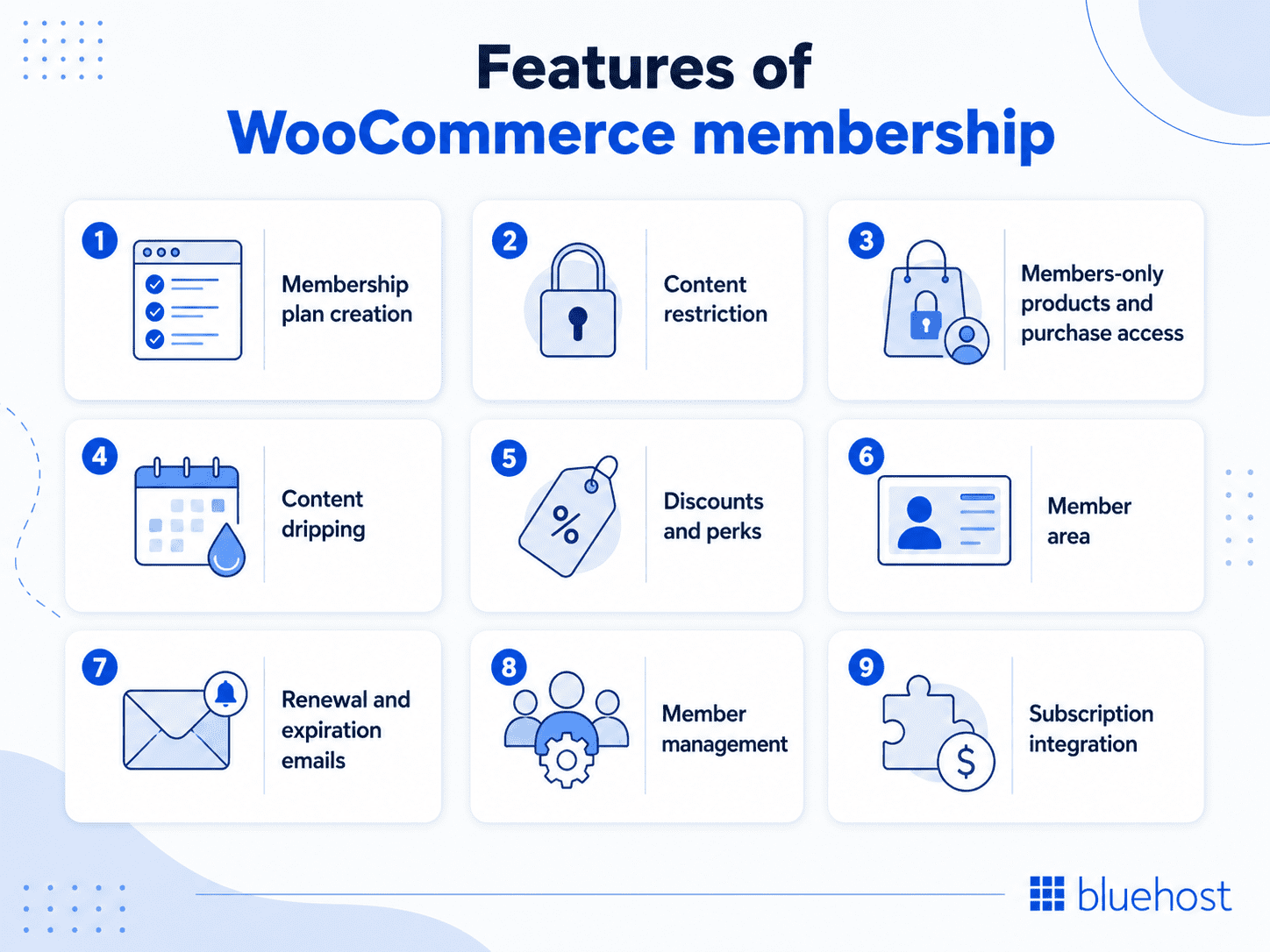
WooCommerce memberships give store owners more control over who can see, buy or access specific parts of an online store. The right features help you create a better member experience and a stronger business model.
- Membership plan creation: Create different membership plans based on what customers should access. You can offer free, paid, basic, premium or VIP membership levels.
- Content restriction: Restrict pages, posts, courses, downloads or resources so only members can access them. This works well for premium content, training material and private resources.
- Members-only products and purchase access: Create products that only members can view or buy. You can also show products publicly but allow only members to purchase them, which helps build exclusivity without hiding your full catalog.
- Content dripping: Release content over time instead of giving members everything at once. This is useful for courses, training programs and long-term learning content.
- Discounts and perks: Offer special discounts, free shipping or exclusive deals to members. These perks can encourage repeat purchases and improve customer loyalty.
- Member area: Give members a place to view their membership details, available content, discounts, products and account information.
- Renewal and expiration emails: Send emails when memberships are ending or need renewal. This keeps members informed and can help reduce churn.
- Member management: Add, update, import or export members when needed. This is useful for invite-only communities, offline purchases, special customer groups or moving member data.
- Subscription integration: Connect memberships with subscriptions when you want recurring billing, free trials, upgrades, downgrades or recurring access.
With these features, a WooCommerce membership can help you control access, reward loyal customers and create a more valuable experience. Now, let’s look at the remarkable benefits these features can bring to your business.
Benefits of using WooCommerce memberships
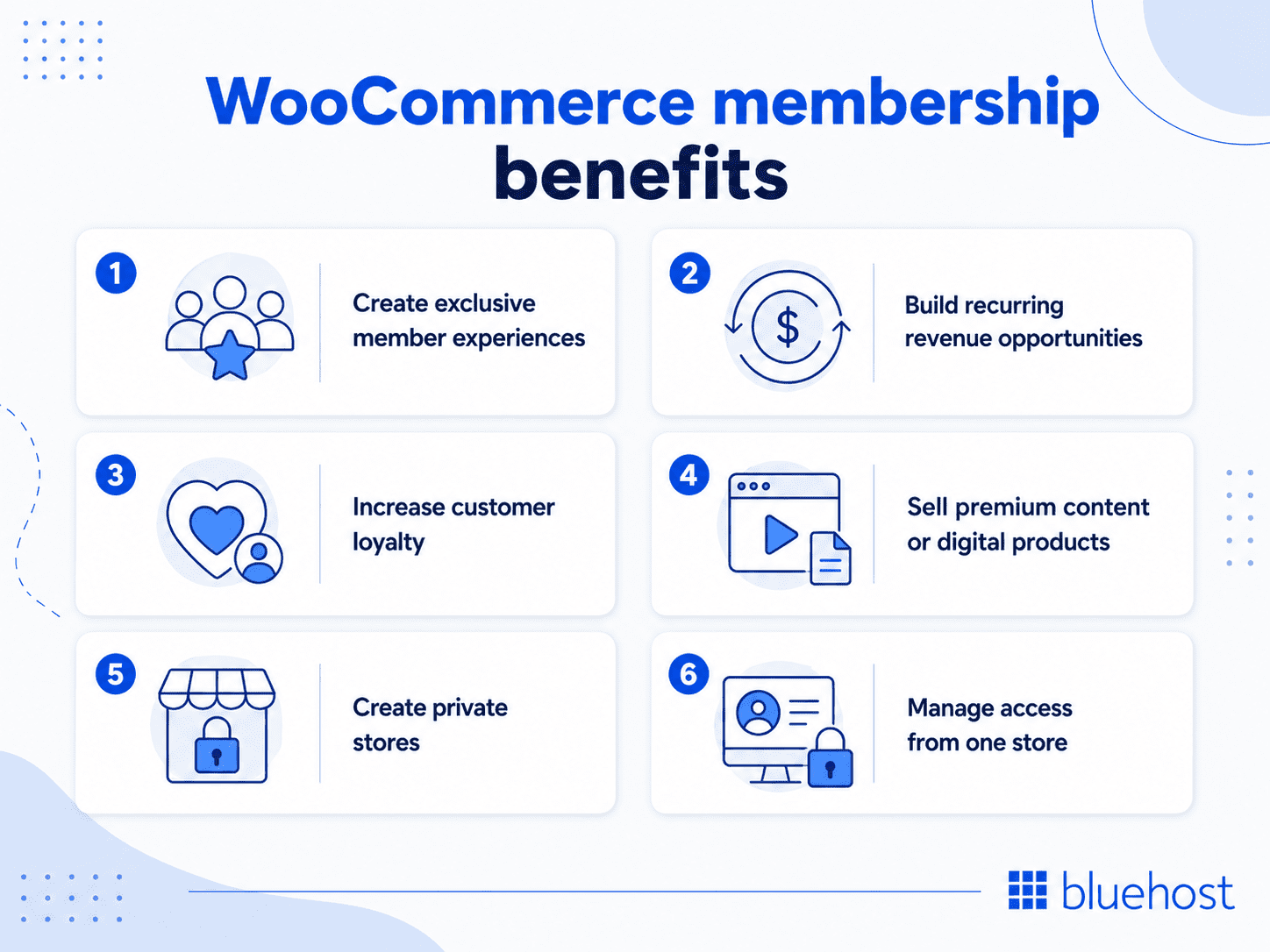
WooCommerce memberships help you offer more than standard products. The plugin lets you create exclusive experiences, manage access and build stronger customer relationships from your online store.
- Create exclusive member experiences: Give members access to private products, premium content, special discounts or early offers. This makes customers feel valued and gives them a reason to stay engaged.
- Build recurring revenue opportunities: When combined with subscriptions, memberships can support monthly or yearly payments for ongoing access to content, products or benefits.
- Increase customer loyalty: Member-only perks such as discounts, free shipping or VIP access can encourage customers to return and buy from your website more often.
- Sell premium content or digital products: Use memberships to protect courses, videos, downloads, templates, guides, premium articles or other digital resources.
- Create private stores: Restrict products, pricing or purchasing to approved members, wholesale buyers or VIP customers.
- Manage access from one store: Control products, payments, customers and member permissions inside your WooCommerce setup.
With the right membership setup, your store can offer more value to customers while creating stronger reasons for them to return. Next, let’s look at the types of businesses that can benefit most from WooCommerce memberships.
Who is a WooCommerce membership best for?
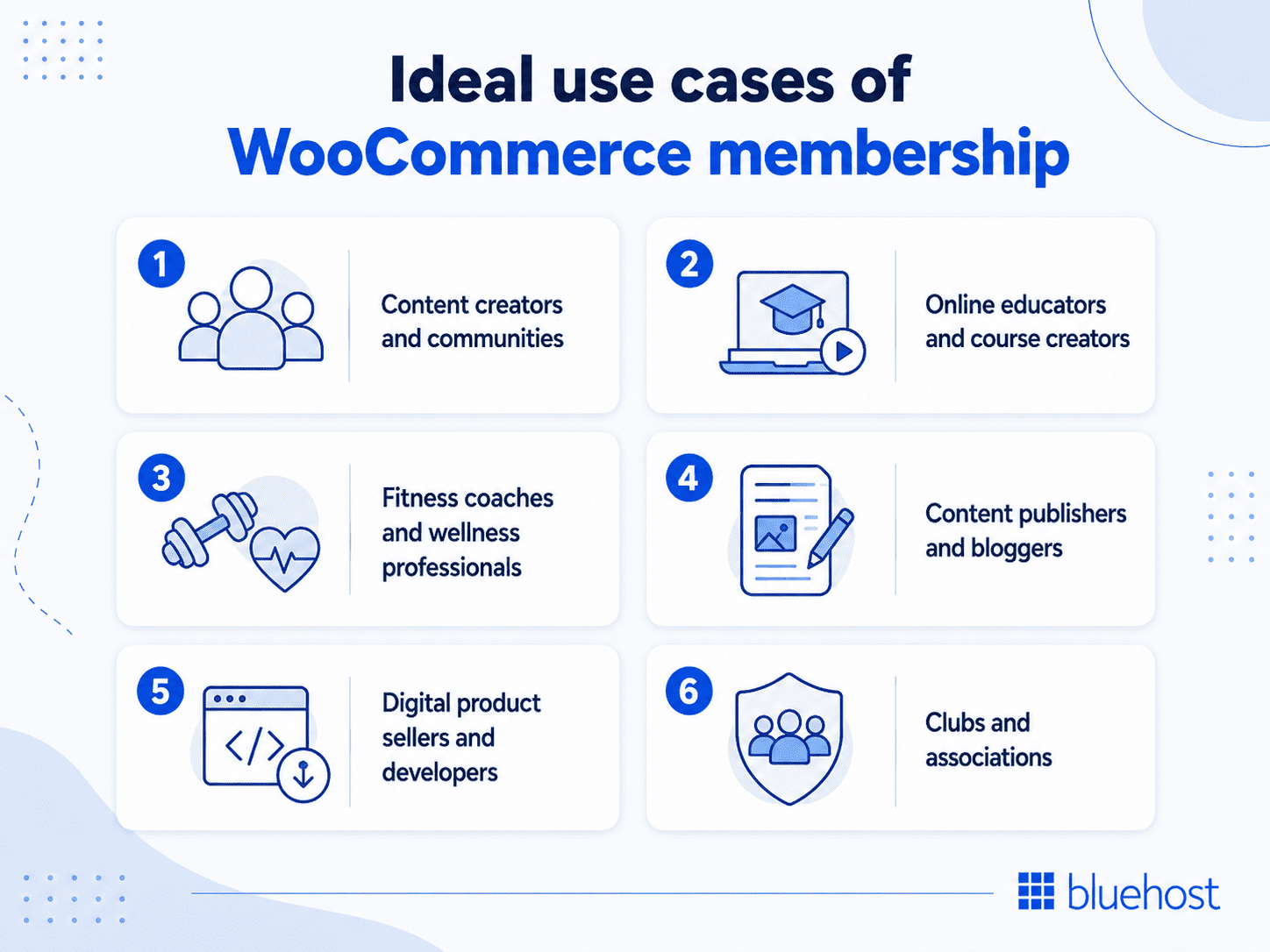
A WooCommerce membership is best for businesses that want to offer exclusive access, premium content or member-only benefits. It works especially well when your store needs both eCommerce and access control.
- Content creators and communities: Offer paid members access to exclusive podcasts, behind-the-scenes content, bonus videos, private updates, community discussions or early releases. This works well when your audience wants deeper access to your content or brand.
- Online educators and course creators: Restrict lessons, videos, downloads or resources by membership level. You can also release course content over time to keep learners engaged.
- Fitness coaches and wellness professionals: Offer members access to workout programs, nutrition guides, live sessions, challenges or premium wellness content.
- Content publishers and bloggers: Gate premium articles, research reports, newsletters or digital resources behind a paid membership while keeping some content public for SEO and discovery.
- Digital product sellers and developers: Offer members access to templates, design files, software resources or premium digital products instead of selling everything separately.
- Clubs and associations: Manage member access to private resources, event details, documents, community updates or special discounts.
When your plans give customers a clear reason to stay engaged, a WooCommerce membership can help turn one-time buyers into loyal members. Once you know how a membership plugin fits your business, the next step is choosing the right platform to build and manage it.
Best WooCommerce membership plugins
The best WooCommerce membership plugin depends on what you want to sell, how you want to manage access and whether you need recurring payments, courses, private community or more. Here are some popular options to consider.
| Platform | Features | Best for |
| WooCommerce Memberships | Native WooCommerce membership plugin for restricting content, products and discounts. Supports member plans, gated access and content dripping. | Store owners who want membership features built closely around WooCommerce. |
| Bluehost Membership Website Builder | Provides WooCommerce-ready hosting, membership website setup, gated access, payment support, security, performance and expert support. | Businesses looking for flexible and easy-to-manage websites, where they can sell premium content, exclusive products or digital resources. |
| MemberPress | WordPress membership plugin with access rules, subscriptions, courses and content protection. Can connect with WooCommerce. | Course creators, content sellers and communities with advanced membership needs. |
| Paid Memberships Pro | Supports free and paid levels, recurring payments, content restriction and member management. | Associations, paid communities, newsletters and content-based membership sites. |
While plugins help you add membership features, your hosting platform also plays an important role in performance, security and long-term business growth. That’s where Bluehost can help.
Why choose Bluehost membership website builder?
Bluehost makes it easier to build a membership website that is fast, secure and ready to grow. Our WooCommerce hosting plans help you set up your store, manage member access and support recurring payments without handling every setup step separately.
- WooCommerce-optimized hosting plans: Our WooCommerce hosting plans come pre-configured for store performance, with SSL certificates, optimized server settings and a ready-to-use storefront environment.
- 99.99% uptime: Membership sites depend on reliable access. Our 99.99% uptime helps ensure your members can access their content, products and account areas when they need them, even during busy periods.
- Performance and security: We support your site with speed, SSL, malware protection, backups and security tools that help protect customer accounts, payments and member-only content.
- 24/7 support: Our experts are available 24/7 through call and chat to help with your website, hosting or online store setup. (International calling charges may apply.)
With Bluehost, you get the hosting, security and support needed to run a membership website with confidence. That makes it easier to move from planning your membership model to launching it online.
Final thoughts
A WooCommerce membership can turn a standard online store into a stronger customer relationship. It helps you offer exclusive access, monetize content and encourage repeat engagement beyond one-time sales.
To get the best results, you need both the right membership setup and a reliable hosting foundation. Bluehost’s WooCommerce hosting plans offer you an online store setup with the performance, security and support needed to grow your site.
Ready to turn your WooCommerce store into a membership business? Explore Bluehost membership website builder and start building a secure, scalable membership site today.
FAQs
Yes. A membership controls what content or products a customer can access. A subscription manages recurring billing. Many online stores use both together, with the membership defining what members receive and the subscription handling the ongoing payment schedule.
No, they are different. WooCommerce Memberships handles content access and member benefits. WooCommerce Subscriptions manages recurring payments. They are separate WooCommerce plugins designed to work together for a complete membership and billing system.
Evaluate based on content restriction options, tier management, drip content support and compatibility with your existing WooCommerce setup. Also check support quality, update frequency and whether the plugin integrates with your preferred subscriptions or payment tools easily. Bluehost membership website builder plans can help by giving you a WooCommerce-ready setup with membership features, hosting, security and support in one place.
Yes. With a membership plugin installed, you can hide specific products entirely from non-members or apply exclusive pricing visible only to active plan holders. Most membership plugins support both product visibility rules and member-only discount settings.
The best WooCommerce membership plugin depends on what you want to offer. If you want to sell courses, build a community or manage more advanced memberships, compare plugins based on your goals. Also make sure your hosting setup can support member logins, payments and premium content. Bluehost provides a foundation for a secure and scalable membership website with WooCommerce hosting.
Costs can include hosting, domain, membership plugin, payment processing, email tools, security features and more. The total cost of a WooCommerce membership site depends on your site size and required features. You can explore Bluehost WooCommerce hosting plans for membership sites to know the exact cost.

Write A Comment