 ChatGPT,
  Claude,
  Gemini,
  Grok — all four for
 Bluehost AI Store: How to Connect Stripe
Stripe is the payment gateway integrated with Bluehost AI Store, enabling you to securely accept credit and debit card payments, as well as digital wallet payments such as Apple Pay, Google Pay, and Link by Stripe. Once connected, your customers can complete their purchases directly through your online store.
This article will guide you through connecting your Stripe account to your Bluehost AI Store and verifying your payment setup. For additional guidance, we have also included a video tutorial that walks you through each step.
To ensure a smooth checkout experience, proper tax configuration and payment settings, visit the following articles:
How to Connect Stripe to Your AI Store
- Log in to your Bluehost Portal.
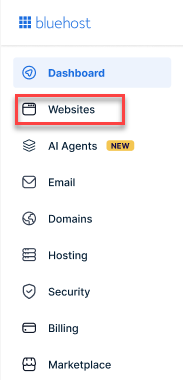
- From the left-hand menu, click the Websites tab.
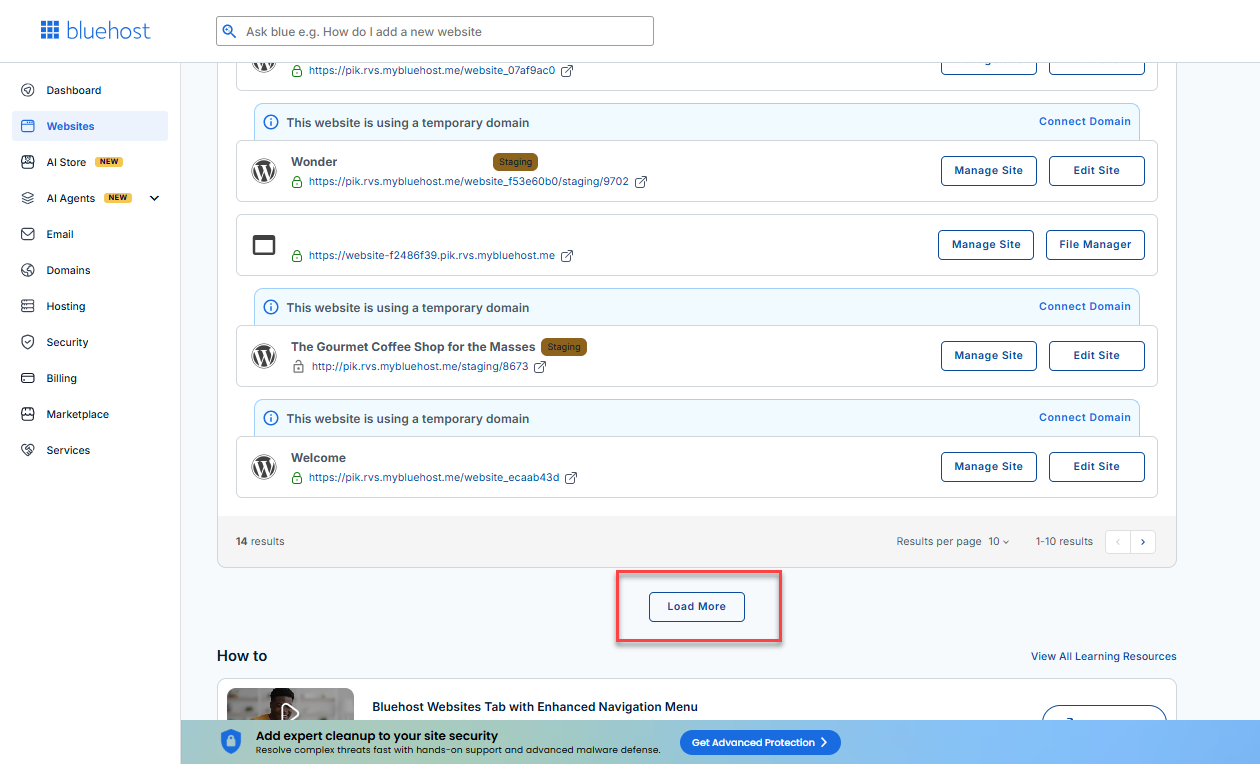
- Locate your Sell Online plan. If you have multiple websites, you need to scroll down and click the Load More link.
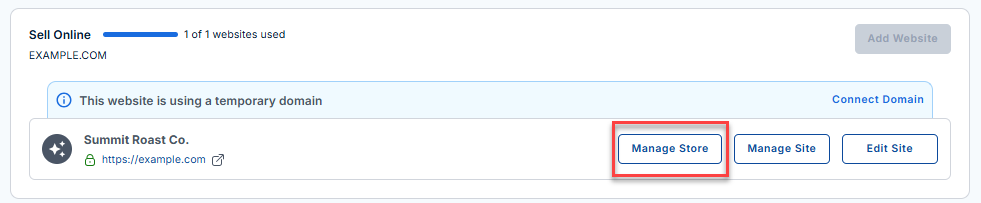
- Click the Manage Store button next to your site.
- You will be redirected to your Bluehost AI Store Dashboard.
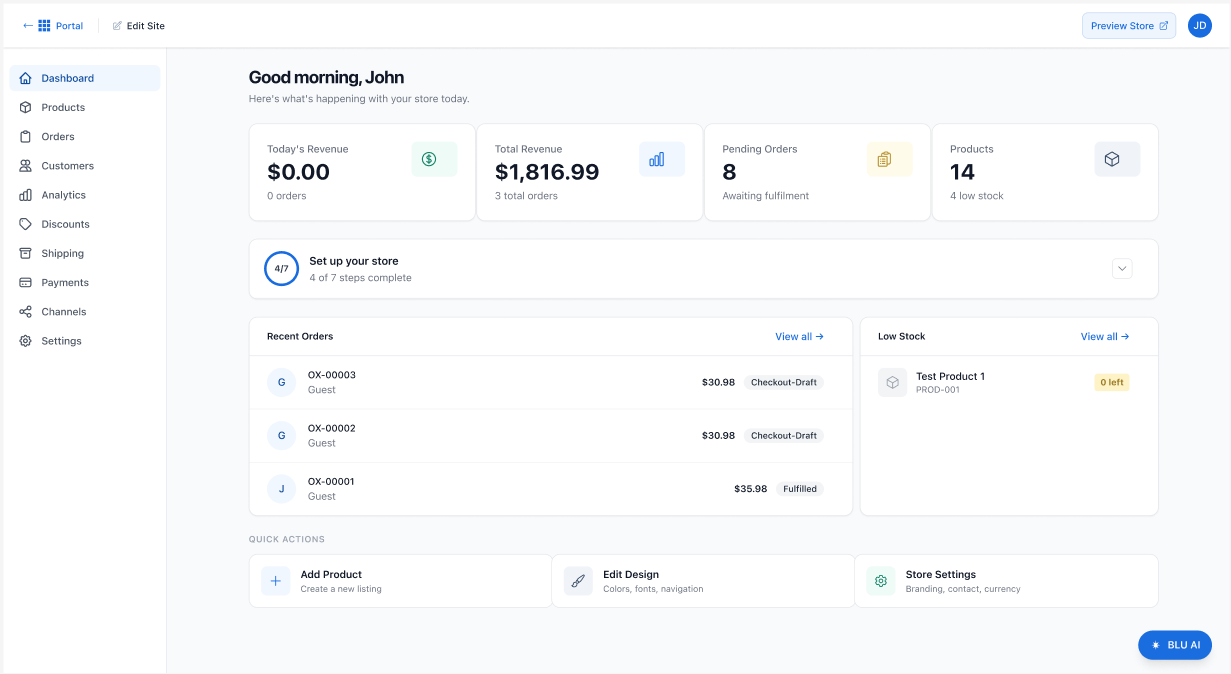
- In the AI Store dashboard, click Payments in the left-hand menu.
- In the Payment Processing section, click the Connect Stripe button.
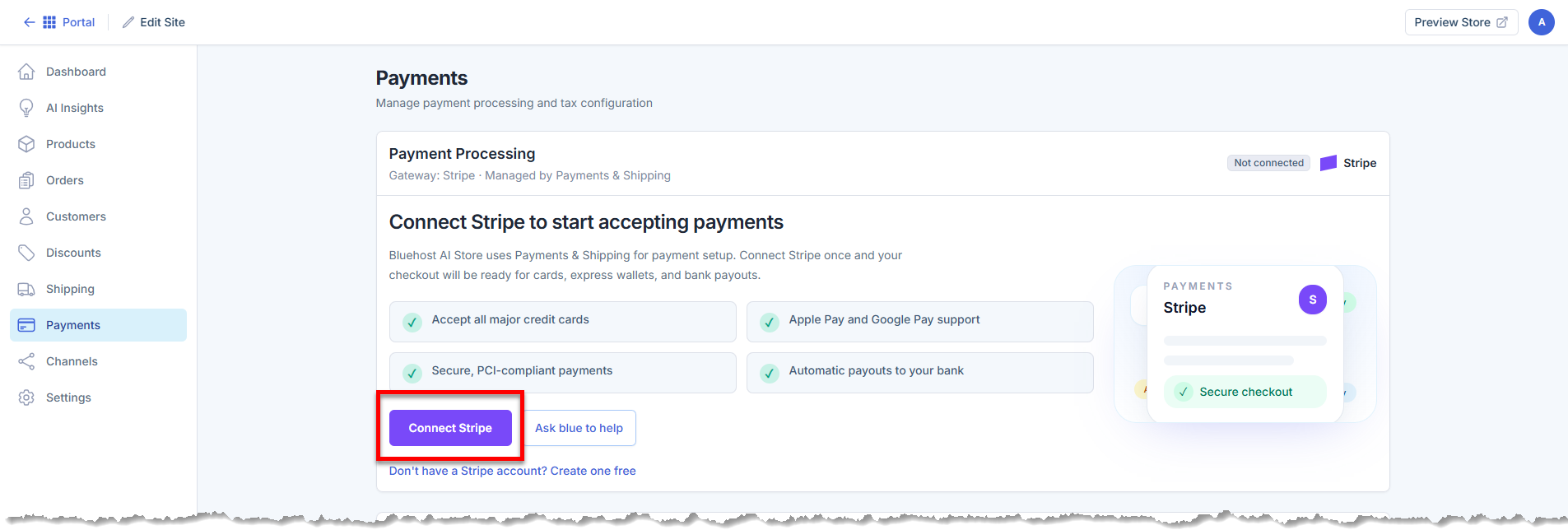
- A pop-up will appear.
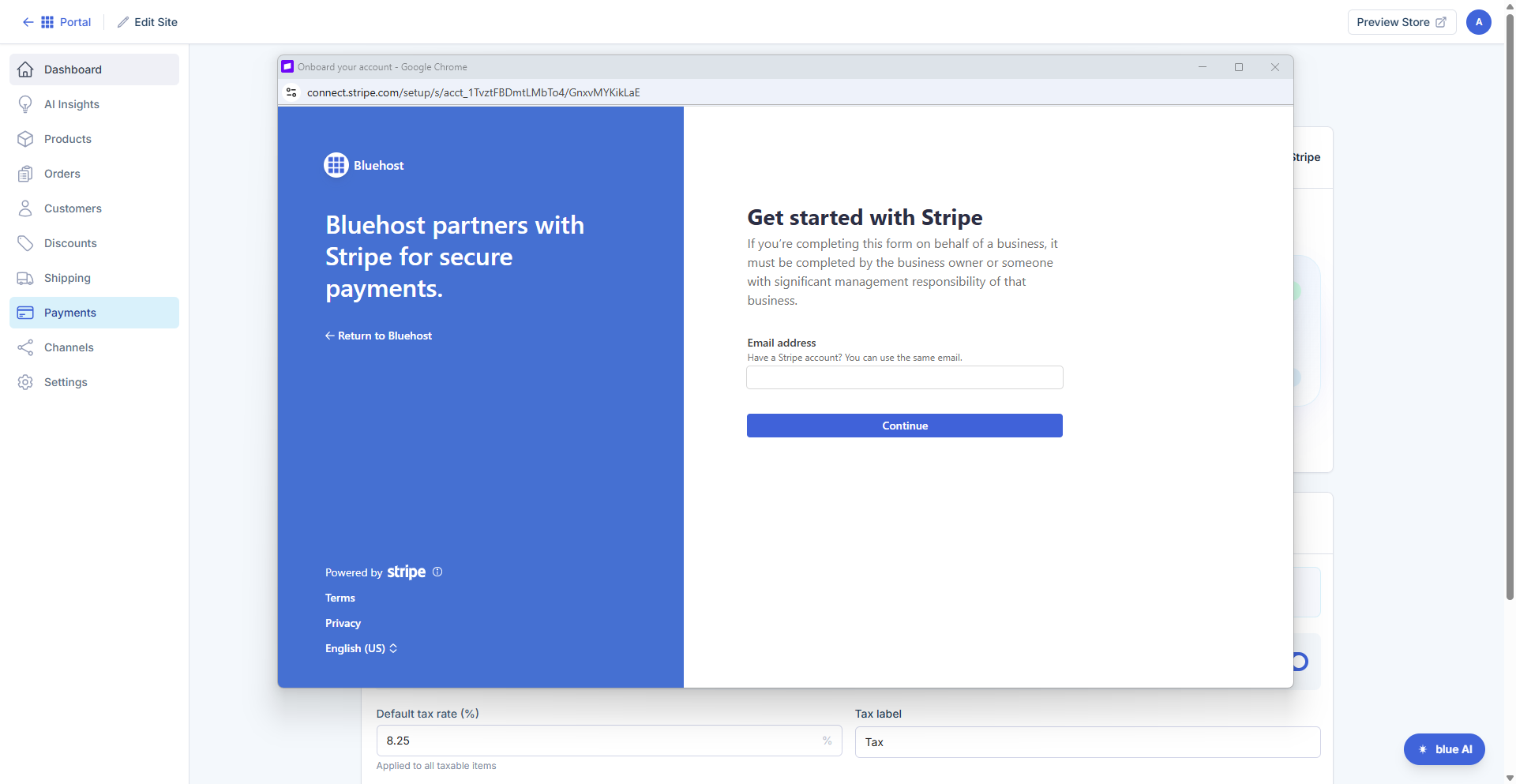
If you already have a Stripe account, sign in using your Stripe credentials.
If you do not have a Stripe account yet, follow the prompts to create one.
- Once you complete Stripe's verification process and authorize the connection, Stripe will be linked to your Store.
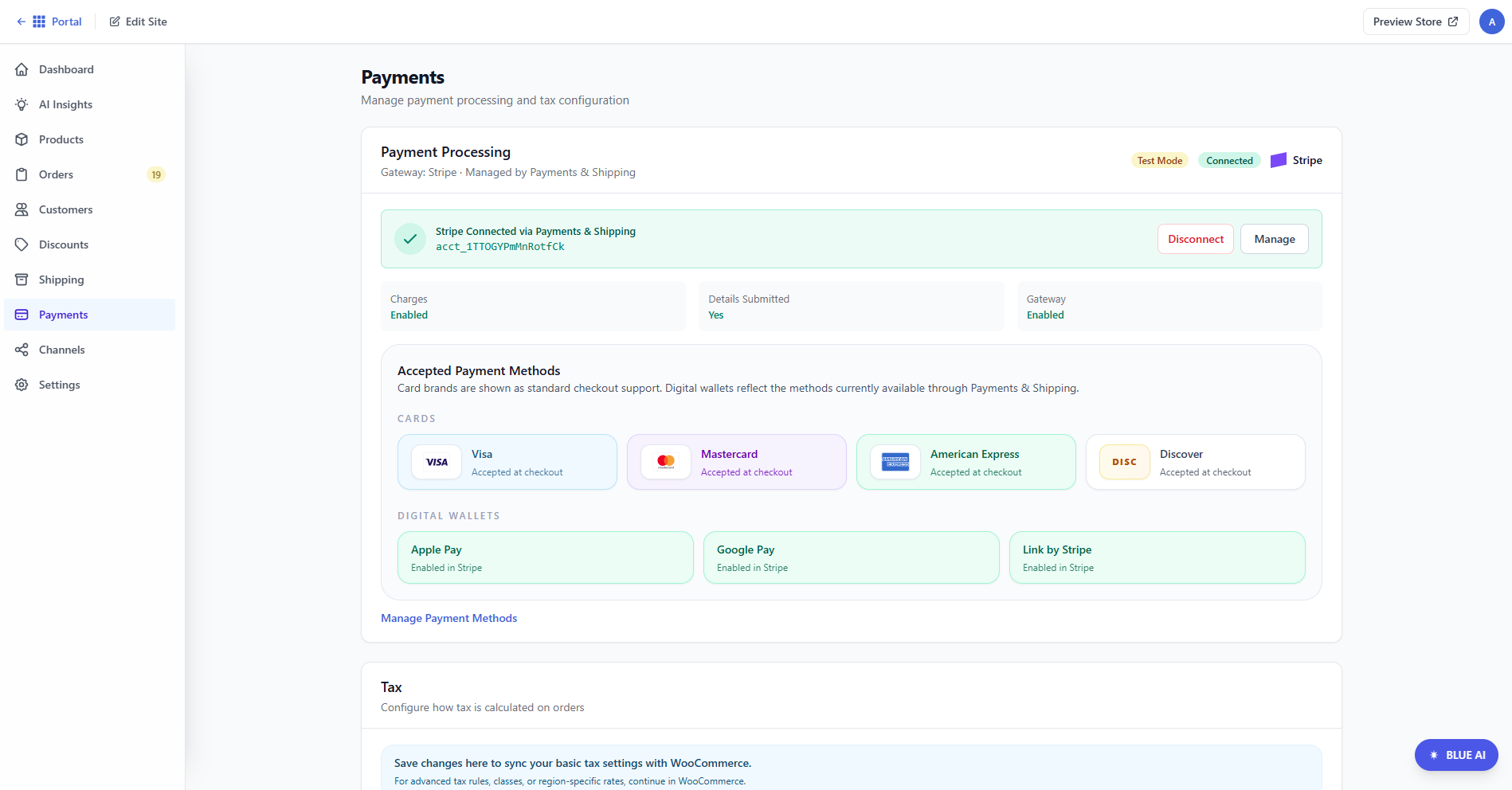
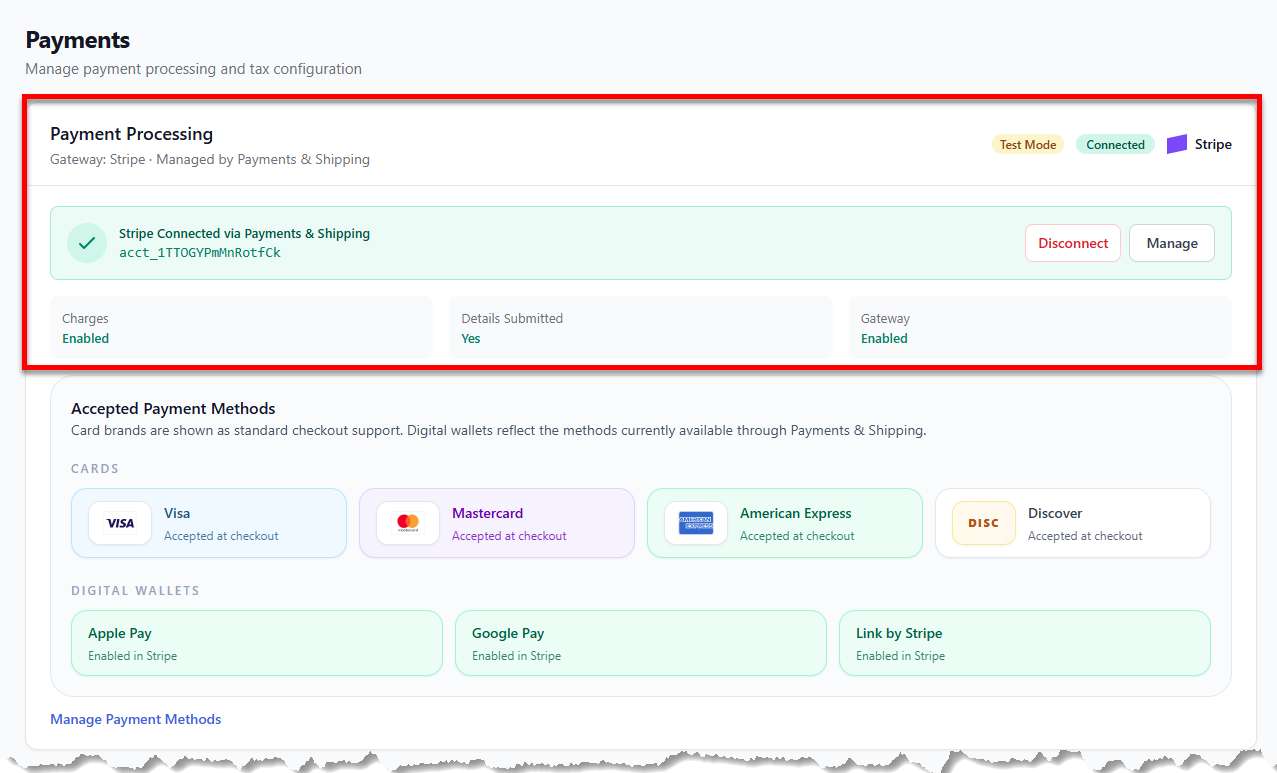
- The Payment Processing section will then show that you're connected to Stripe, along with two buttons: Disconnect and Manage.
Summary
Stripe is the payment gateway used by Bluehost AI Store for the secure processing of customer payments. This includes payments made with credit and debit cards, Apple Pay, Google Pay, and Link by Stripe. This article provides a step-by-step guide on how to connect Stripe to your AI Store.
If you need further assistance, Bluehost Chat Support is available 24 hours a day, 7days a week while Bluehost Phone Support is available 7 days a week from 7 am-12 midnight EST.
- Chat Support - While on our website, you should see a CHAT bubble in the bottom right-hand corner of the page. Click anywhere on the bubble to begin a chat session.
- Phone Support -
- US: 888-401-4678
- International: +1 801-765-9400
You may also refer to our Knowledge Base articles to help answer common questions and guide you through various setup, configuration, and troubleshooting steps.